

 DownloadVery Many Players Mod
Get the files on 9Minecraft
Guides
Step-by-step, in-game.
How to Configure Very Many Players Mod for Your ServerFinding the Config File After installing Very Many Players (VMP), a config file is generated in your server's config…How to Improve Network Responsiveness on a Crowded ServerThe Networking Problem With many players online, vanilla TCP connections can feel sluggish because packets are not…How to Reduce Lag With Many Players Using VMPWhy VMP Helps Vanilla Minecraft sends player and entity information individually, which scales poorly. Very Many…How to Set Per-Player Render Distance in VMPWhat This Feature Does Very Many Players adds packet-level per-player render distance. Instead of forcing one global…
Frequently asked questions
Do players need to install VMP on their client too?
No, VMP is a server-side mod, so vanilla clients and clients without the mod can still connect normally. You only need it installed on the server.
What does VMP actually change about how the server handles players?
Instead of sending individual player information for every player in an area, VMP segments the world into regions and optimizes nearby packet sending and player lookups. It also caches entity trackers so the server doesn't rebuild them constantly.
How do I enable per-player render distance in VMP?
VMP adds packet-level per-player render distance, which is controlled through its config rather than the vanilla server.properties. Set the relevant option in the VMP config file and reload or restart the server for it to take effect.
See all 10 Very Many Players questions ›
Gallery
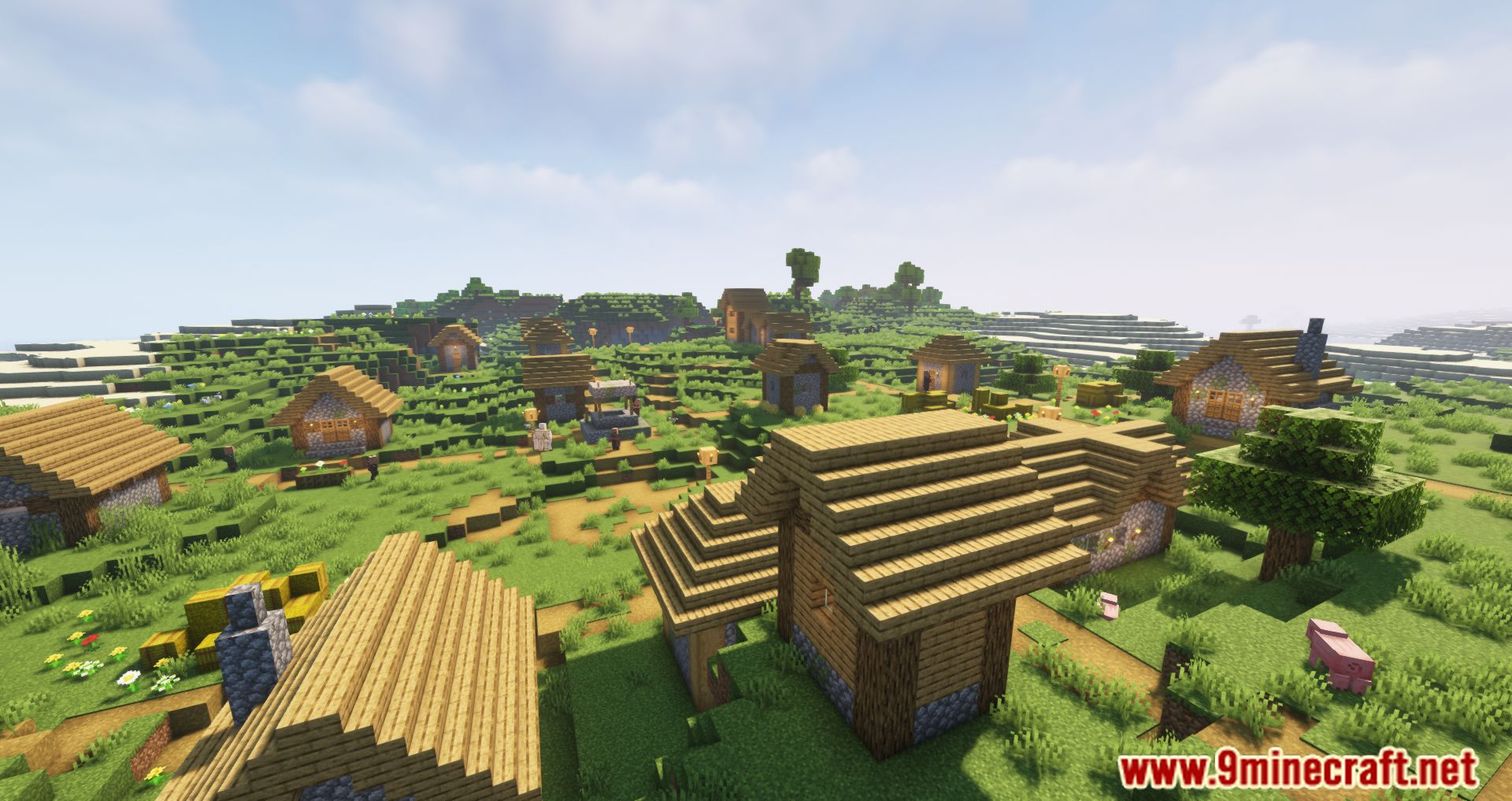
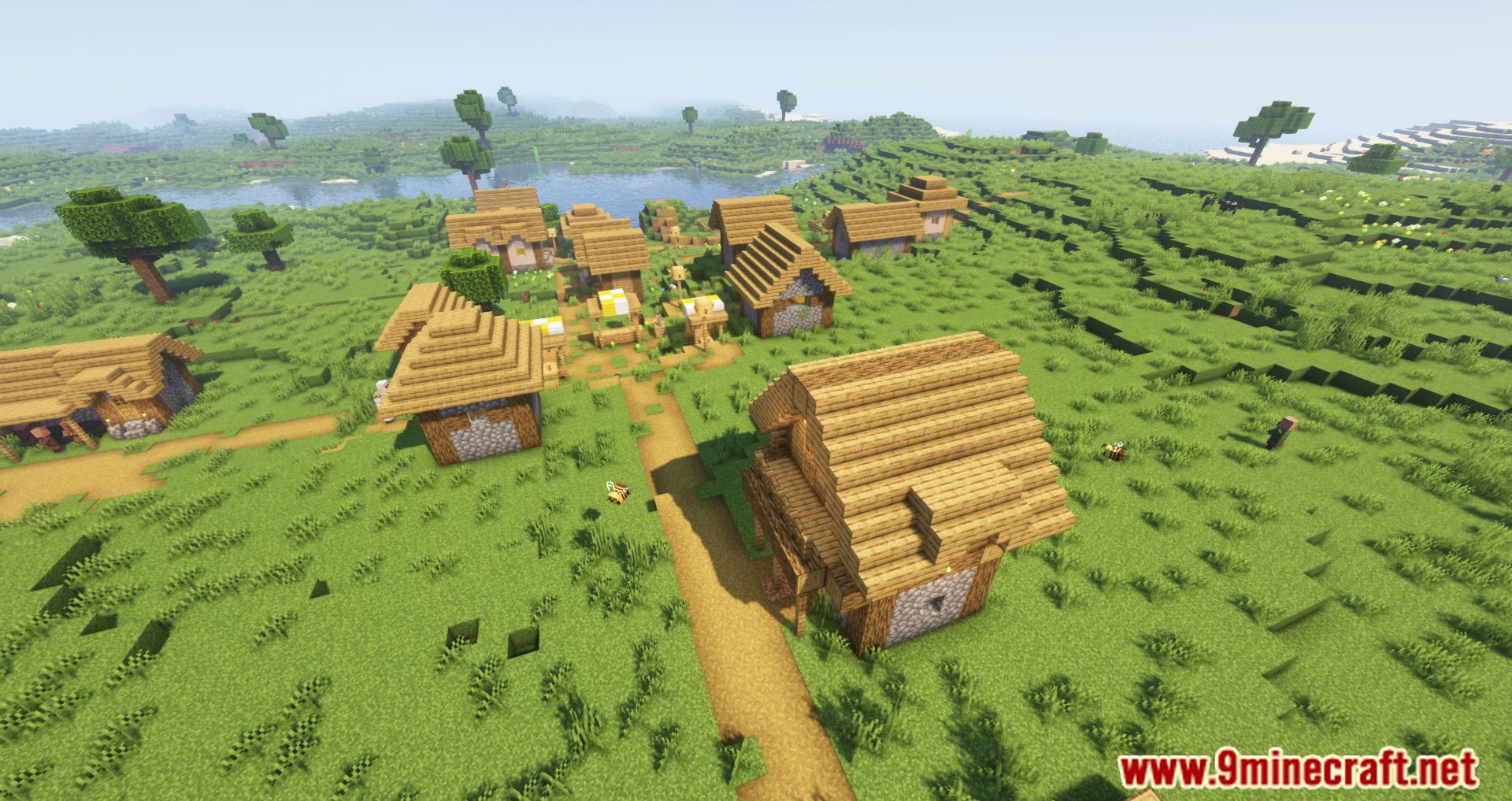
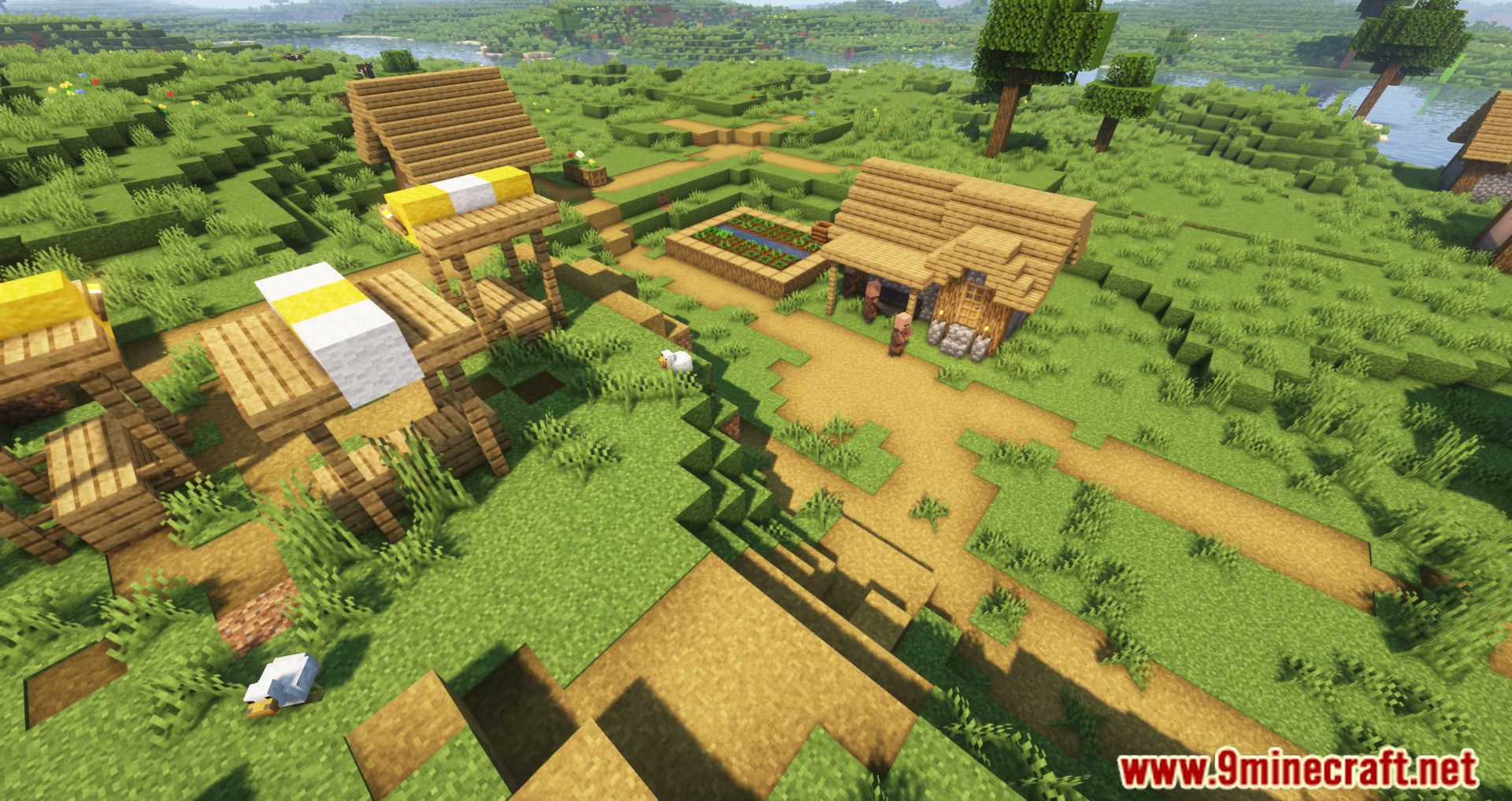
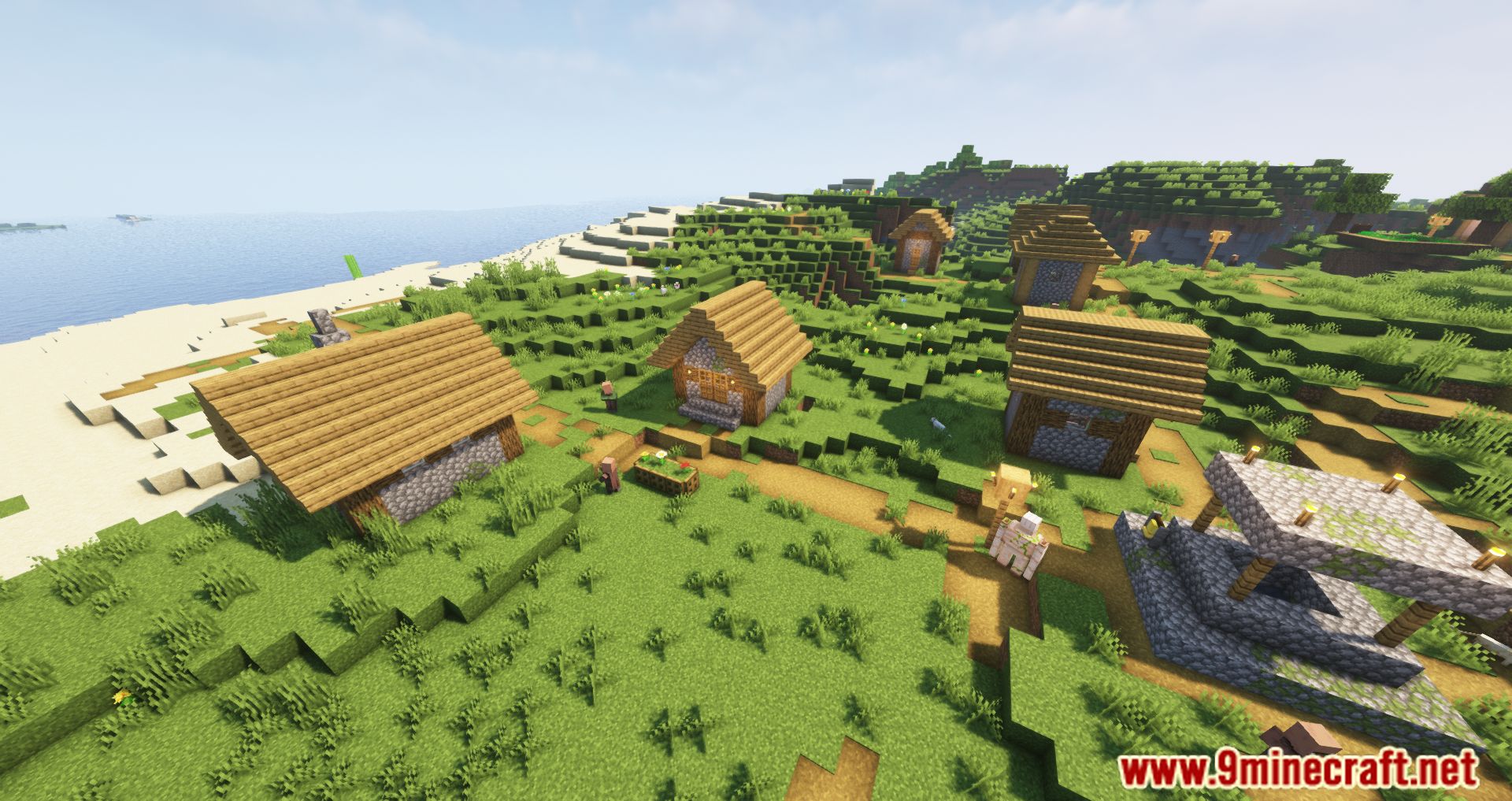
7 images from the Very Many Players Mod page.

You May Also Like
Wikis that share the most with this one
 Loot’s Very Vanilla Shaders
More mod wikis on the site
The most downloaded mods that have a wiki here
A few wikis from each of the other kinds