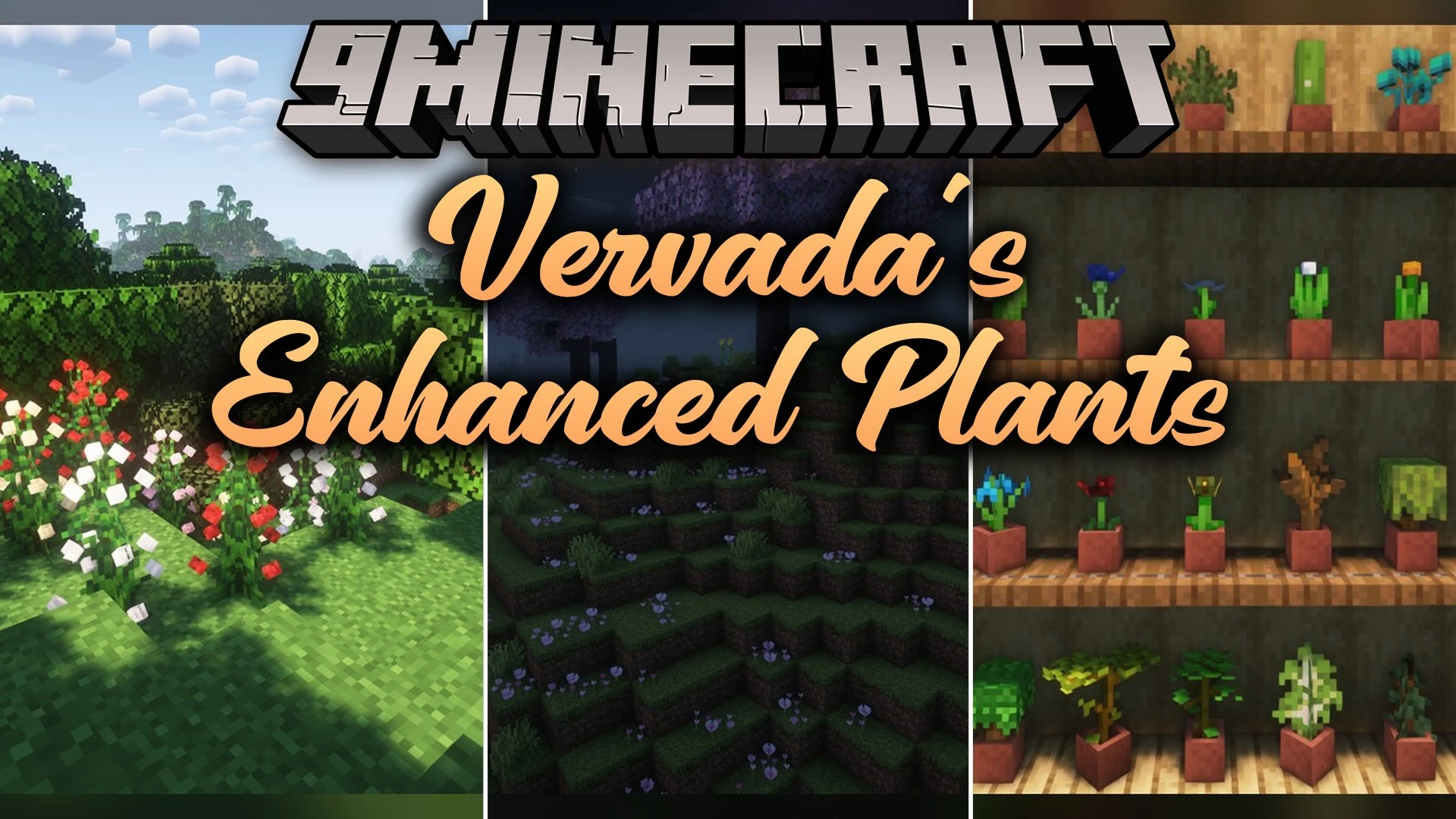
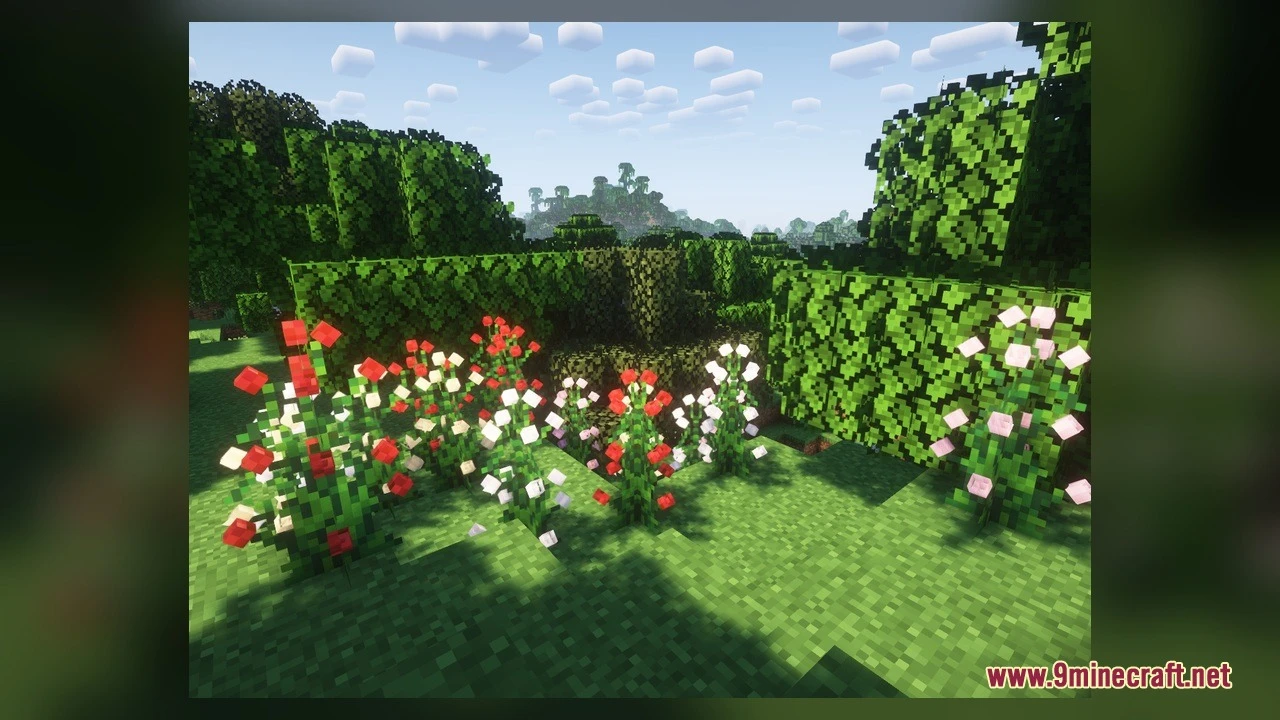
DownloadVervadas Enhanced Plants Model
Get the files on 9Minecraft
Contents (8)
Guides
Step-by-step, in-game.
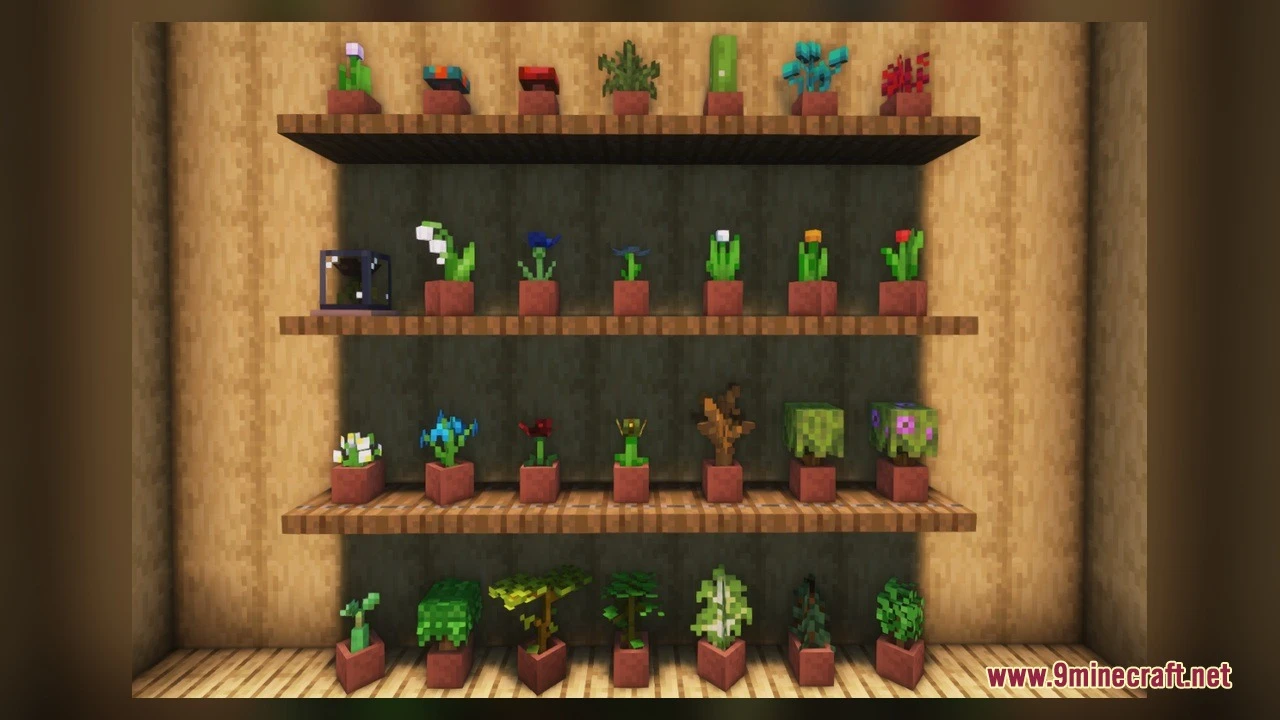
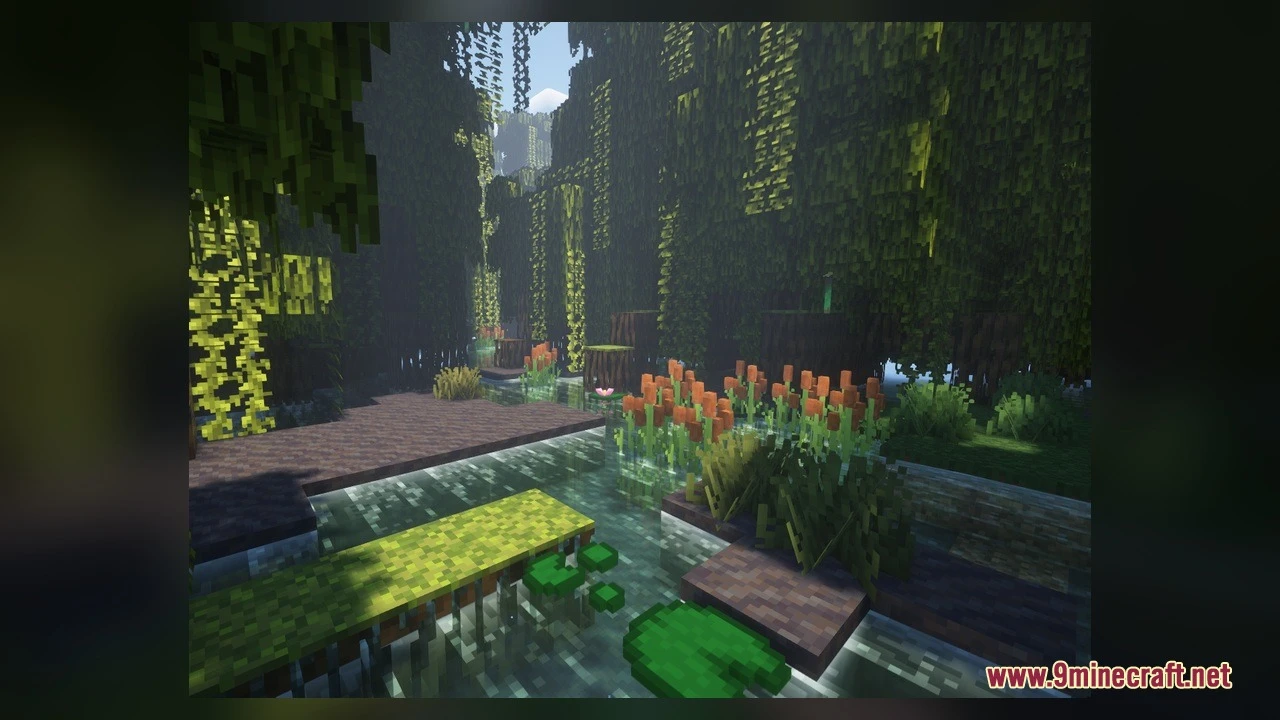
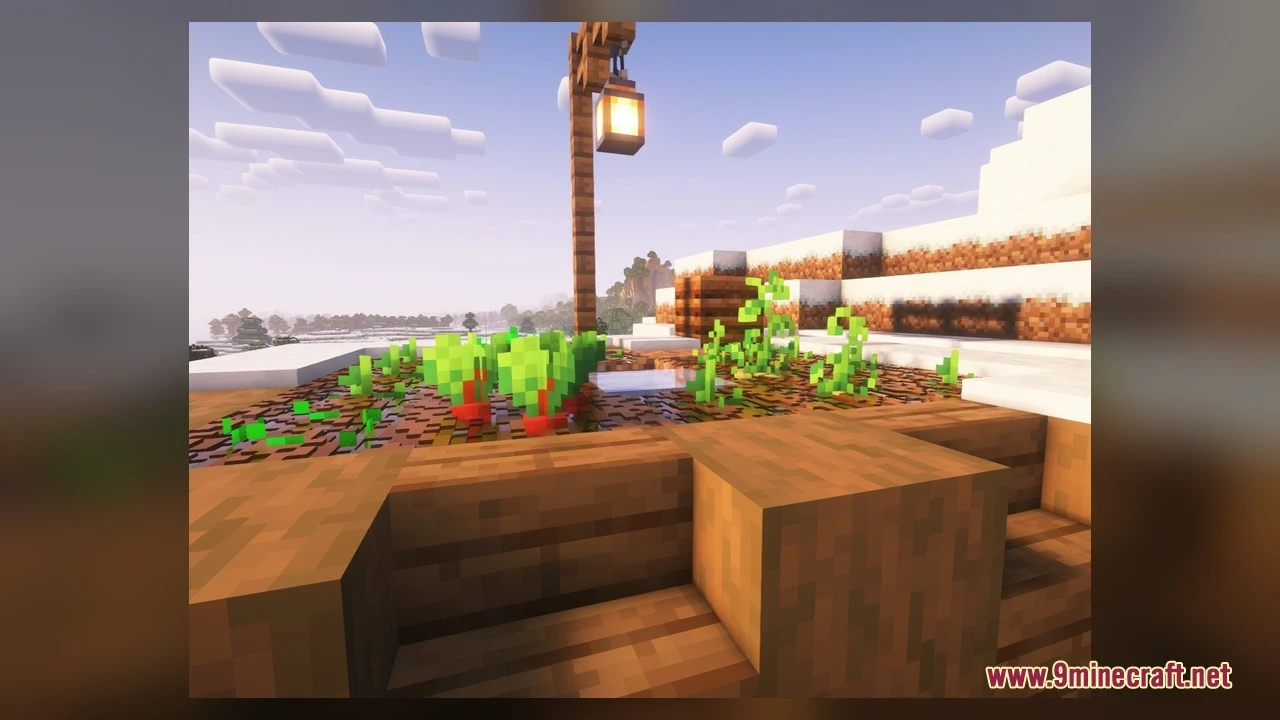
Exploring Enhanced Vegetation in Different BiomesVisit Flower Forests and Swamps Travel to a flower forest or swamp biome to see flowers with 3D petals. Flowers like…Finding and Displaying Mushroom VariantsLocate Brown Mushrooms Brown mushrooms naturally spawn in dark oak forests and other dim forest biomes. Search the…Interacting with Big Dripleaf Tilt MechanicsLocate Big Dripleaf Blocks Big dripleaf blocks naturally spawn in lush caves and jungle biomes. They appear as large…Viewing Crop Growth Stages in DetailSet Up a Visible Farm Create a small farm plot in a well-lit area where you can observe crops from multiple angles.…
Items
 Apple
 Beetroot
 Beetroot Soup
 Golden Apple
 Mushroom Stew
Blocks
 Cactus Flower
 Dead Bush
 Leaf Litter
 Lilac
 Peony
 Vines
What this pack changes
Every texture group the pack replaces, counted from the pack itself.
| Area | Textures replaced |
|---|---|
| Blocks | 105 |
| Items | 5 |
Pack format 98 (Minecraft 1.21.9)110 texture files in total
Extra features
Custom block/item models
Frequently asked questions
Why do my plants still look flat?
Make sure the resource pack is moved to the active list (right side) in the Resource Packs menu, not just selected on the left. You may need to close and reopen your world for changes to take effect.
Do I need to replant crops to see the new growth stages?
No—existing crops will display the enhanced stages immediately once the pack is active. New crops planted after activating the pack will also show all volumetric growth phases.
How do I see all the mushroom variants?
Break brown mushrooms from dark oak forests or other dark areas, then place them down individually on dirt or mycelium blocks. Each placement randomly generates a different cap shape, so place multiple mushrooms to see the variety.
Can I use this pack with other resource packs?
Yes, but pack order matters—place Vervada's Enhanced Plants Model higher in your active list than other packs that modify plants to ensure its models display. If conflicts occur, you may see overlapping textures or missing details.
Do the 3D plants affect performance?
The mod uses volumetric models instead of flat sprites, which may impact frame rate on lower-end systems, especially in dense forests or lush caves. Reduce render distance or lower graphics settings if you experience lag.
Why isn't the big dripleaf tilting when I stand on it?
Big dripleaf blocks only tilt in lush caves and jungles where they naturally spawn. Make sure you're standing directly on the leaf block itself, and check that the pack is active—the leaf should tilt through three distinct angles as you move.
Do cacti flowers affect cactus farming or drops?
No—the flowering tops are purely visual and don't change cactus mechanics, growth speed, or item drops. Cacti still function identically to vanilla.
Will this pack work in multiplayer or on servers?
Yes, resource packs are client-side only, so you can use it on any server without requiring others to install it. Only you will see the enhanced plants.
How do I see the cave vine and coral details?
Explore lush caves to find glowing cave vines hanging from ceilings and walls, and dive into oceans to see detailed coral blocks on the seafloor. Both are enhanced with volumetric depth and additional visual layers.
Do saplings look different before they grow into trees?
Yes—saplings display distinct branch and leaf arrangements in their held and placed forms, giving them more botanical detail than vanilla. Once they grow into full trees, the tree canopy itself remains vanilla-textured.
You May Also Like
Wikis that share the most with this one
Wikis on the same theme: flower
More mod wikis on the site
The most downloaded mods that have a wiki here
A few wikis from each of the other kinds
Gallery
7 images from the Vervadas Enhanced Plants Model page.