

 DownloadVanilla Notebook Mod
Get the files on 9Minecraft
Guides
Step-by-step, in-game.
How to Open the Notebook and Write Your First NoteFinding the Notebook Button Once the mod is installed, a small notebook icon appears somewhere in your inventory or…Keeping Track of Build Plans and To-Do Lists in the NotebookPlanning a Build Before you place a single block, open the notebook and sketch out your plan in text. List the…Managing Multiple Notes and Pages in the NotebookUnderstanding the Page System The notebook works like a virtual book, meaning it has multiple pages you can flip…Using the Notebook to Remember Coordinates While ExploringWhy Use the Notebook for Coordinates Getting lost is one of the most common problems in Minecraft. The notebook gives…Using the Vanilla NotebookTaking Notes In-Game The Vanilla Notebook Mod adds a notebook directly to your GUI, so you can write things down…
Frequently asked questions
What does the Vanilla Notebook Mod add to Minecraft?
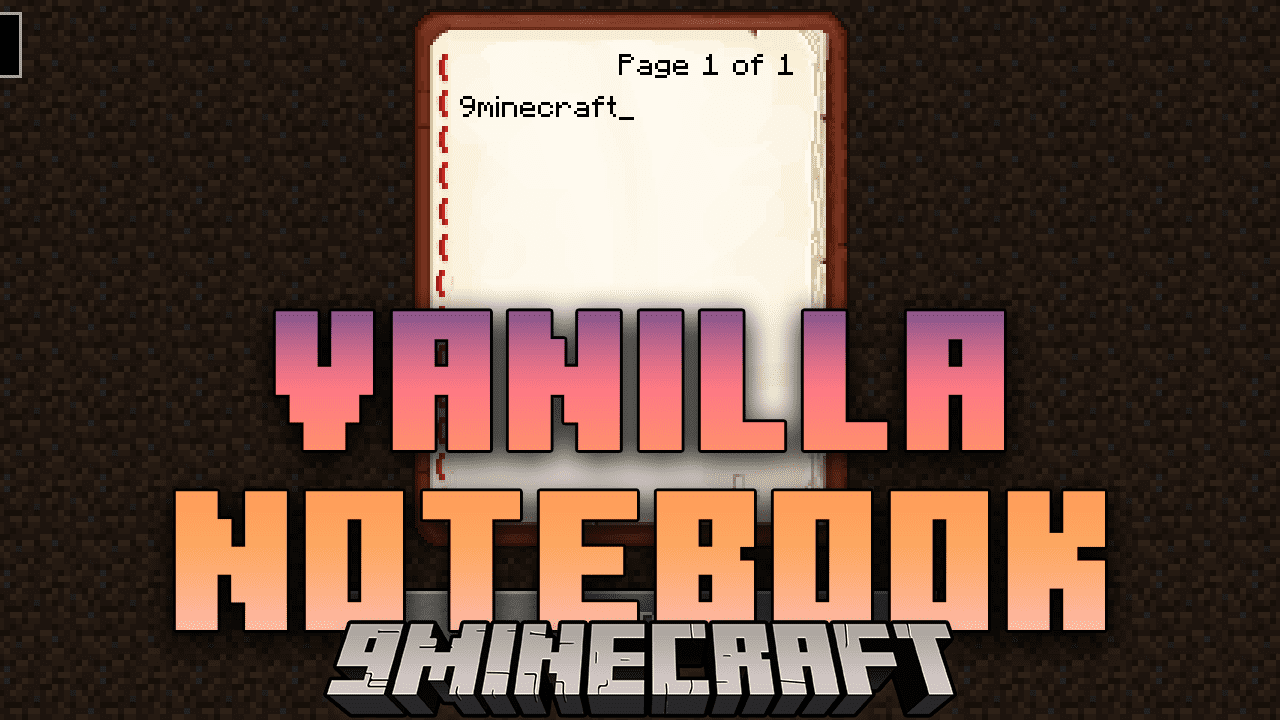
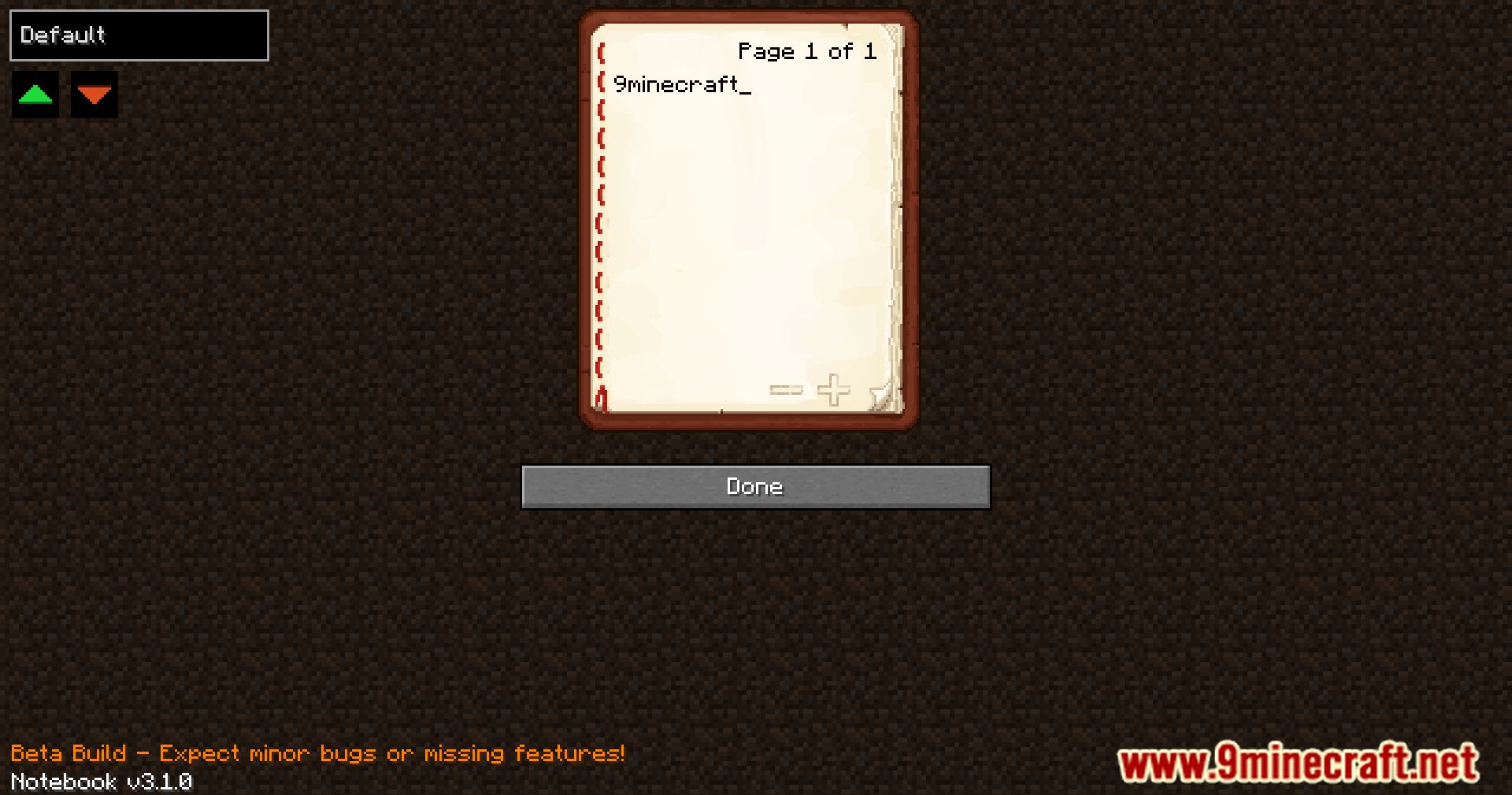
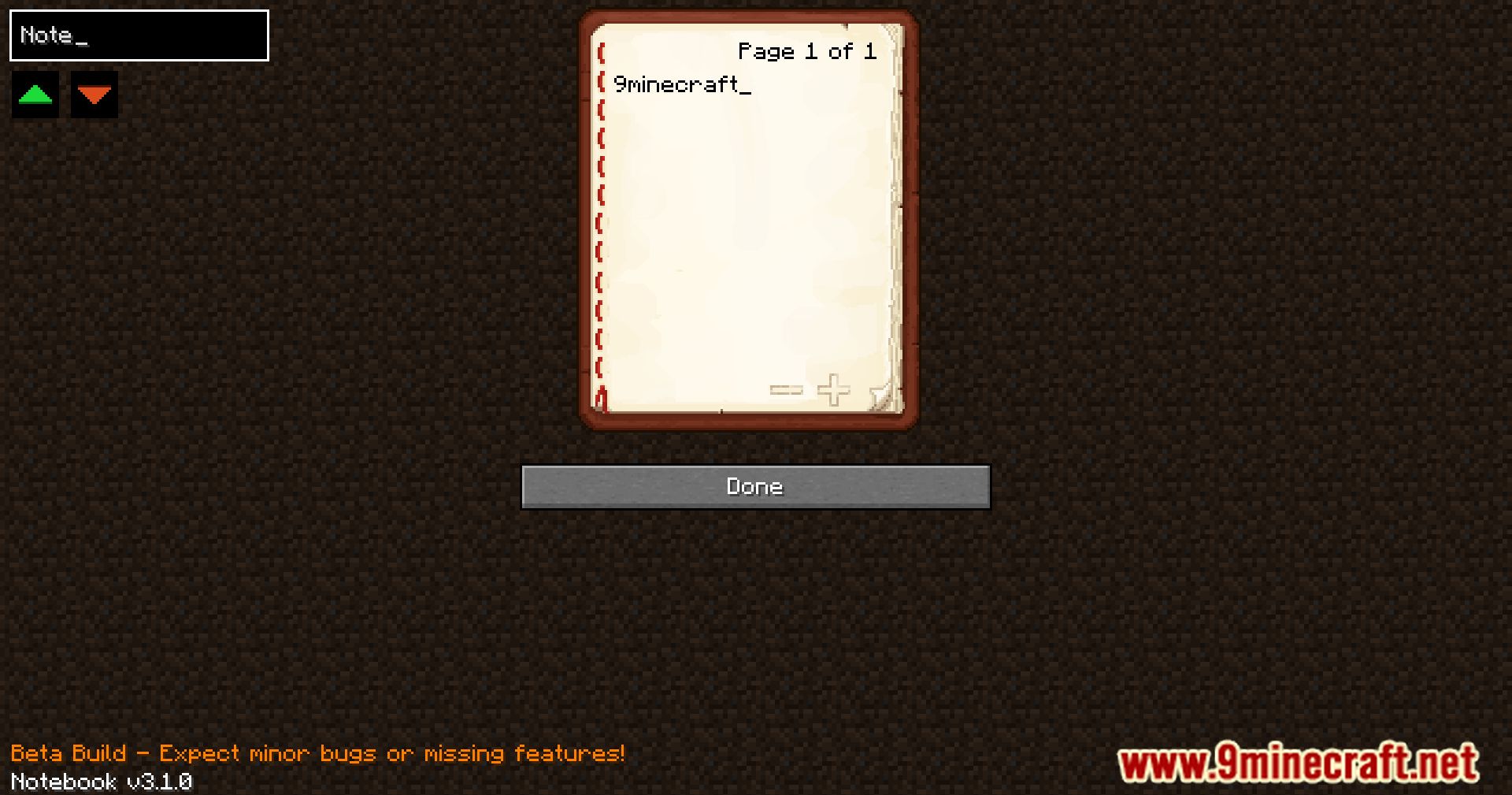
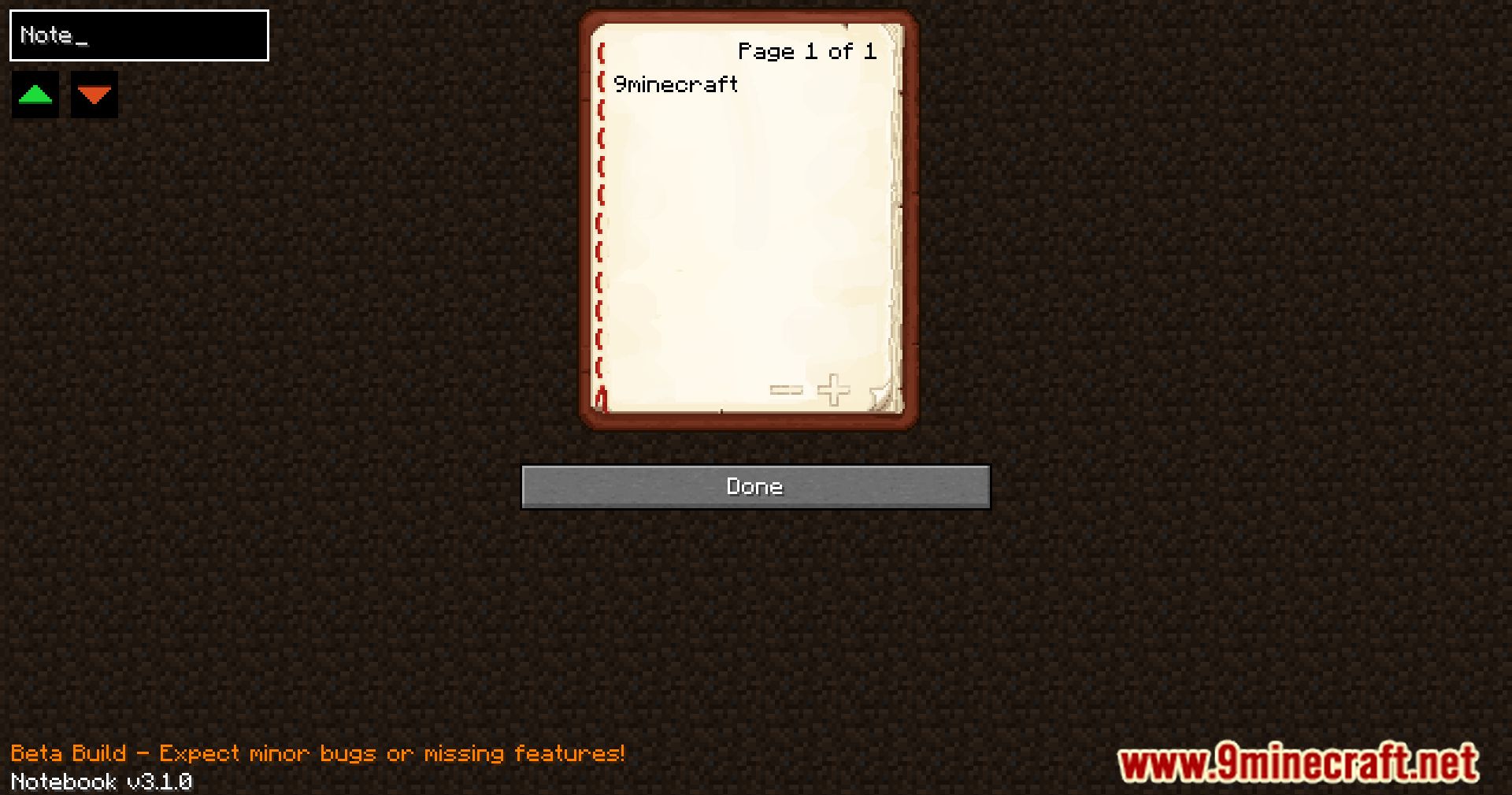
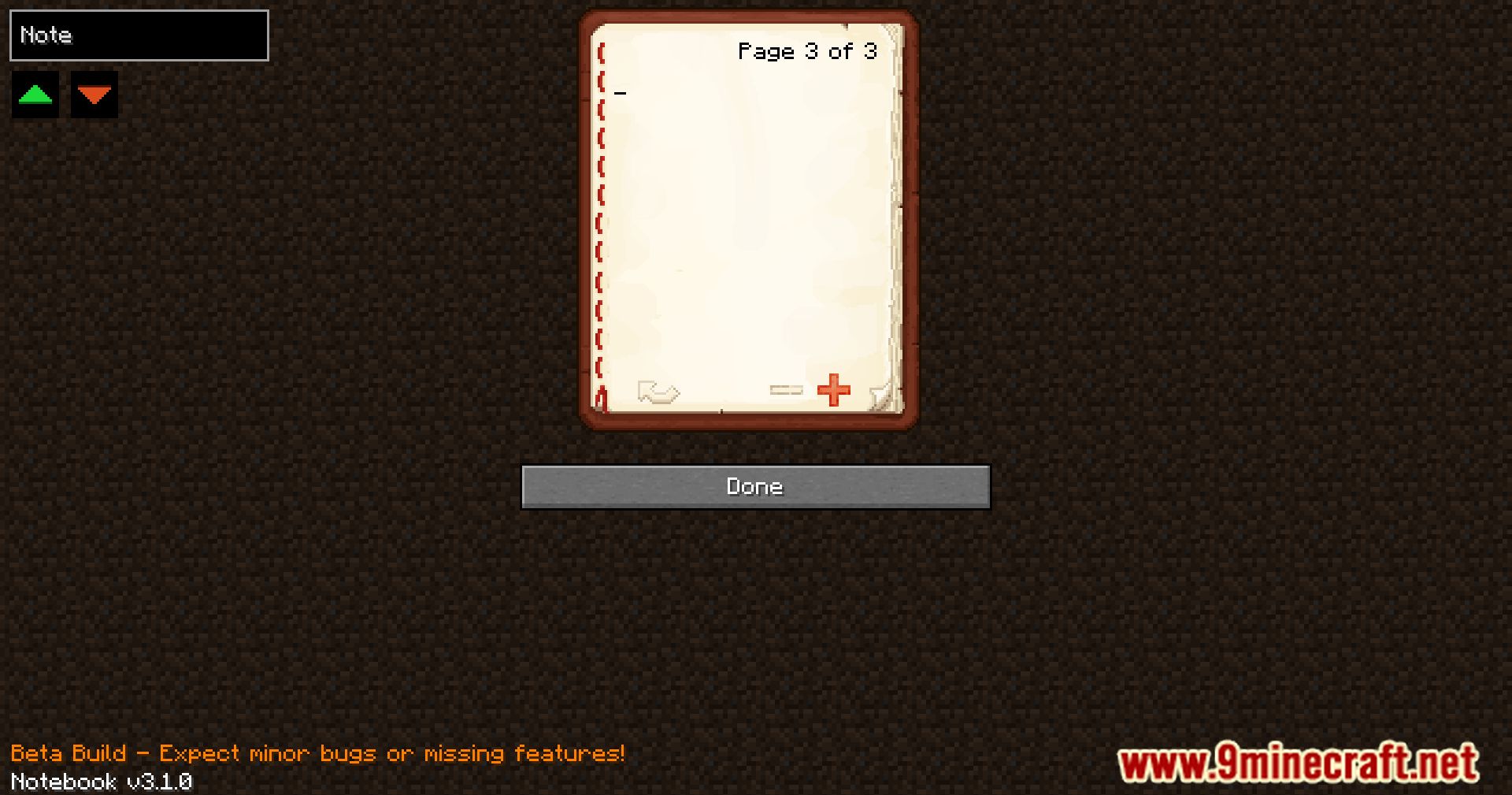
It adds a notebook directly into your GUI as a virtual book for taking notes. It is designed to blend seamlessly into the game's vanilla aesthetics.
Where does the notebook appear in the game?
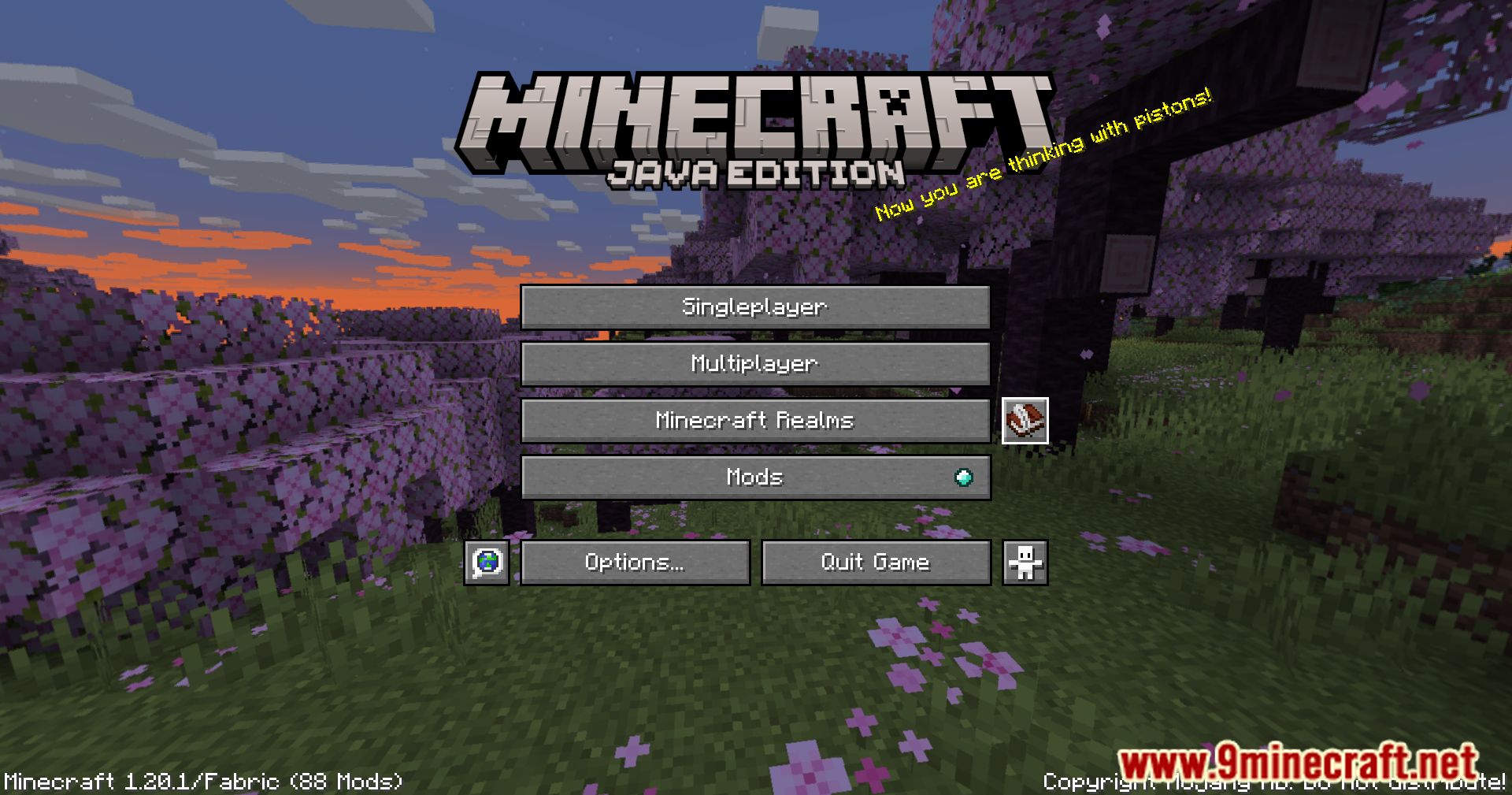
It appears directly in your GUI, functioning as a virtual book within the Minecraft interface. This makes it convenient to access without leaving your screen.
What can I use the notebook for?
You can jot down coordinates, write notes, reminders, or keep track of plans during your adventures. It serves as a handy platform for anything you need to remember.
Does the notebook match Minecraft's visual style?
Yes, it has a vanilla-styled design that seamlessly integrates into Minecraft. Its unobtrusive presence blends into the game's aesthetics.
See all 6 Vanilla Notebook questions ›
Gallery
10 images from the Vanilla Notebook Mod page.
You May Also Like
Wikis that share the most with this one
More mod wikis on the site
The most downloaded mods that have a wiki here
A few wikis from each of the other kinds