

 DownloadTwitch Chat Bridge Mod
Get the files on 9Minecraft
Guides
Step-by-step, in-game.
Connect Your Twitch Channel to MinecraftGet Your OAuth Token Visit and authorize the application. Copy your OAuth token…Share Twitch Chat Messages with Your Minecraft ServerUnderstand Broadcast Modes By default, Twitch chat messages appear only on your client. The broadcast feature relays…Switch Between Multiple Twitch ChannelsChange Channels Quickly You don't need to reconfigure credentials to monitor different channels. Simply type /twitch…Troubleshoot Twitch Messages Not AppearingVerify Your Setup 1. Confirm you've entered your Twitch username and OAuth token correctly in the mod configuration…
Frequently asked questions
How do I get my oauth token?
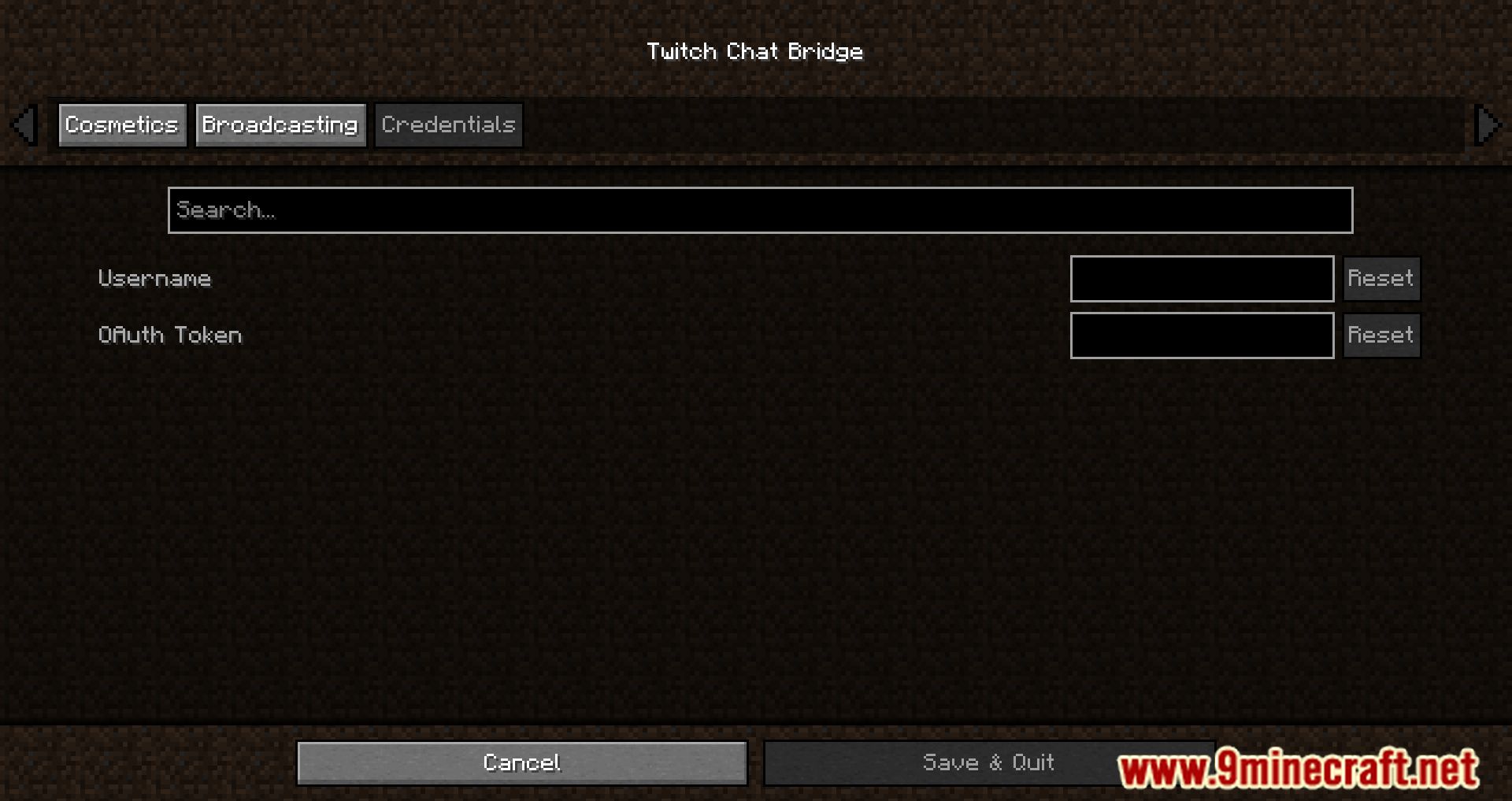
Visit and authorize the application with your Twitch account. The site will generate an oauth token that you need to copy and save somewhere safe—you'll enter this in the mod's credentials tab.
Why aren't Twitch messages showing up in my game?
First, make sure you've run `/twitch enable` and `/twitch watch CHANNEL` with the correct channel name. Check that your oauth token and username are correctly entered in the mod's configuration, and verify that the Twitch channel is actually active and has chat enabled.
Can I watch multiple Twitch channels at once?
No, you can only monitor one Twitch channel at a time. Use `/twitch watch CHANNEL` to switch between channels—this will disconnect from the previous channel and connect to the new one.
What's the difference between broadcast true and false?
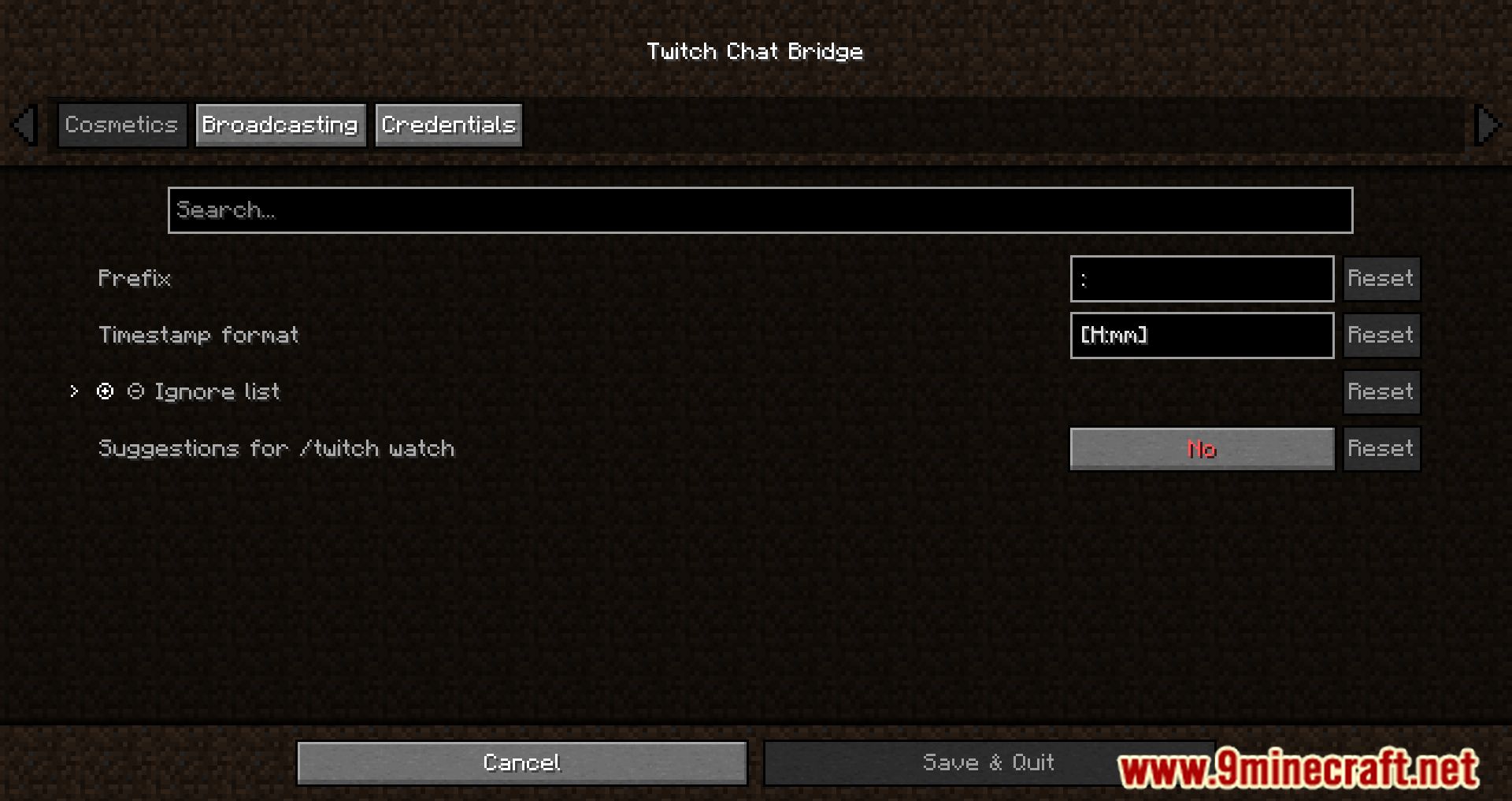
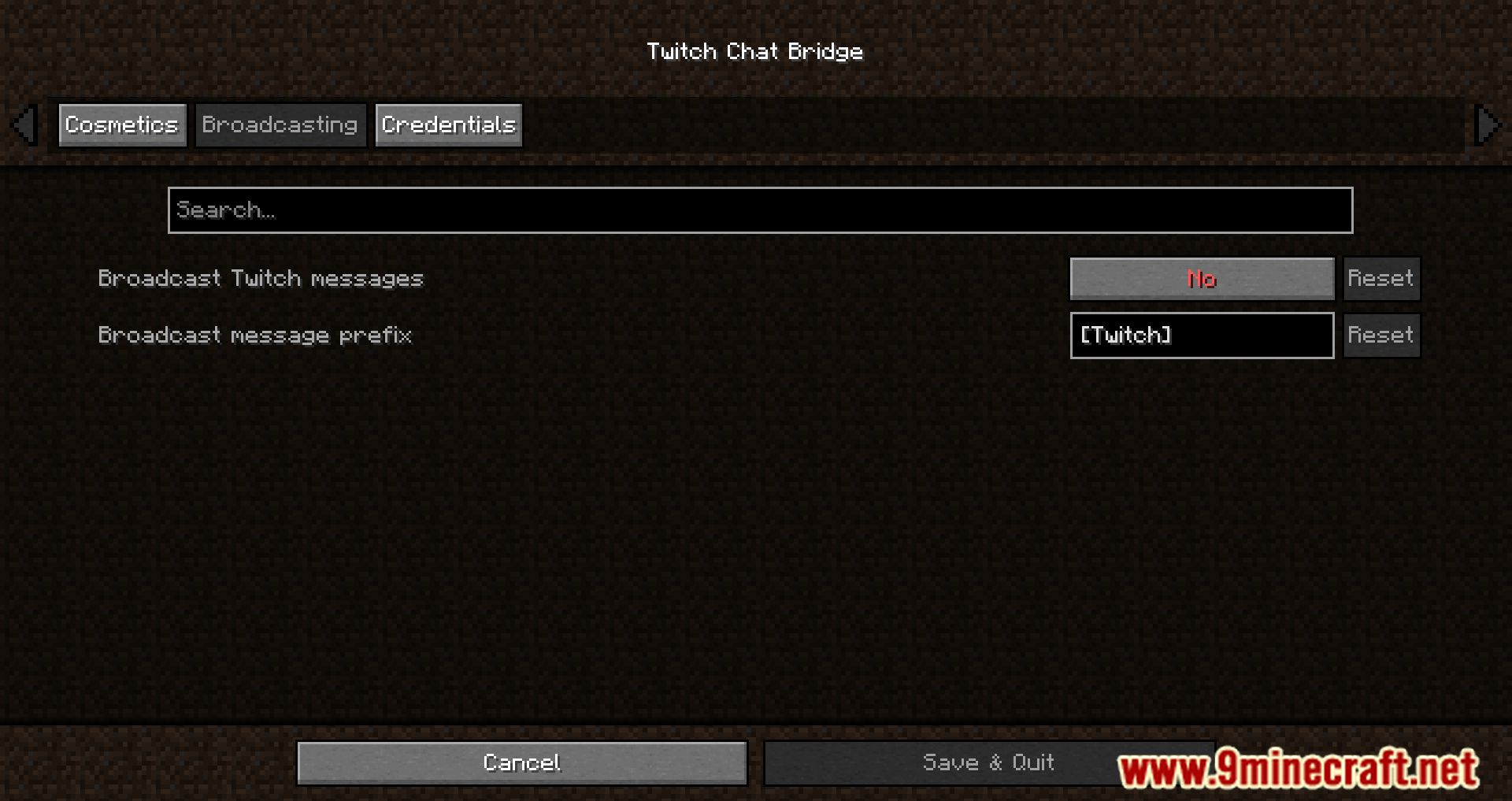
With `/twitch broadcast true`, Twitch chat messages appear to everyone on your Minecraft server as if they were player messages. With `/twitch broadcast false`, Twitch messages only appear in your client's chatbox and aren't relayed to other players.
See all 10 Twitch Chat Bridge questions ›
Gallery
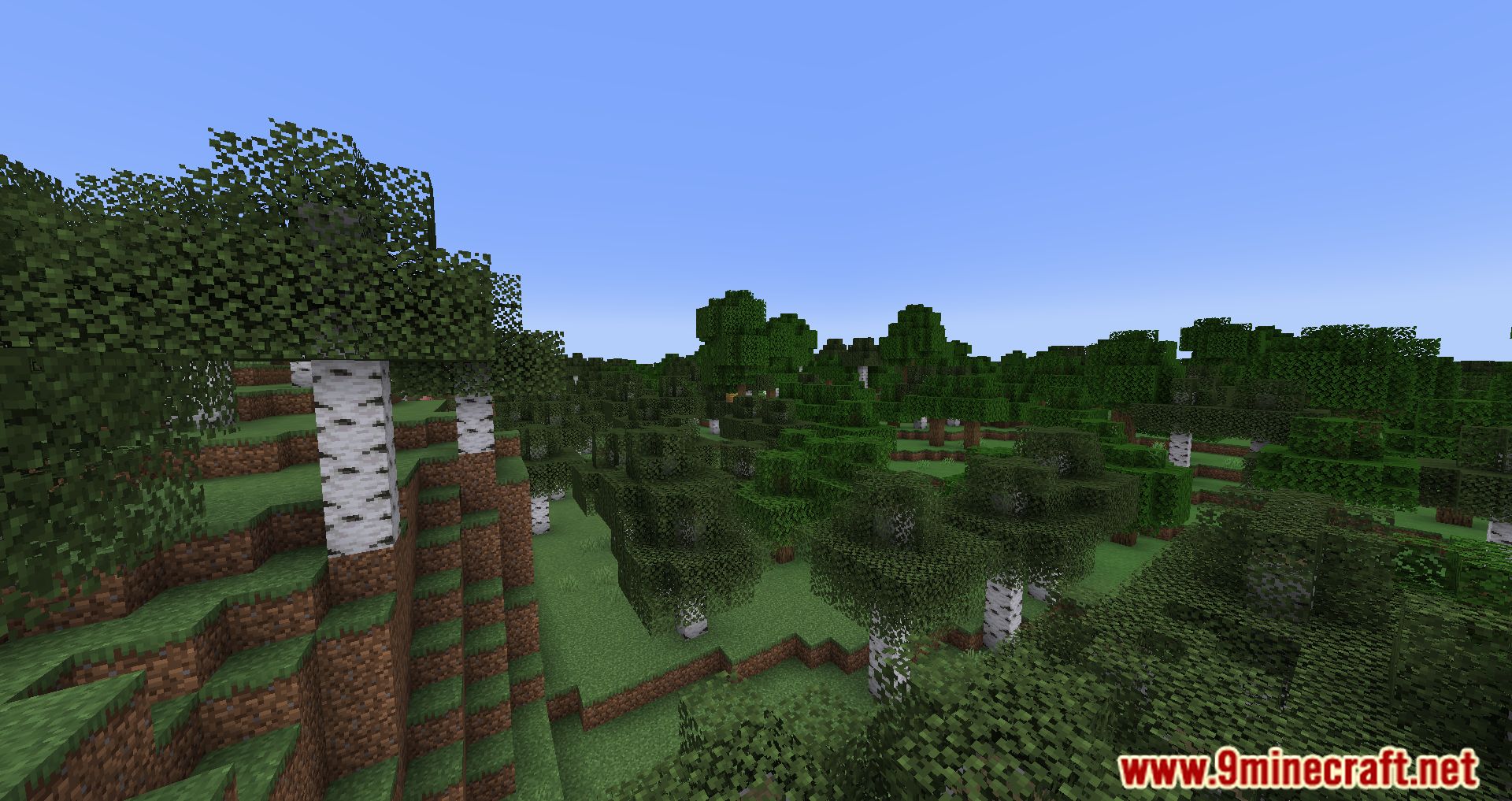
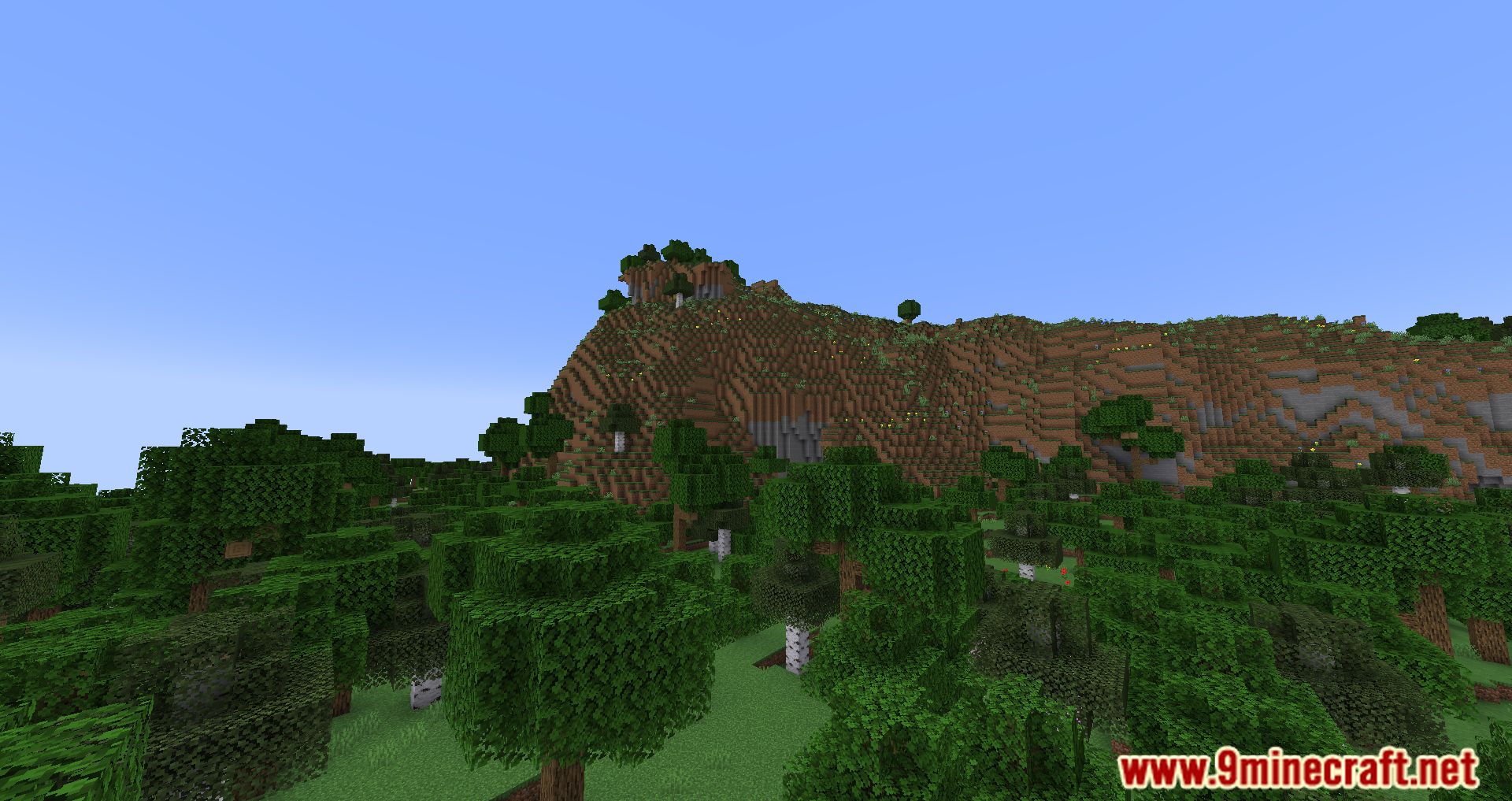
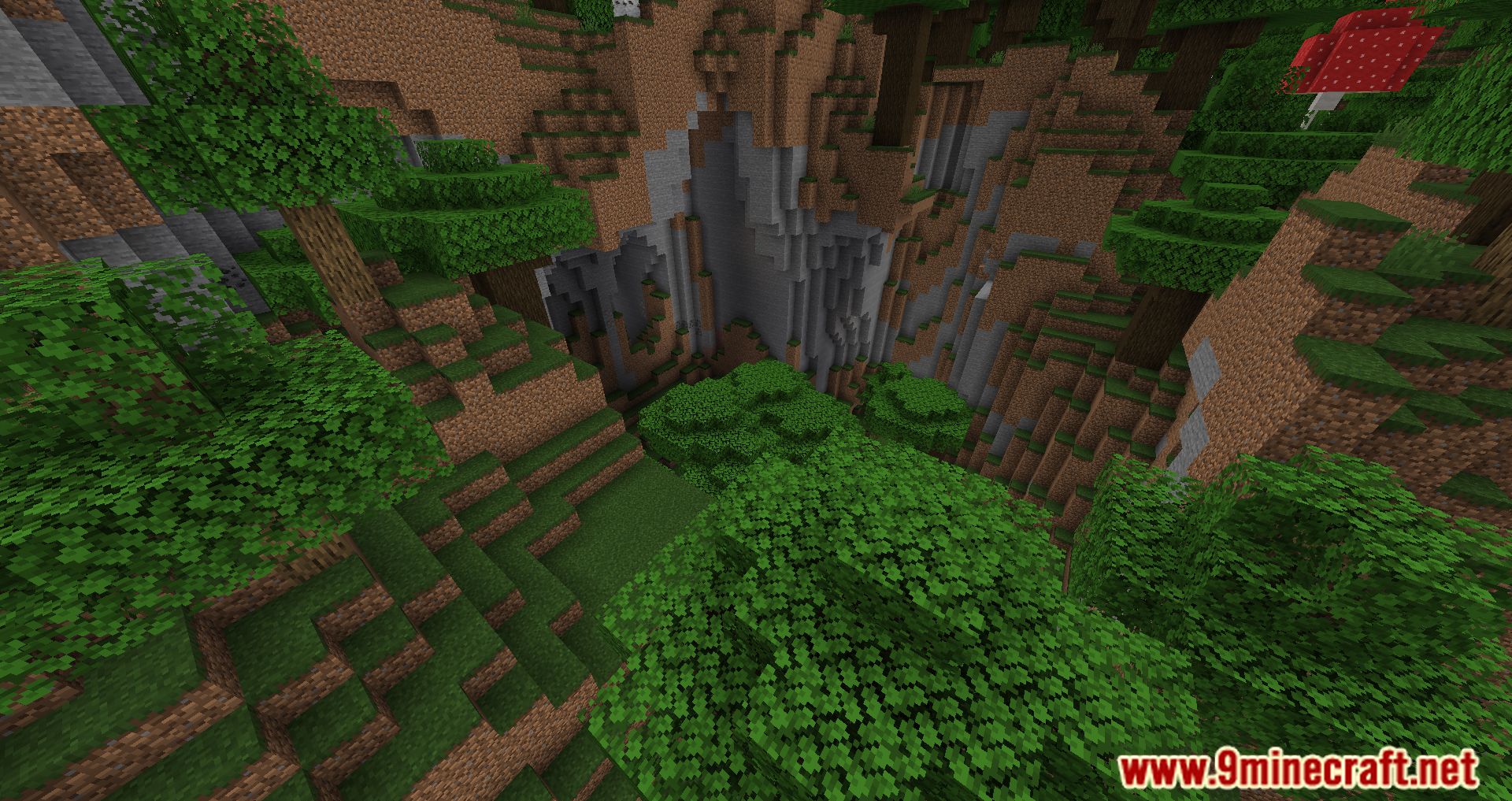
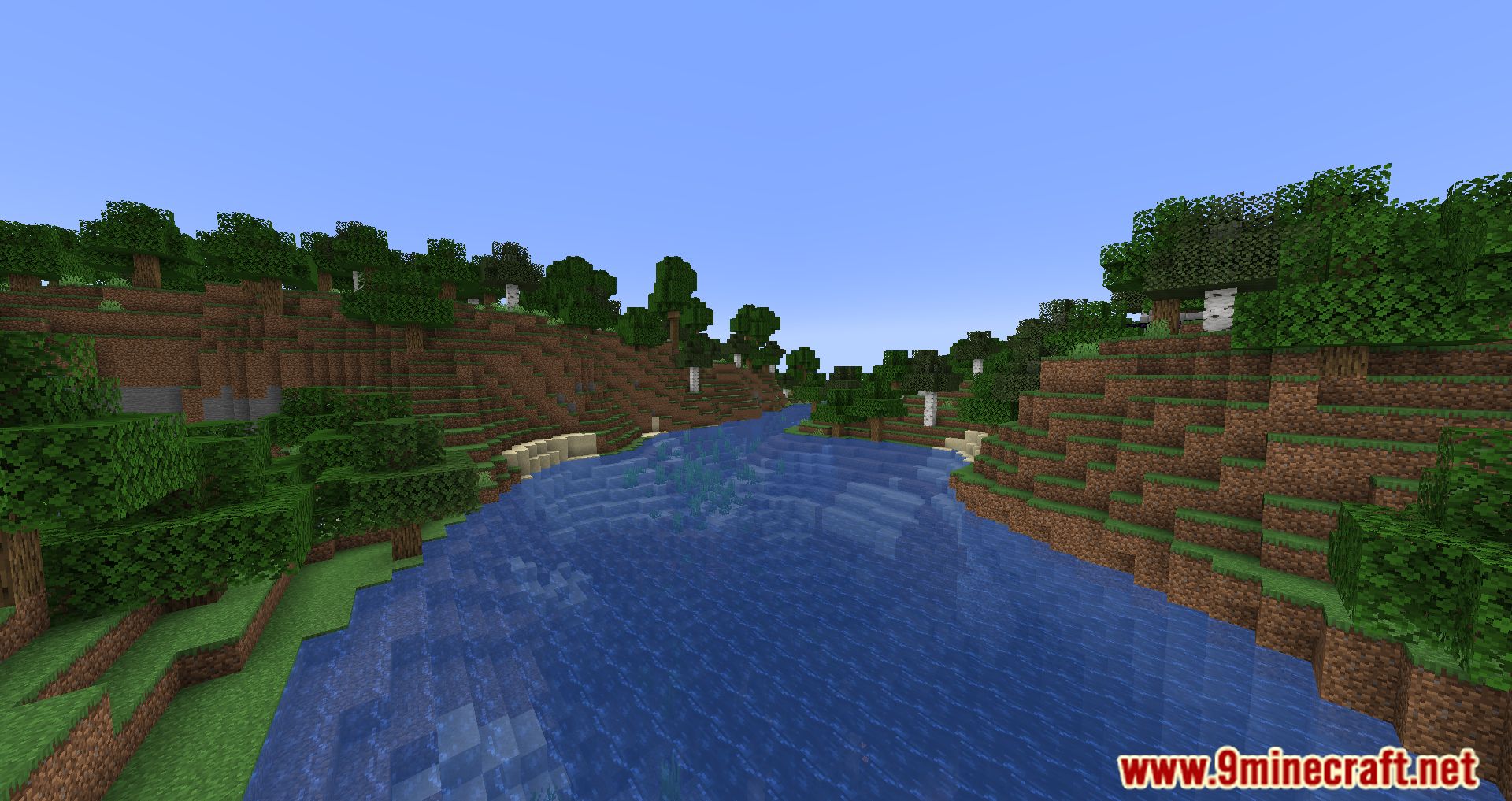
11 images from the Twitch Chat Bridge Mod page.

You May Also Like
Wikis that share the most with this one
More mod wikis on the site
The most downloaded mods that have a wiki here
A few wikis from each of the other kinds