

 DownloadTwin Stack Reach Mod
Get the files on 9Minecraft
Guides
Step-by-step, in-game.
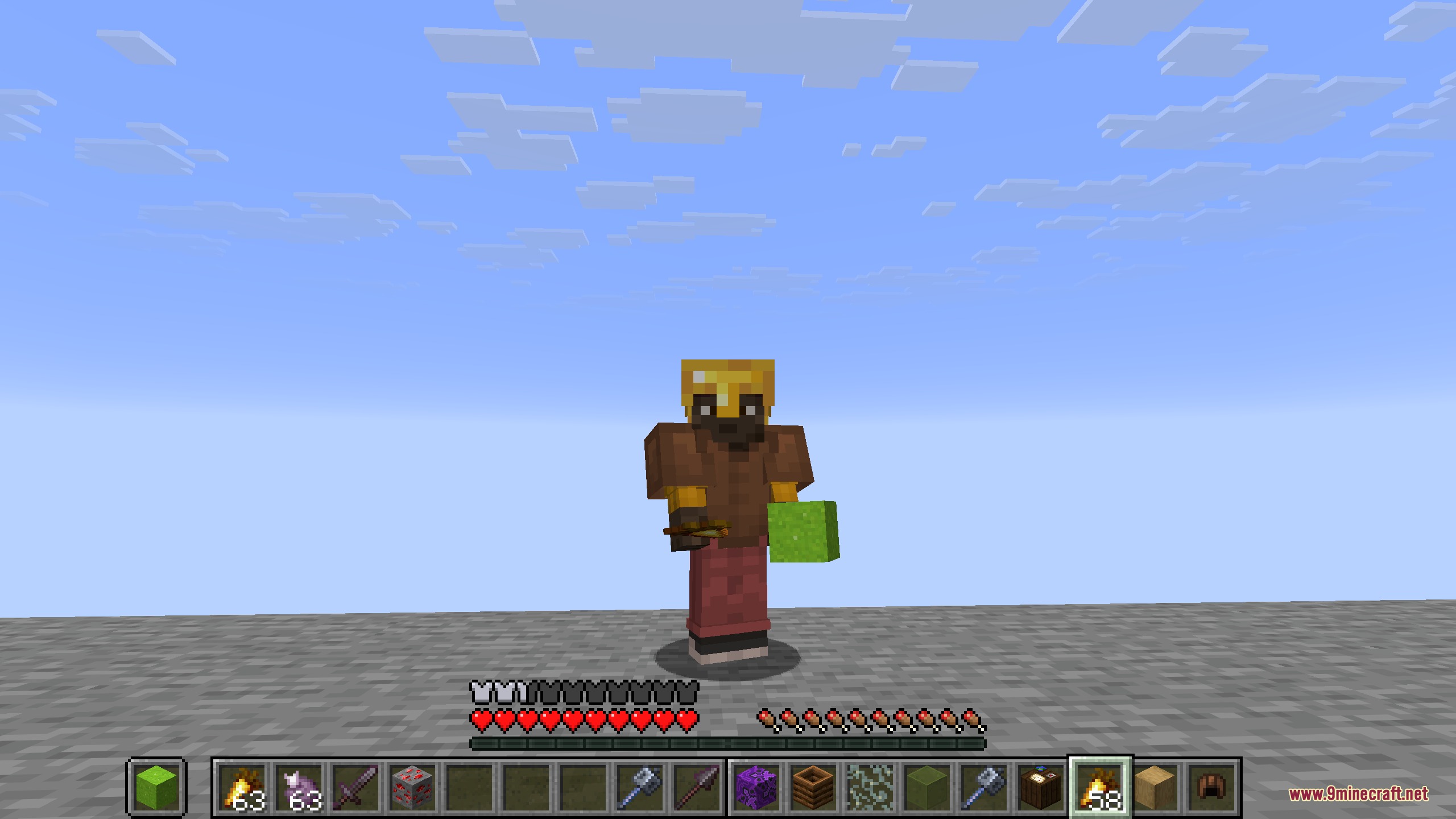
Customize Hotbar Position and Appearance to Fit Your ScreenAdjust Spacing Between Rows If your hotbars look cramped or too spread out, you can change the pixel gap between…Quickly Switch Between Your Most-Used Items Without Opening InventoryUse Single Item Swap for Fast Gear Changes The Twin Stack Reach Mod lets you swap individual items between your main…Set Up Multiple Hotbars to Organize Different Tool SetsChoose Your Hotbar Layout Twin Stack Reach Mod lets you display 2, 3, or 4 hotbars at once, so you can organize…Use Mouse Wheel and Hotkeys to Cycle Through Rows AutomaticallyAuto-Swap Rows by Scrolling Past the Edge Instead of manually pressing keys, you can cycle through your backup rows…
Frequently asked questions
How do I see the extra hotbars when I first install the mod?
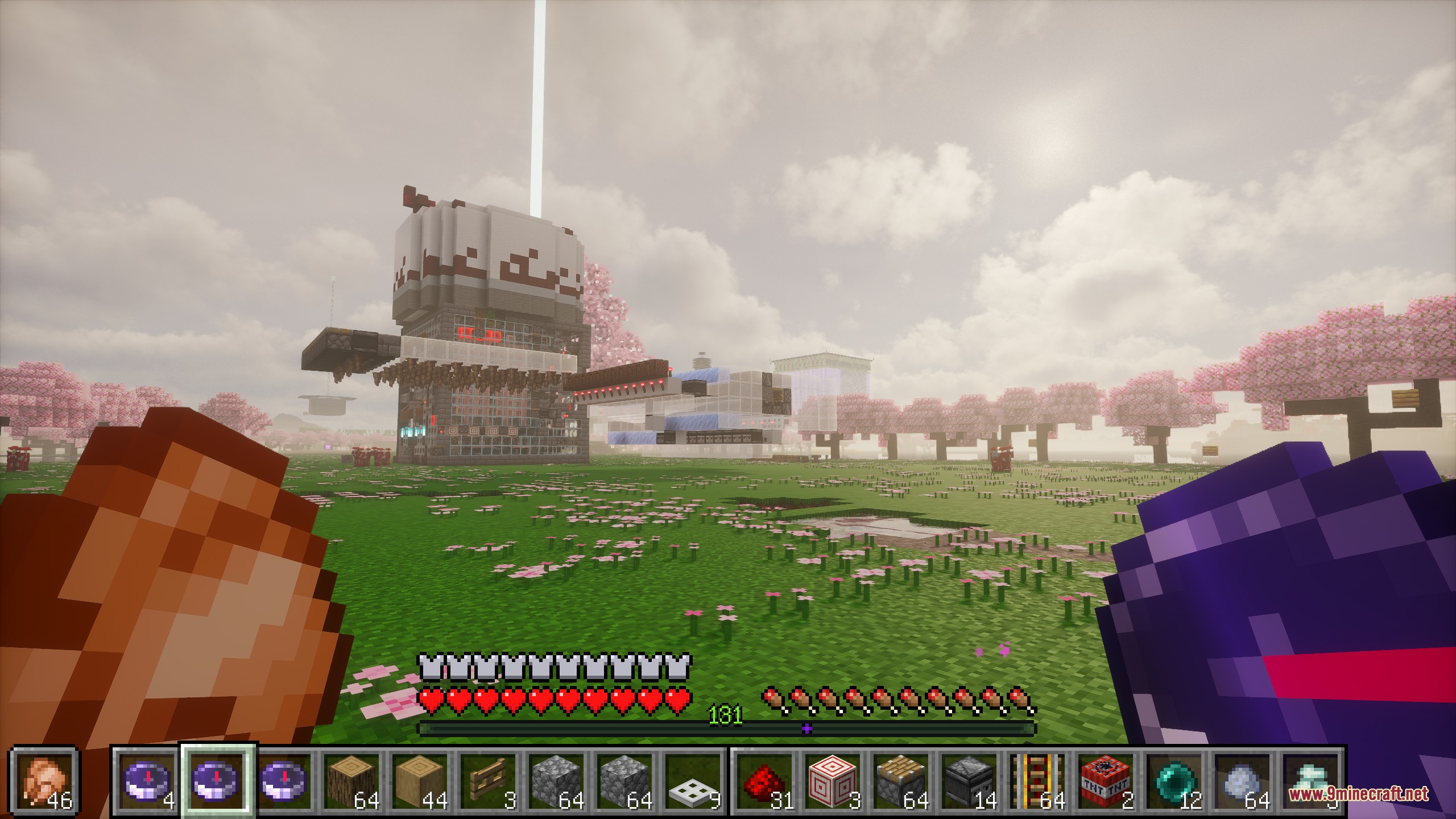
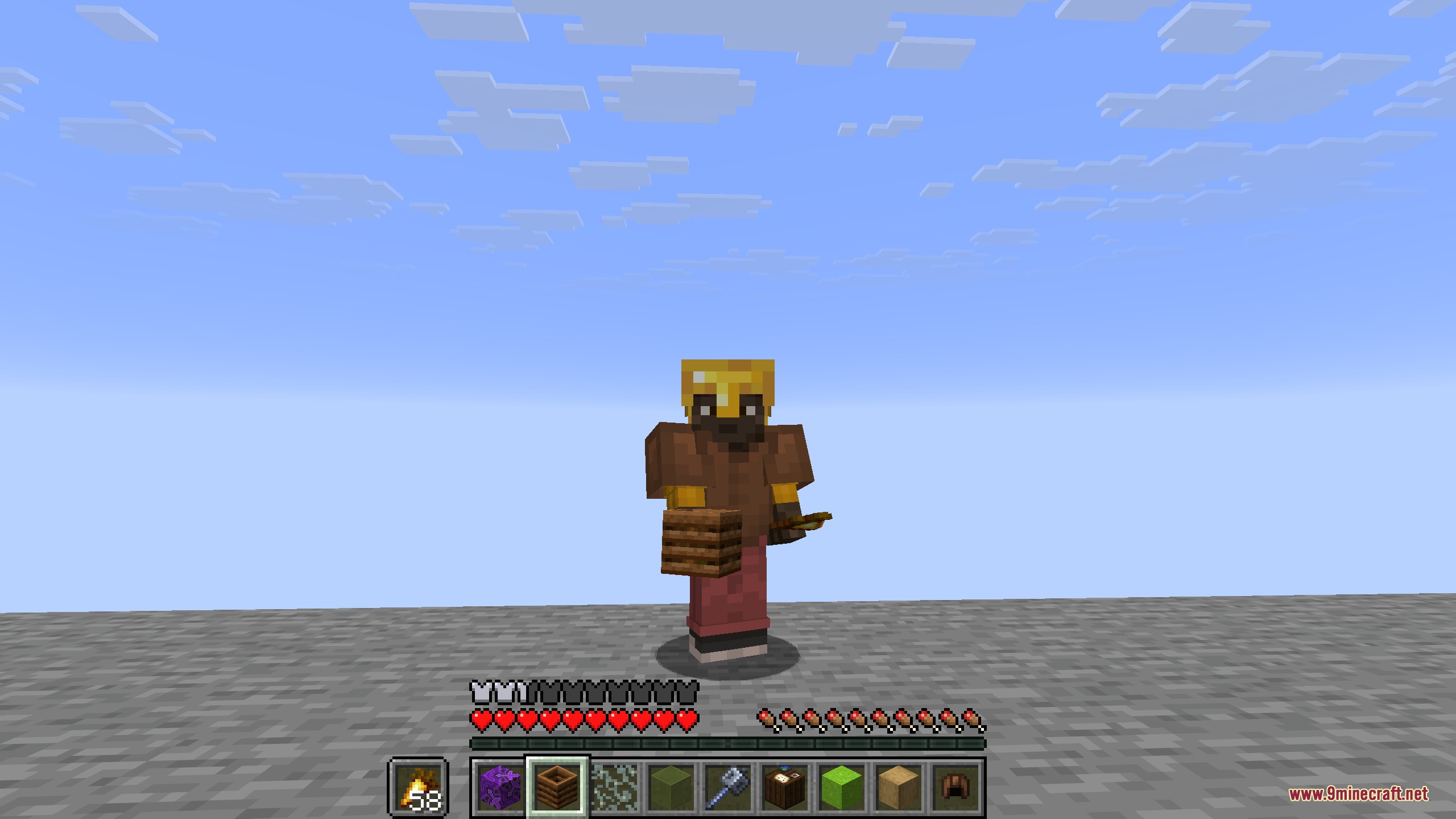
The extra hotbars appear automatically at the bottom of your screen once the mod is installed. If you only see your normal single hotbar, check that the mod isn't disabled in your configuration settings, or try pressing the toggle key (=) to switch to multi-bar view.
What's the difference between pressing R once and holding R?
Pressing R quickly swaps a single item between your active hotbar and the extra row. Holding R triggers a secondary action based on your long press delay setting, which you can configure in the mod options.
How do I switch between 2, 3, or 4 hotbars on screen?
Hold Left Ctrl and press 1, 2, 3, or 4 to cycle through different hotbar layouts. You can also change the default layout permanently in the Hotbar Mode configuration option.
Can I use this mod on multiplayer servers?
Yes, the mod works completely on your client side, so you can use it on any multiplayer server without needing the server to have the mod installed.
See all 10 Twin Stack Reach questions ›
Gallery
5 images from the Twin Stack Reach Mod page.
You May Also Like
Wikis that share the most with this one
More mod wikis on the site
The most downloaded mods that have a wiki here
A few wikis from each of the other kinds