

 DownloadThe Nofog Mod
Get the files on 9Minecraft
Guides
Step-by-step, in-game.
Enjoy atmospheric lighting in caves and dark areasUnderstanding fog removal in dark environments Nofog removes visual fog, but it doesn't change how light works.…Maximize visibility range for exploration and buildingCombine Nofog with render distance settings Nofog removes fog, but your actual viewing distance is still limited by…Restore fog in specific dimensions or biomesUsing mod configuration files While Nofog Mod removes fog globally by default, you can selectively restore it in…Troubleshoot Nofog not working after world loadCheck for mod conflicts Nofog conflicts with OptiFine, The Speedrunner Mod, Simple Keybinds, and Quality of Queso. If…
Frequently asked questions
Why is fog still appearing in my world?
Check if you have OptiFine, The Speedrunner Mod, Simple Keybinds, or Quality of Queso installed—these mods conflict with Nofog and may override it. If you have multiple fog-removal mods, disable all but Nofog and restart your world.
Do I need to configure anything after installing Nofog?
No, Nofog works automatically as soon as you load a world—there are no settings to change or menus to open.
Can I turn fog back on in certain biomes or dimensions?
Nofog removes fog globally across all biomes and dimensions by default. If you want fog in specific areas, you'll need to use a config file or datapack to restore it selectively, depending on what the mod supports.
Does Nofog affect performance or cause lag?
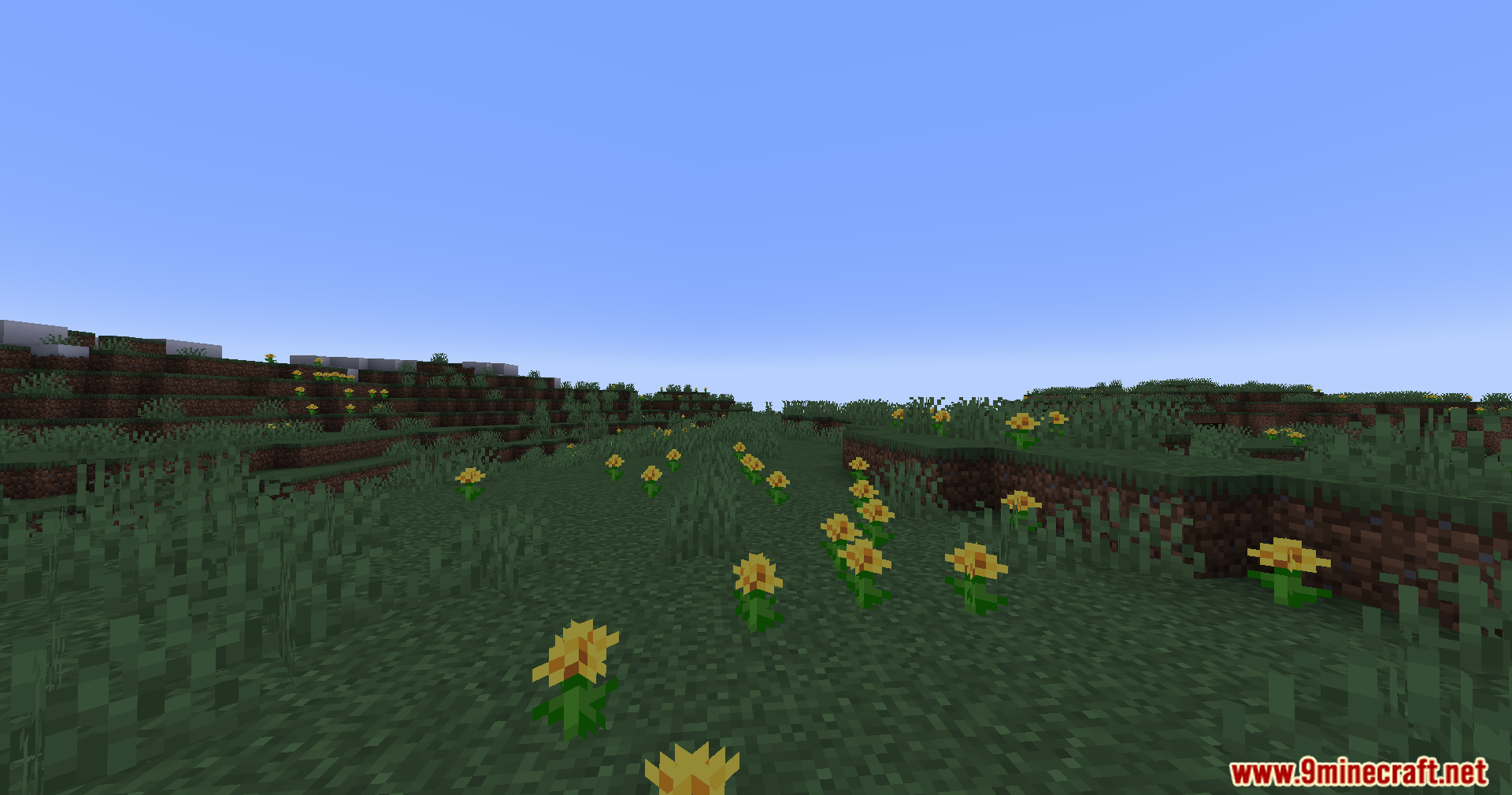
Nofog actually improves performance for most players since it removes a rendering effect, though the impact depends on your hardware and other mods.
See all 10 The Nofog questions ›
Gallery
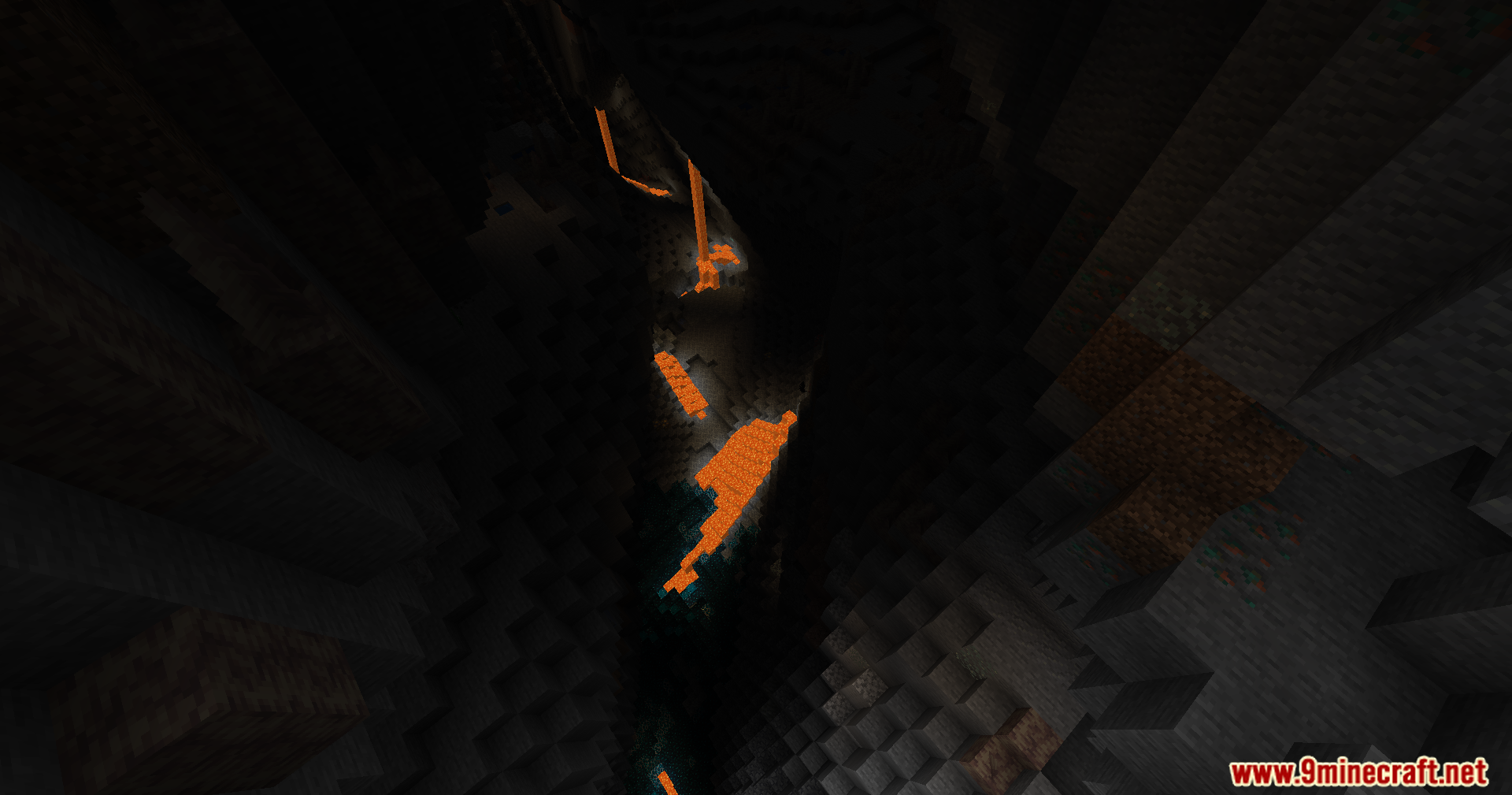
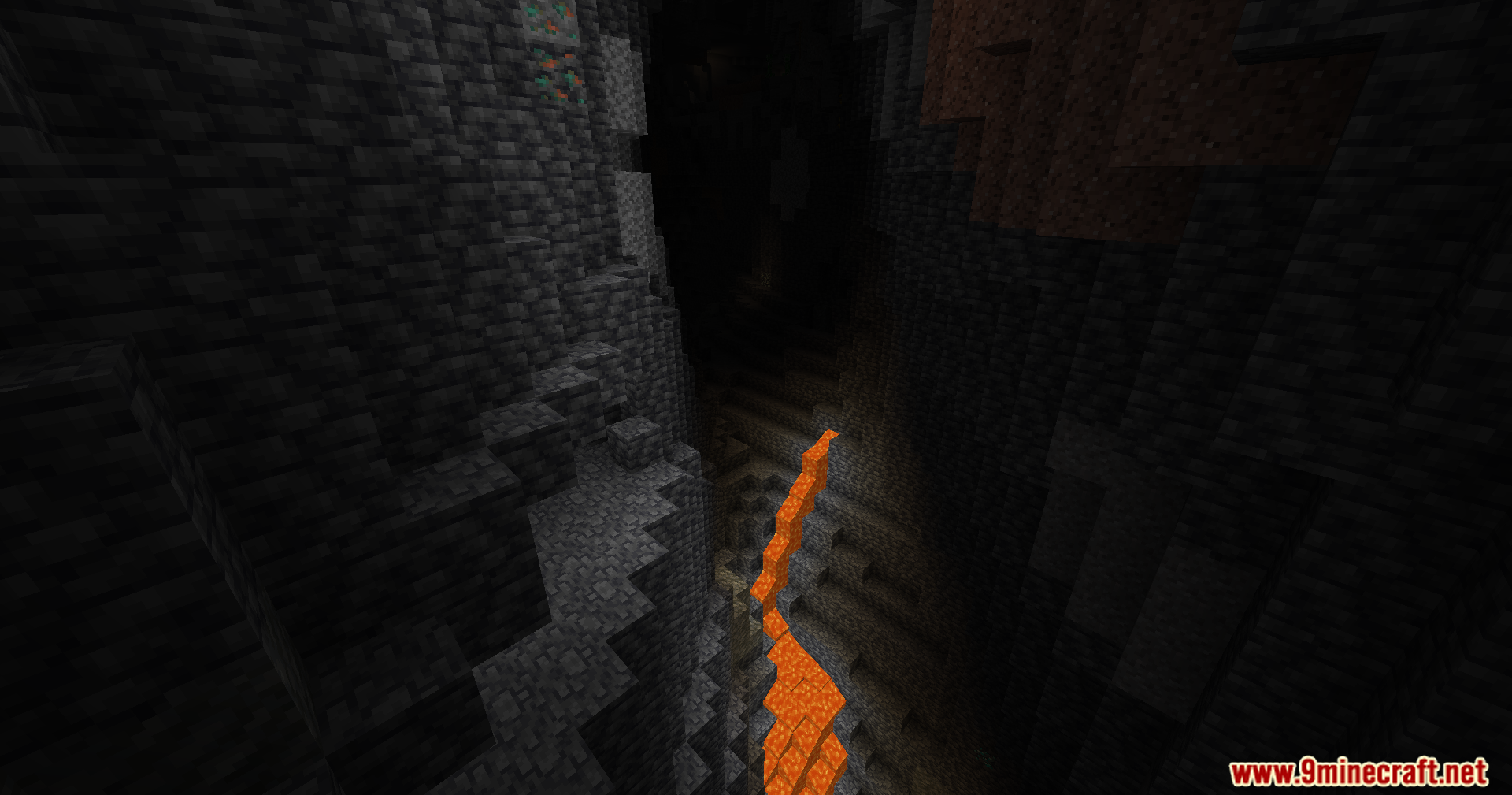
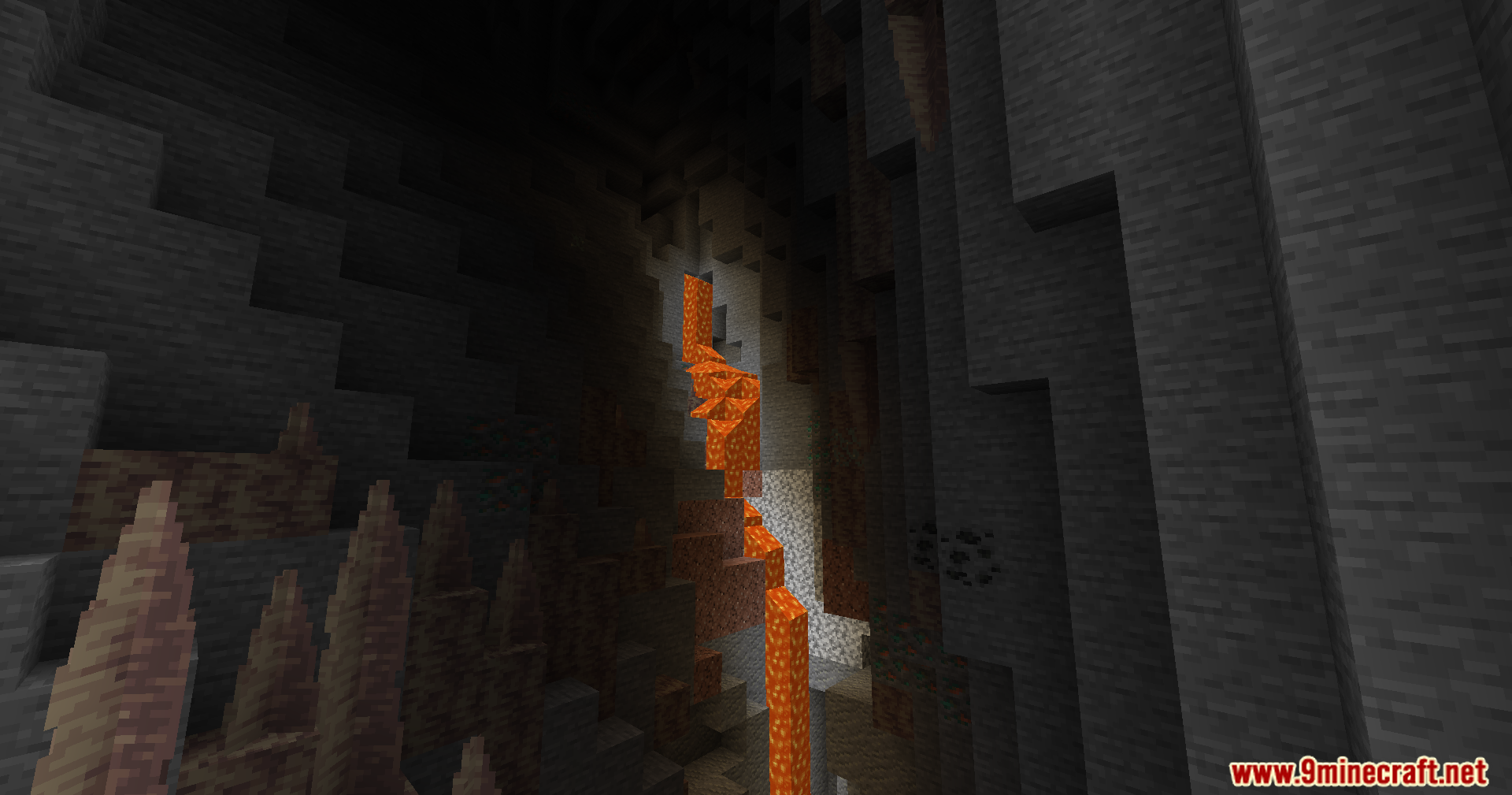
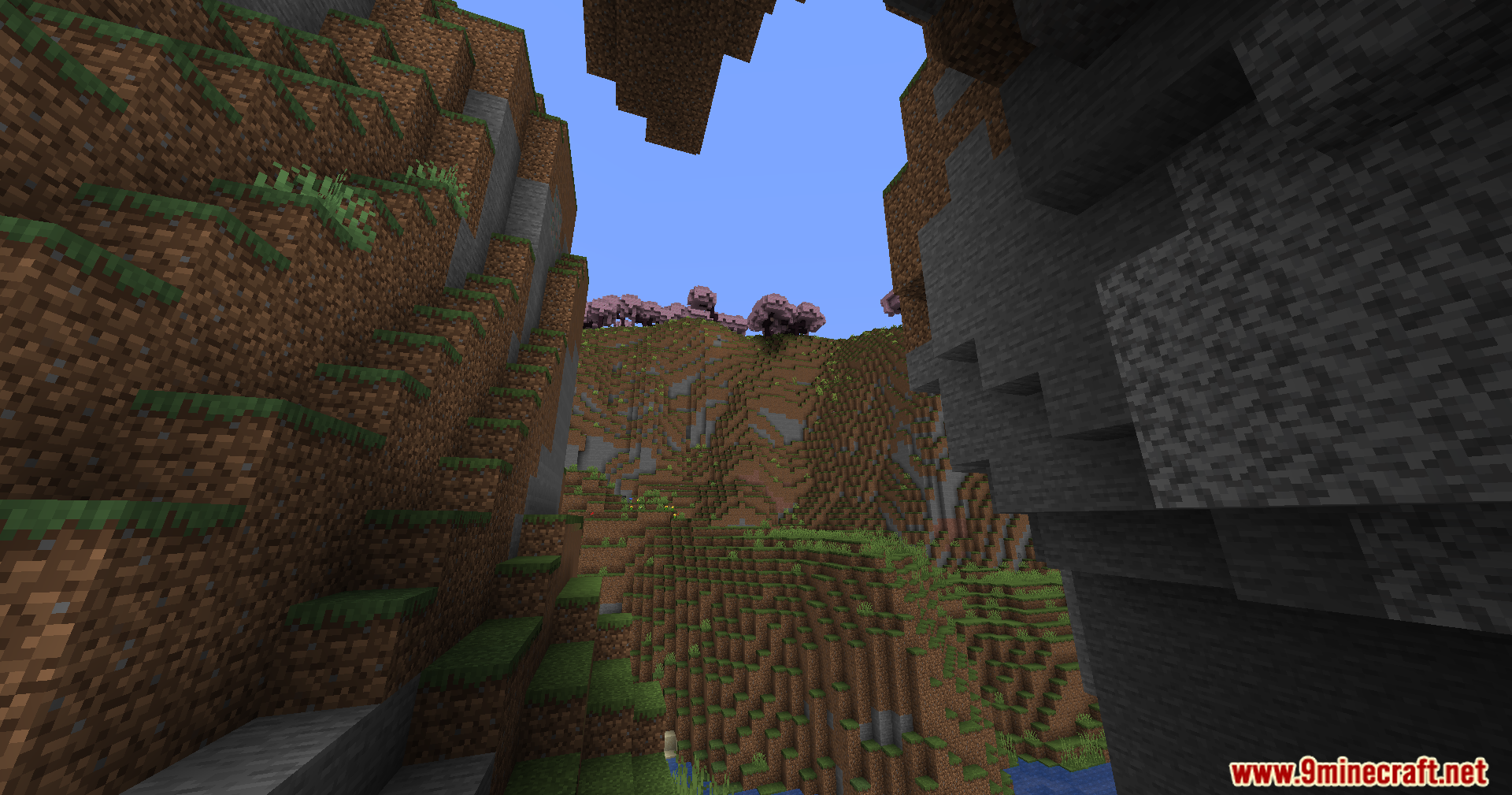
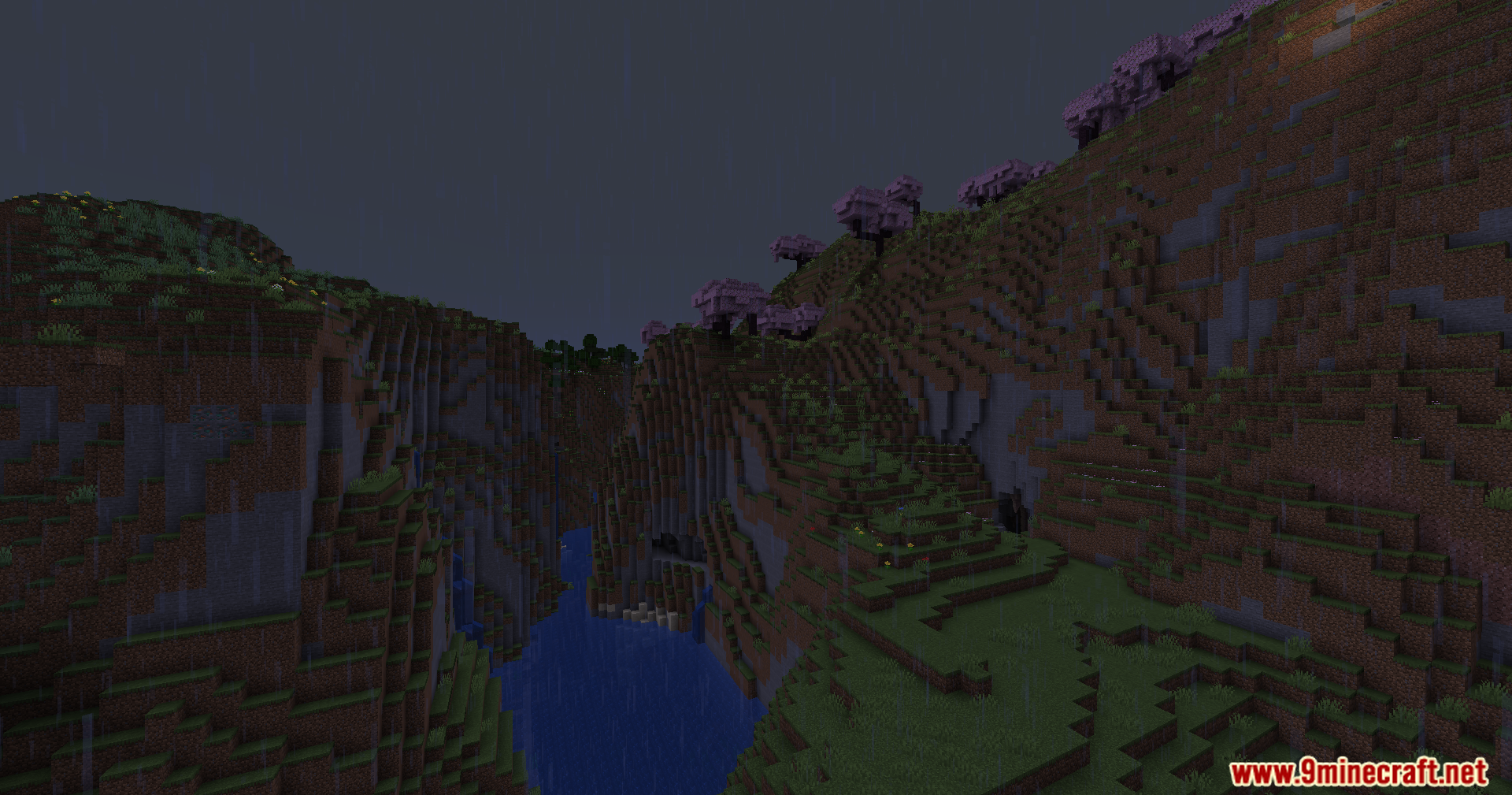
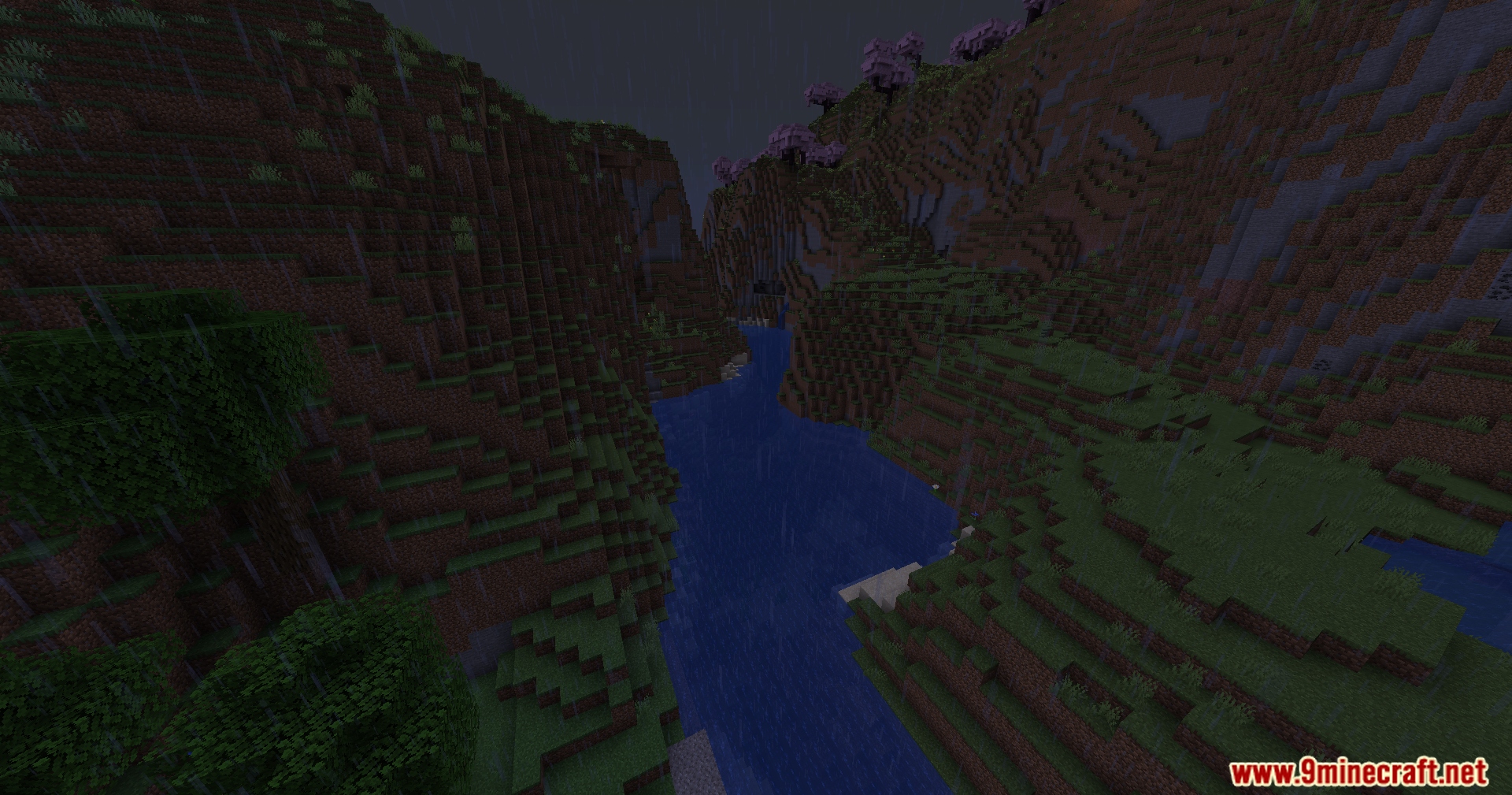
11 images from the The Nofog Mod page.
You May Also Like
Wikis that share the most with this one
Wikis on the same theme: end
More mod wikis on the site
The most downloaded mods that have a wiki here
A few wikis from each of the other kinds