

 DownloadTelepistons Mod
Get the files on 9Minecraft
Guides
Step-by-step, in-game.
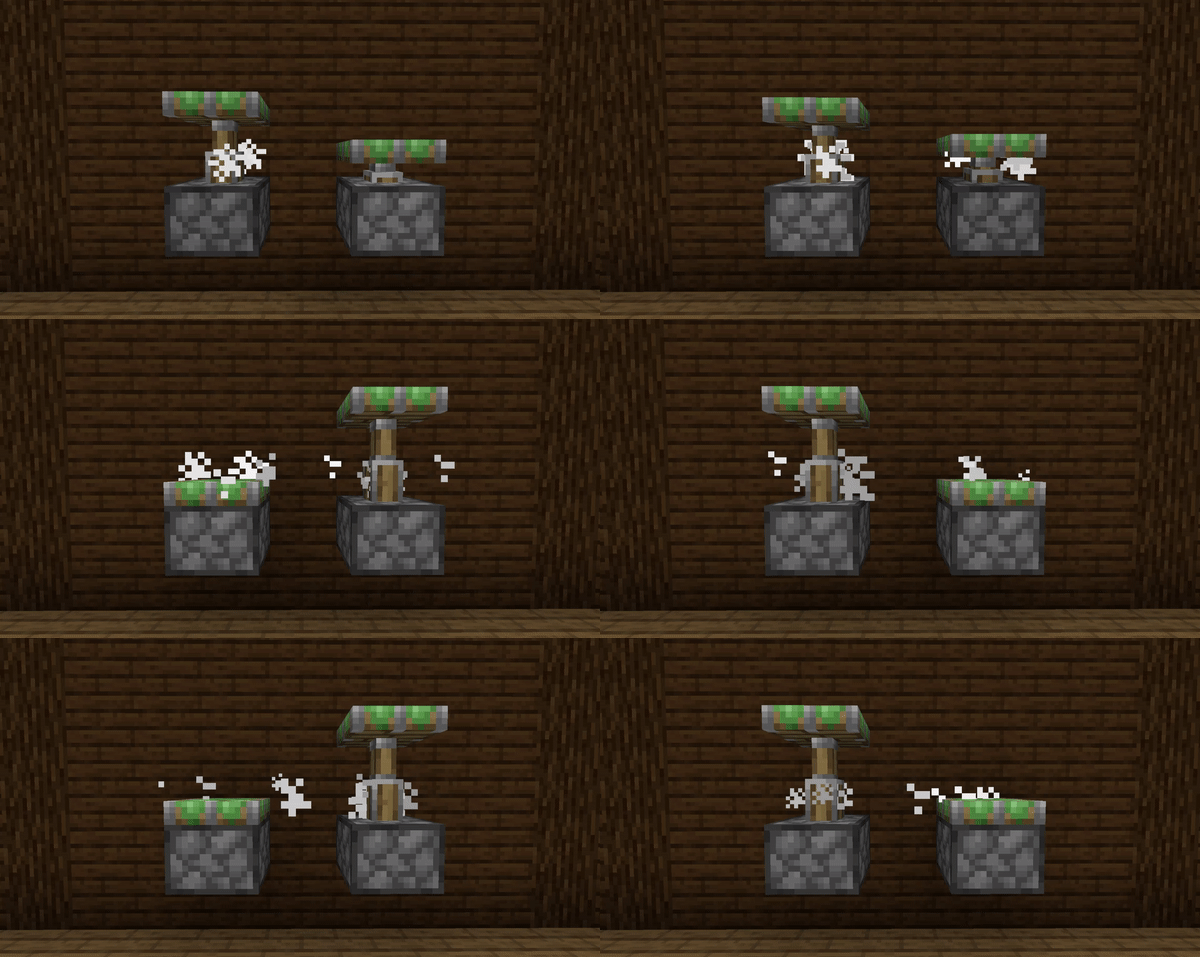
Customize Piston Animation SpeedAdjusting Animation Duration Telepistons Mod allows you to control how fast or slow pistons extend and retract…Enable Particle Effects on Piston MovementUnderstanding Piston Particles Telepistons Mod can emit particles when pistons extend and retract, adding visual…Switch Between Telescopic and Squishy Piston AnimationsAccessing Animation Settings Telepistons Mod lets you choose how pistons extend and retract. By default, pistons use…Use Pistons in Redstone Contraptions Without IssuesCompatibility with Redstone Telepistons Mod is purely visual—it changes only how pistons *look* when they move, not…
Frequently asked questions
How do I switch between telescopic and squishy piston animations?
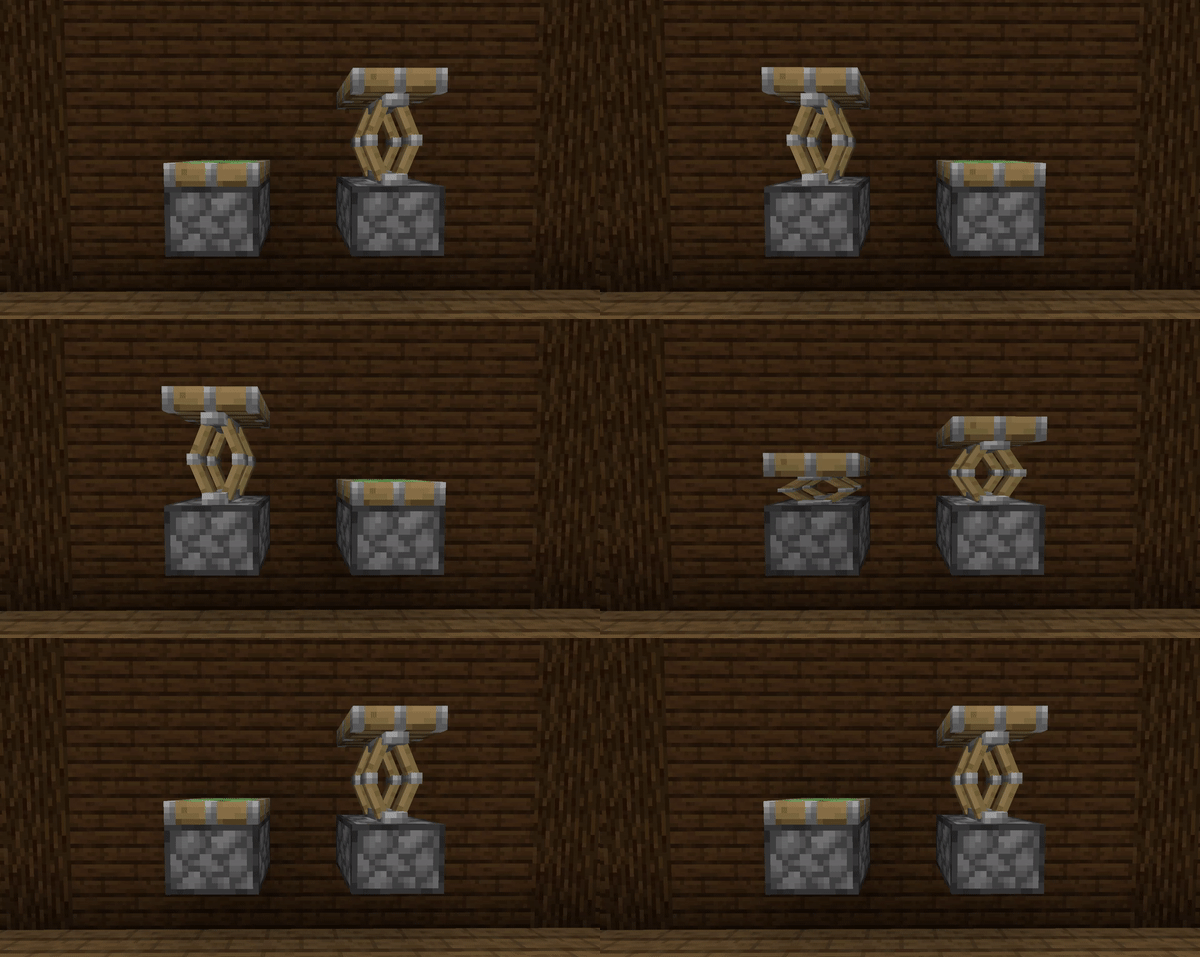
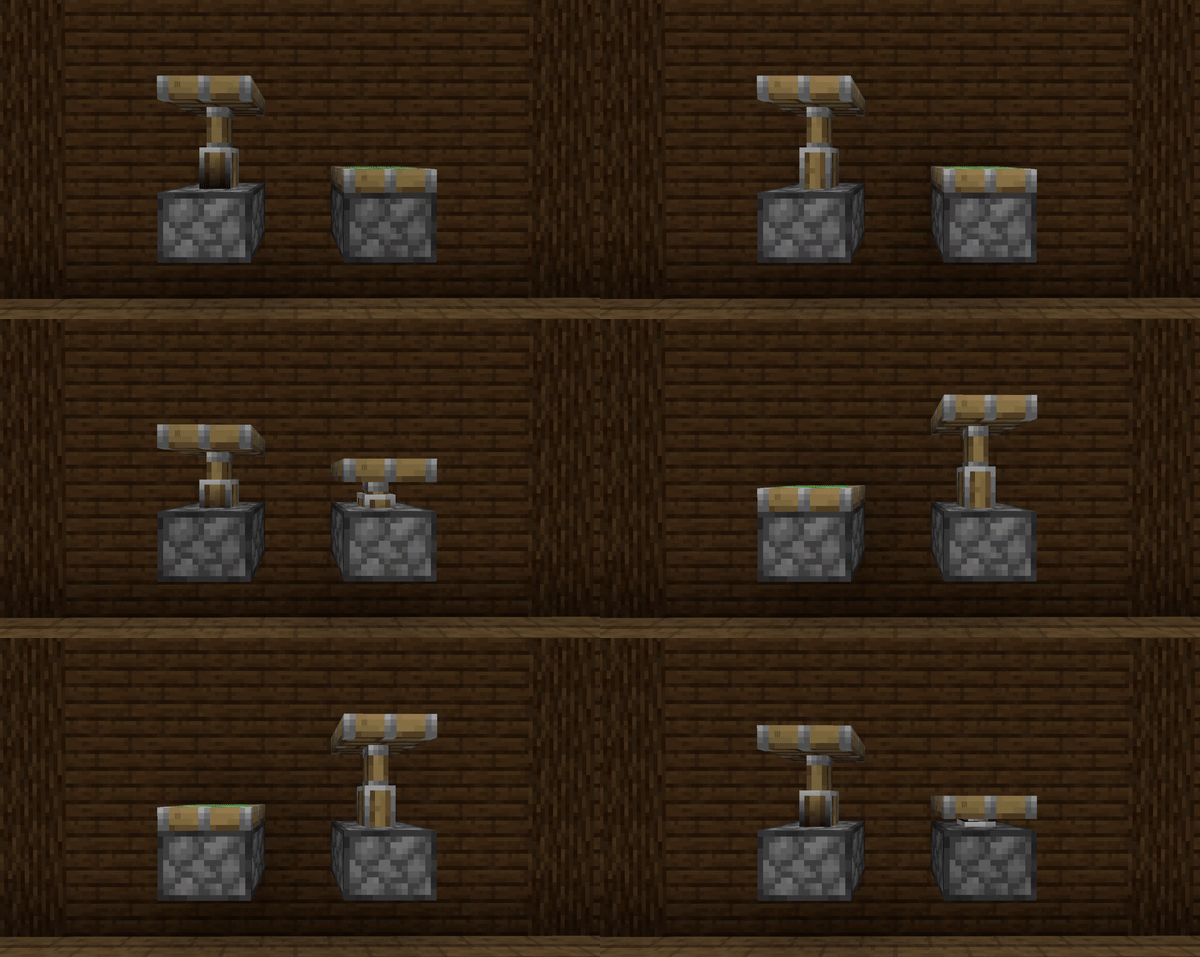
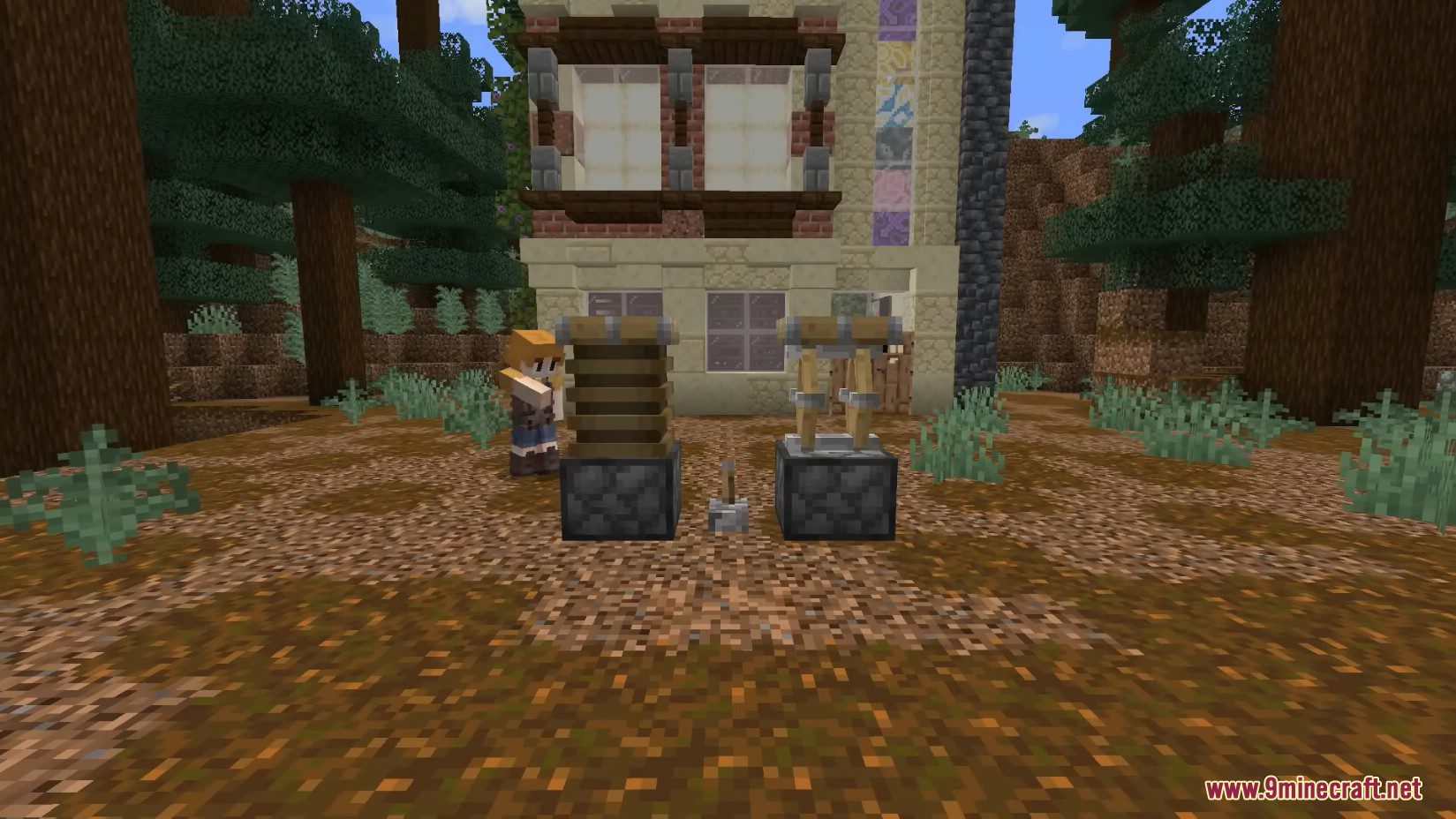
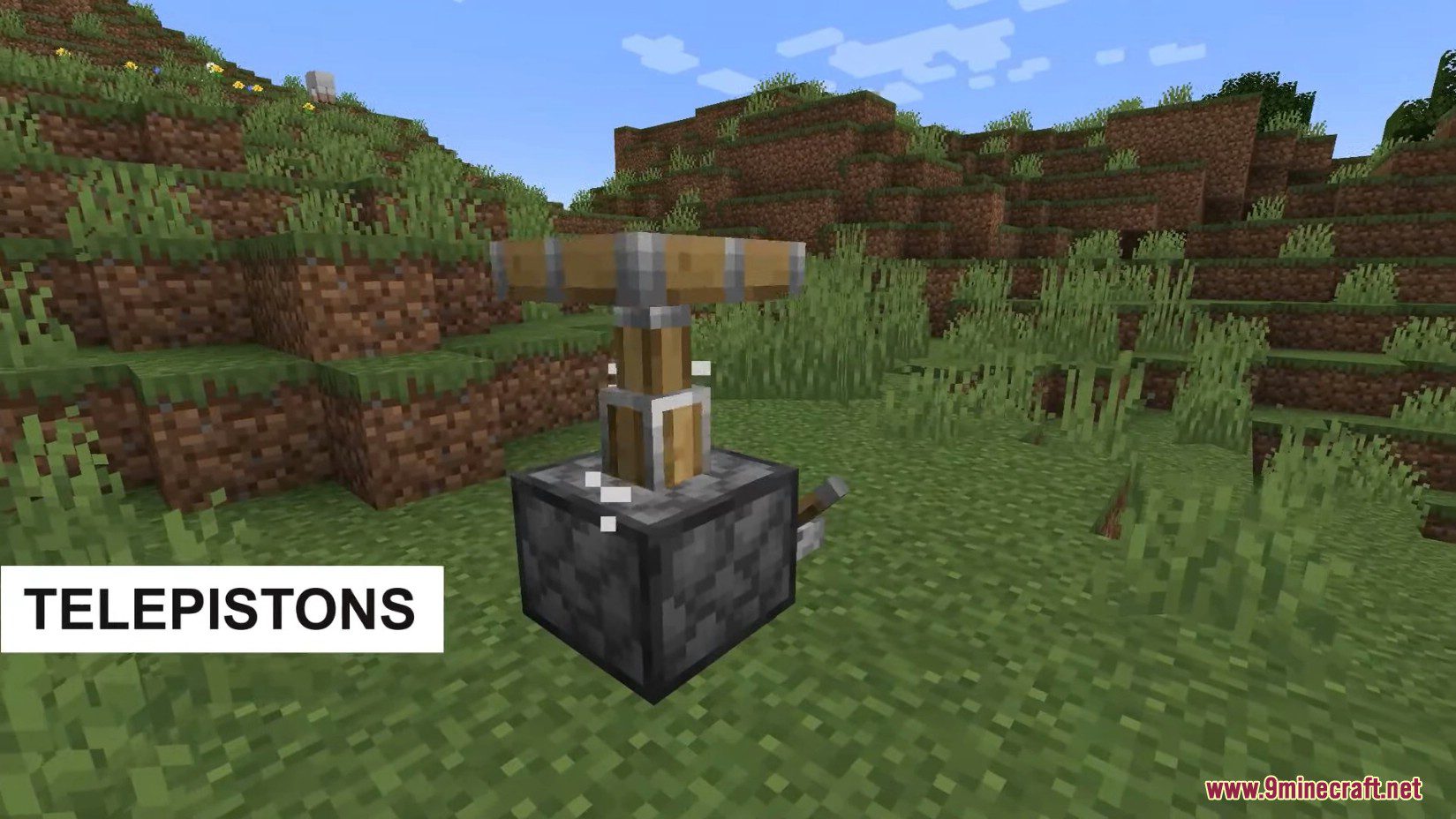
Open your mod config settings and look for the animation style option. Select either Telescopic (the Bedrock-style extending arm) or Squishy (the compressed/squashed alternative), then save and restart your world for the change to take effect.
Can I turn off piston particles?
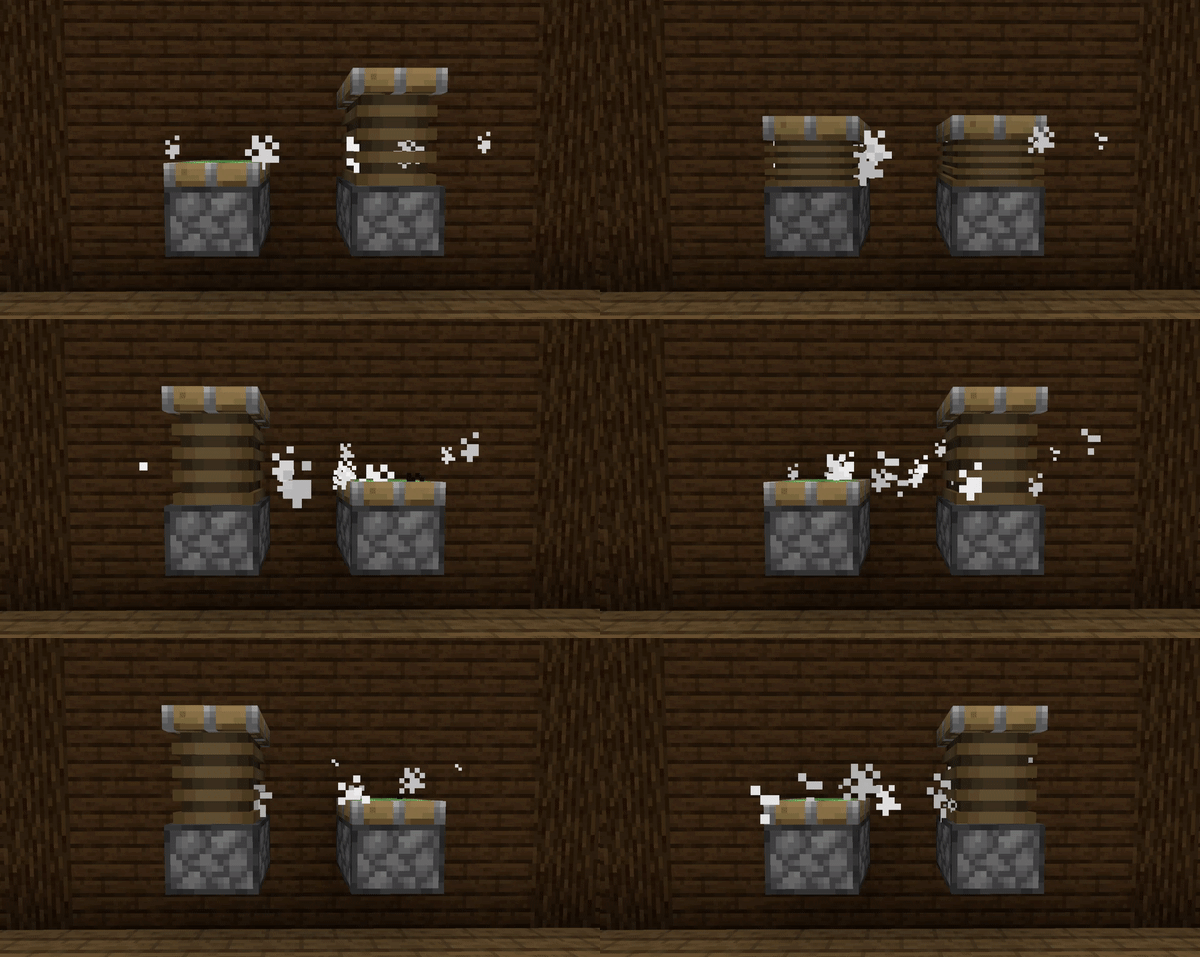
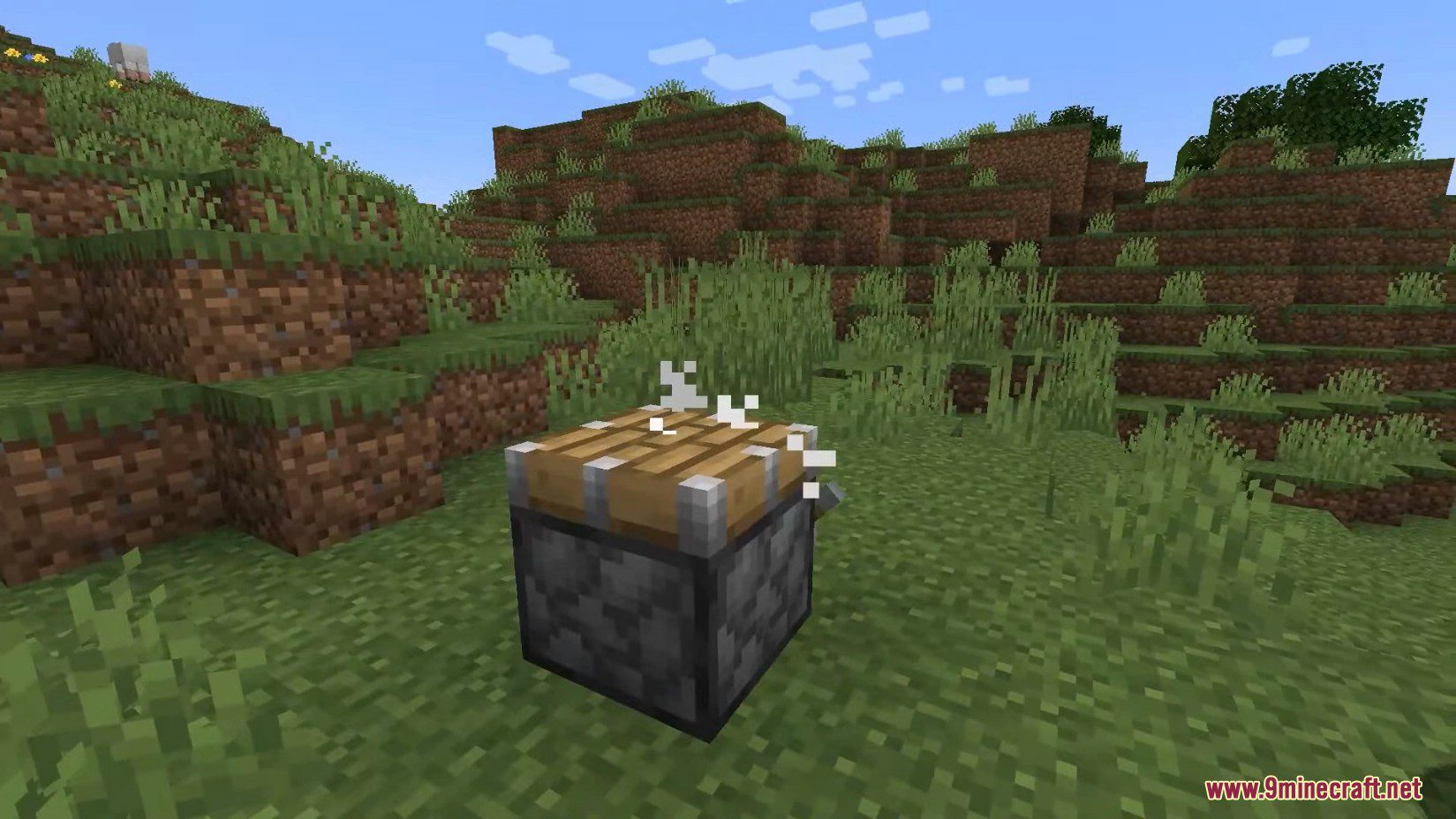
Yes, particle effects are optional. In the mod config, find the particle emission setting and disable it if you prefer cleaner visuals or want better performance.
Do telepistons work with regular redstone contraptions?
Yes, Telepistons Mod is purely visual and doesn't change how pistons function mechanically, so all your existing redstone builds work exactly the same.
Why are my piston animations moving really fast or slow?
The mod includes animation speed customization in its config file. Adjust the speed value to your preference—higher numbers make animations faster, lower numbers make them slower.
See all 10 Telepistons questions ›
Gallery
12 images from the Telepistons Mod page.
You May Also Like
Wikis that share the most with this one
More mod wikis on the site
The most downloaded mods that have a wiki here
A few wikis from each of the other kinds