

 DownloadTaCZ Optimization Mod
Get the files on 9Minecraft
Guides
Step-by-step, in-game.
Clean Up Your HUD to Reduce Screen ClutterCustomize Your Interface The TaCZ mod adds several screen elements like ammo counters, heat indicators, kill feeds,…Disable Your Own Bullet Tracers for Better VisibilityWhy Disable Personal Bullet Effects Bullet tracers and shell casings from your own shots can obstruct your view,…Optimize Performance on Low-End HardwareIdentify Performance Bottlenecks If you're playing on a weaker computer or laptop, the TaCZ mod's visual effects can…Reduce Lag During PvP Fights by Hiding Enemy WeaponsWhy Hide Enemy Weapons When multiple players fire guns simultaneously on a server, rendering all their weapons,…
Frequently asked questions
Where do I find the config file to change settings?
Close Minecraft and navigate to your .minecraft folder, then open the config subfolder. Look for the file named tacz_optimization-client.toml and open it with any text editor like Notepad.
How do I turn off bullet tracers?
Open tacz_optimization-client.toml and find the setting for bullet tracers or projectile rendering. Change it from true to false, save the file, and restart your game.
Can I hide only enemy weapons but keep mine visible?
Yes—the config file has separate toggles for your own bullets/weapons and other players' weapons. You can disable enemy gun rendering while keeping your own first-person view intact.
Will this mod get me banned on multiplayer servers?
No, this mod runs only on your client side and doesn't modify server files or give you unfair advantages like aimbots. It's purely a visual optimization tool that other players won't detect.
See all 10 TaCZ Optimization questions ›
Gallery
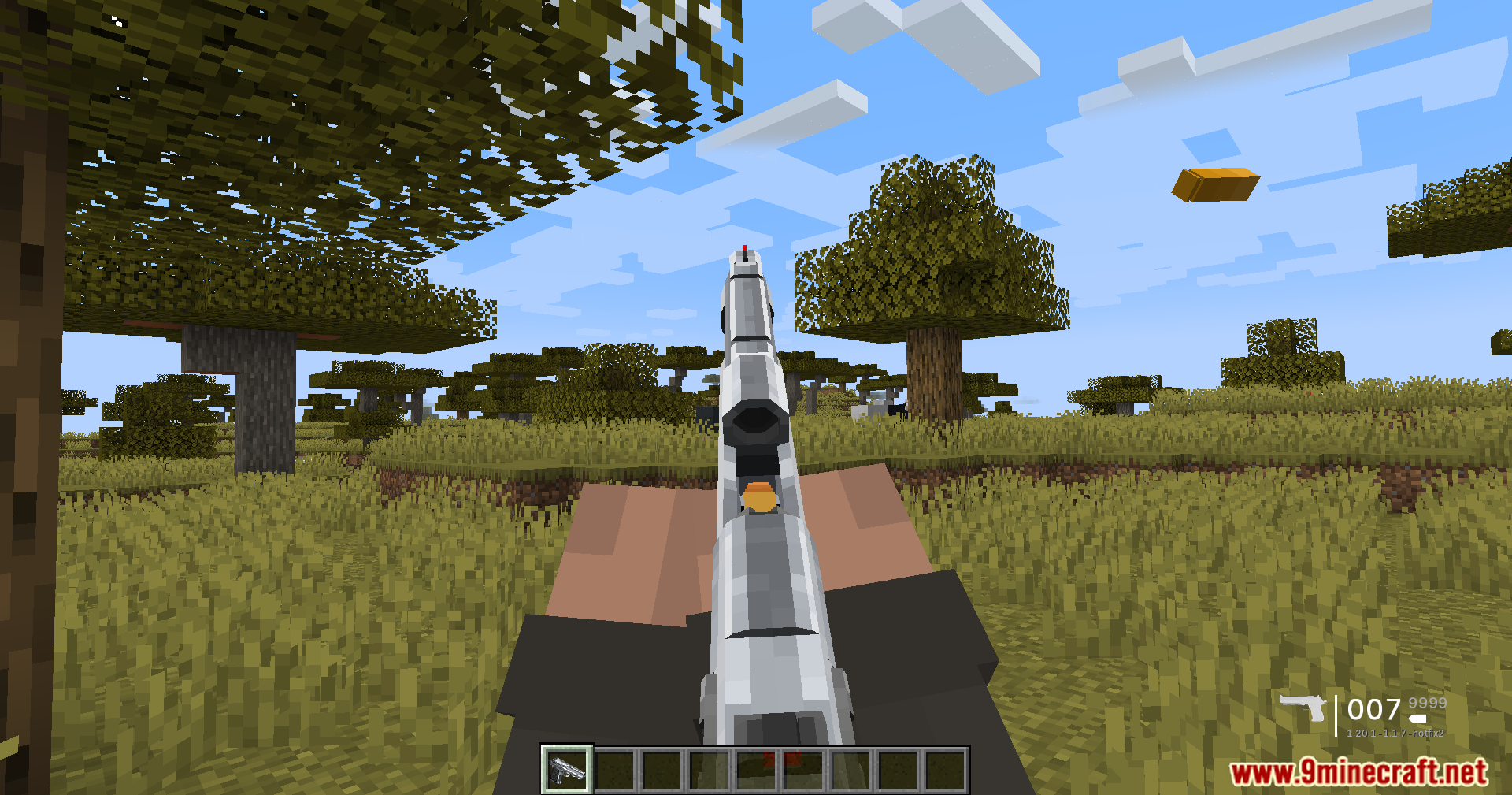
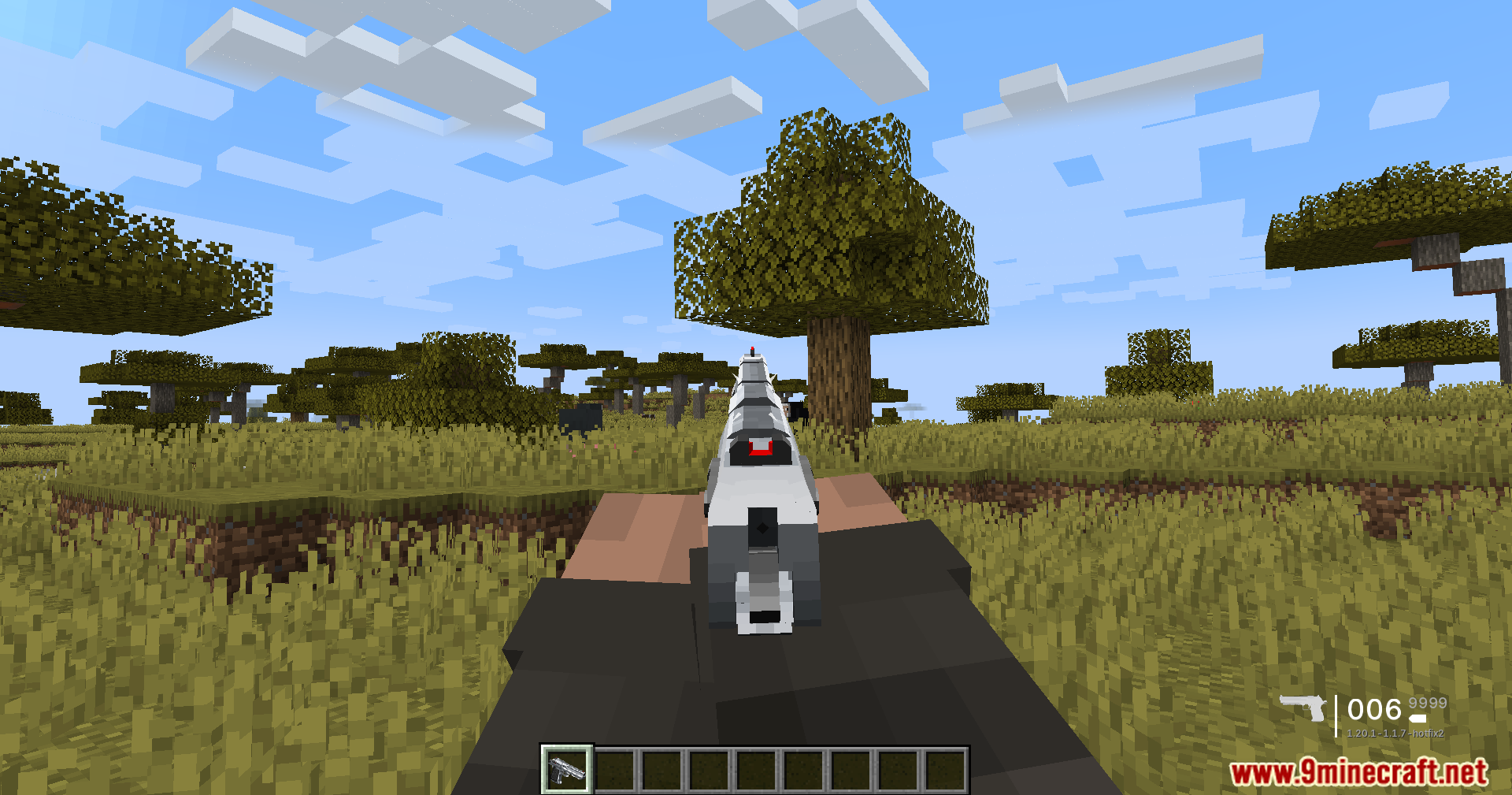
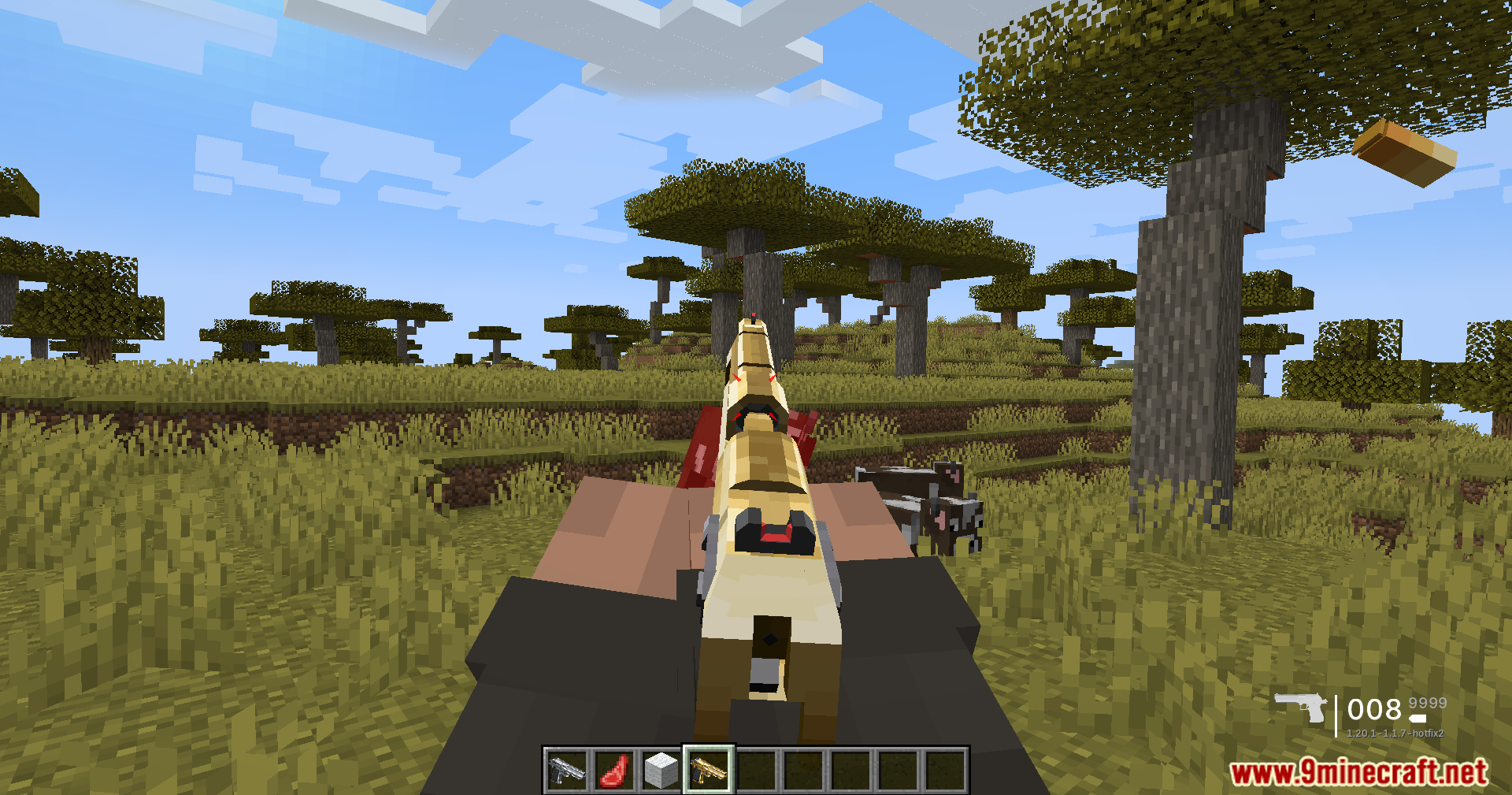
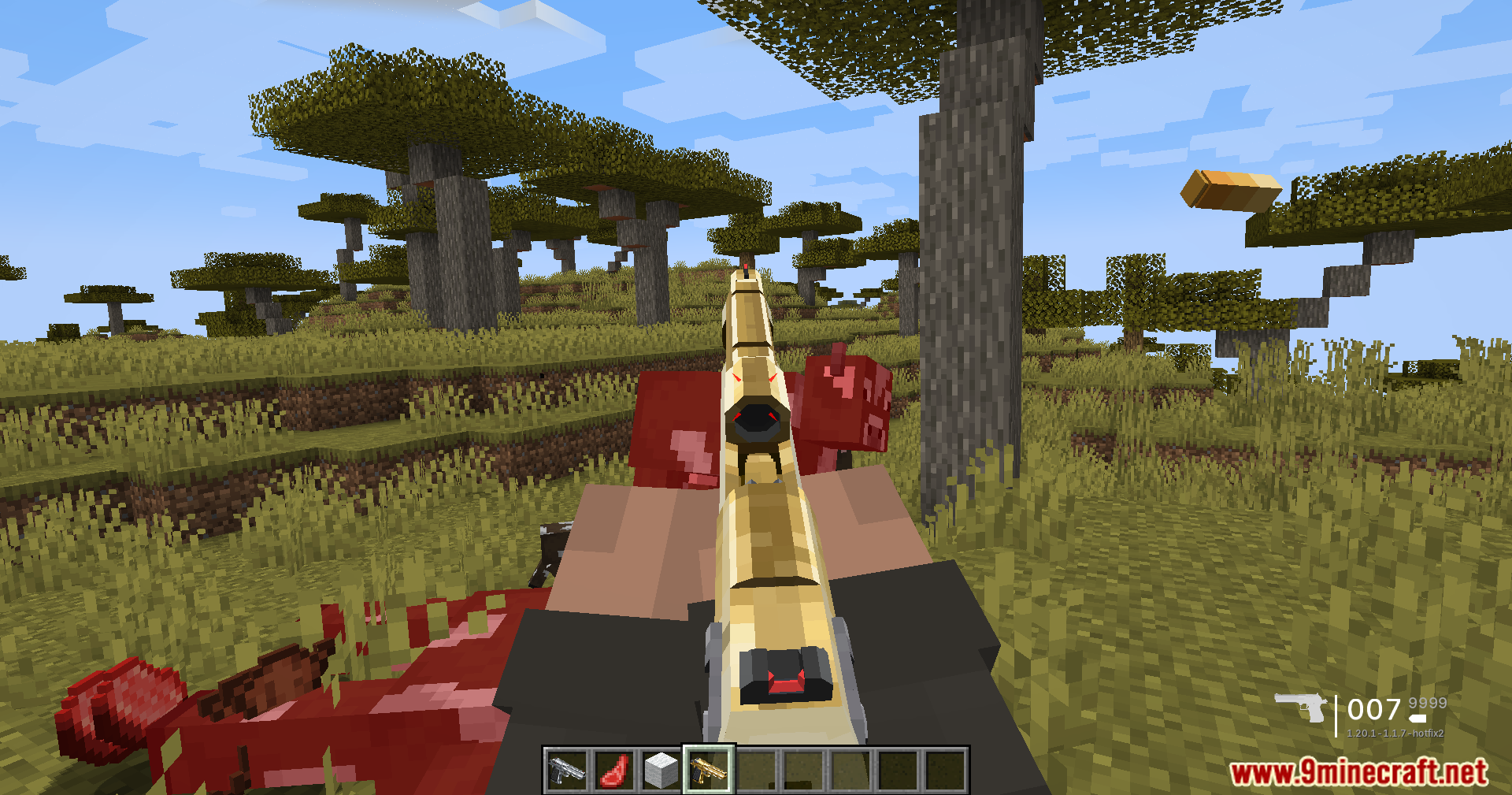
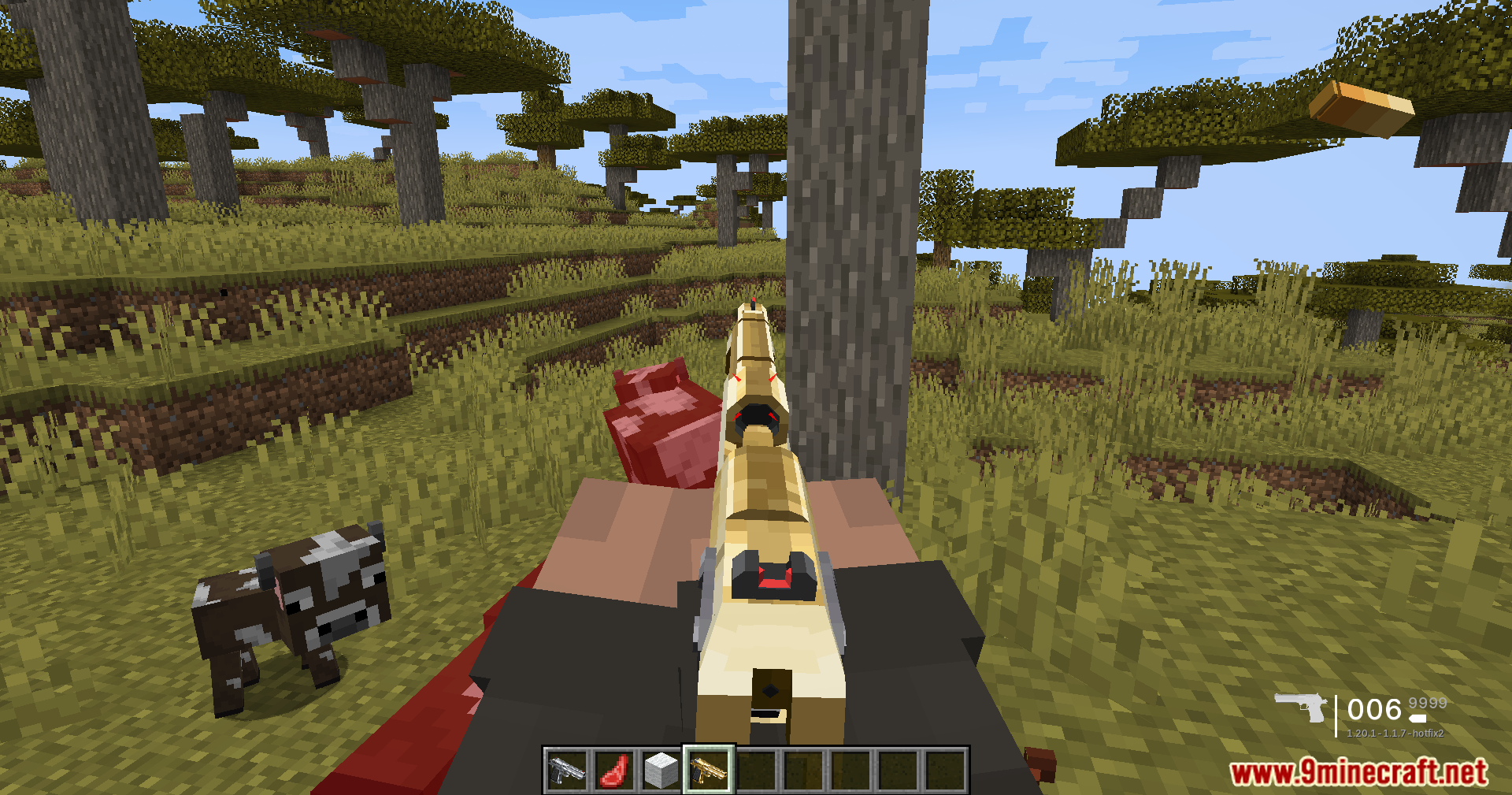
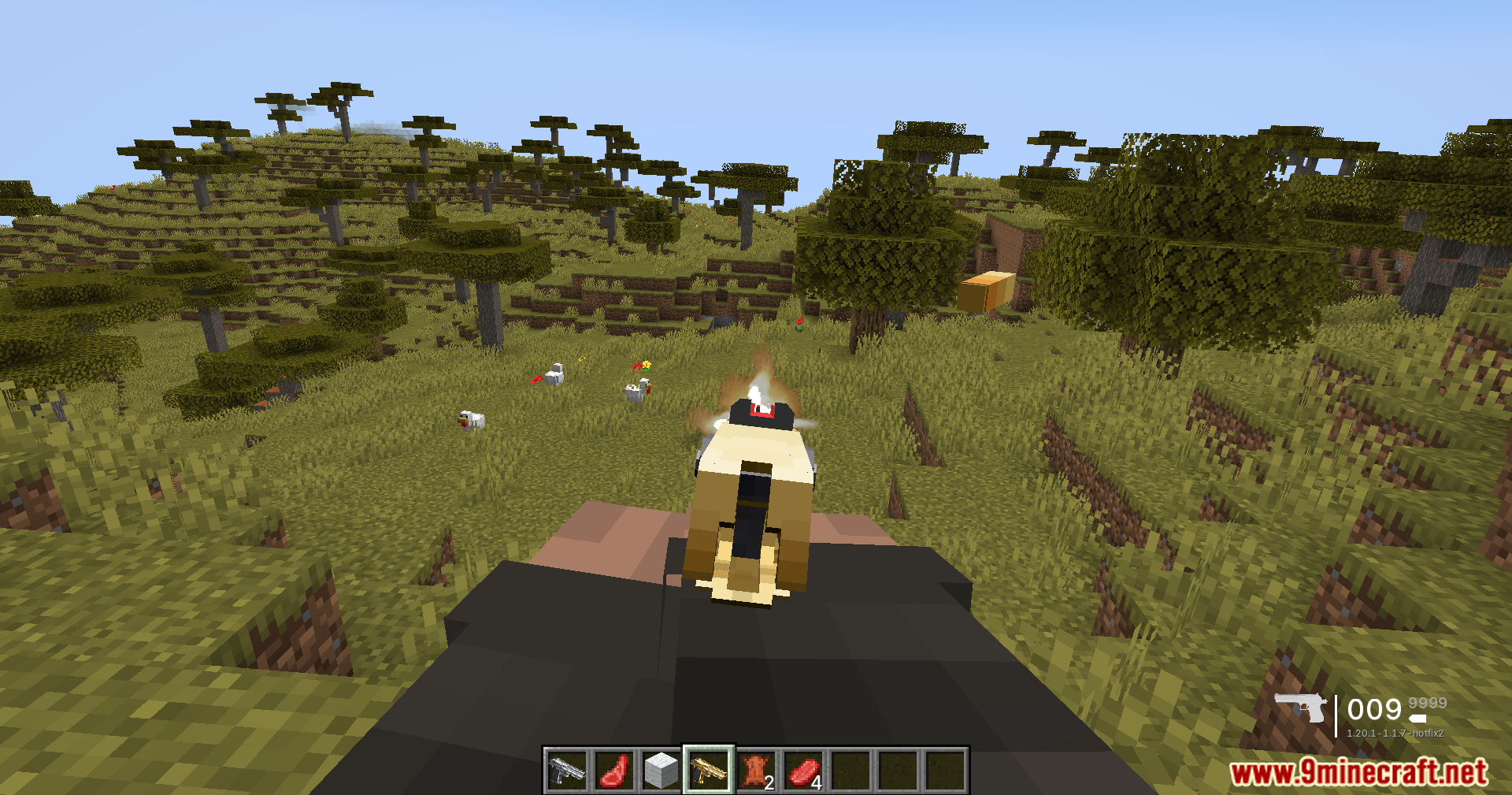
10 images from the Tacz Optimization Mod page.
You May Also Like
Wikis that share the most with this one
More mod wikis on the site
The most downloaded mods that have a wiki here
A few wikis from each of the other kinds