

 DownloadSimpleZoom Mod
Get the files on 9Minecraft
Guides
Step-by-step, in-game.
Adjust Your Zoom LevelConfigure Zoom Strength The mod includes a config value that controls how much you zoom in when you press the zoom…Change Your Zoom KeybindAccess the Configuration The default zoom key is C, but you can rebind it to any key you prefer. 1. Open your mod…Troubleshoot Zoom Not WorkingCheck Your Keybind If pressing the zoom key doesn't work: 1. Verify the mod is installed correctly in your mods…Use Zoom for Precise Building and AimingZoom While Building SimpleZoom is useful for detailed work. Press your zoom key (C by default) to magnify your view…
Frequently asked questions
How do I zoom in?
Press C (or your configured keybind) to zoom in. Press it again or move your mouse wheel to zoom back out.
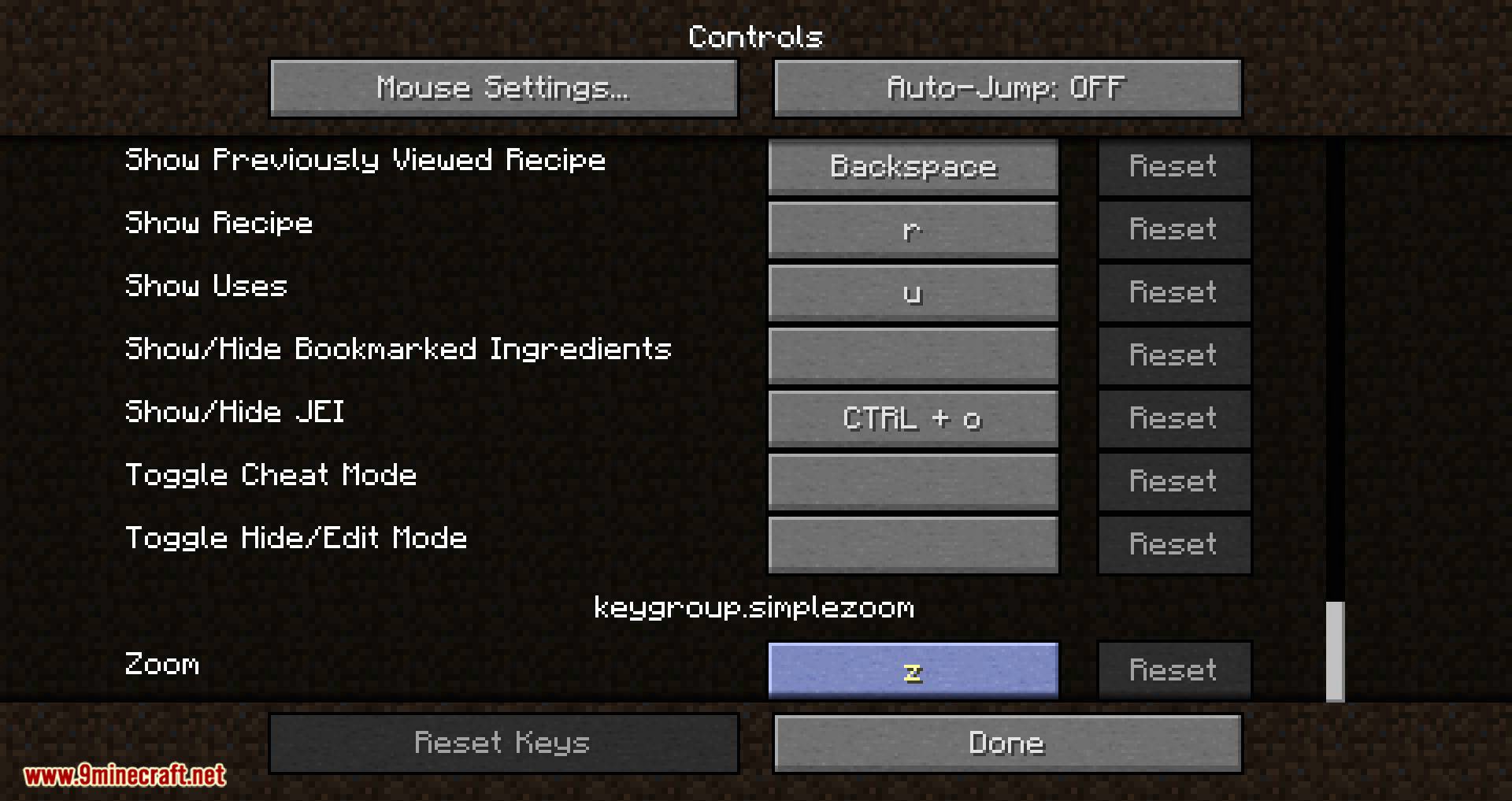
Can I change the zoom key?
Yes, open your config file and change the keybind setting to any key you prefer, then restart the game.
How do I make the zoom stronger or weaker?
Edit the zoom amount value in your config file—increase it for more zoom, decrease it for less zoom, then restart.
Does zoom work in first person and third person?
Yes, zoom works in both camera modes and applies the same magnification in each.
See all 10 SimpleZoom questions ›
Gallery
12 images from the Simplezoom Mod page.






You May Also Like
Wikis that share the most with this one
More mod wikis on the site
The most downloaded mods that have a wiki here
A few wikis from each of the other kinds