Wiki 9Minecraft Wiki 9Minecraft

ReplayMod Wiki & Guide

Java EditionModGuides 5FAQ 10Gallery 21Dependencies 3Related mods 60

A Minecraft mod for recording, replaying, and sharing gameplay experiences.

DownloadReplayMod

Get the files on 9Minecraft

Contents (7)
  1. Overview
  2. In-game Screenshots
  3. Guides
  4. Frequently asked questions
  5. Dependencies
  6. Gallery
  7. You May Also Like

Overview

The Replay Mod is a game-changing tool for Minecraft content creators, allowing for the recording, reliving, and sharing of gameplay experiences. Unlike traditional screen recording software, the Replay Mod records the world data itself, enabling you to fly around a recorded scene in a spectator-like mode long after the session has ended. This allows for the creation of complex cinematic camera paths, time-lapses, and high-resolution renders that would be impossible to capture in real-time.

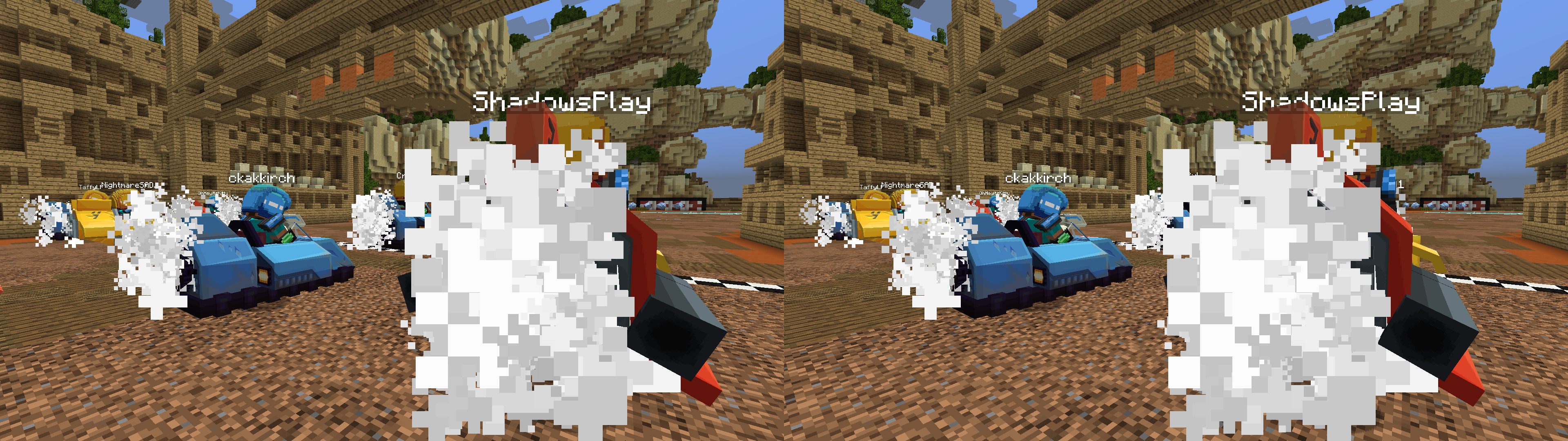
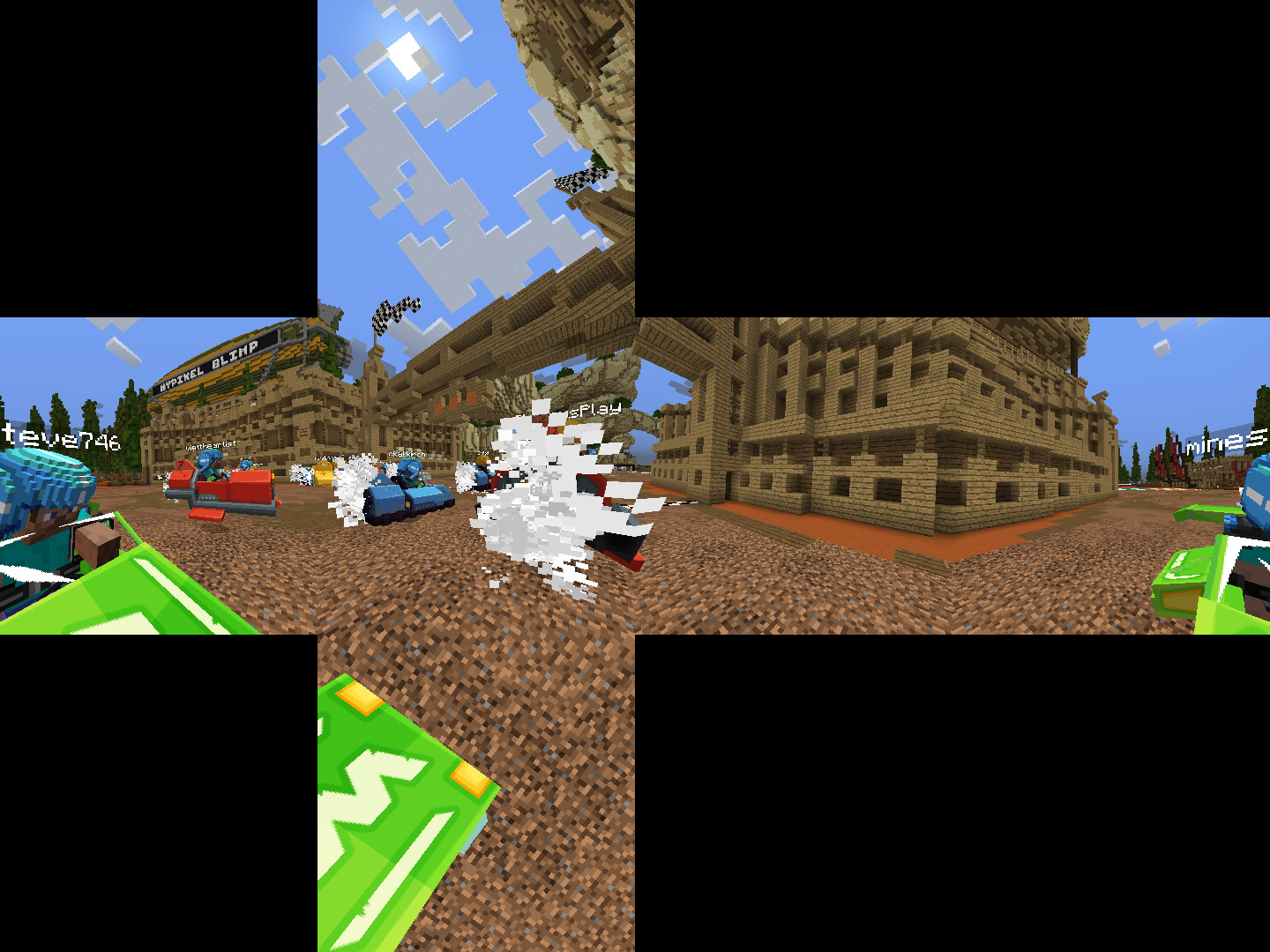
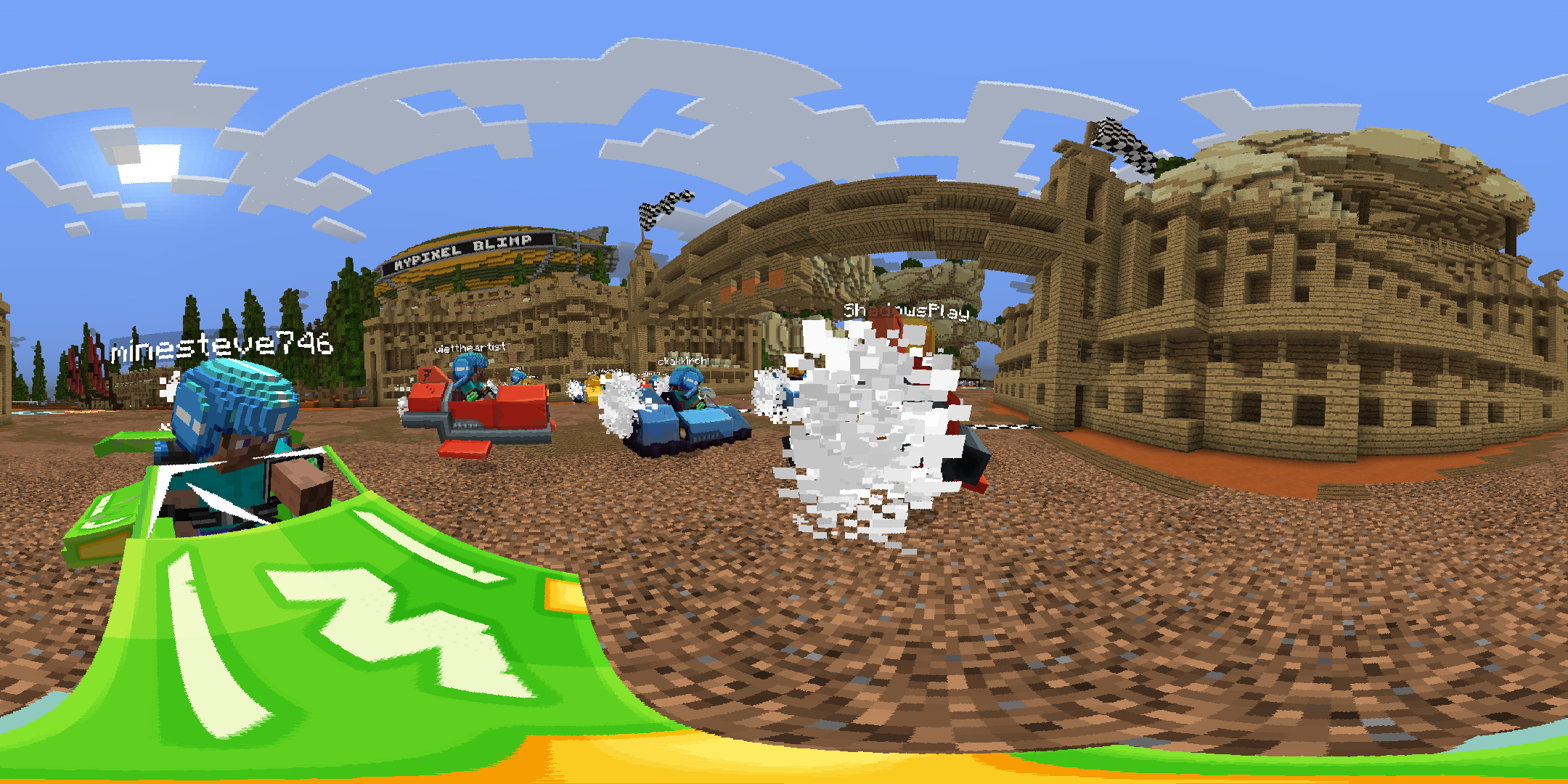
Key features include a lightweight recording format (averaging 10MB per hour), a built-in video editor with keyframe support, and advanced rendering options including 360-degree and stereoscopic 3D video. As a client-side mod, it does not need to be installed on servers to function, though it records all loaded chunks within the player's render distance.
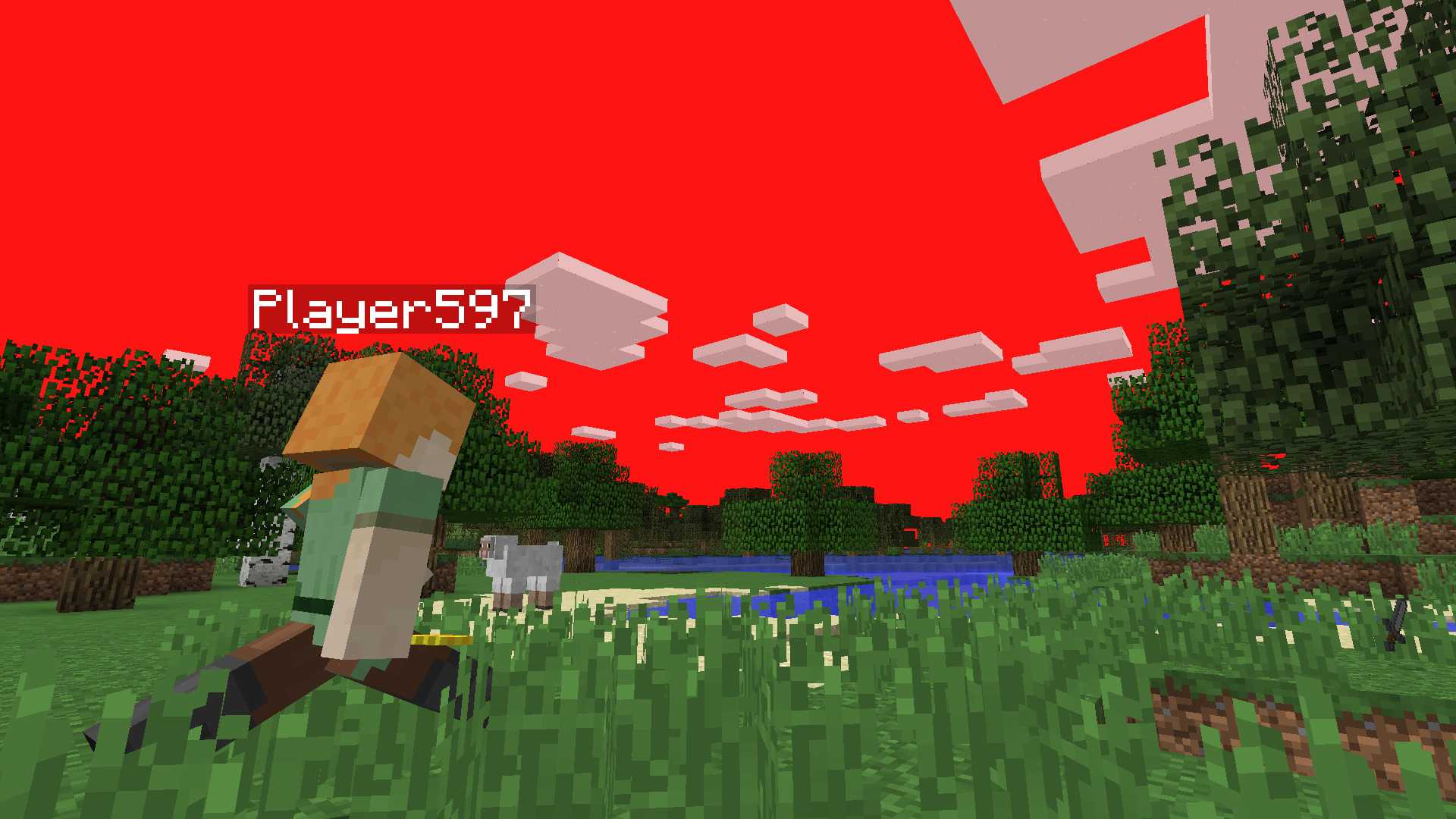
Player in a world with red sky

In-game Screenshots

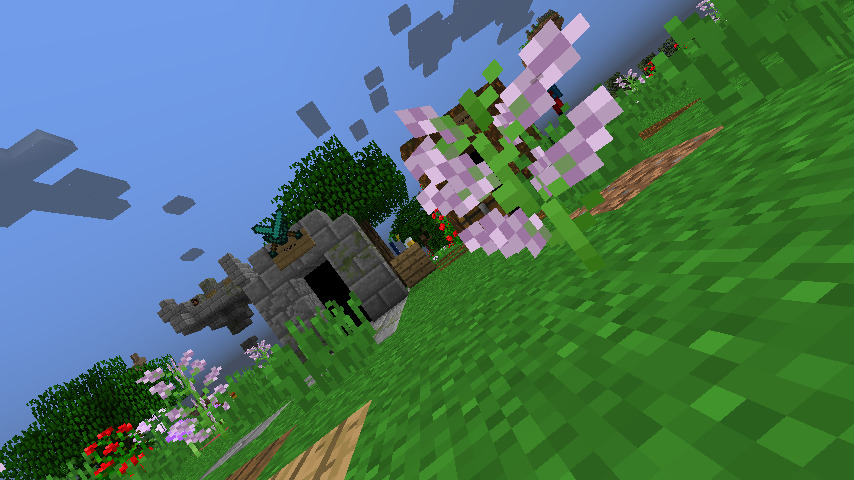
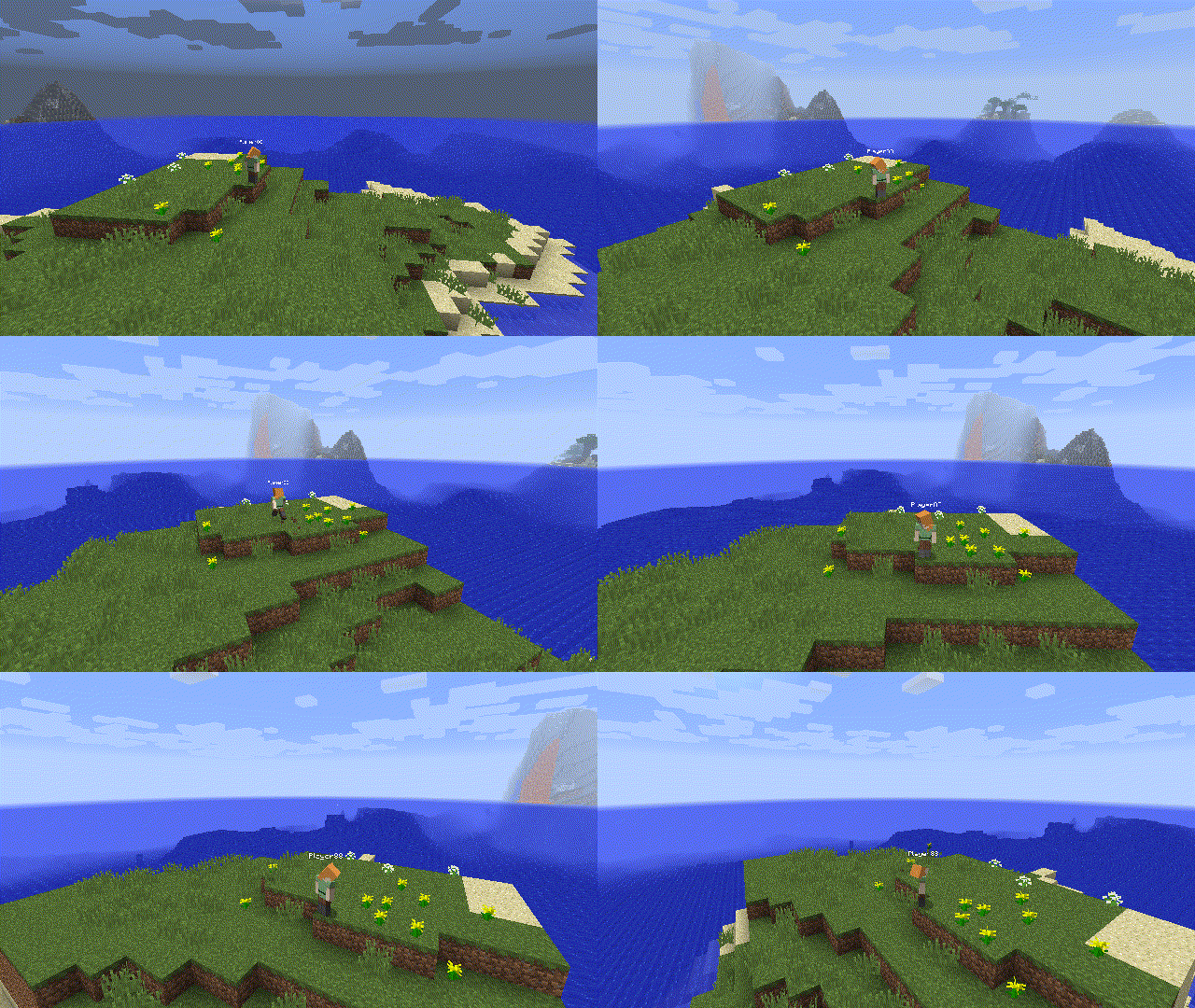
Small stone structure in a grassy field
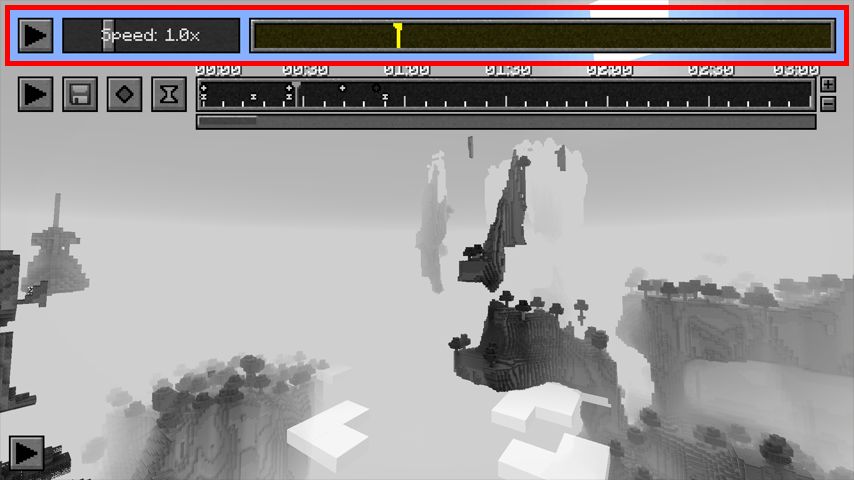
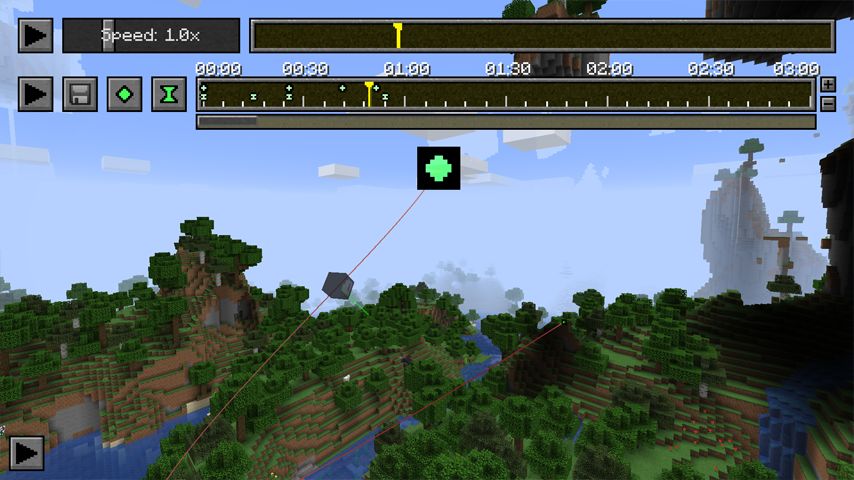
Minecraft mod GUI with speed control
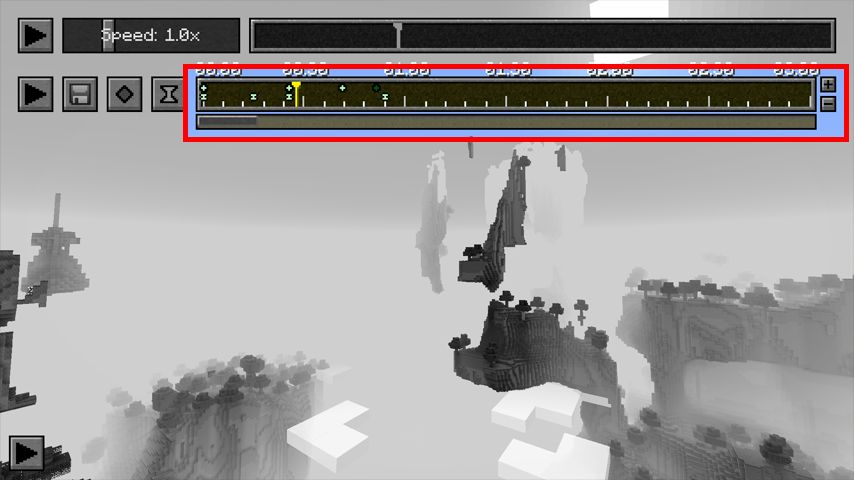
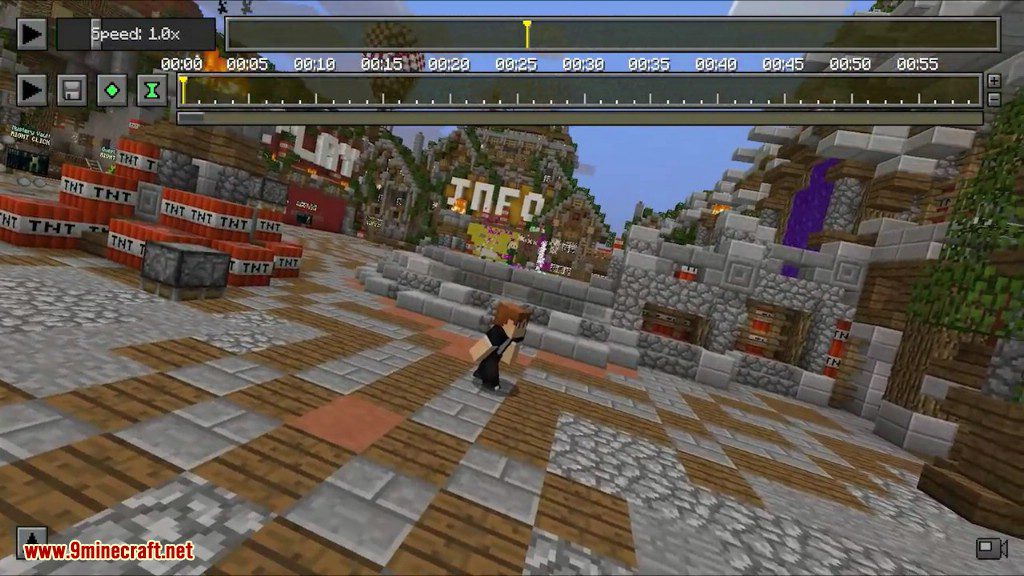
Timeline GUI for animation or playback
Small island with a house near water
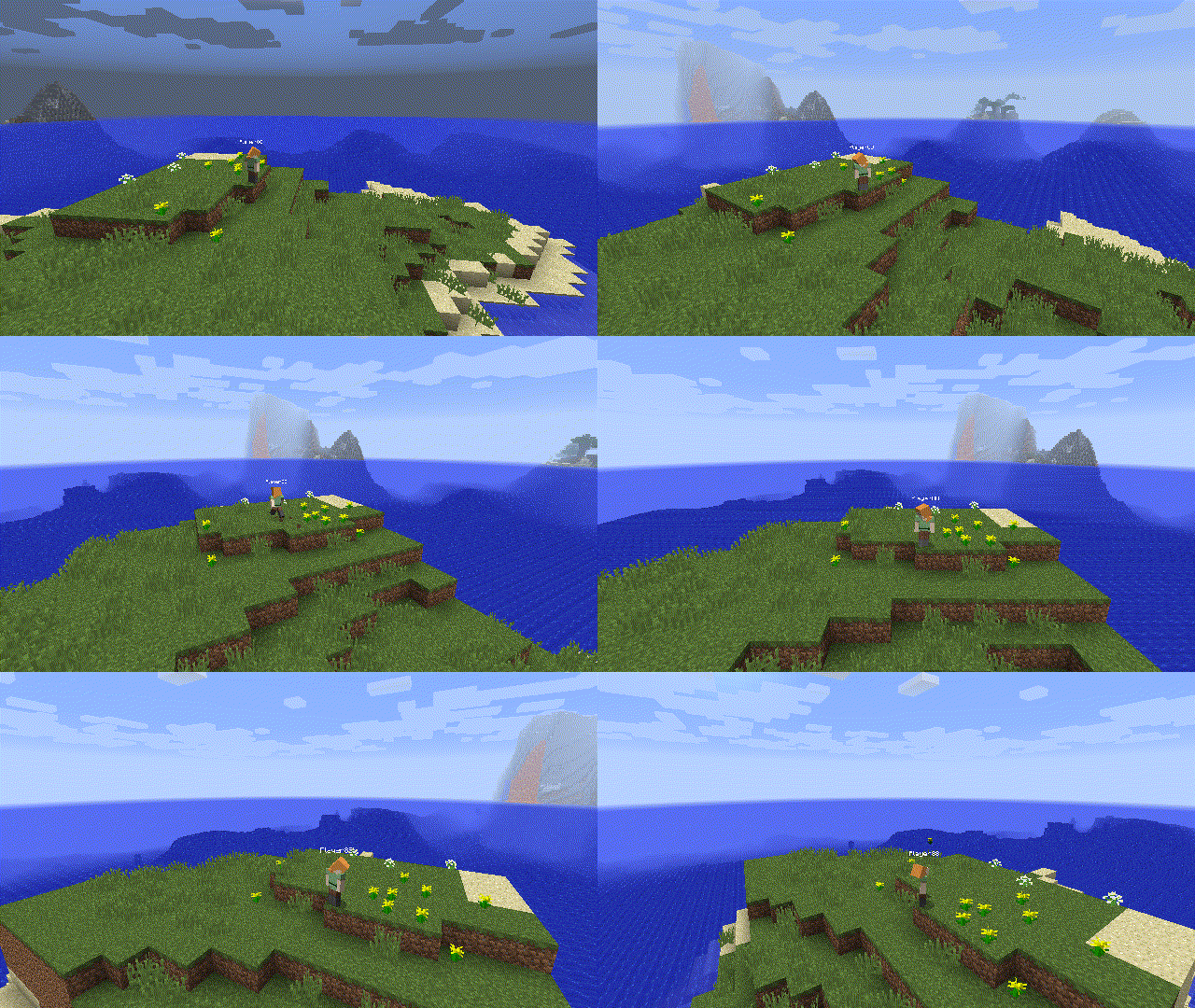
Small island with a single mob
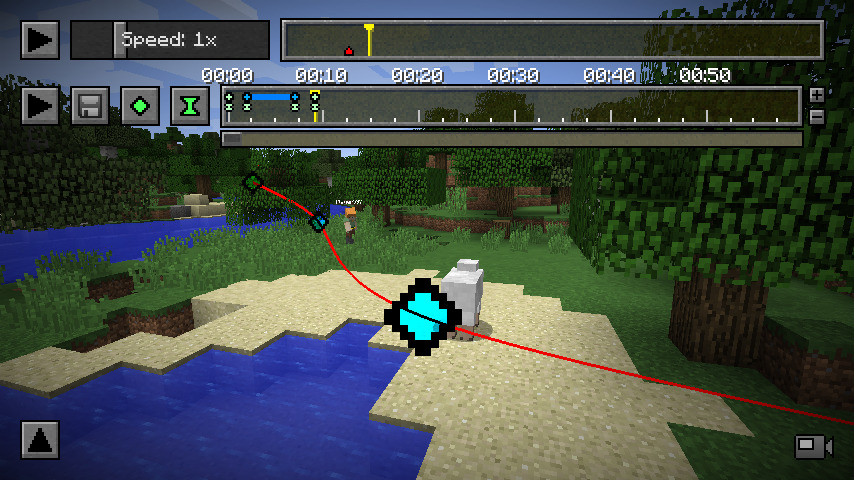
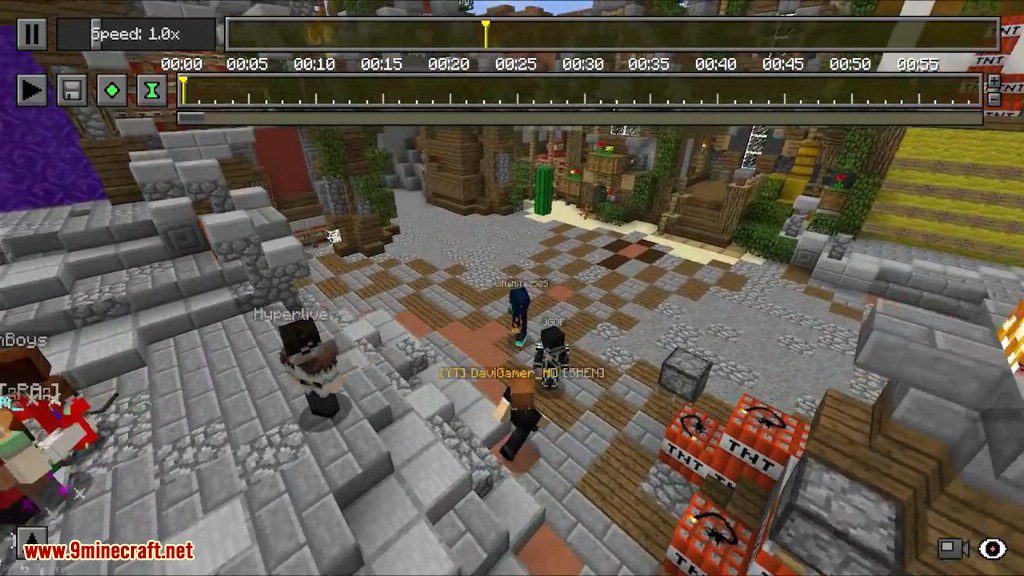
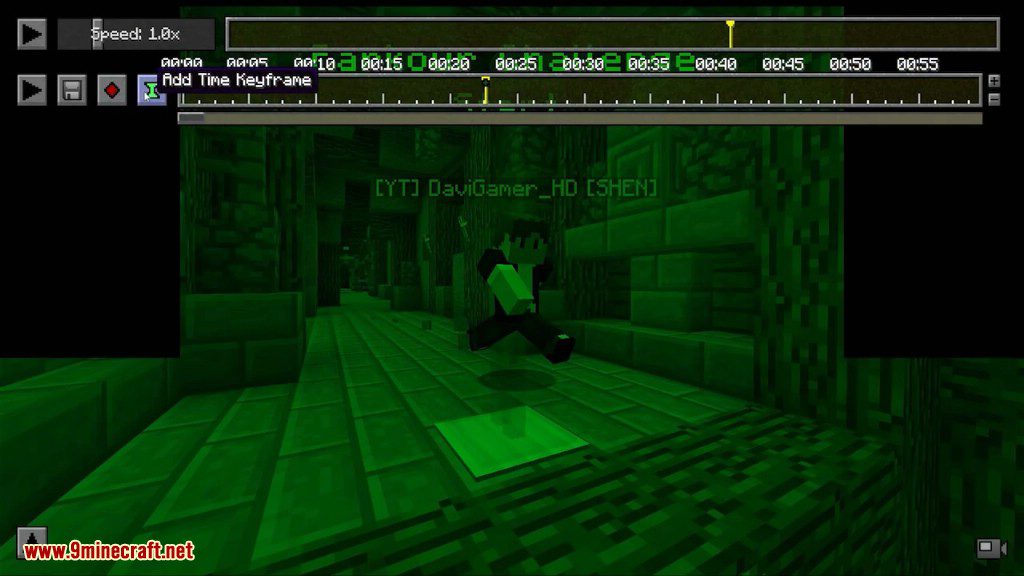
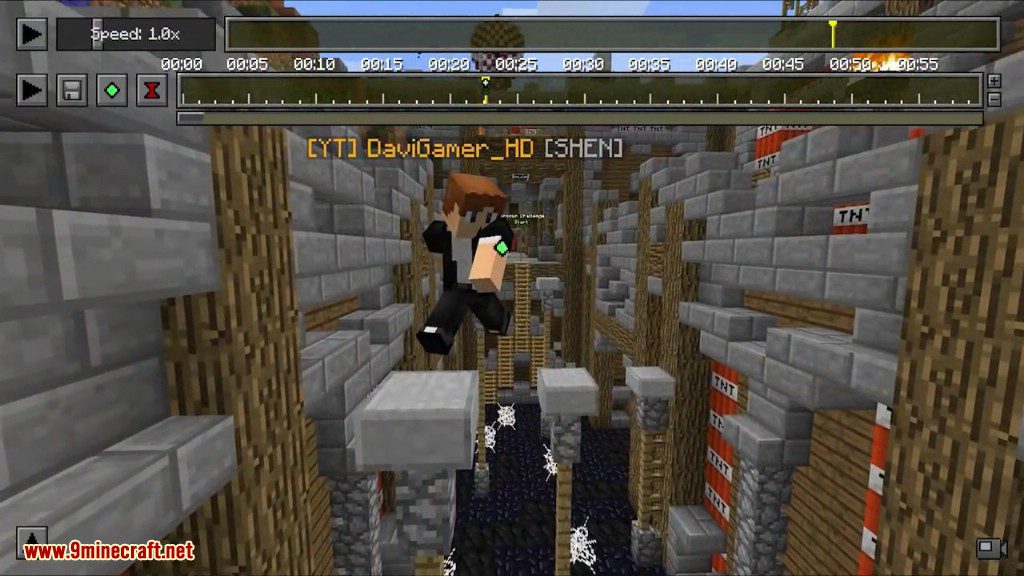
Minecraft mod GUI with timeline and speed controls
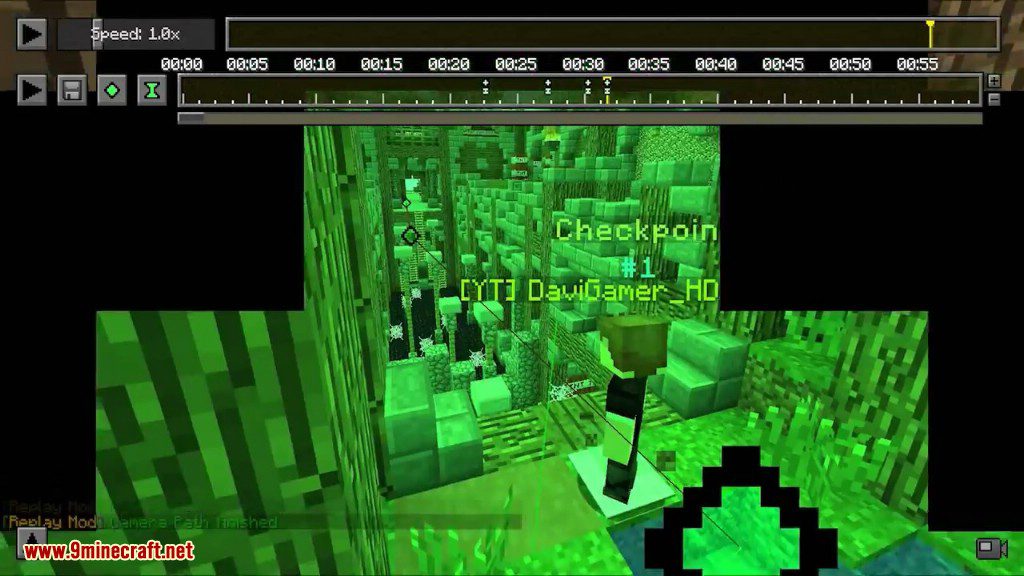
Camera path editing GUI in Minecraft
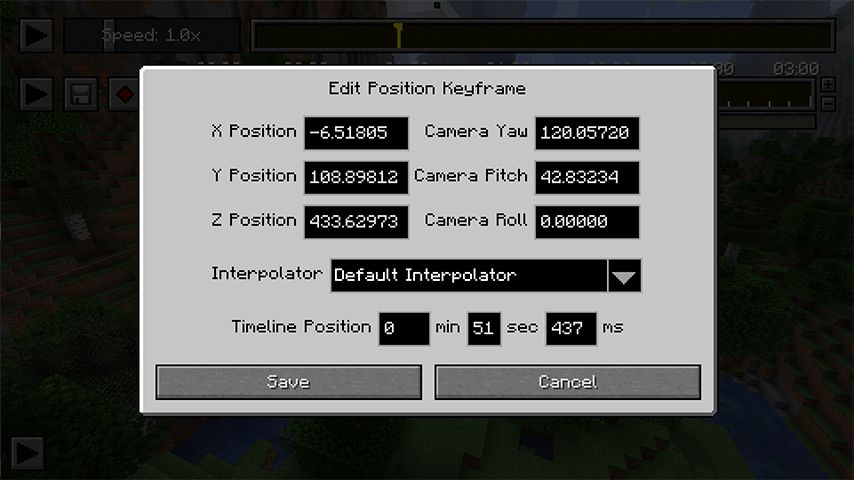
Edit Position Keyframe GUI for camera
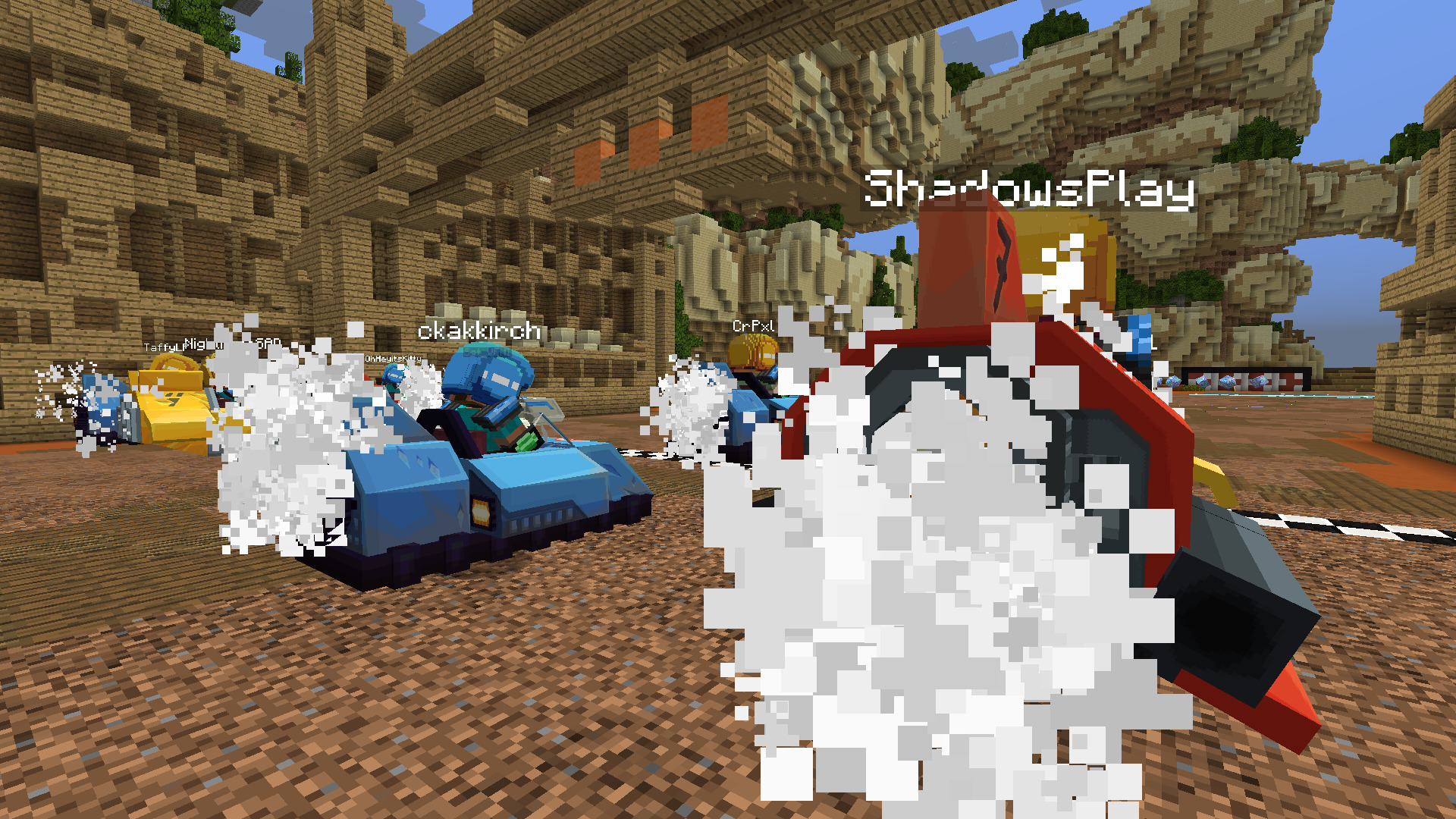
Players racing in custom vehicles
Player in a blue tank firing
Minecraft players racing in custom vehicles
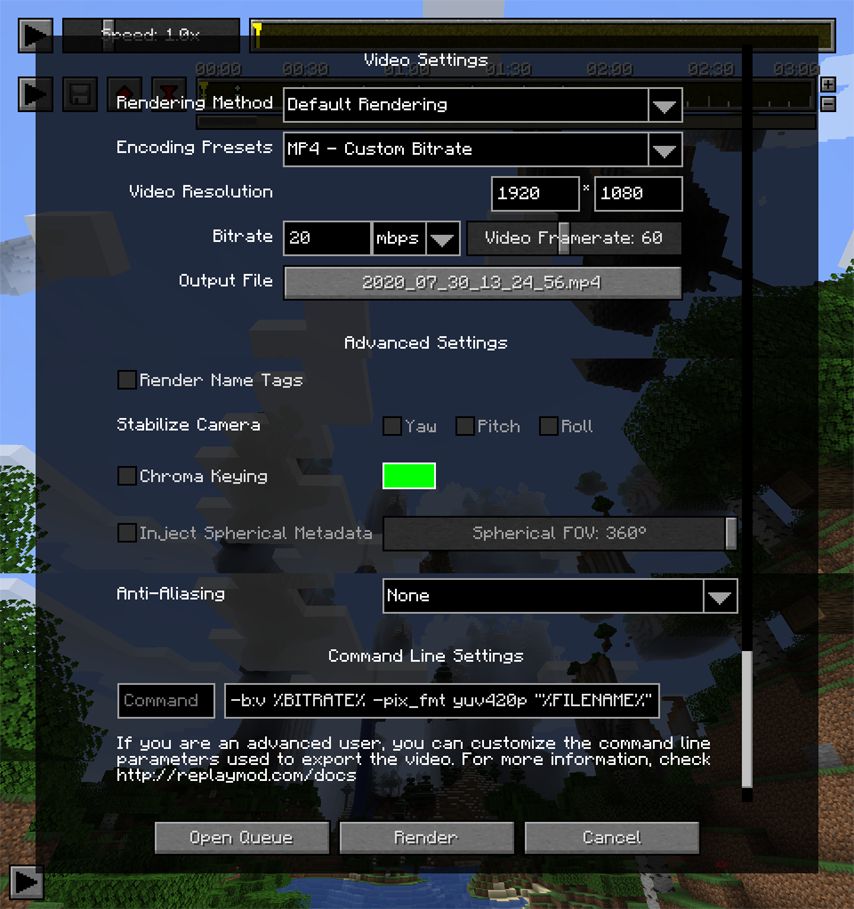
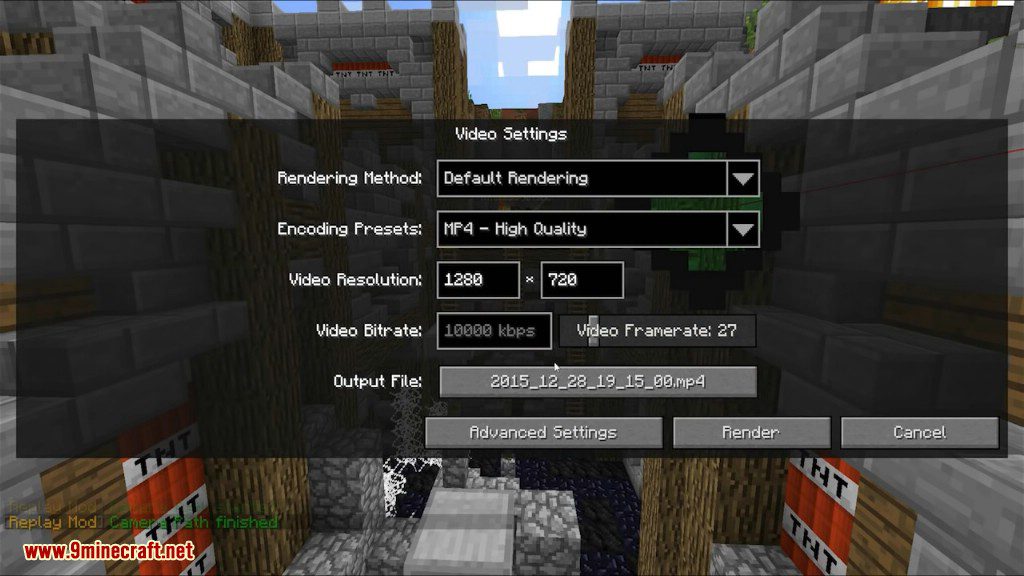
Replay Mod Video Settings GUI
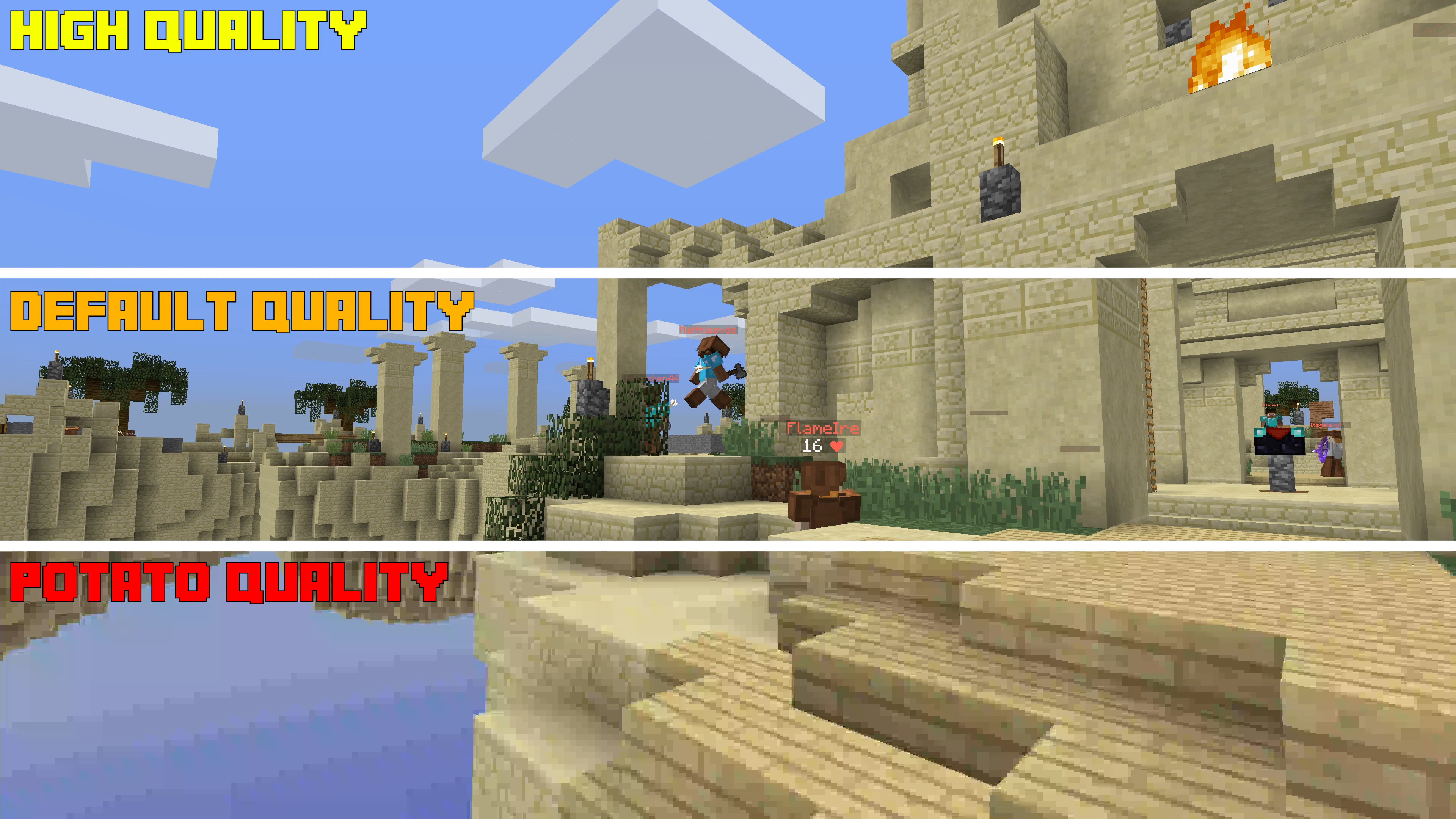
Minecraft quality settings comparison: High, Default, Potato
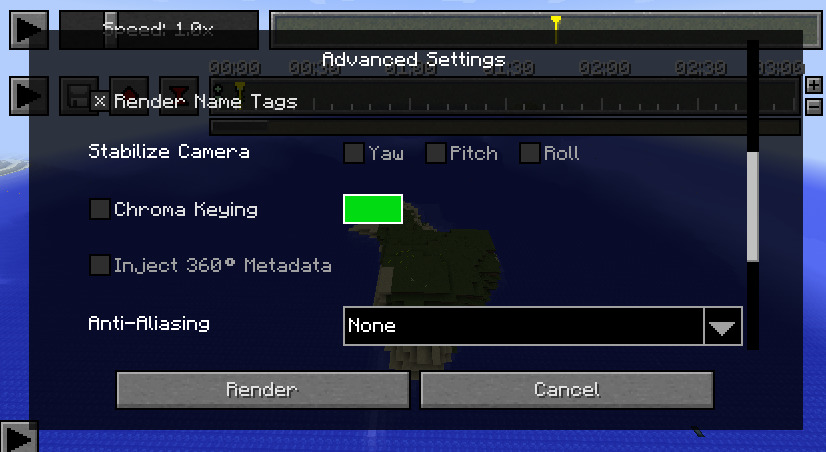
Advanced Settings GUI for rendering options
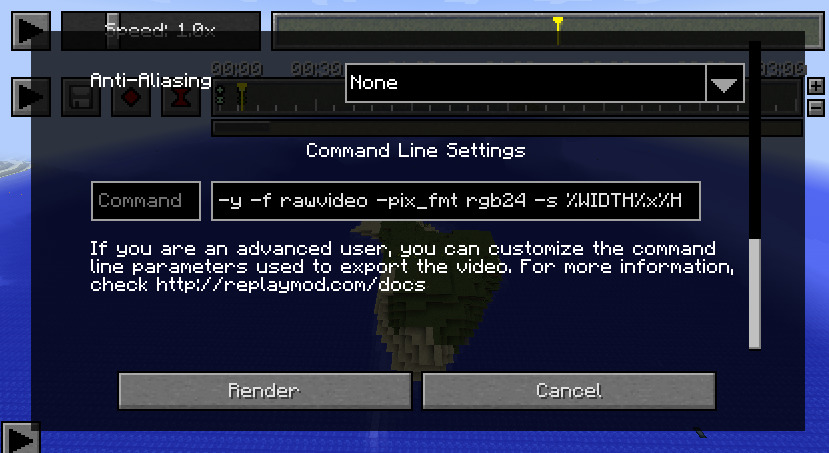
Replay Mod command line settings GUI
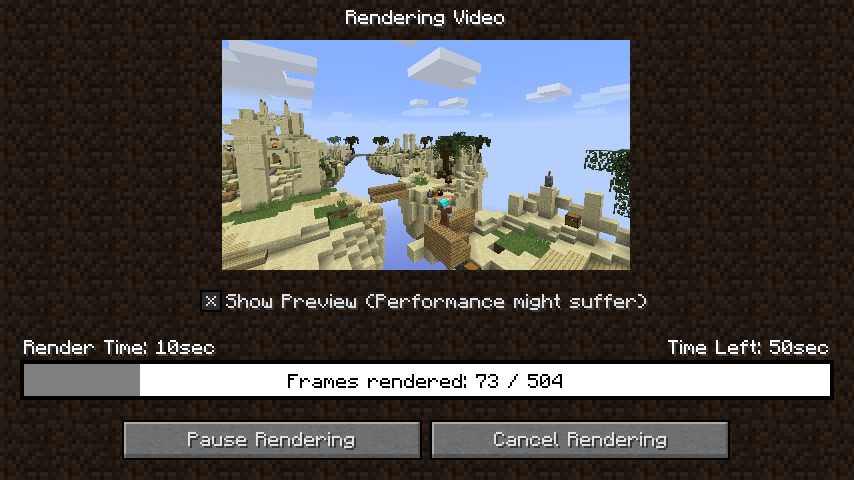
Rendering video in-game with preview
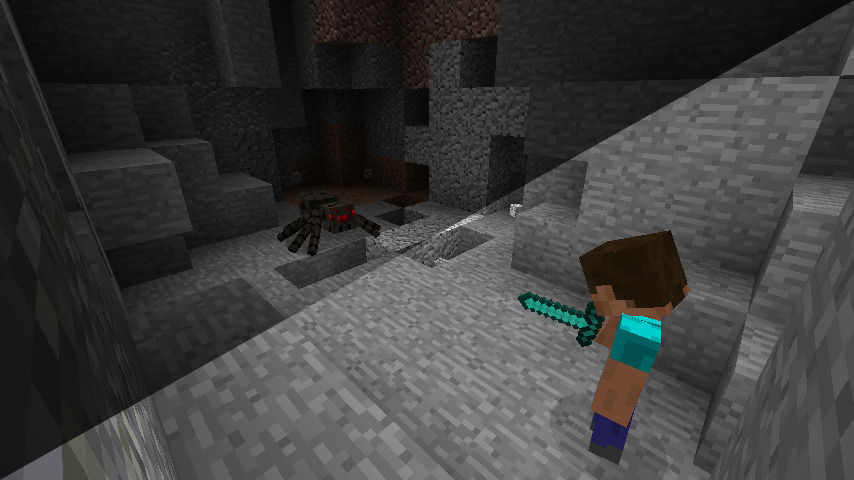
Player fighting a cave spider in a cave
A white pixelated egg with a swirl.
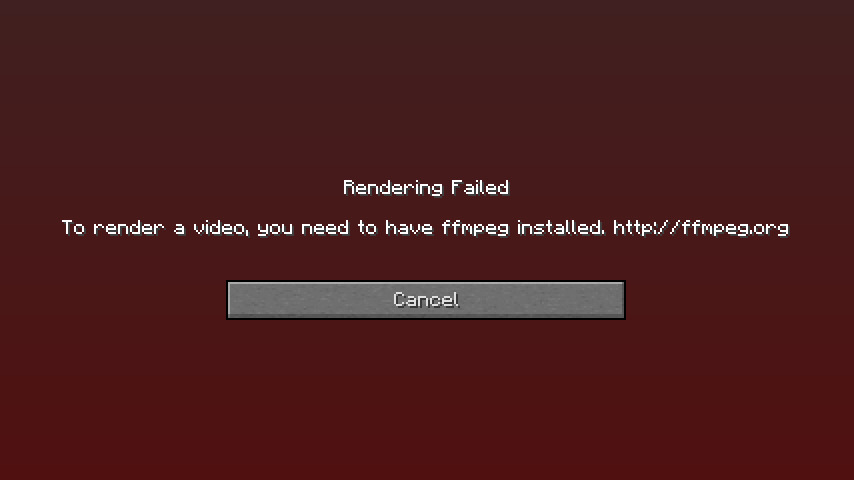
Rendering Failed error message in Minecraft
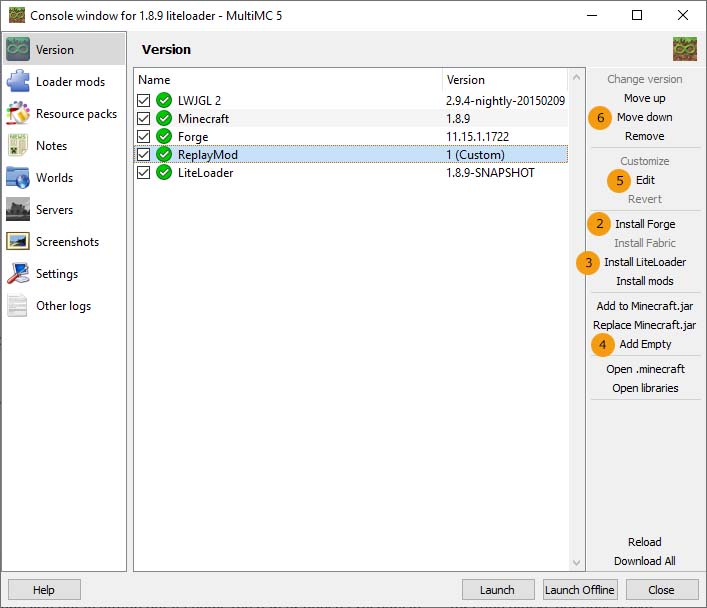
MultiMC 5 console window with ReplayMod

The Replay Mod is a game-changing tool for Minecraft content creators, allowing for the recording, reliving, and sharing of gameplay experiences. Unlike traditional screen recording software, the Replay Mod records the world data itself, enabling you to fly around a recorded scene in a spectator-like mode long after the session has ended. This allows for the creation of complex cinematic camera paths, time-lapses, and high-resolution renders that would be impossible to capture in real-time.

Key features include a lightweight recording format (averaging 10MB per hour), a built-in video editor with keyframe support, and advanced rendering options including 360-degree and stereoscopic 3D video. As a client-side mod, it does not need to be installed on servers to function, though it records all loaded chunks within the player's render distance.

Player in a world with red sky

Guides

Step-by-step, in-game.

Frequently asked questions

What does the ReplayMod do?

It records what happens around you in Minecraft and saves it to a file you can open later and fly through with a free camera. It also includes a built-in render tool that writes finished clips out as MP4 files.
Which Minecraft versions does ReplayMod support?
The Modrinth project page lists Minecraft versions 1.21.10, 1.21.11, 26.1, 26.1.1, 26.1.2 and 26.2.
Which mod loaders does ReplayMod run on?
It is available for both Fabric and Forge.
Does ReplayMod work on servers?
Yes, it records both single player worlds and time spent on servers, showing a small marker on screen while it runs.

See all 10 ReplayMod questions ›

Small stone structure in a grassy field
Minecraft mod GUI with speed control
Timeline GUI for animation or playback
Small island with a house near water
Small island with a single mob
Minecraft mod GUI with timeline and speed controls
Camera path editing GUI in Minecraft
Edit Position Keyframe GUI for camera
Players racing in custom vehicles
Player in a blue tank firing
Minecraft players racing in custom vehicles
Replay Mod Video Settings GUI
Minecraft quality settings comparison: High, Default, Potato
Advanced Settings GUI for rendering options
Replay Mod command line settings GUI
Rendering video in-game with preview
Player fighting a cave spider in a cave
A white pixelated egg with a swirl.
Rendering Failed error message in Minecraft
MultiMC 5 console window with ReplayMod

Dependencies

Other mods needed to run this one.

Fabric Networking V0 (required)Fabric Keybindings V0 (required)Fabric Resource Loader V0 (required)