

 DownloadPVP Optimizer Mod
Get the files on 9Minecraft
Guides
Step-by-step, in-game.
Compensate for High Ping with Mod SettingsHow High Ping Affects Combat When you have high ping, there's a noticeable delay between clicking to attack and the…Configure Crystal PvP Attack TimingCrystal Combat Mechanics Crystal PvP involves placing and destroying end crystals to damage opponents. The PVP…Optimize Axe Swing Response TimeWhy Axe Speed Matters Axes have a slower attack speed than swords by default in Minecraft, but the PVP Optimizer Mod…Reduce Attack Delay in Sword CombatUnderstanding Attack Speed The PVP Optimizer Mod reduces the visual and perceived delay between clicking to attack…
Frequently asked questions
How do I open the mod settings?
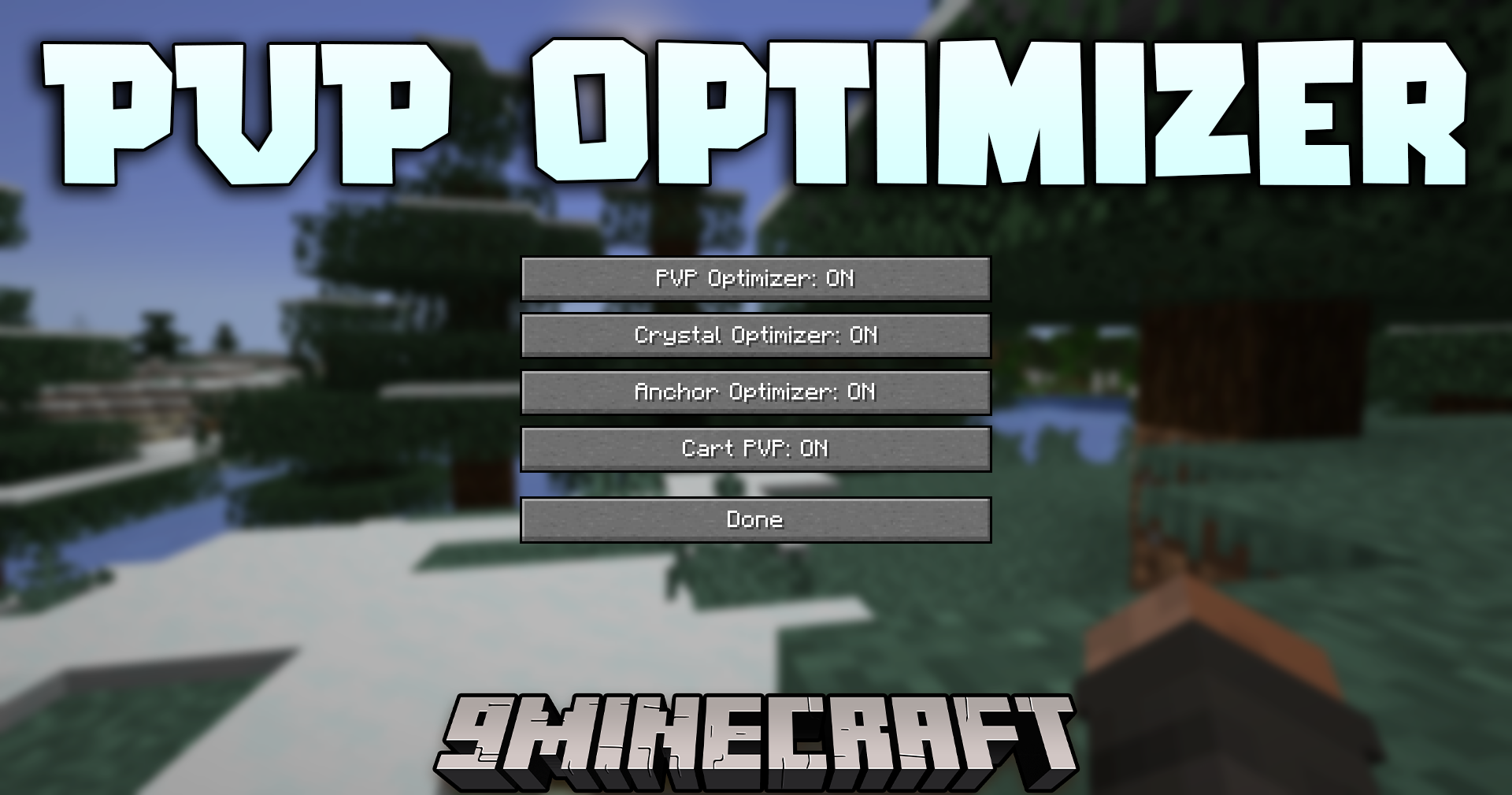
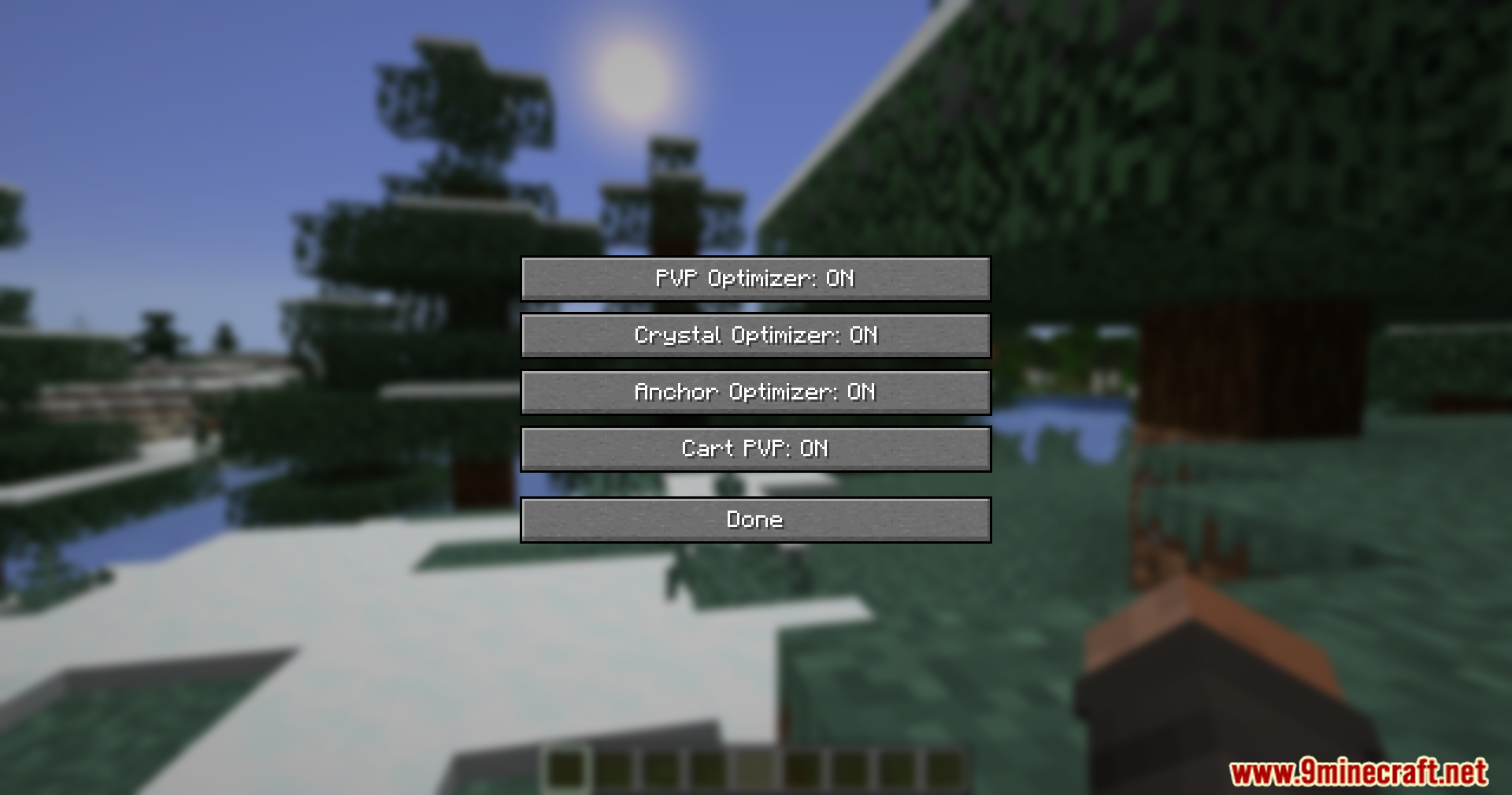
Open your in-game menu and look for the PVP Optimizer configuration option. From there you can adjust all combat timing settings to match your playstyle and ping conditions.
Does this mod work on multiplayer servers?
Yes, this is a client-side mod that runs only on your computer, so servers don't need to install it. Your optimized combat will work on any server you join.
Will this mod make me lag or slow down my game?
No, PVP Optimizer is designed to run lightly without impacting your frame rate or overall performance. It only affects the responsiveness of your combat actions.
What's the difference between sword and axe attack optimization?
Swords and axes have different swing speeds and cooldown mechanics, so the mod lets you configure each weapon type separately to feel snappier based on your preference.
See all 10 PVP Optimizer questions ›
Gallery
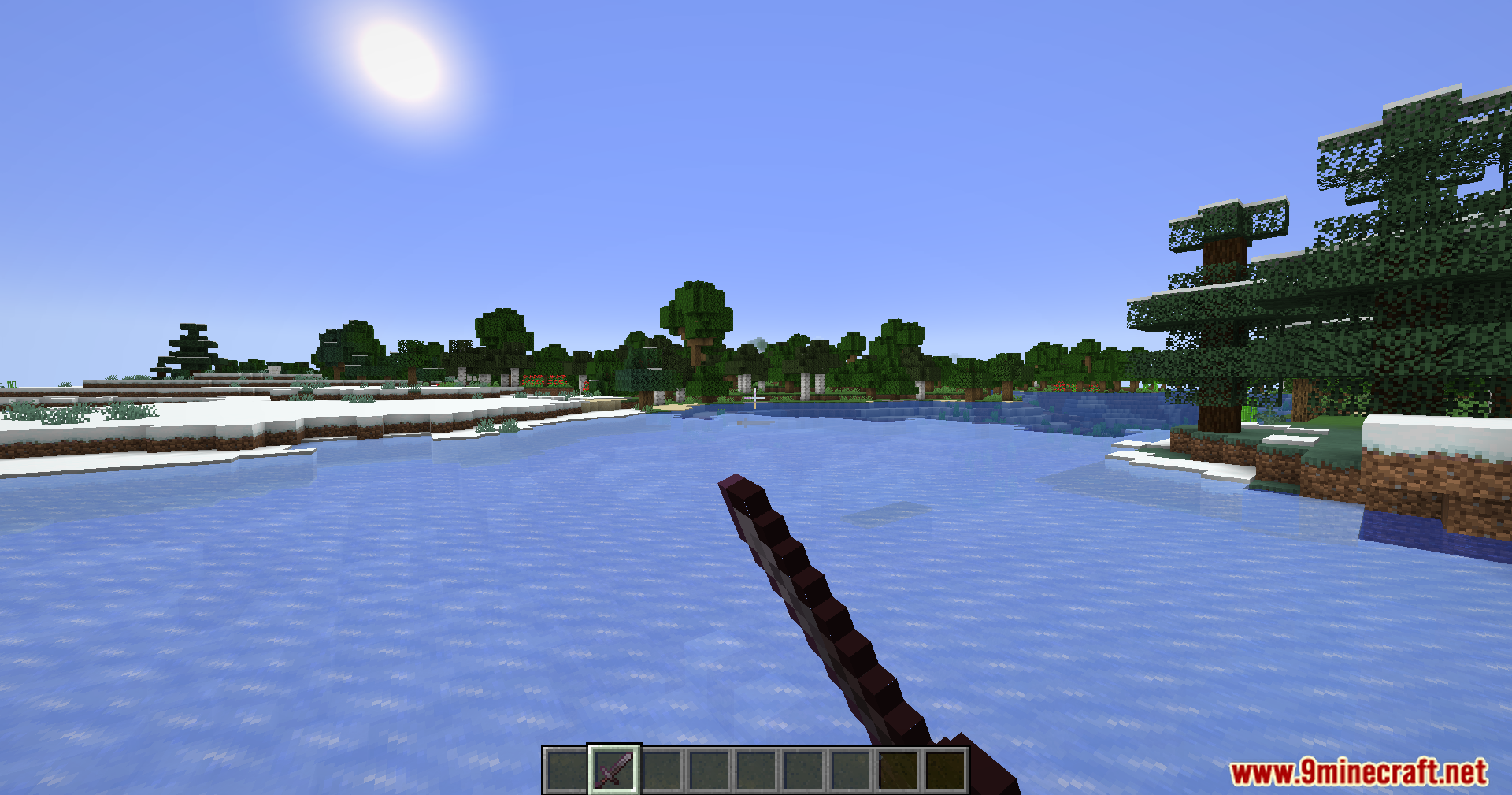
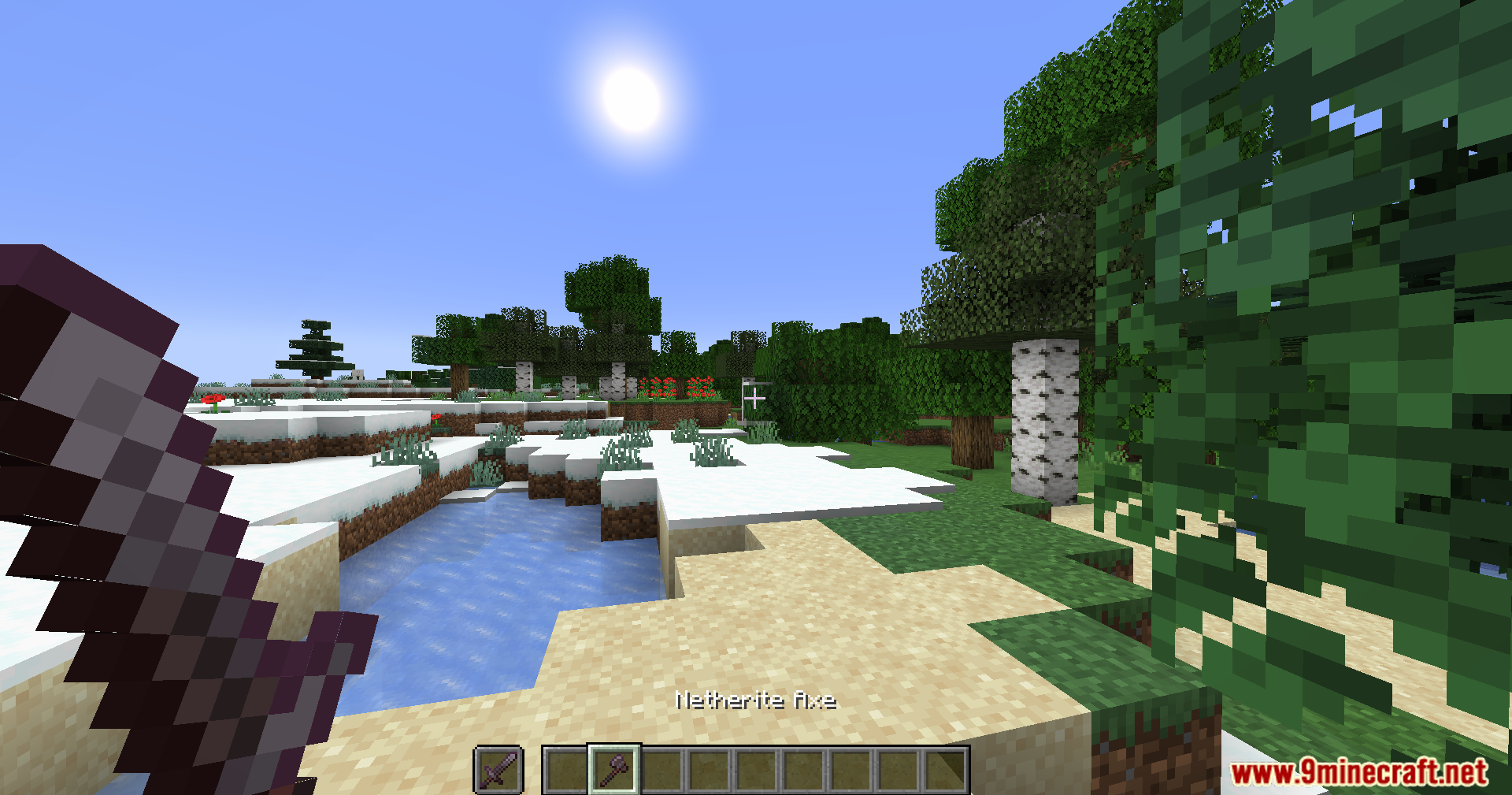
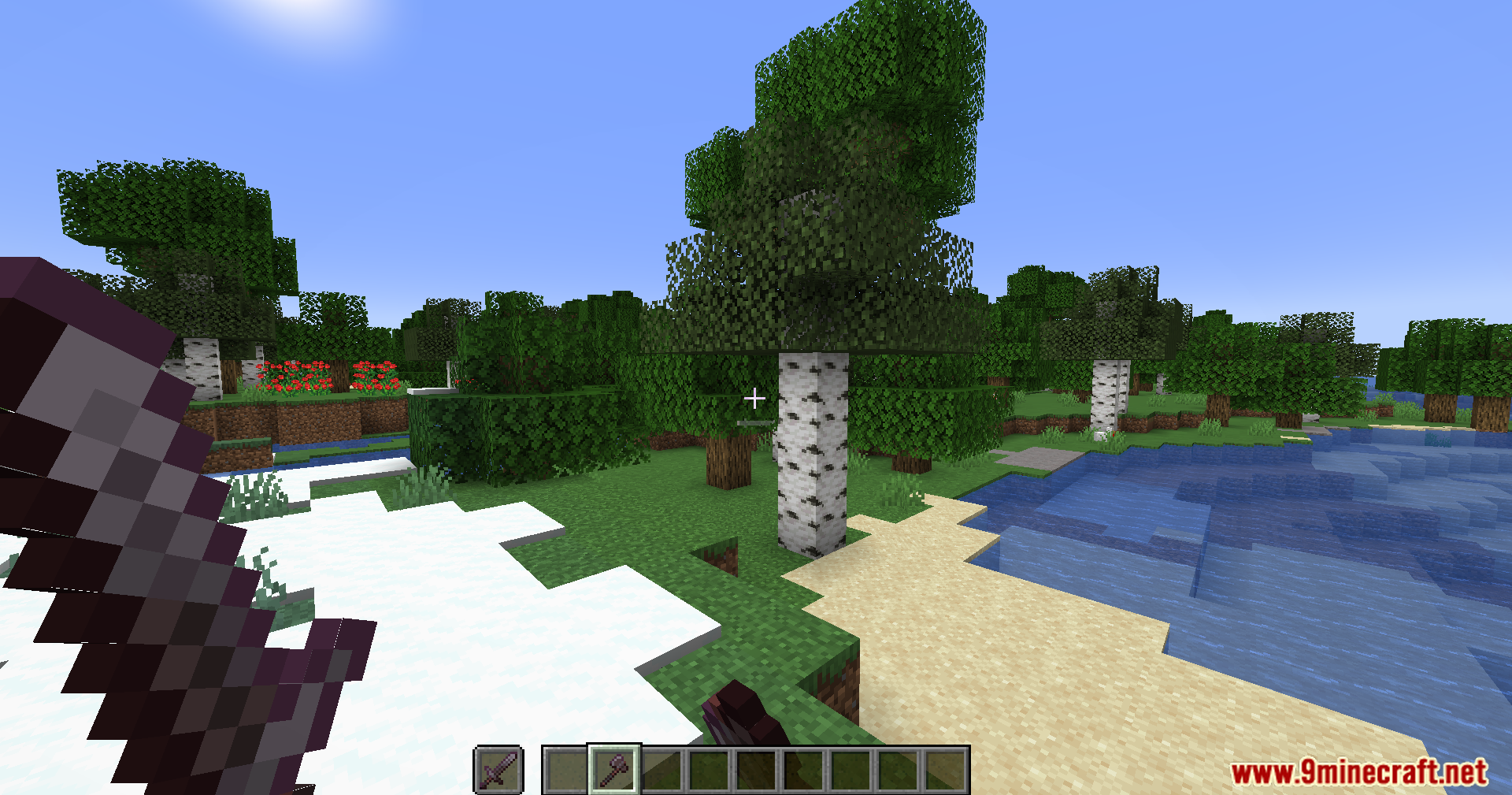
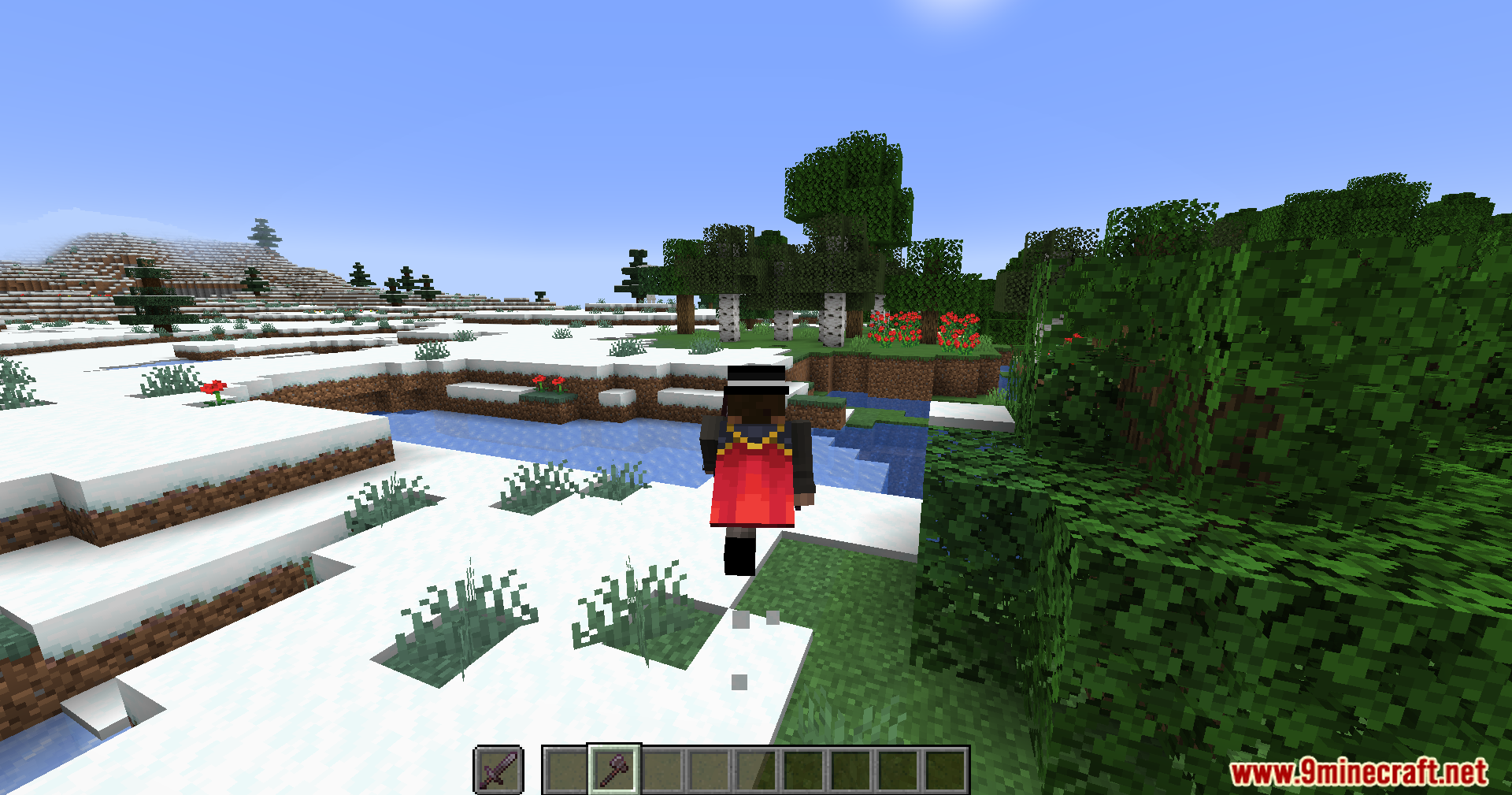
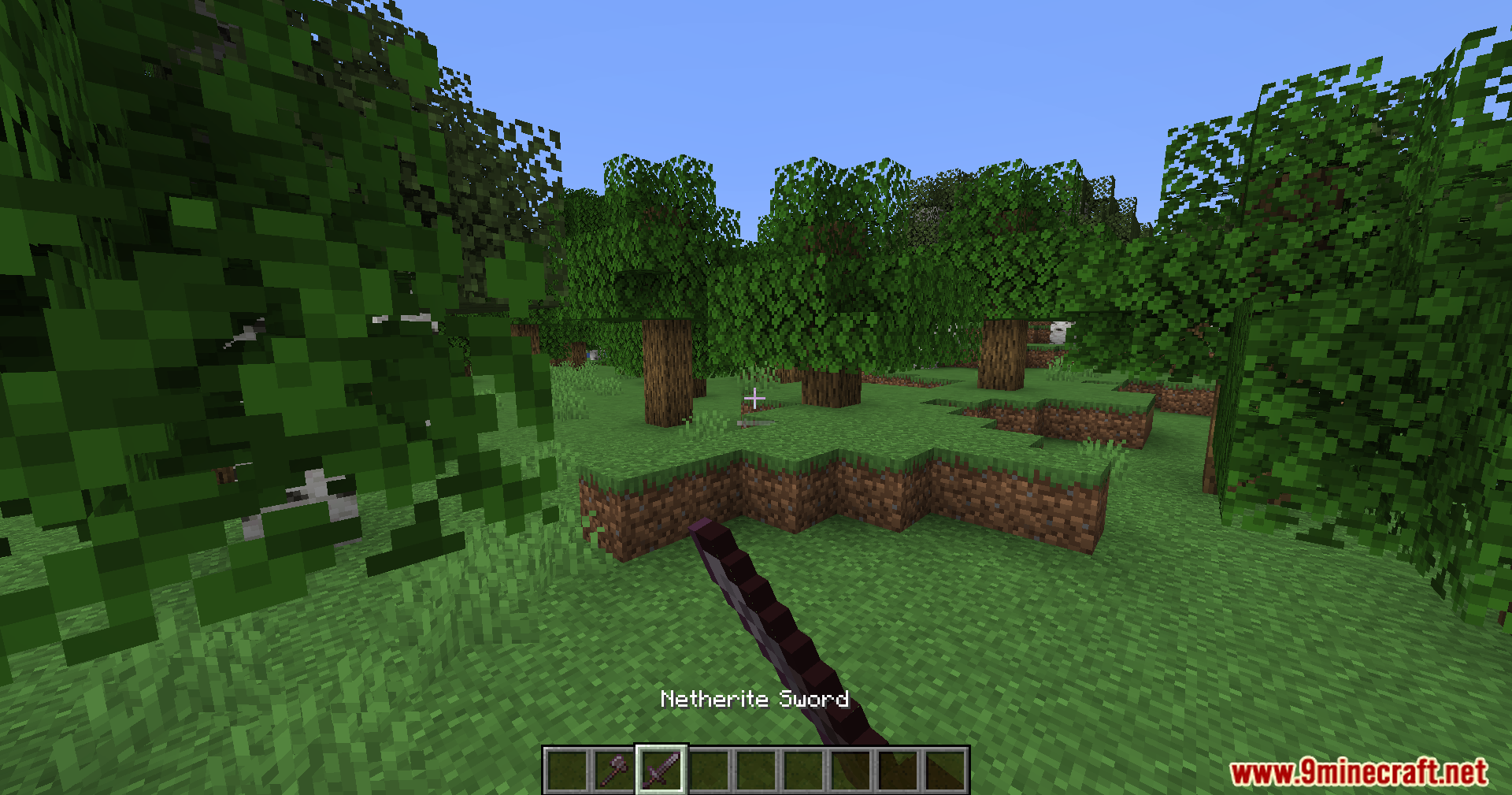
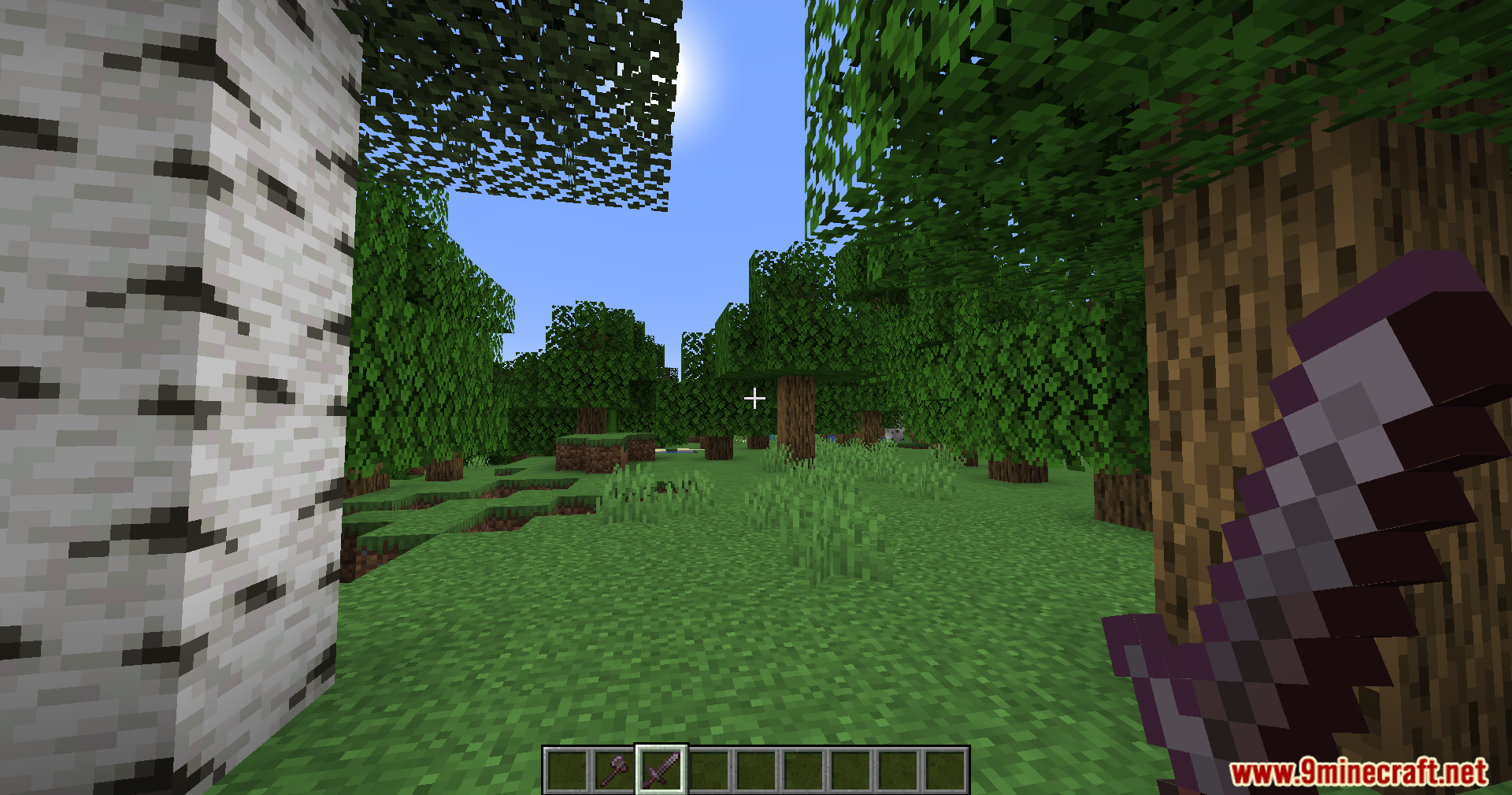
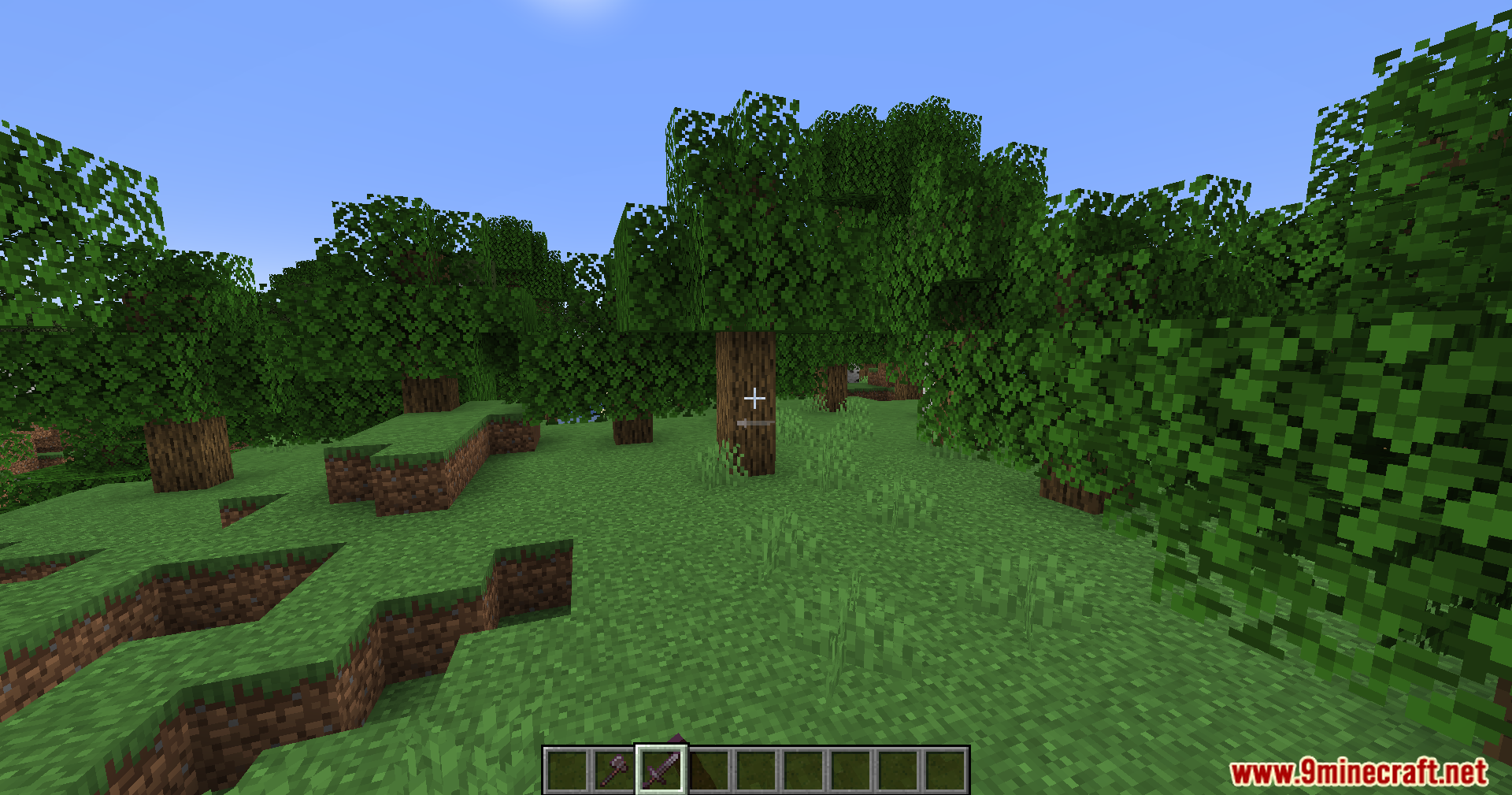
11 images from the Pvp Optimizer Mod page.
You May Also Like
Wikis that share the most with this one
More mod wikis on the site
The most downloaded mods that have a wiki here
A few wikis from each of the other kinds