

 DownloadProvince Prime Mod
Get the files on 9Minecraft
Guides
Step-by-step, in-game.
Compare Trade Market Item Prices and Stats Side-by-SideSetting Up Item Comparison The Province Prime Mod lets you pin multiple item tooltips while browsing the Trade…Create and Manage Waypoints Across the MapOpening the Waypoint Manager Access your waypoint system using /WynnExtras waypoints to open the dedicated management…Hide Players in Crowded AreasToggling Player Hider The player hider feature removes other players from your view within a configurable block…Search and Organize Items Across All Bank PagesUsing the Custom Bank Overlay The Province Prime Mod replaces your default bank interface with a searchable storage…
Frequently asked questions
How do I open the custom bank overlay?
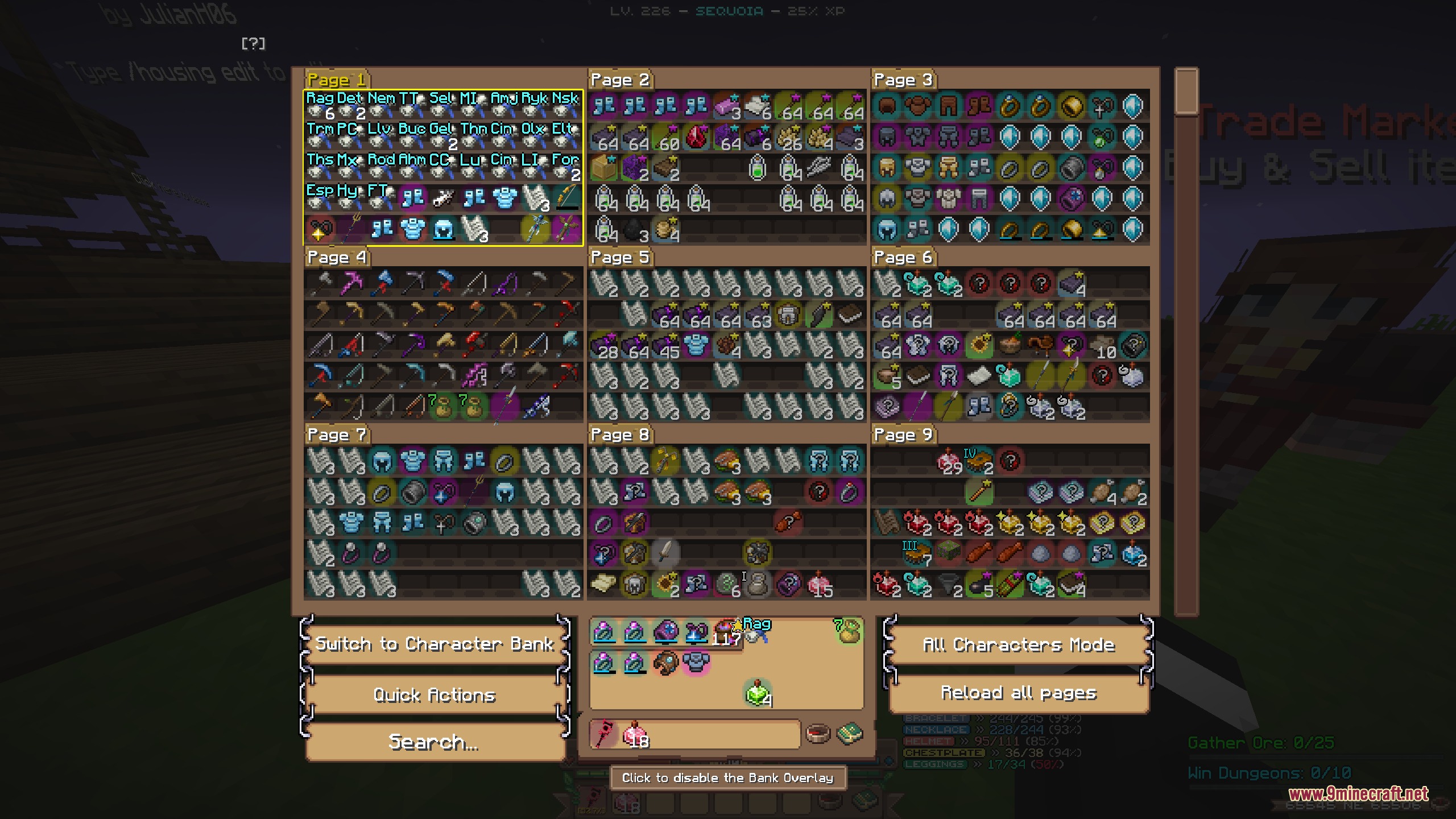
Open your bank normally through the in-game menu—the mod automatically replaces the default bank interface with the custom overlay. You'll see searchable tabs and categorized storage pages right away.
Can I search for items across multiple characters' banks at once?
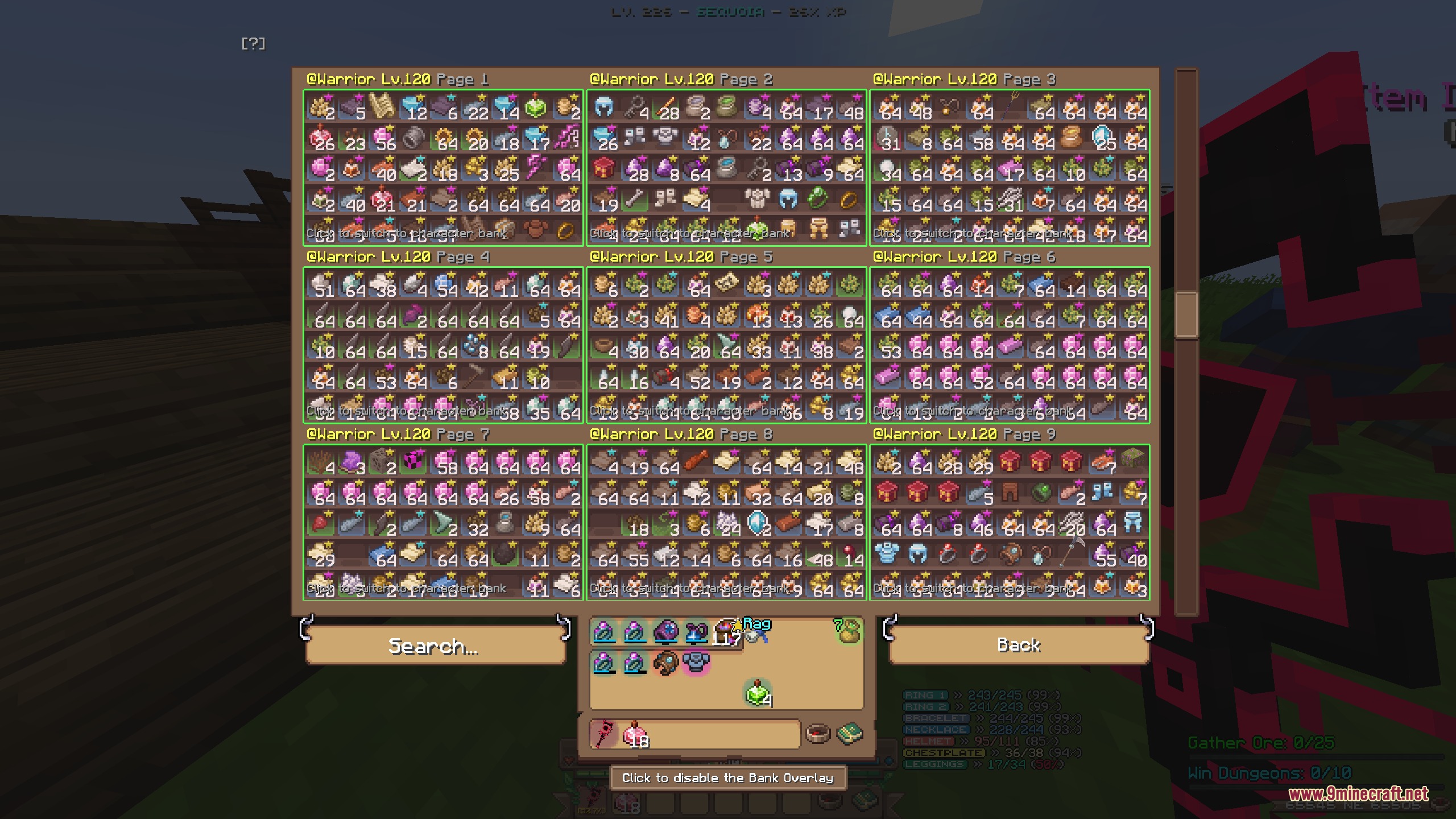
Yes, the custom storage overlay searches through all your character bank pages simultaneously. Type the item name in the search box and it will display results from every page.
What's the difference between /pv and /gv commands?
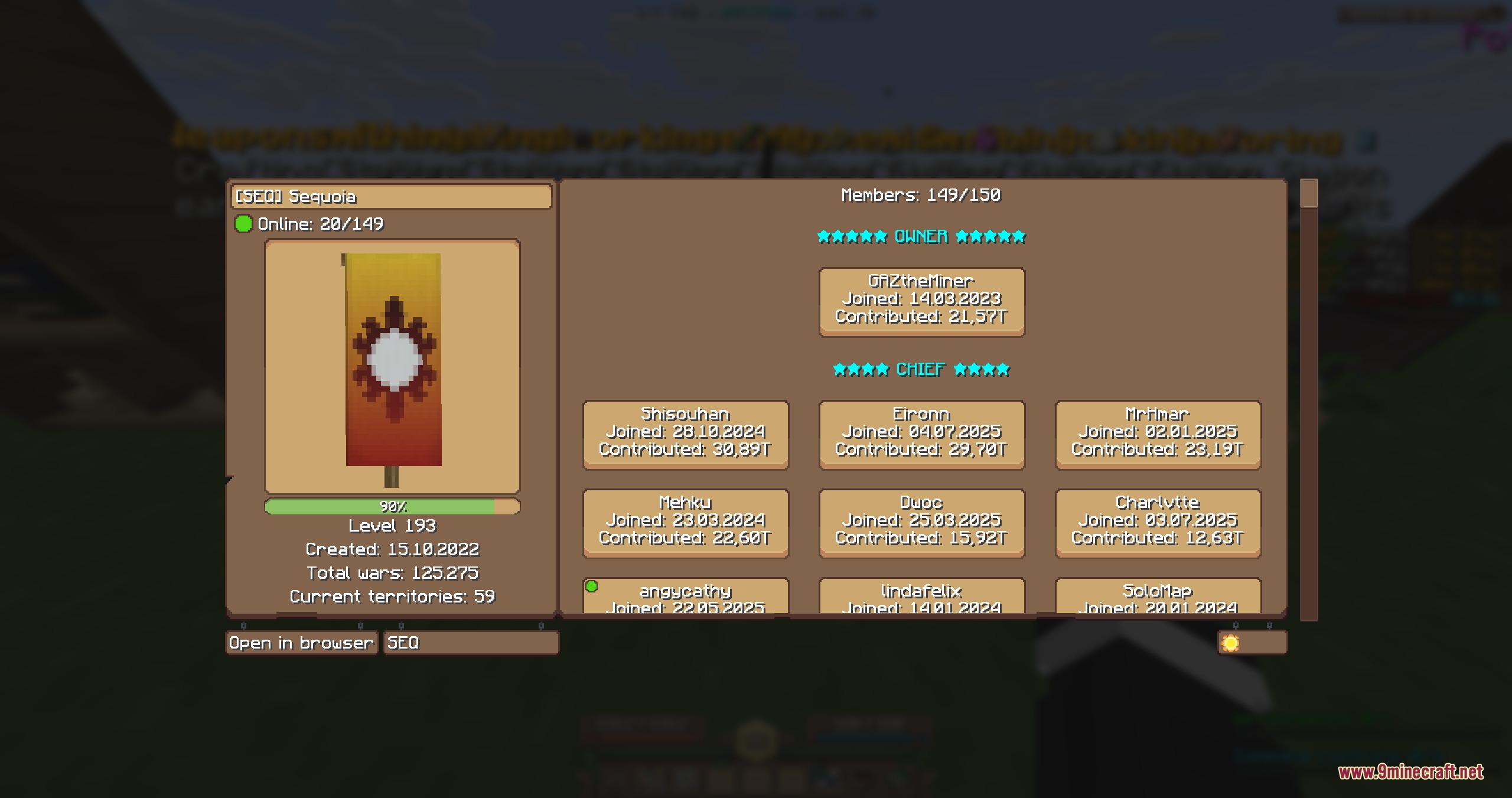
/pv opens a player or character profile viewer showing individual stats and gear, while /gv opens the guild viewer to see guild-wide statistics and member lists. Use /pv for players and /gv for guilds.
How do I set up waypoints and what colors can I use?
Use /WynnExtras waypoints to open the management menu, then /WynnExtras waypoints add to place a marker at your current location. You can assign custom colors to categories for organization, and waypoints display distance indicators.
See all 10 Province Prime questions ›
Gallery
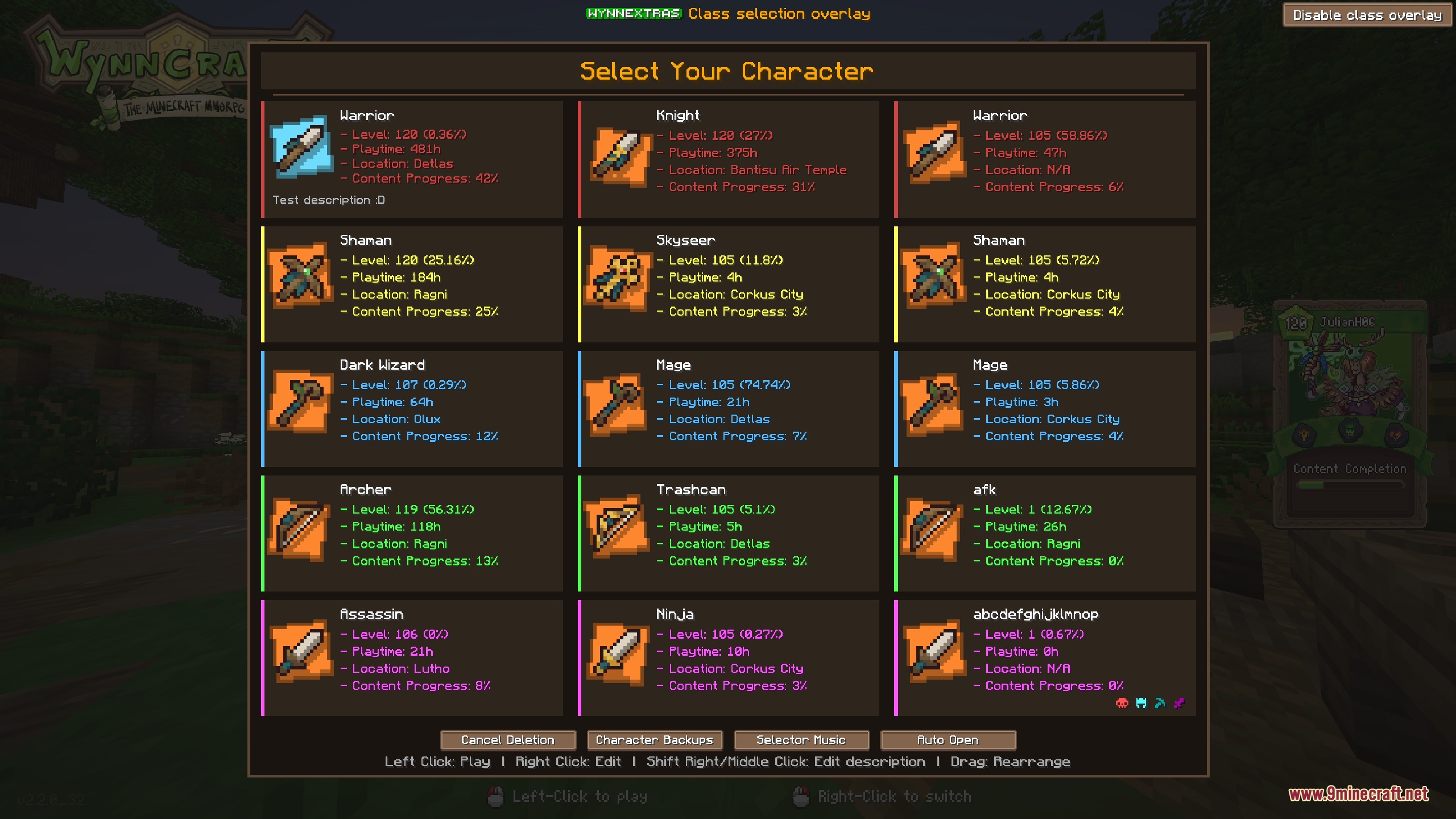
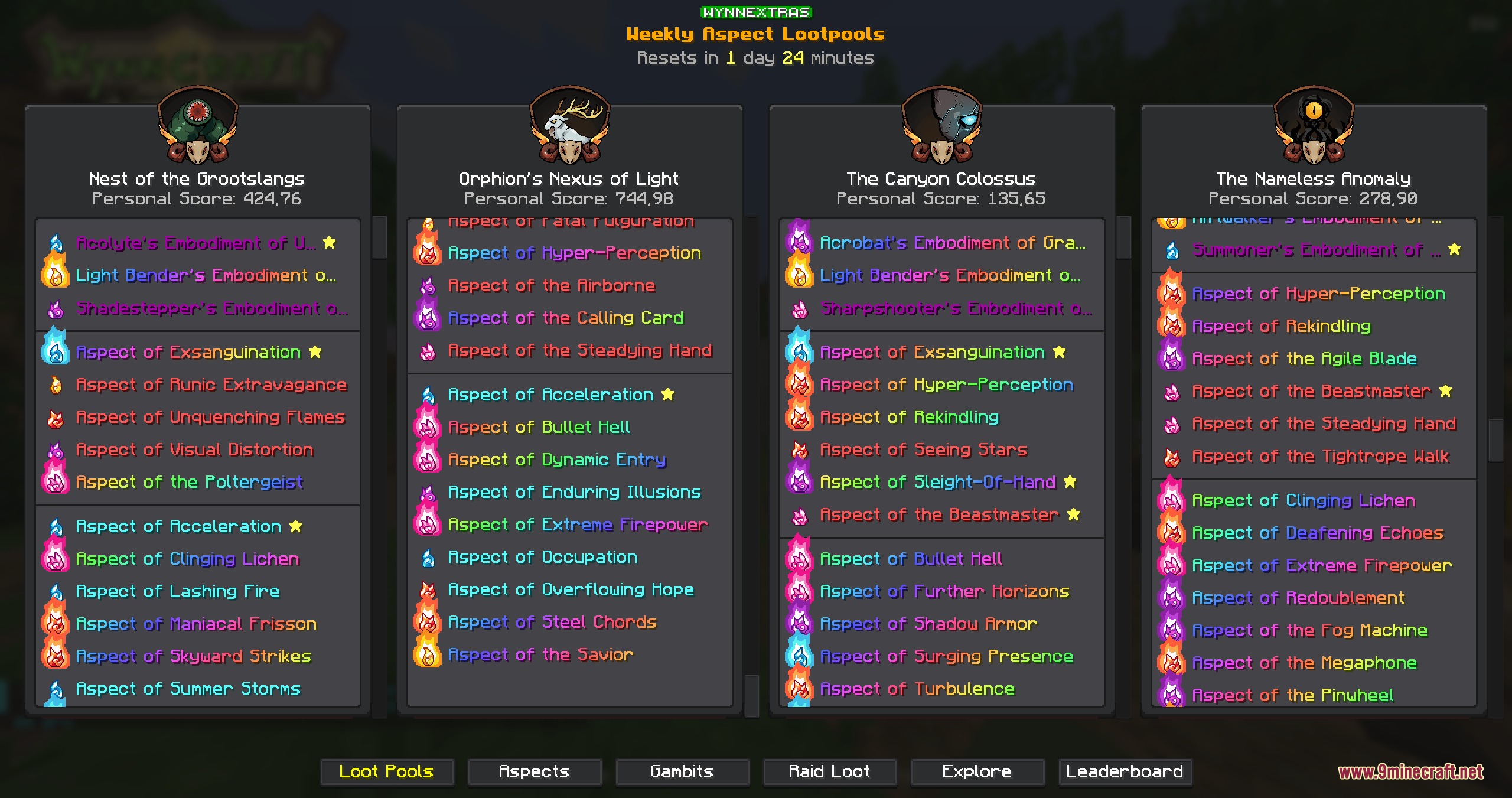
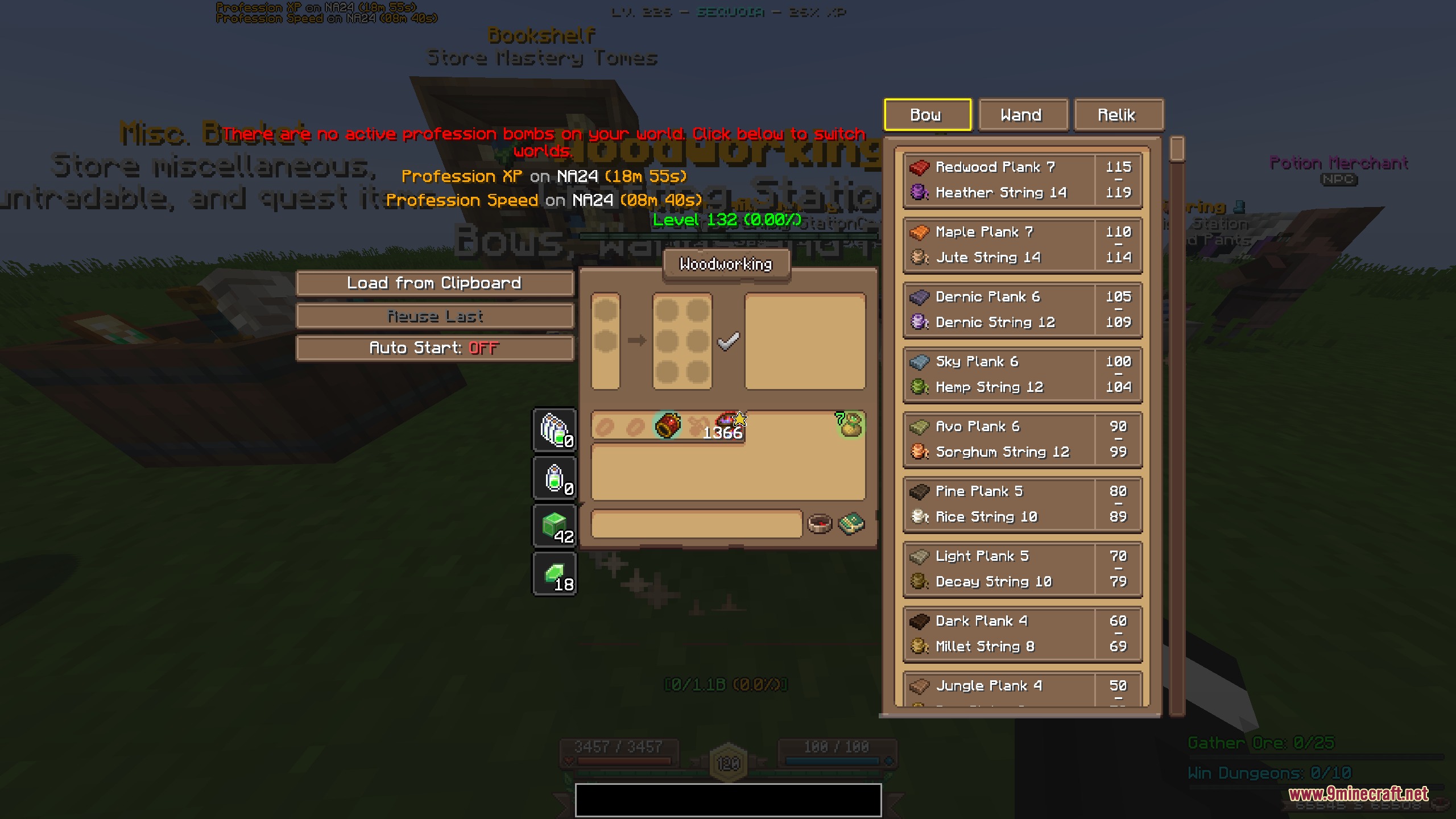
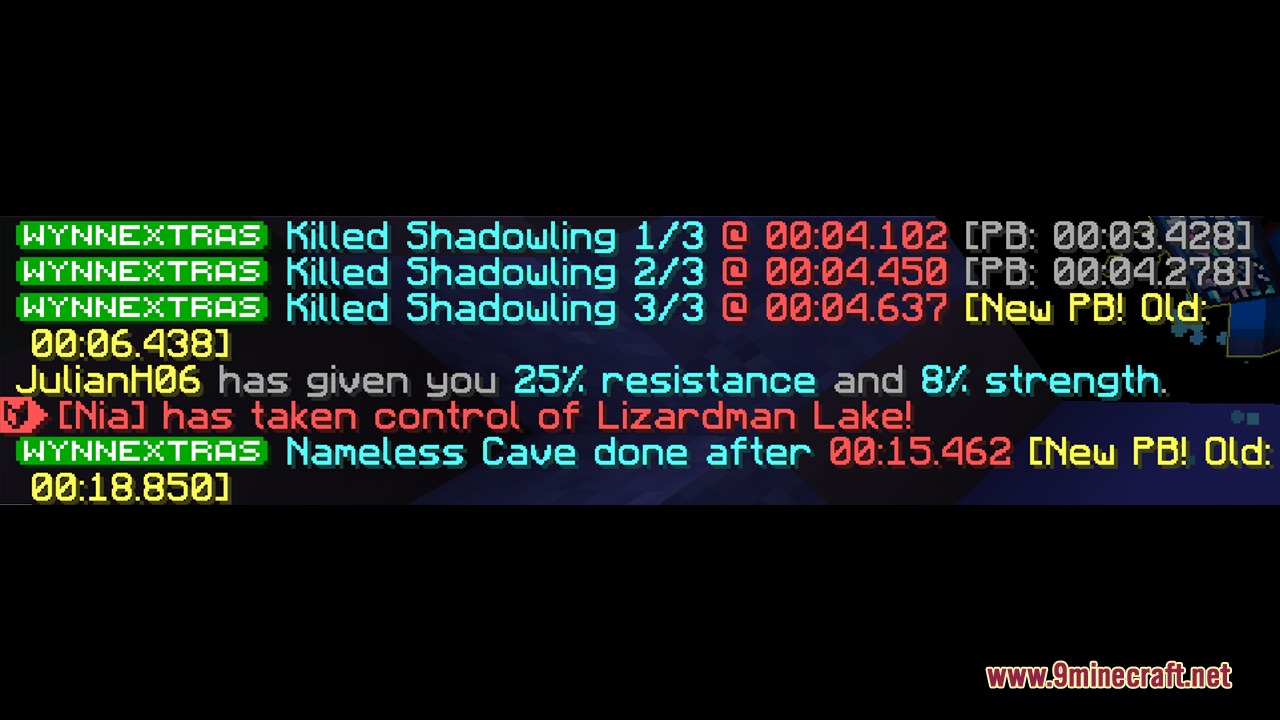
9 images from the Province Prime Mod page.

You May Also Like
Wikis that share the most with this one
Wikis on the same theme: world
More mod wikis on the site
The most downloaded mods that have a wiki here
A few wikis from each of the other kinds