

 DownloadPottery Mod
Get the files on 9Minecraft
Guides
Step-by-step, in-game.
Add Patterns to Pots Using SherdsUnderstanding Sherds Sherds are decorative items that add visual patterns to your pots. They work independently of…Choose the Right Pot Variant for Your BuildUnderstanding Pot Variants The Pottery Mod includes five different pot variants, each with distinct shapes and…Create and Customize Your First PotCrafting a Basic Pot Gather the materials needed for the crafting recipe: clay blocks, a crafting table, and any dye…Remove or Change Pot ColorsResetting Pot Color If you want to remove the dye from a colored pot and return it to its uncolored state, you'll…
Frequently asked questions
How do I make my first pot?
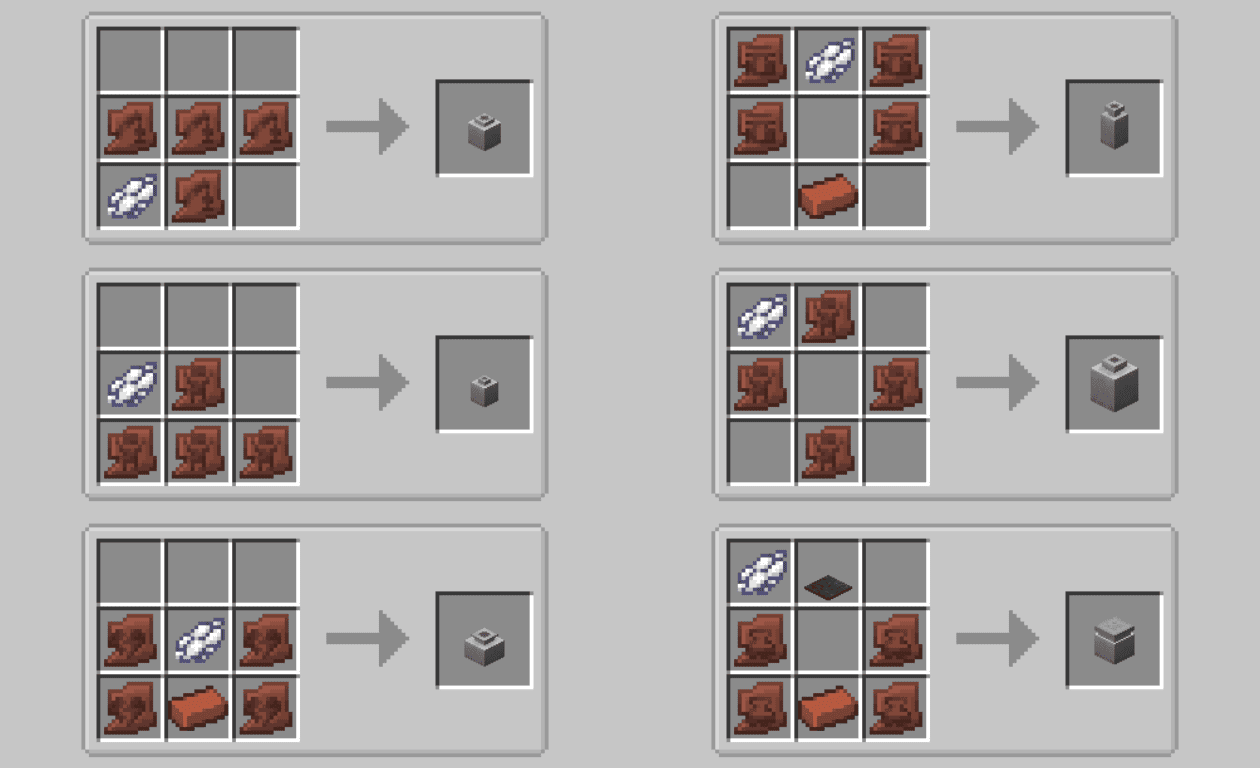
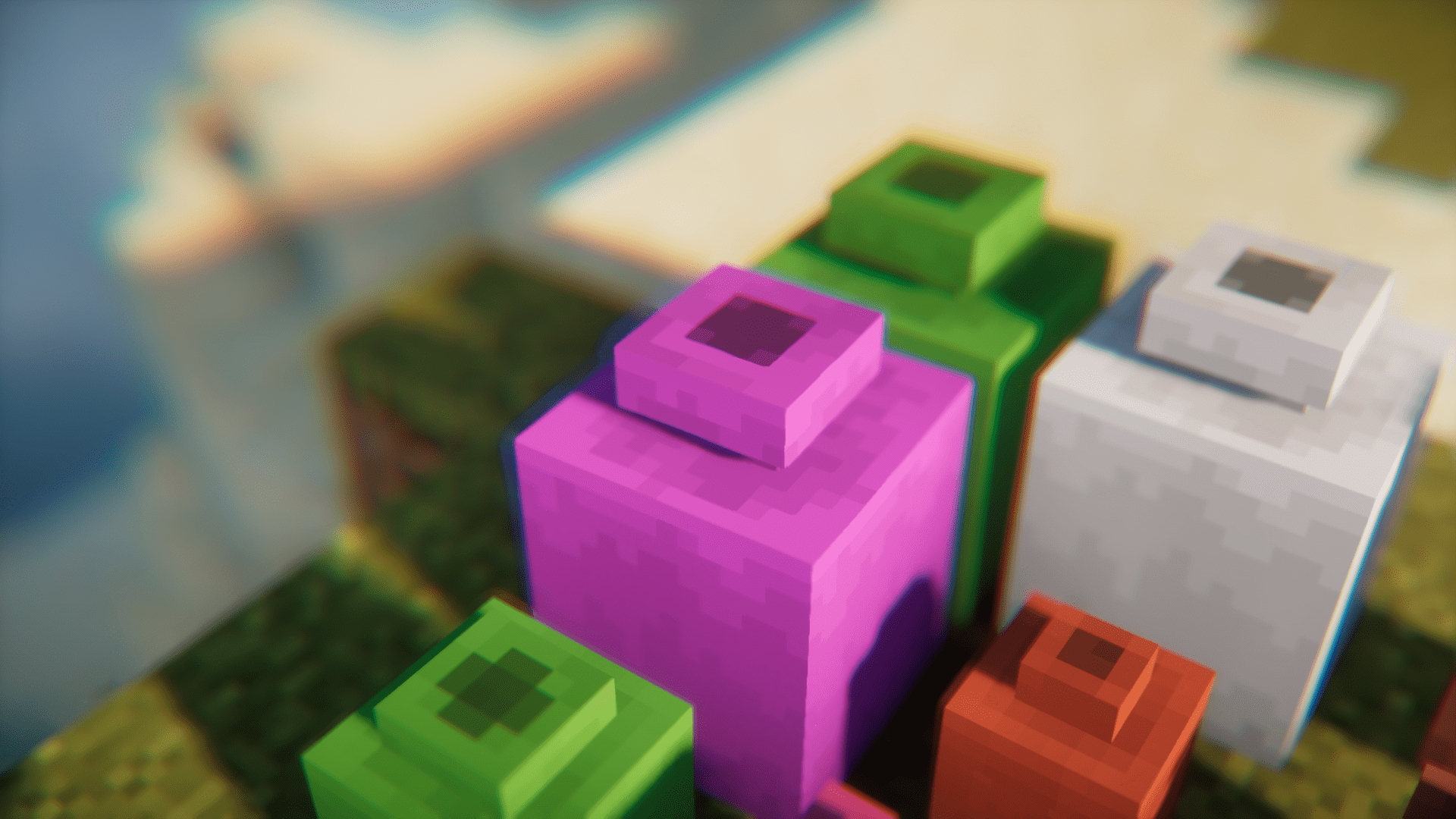
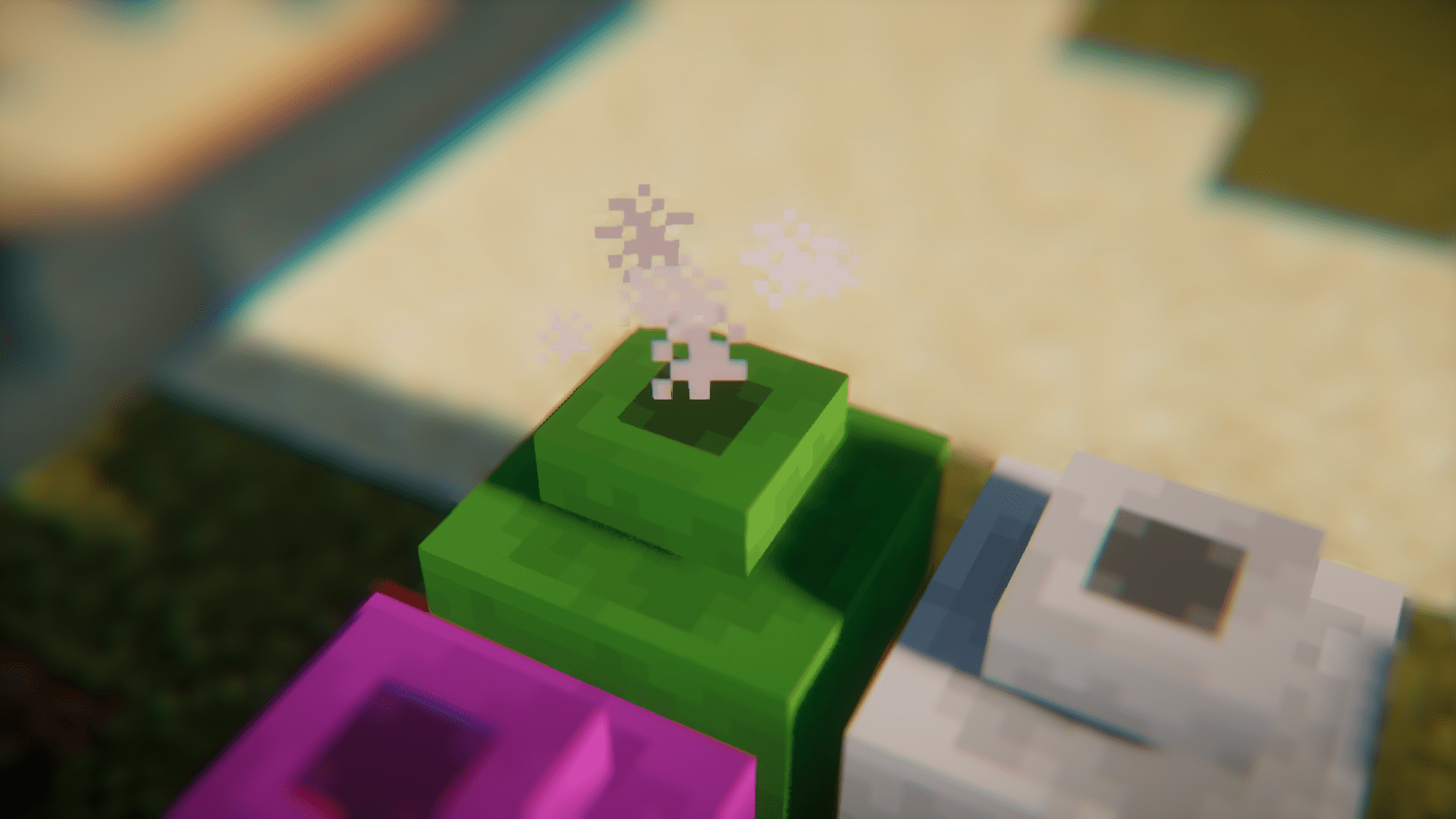
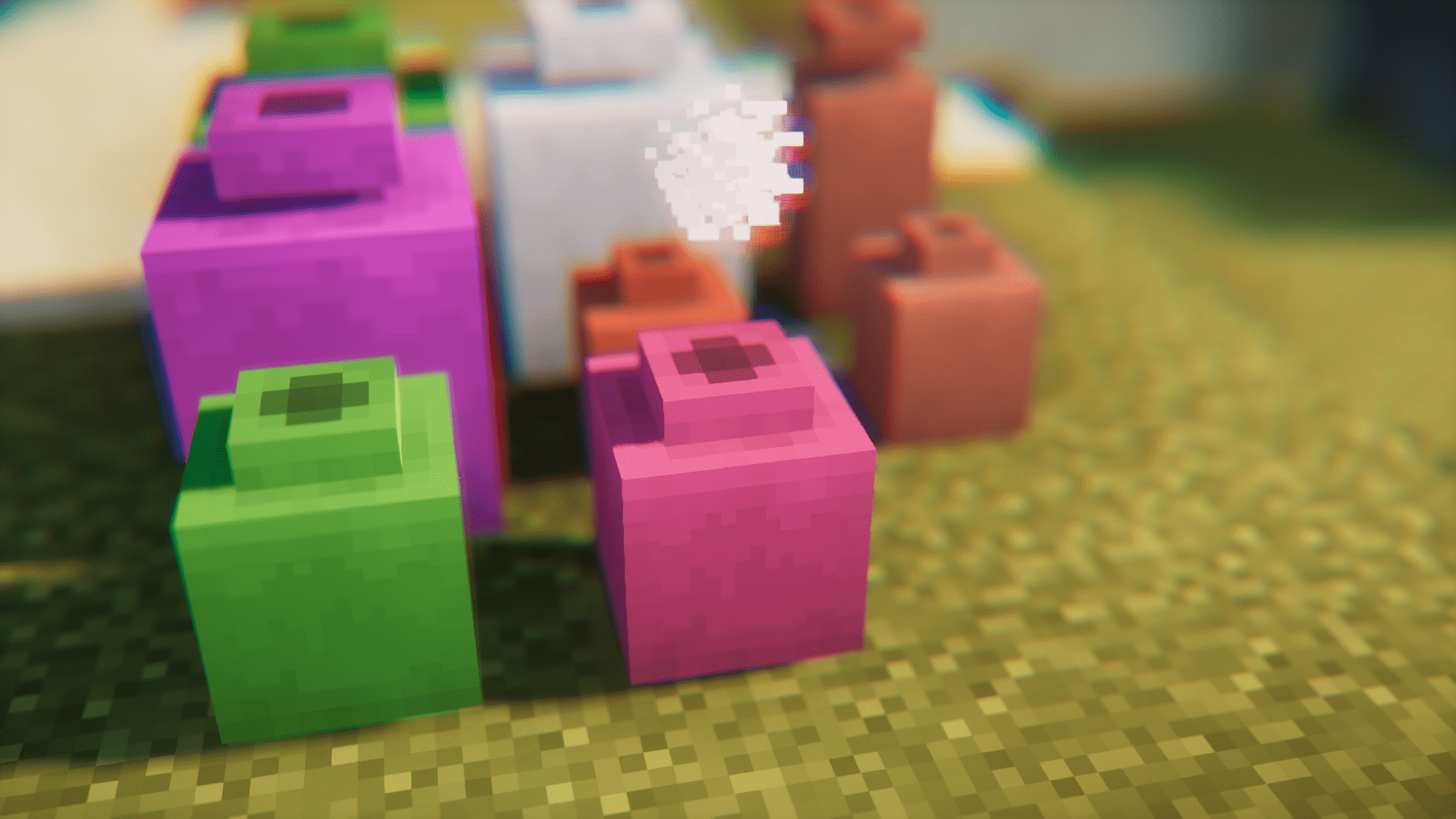
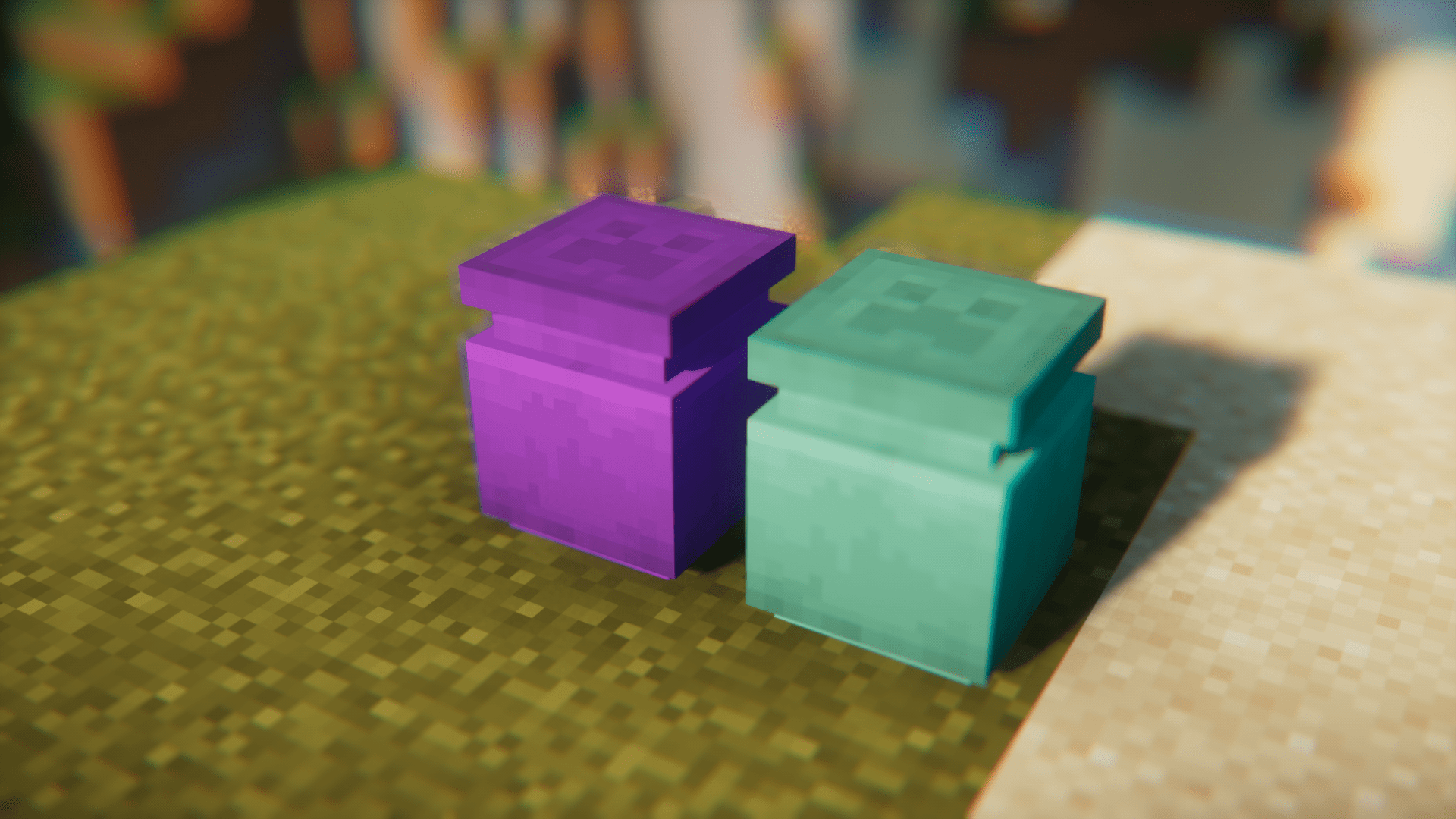
Craft a pot using clay blocks and a white dye (or any dye of your choice) according to the crafting recipe shown in the mod wiki. Once crafted, you can place it in the world as a decorative block.
Can I change a pot's color after I've made it?
Yes, right-click an already-placed pot with any dye to recolor it instantly. You can change colors as many times as you want.
How do I remove the color from a pot?
Right-click the pot on a cauldron filled with water to wash off the dye and return it to its uncolored state.
What are sherds and how do I use them?
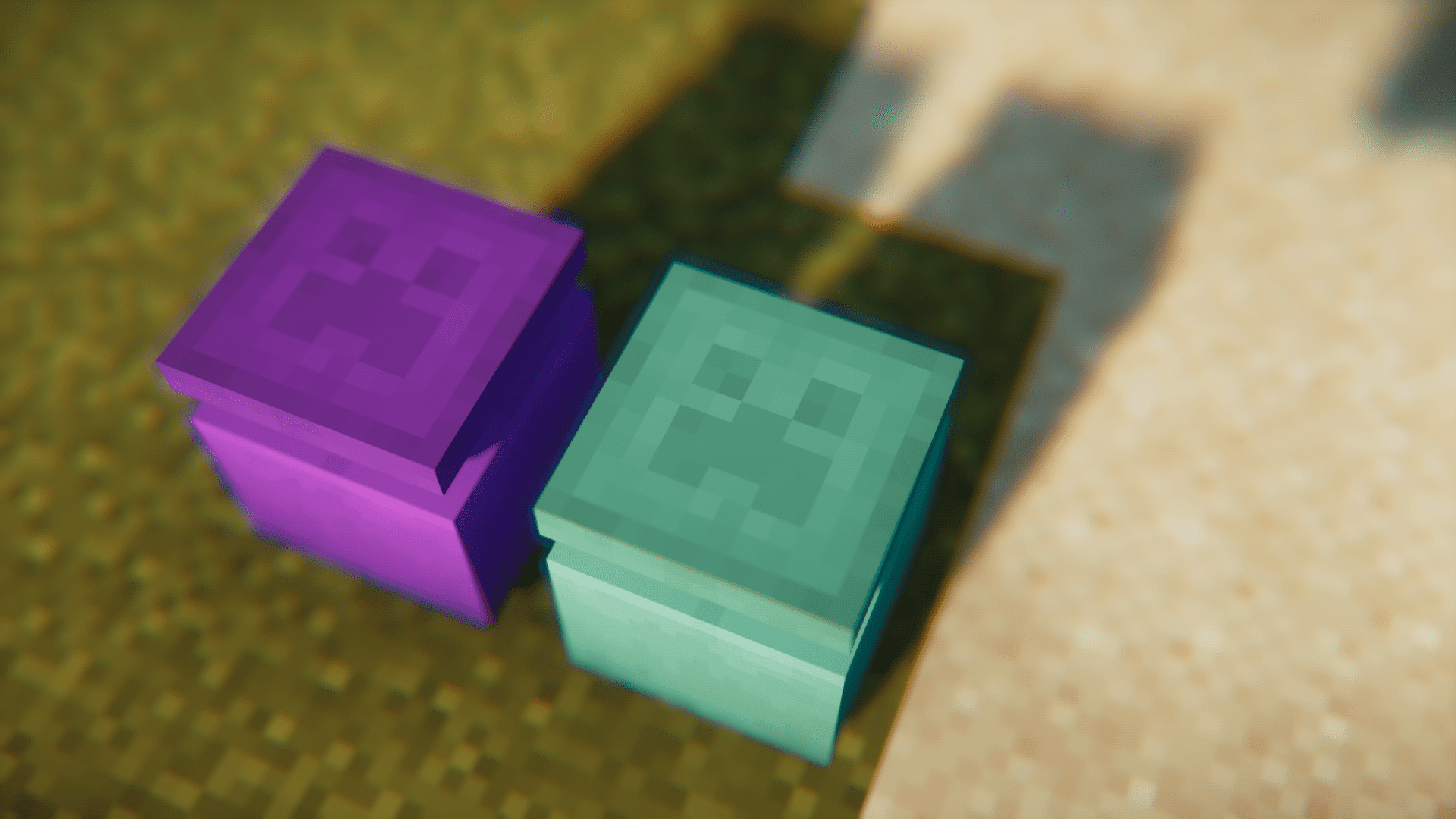
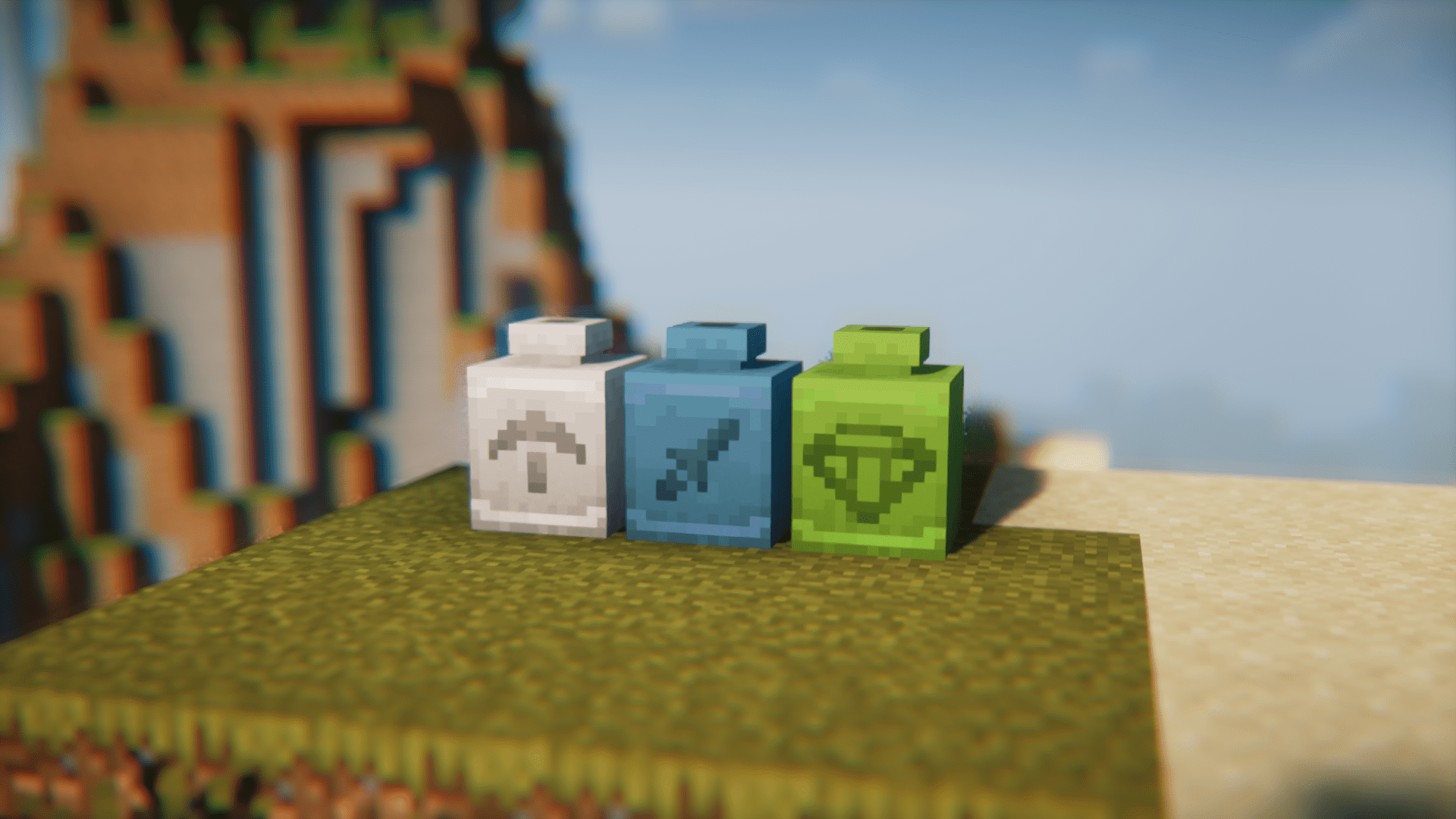
Sherds are decorative patterns you can apply to pots. Right-click a pot with a sherd in your hand to add the pattern to that pot.
See all 10 Pottery questions ›
Gallery
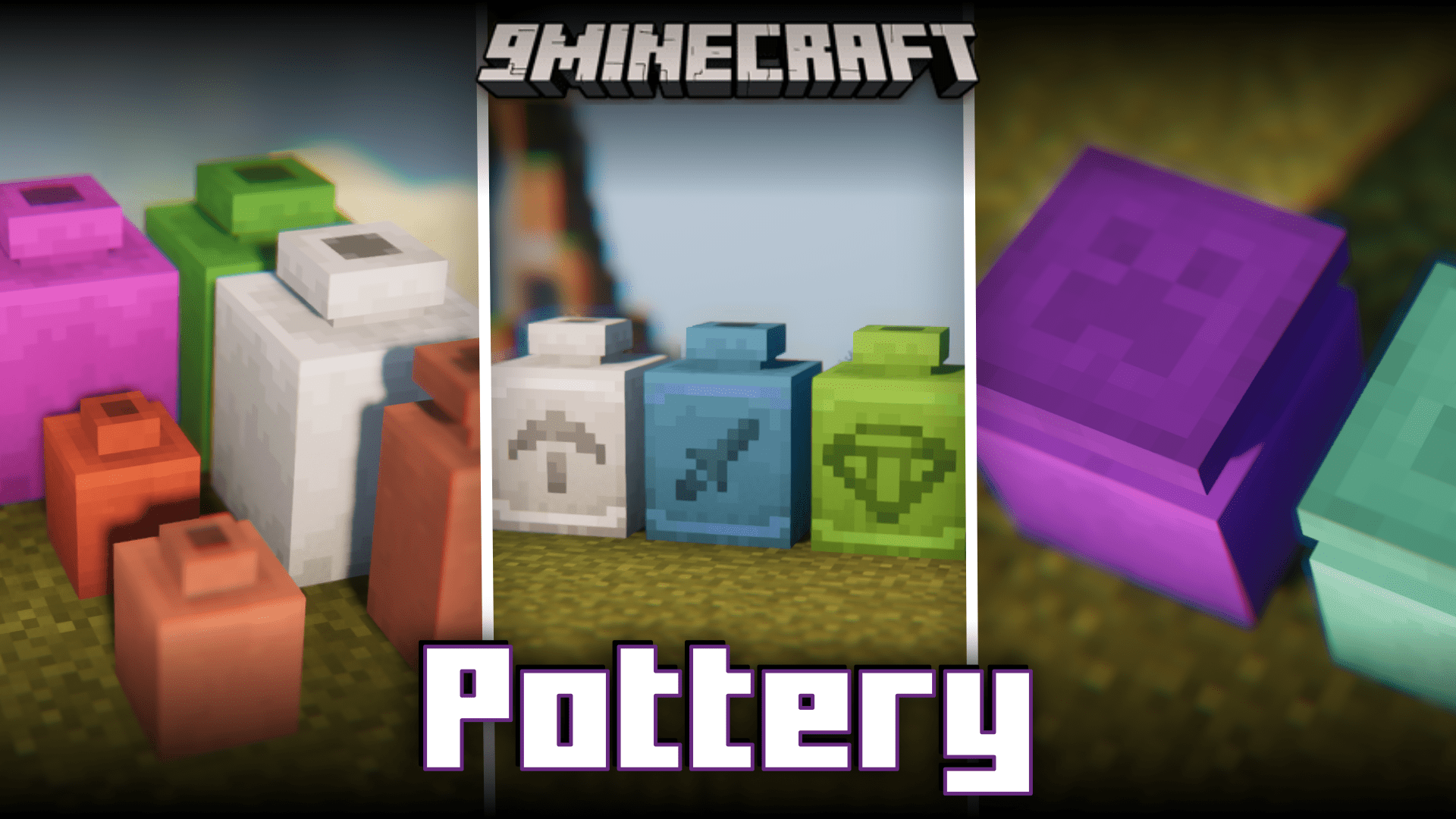
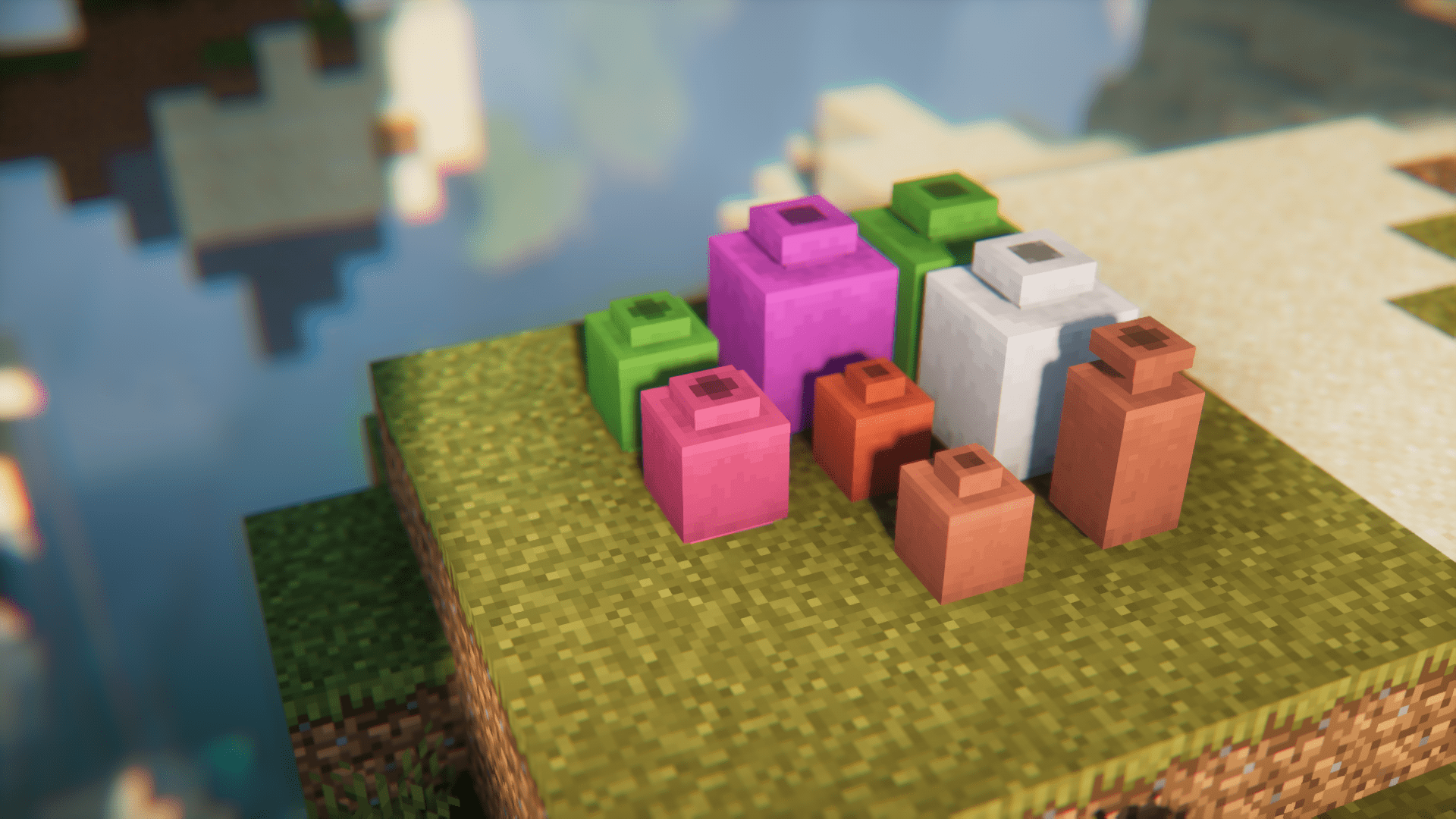
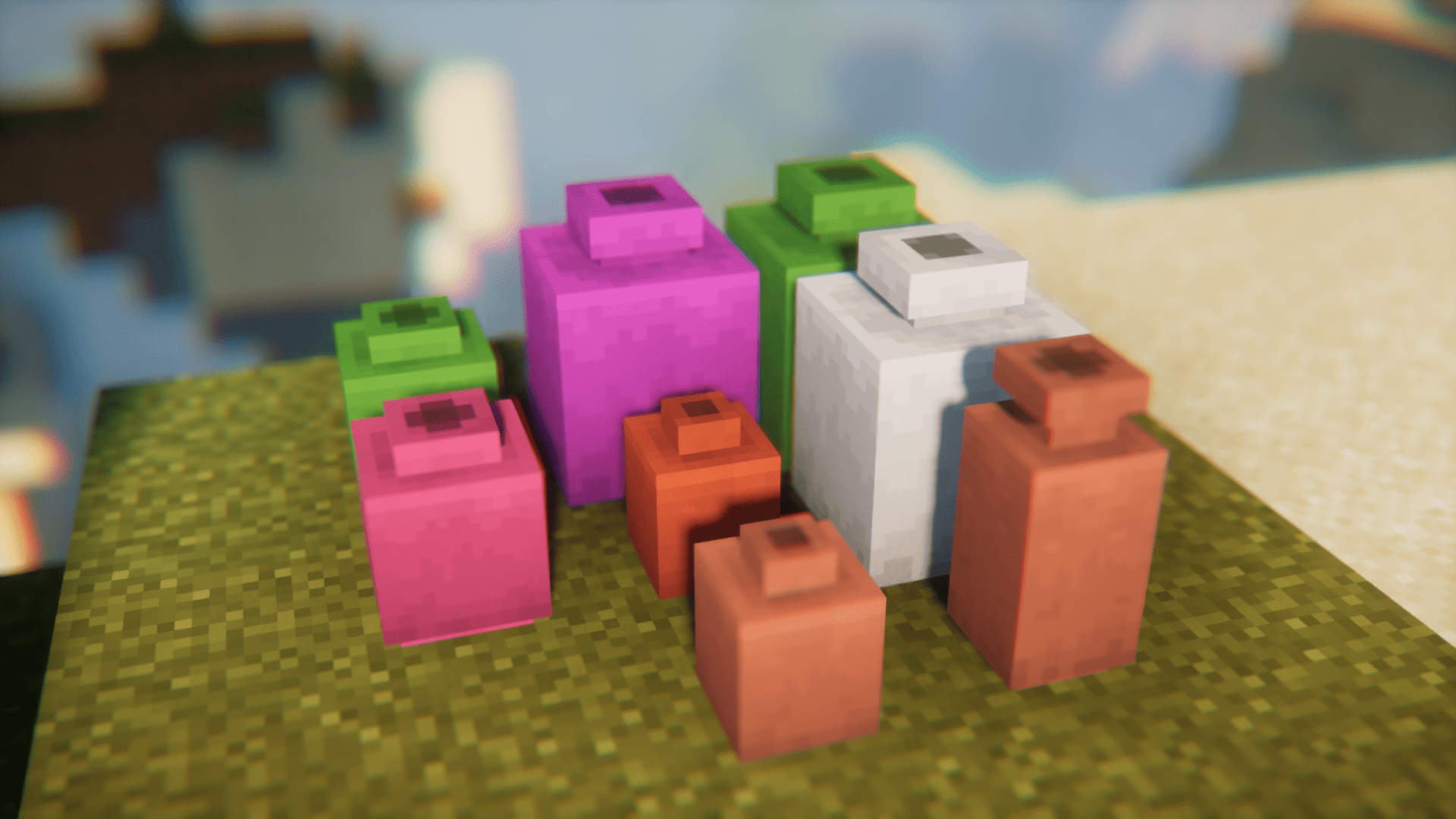
12 images from the Pottery Mod page.
You May Also Like
Wikis that share the most with this one
More mod wikis on the site
The most downloaded mods that have a wiki here
A few wikis from each of the other kinds