

 DownloadPaperDoll Mod
Get the files on 9Minecraft
Guides
Step-by-step, in-game.
Fixing the PaperDoll Not Appearing or Overlapping Other HUD ElementsA missing or hidden doll is usually a placement or conflict problem, not a broken install. The doll is invisible…How to Move and Resize the PaperDoll on Your ScreenThe doll defaults to a corner, but you can reposition and scale it to fit your HUD layout. All of this is done…Making the PaperDoll Show Your Armor and Held Weapon CorrectlyThe doll is meant to mirror your character exactly, including gear, so if it looks bare or wrong, the cause is almost…Using the PaperDoll to Check Your Gear and Pose at a GlanceBeyond looking nice, the doll is a quick visual readout of your current state, which is useful when you are deep in a…
Frequently asked questions
How do I open the PaperDoll config?
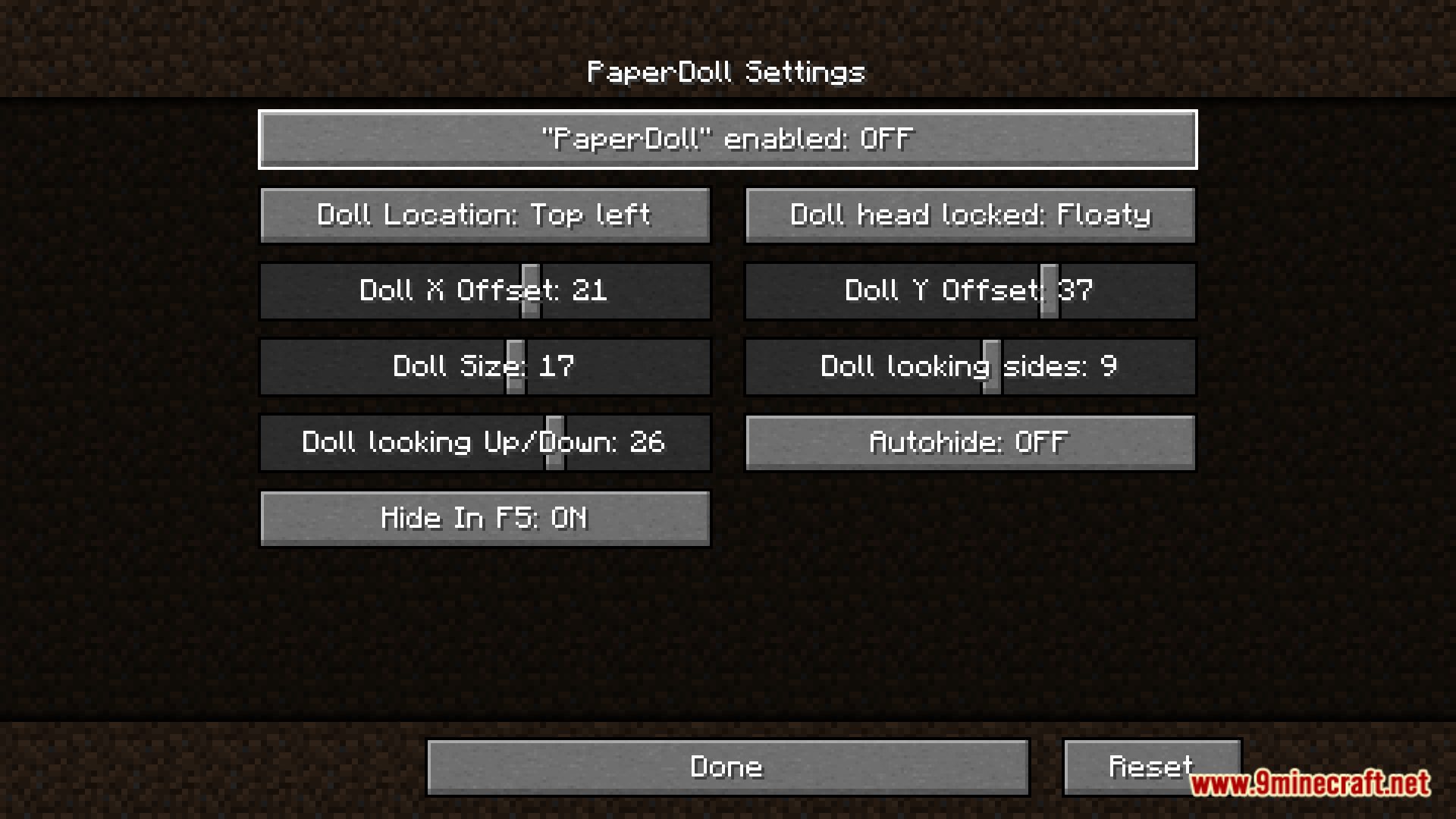
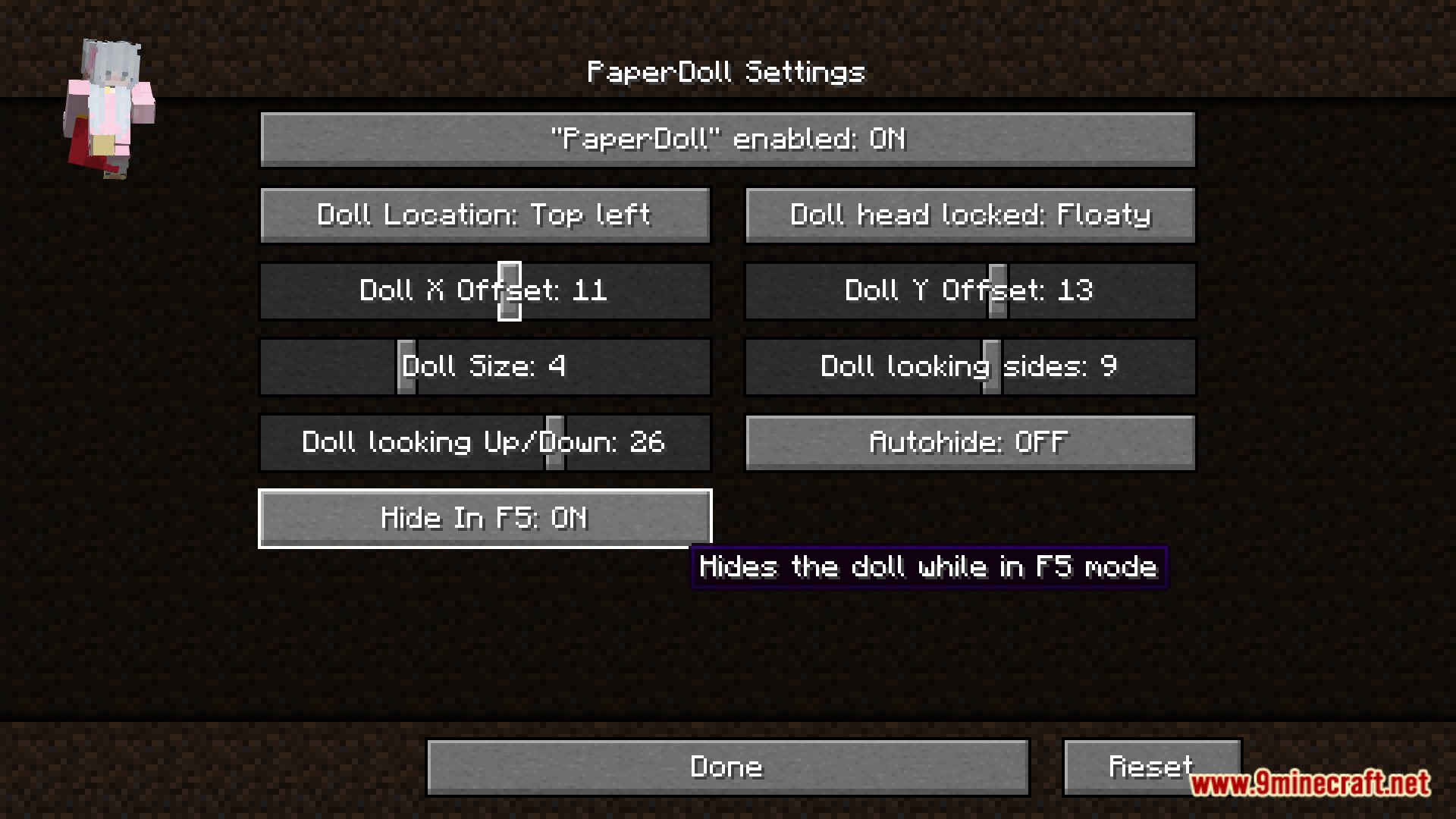
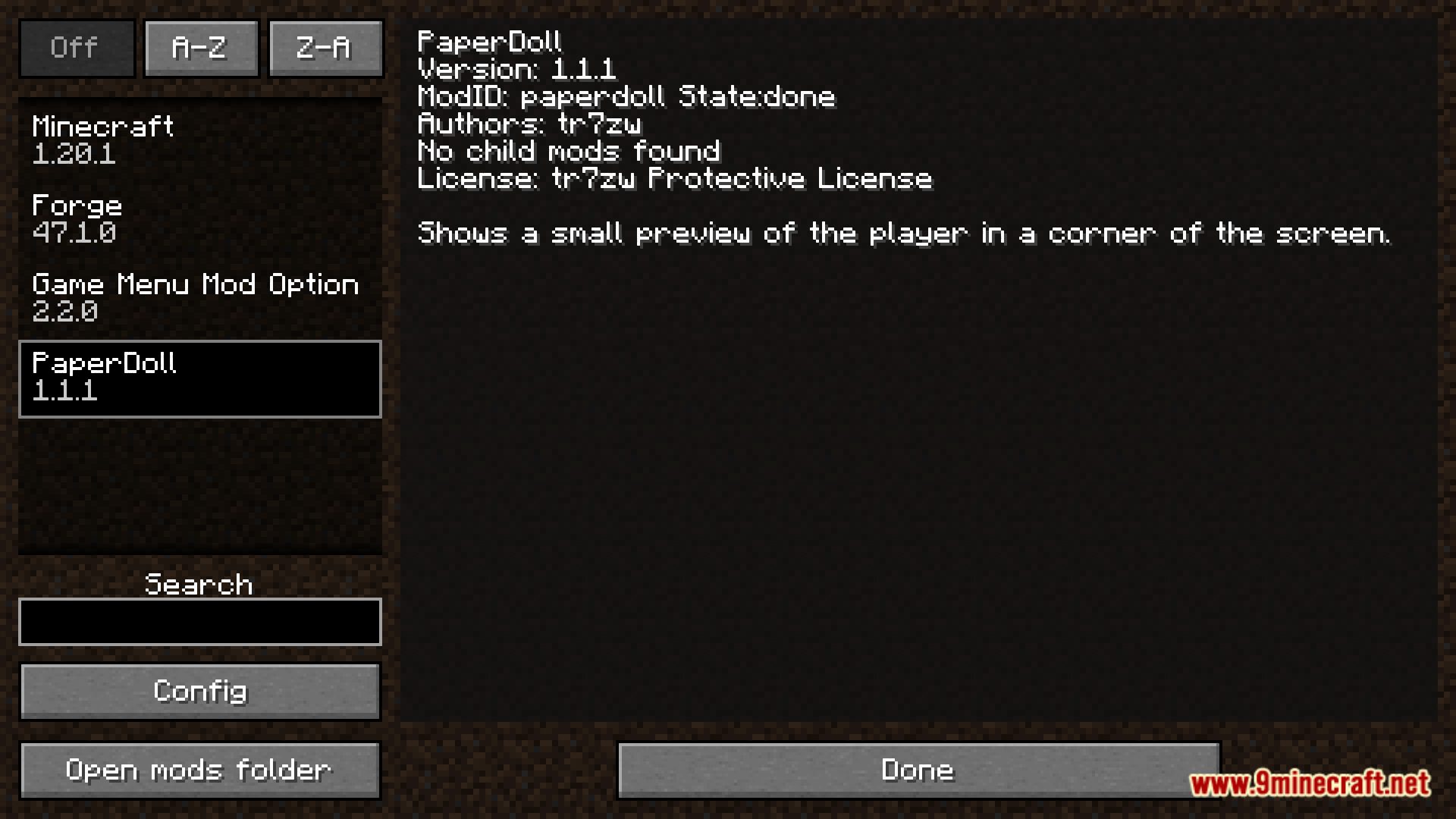
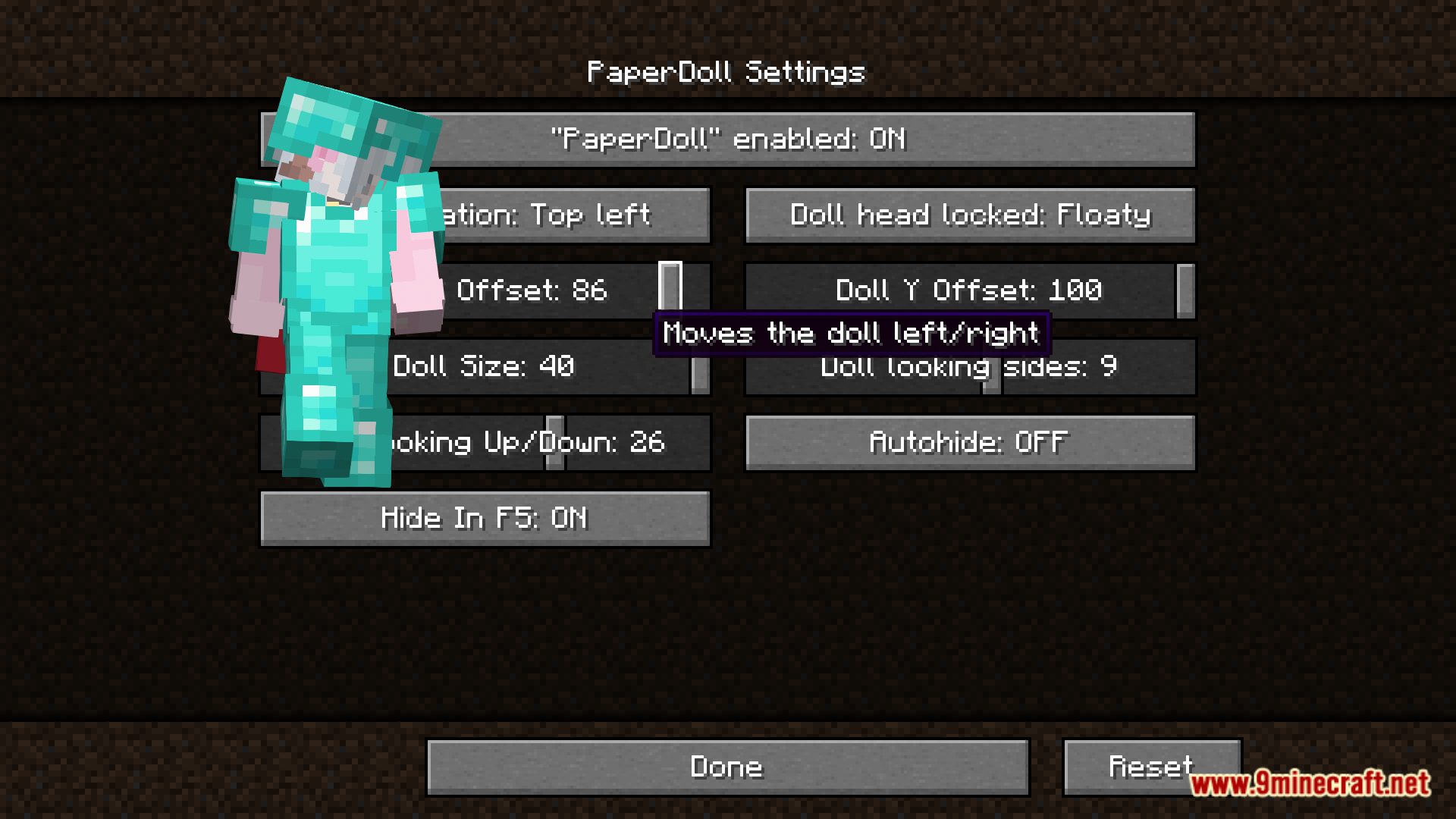
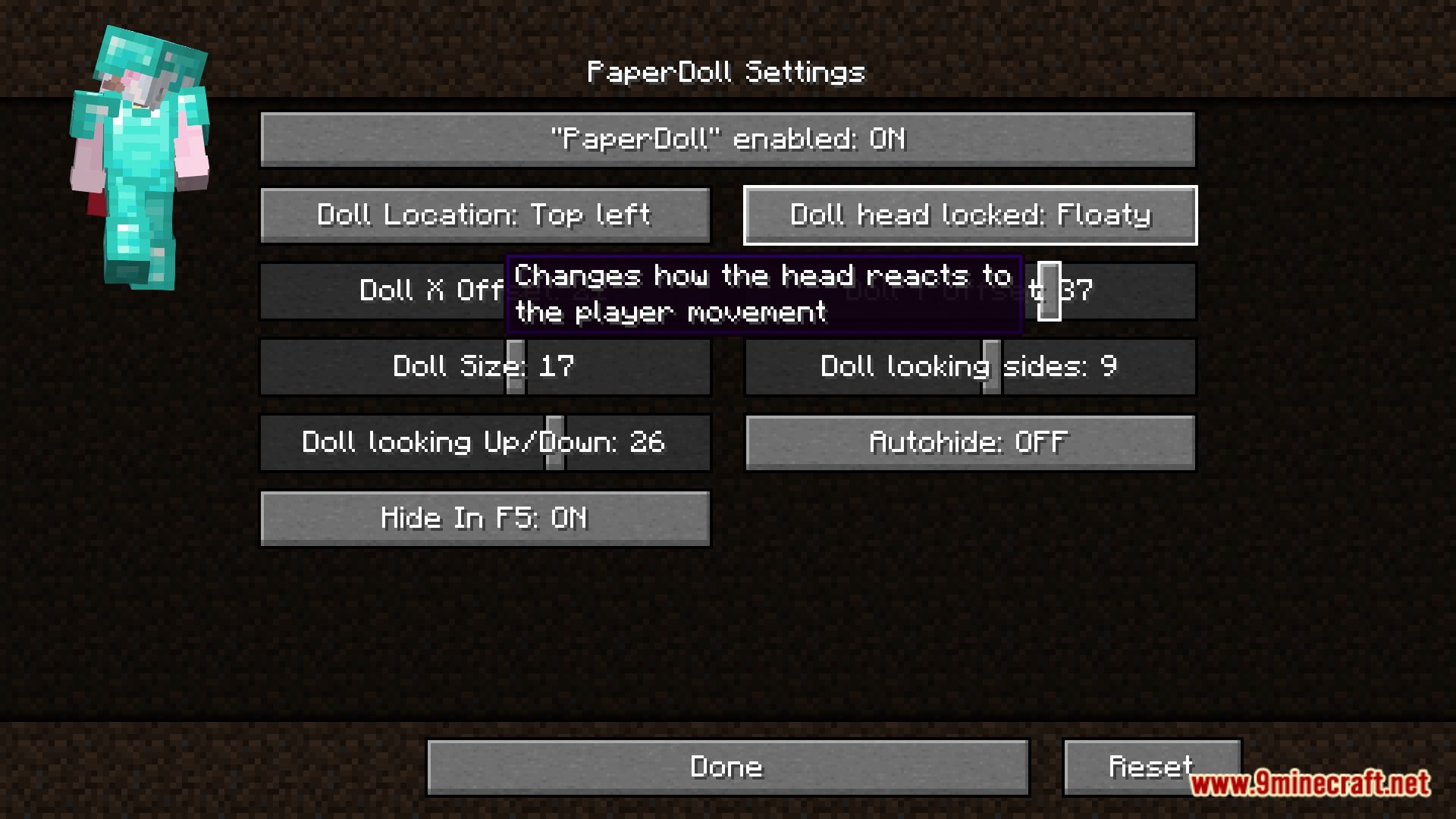
Open the mod list from the main menu or pause screen, select PaperDoll, and click the Config button. From there you can adjust the doll's position, size, and other display options.
How do I move the PaperDoll to a different corner?
In the config, change the position setting to the corner or screen edge you want. Some versions also let you drag the doll directly, but the config is the reliable way to place it.
How do I make the PaperDoll bigger or smaller?
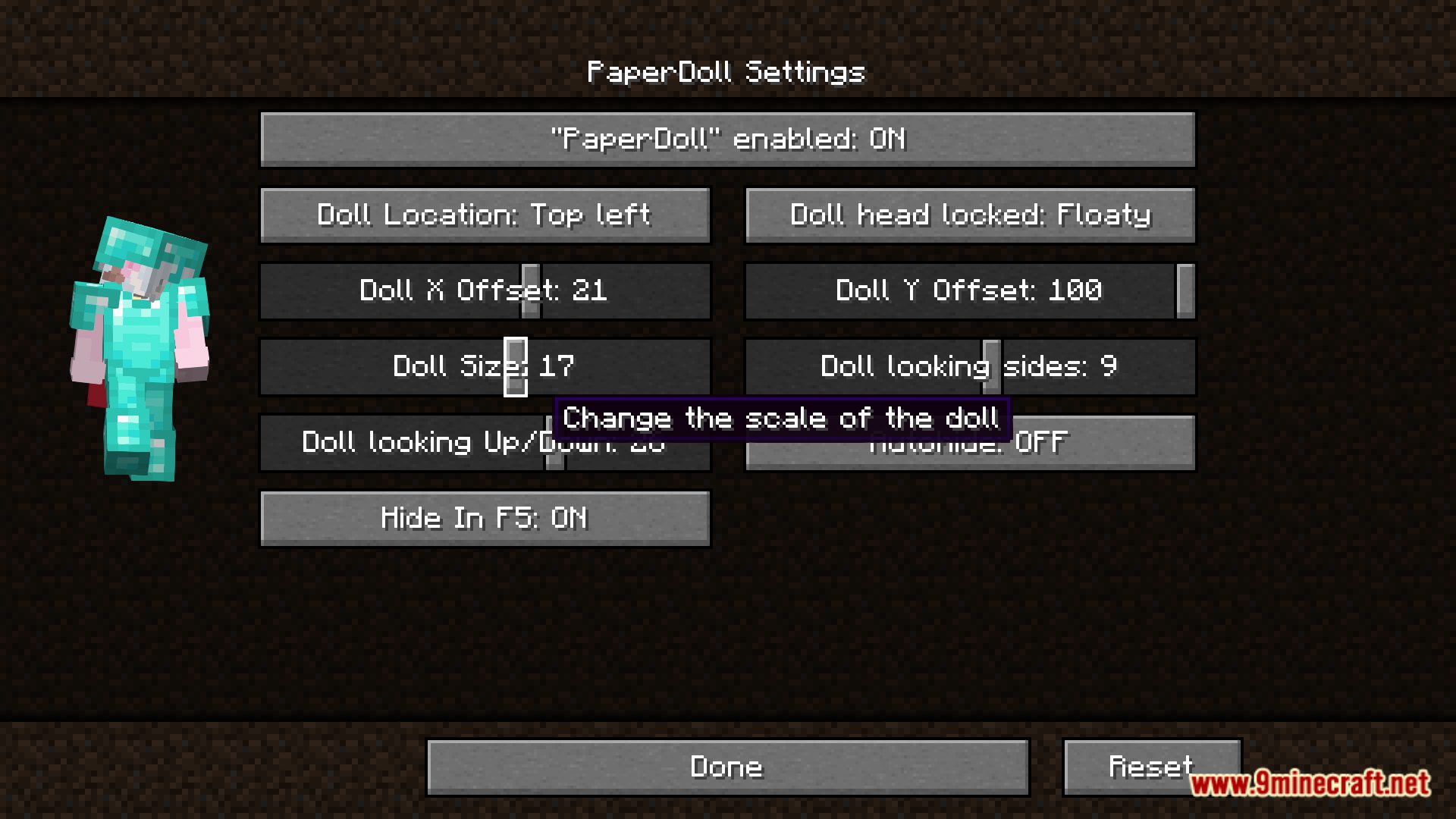
Use the size or scale option in the config to increase or decrease the doll's dimensions. Larger sizes make gear easier to read, while smaller sizes keep it out of the way.
Why isn't my PaperDoll showing up?
Check that the mod is enabled and that the doll isn't hidden by another HUD element or a fullscreen GUI. If it's still missing, try toggling the mod off and on or reloading the config.
See all 10 PaperDoll questions ›
Gallery
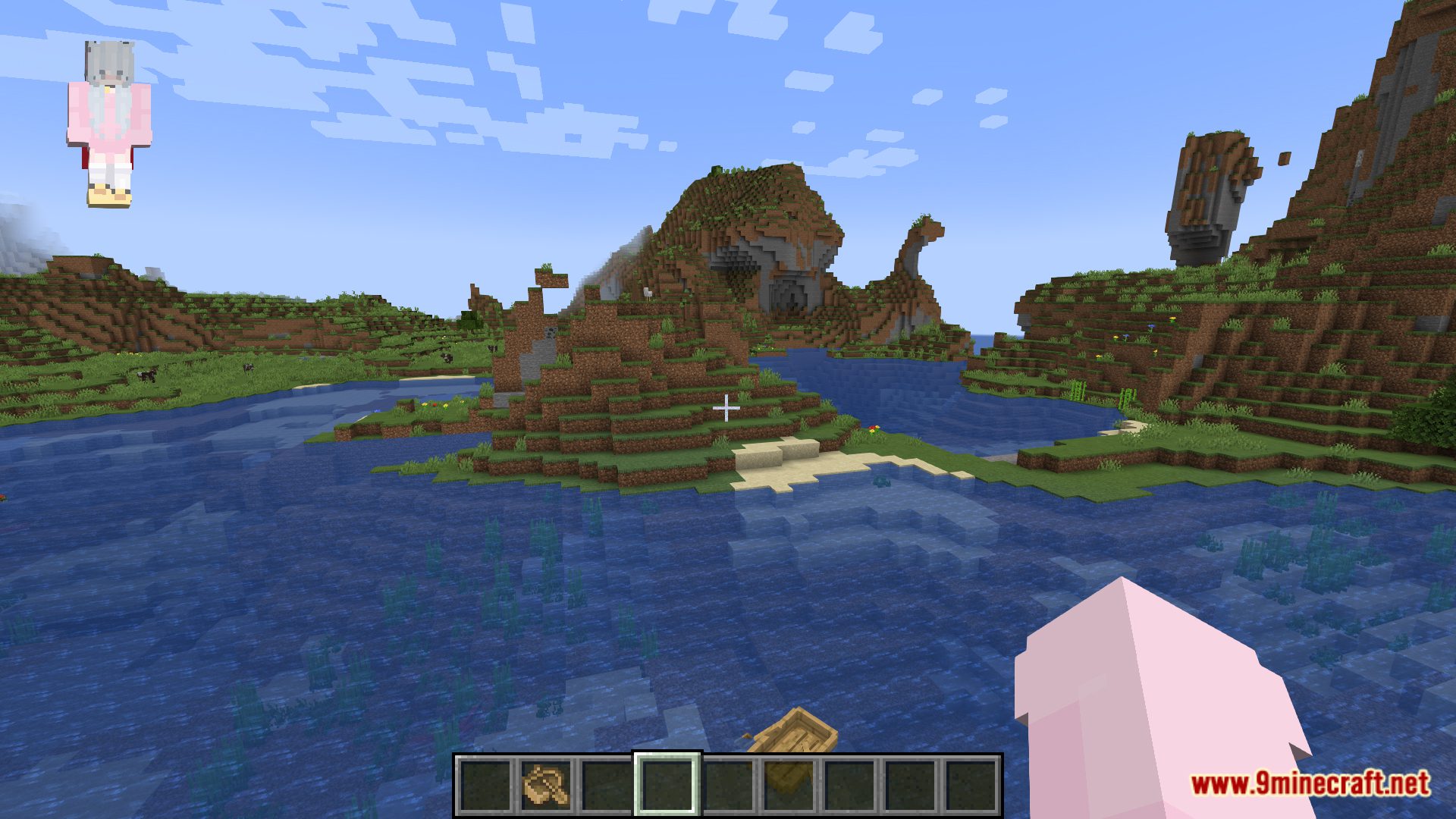
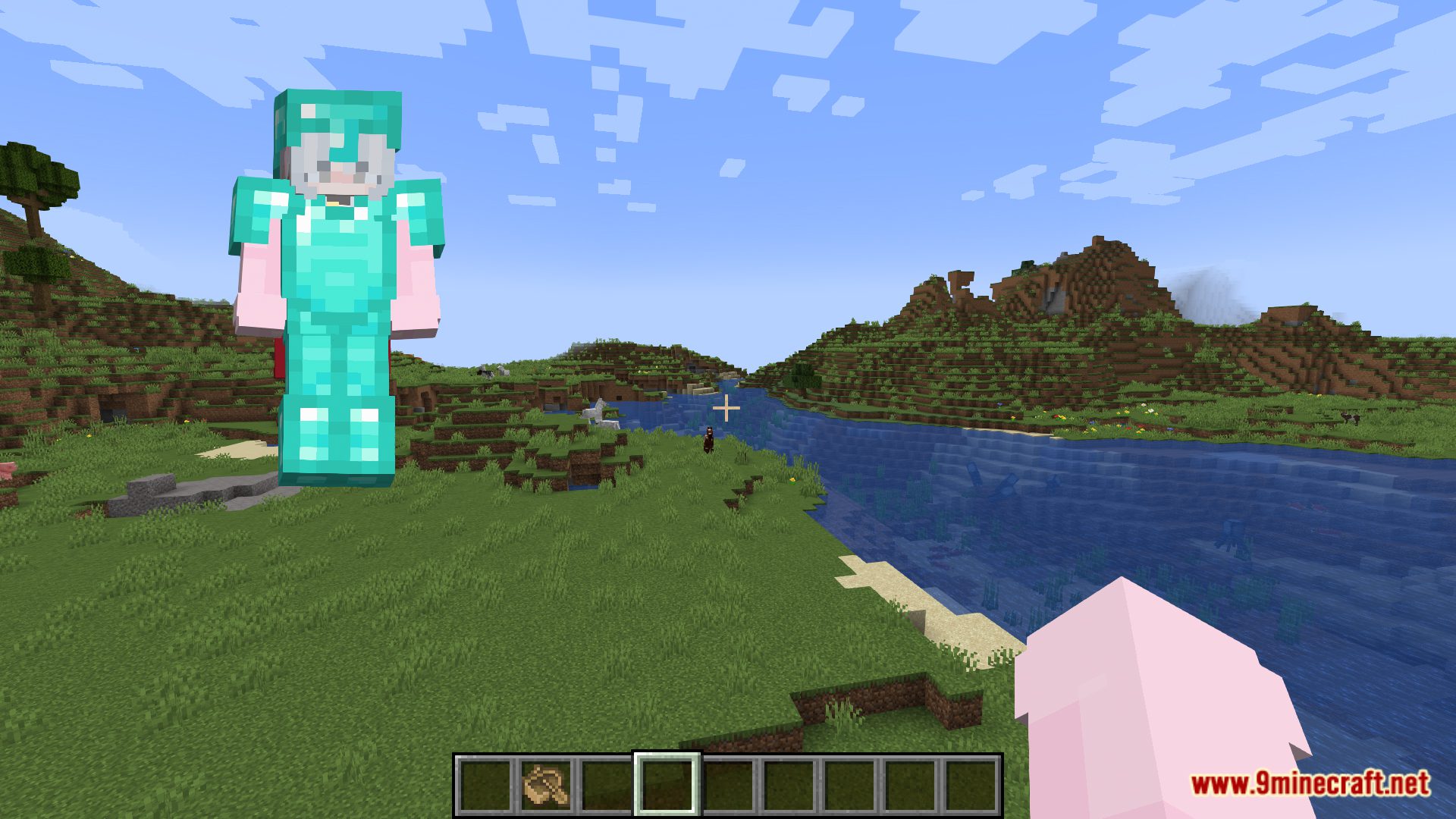
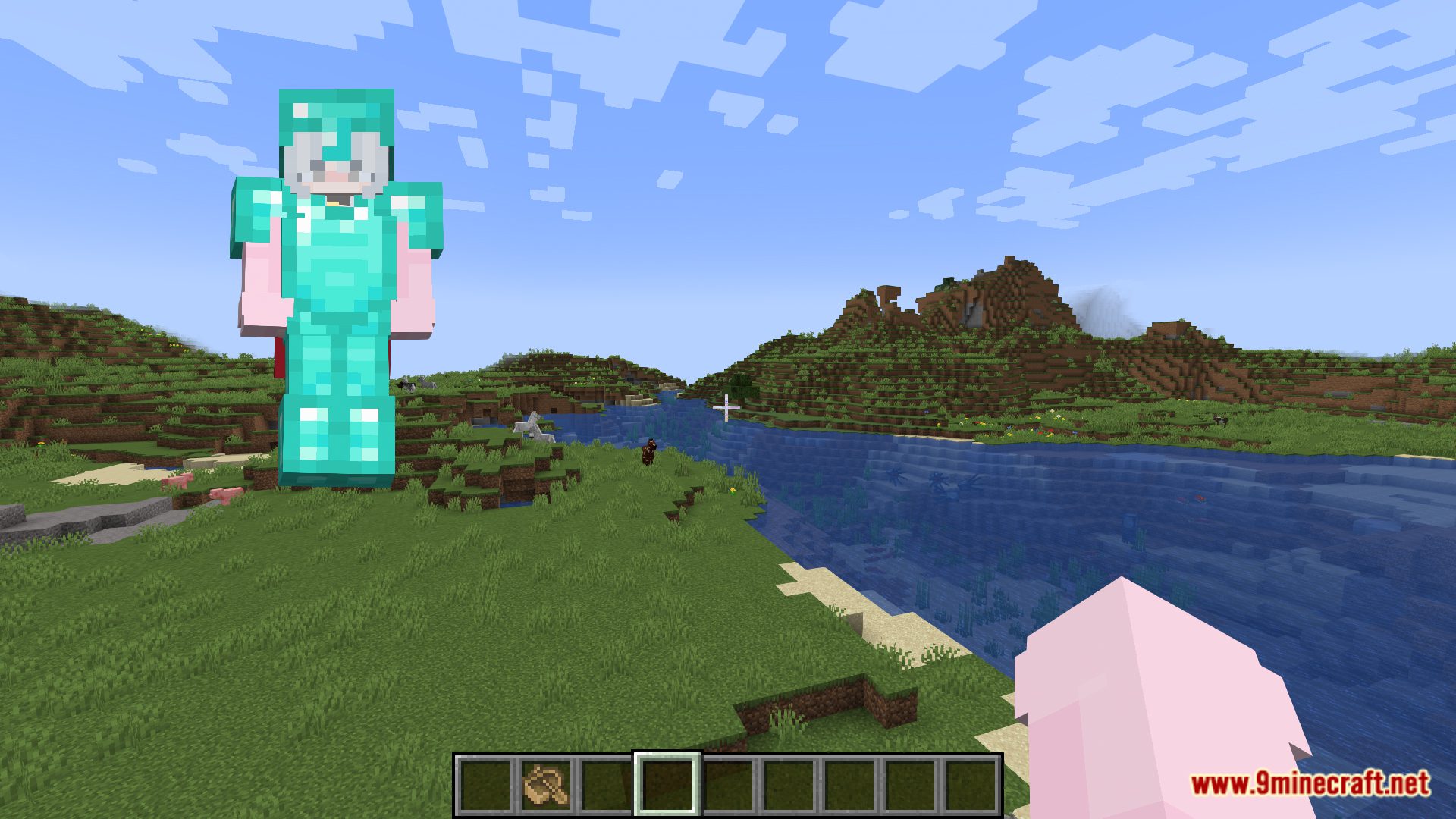
11 images from the Paperdoll Mod page.
You May Also Like
Wikis that share the most with this one
More mod wikis on the site
The most downloaded mods that have a wiki here
A few wikis from each of the other kinds