

 DownloadMusic and Melody Mod
Get the files on 9Minecraft
Guides
Step-by-step, in-game.
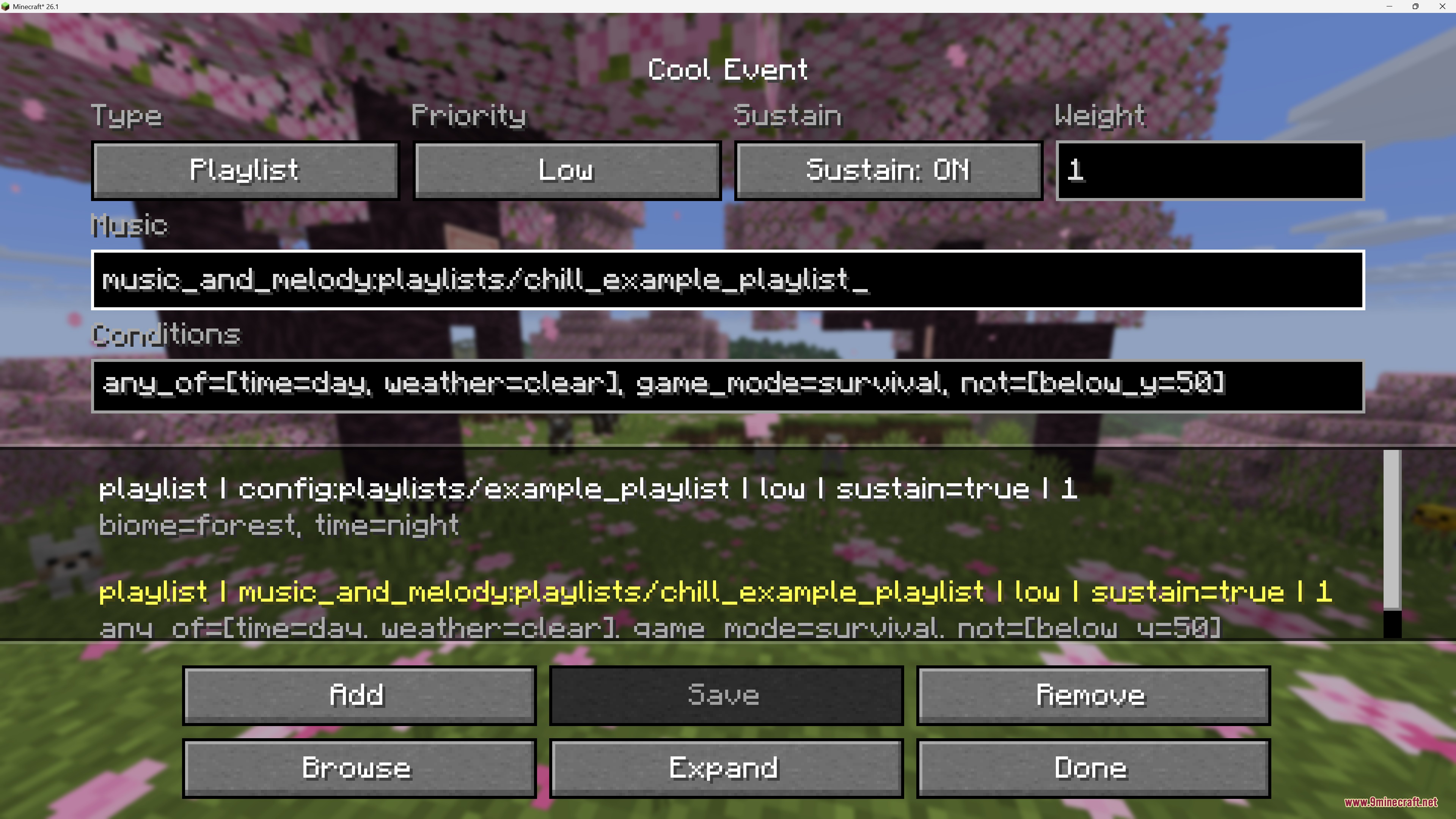
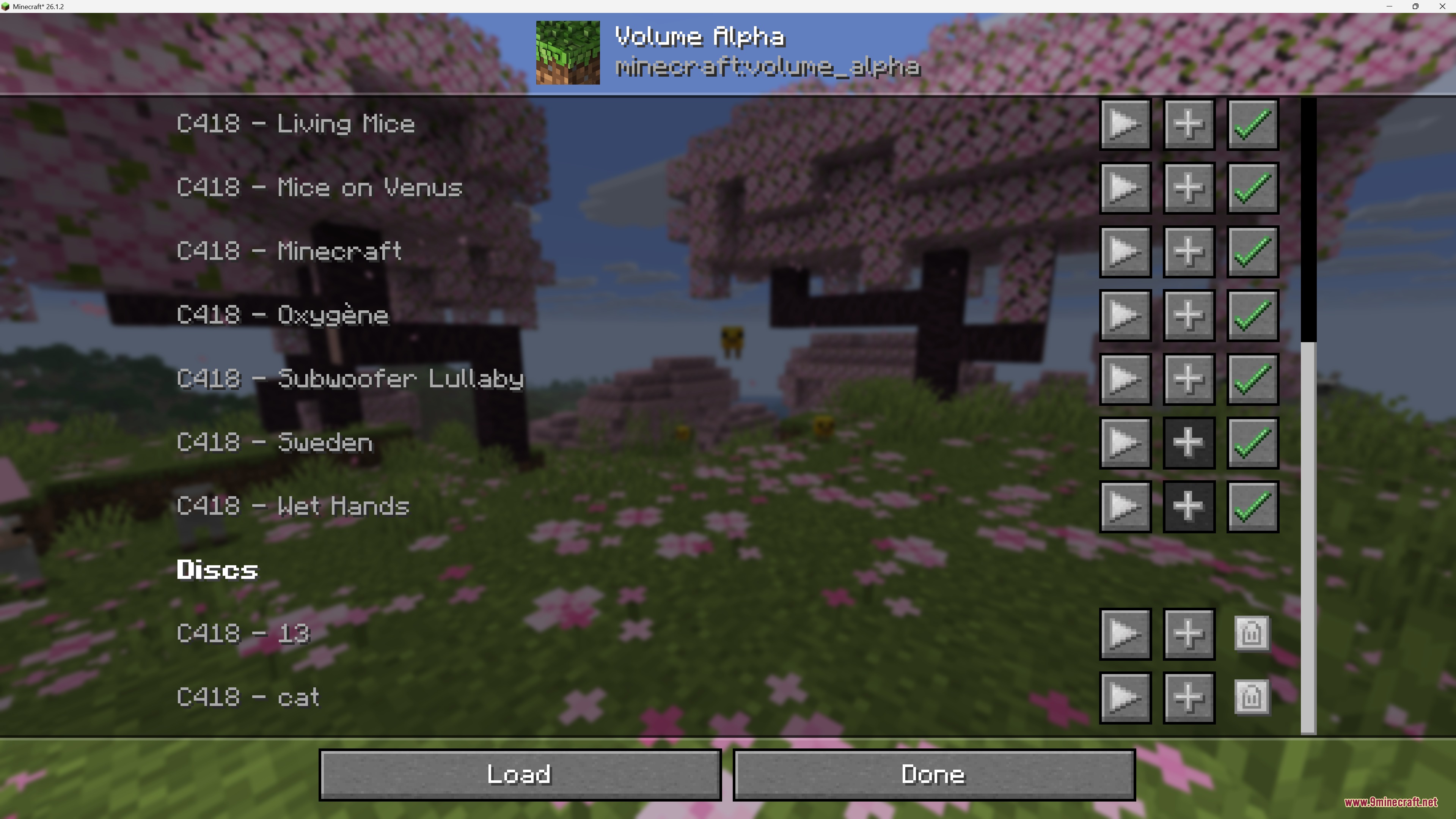
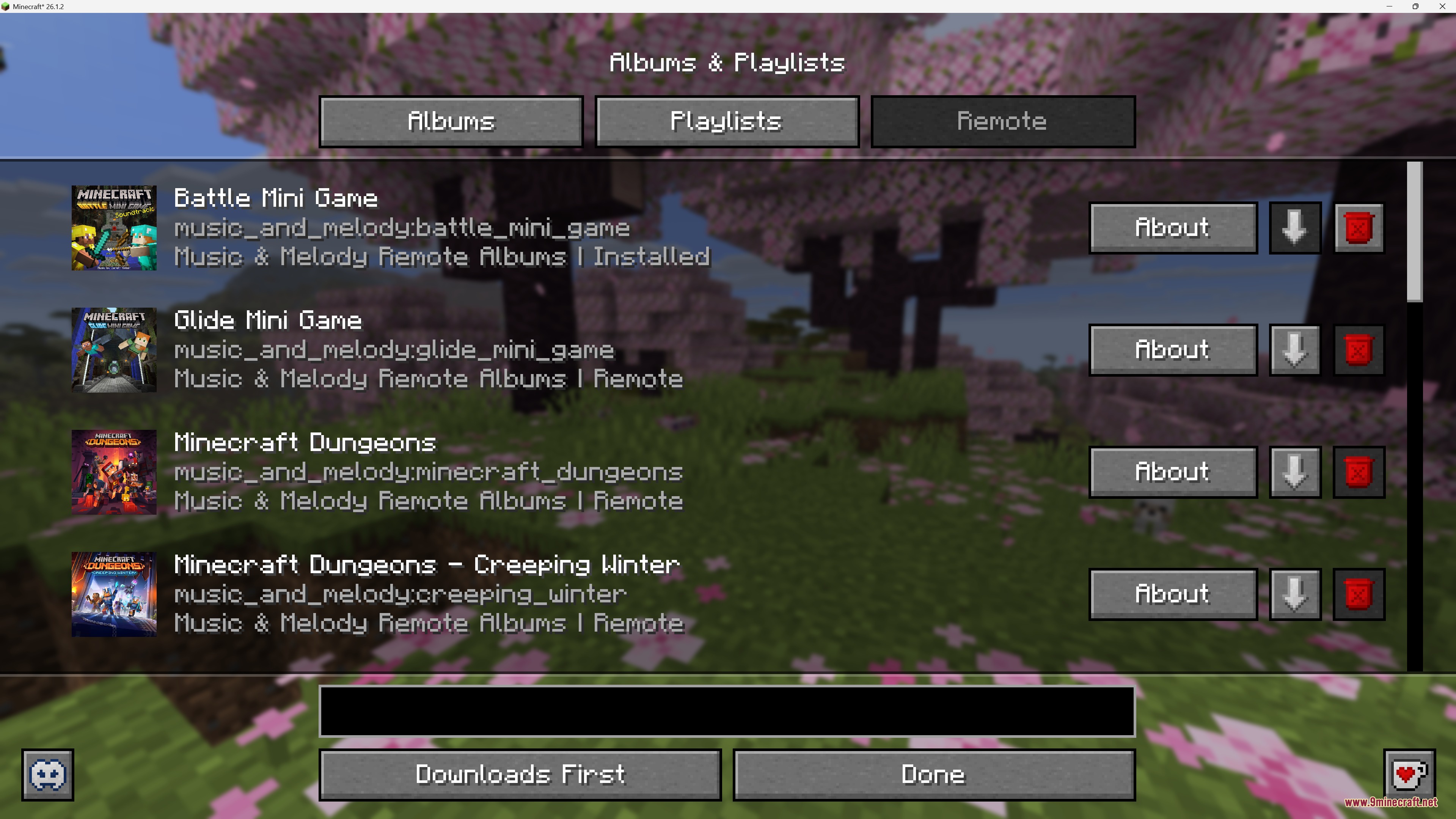
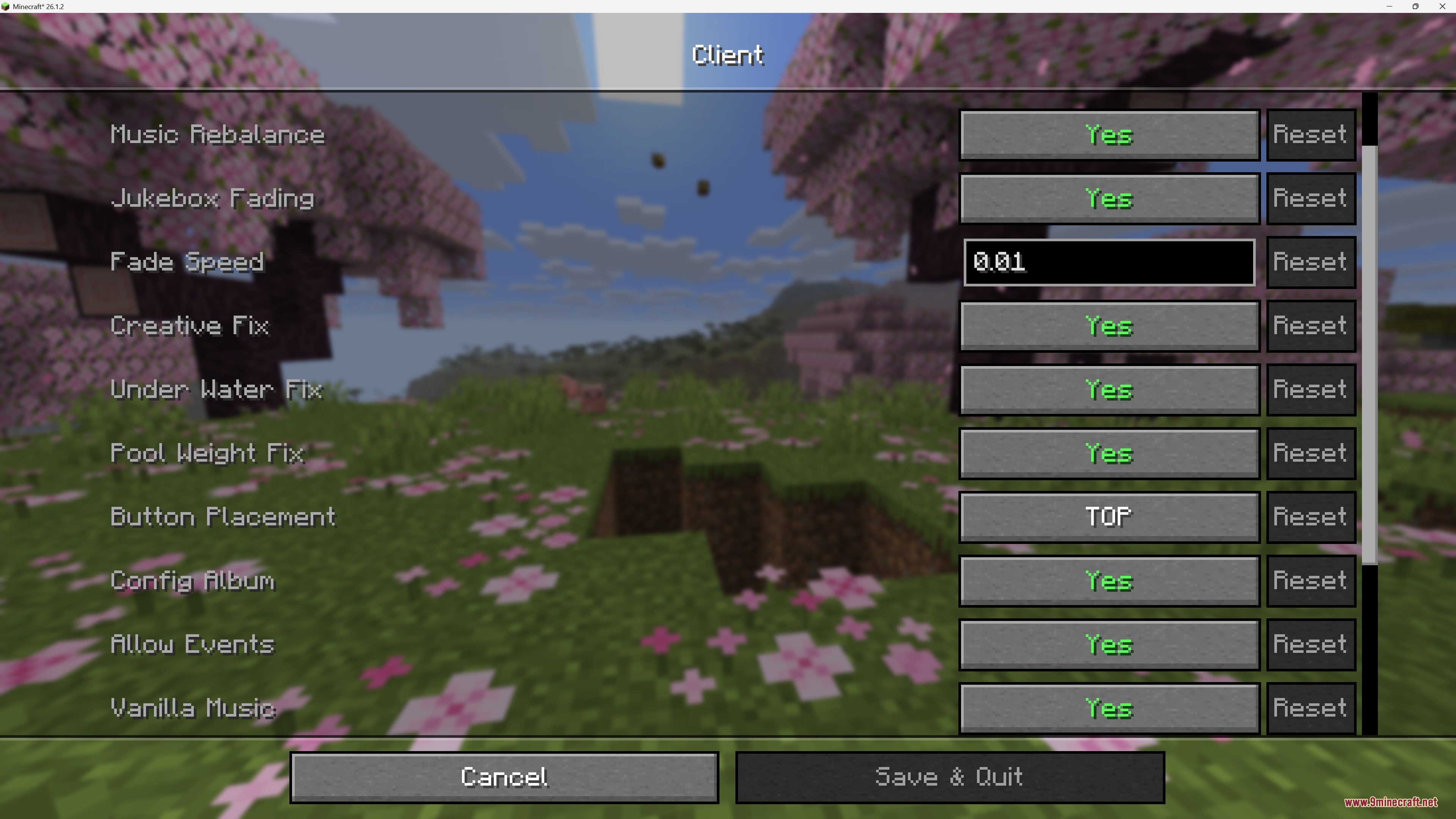
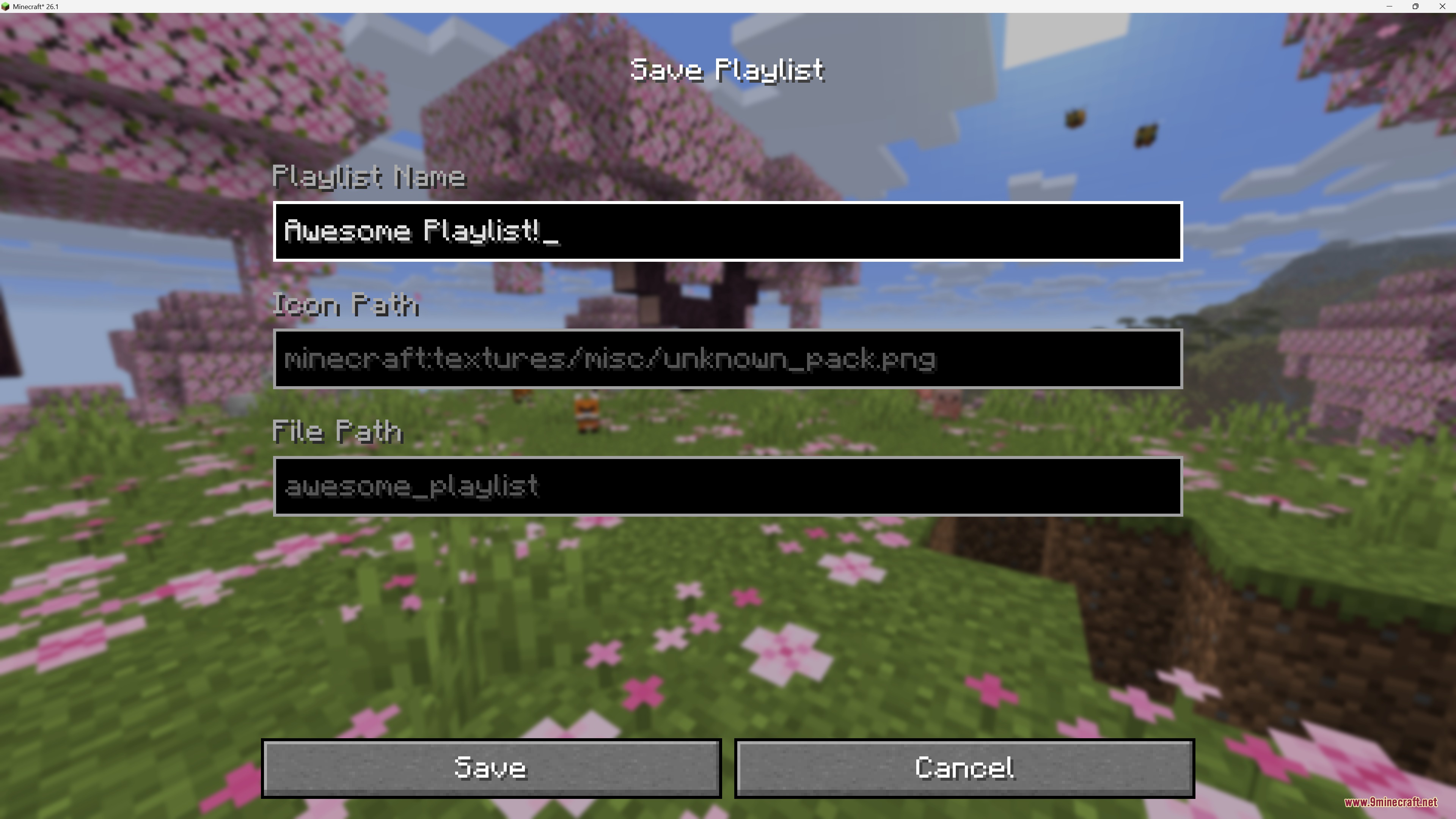
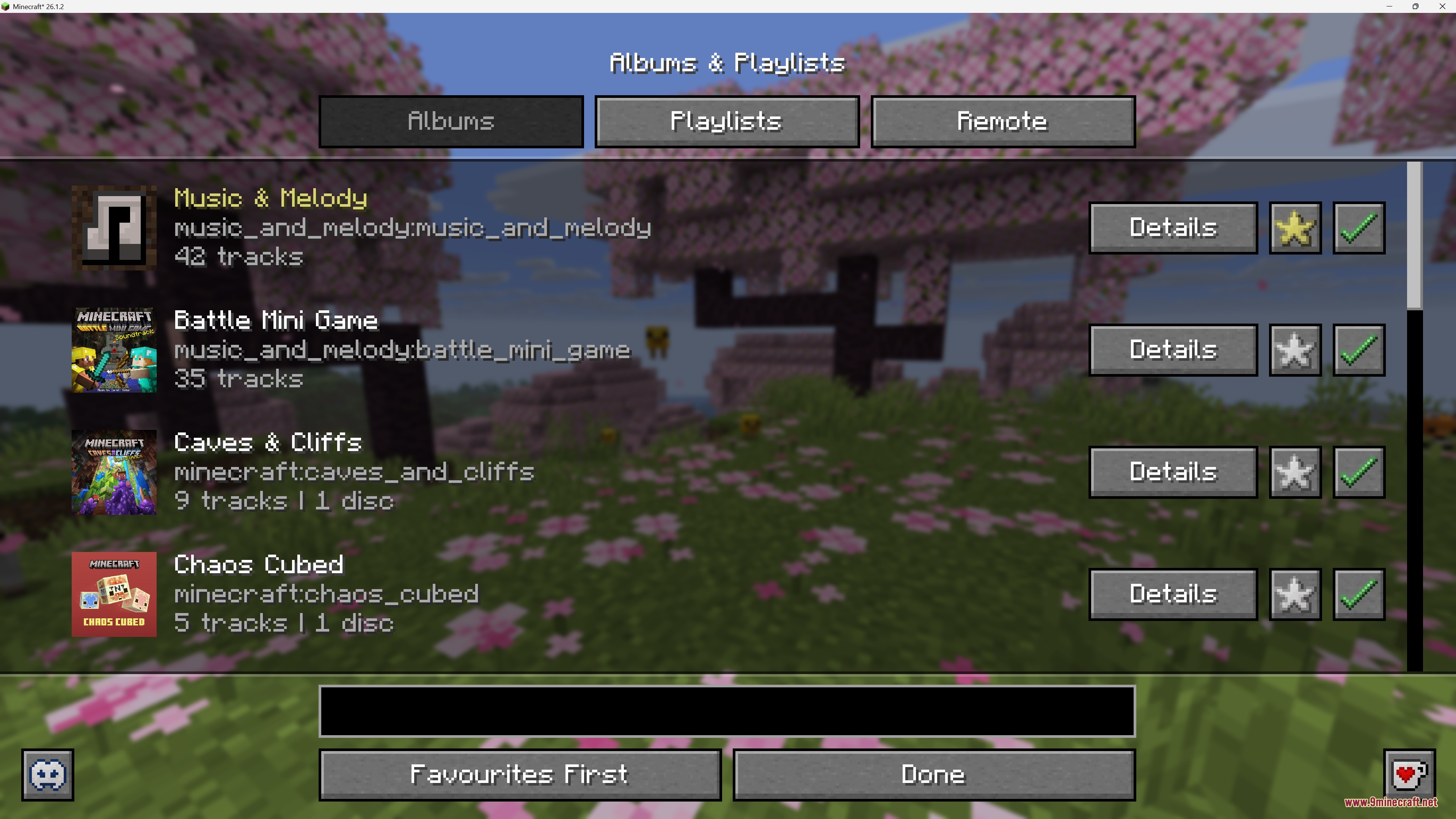
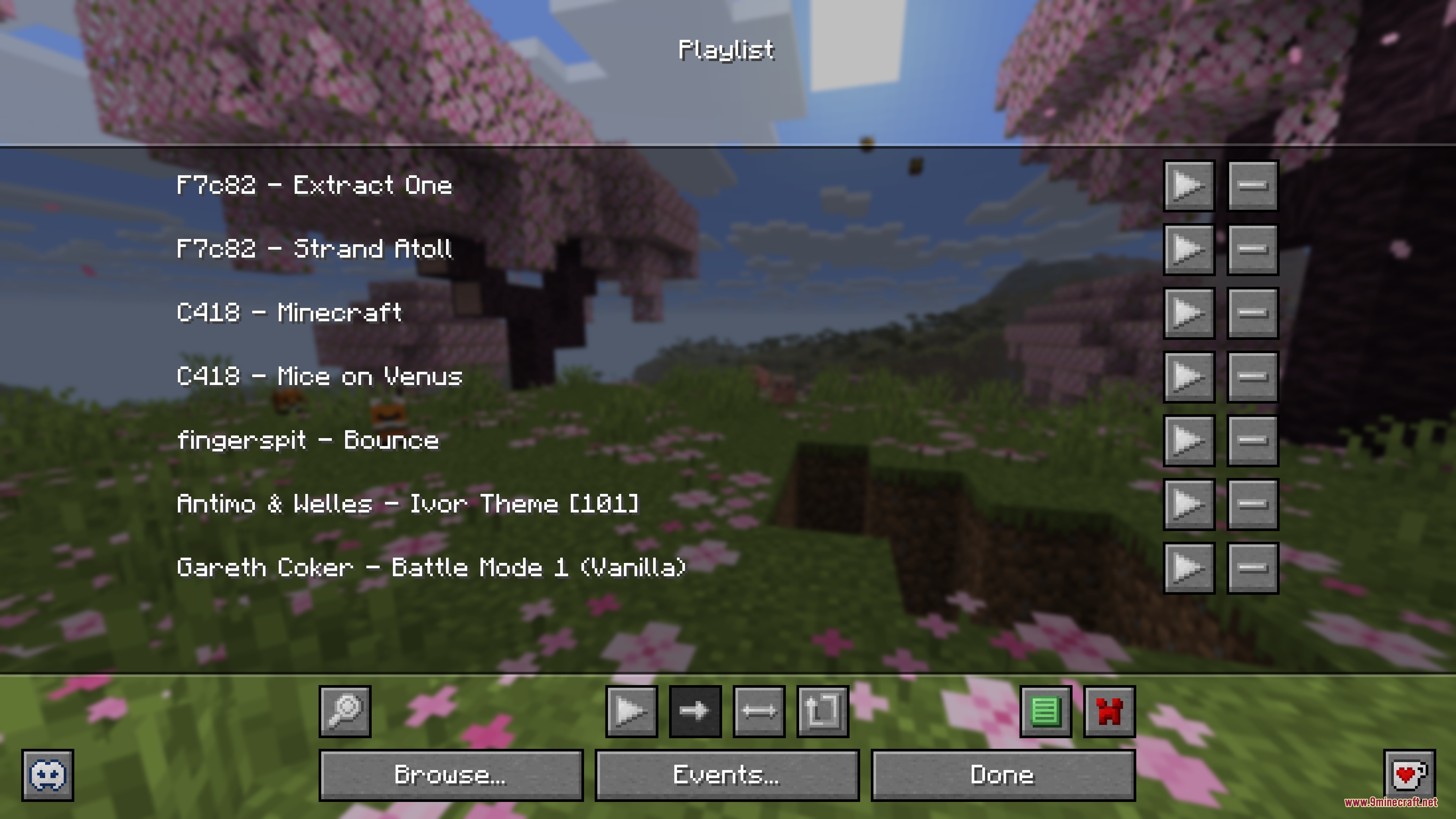
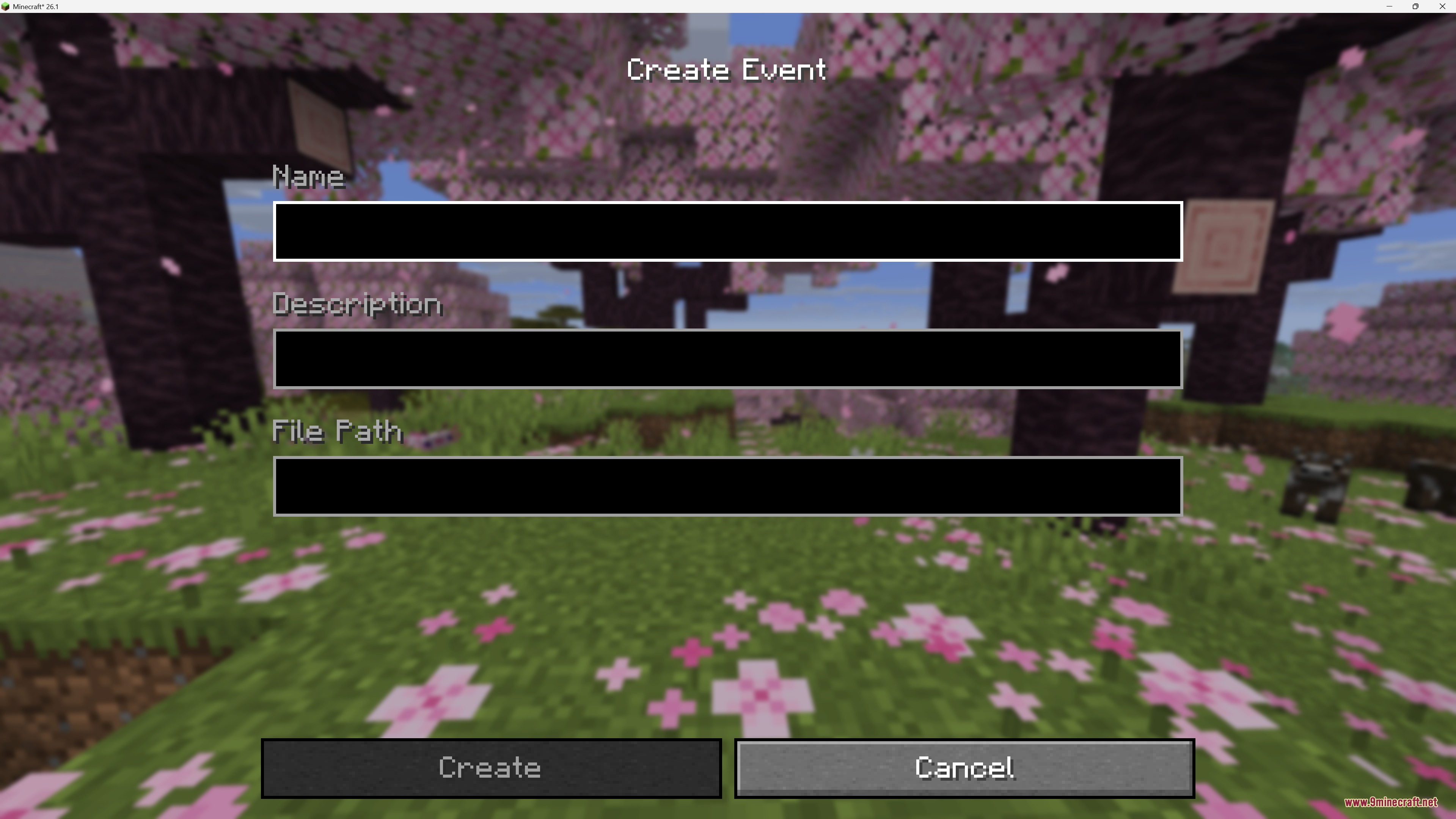
Add Your Own Music Files to the GamePrepare Your Music Files The mod accepts music in .ogg format. If your files are in .mp3 or .wav , convert them first…Create and Use Custom PlaylistsOpen the Music Player Press the mod's music player keybind (check your controls settings if unsure) to open the…Disable or Mute Specific Vanilla TracksAccess the Music Browser Open the mod's music albums or tracks menu. This displays all available songs from vanilla…Set Music to Play in Specific BiomesOpen the Custom Events Menu Access the mod's configuration screen through the main menu or in-game settings. Look for…
Frequently asked questions
How do I open the music player?
Press the default keybind (usually a configurable key) to open the custom music player menu. From there you can queue songs, shuffle, loop, and browse your playlists.
Where do I put my custom music files?
Place your .ogg music files in the mod's config folder (usually `config/musicandmelody/` or similar). The mod will automatically detect and load them the next time you start the game.
Can I make a song play only in a specific biome?
Yes, use the Custom Events system to assign songs to specific biomes. Open the music menu, navigate to events, and set which tracks should play when you're in your chosen biome.
How do I stop a vanilla track from playing?
Open the music player, find the track in the Music Albums menu, and disable it. Disabled tracks won't play during normal gameplay but can be re-enabled anytime.
See all 10 Music and Melody questions ›
Gallery
9 images from the Music And Melody Mod page.
You May Also Like
Wikis that share the most with this one
More mod wikis on the site
The most downloaded mods that have a wiki here
A few wikis from each of the other kinds