

 DownloadItemLocks Mod
Get the files on 9Minecraft
Guides
Step-by-step, in-game.
How to Lock a Hotbar Slot So You Never Drop Your Best SwordLocking the Slot Hold the lock key (default C ) and left-click the hotbar slot you want to protect. The slot gets a…How to Unlock a Slot You Locked by MistakeThe Unlock Action Hold the unlock key (default B ) and left-click the locked slot. The lock indicator disappears and…Locking Inventory Slots vs Hotbar Slots: What Each One ProtectsTwo Different Rows Your inventory has a hotbar row and a main grid, and ItemLocks treats them as separate slots.…Using ItemLocks to Stop Accidental Drops Into LavaSet Up Before You Descend Lava deaths are the classic reason to install this mod, but the lock has to exist *before*…
Configuration
Every setting in the mod config file, with what it changes.
| Option | What it does |
|---|---|
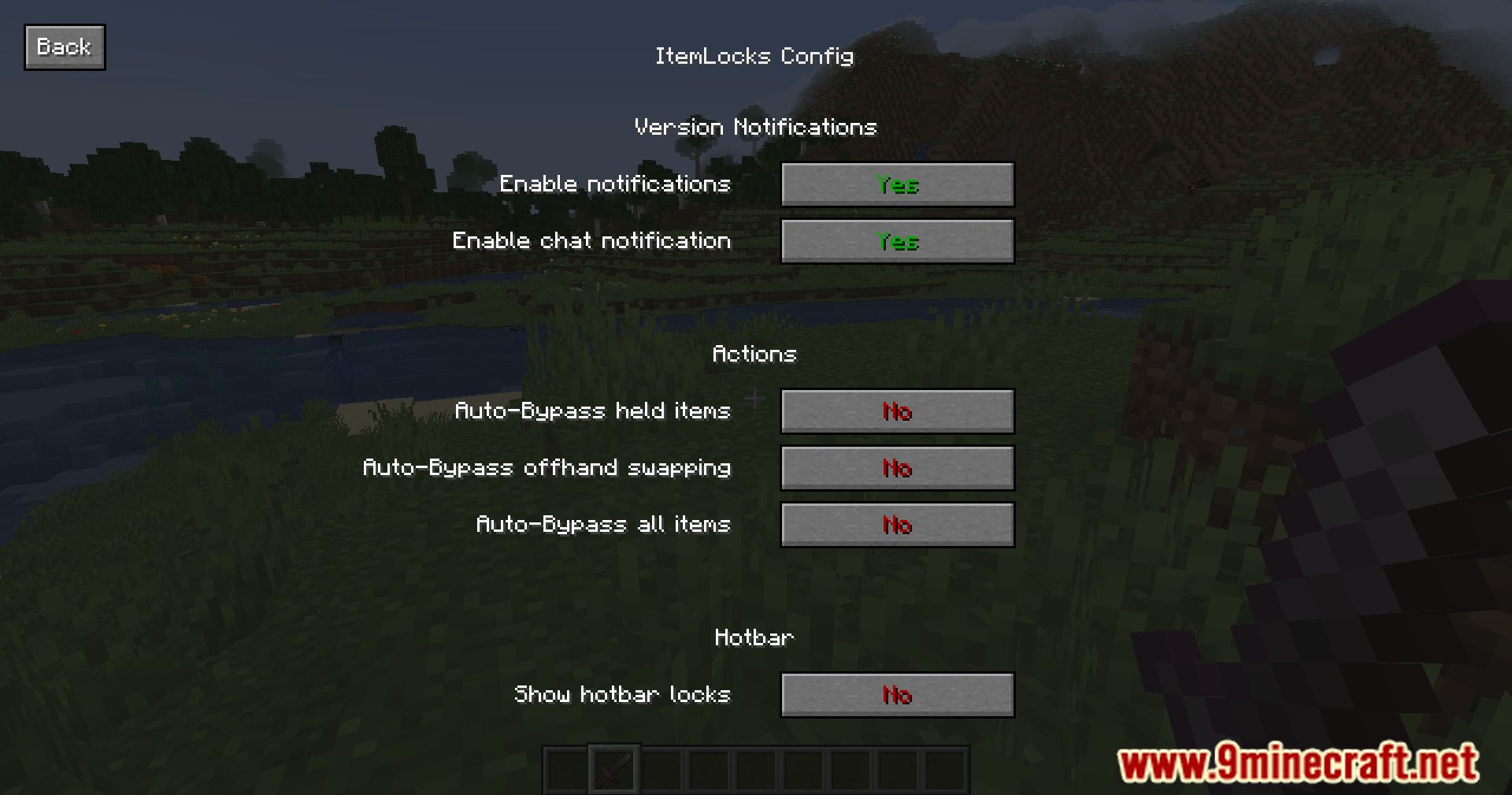
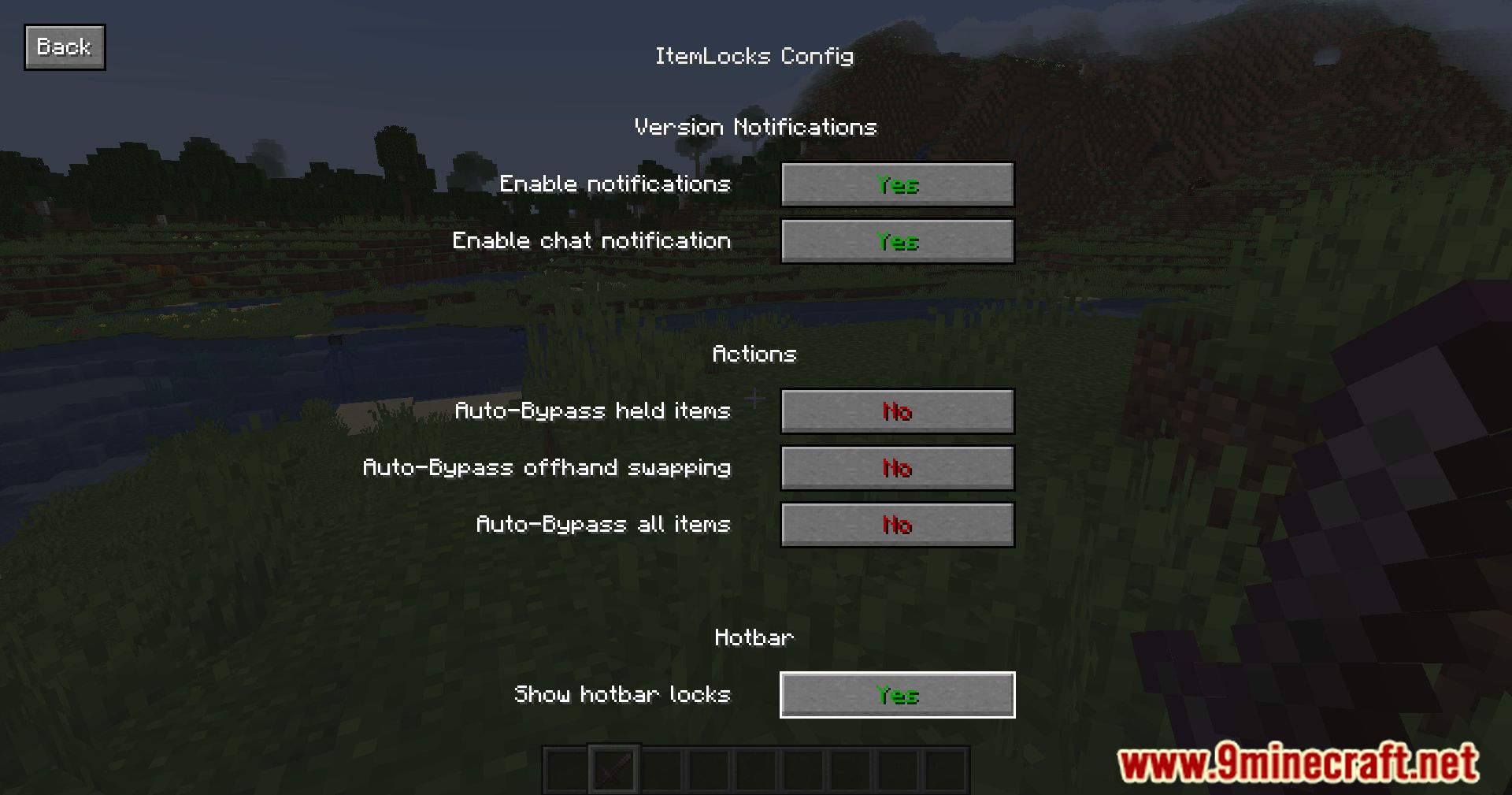
actions | Actions |
hotbar | Hotbar |
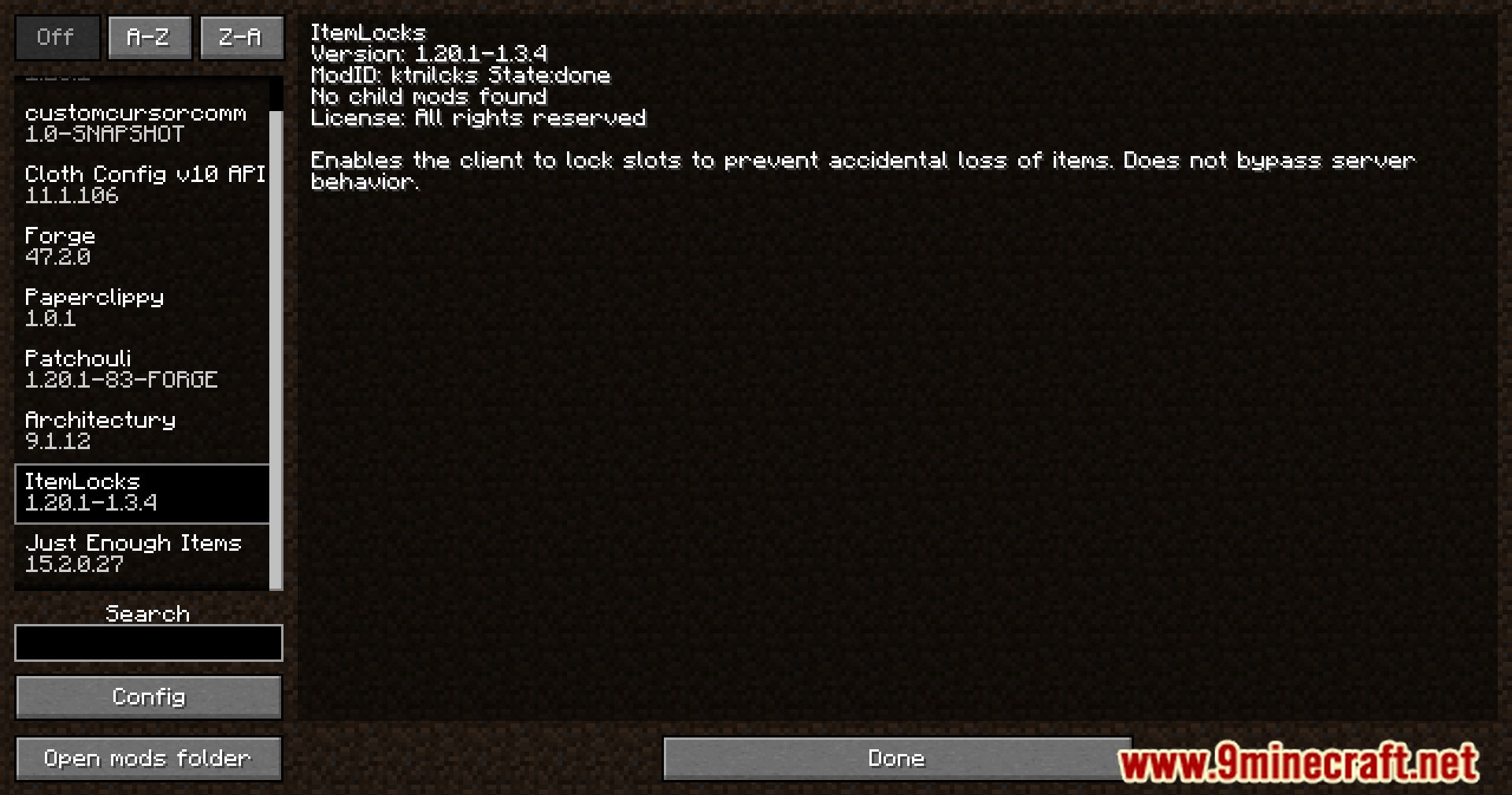
modname | ItemLocks |
config_title | ItemLocks Config |
versions | Version Notifications |
Action
| Option | What it does |
|---|---|
short | Auto-Bypass all items |
short | Auto-Bypass held items |
short | Auto-Bypass hotkey swapping |
short | Auto-Bypass offhand swapping |
long | When enabled, bypass is always active except for when dropping items with the drop key |
long | When enabled, holding an item in an inventory will always bypass locks |
long | When enabled, swapping items with the hotbar hotkeys will always bypass locks |
long | When enabled, swapping items with the offhand will always bypass locks |
Hotbar
| Option | What it does |
|---|---|
short | Show hotbar locks |
long | When disabled, locks won't show up on the hotbar. |
Notify
| Option | What it does |
|---|---|
short | Enable chat notification |
short | Enable hud indicator |
short | Enable notifications |
long | When enabled, allows the mod to give feedback depending on version changes. |
long | When enabled, sends version feedback into chat when joining a world or server. |
long | When enabled, shows version feedback in the game UI. |
Frequently asked questions
How do I lock an inventory slot with ItemLocks?
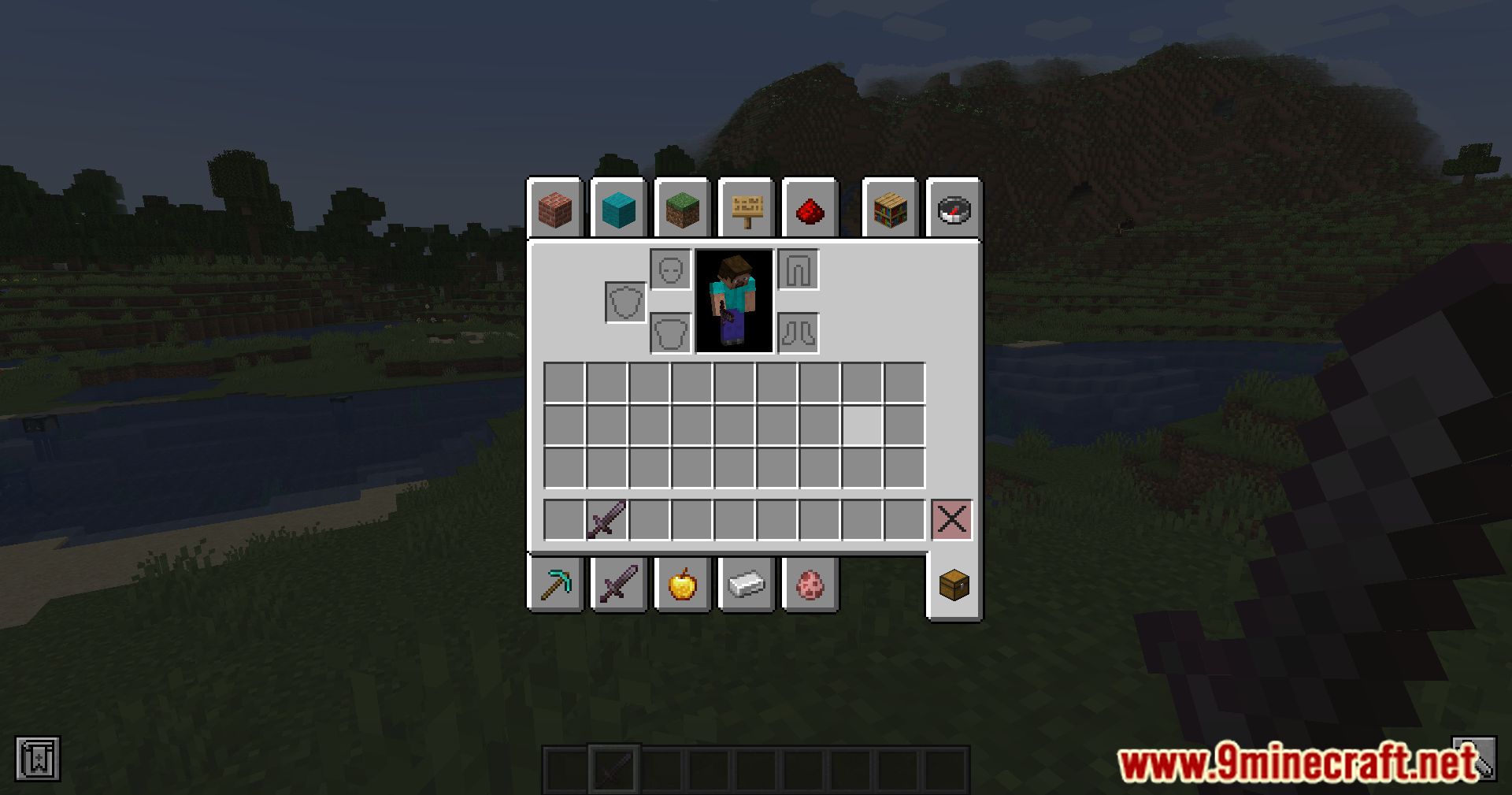
Hold the lock key (default C) and left-click the slot you want to protect. The slot will show a lock indicator so you know it's protected.
How do I unlock a slot I locked by accident?
Hold the unlock key (default B) and left-click the locked slot to remove the lock. You can also use this same keybind to modify which slots are locked.
What does locking a slot actually prevent?
A locked slot prevents you from dropping, moving, or otherwise removing the item from that slot through normal inventory actions. This stops accidental drops, like tossing your best gear into lava.
Can I lock hotbar slots too, or only main inventory slots?
You can lock both hotbar slots and regular inventory slots. Locking a hotbar slot is especially useful for keeping your weapon or tool from being dropped when you press the drop key.
See all 10 ItemLocks questions ›
Gallery
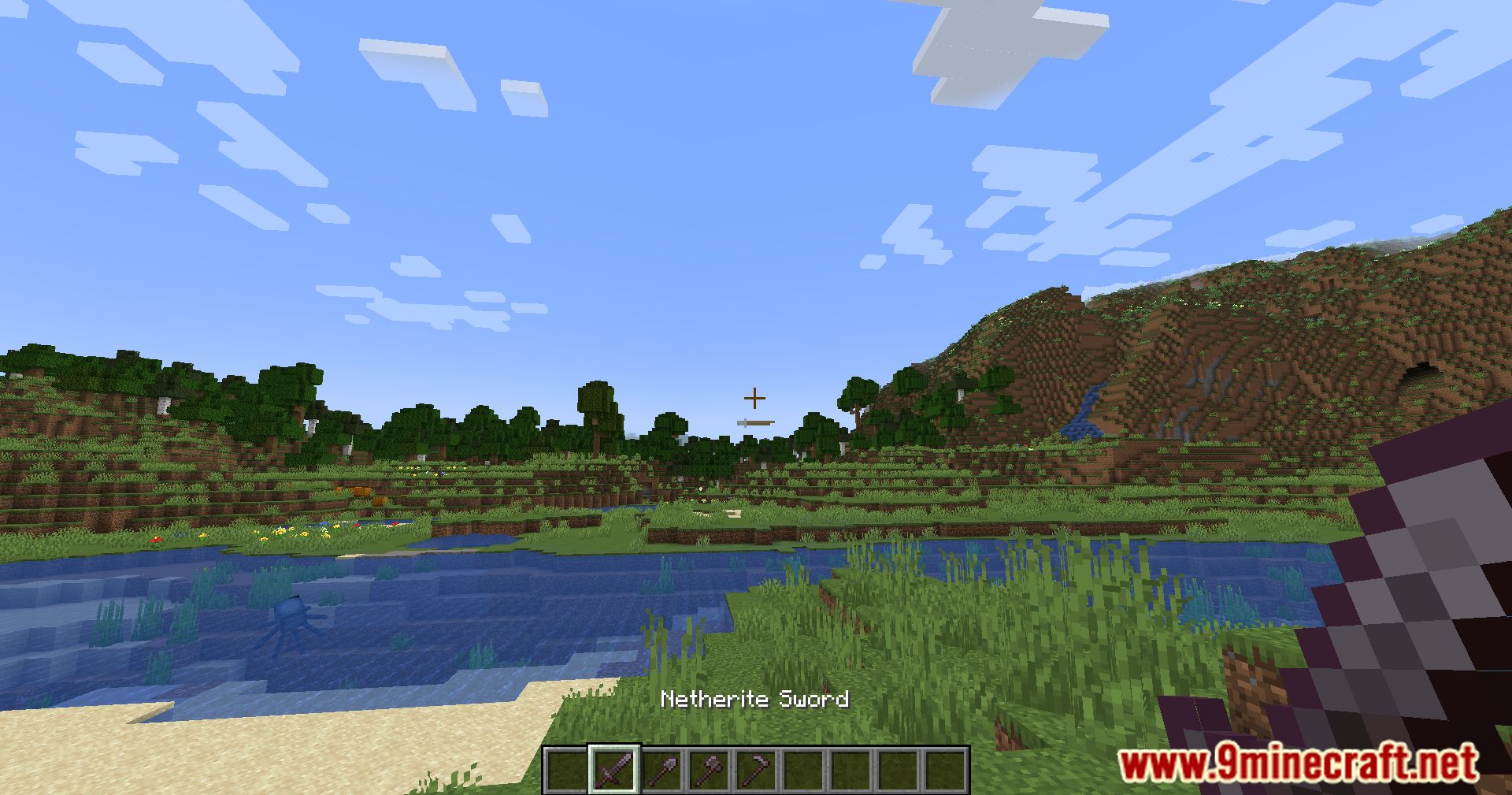
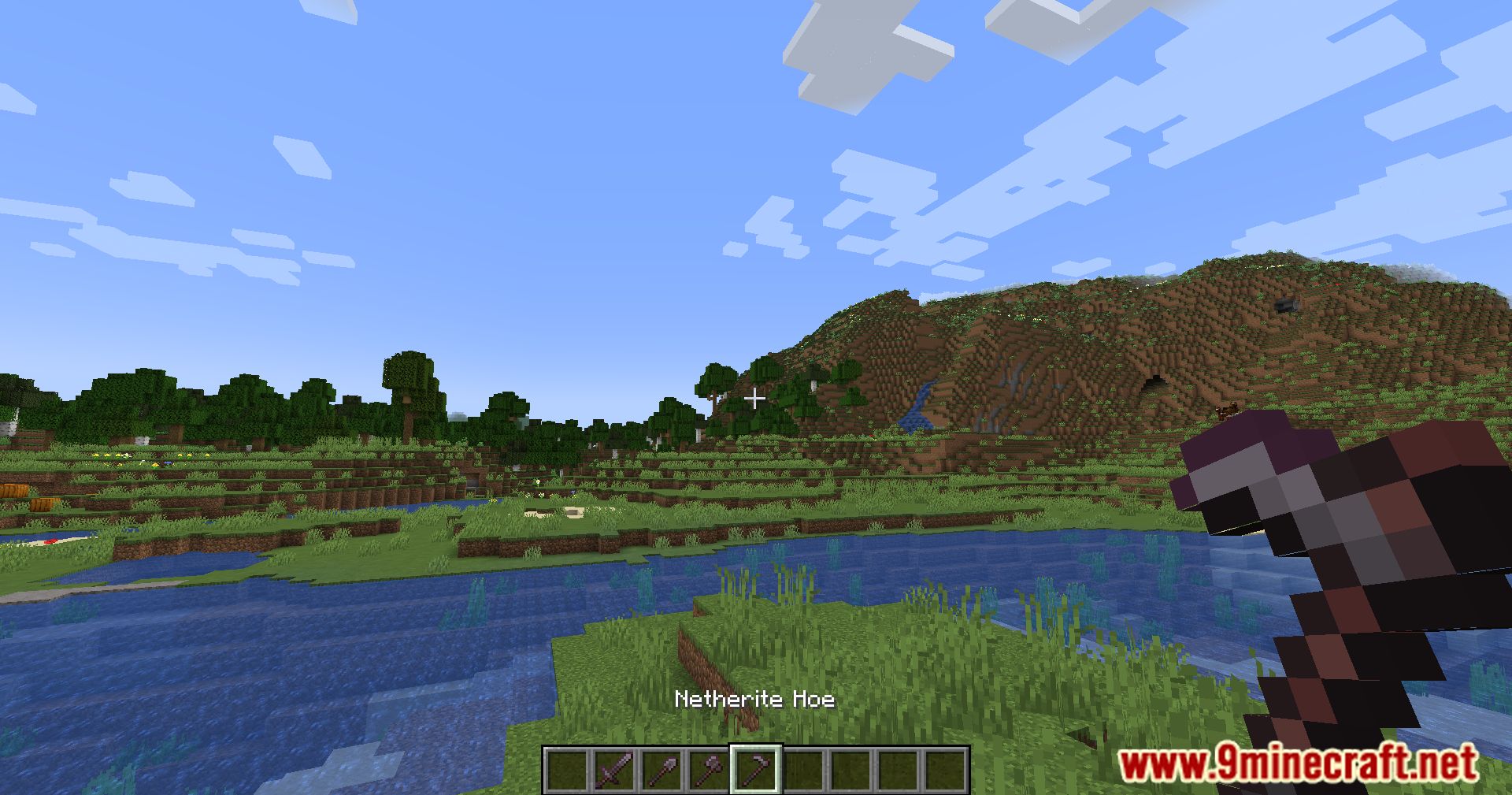
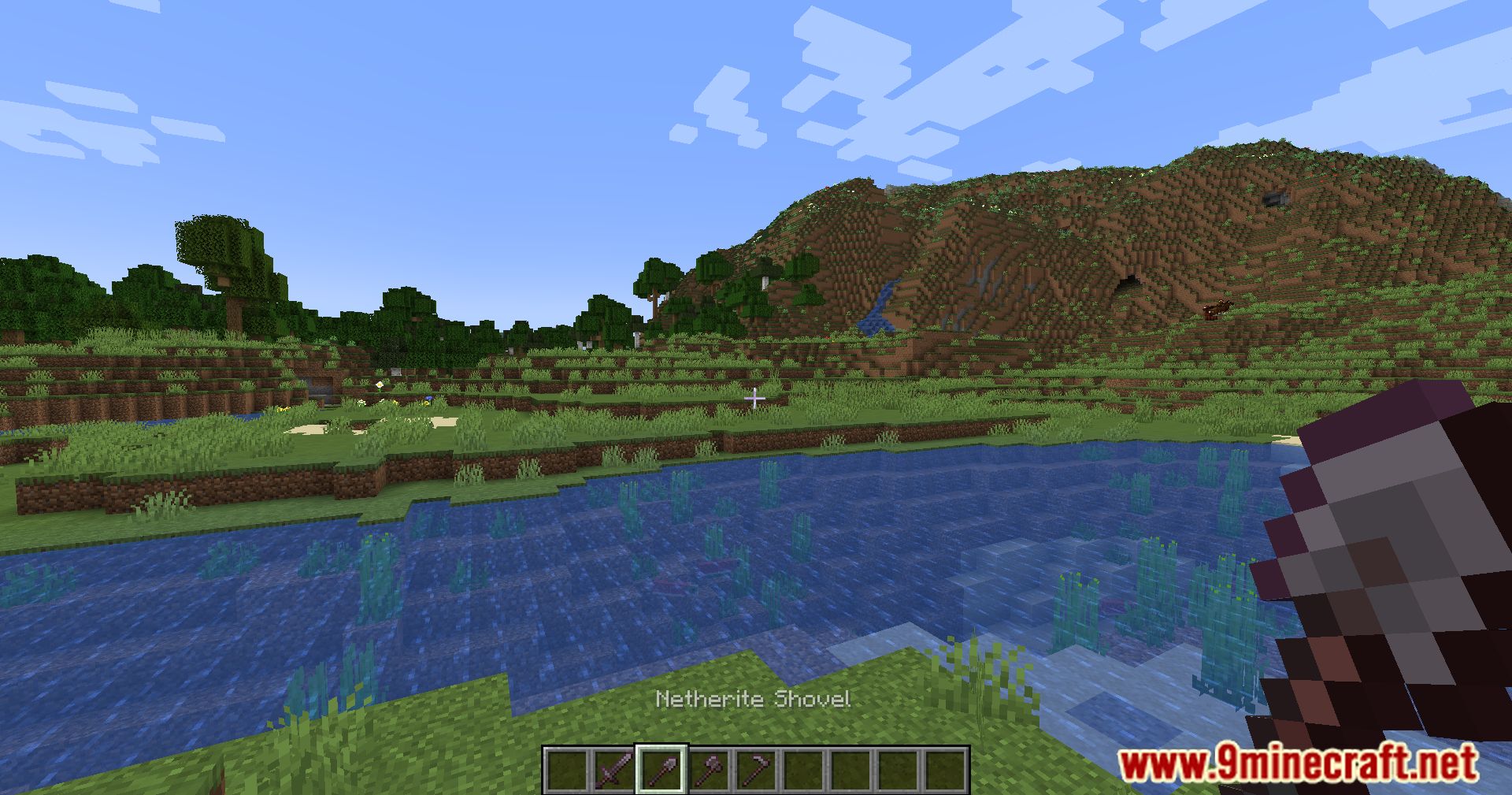
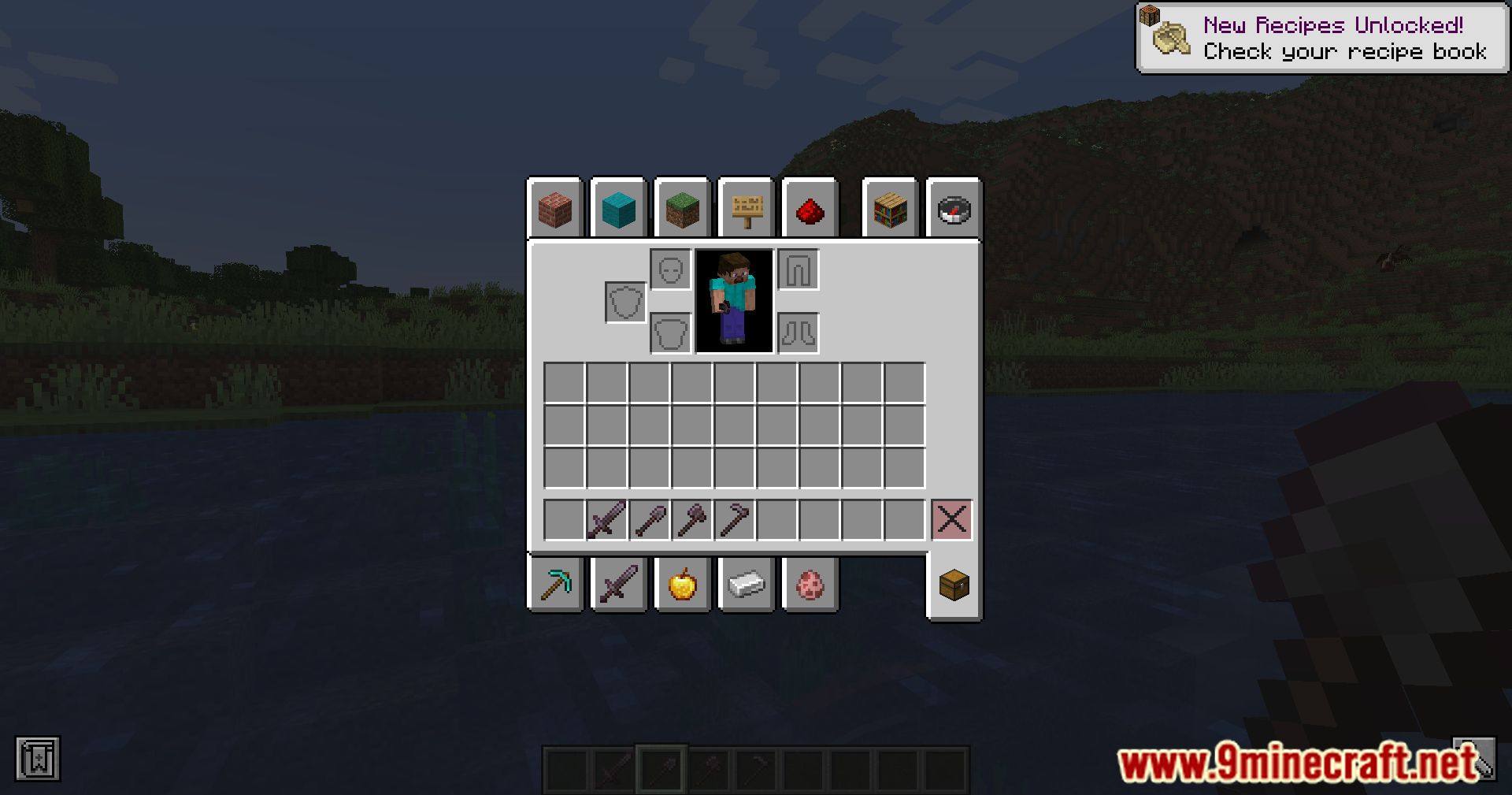
10 images from the Itemlocks Mod page.

You May Also Like
Wikis that share the most with this one
More mod wikis on the site
The most downloaded mods that have a wiki here
A few wikis from each of the other kinds