

 DownloadArchitectural Infinite
Get the files on 9Minecraft
Contents (4)
Guides
Step-by-step, in-game.
Control Where Structures Spawn Using Biome and Dimension SettingsConfiguring Spawn Rules The mod lets you customize which structures appear in specific biomes and dimensions. 1. Open…Create and Export Your Own Custom StructuresBuilding and Exporting The mod includes built-in tools to design your own structures and share them with others. 1.…Find and Locate Specific Structures in Your WorldUsing the Locate Command Once you've found a structure you like in the mod's collection, you can search for where it…Fix Missing Blocks and Repair Broken StructuresHandling Missing Blocks When you disable or remove mods that add custom blocks, structures containing those blocks…
Items
 Artifact Generation Tag
 Block Selector
 Book Generation Tag
 Floating Block Selector
 Inspector
 Inventory Generation Component Tag
 Inventory Generation Single Tag
 Inventory Generation Tag
Frequently asked questions
How do I open the mod interface to see and manage structures?
Use the command `/rc gui` to open the in-game interface where you can browse all available structures, preview them, edit them, and export your own creations.
How do I find a specific structure that I want to locate in my world?
Use the command `/#structures locate <structure-id>` to get predicted spawn locations for that structure; you can also search by structure name in the `/rc gui` interface to see where similar buildings might appear.
Why are some of my structures floating or clipping into water?
This is a known placement bug that the mod's diagnostic tools can fix; use the repair function in `/rc gui` to automatically correct floating buildings and water clipping issues.
Can I import schematics from other mods or tools into world generation?
Yes, the mod supports importing Create schematics directly, which will then be integrated into your world generation alongside the built-in structures.
How do I prevent structures from spawning in certain biomes or dimensions?
Use the biome and dimension controls available in `/rc gui` to configure where structures are allowed to generate, giving you full control over placement rules.
What happens to structures when I remove other mods that added blocks?
The mod includes diagnostic checks that safely handle missing blocks, and you can use the repair tools to fix any broken structures left behind by removed mods.
How do I create and share my own custom structures?
Use the built-in editor tools in `/rc gui` to design your structure in-game, then export it; you can then share the exported file with others or import it into different worlds.
Why do the same structures look different every time I find them?
The mod randomizes chest loot and applies block decay to each structure, so every building you discover has unique contents and weathering effects.
Do the generated structures blend naturally with vanilla villages and terrain?
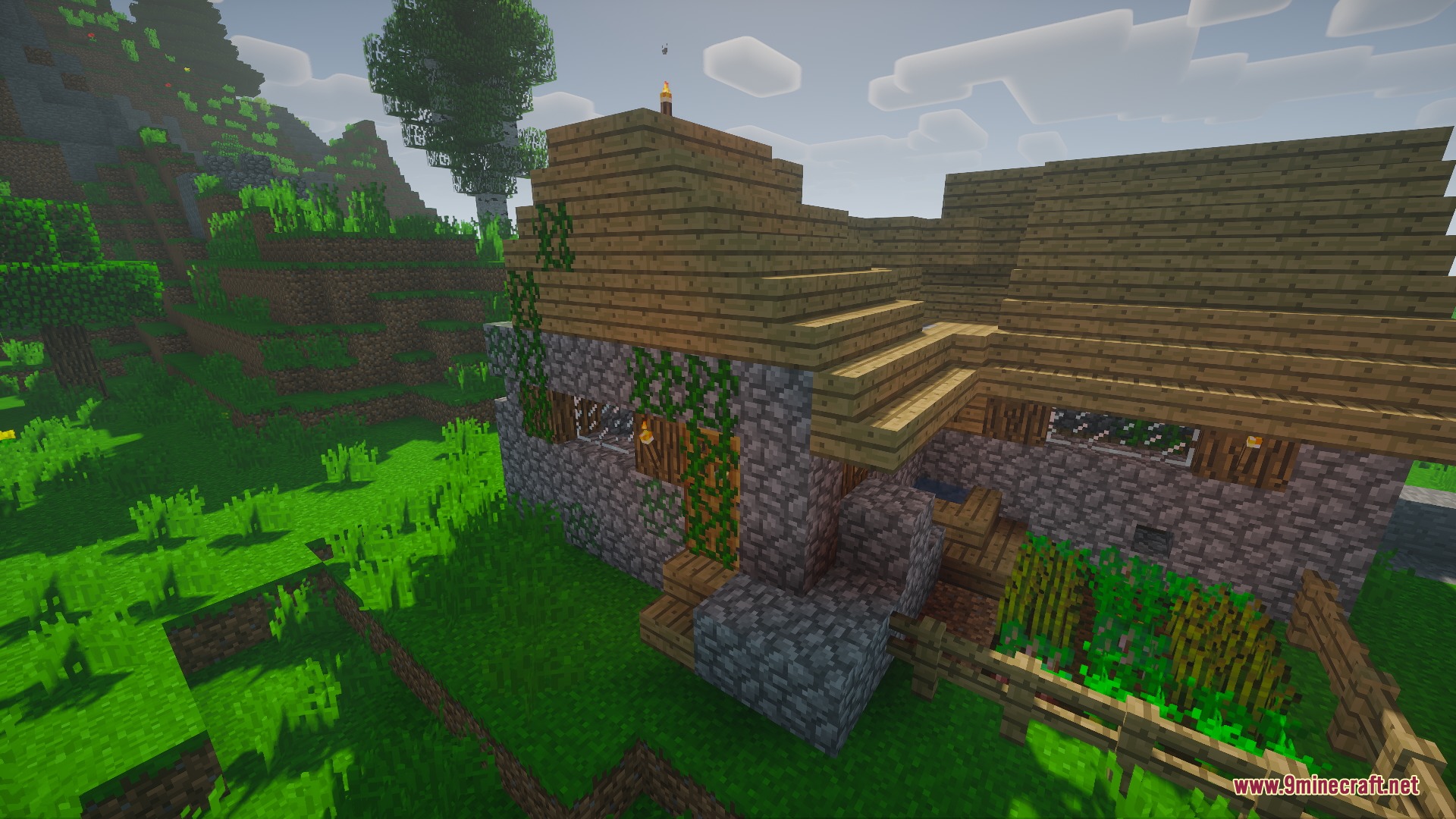
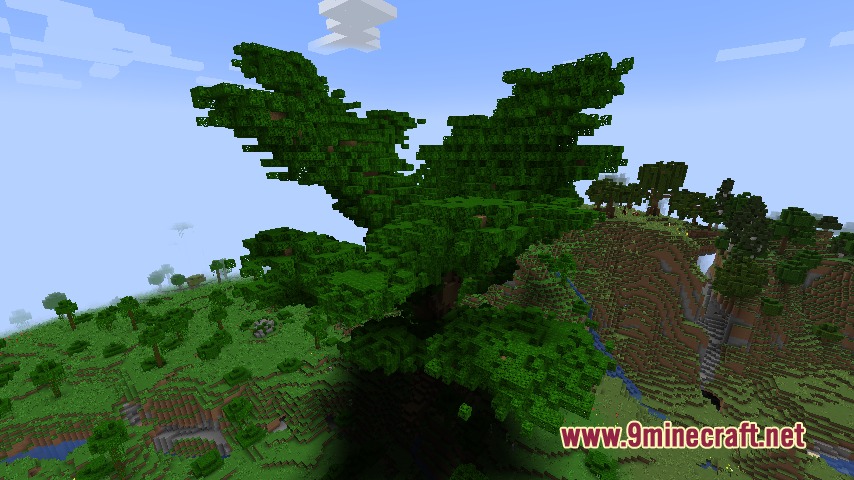
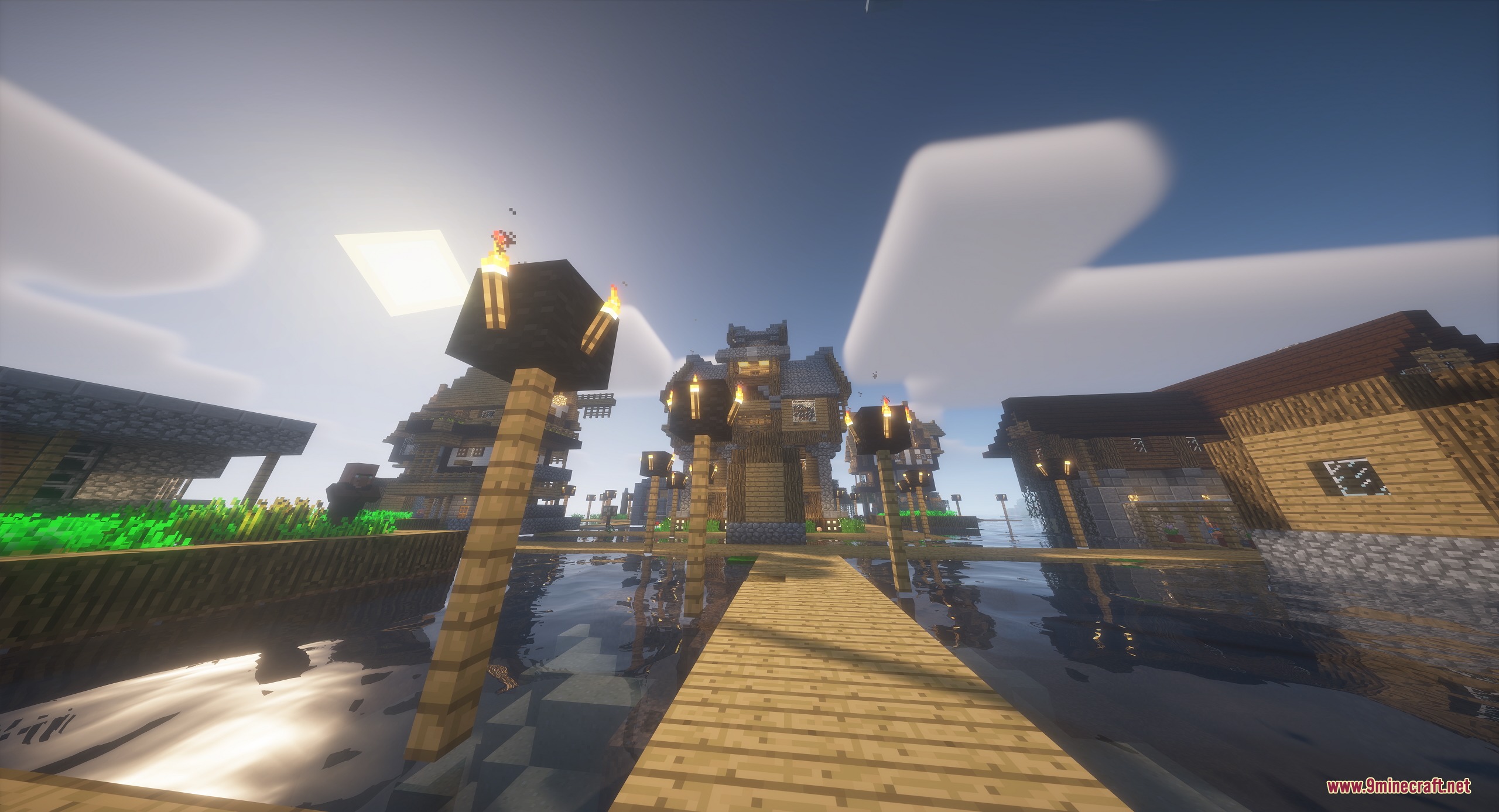
Yes, the mod is designed to blend new buildings naturally into terrain, vanilla villages, and even custom trees grown from saplings, so everything feels cohesive.
How many structures does this mod add to world generation?
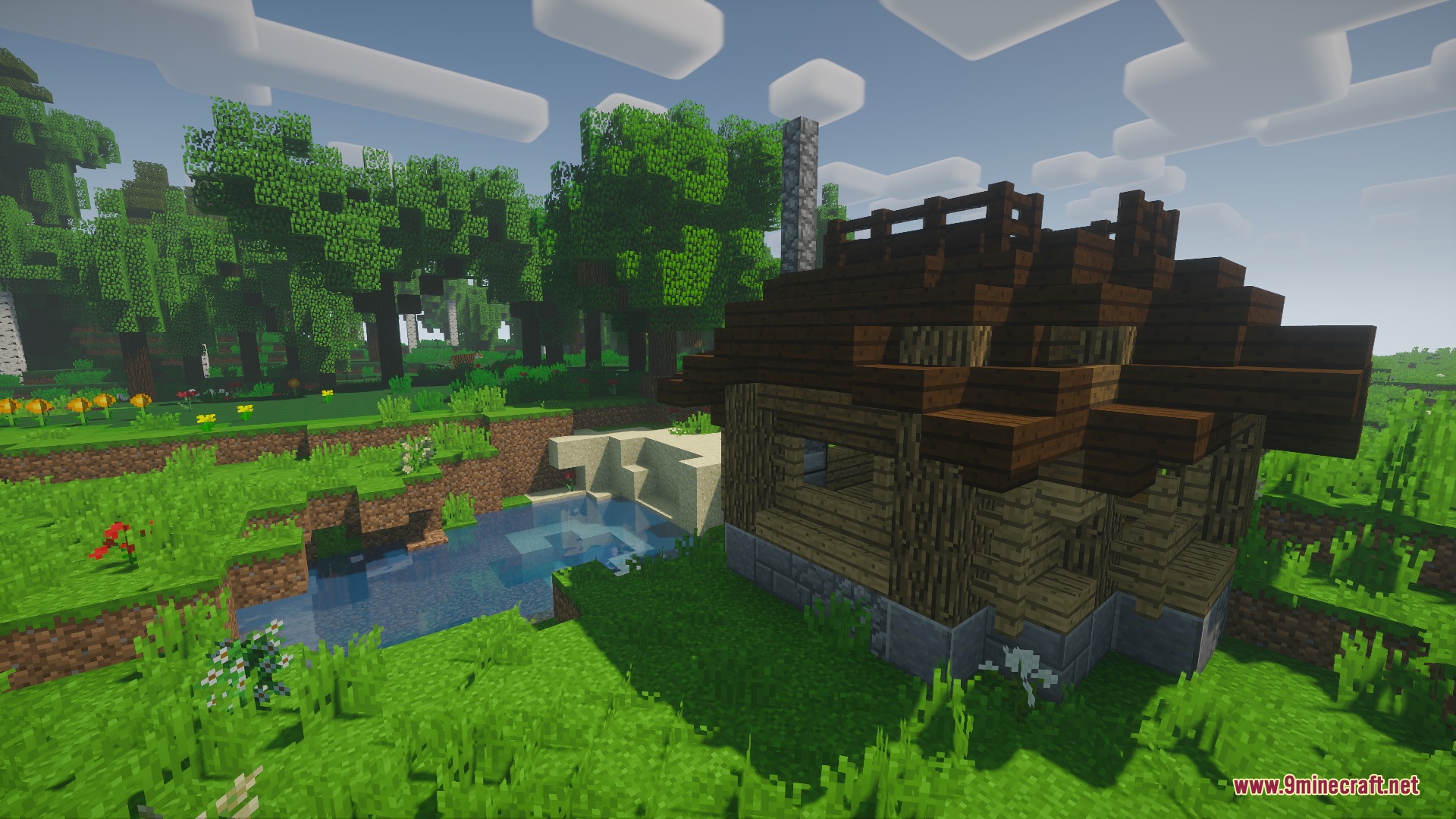
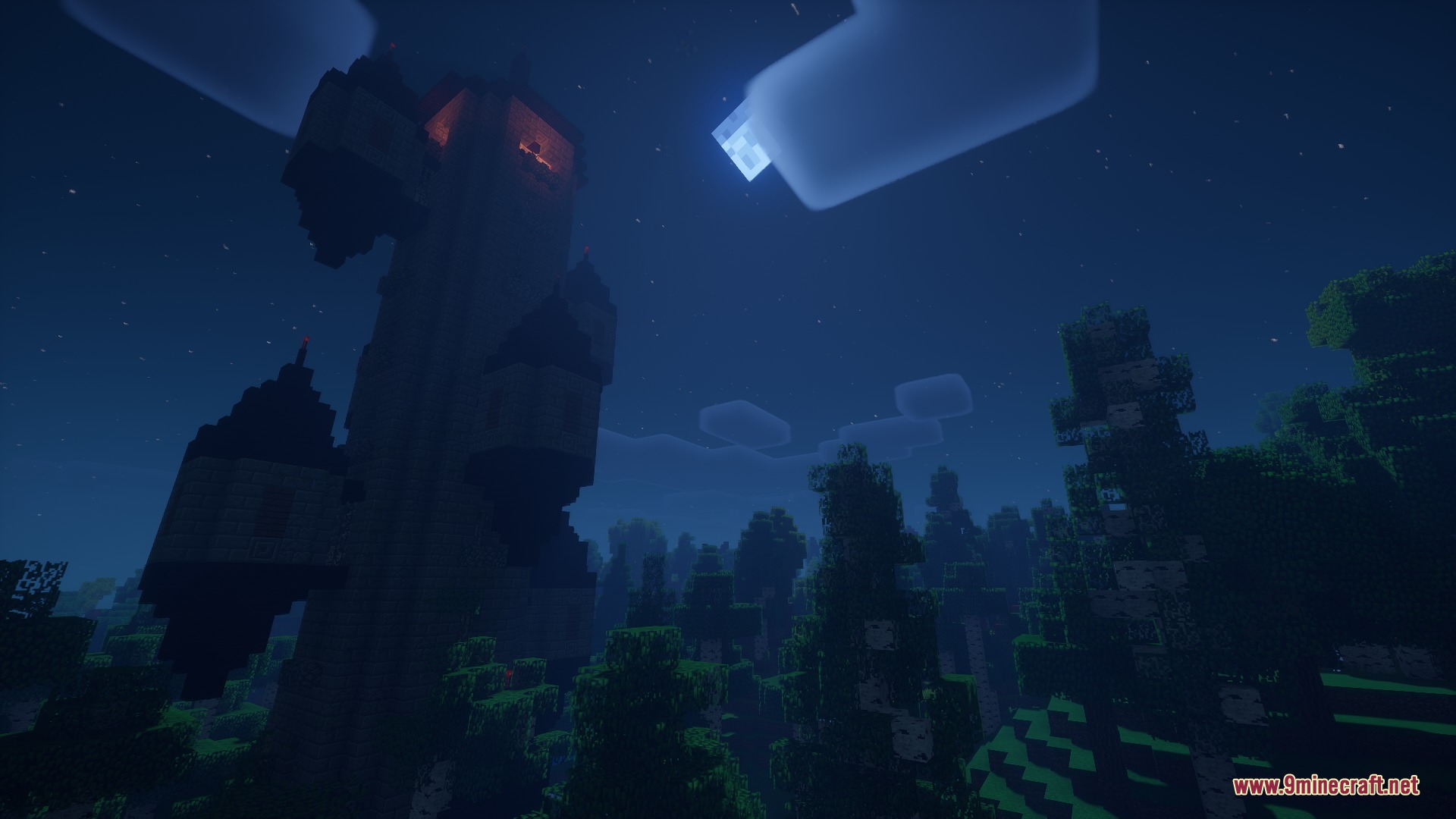
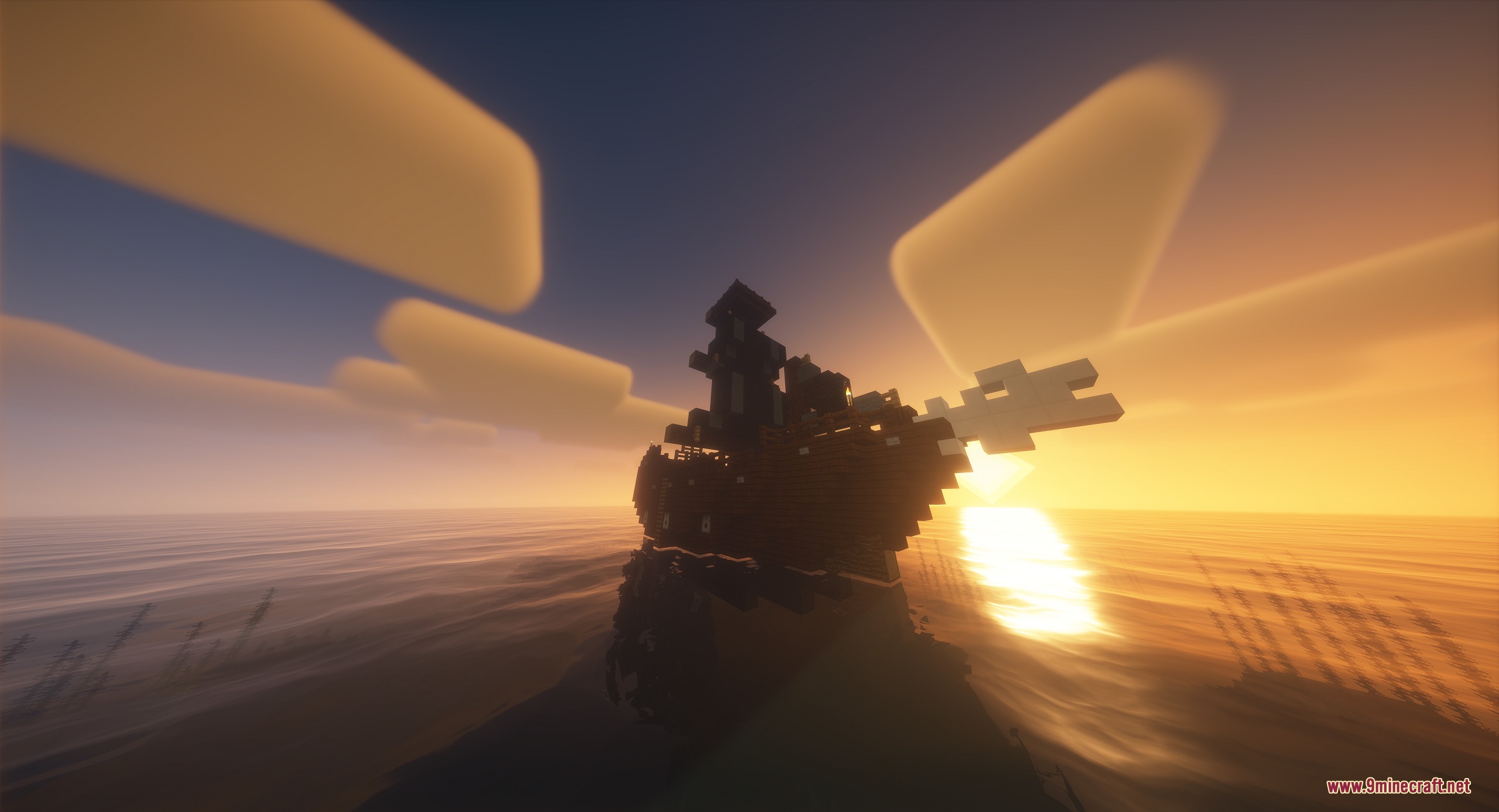
The mod includes around 200 ready-to-use structures spanning castles, ruins, underground mazes, custom trees, and various other architectural styles.
Gallery
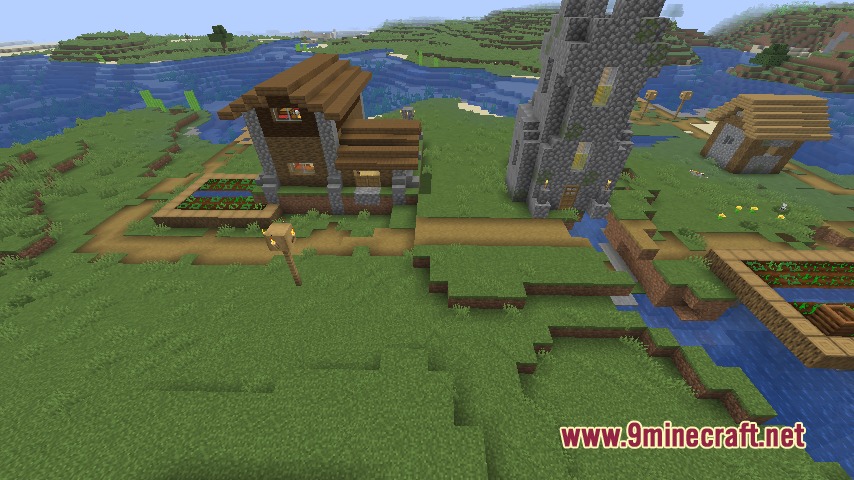
9 images from the Architectural Infinite Mod page.
You May Also Like
Wikis that share the most with this one
Infinite Items ModInfinite Trading ModSkyblock Infinite ModInfinite Parkour V2 MapInfinite Yellow DescentInfinite Night Vision ModInfinite Tower Parkour MapAperture Architectural ElementsSubmerged Infinite Structures MapCobblemon Infinite Fusion Data PackMusic Delay Remover (Infinite Music)Dense Architectural Inertia Data Pack
More mod wikis on the site
The most downloaded mods that have a wiki here
A few wikis from each of the other kinds