

 DownloadHex Casting
Get the files on 9Minecraft
Server Compatibility
Hex Casting works on multiplayer servers, but there are a few  things to keep in mind. Media is drawn from the environment, so if multiple players are casting in the same area, they may compete for the same media pool. Coordinate with your friends to avoid exhausting the local media supply. Some servers may have plugins or configs that alter media regeneration or disable certain hexes.
Sharing Spells
You can share hexes with other players by giving them scrolls or by teaching them the patterns. Use 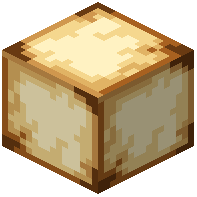 Ancient Scroll Paper to write a hex and hand it to a friend. They can then cast it without knowing the pattern themselves. This is great for cooperative play — one player can specialize in writing scrolls while others use them.
Etiquette and Safety
Be careful with offensive or destructive hexes on a server. Some hexes can break blocks, harm players, or cause lag if used excessively. Check the server rules before casting anything that might affect other players. If you are on a public server, avoid casting hexes near spawn or in crowded areas. Use your workshop for testing. Finally, remember that Hanging Scroll mobs are decorative and can be placed in your base to show off your favorite spells.


