

 DownloadHex Casting
Get the files on 9Minecraft
What Is Media?
Media is the energy resource that powers all hexes. It is drawn from the environment, specifically from Amethyst and related blocks. When you cast a hex, it consumes media from nearby sources. If there is not enough media, the hex will fail or produce a weaker effect. Understanding media generation is essential for casting powerful spells.
Generating Media
Place Amethyst  Blocks, Blocks of
 Amethyst Dust, or
 Charged Amethyst near your casting area. These blocks emit media that your hexes can consume. Amethyst Clusters and Budding Amethyst also contribute. The more amethyst-related blocks you have, the more media is available. You can also use
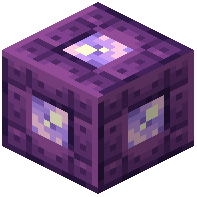 Akashic Ligatures to store and transfer media between locations. Some blocks like
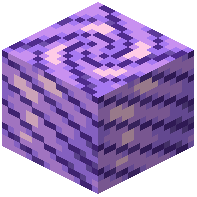 Amethyst Pillars and
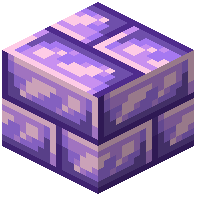 Amethyst Bricks are decorative but may also have media-related properties.
Managing Media
Keep an eye on your media levels — if you cast too many hexes in a row, you may exhaust the local media. You can build a dedicated casting room filled with amethyst blocks to ensure a steady supply. 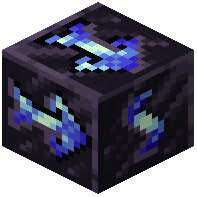 Cleric Impetus,
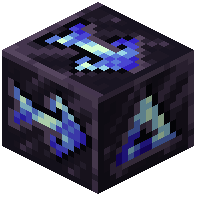 Fletcher Impetus, and
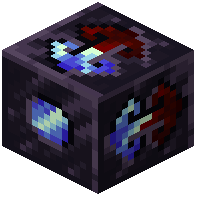 Mason Directrix are special blocks that can help manage media flow or provide other benefits. Experiment with different arrangements to find what works best for your playstyle.


