

 DownloadHex Casting
Get the files on 9Minecraft
Choose a Location
Find a flat area or build a room where you can set up your hex casting station. You will need space for amethyst blocks, a 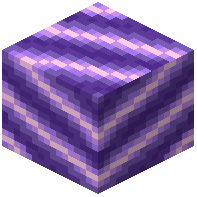 crafting area, and storage for your scrolls and pigments. A dedicated workshop helps you keep your media supply consistent and your items organized.
Essential Blocks
Place Amethyst  Blocks or Blocks of
 Amethyst Dust in a cluster to generate media. Surround them with
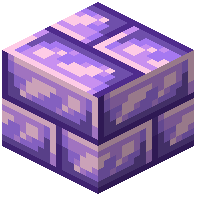 Amethyst Bricks,
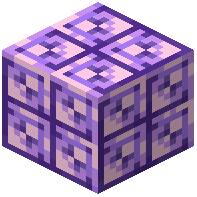 Amethyst Tiles, or
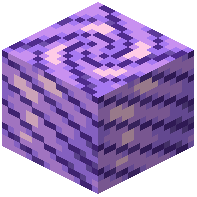 Amethyst Pillars for a themed look. Add Akashic Bookshelves to store scrolls and
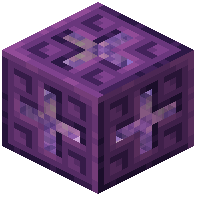 Akashic Records for larger storage. Use
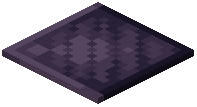 Slate and
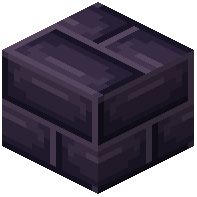 Slate Bricks for flooring and walls — they are decorative but fit the mod's aesthetic.
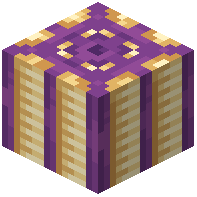 Ancient Paper Lanterns and
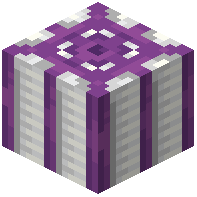 Paper Lanterns provide light without interfering with media.
Workflow
Set up a crafting table near your amethyst cluster so you can craft pigments and  focuses quickly. Keep a chest with spare staffs, scrolls, and pigments. If you plan to cast frequently, create a media buffer using
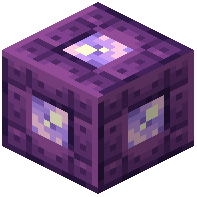 Akashic Ligatures to store excess media. You can also add
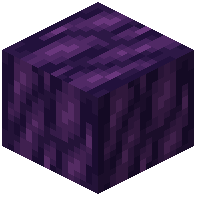 Edified Wood furniture like
 Edified Doors,
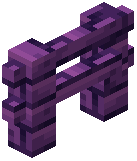 Edified Fences, and
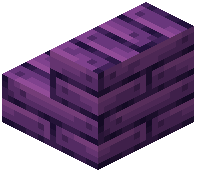 Edified Stairs to make the space feel like a proper wizard's tower. Test your hexes in this controlled environment before using them in the field.


