

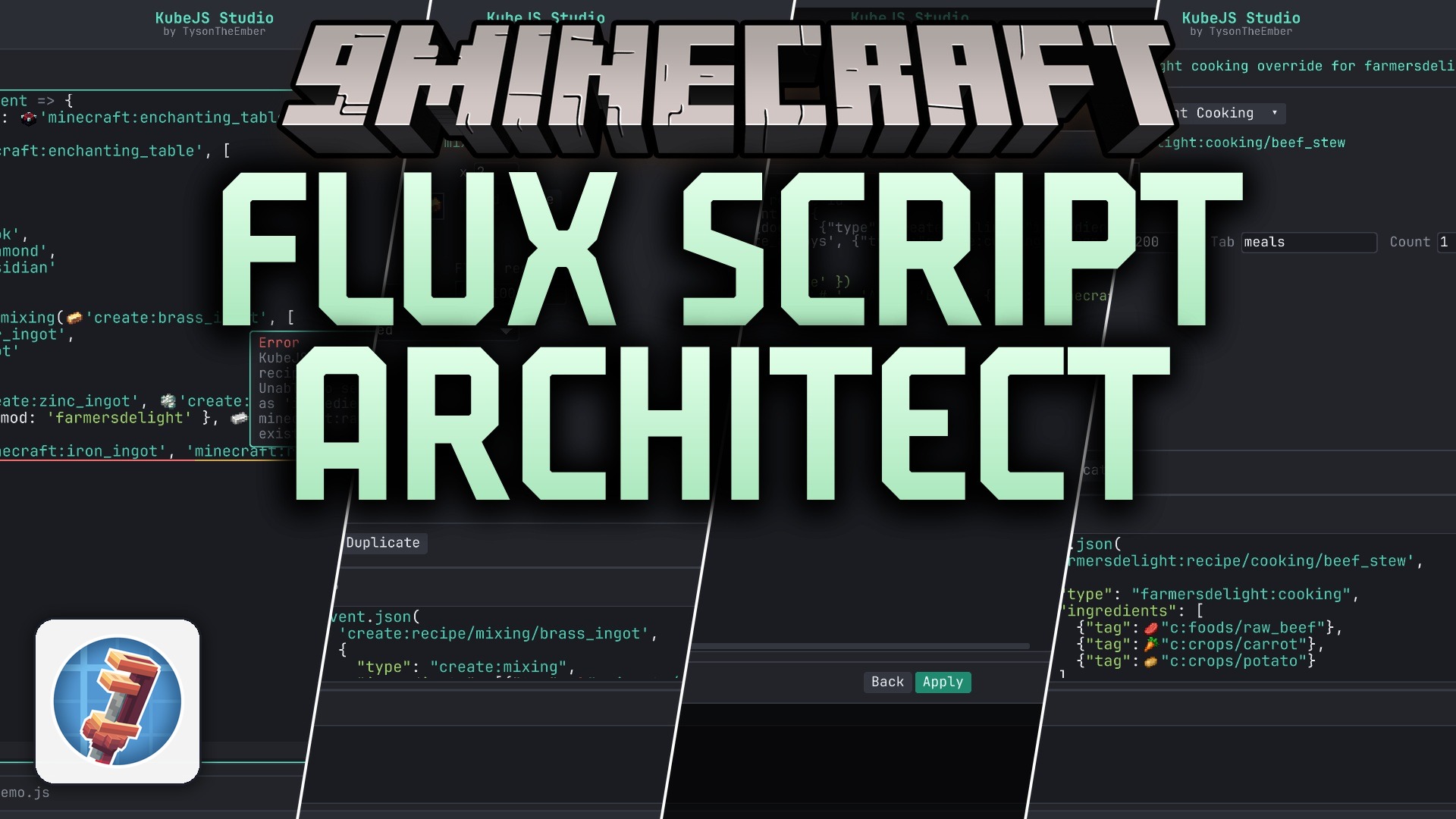
 DownloadFlux Script Architect Mod
Get the files on 9Minecraft
Guides
Step-by-step, in-game.
Add Items to Game TagsAccessing the Tag Manager Open the Flux Script Architect workspace and navigate to the Tags section. You'll see…Build a Custom Loot Table for a Block or MobStarting a New Loot Table Open the Flux Script Architect workspace and go to Loot Tables . Click Create New Loot…Create a Custom Recipe in the Visual EditorOpening the Recipe Editor Launch the Flux Script Architect workspace from your in-game studio. Navigate to the…Modify Block Properties (Hardness, Light, Mining Tool)Opening Block Properties Launch the Flux Script Architect workspace and navigate to Block Stats . Search for or…
Frequently asked questions
How do I open the Flux Script Architect workspace?
Press the configured keybind (default varies by setup) or use the command `/fsarchitect` to open the in-game studio. The workspace will load with tabs for the visual editor, text editor, and your script files.
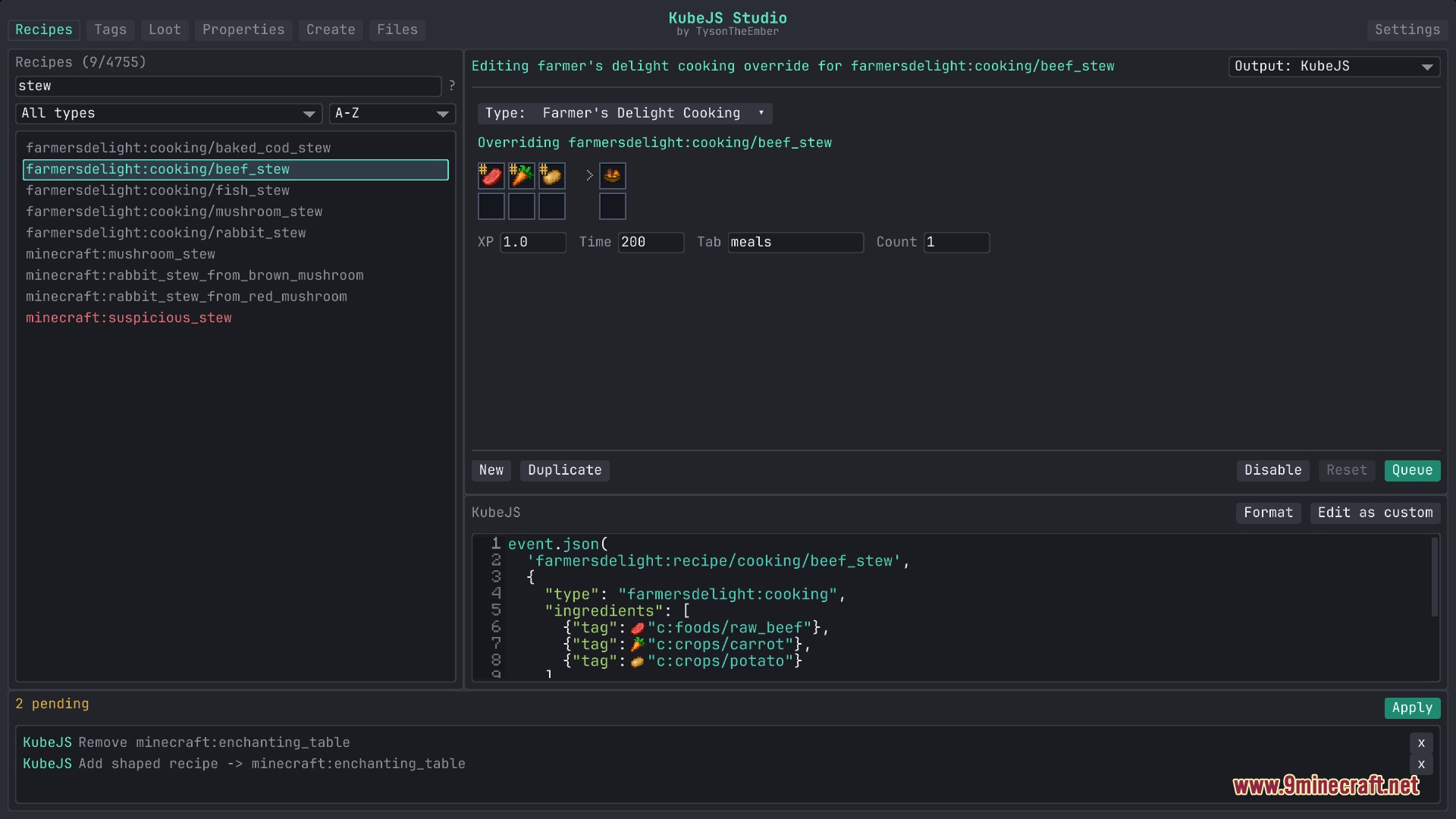
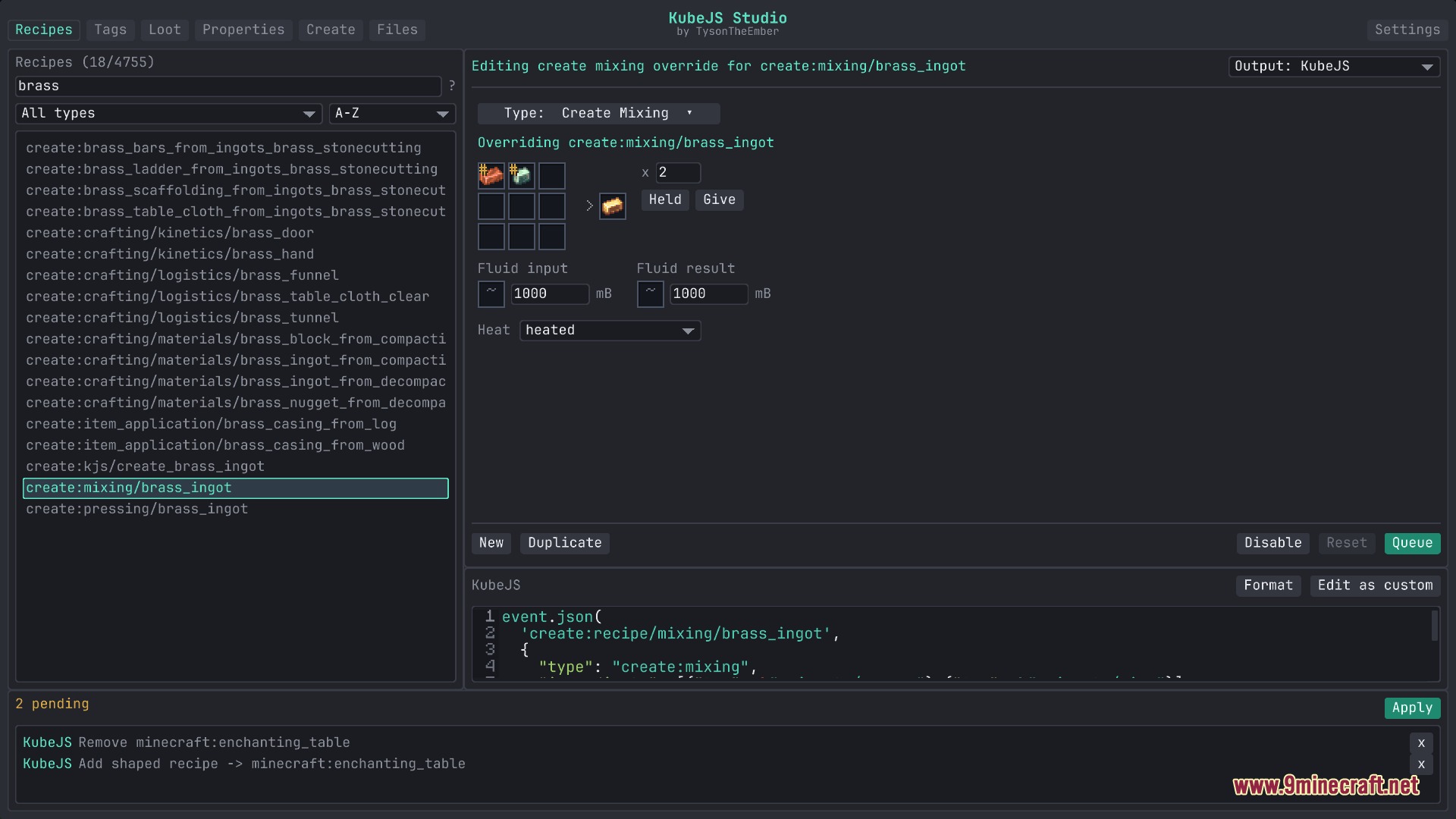
Can I edit recipes without knowing how to code?
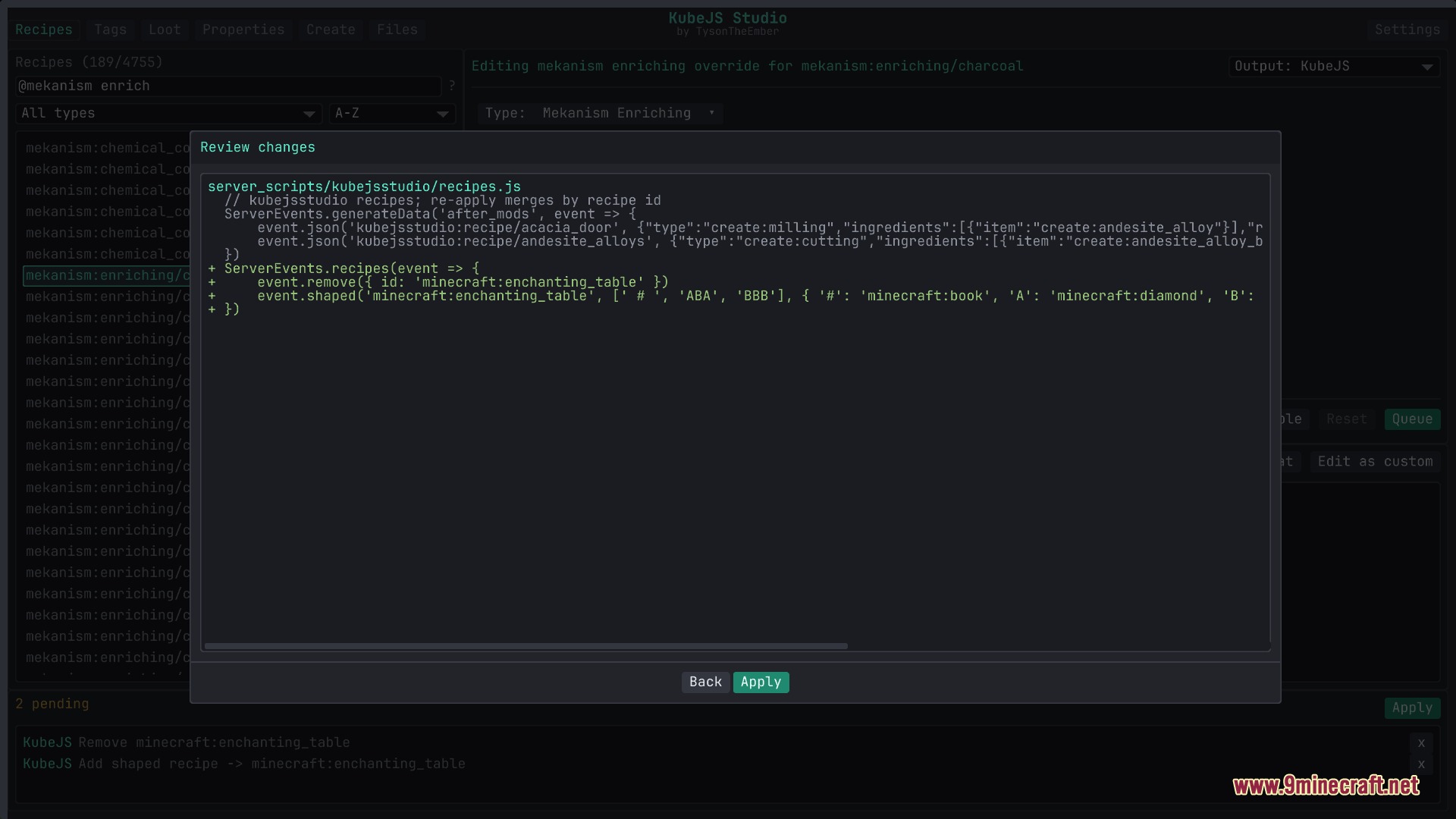
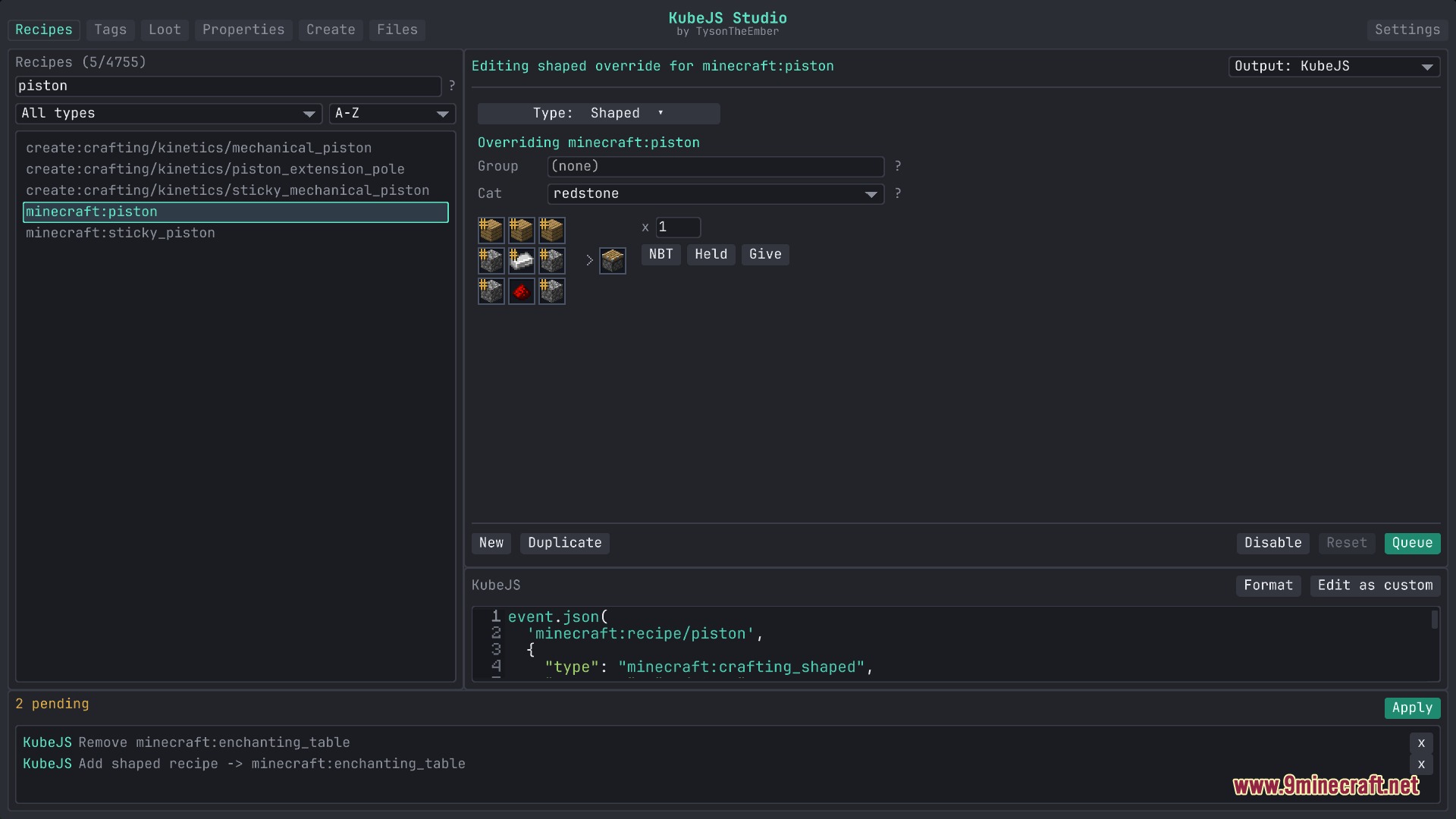
Yes—the visual recipe editor lets you select ingredients, set outputs, and configure cooking times or special conditions using forms and dropdowns. You don't need to write KubeJS syntax directly.
Do my changes take effect immediately or do I need to restart?
Changes save to your script files instantly, but most modifications (recipes, tags, loot tables) require a game reload or server restart to apply in-game. Some properties may update without a full restart depending on your setup.
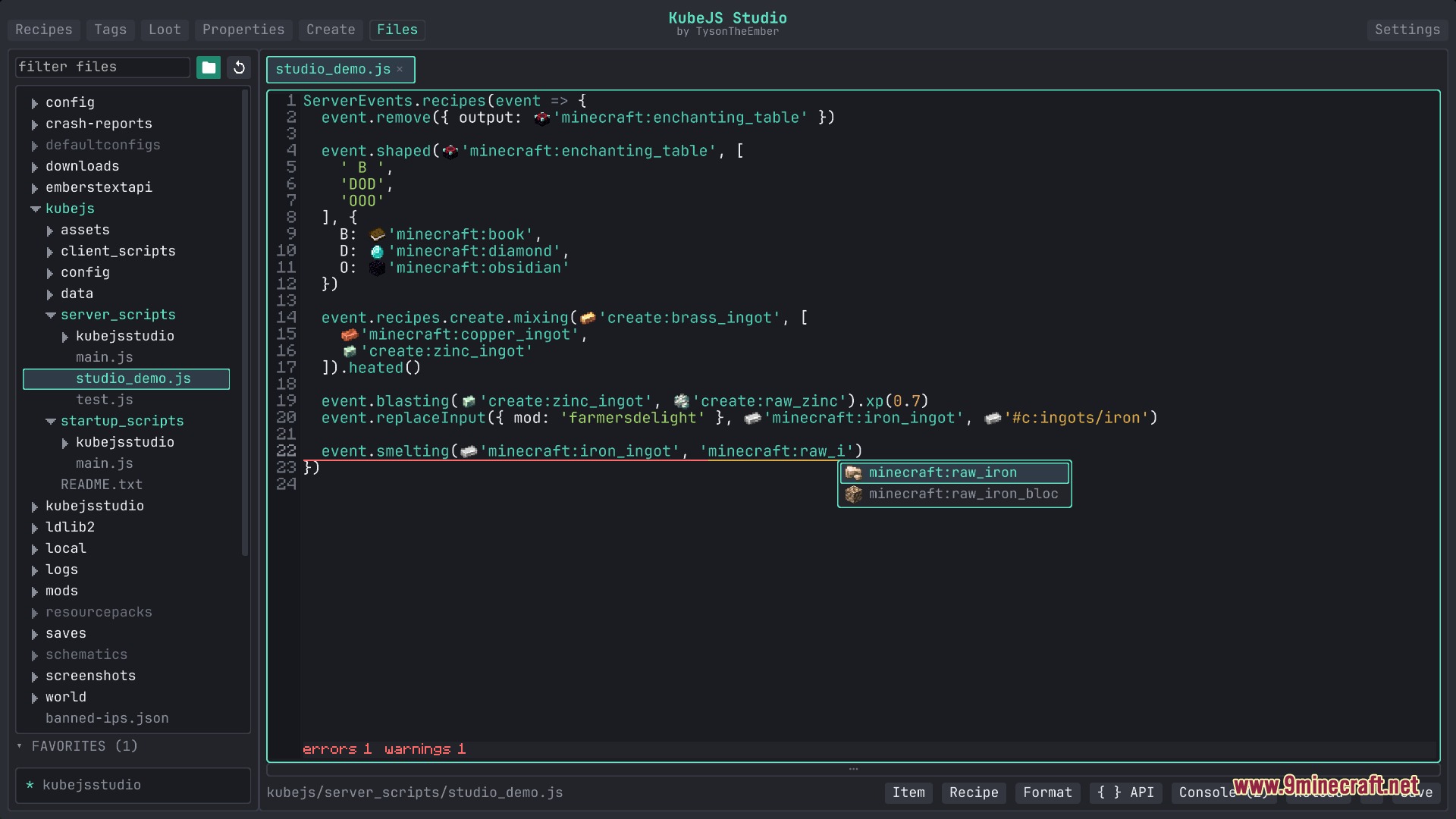
What's the difference between the visual editor and the text editor?
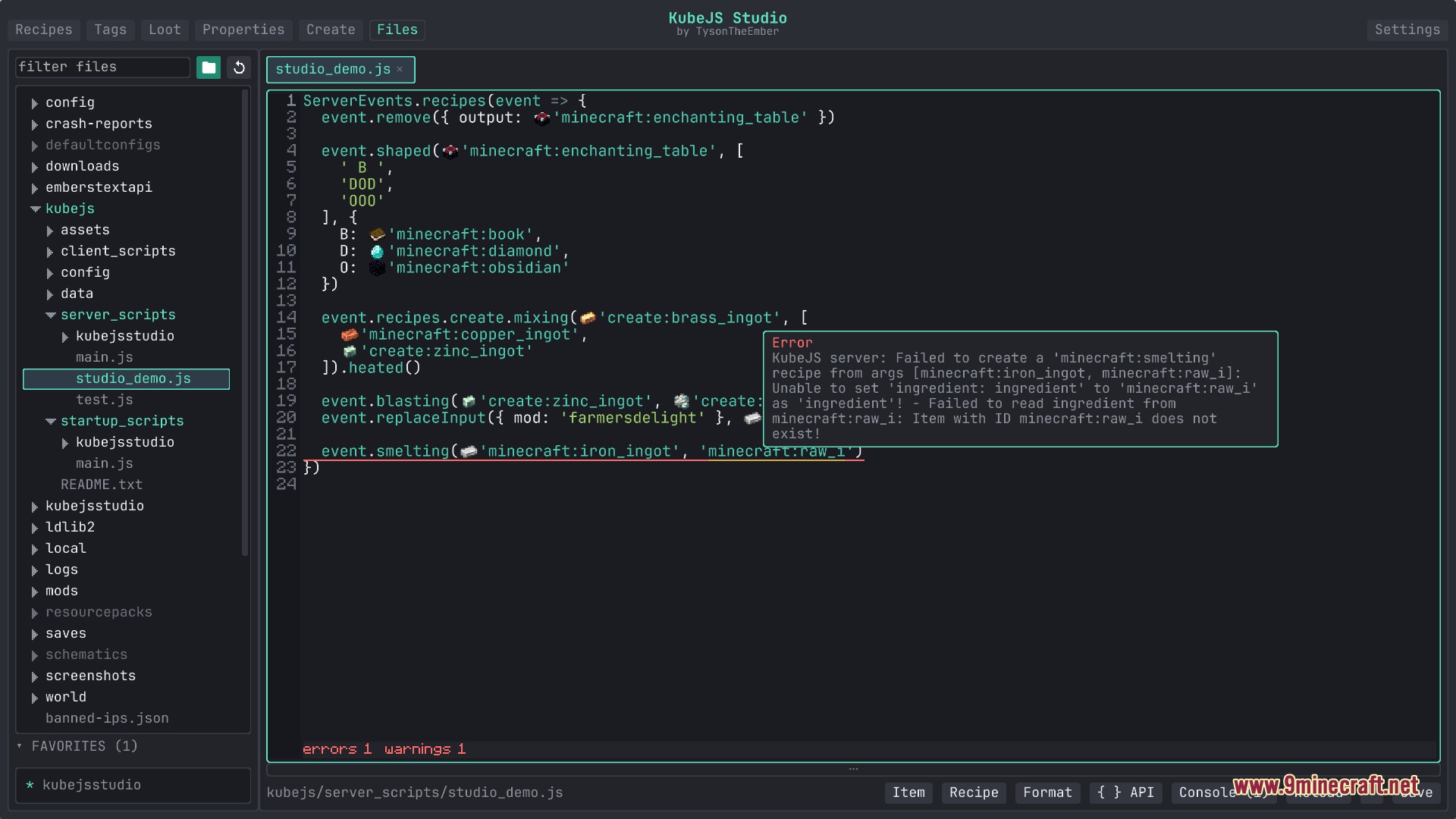
The visual editor uses forms and dropdowns to build recipes, tags, and loot tables without code. The text editor lets you write or edit raw KubeJS scripts directly with autocomplete and error highlighting.
See all 10 Flux Script Architect questions ›
Gallery
9 images from the Flux Script Architect Mod page.
You May Also Like
Wikis that share the most with this one
 Flux Shaders
Wikis on the same theme: tool
More mod wikis on the site
The most downloaded mods that have a wiki here
A few wikis from each of the other kinds