

 DownloadFluid Horizon Vision Mod
Get the files on 9Minecraft
Guides
Step-by-step, in-game.
Keep Your View Distance Within Specific LimitsSetting Chunk Boundaries You may want to prevent your view distance from becoming too extreme—either too close…Monitor Your Frame Rate and View Distance in Real TimeEnabling the HUD Overlay The mod includes an on-screen display that shows your current frame rate and active render…Stop Your View Distance From FlickeringUnderstanding Cooldown Timers View distance flickering happens when your render distance changes too frequently in…Switch Between Performance Profiles QuicklyUnderstanding the Presets The mod includes three ready-made profiles tuned for different priorities: Quality :…
Frequently asked questions
How do I turn on the mod after installing it?
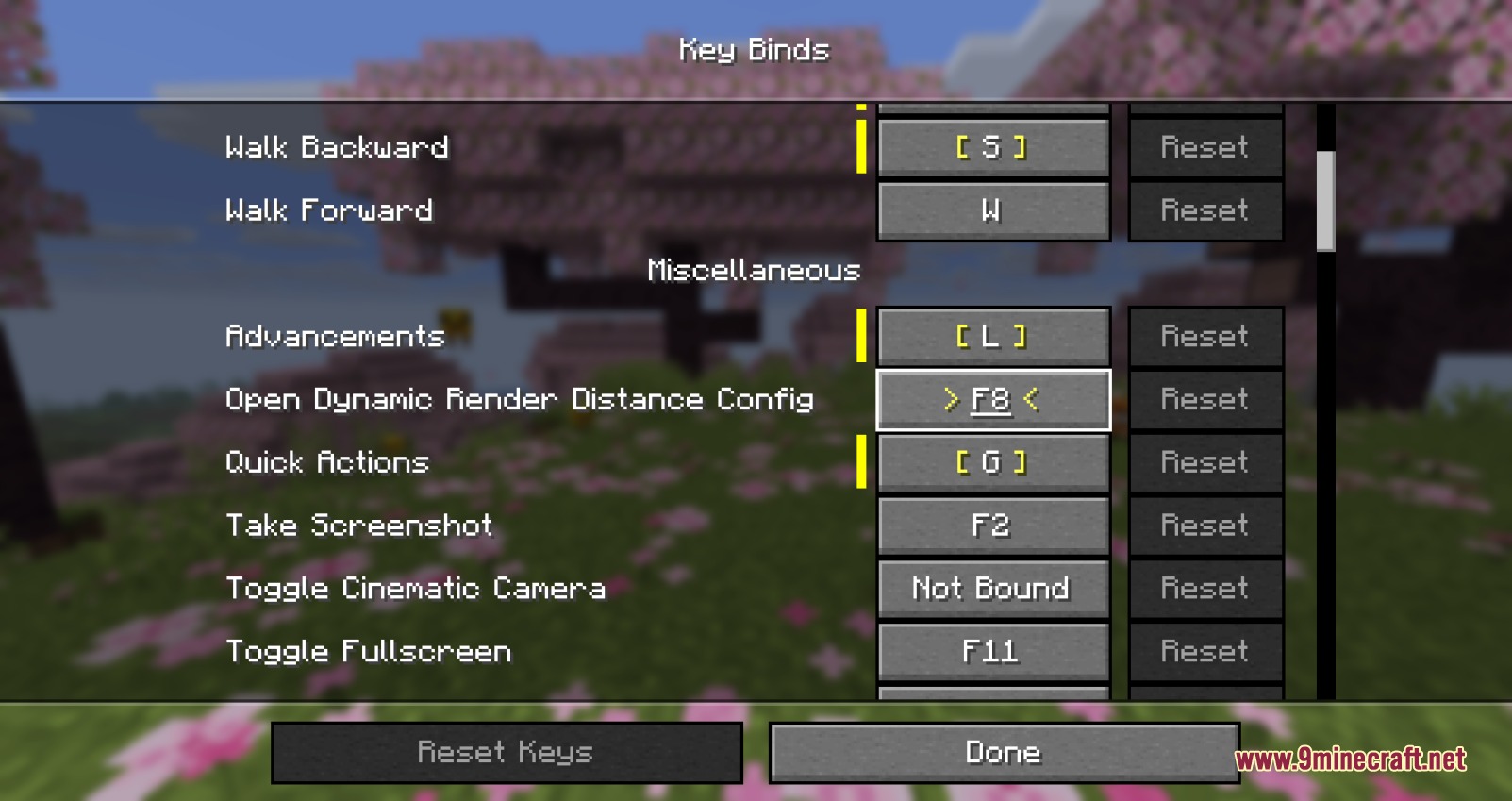
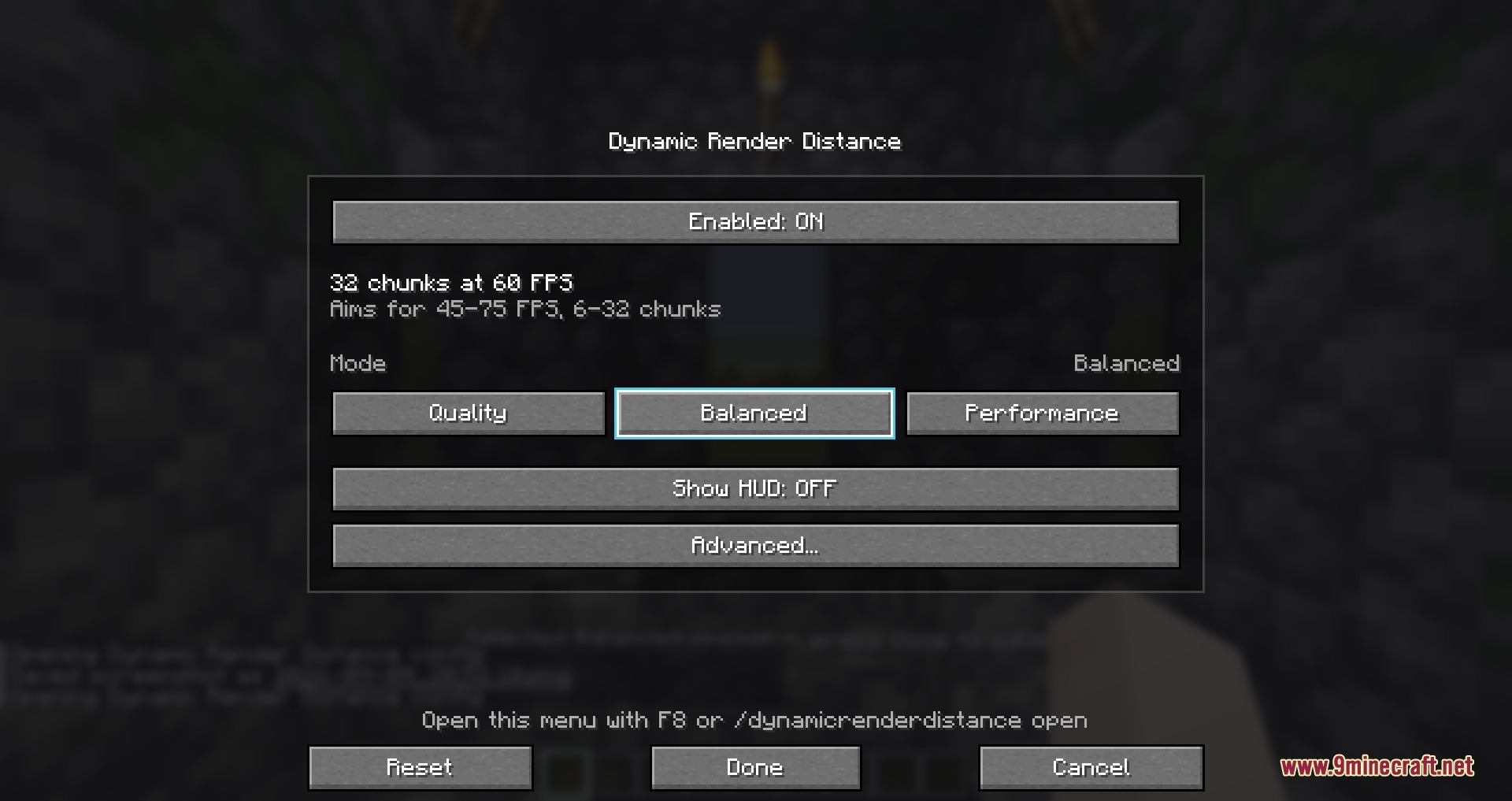
The mod runs automatically once installed—no activation needed. Press F8 in-game to open the settings card, or use /drd open in chat to access the configuration menu.
What's the difference between the Quality, Balanced, and Performance presets?
Quality prioritizes visual range over frame rate, Balanced aims for steady performance with reasonable sight distance, and Performance keeps frame rates high by reducing view distance more aggressively. Use /drd preset to switch between them.
Why does my view distance keep jumping up and down?
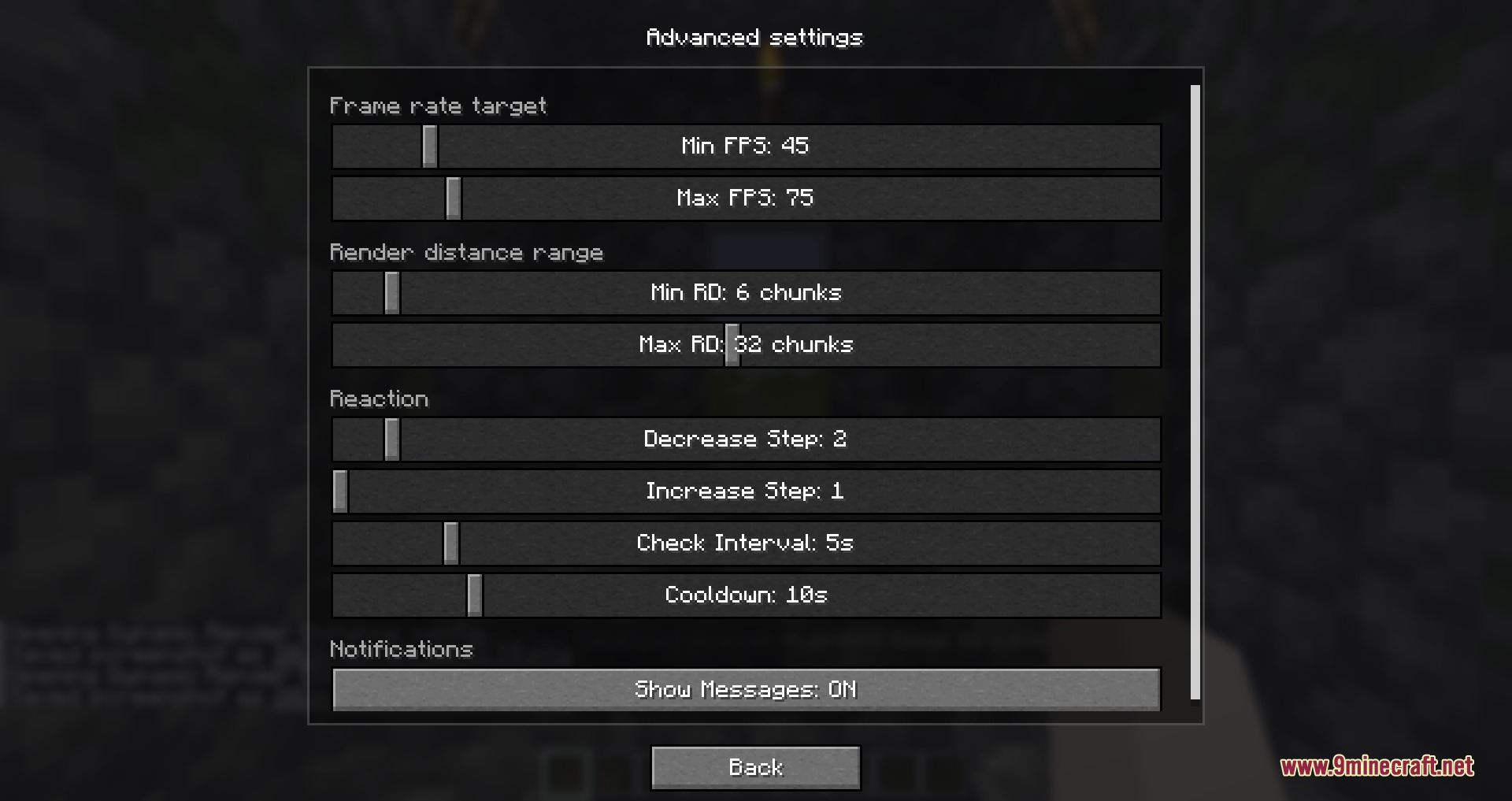
This is flickering, usually caused by a cooldown timer that's too short. Increase your cooldown value using /drd cooldown to give the mod more time between adjustments, or check that your minFps and maxFps targets aren't too close together.
Can I stop the view distance from getting too small or too large?
Yes—set custom minimum and maximum chunk limits in the settings card under chunk limits, or use the in-game panel to define how far you're willing to see at minimum and maximum.
See all 10 Fluid Horizon Vision questions ›
Gallery
5 images from the Fluid Horizon Vision Mod page.
You May Also Like
Wikis that share the most with this one
Wikis on the same theme: end
More mod wikis on the site
The most downloaded mods that have a wiki here
A few wikis from each of the other kinds