

 camera
 DownloadFlashback Mod
Get the files on 9Minecraft
Guides
Step-by-step, in-game.
Creating Cinematic Camera Shots from ReplaysSetting Up Your Shot Cinematic shots are the heart of the Flashback Mod. Load a replay, then enter the cinematic…Exporting and Sharing Your Flashback CinematicsPreparing the Final Sequence Once your shots are arranged in the order you want, review the whole sequence from start…How to Play Back a Recorded Session in FlashbackLoading a Replay Playback lets you review what you recorded without redoing it live. Open the Flashback playback menu…How to Record Your Gameplay with the Flashback ModStarting a Recording Session Before you begin, decide what you want to capture. The Flashback Mod records your…
Frequently asked questions
How do I start recording a gameplay session?
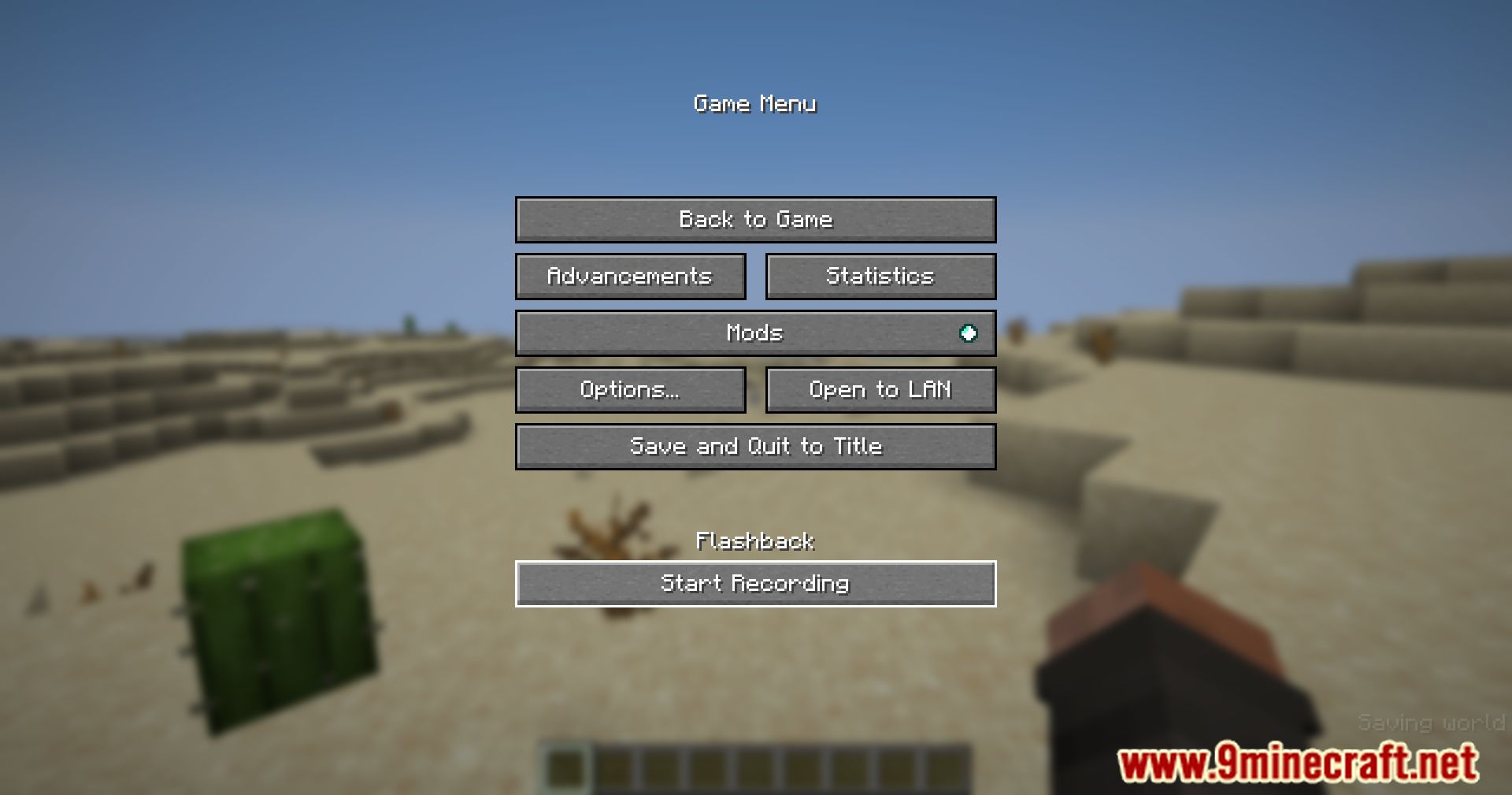
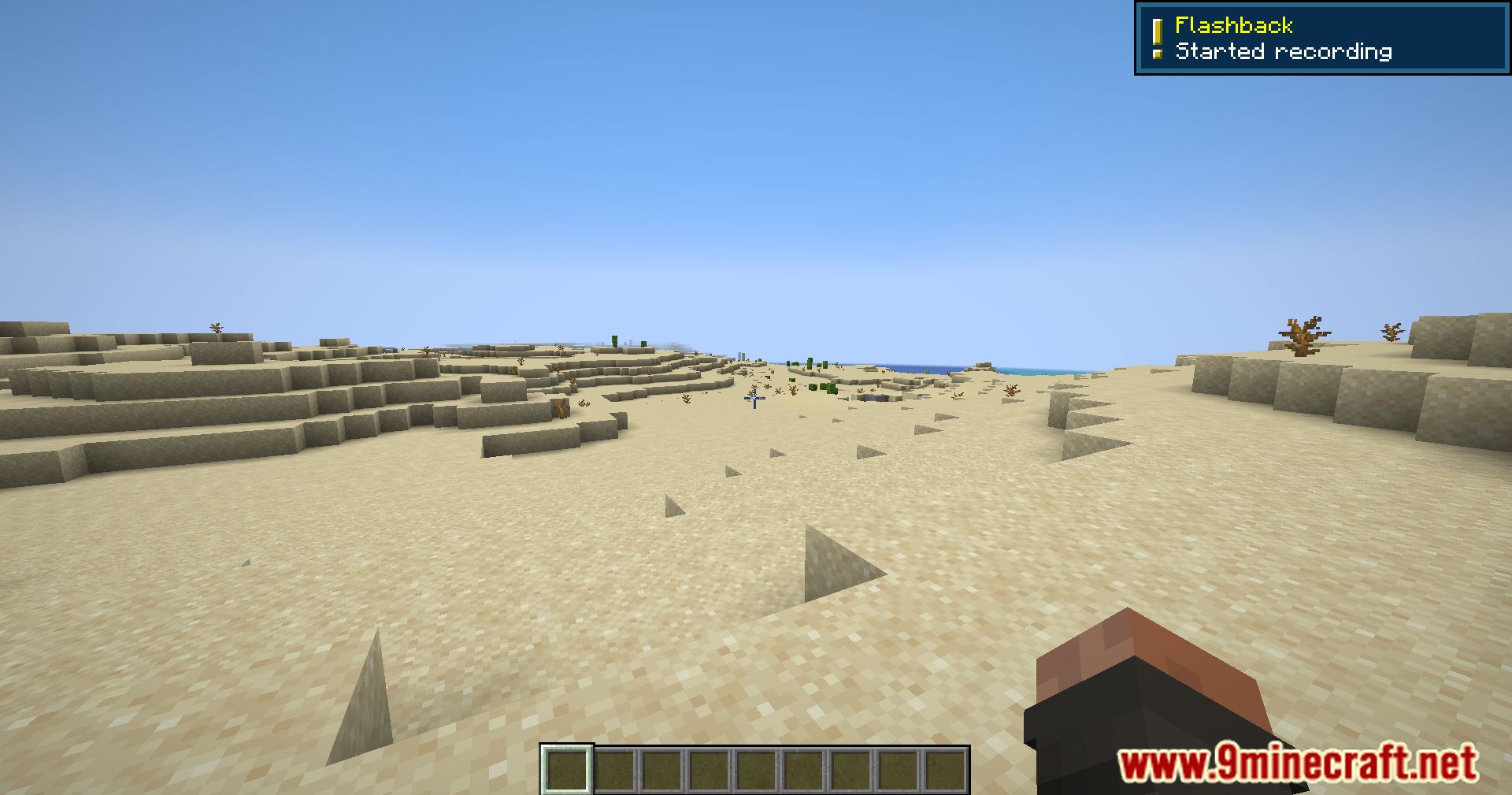
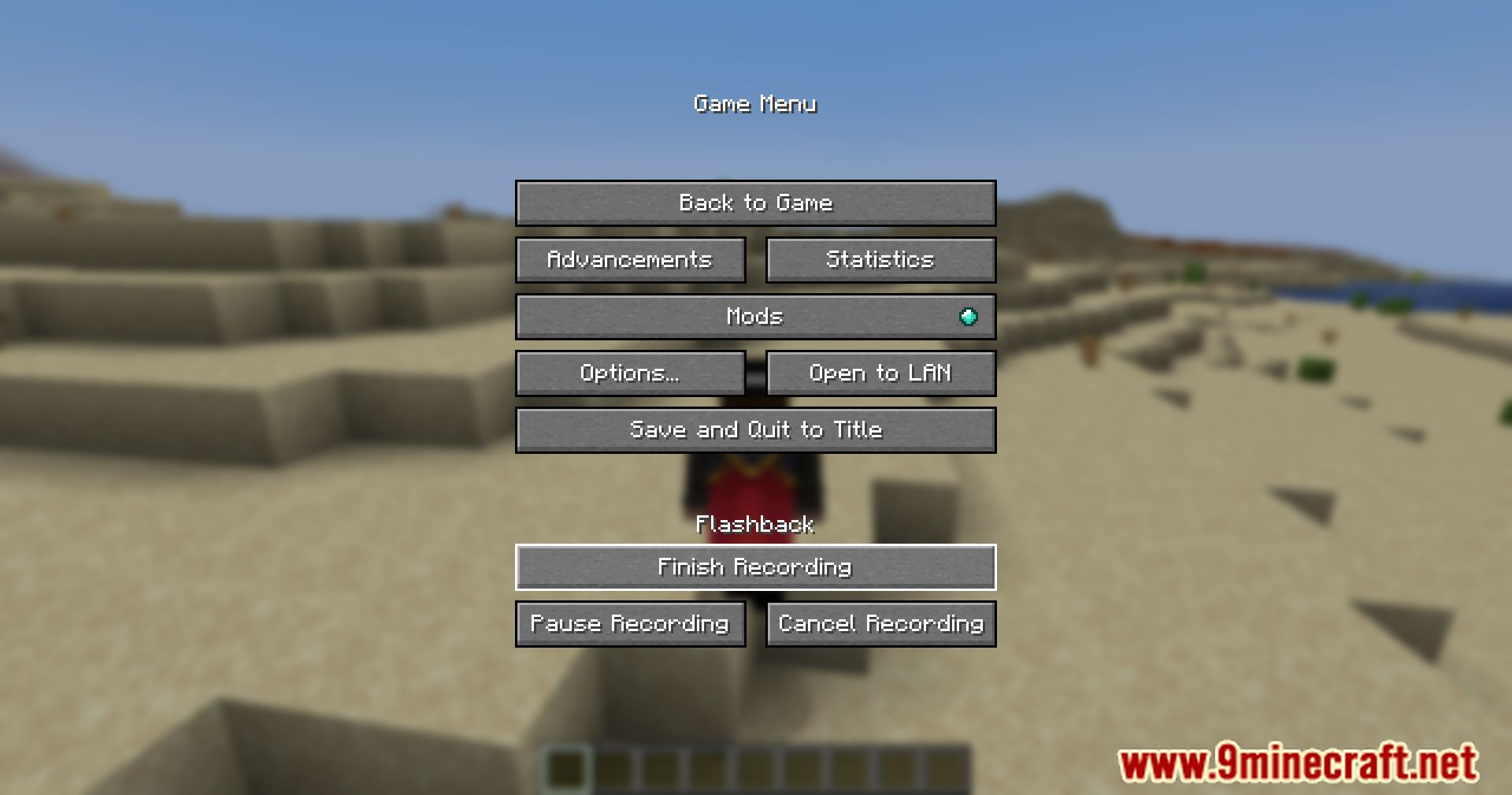
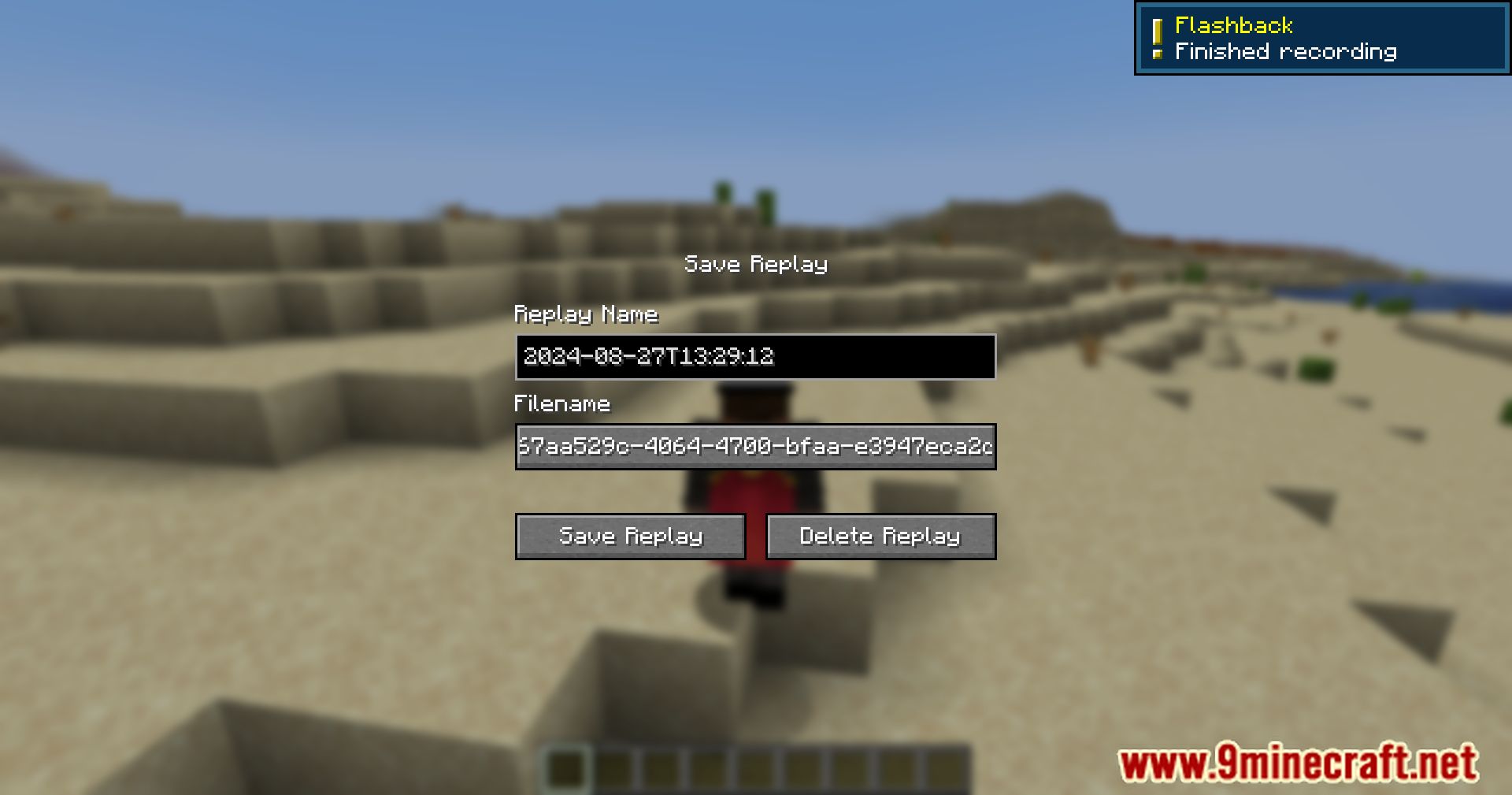
Open the Flashback recording controls from its keybind or menu and start a new recording before you begin playing. Once active, the mod captures your session in the background so you can stop it whenever you're done.
Where are my recordings saved?
Recordings are stored in the mod's own replay folder inside your Minecraft instance directory. You can open that folder from the mod's interface to find, rename, or back up your sessions.
Why can't I play back a recording I just made?
Playback usually fails if the recording was interrupted or the file is still being written. Stop the recording cleanly first, then load the replay from the playback menu.
Can I fly around freely while watching a replay?
See all 10 Flashback questions ›
Gallery
11 images from the Flashback Mod page.
You May Also Like
Wikis that share the most with this one
More mod wikis on the site
The most downloaded mods that have a wiki here
A few wikis from each of the other kinds