

 DownloadFiveHead Mod
Get the files on 9Minecraft
Guides
Step-by-step, in-game.
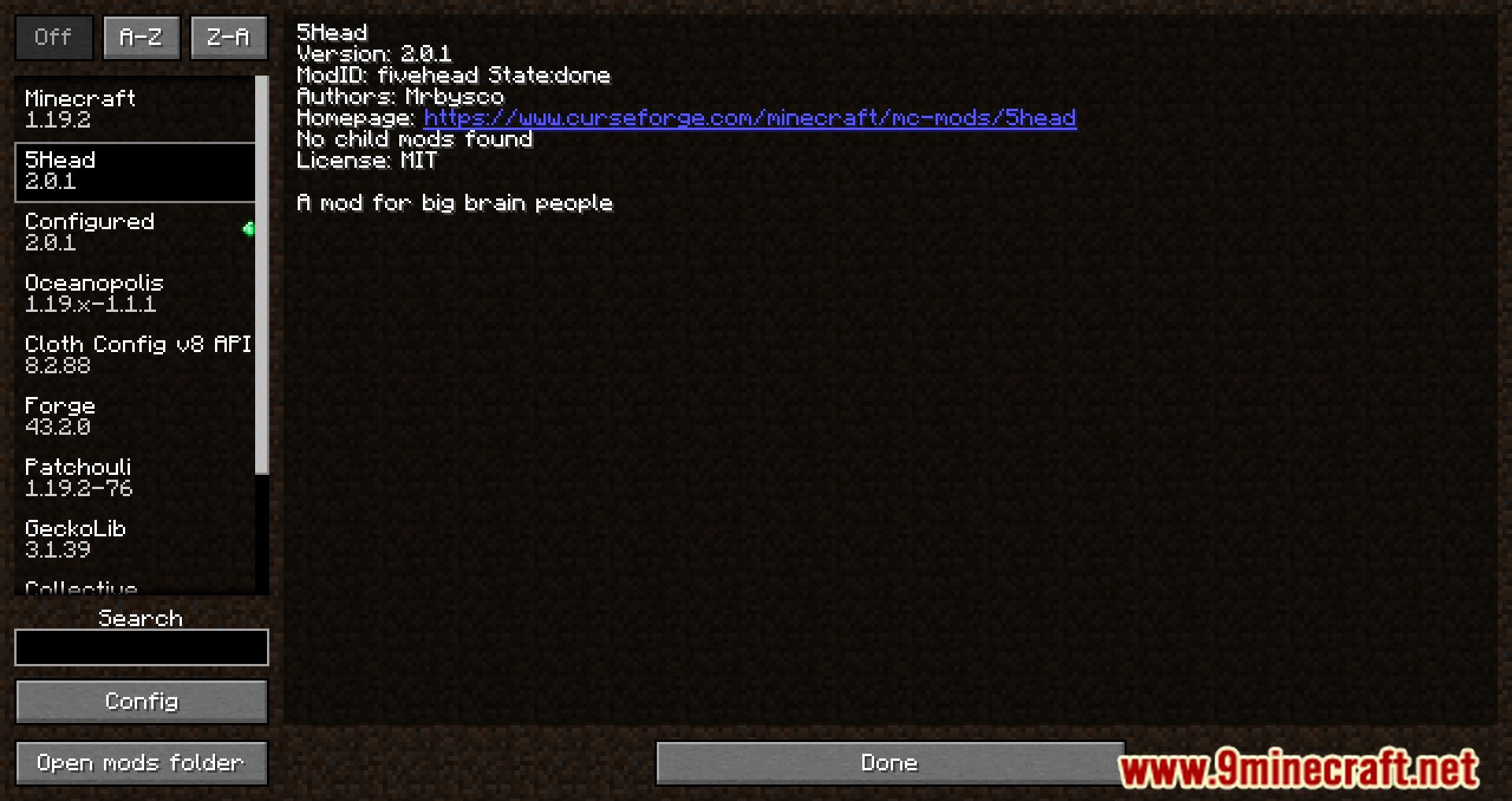
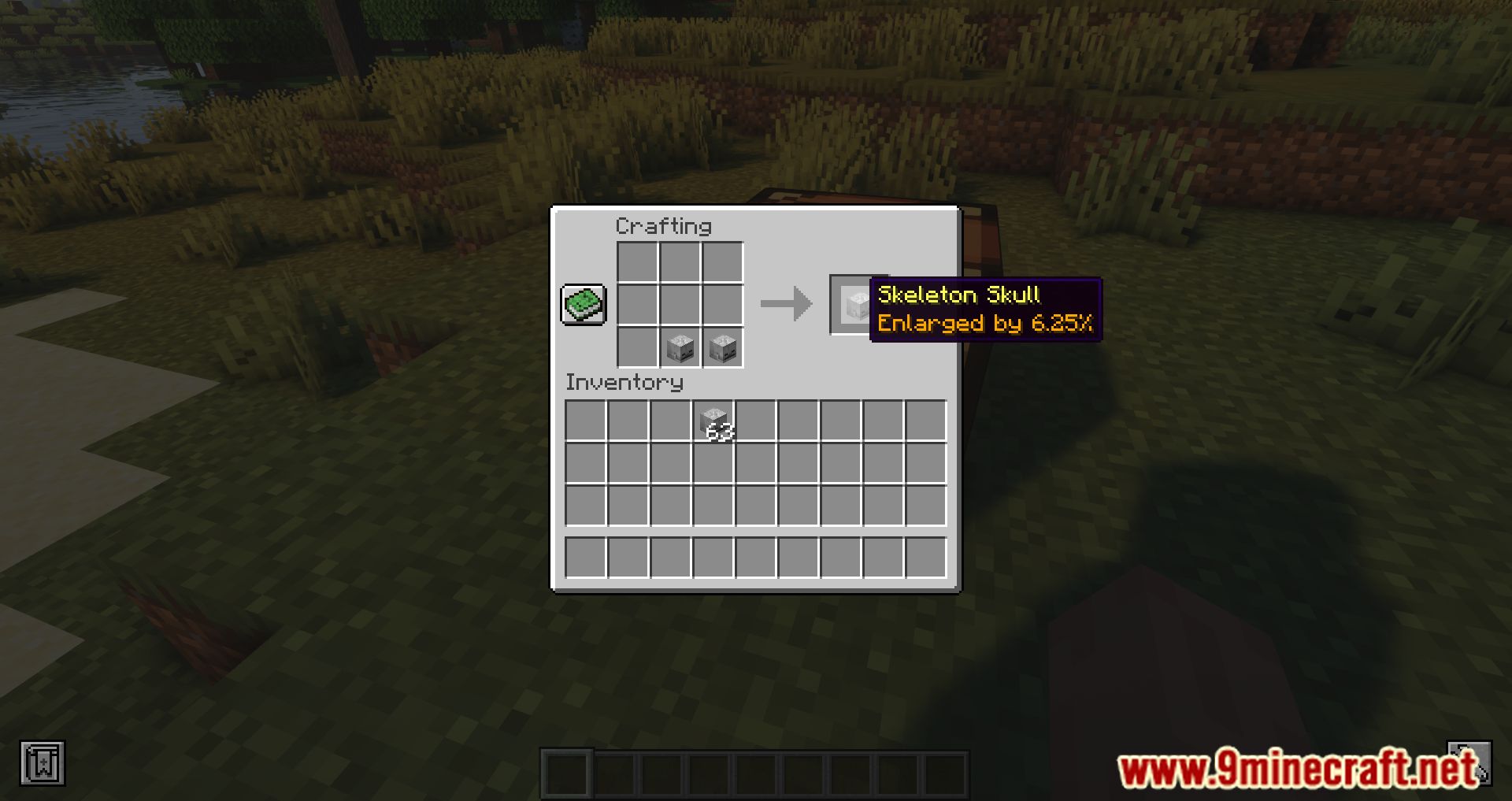
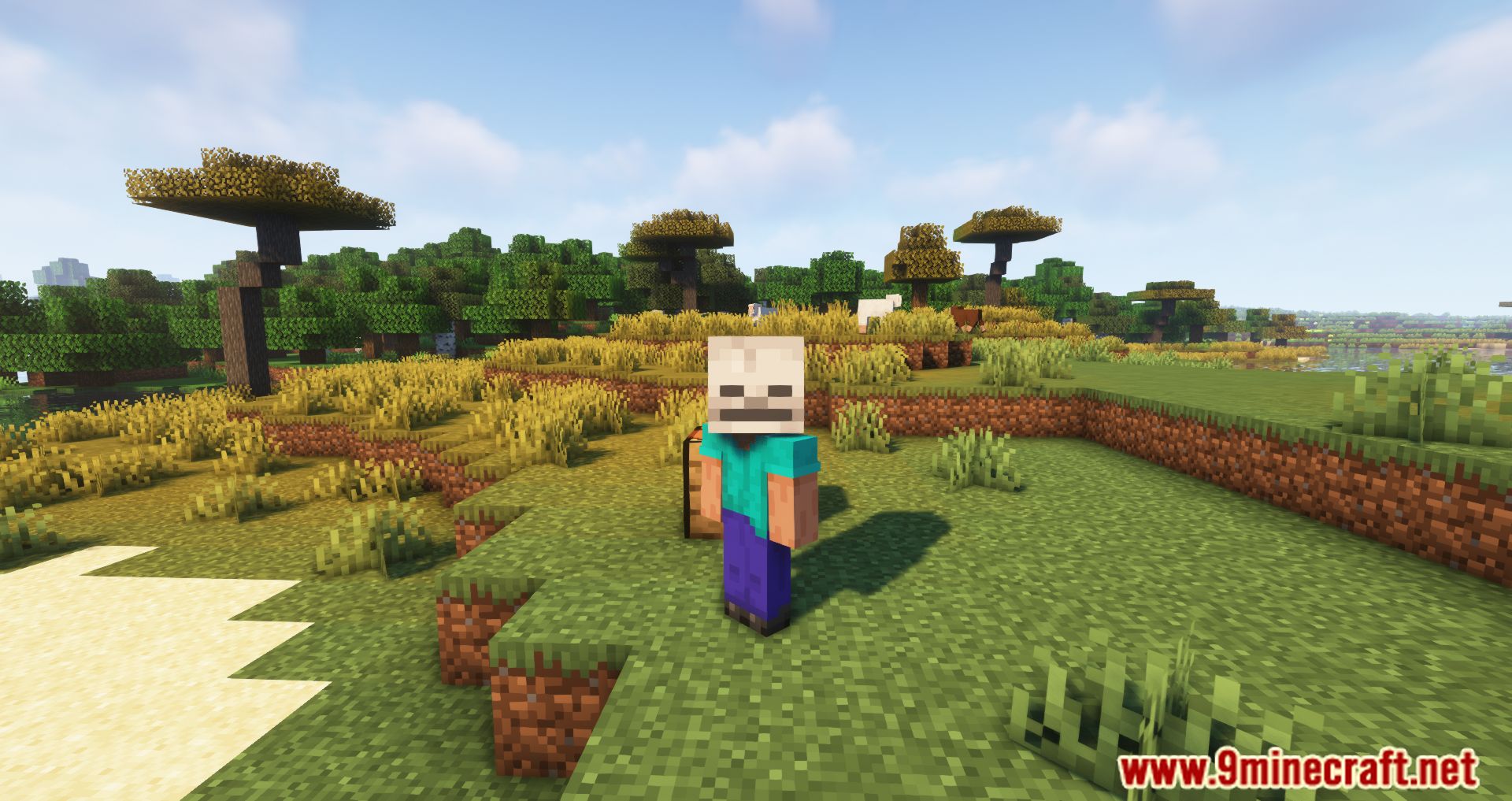
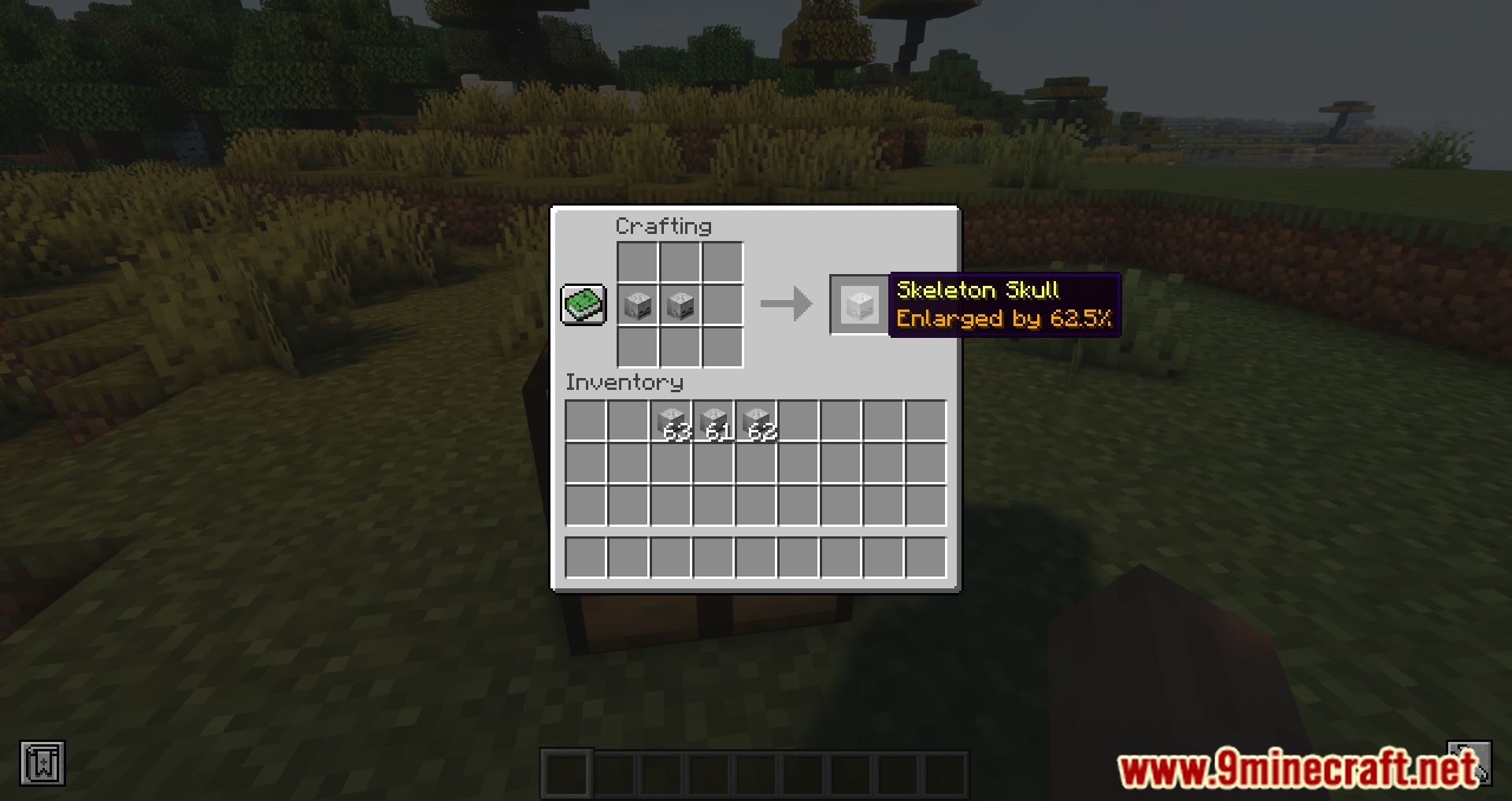
Disabling or Re-enabling the Skull Size Tooltip in ConfigTurning the Tooltip Off Some players prefer a cleaner inventory without extra tooltip lines. The mod lets you disable…FiveHead Mod GuideEnlarging Skulls with FiveHead FiveHead is a small, purely cosmetic mod built around one idea: bigger skulls. You…How to Craft a Larger Skull by Combining Two SkullsCombining Skulls in a Crafting Grid The core mechanic of this mod is merging two skulls into a single, larger one.…Reading the Size Percentage Tooltip on a SkullHovering to See the Enlargement Once you have a combined skull, hover your cursor over it in any inventory screen. A…Wearing an Enlarged Skull on Your HeadEquipping the Skull An enlarged skull is worn exactly like a normal head item. Select it in your hotbar, then use the…
Configuration
Every setting in the mod config file, with what it changes.
| Option | What it does |
|---|---|
client | Client Settings |
showPercentage | Show Percentage |
Frequently asked questions
What does the FiveHead Mod do?
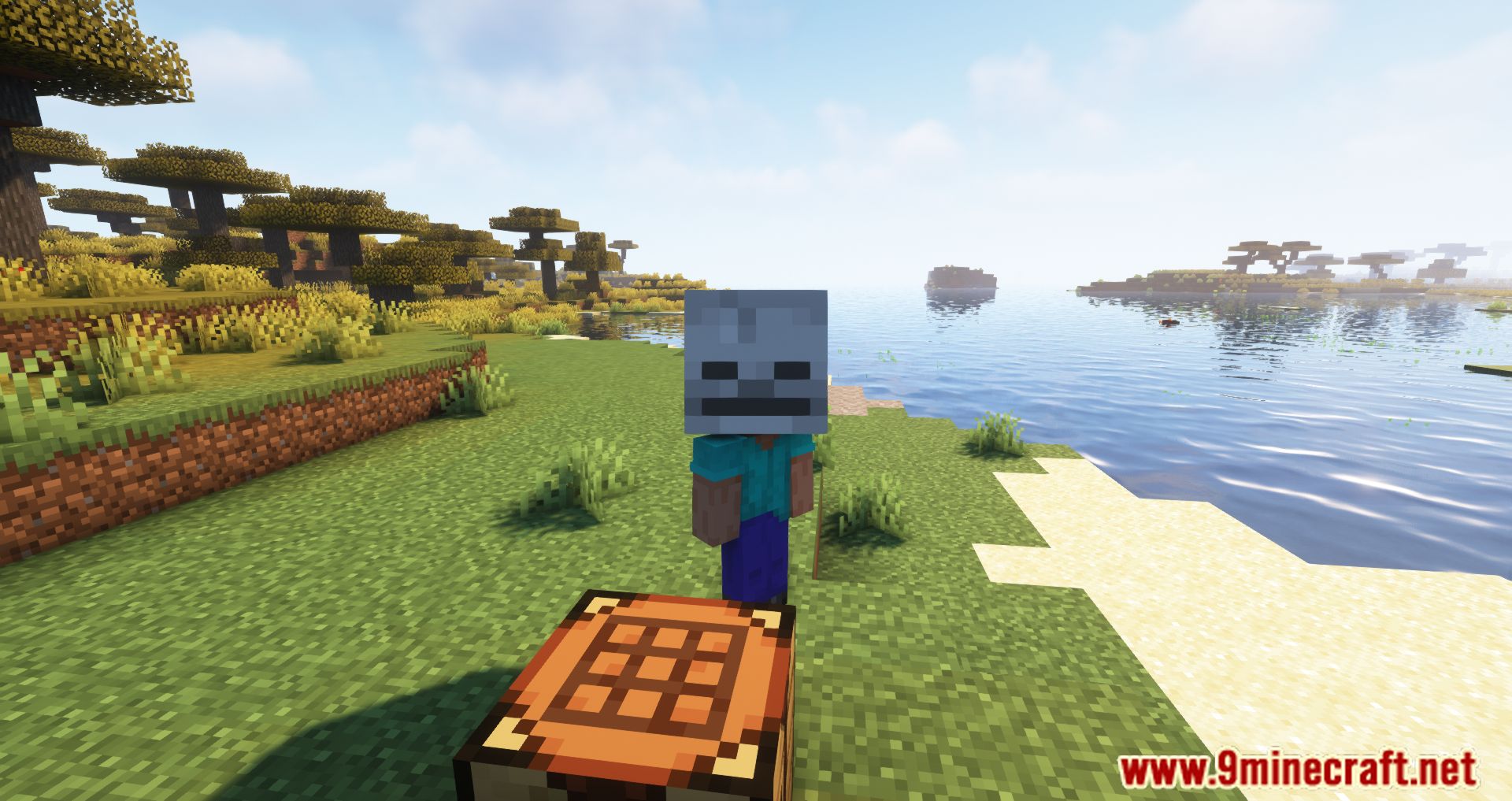
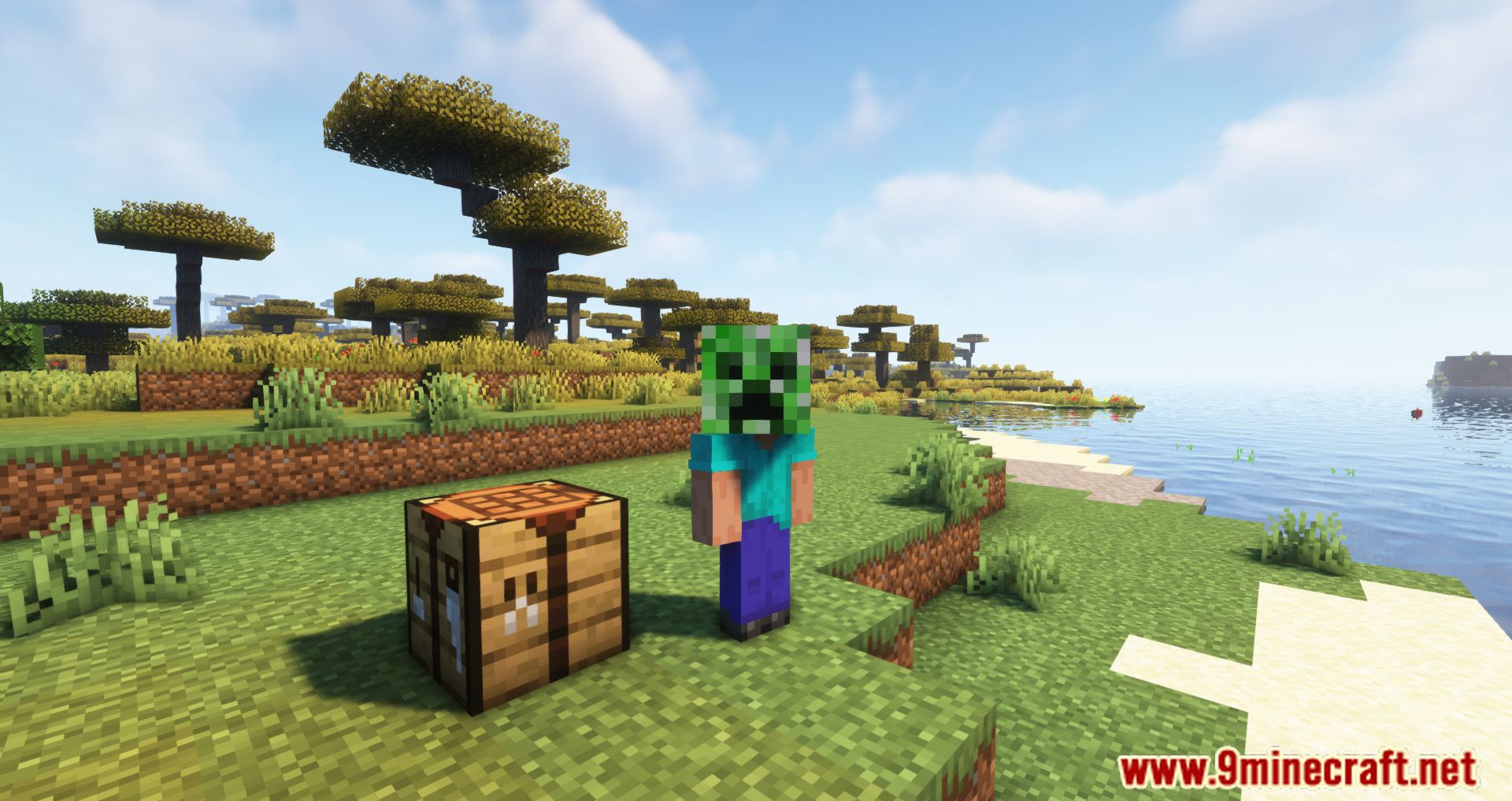
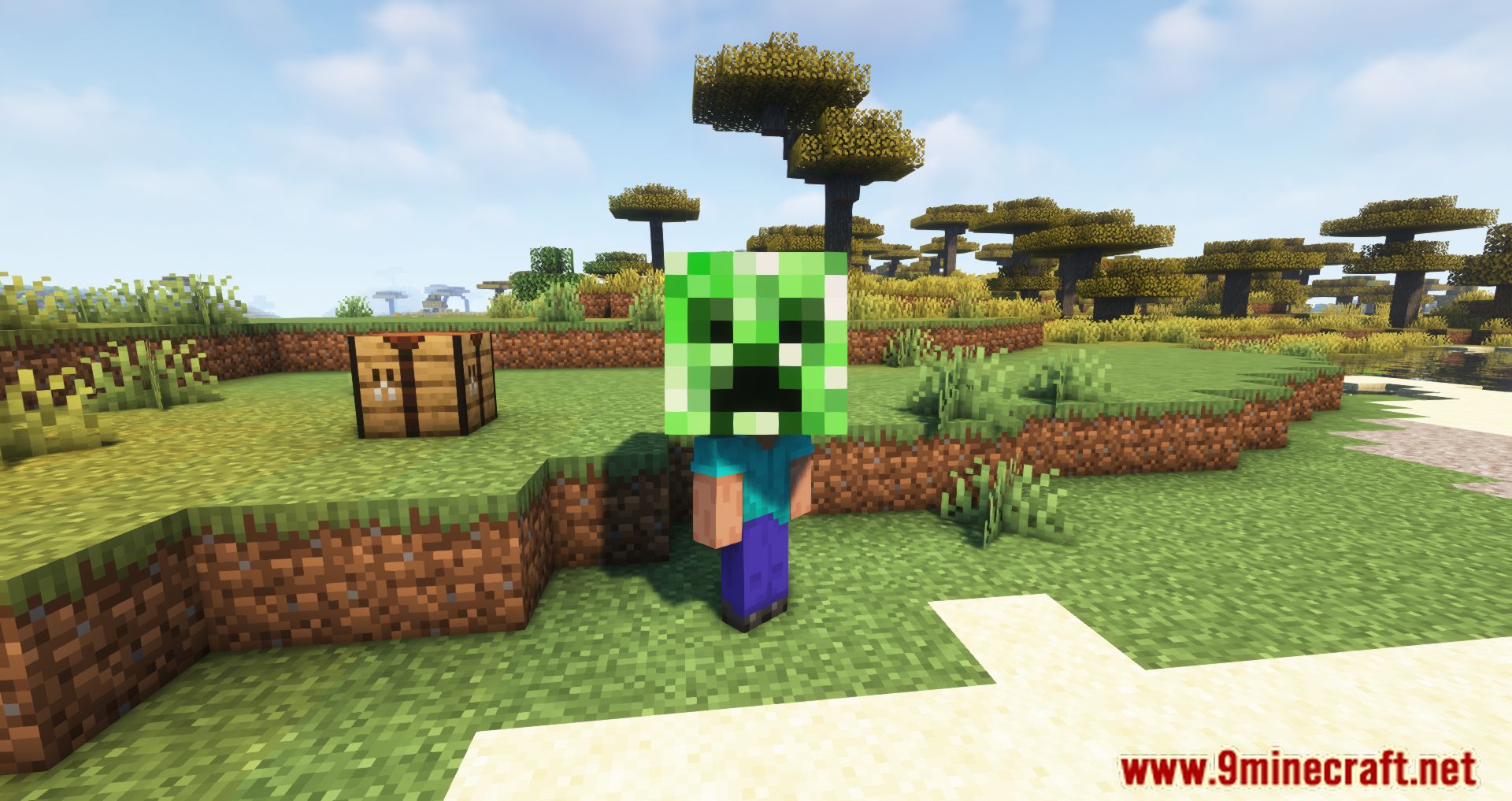
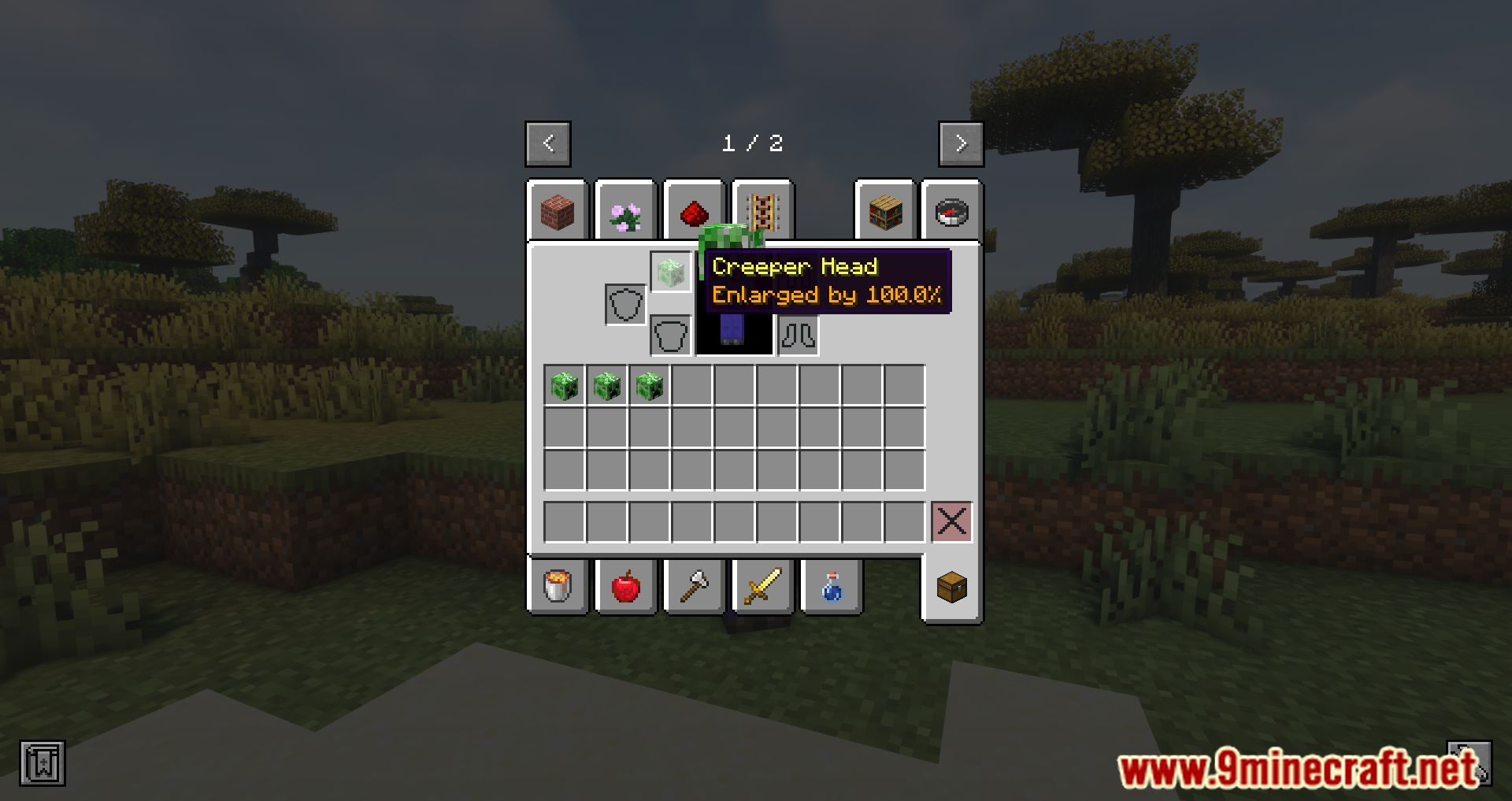
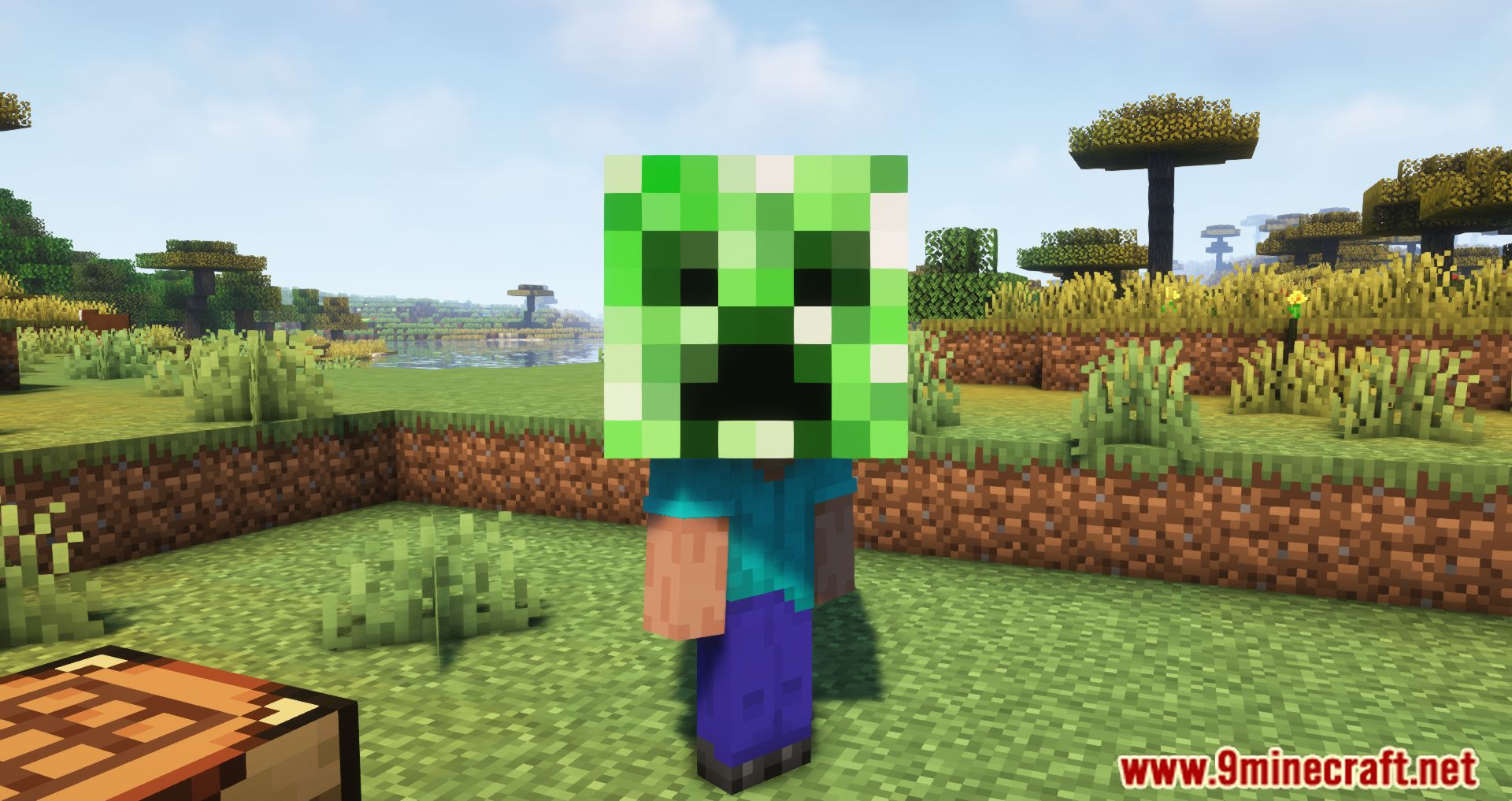
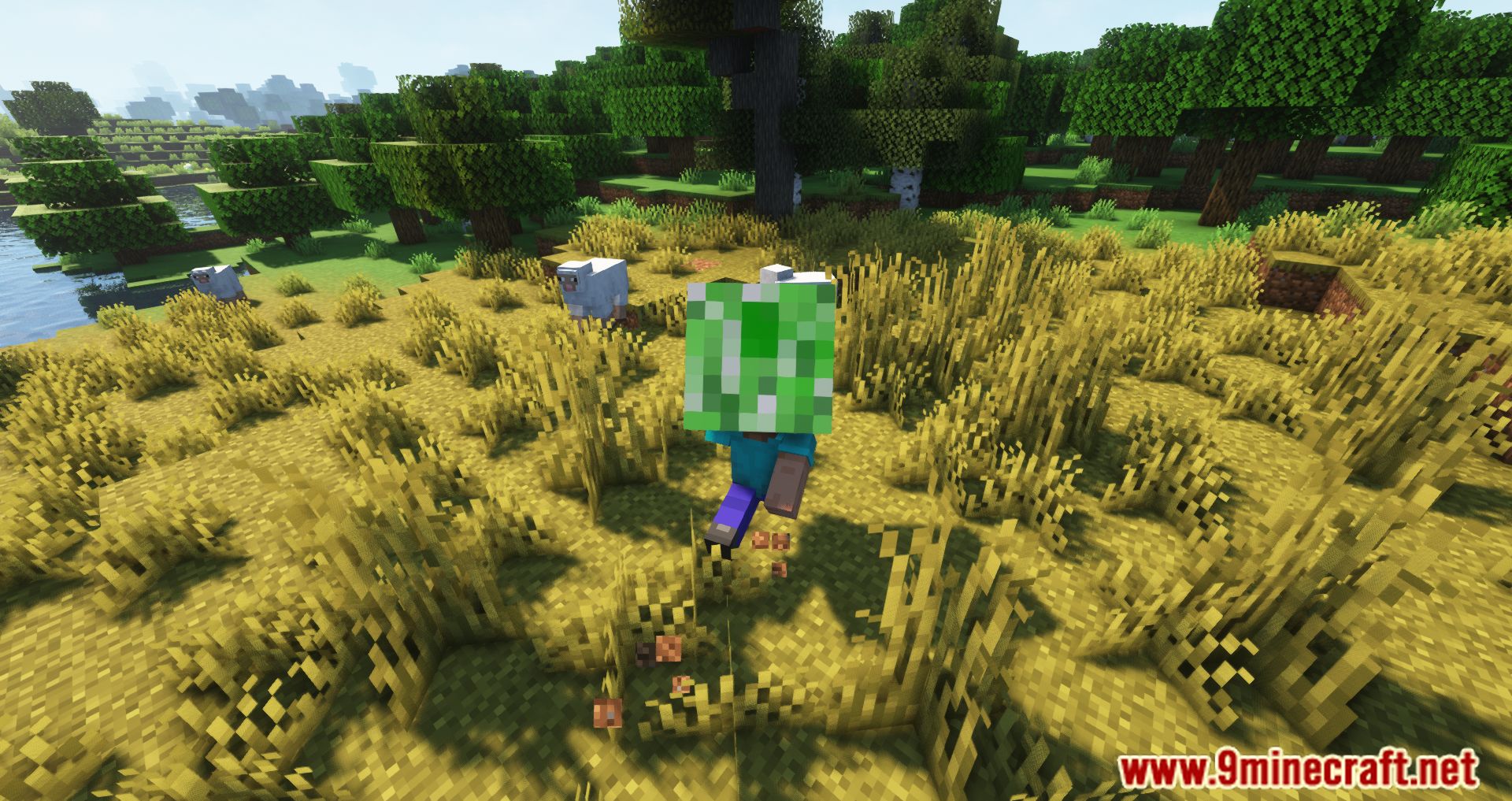
It adds a tooltip feature to enlarged skulls, showing the percentage increase in size applied when the skull is rendered in-game. It also lets you combine two skulls to create a larger skull that appears bigger when worn.
How do I create a larger skull in the FiveHead Mod?
You combine two skulls together to create a new, larger skull. The resulting skull appears bigger when worn.
What information does the tooltip show?
The tooltip displays the percentage by which the skull will be enlarged when equipped. You can view it by hovering over the skull.
Can I turn off the tooltip?
Yes, the tooltip can be disabled in the config settings if you prefer a cleaner interface.
See all 6 FiveHead questions ›
Gallery
12 images from the Fivehead Mod page.


You May Also Like
Wikis that share the most with this one
More mod wikis on the site
The most downloaded mods that have a wiki here
A few wikis from each of the other kinds