

 handcrafted
 DownloadEuphoria Patches Mod
Get the files on 9Minecraft
Guides
Step-by-step, in-game.
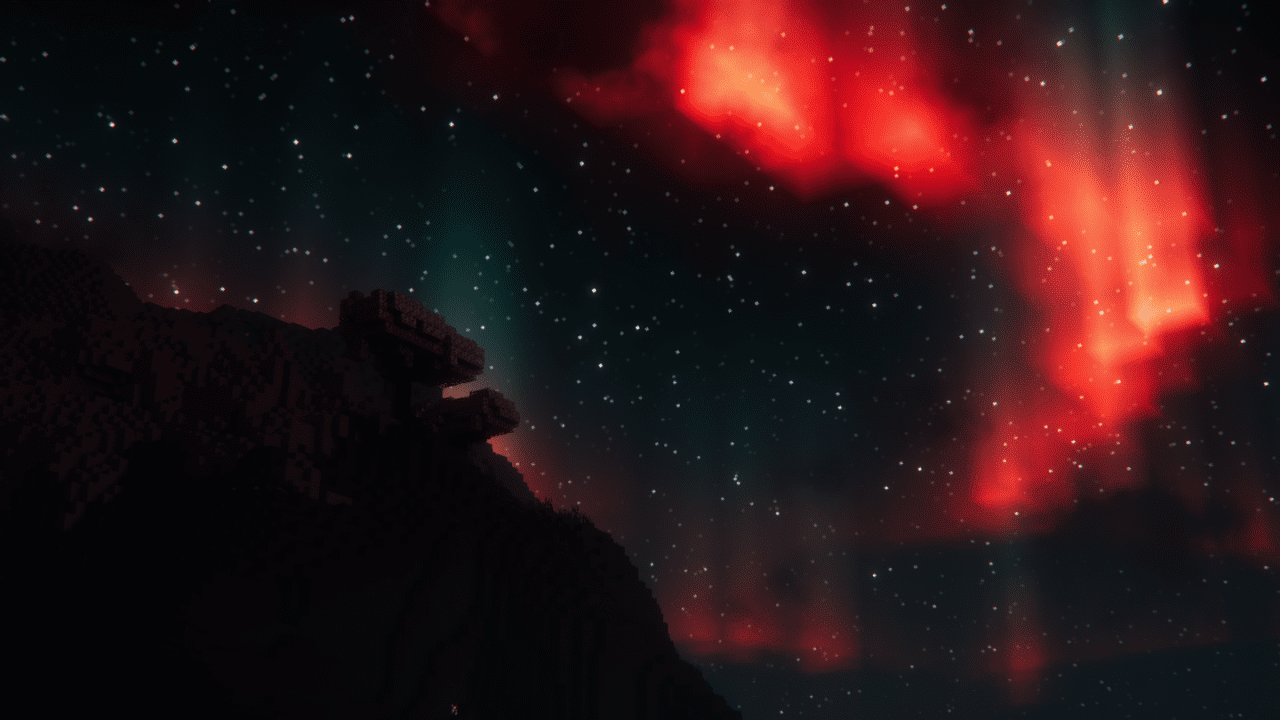
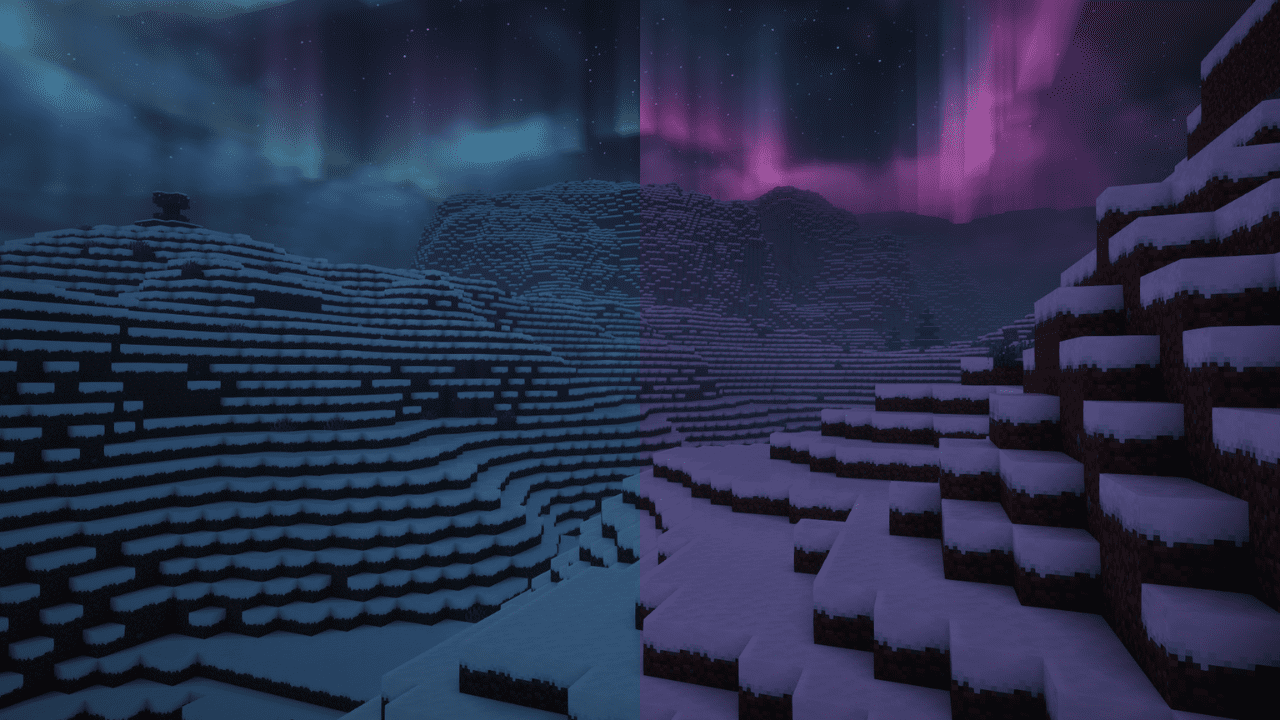
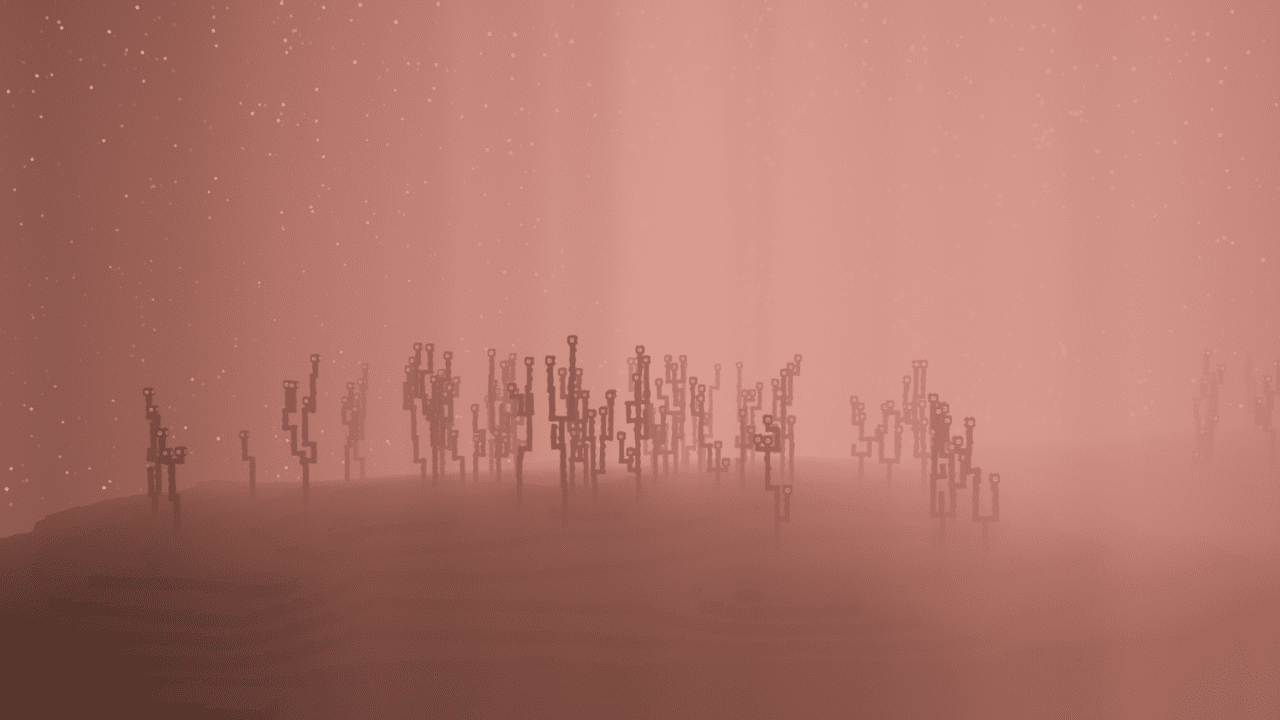
How to Add Auroras, Denser Stars, and Thicker Fog to Your SkyLocate the Atmospheric Options Open the shader options for Complementary Shaders and find the Euphoria Patches menu.…How to Enable Euphoria Patches Features in Complementary ShadersOpen the Shader Options Once Complementary Shaders (Reimagined or Unbound) are active, open your video settings and…How to Improve Performance While Using Euphoria PatchesStart From a Performance Profile Euphoria Patches ships with performance profiles ranging from Potato and Low up to…How to Use the End Crystal Vortex and Custom Dragon Death AnimationFind the End-Specific Settings Euphoria Patches improves the End dimension with two dedicated effects: an End Crystal…
Frequently asked questions
How do I open the Euphoria Patches settings menu?
Open the shader options screen for Complementary Shaders and look for the Euphoria Patches tab or button, usually labeled with the mod's name. All Euphoria Patches settings live inside the shader configuration, not in a separate  mod menu.
Why aren't any Euphoria Patches features showing up after I installed it?
Every Euphoria Patches feature is disabled by default, so nothing changes until you manually turn options on. Open the shader settings and enable the specific effects you want, or apply a preset profile that includes them.
Do I need Complementary Shaders installed for Euphoria Patches to work?
Yes, Euphoria Patches is an addon that extends Complementary Shaders (Reimagined or Unbound) and does nothing on its own. Make sure the correct Complementary shaderpack is active before configuring Euphoria Patches options.
How do I turn on auroras, denser stars, and thicker fog?
Open the Euphoria Patches settings and look under the  atmospheric or sky sections, where auroras, star density, and fog thickness each have their own toggle or slider. Enable them individually, or pick a preset profile that already includes the atmospheric effects.
See all 20 Euphoria Patches questions ›
Gallery
12 images from the Euphoria Patches Mod page.
You May Also Like
Wikis that share the most with this one
More mod wikis on the site
The most downloaded mods that have a wiki here
A few wikis from each of the other kinds