

 DownloadEtherlink Streamline Mod
Get the files on 9Minecraft
Guides
Step-by-step, in-game.
Open Trading Shops and Markets from Your InventoryQuick Access to Shops The Etherlink Streamline Mod places dedicated buttons along the side of your inventory screen…Reforge and Enhance Weapons InstantlyAccess Weapon Enhancement Tools The mod provides dedicated buttons for weapon reforging and enhancement directly in…Send Direct Messages by Clicking Player Names in ChatDirect Messaging from Chat The Etherlink Streamline Mod streamlines player communication by letting you start private…Teleport to Key Locations Using Bottom Inventory ButtonsQuick Teleportation System The mod adds teleport buttons at the bottom of your inventory screen, providing instant…
Frequently asked questions
How do I open the quick menu buttons after installing the mod?
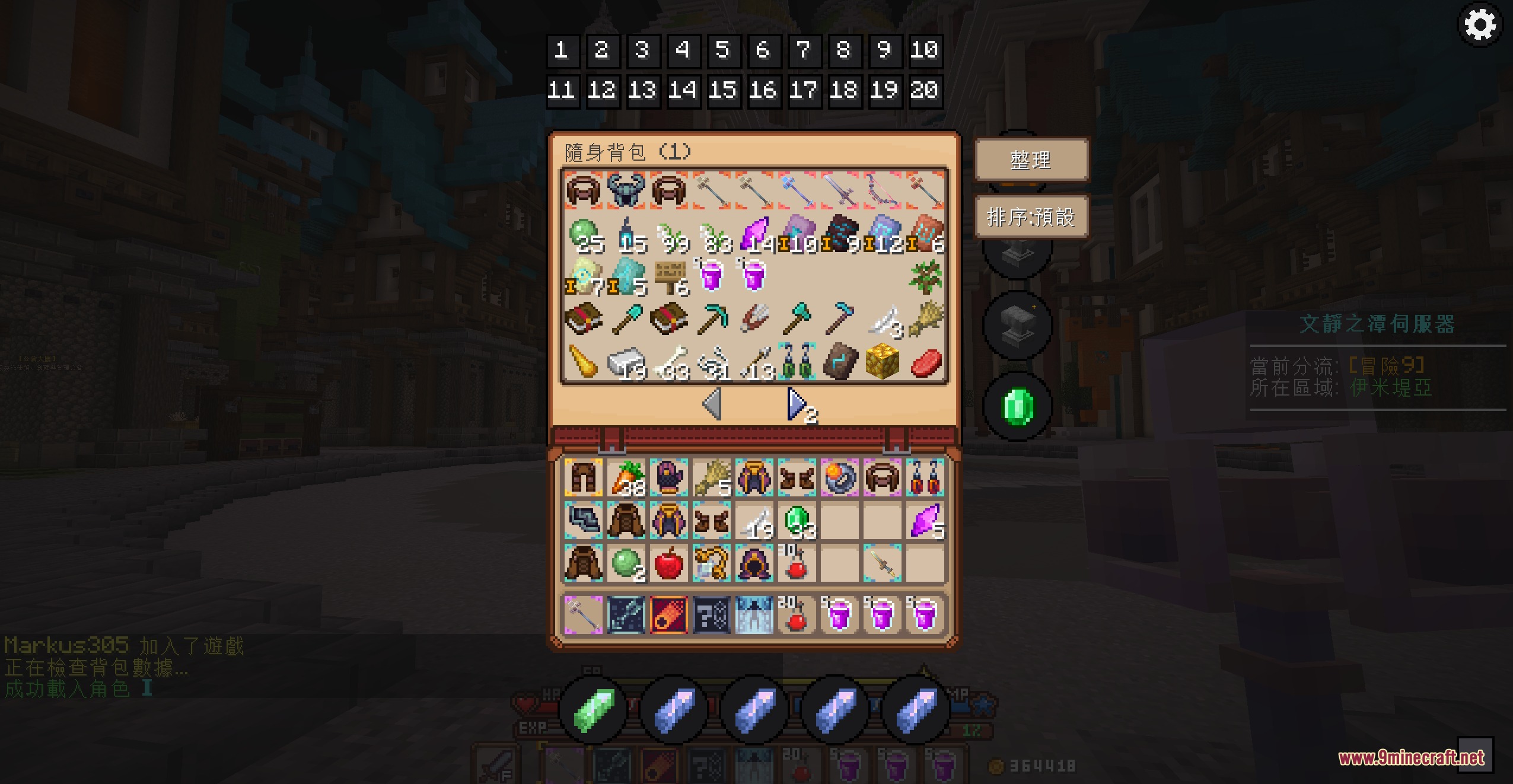
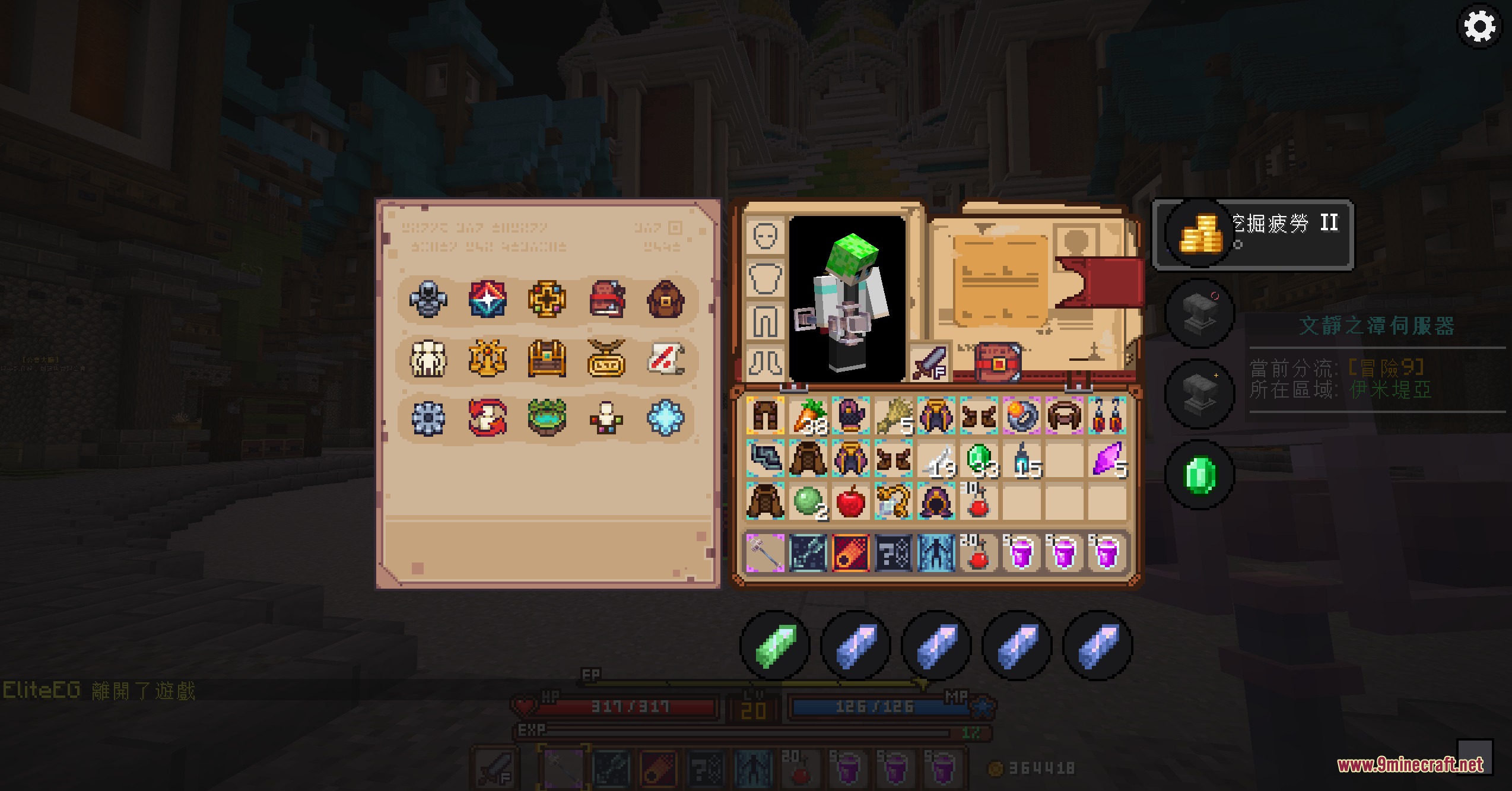
The mod automatically adds buttons to your inventory screen when you open it—no setup needed. You'll see side buttons for trading and reforging, and bottom buttons for teleportation. If buttons don't appear, make sure the mod is enabled in your mods folder and you've restarted the game.
Can I move the buttons around on my screen?
Yes, left-click and drag any button to reposition it. You can adjust both the location and size of the interface to fit your screen layout and preferences.
What happens when I visit a skyblock island?
The mod automatically switches the inventory buttons to show housing-related functions instead of the normal trading and teleport options, then switches back when you leave.
How do I send a direct message to another player using this mod?
Click on any player's name in the chat box, and the mod will automatically fill in the private message command for you—just type your message and send.
See all 10 Etherlink Streamline questions ›
Gallery
7 images from the Etherlink Streamline Mod page.
You May Also Like
Wikis that share the most with this one
Velocity Rail Streamline Resource PackEternal Starlights DelightEternal TalesETF Entity Texture Features Fabric & Forge ModEthan’s Kotlin Extensions ModEther Link Connect ModEthereal Light DimensionsEthereal Resonators ModEtheric Script Arrays ModEuphoria Patches ModEuphoria Prism Overlay ModEvacuate
More mod wikis on the site
The most downloaded mods that have a wiki here
A few wikis from each of the other kinds