

 DownloadEpic Fight Sword Light Modifications Mod
Get the files on 9Minecraft
Guides
Step-by-step, in-game.
Customize Sword Trail Colors and BrightnessAccess the Configuration Menu Open your mod settings or configuration file for Epic Fight Sword Light Modifications.…Enable Compatibility with Fancy Trail or Nightfall ModsVerify Mod Installation Ensure that Epic Fight Sword Light Modifications, Fancy Trail, and/or EpicFight-Nightfall are…Reduce Lag from Too Many Sword Trail ParticlesIdentify Performance Issues If your frame rate drops during combat, especially when multiple mobs attack or you…View Sword Trail Effects on Enemy AttacksEnable Mob Trail Rendering In your mod configuration, locate the setting that controls whether sword trails appear on…
Frequently asked questions
How do I turn on sword trail effects after installing the mod?
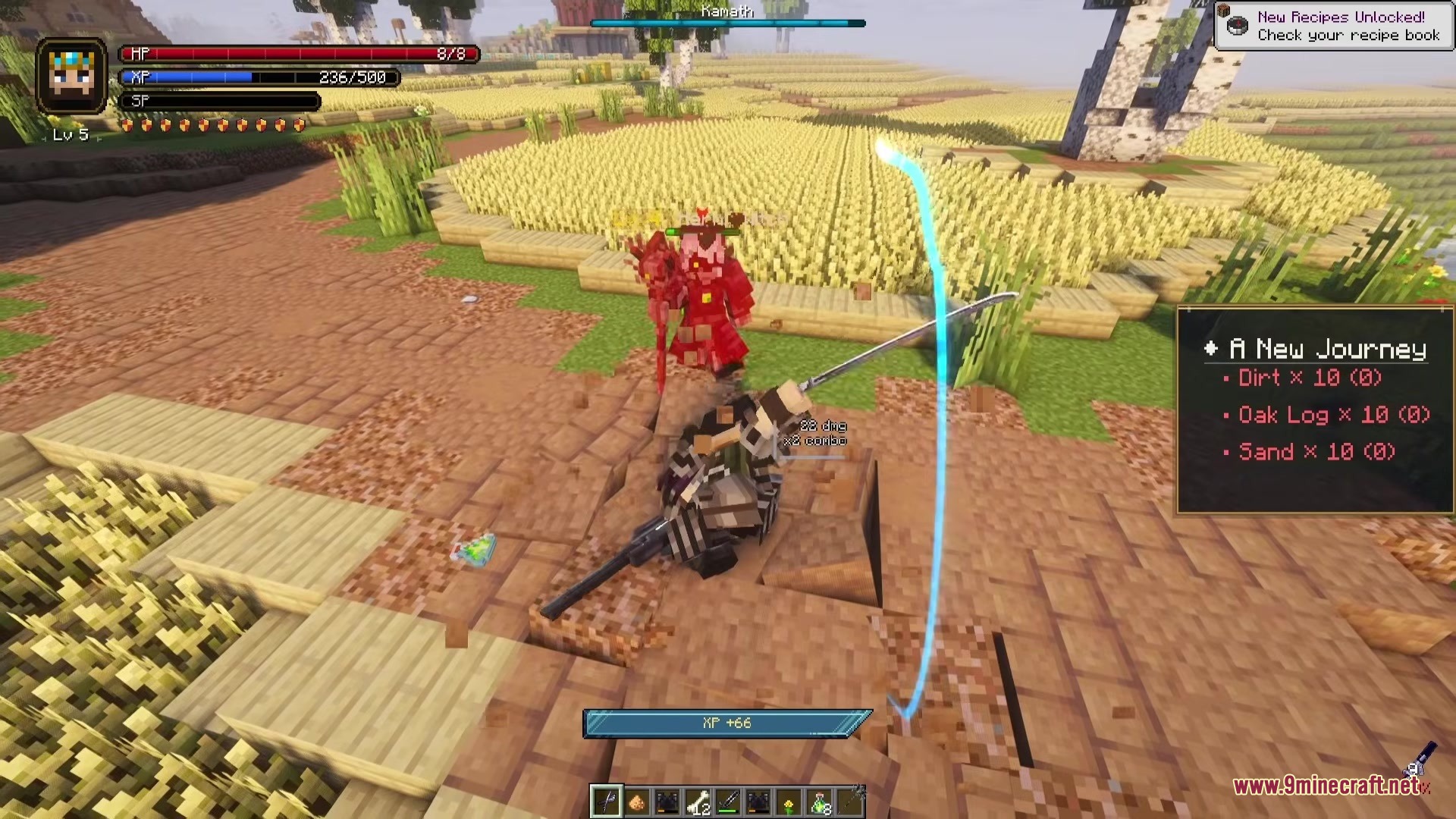
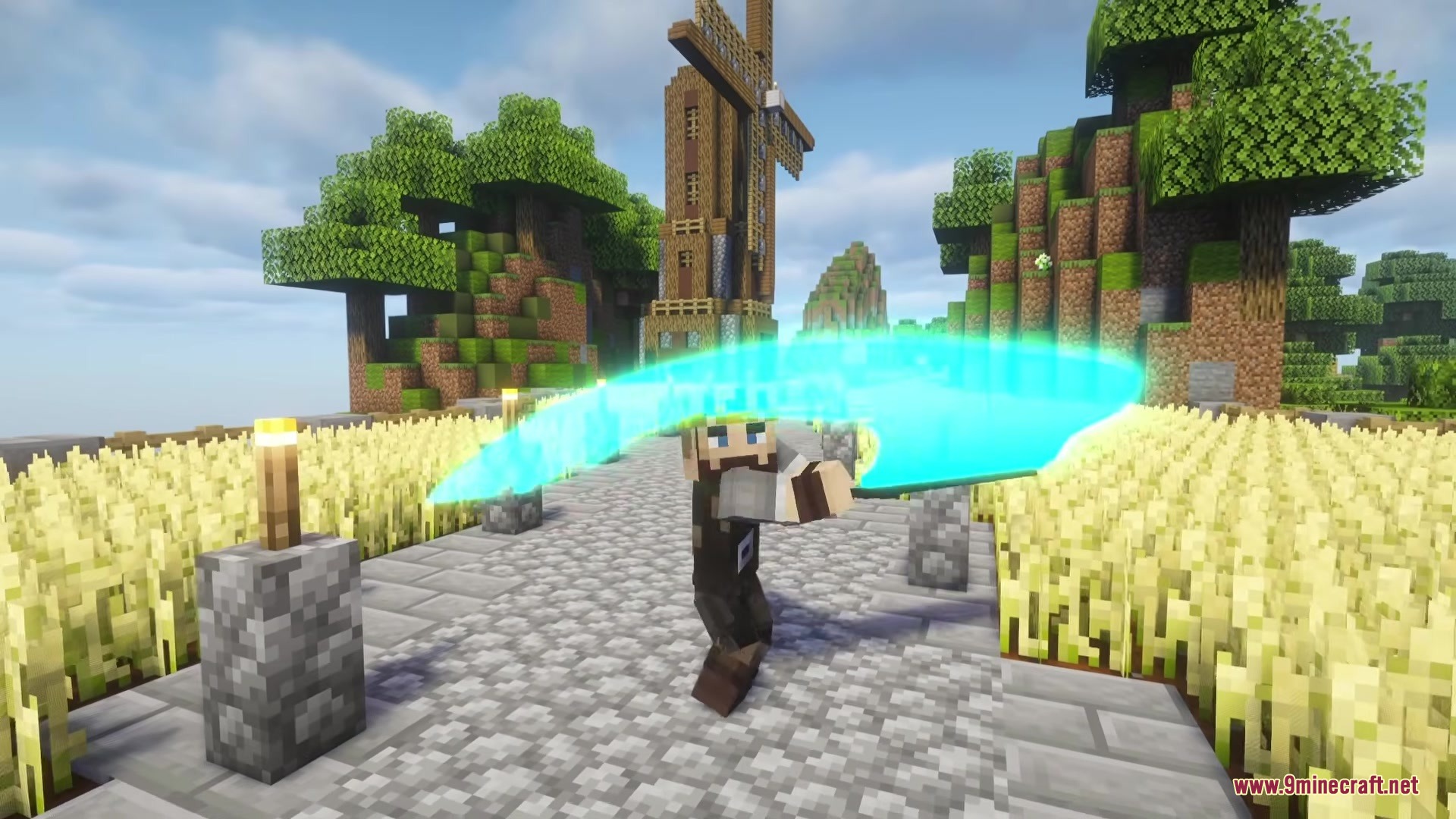
The mod enables sword trails by default once installed alongside Epic Fight. If you don't see glowing trails when swinging weapons, check that both Epic Fight and this mod are loaded in your mods folder, then restart your game.
Can I change the color of my sword trails?
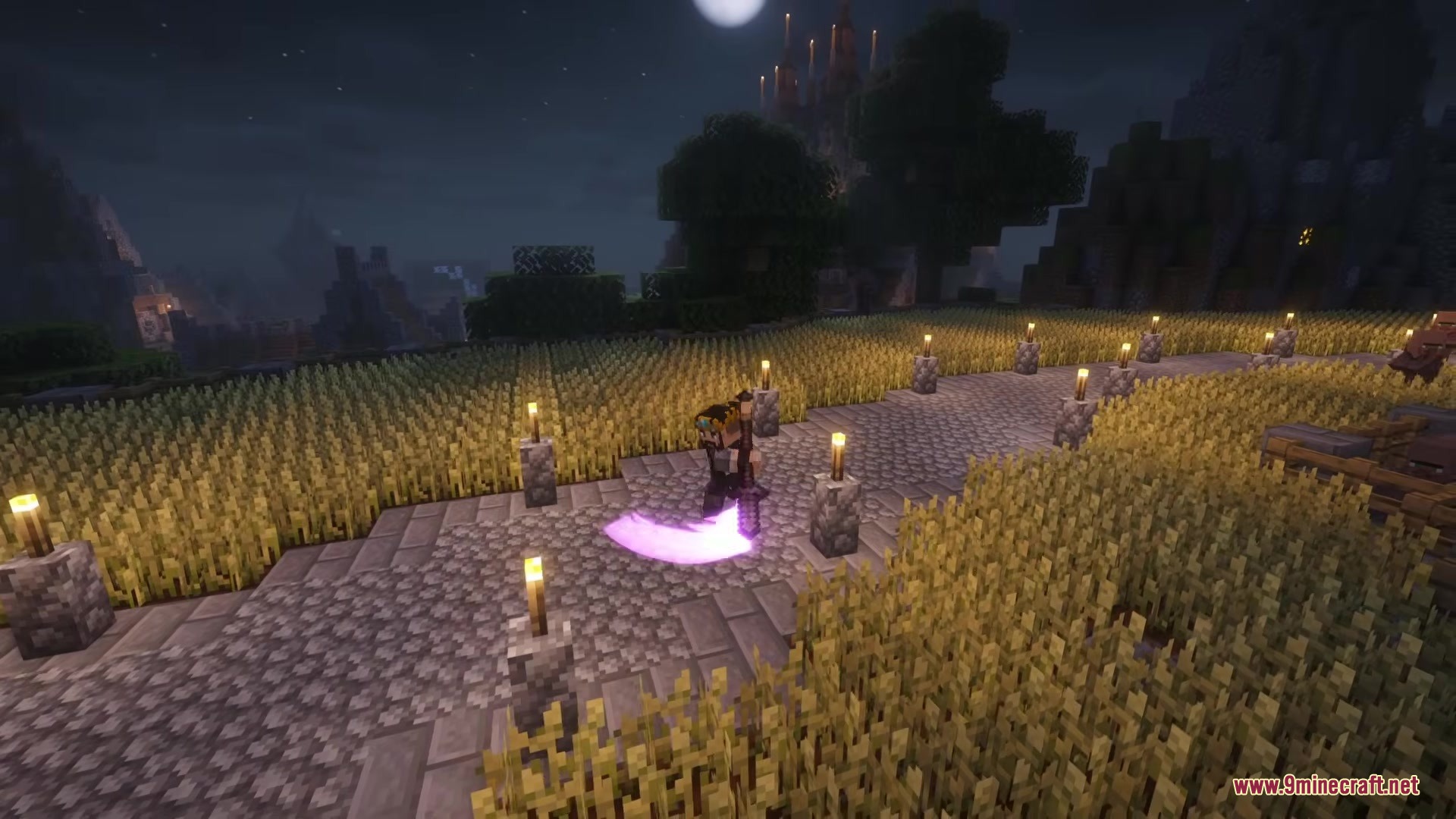
Yes, you can customize trail colors through the mod's settings—either globally for all players on a server, or in personal settings for just your client. Access these settings through the mod's configuration menu.
Why is my game lagging during sword fights?
Too many overlapping sword trail particles can cause lag, especially during large battles. Reduce the particle density or trail intensity in the mod settings to improve performance.
Do enemy mobs have glowing sword trails too?
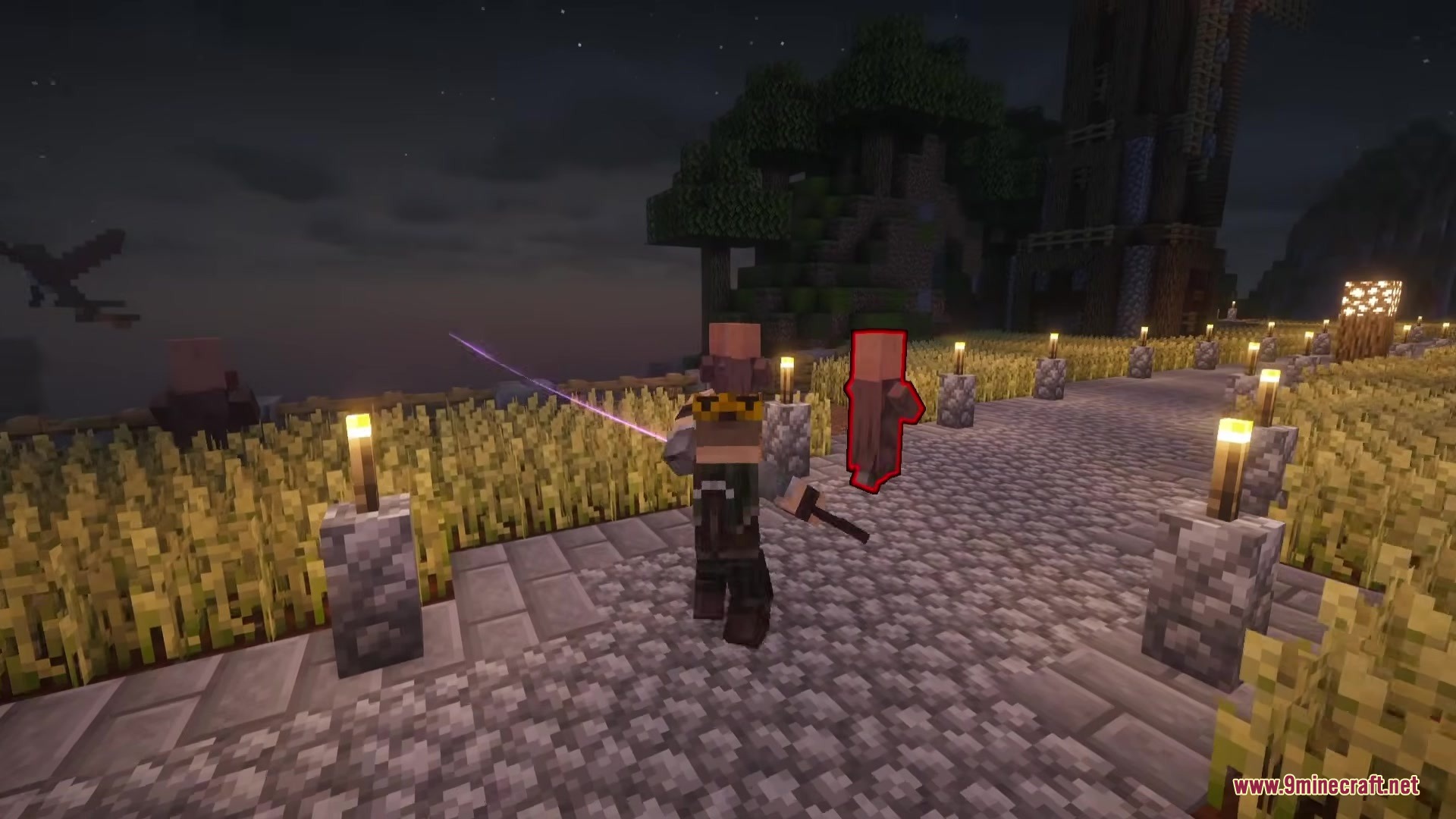
Yes, the mod displays glowing trails on attacks from both players and mobs, making all combat visually consistent and flashier.
See all 10 Epic Fight Sword Light Modifications questions ›
Gallery
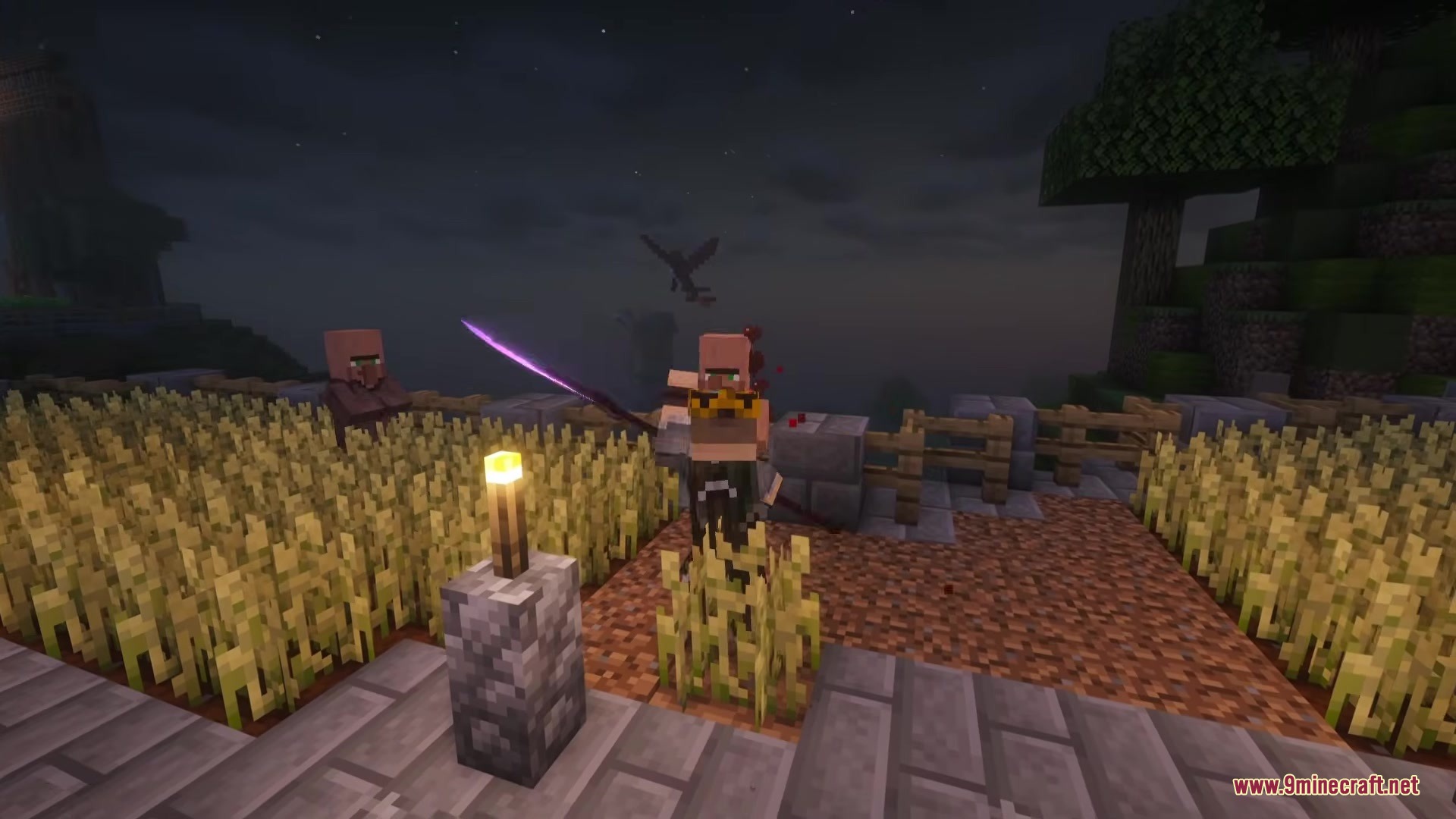
8 images from the Epic Fight Sword Light Modifications Mod page.



You May Also Like
Wikis that share the most with this one
Wikis on the same theme: sword
More mod wikis on the site
The most downloaded mods that have a wiki here
A few wikis from each of the other kinds