

 DownloadDynamic FPS Mod
Get the files on 9Minecraft
Guides
Step-by-step, in-game.
How to Stop Minecraft From Eating Your CPU While Alt-TabbedWhen you tab out of Minecraft to check a wiki or answer a message, the game keeps rendering frames you can't even…Making Sure Dynamic FPS Doesn't Break Your Multiplayer or RecordingDynamic FPS is great for saving resources, but its whole job is to change how the game renders — which can cause…Setting Up Battery Saver So Minecraft Doesn't Drain Your LaptopIf you play Minecraft on a laptop, you already know the fan spin-up and the battery bar dropping fast. Dynamic FPS…Using the Idle Timer to Pause Rendering When You Walk AwaySometimes you don't alt-tab — you just get up and leave. The game keeps running at full tilt while you're making…
Frequently asked questions
What does Dynamic FPS Mod do in Minecraft?
It automatically lowers your frame rate, volume, and popups when the game window isn't the one you're actively using. When the window is hidden or minimized it can stop rendering entirely, freeing up CPU and GPU for whatever else you're doing.
How to use Dynamic FPS Mod?
Once installed it works out of the box with sensible defaults, so you don't need to do anything to get the basic benefit. To change behavior, open the mod's config screen from the mod list and adjust the frame rate, volume, and idle timer options for each window state.
How do I open the dynamic fps config?
Open your mod list, find Dynamic FPS, and click the config button next to it. The settings are grouped by situation, so you can set separate values for unfocused, minimized, invisible, idle, and battery-powered states.
Why is my fps still high when I alt-tab out?
The mod only kicks in once it detects the window state change, and some setups report the window as focused even when it isn't. Check that the mod is actually enabled in your mod list and that the unfocused frame rate limit isn't set to unlimited.
See all 10 Dynamic FPS questions ›
Gallery
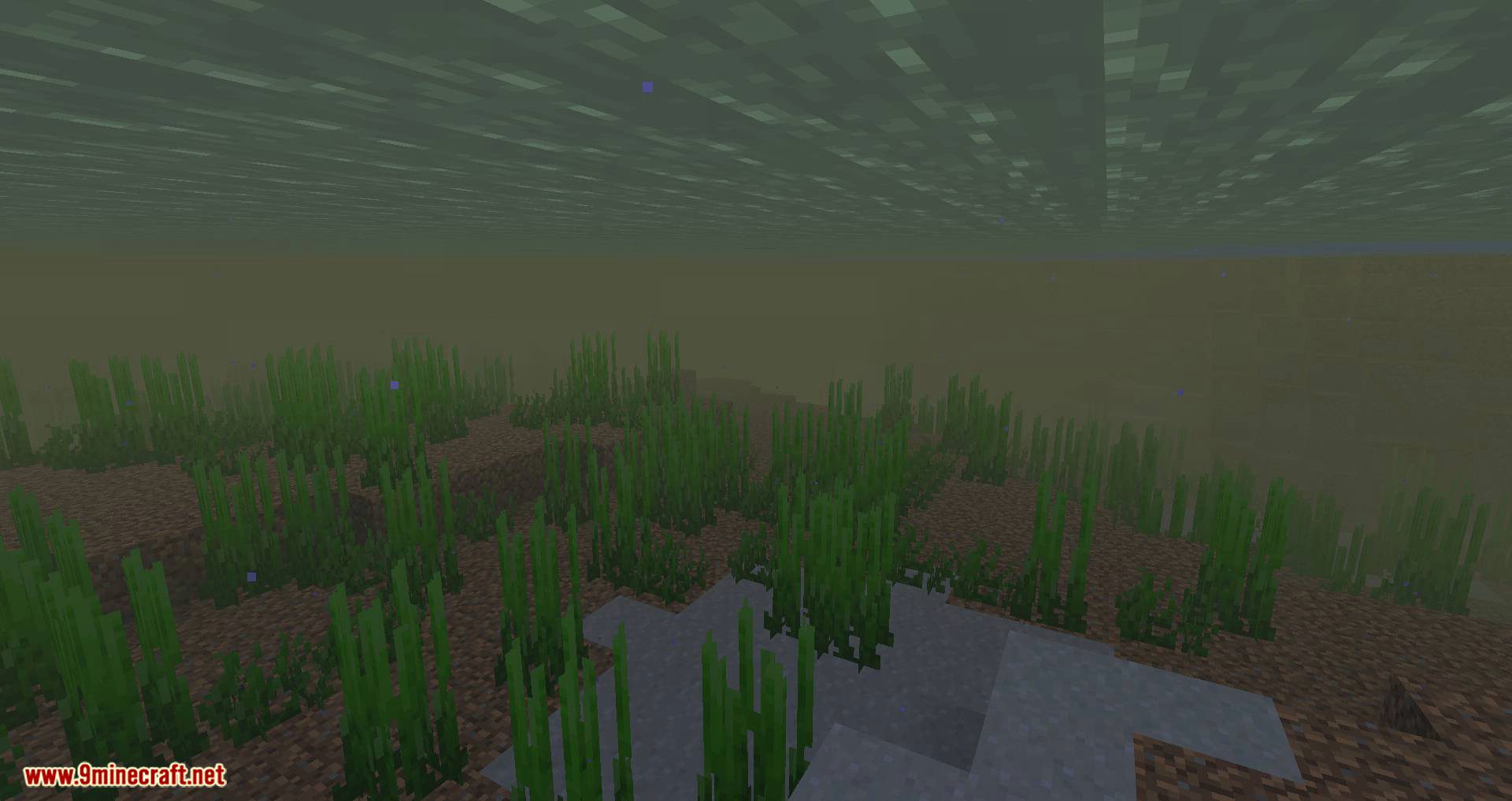
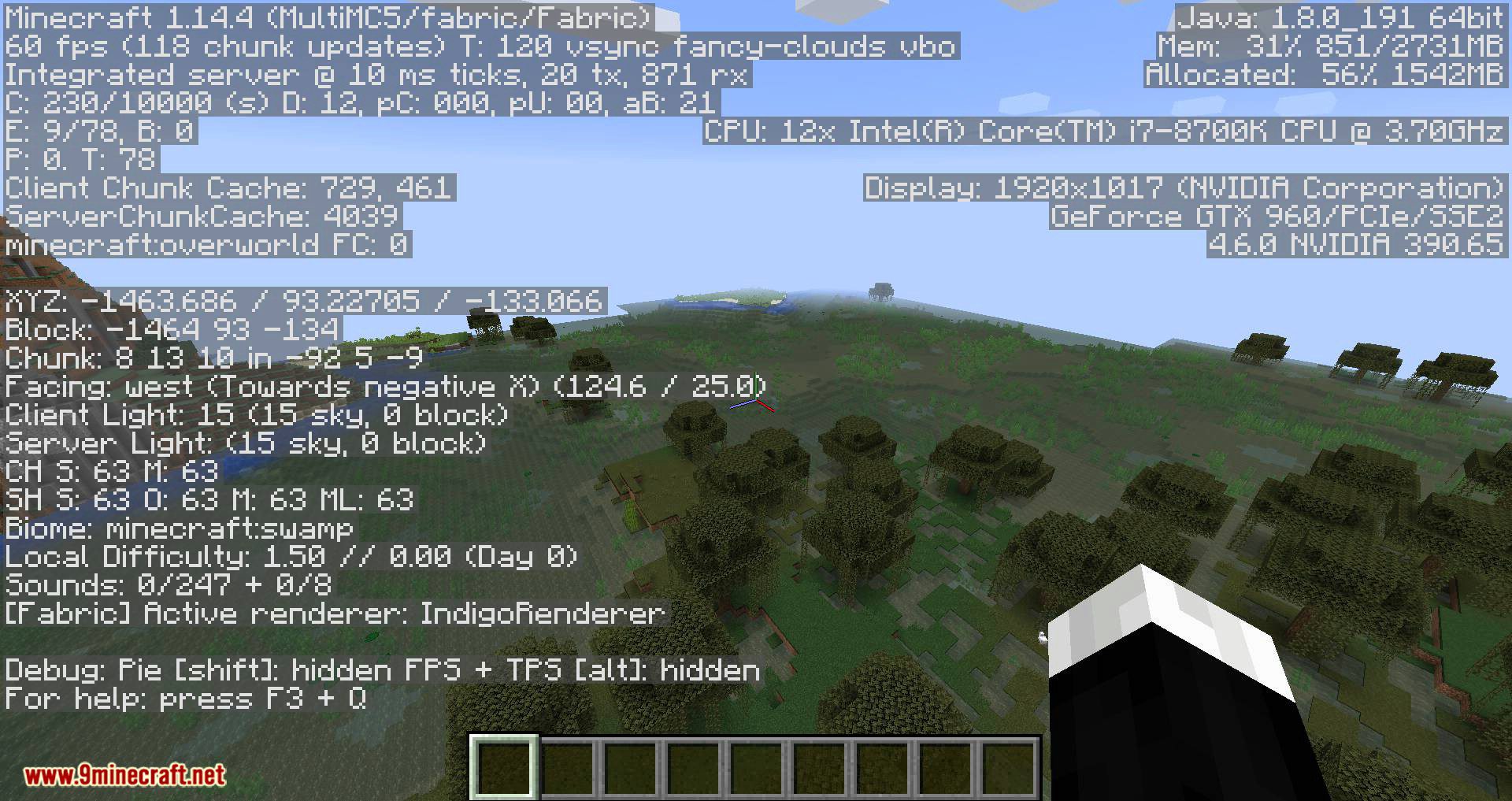
11 images from the Dynamic Fps Mod page.





You May Also Like
Wikis that share the most with this one
More mod wikis on the site
The most downloaded mods that have a wiki here
A few wikis from each of the other kinds