

 DownloadDarkSpawn Mod
Get the files on 9Minecraft
Guides
Step-by-step, in-game.
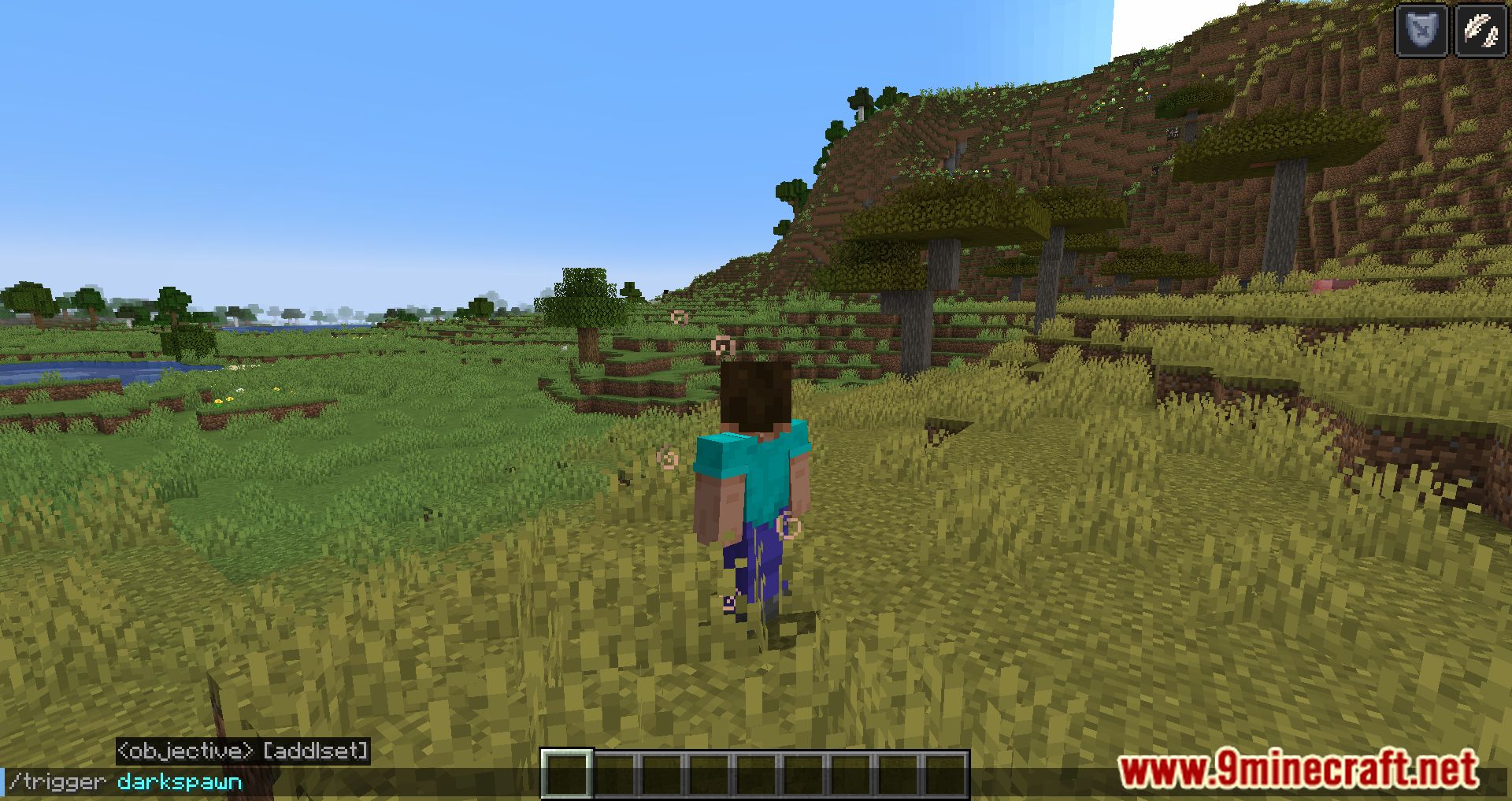
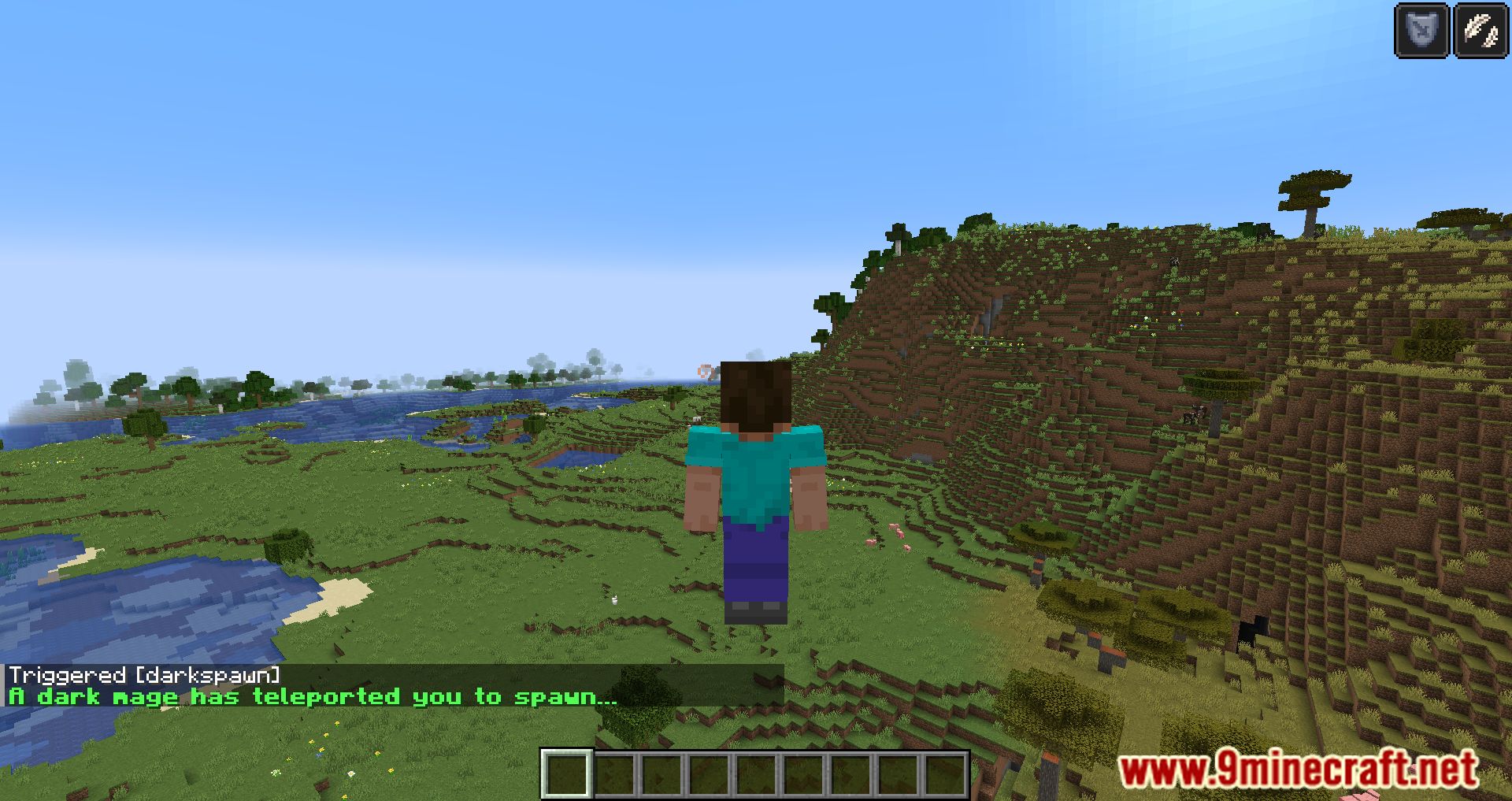
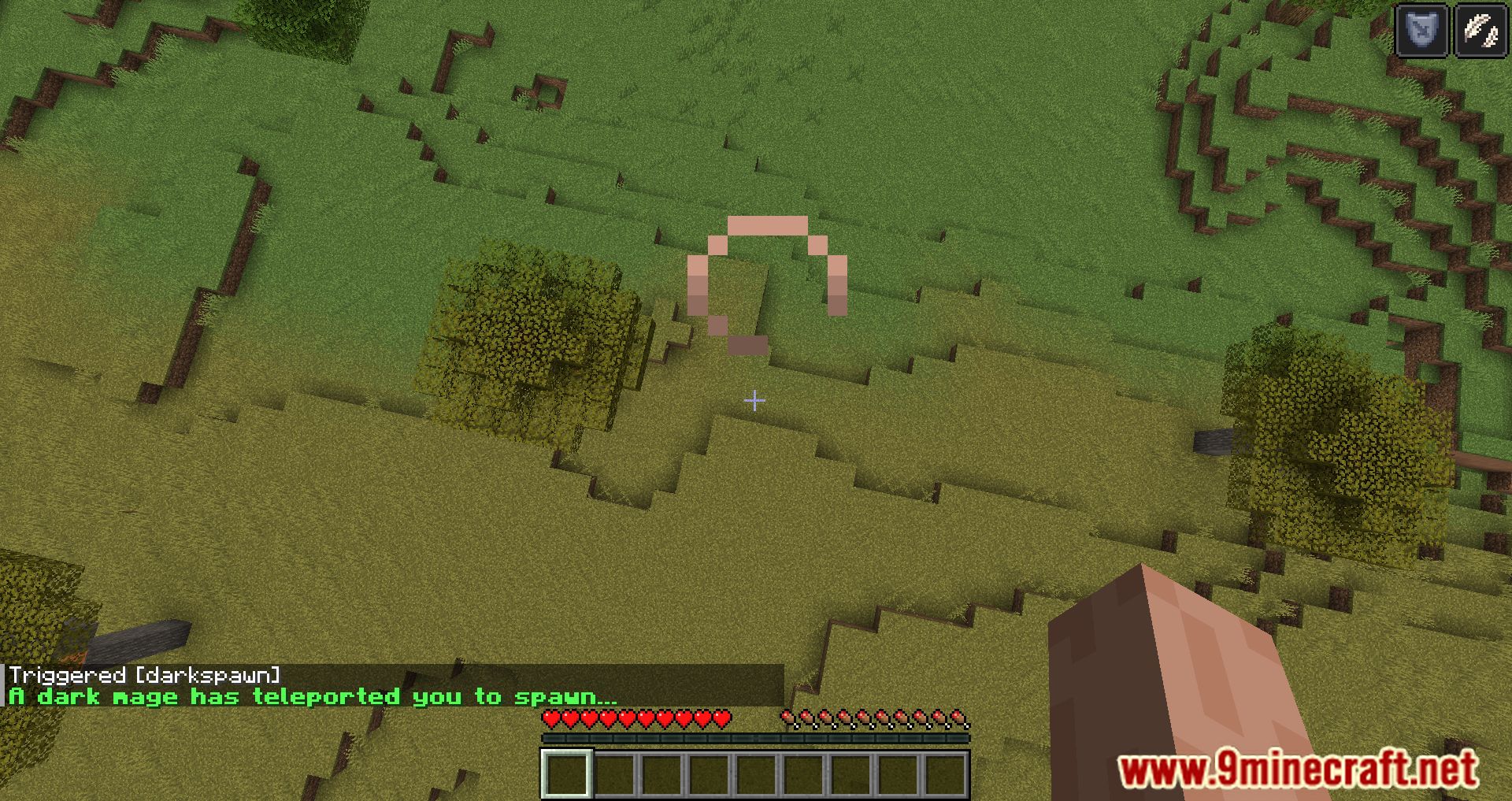
How to Teleport Back to Spawn Using /trigger darkspawnRunning the Command Open your chat window and type /trigger darkspawn . Press enter. If the server has the mod…How to Use DarkSpawn ModReturning to Spawn with /trigger darkspawn DarkSpawn Mod adds a simple way to send players back to a fixed spawn or…Making a Hub, Town, or Quest Zone With DarkSpawnPlanning the Destination DarkSpawn is best used as a single shared arrival point. Decide what that point is: a…Setting a Custom Spawn or Lobby Location as a Server AdminEditing the Datapack File The teleport destination is stored in a datapack file that ships with the mod. Locate that…Troubleshooting DarkSpawn When the Teleport FailsCheck the Basics First Confirm you typed /trigger darkspawn exactly. Confirm the server actually has the mod loaded —…
Commands
Chat commands this mod registers, and what each one does.
| Command | What it does |
|---|---|
/function darkspawn:darkspawnload | |
/function darkspawn:darkspawntick |
Frequently asked questions
What command does the DarkSpawn Mod use to teleport players?
It uses the /trigger darkspawn command to instantly return players to a predefined spawn or lobby point.
What are the default teleport coordinates for the DarkSpawn Mod?
The default location is set to coordinates 10 319 10.
Does the DarkSpawn Mod need to be installed on players' clients?
No, it only needs to be installed on the server, so players don't need it on their client.
Can server admins change where the DarkSpawn Mod teleports players?
Yes, admins can change the teleport coordinates and even the dimension by editing a datapack file.
See all 6 DarkSpawn questions ›
Gallery
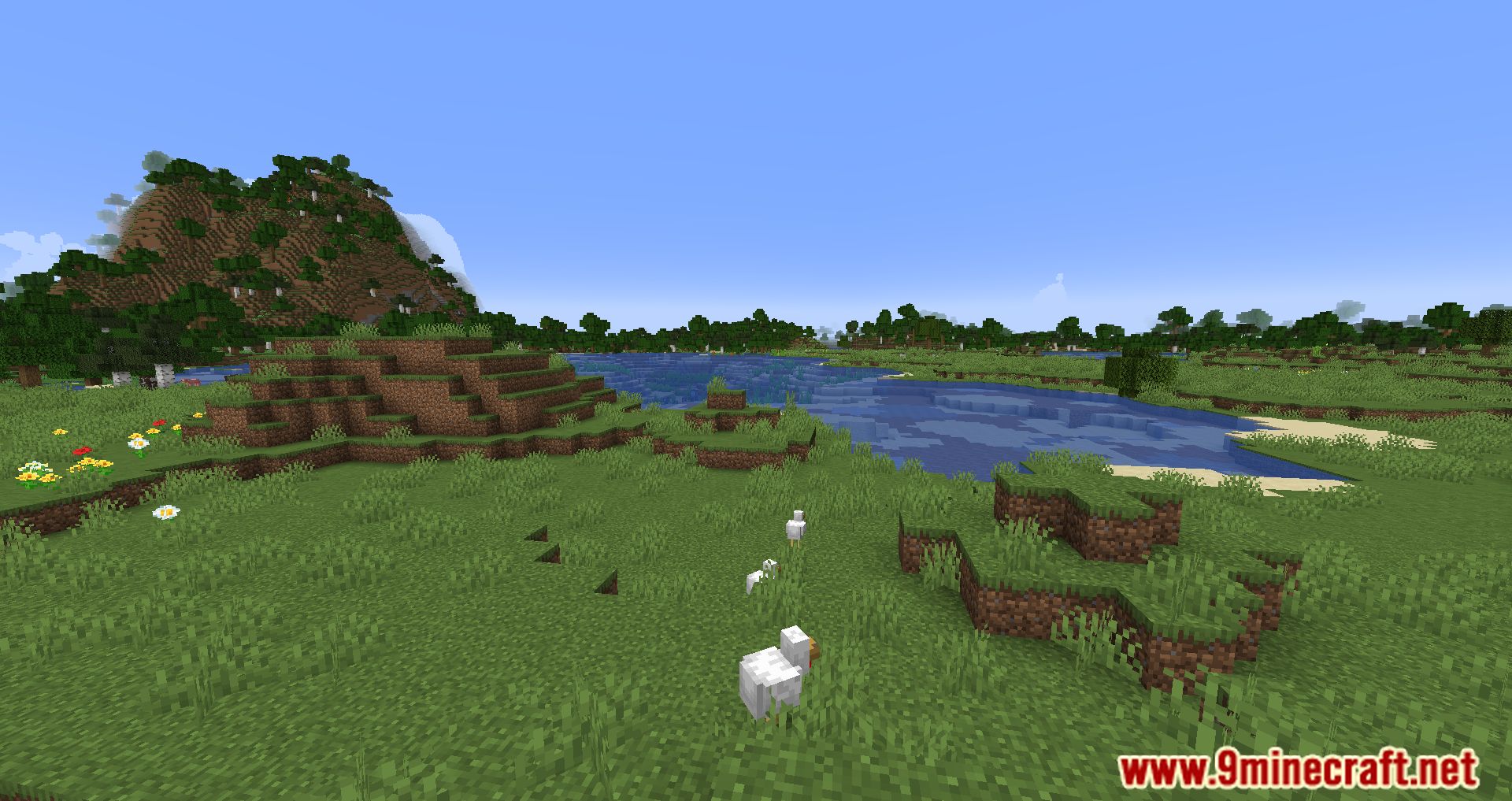
9 images from the Darkspawn Mod page.
You May Also Like
Wikis that share the most with this one
More mod wikis on the site
The most downloaded mods that have a wiki here
A few wikis from each of the other kinds