

 DownloadDamage Vignette Mod
Get the files on 9Minecraft
Guides
Step-by-step, in-game.
Adjust Vignette Opacity to Reduce Screen DarkeningAccess the Settings Menu Open your Minecraft settings and locate the Damage Vignette Mod configuration panel. This is…Change the Vignette Color to Match Your PreferenceOpen the Mod Configuration Access the Damage Vignette Mod settings through your Minecraft settings menu. Look for a…Disable the Vignette Effect Temporarily or PermanentlyAccess Mod Settings Open the Damage Vignette Mod configuration panel from your Minecraft settings menu. Toggle the…Verify the Mod is Working Correctly in MultiplayerConfirm Mod Installation Ensure the Damage Vignette Mod is properly installed on your client. Check your mods folder…
Frequently asked questions
How do I turn on the vignette effect after installing the mod?
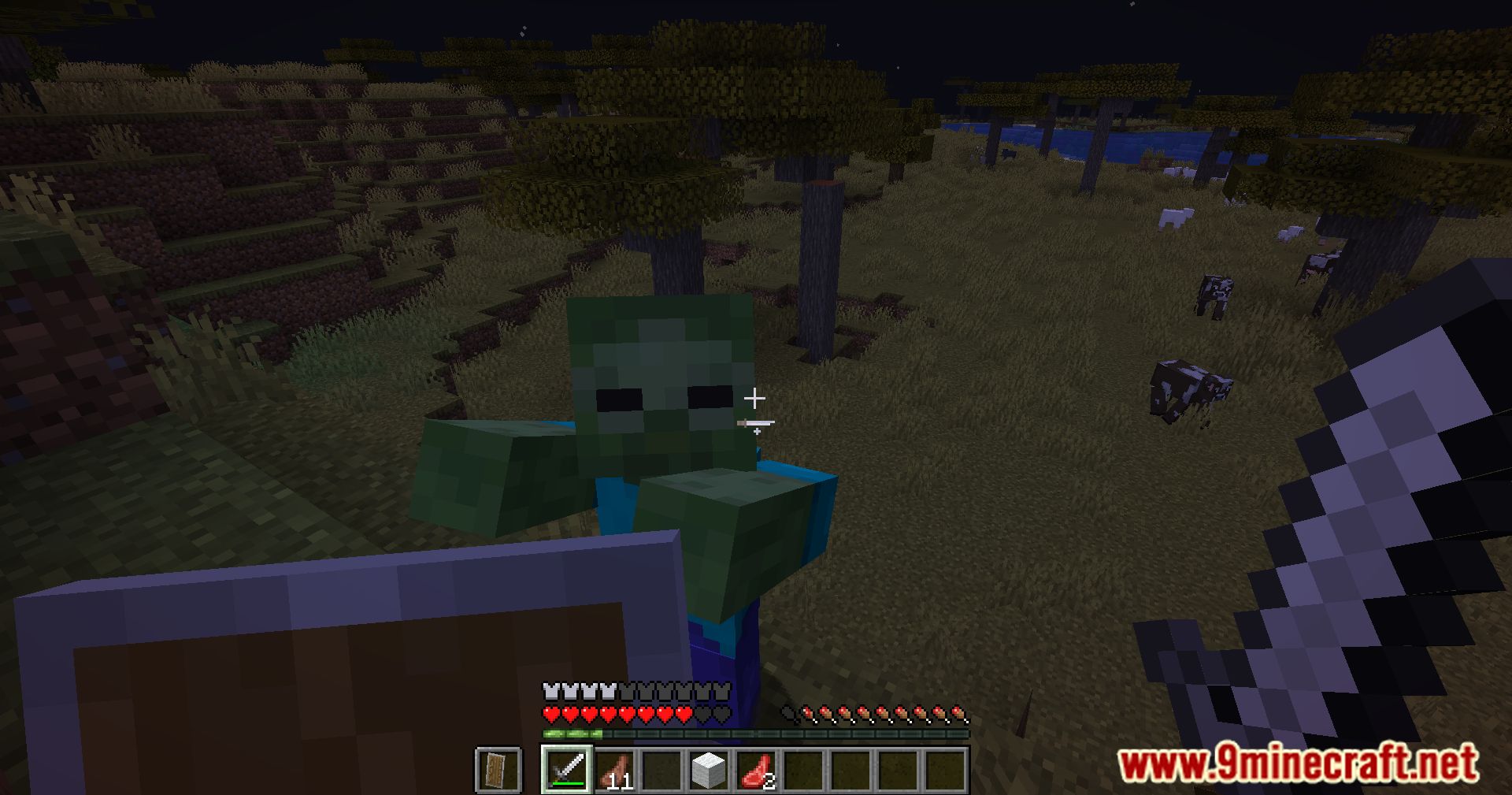
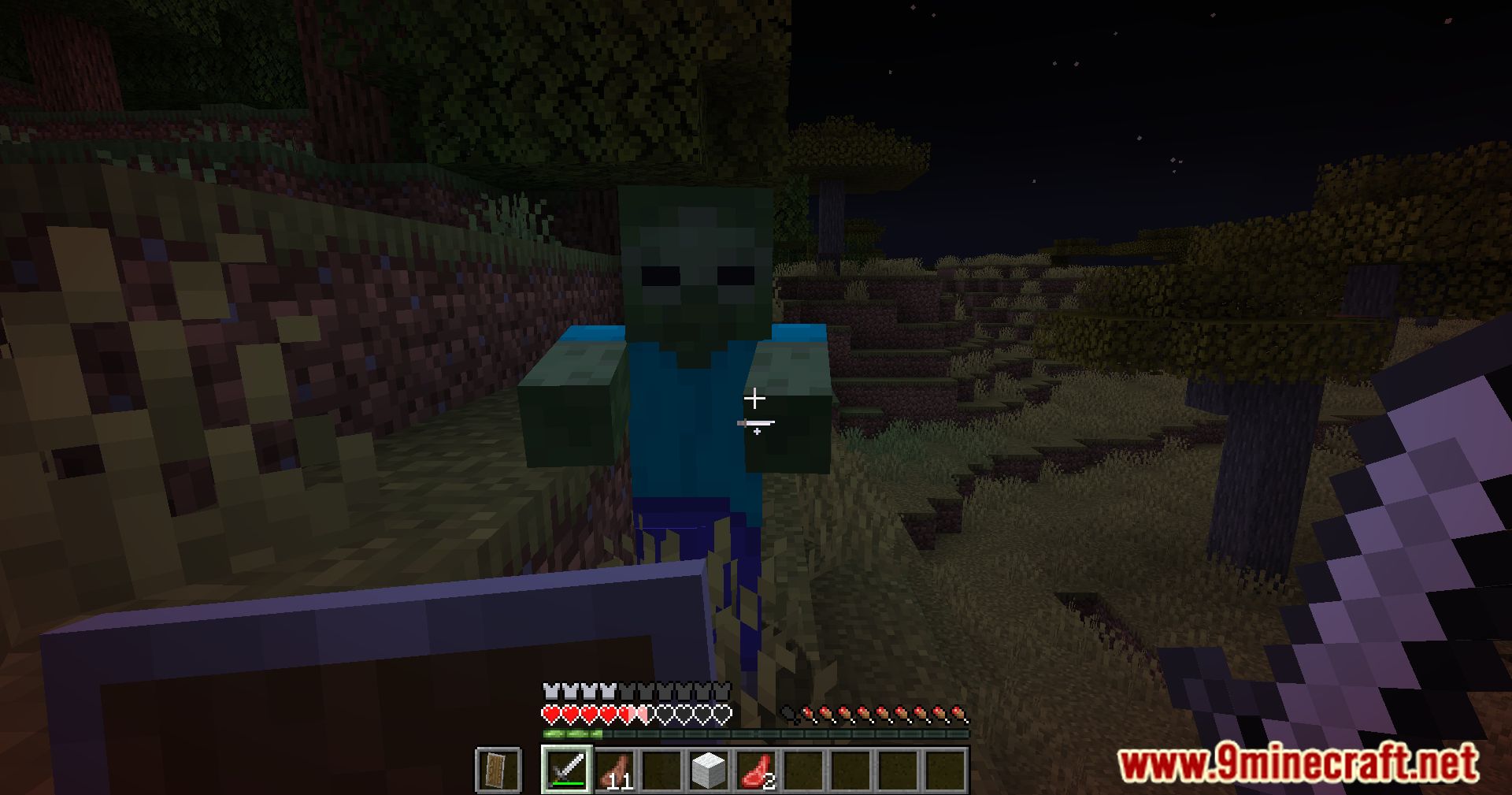
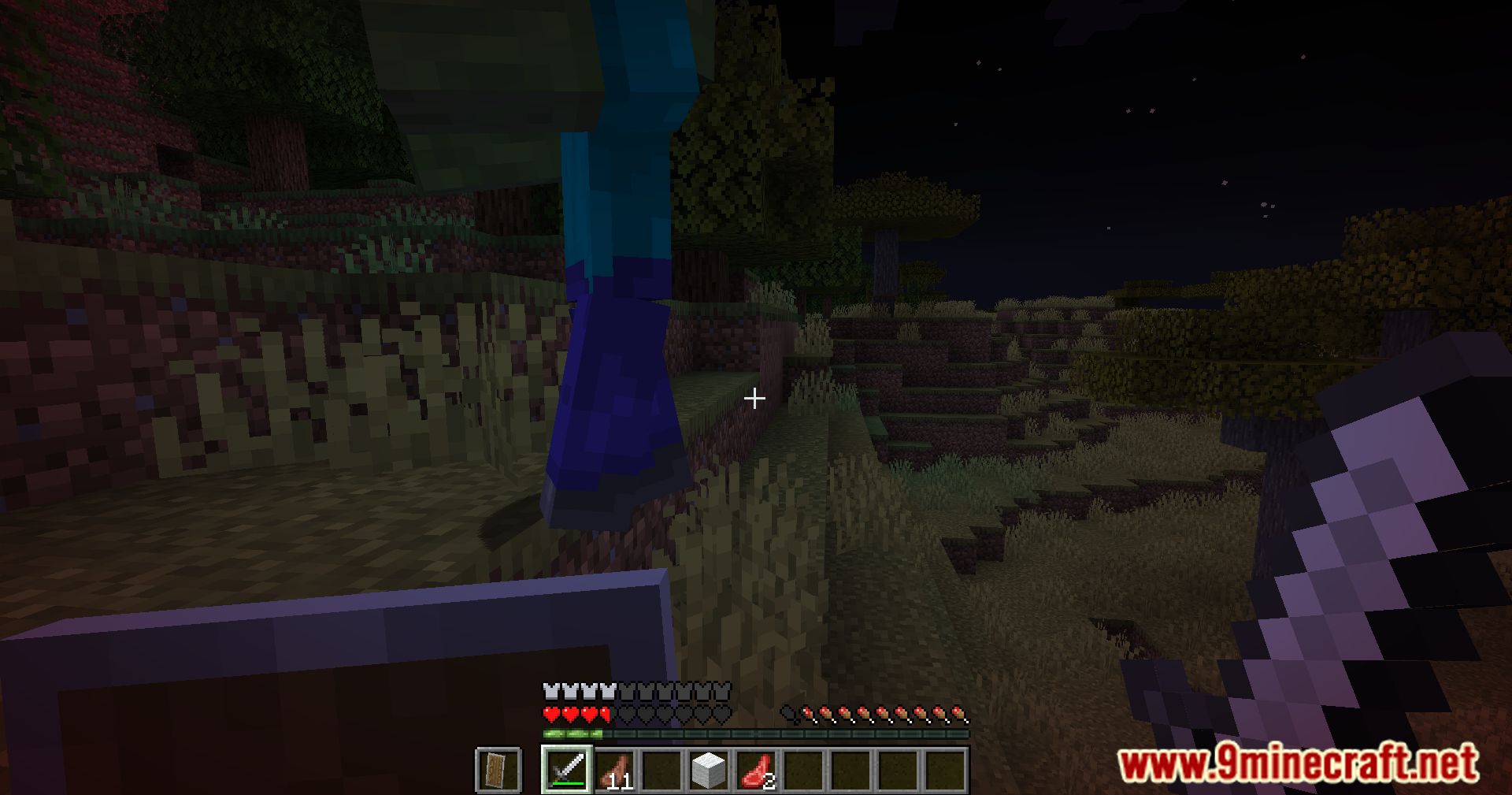
The vignette effect is enabled by default when you launch Minecraft with the mod installed. If you don't see it when taking damage, check your settings menu to ensure the mod hasn't been disabled or the opacity hasn't been set to zero.
Can I make the vignette darker or lighter?
Yes, open your settings menu and look for the vignette opacity slider. Increase it to make the effect more visible, or decrease it for a more subtle darkening around your screen edges.
What colors can I change the vignette to?
The mod allows you to customize the vignette color through the settings menu. You can adjust it to match your preference, though the exact color options depend on your mod's configuration settings.
Does the vignette effect work on multiplayer servers?
Yes, the mod works entirely on the client side, so it functions on any multiplayer server without requiring the server to have the mod installed. Other players won't see your vignette effect.
See all 10 Damage Vignette questions ›
Gallery
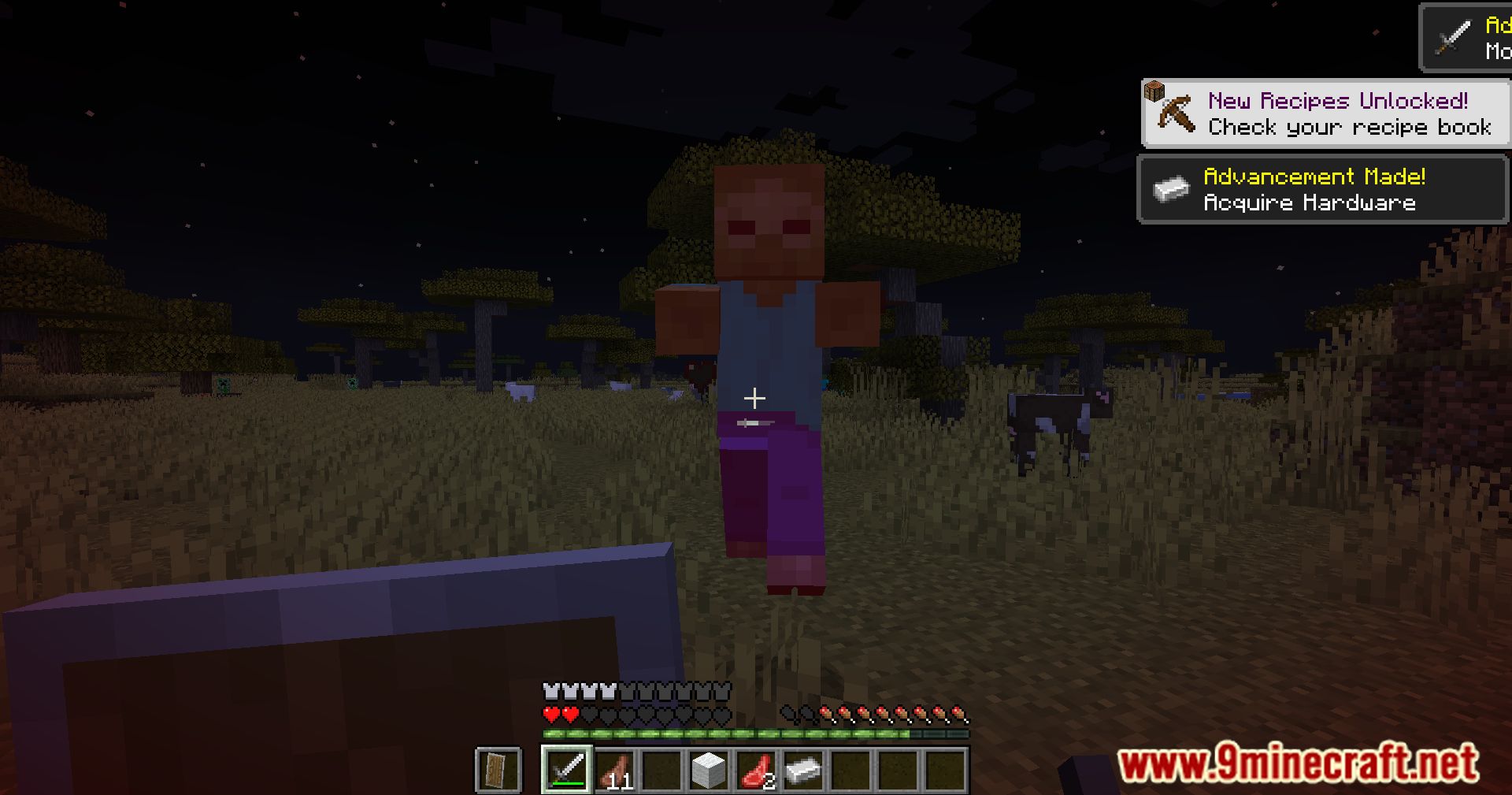
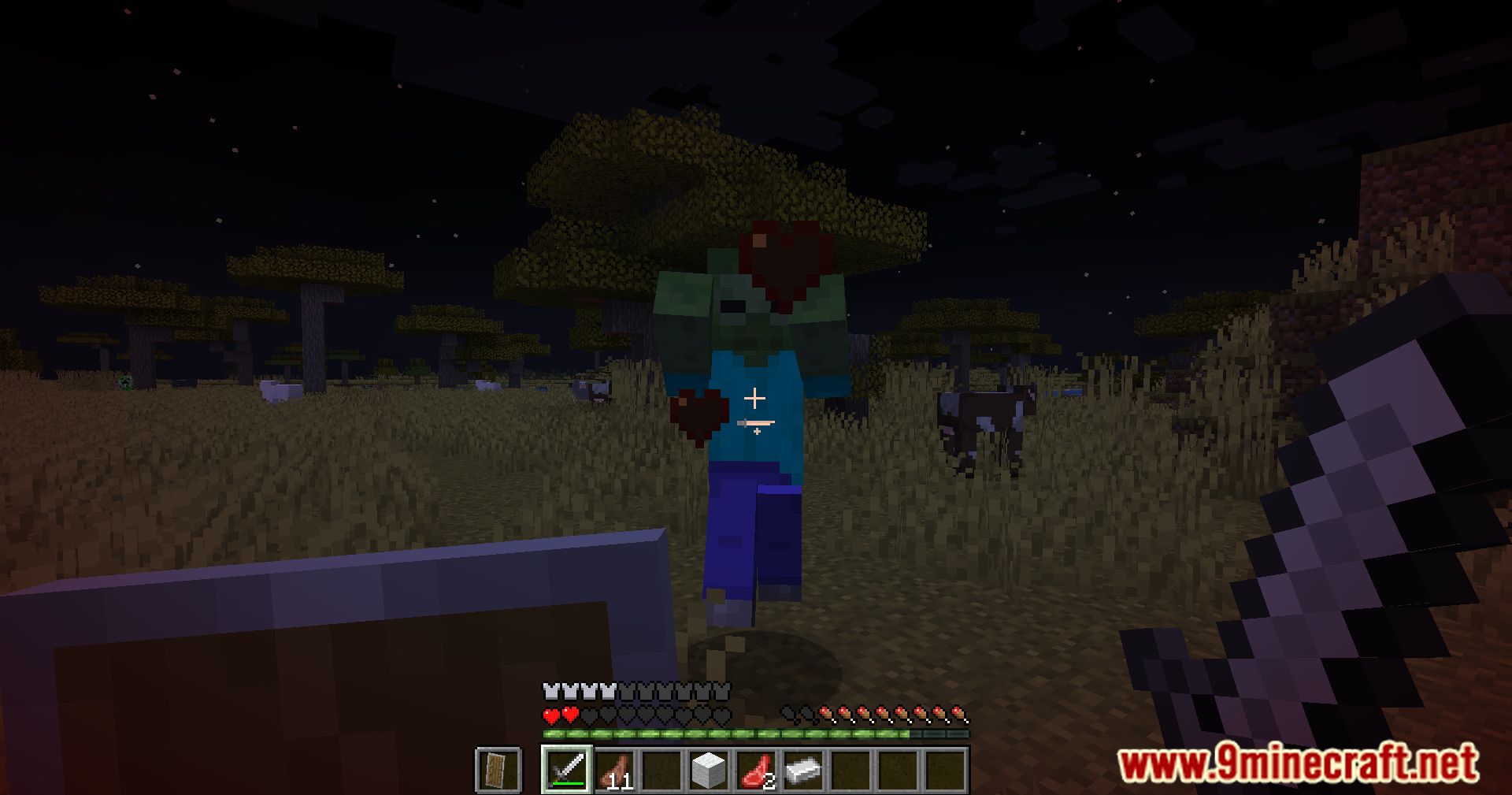
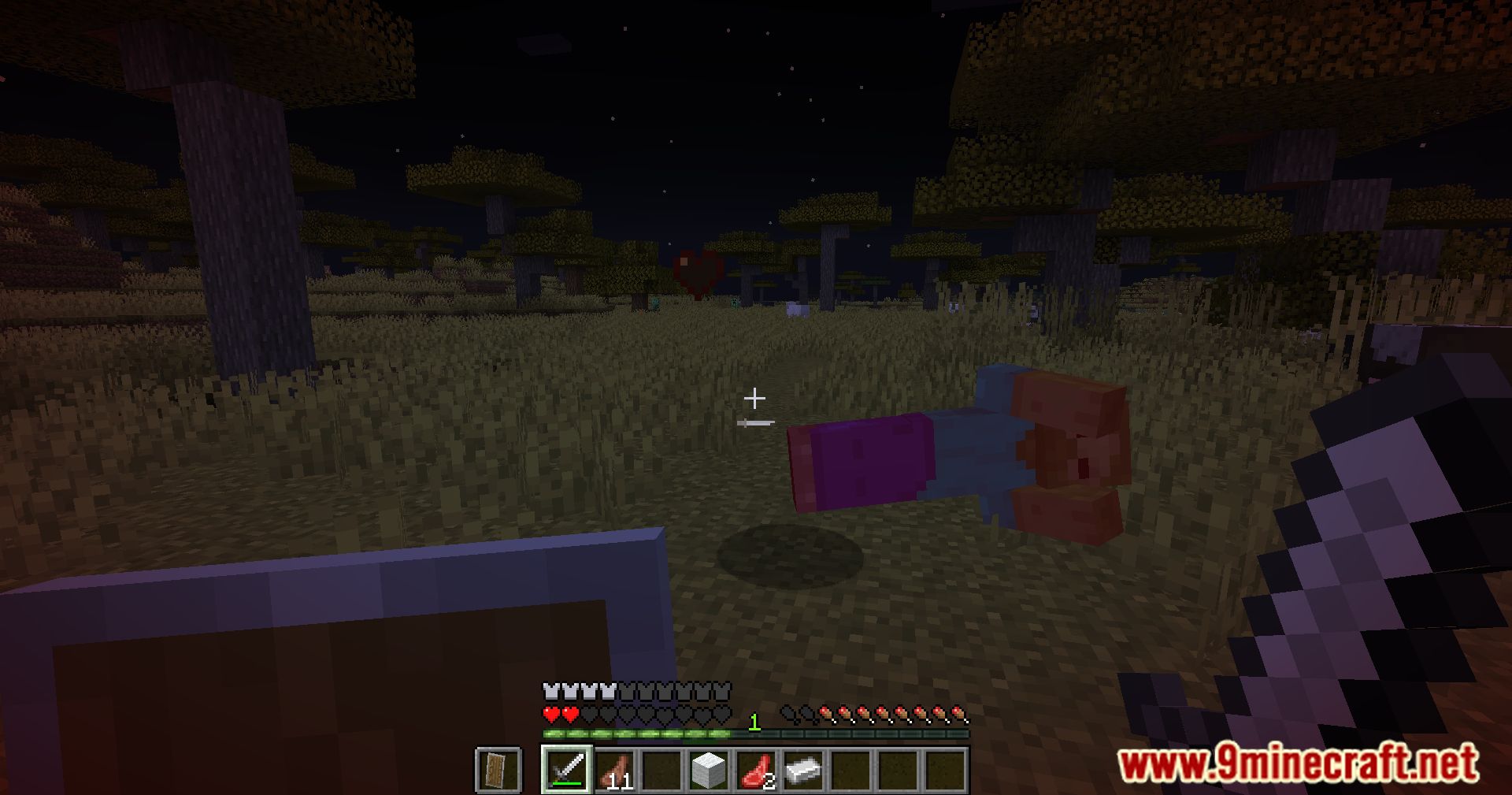
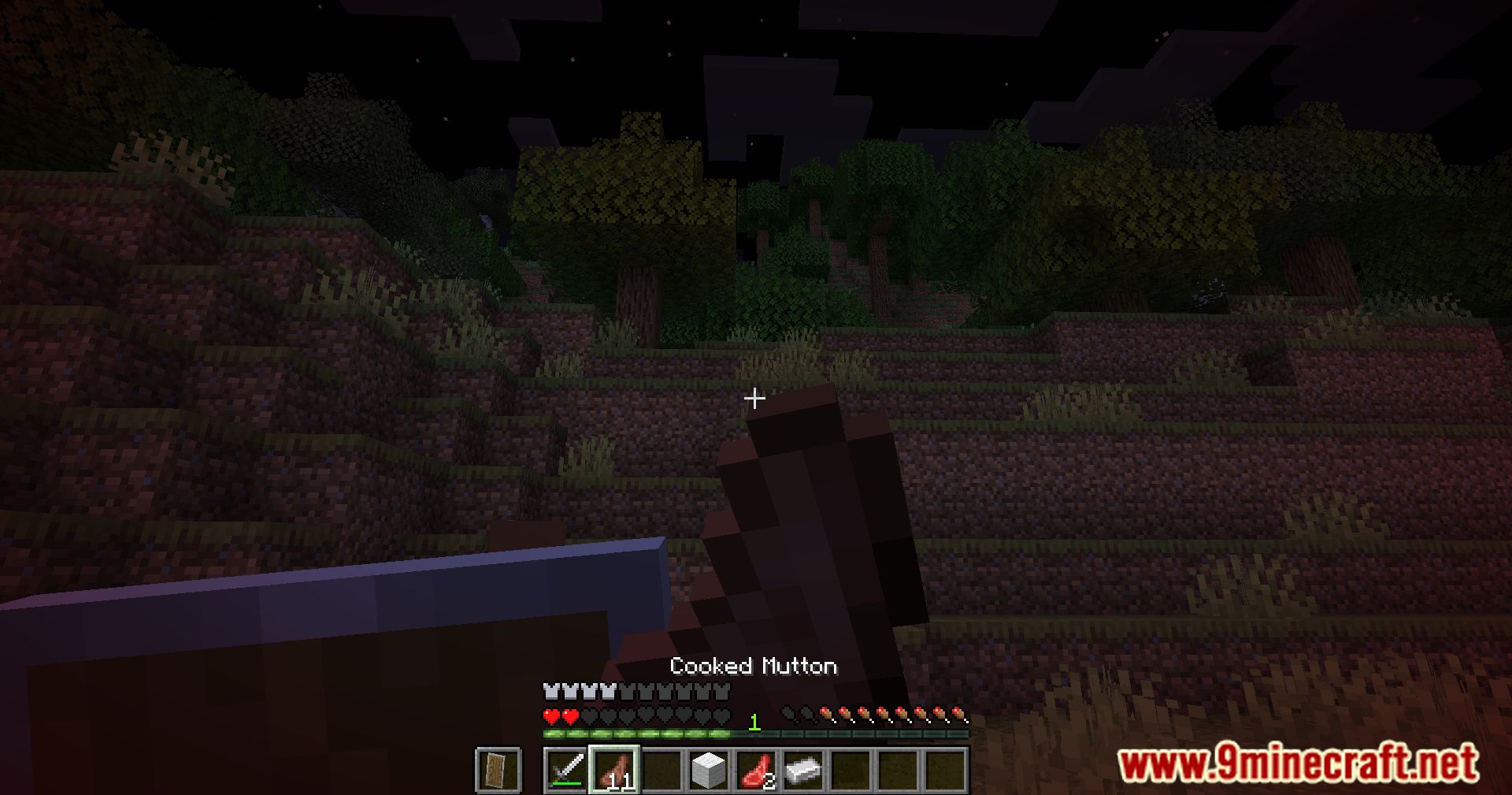
10 images from the Damage Vignette Mod page.
You May Also Like
Wikis that share the most with this one
Damage Tint ModAltered Damage ModStonecutter Damage ModVignette Low End ShadersBlock Explosion Damage ModTNT Damage Booster Data PackDamage Indicators Expanded ModSimple Damage Indicator Data PackCustom Damage Overlay Color ShadersNon Directional Damage Tilt Fix ModReduce the Vignette Effect Resource PackCycle Paintings Mod
More mod wikis on the site
The most downloaded mods that have a wiki here
A few wikis from each of the other kinds