

 DownloadCoords Mod
Get the files on 9Minecraft
Guides
Step-by-step, in-game.
Display Your Coordinates On ScreenEnable the Coordinate Overlay The coordinate overlay is the core feature of this mod. Once installed, the overlay…Navigate to Specific CoordinatesUsing Coordinates for Navigation Once you have coordinates displayed, you can use them to travel to specific…Record and Remember Important LocationsSaving Location Data The coordinate overlay makes it easy to document important places in your world for future…Troubleshoot Coordinate Display IssuesOverlay Not Appearing If you don't see coordinates on your screen after installing the mod: 1. Verify the mod is…
Frequently asked questions
How do I turn on the coordinate display?
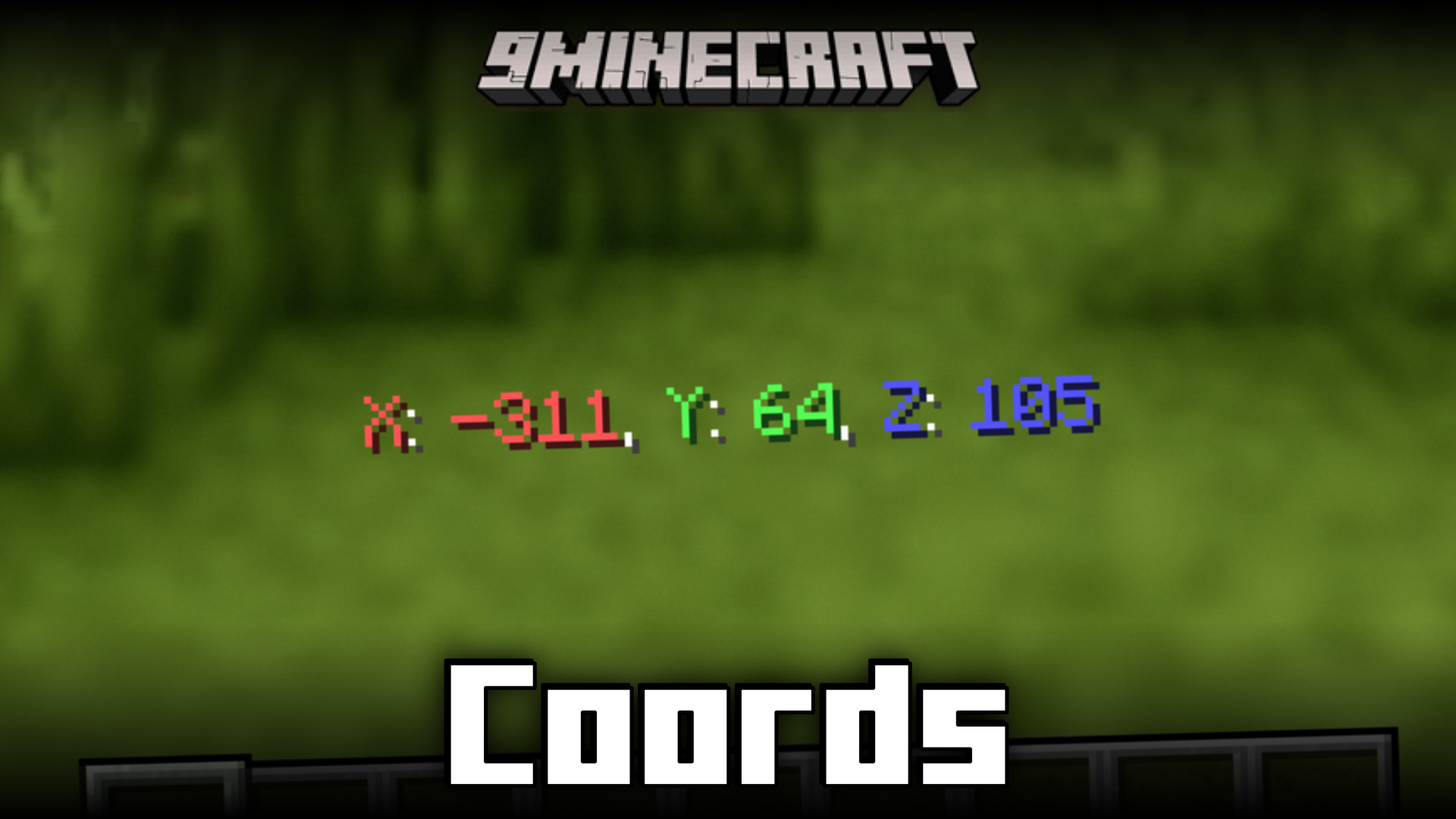
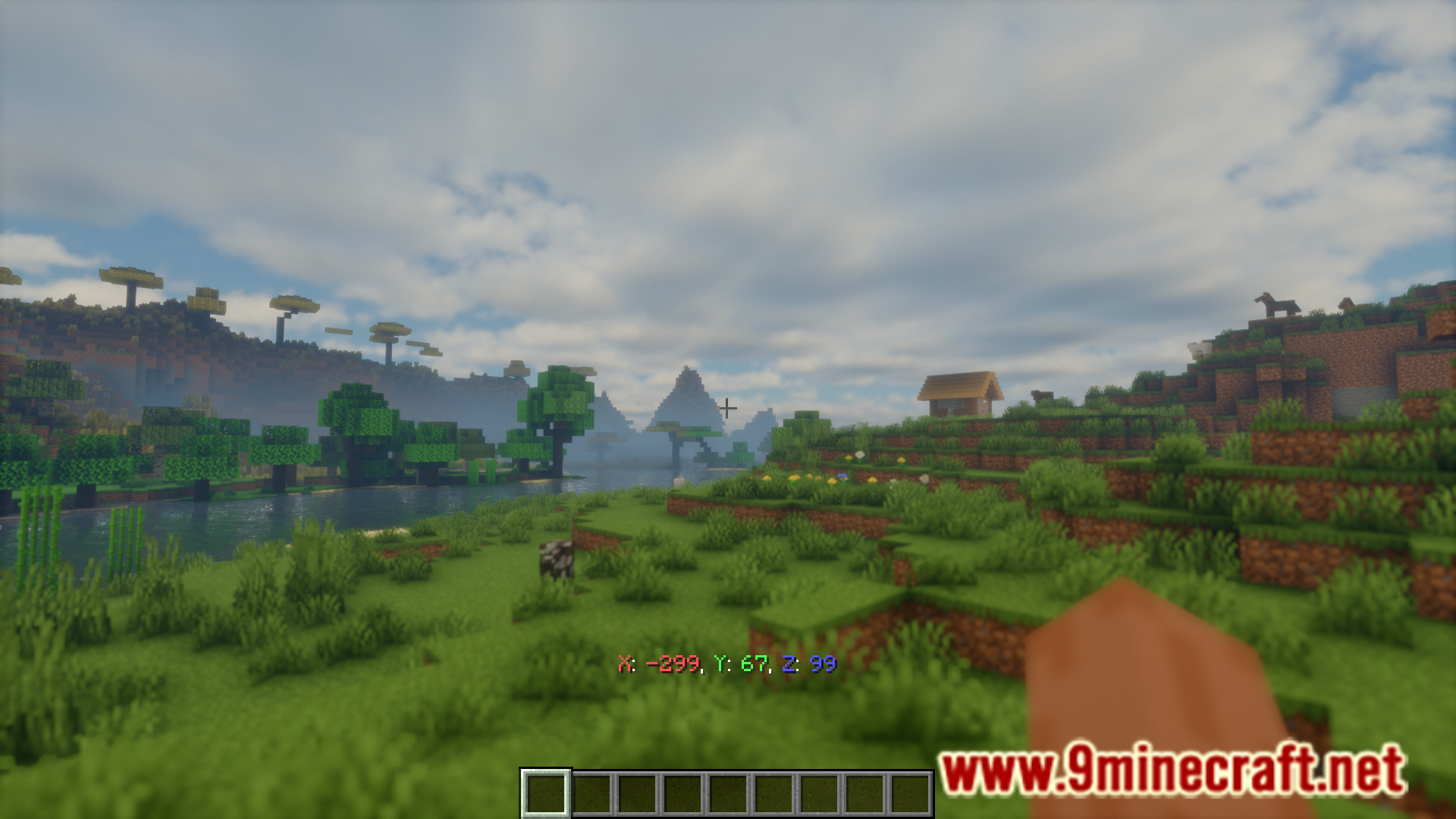
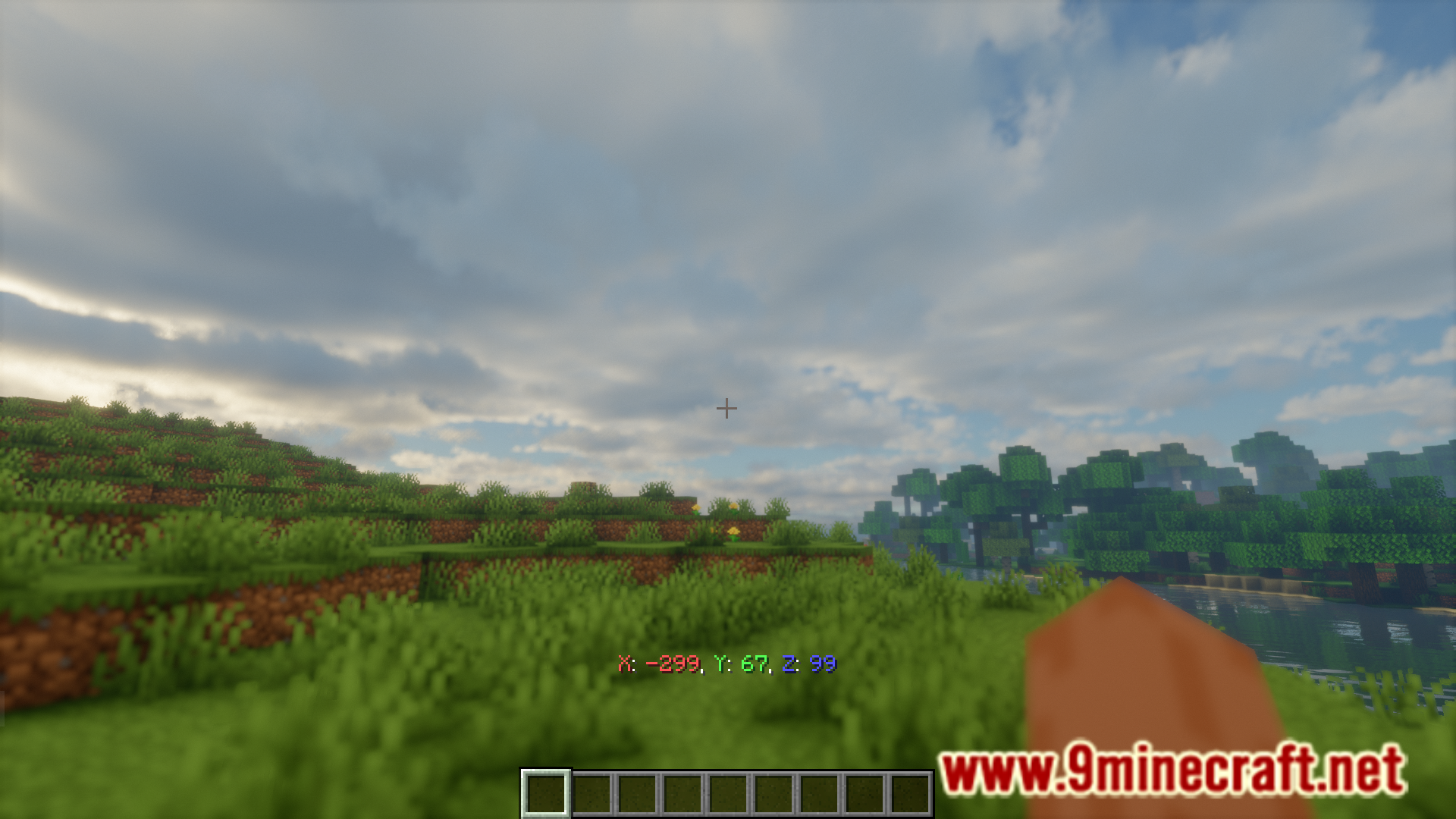
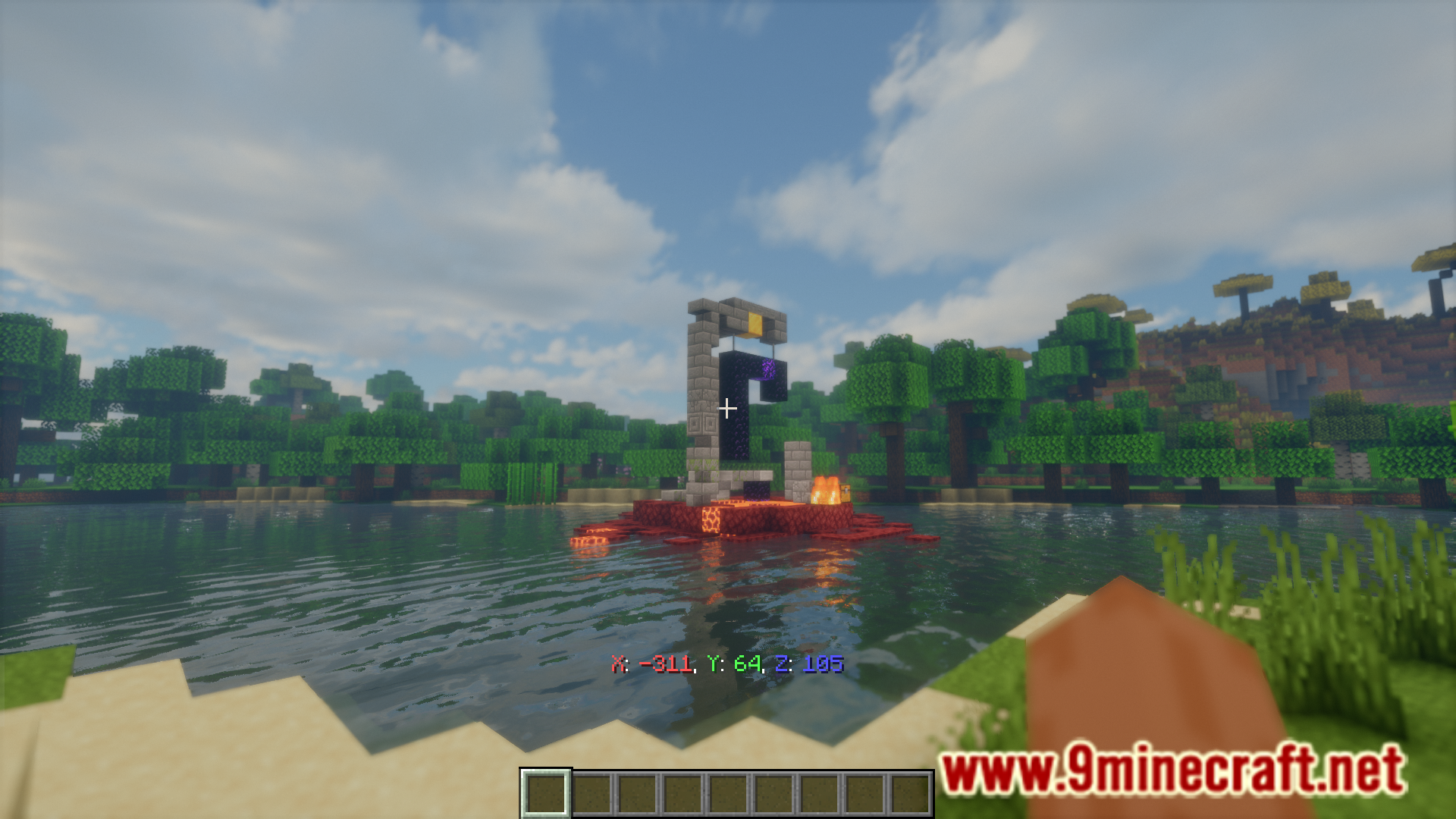
The coordinate overlay should appear automatically when you load into a world. If it's not visible, check your mod configuration settings to ensure the overlay is enabled.
Can I move the coordinates to a different corner of my screen?
Yes, most coordinate mods allow you to reposition the overlay through the configuration file or in-game settings menu. Look for positioning or anchor options to choose your preferred screen location.
Why aren't my coordinates showing up?
Check that the mod is properly installed and enabled in your mod loader. If the overlay is still missing, verify that the overlay feature isn't disabled in the mod's configuration settings.
Does this mod work with other HUD mods?
Coords Mod is generally compatible with most HUD mods, but conflicts can occur if multiple mods try to display information in the same screen location. Adjust the positioning in either mod's settings if overlaps happen.
Gallery
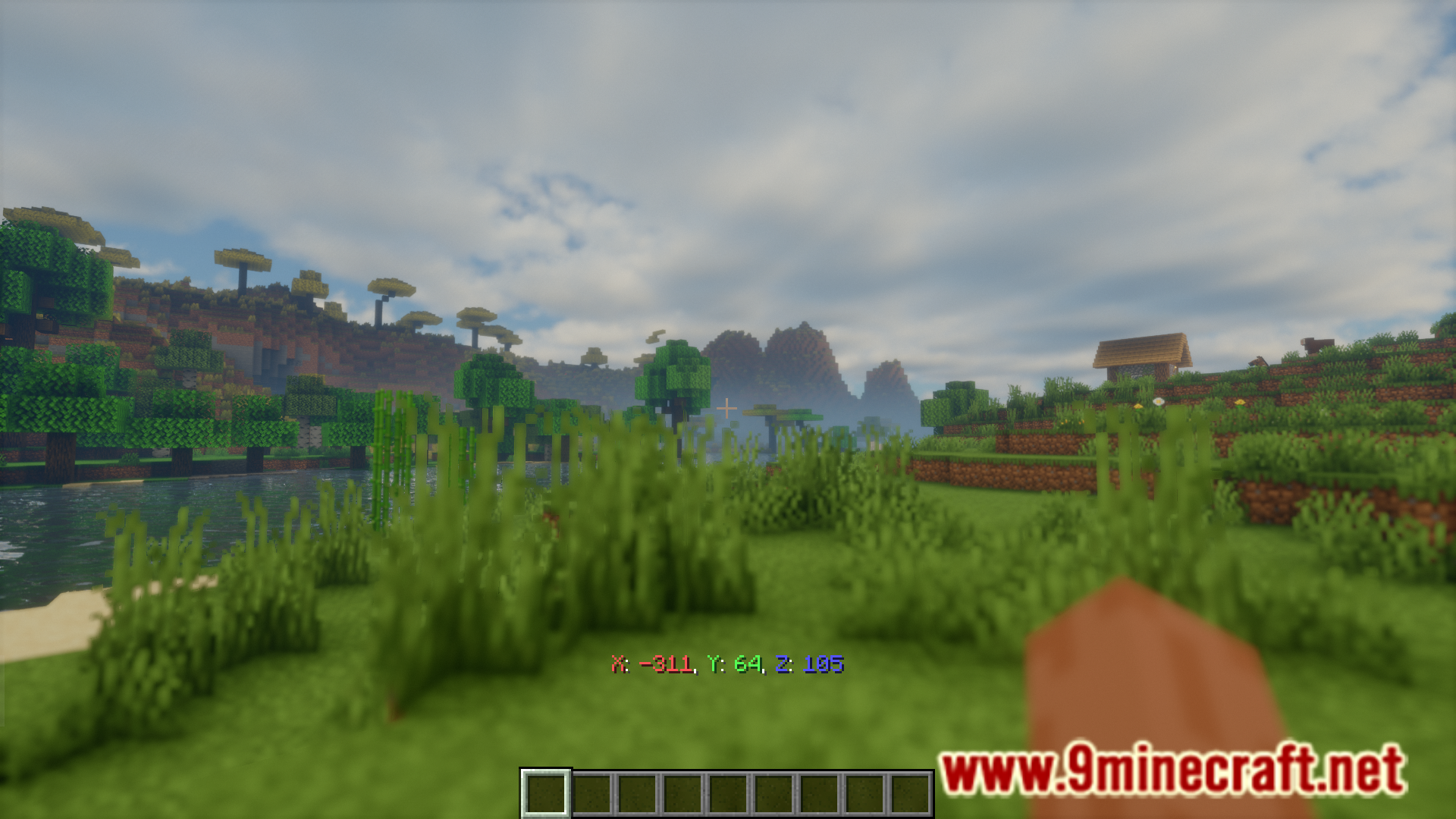
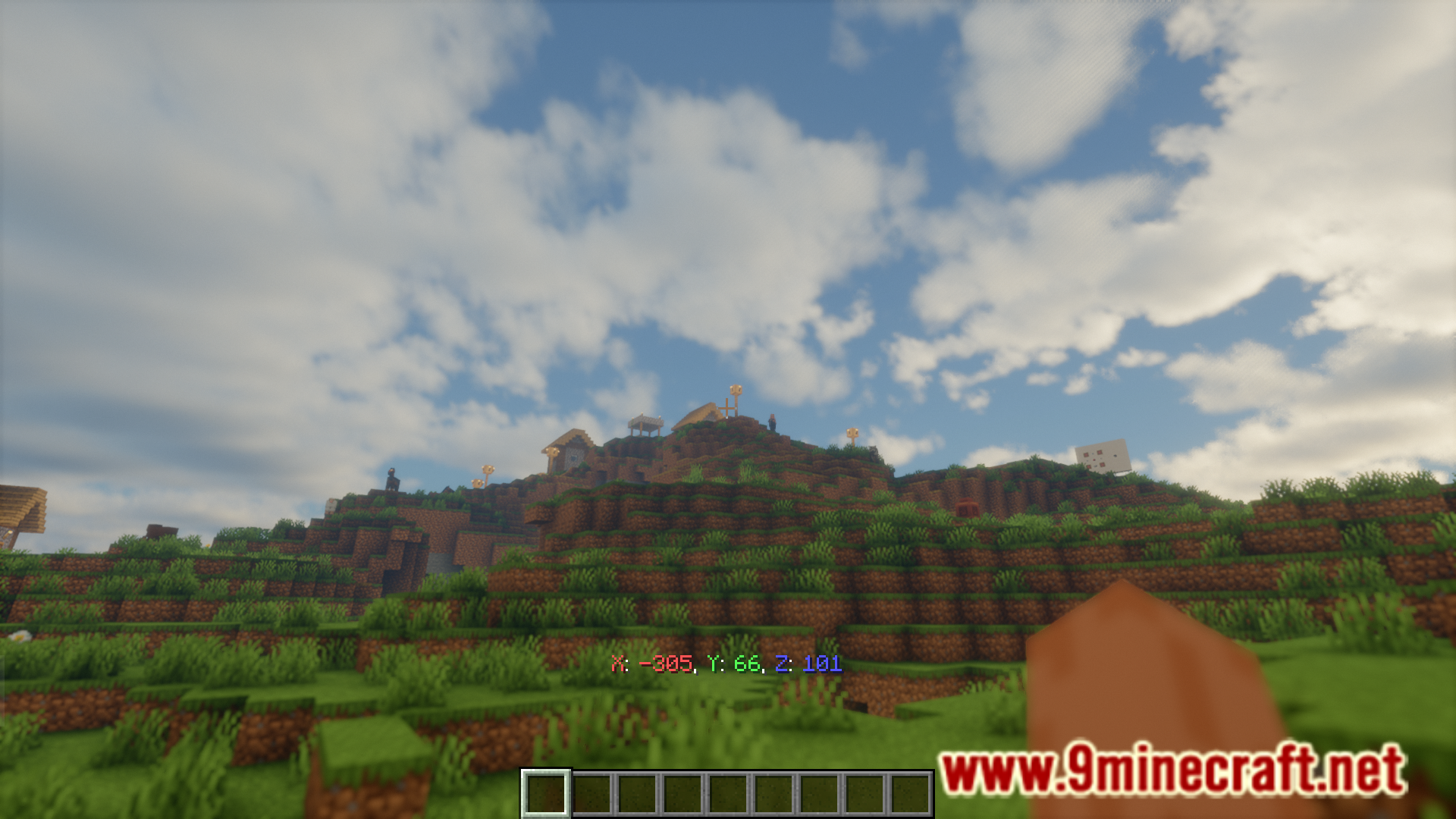
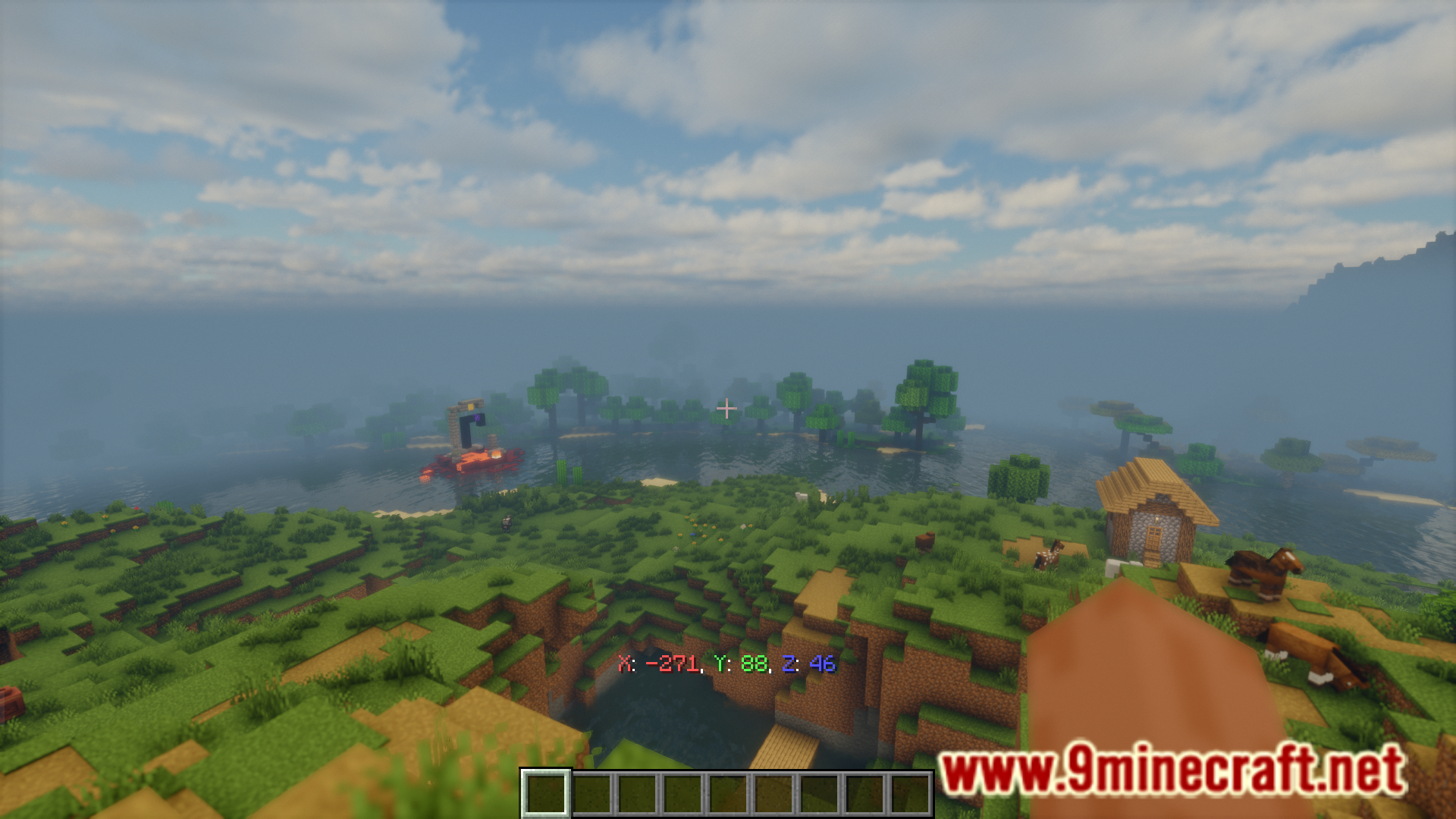
7 images from the Coords Mod page.
You May Also Like
Wikis that share the most with this one
More mod wikis on the site
The most downloaded mods that have a wiki here
A few wikis from each of the other kinds