

 DownloadCompletionist Insight Mod
Get the files on 9Minecraft
Guides
Step-by-step, in-game.
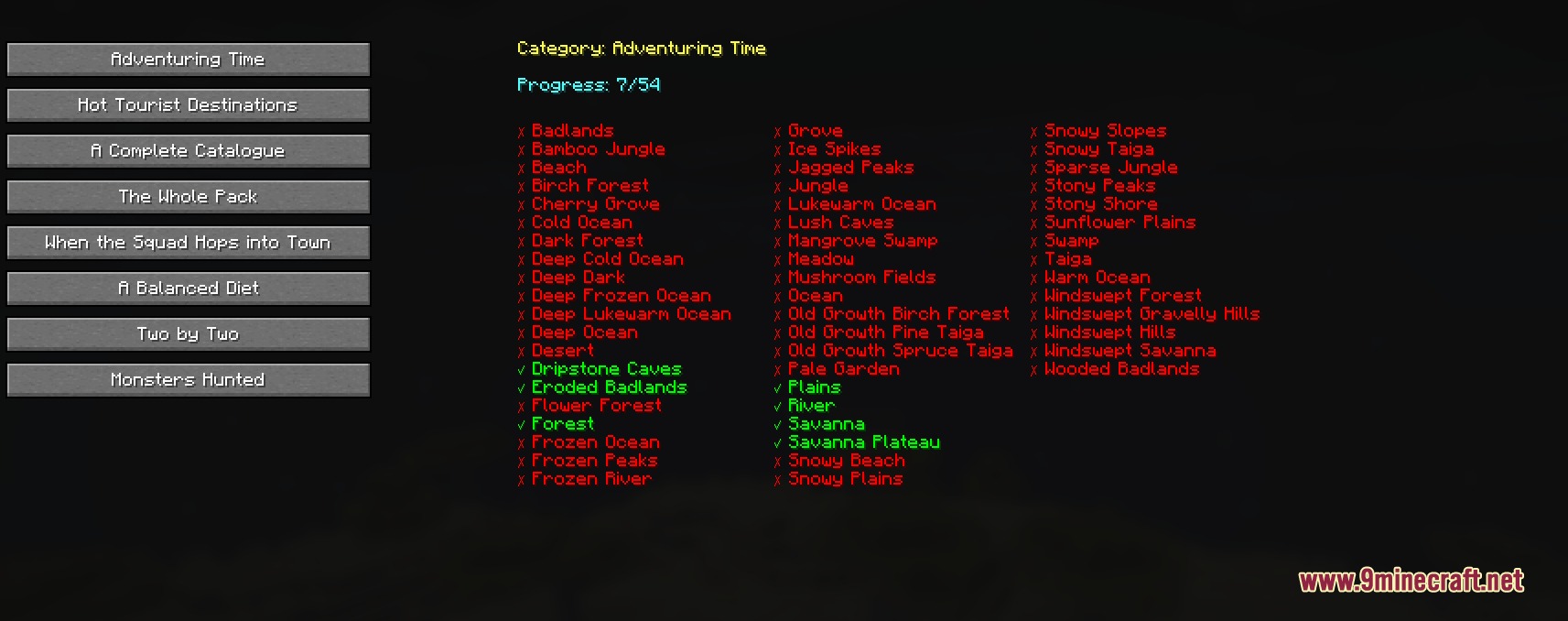
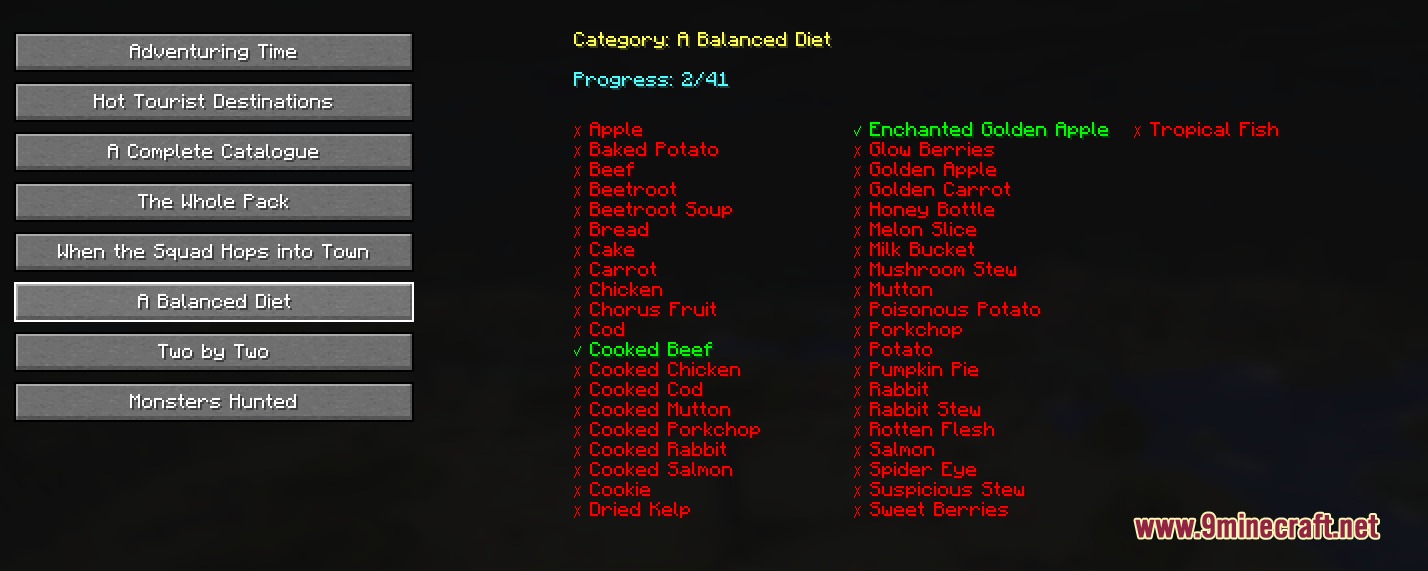
Complete A Balanced Diet by Tracking Eaten FoodsViewing Your Food Consumption Progress Open your advancement screen and find the A Balanced Diet advancement.…Monitor Your Mob Hunting ProgressAccessing the Monsters Hunted Checklist Open your advancement screen and navigate to the Monsters Hunted advancement.…Track Animal Breeding Pairs for Two By TwoViewing Your Breeding Progress Open your advancement screen and select the Two By Two advancement. Completionist…Track Your Progress Toward Adventuring TimeOpening the Biome Checklist Open your advancement screen (default: L key) and navigate to the Adventuring Time…
Frequently asked questions
How do I open the mod's checklists?
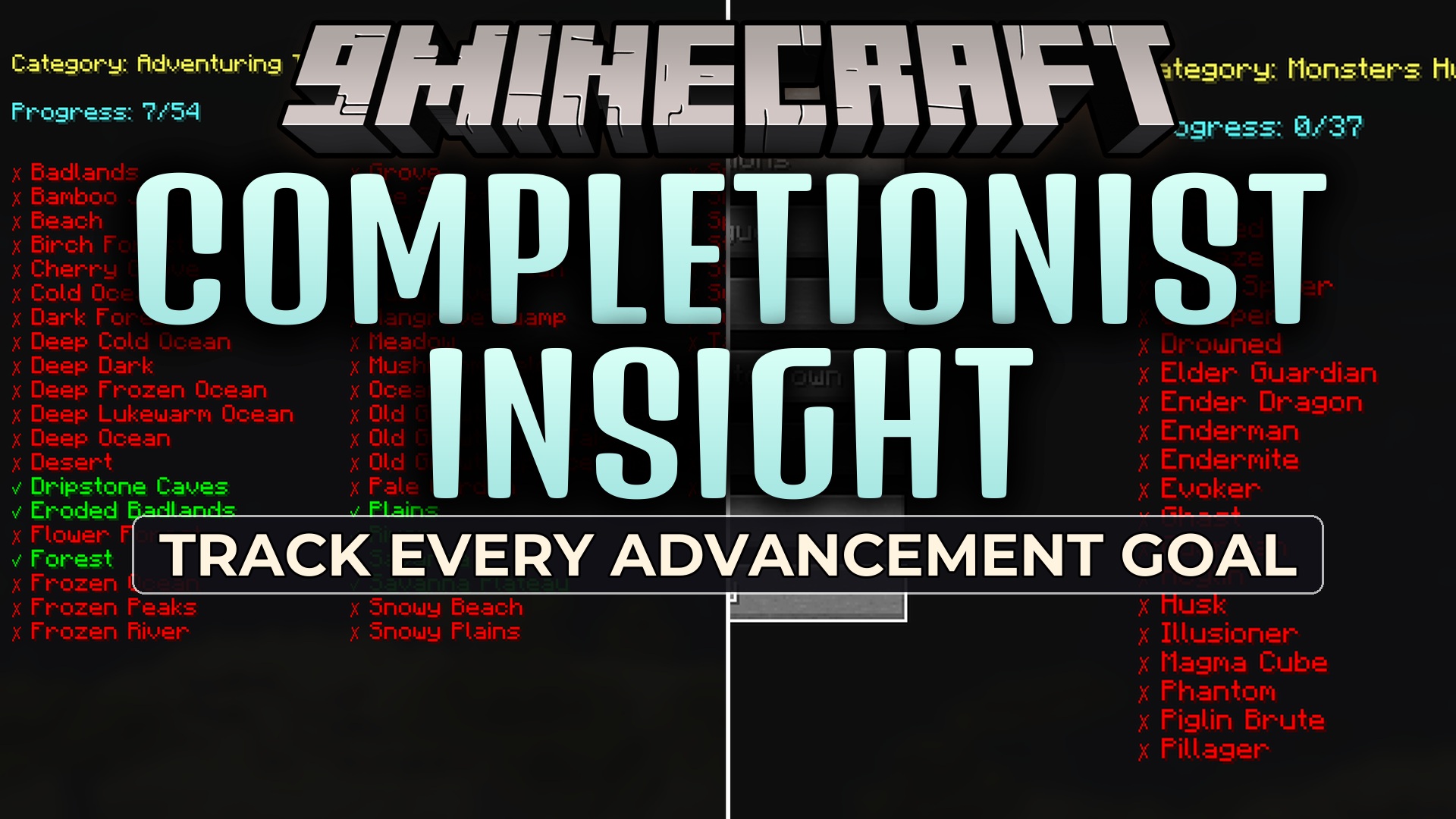
Open your Advancements screen (default: L key) and navigate to the advancement you want to track—the mod automatically replaces the standard advancement description with a detailed checklist showing your progress.
Why isn't my biome showing as visited in Adventuring Time?
You must physically stand in each biome for the mod to register it; simply passing through or viewing it from a distance doesn't count. Make sure you're in the actual biome blocks, not just nearby.
Does the mod track food I ate before installing it?
No, the mod only tracks foods you eat after it's installed; previously consumed items won't appear on your A Balanced Diet checklist.
How do I know which cat breed or wolf pattern I'm missing?
Open the A Complete Catalogue or The Whole Pack advancement in your advancements screen, and the mod will show you every variant you've tamed with checkmarks and list the remaining ones.
See all 10 Completionist Insight questions ›
Gallery
4 images from the Completionist Insight Mod page.

You May Also Like
Wikis that share the most with this one
 Companion Codex Vault Hunters Addon Mod
 Completed Blocksets Mod
More mod wikis on the site
The most downloaded mods that have a wiki here
A few wikis from each of the other kinds