

 DownloadColorwheel Patcher Mod
Get the files on 9Minecraft
Guides
Step-by-step, in-game.
Enable Colored Lighting with Your Shader PackWhat Colorwheel Patcher Does Colorwheel Patcher automatically modifies your shader files when you launch the game,…Identify Patched Shaders in Your Video SettingsFinding Patched Shader Versions When Colorwheel Patcher successfully modifies your shader files, it adds a clear…Troubleshoot Missing or Broken Colored LightingCheck Your Shader Pack Compatibility Colorwheel Patcher only supports specific shader packs. Verify your shader is on…Use Colored Lighting with Moving MachinesEntity Shadows Setting Colorwheel Patcher works seamlessly with animated machinery and moving entities when entity…
Frequently asked questions
Do I need to do anything after installing this mod?
No—just launch the game normally. The mod automatically patches your shader files when you start up, so you don't need to manually edit anything.
How do I know if my shader pack is supported?
Check the mod description for the list of supported packs (BSL, Bliss, Complementary, Euphoria Patches, Photon, and Rethinking Voxels are included). If your pack isn't listed, the mod won't patch it automatically.
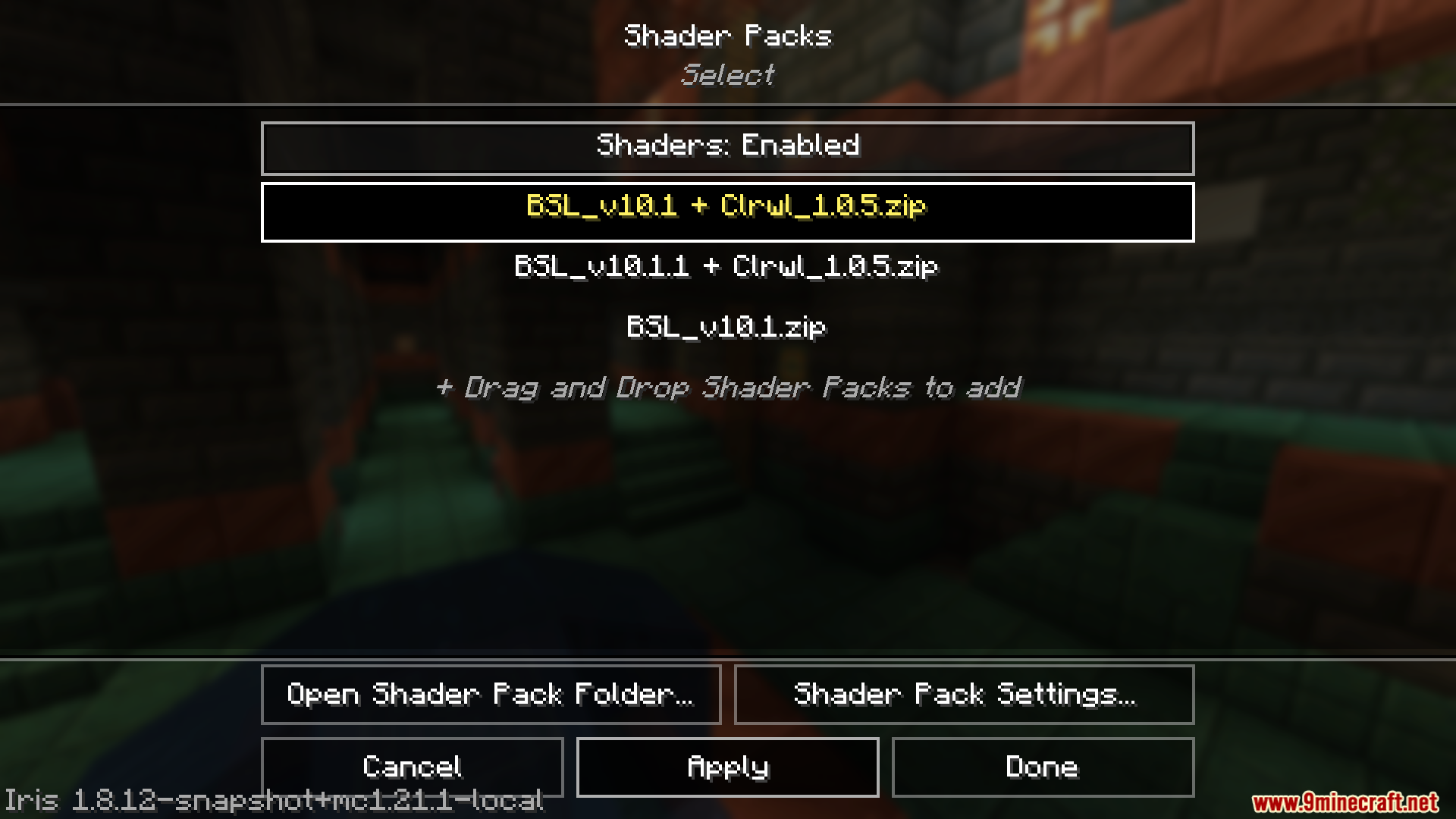
What does the '+ Clrwl' label mean in my video settings?
That label shows you which shader packs have been successfully patched by the mod and now have colored lighting support enabled.
I installed the mod but colored lighting still isn't working. What's wrong?
Make sure you have both the main Colorwheel mod and this patcher mod installed, that your shader pack is on the supported list, and that you've launched the game at least once since installing. Check the troubleshooting guide for more detailed steps.
See all 10 Colorwheel Patcher questions ›
Gallery
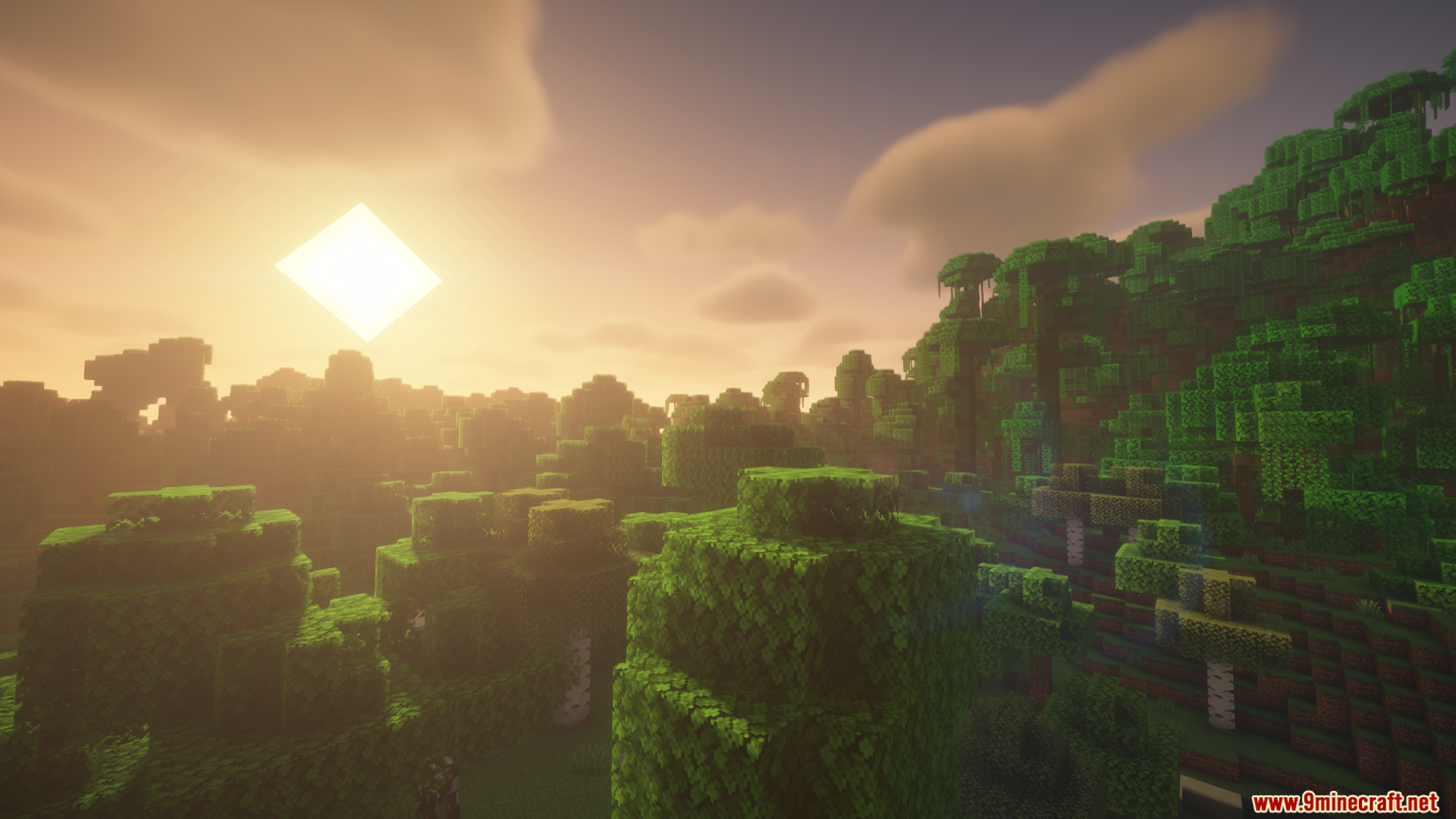
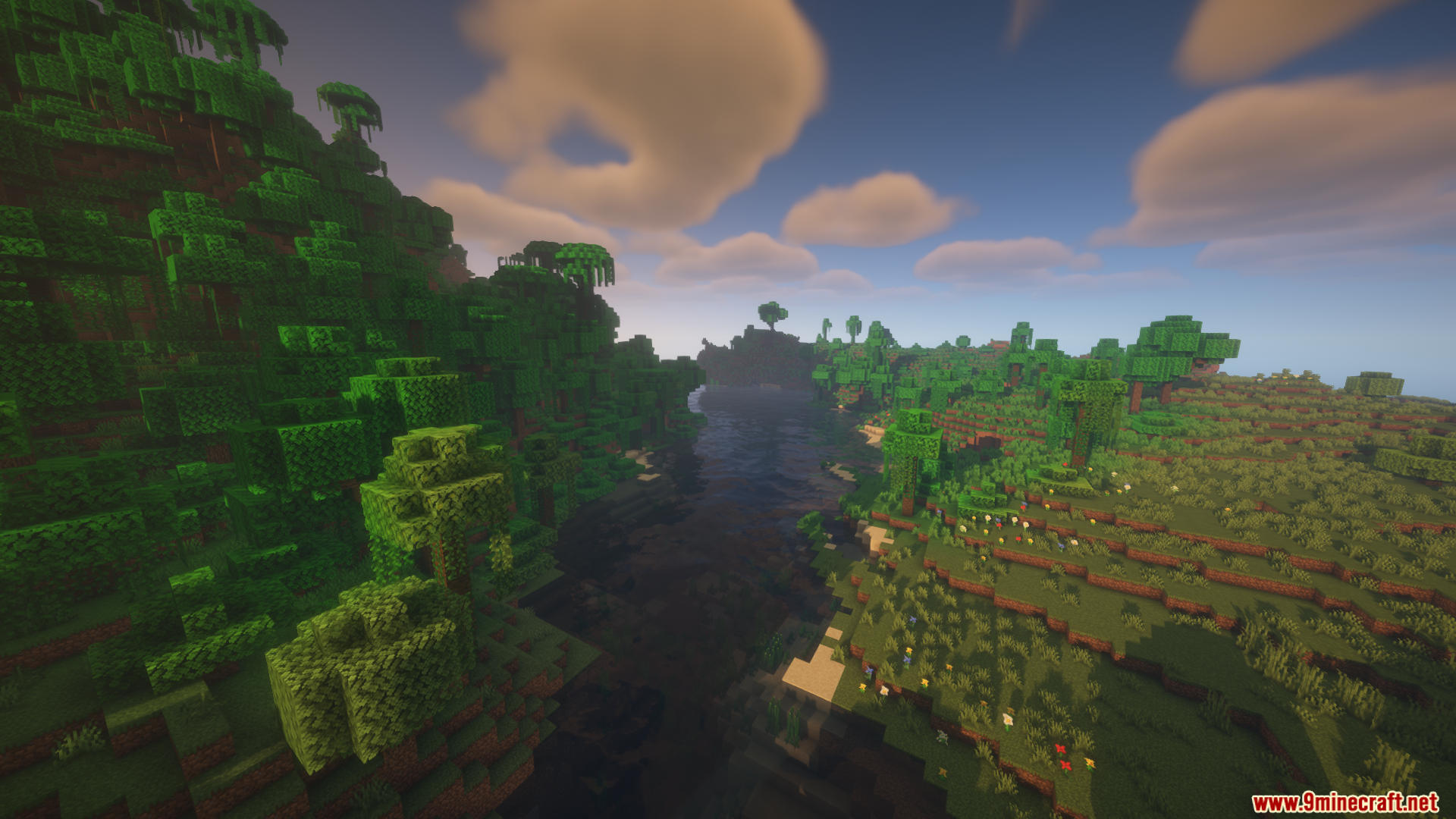
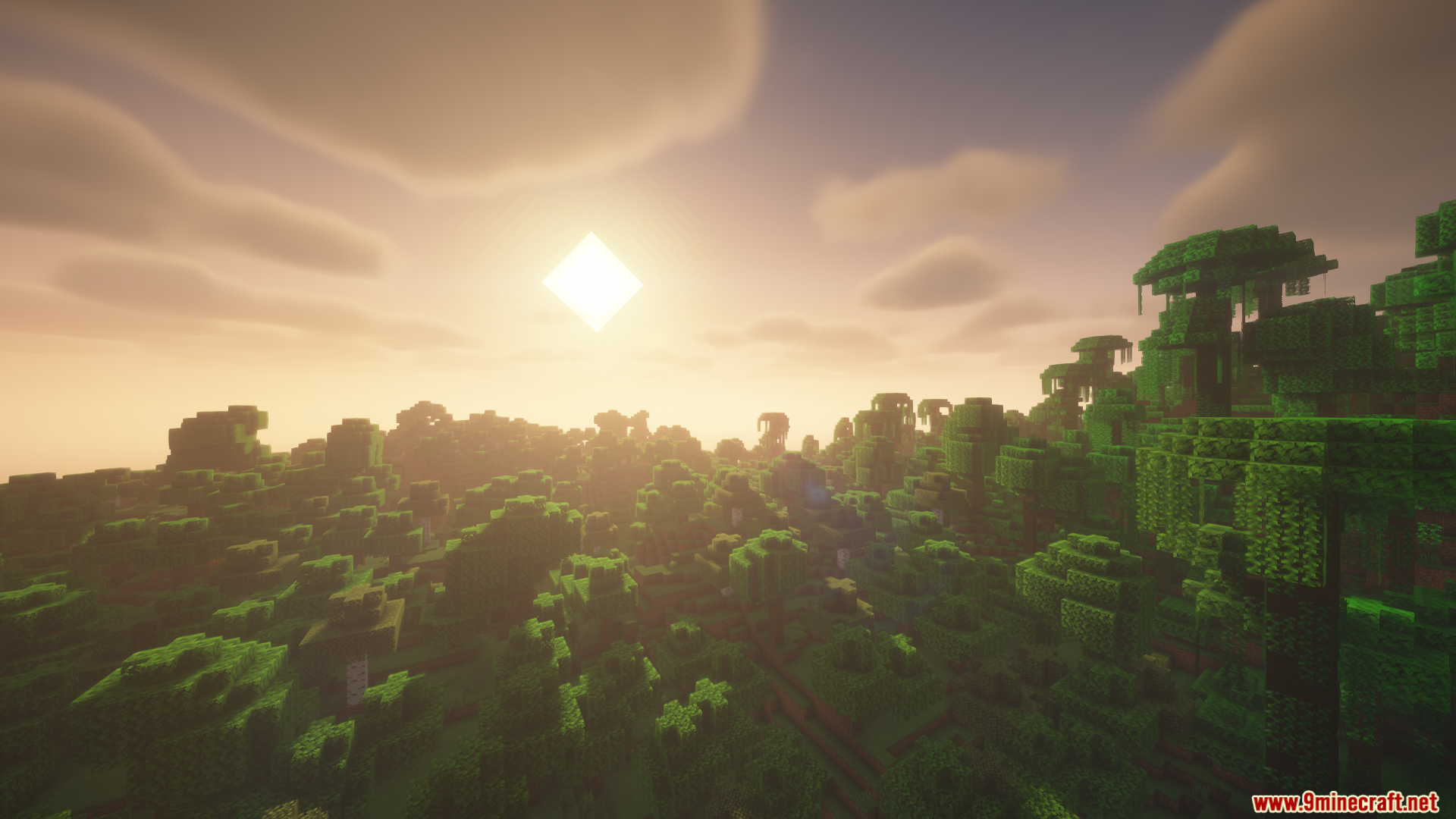
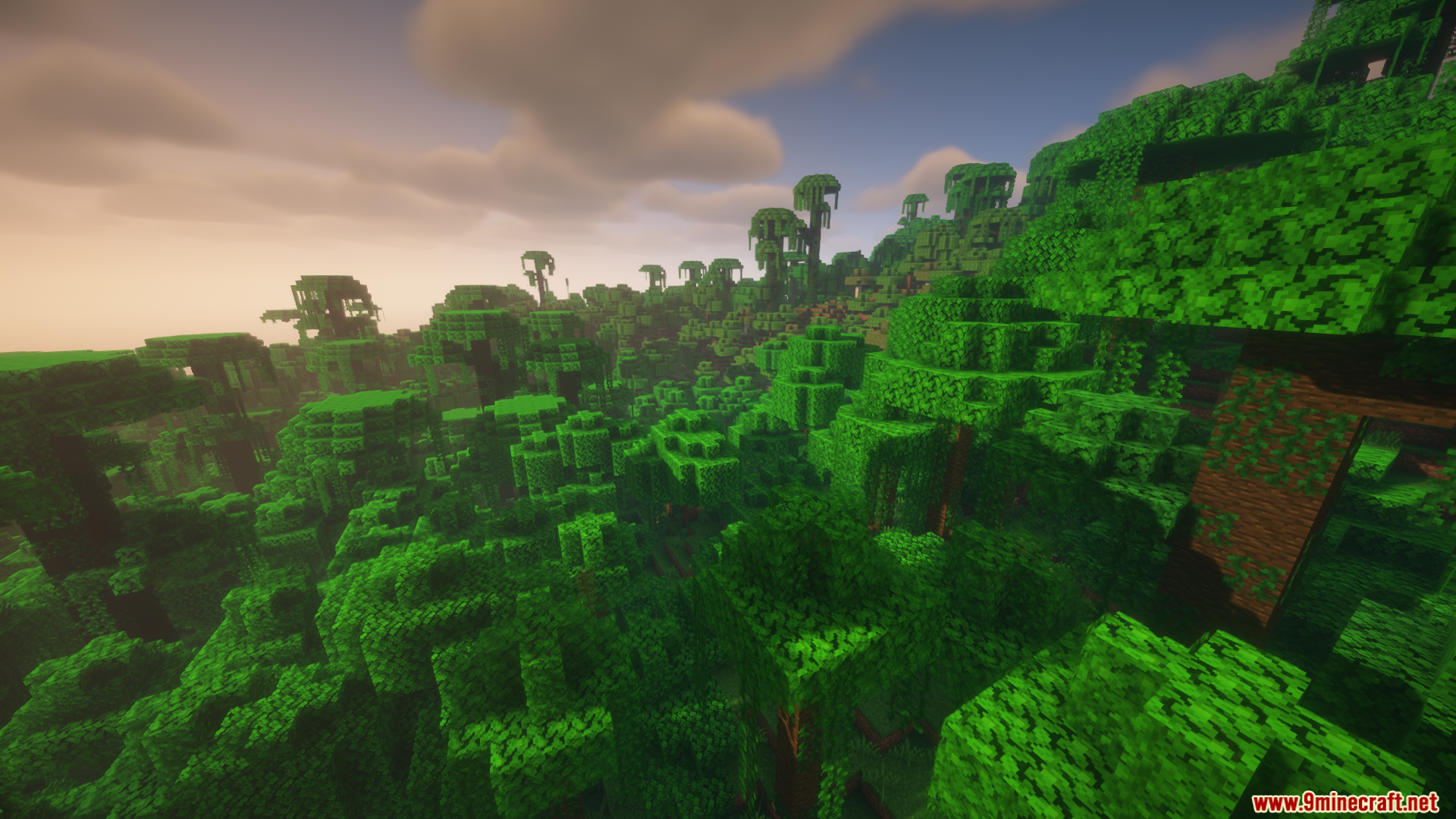
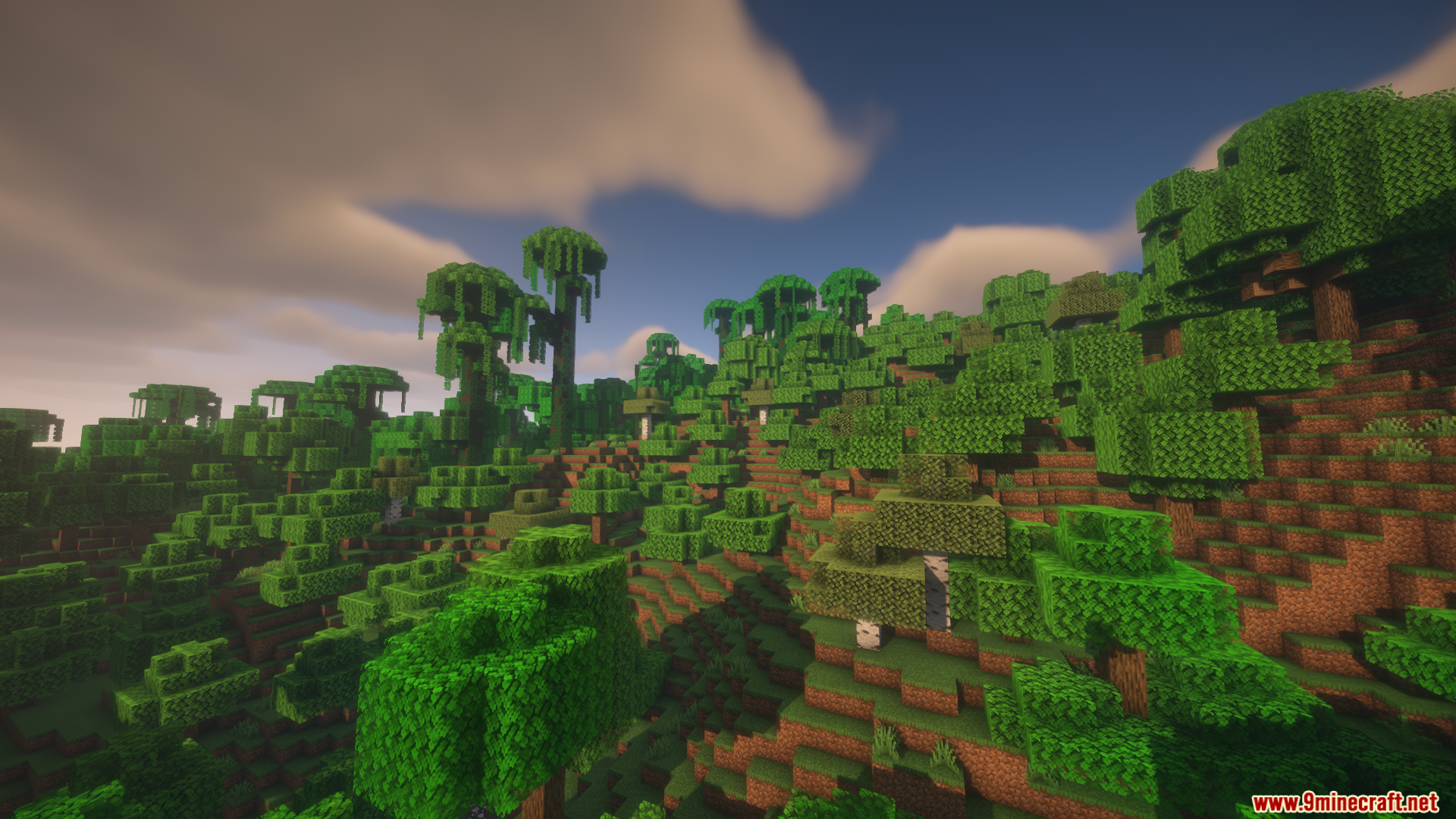
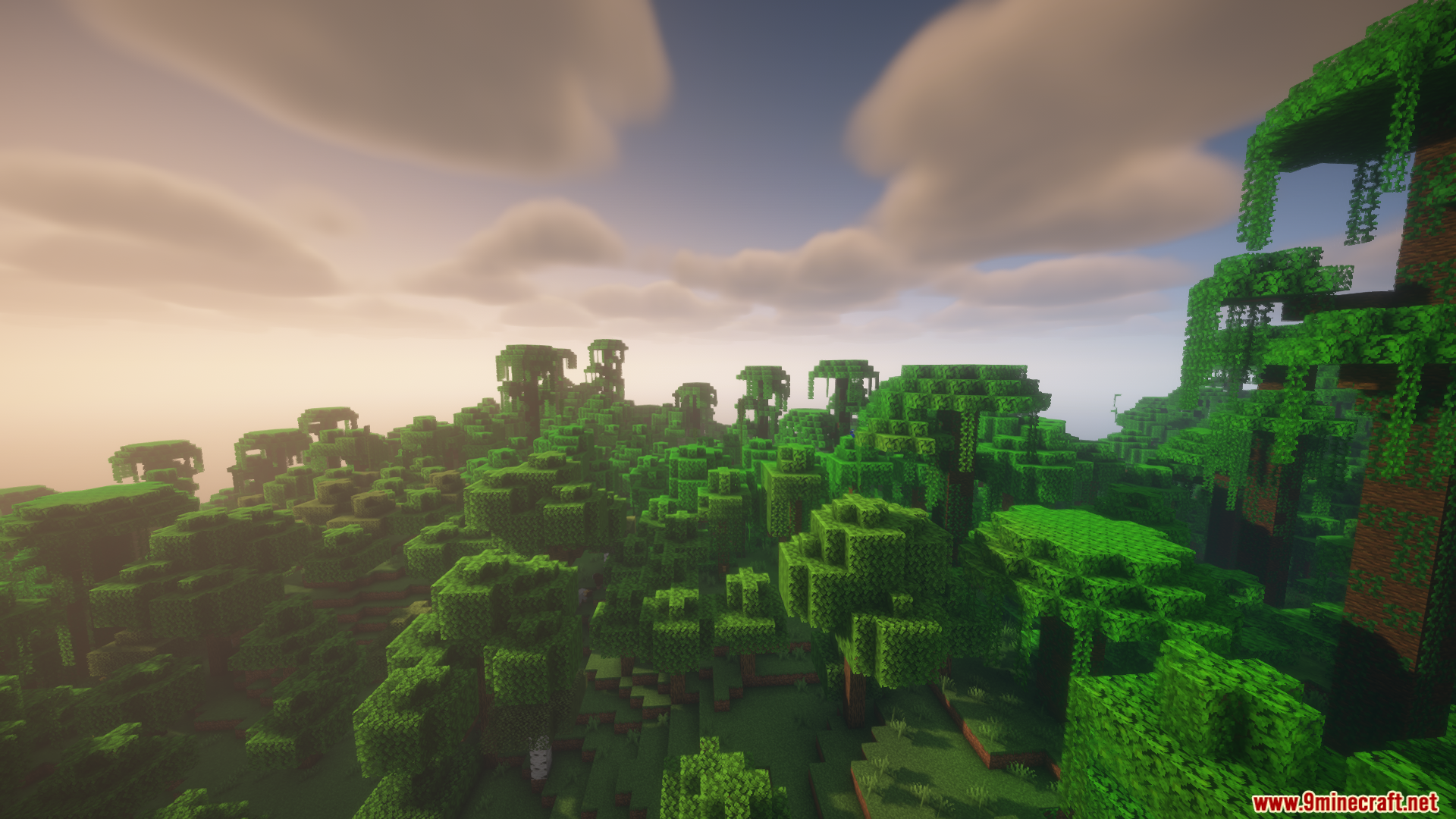
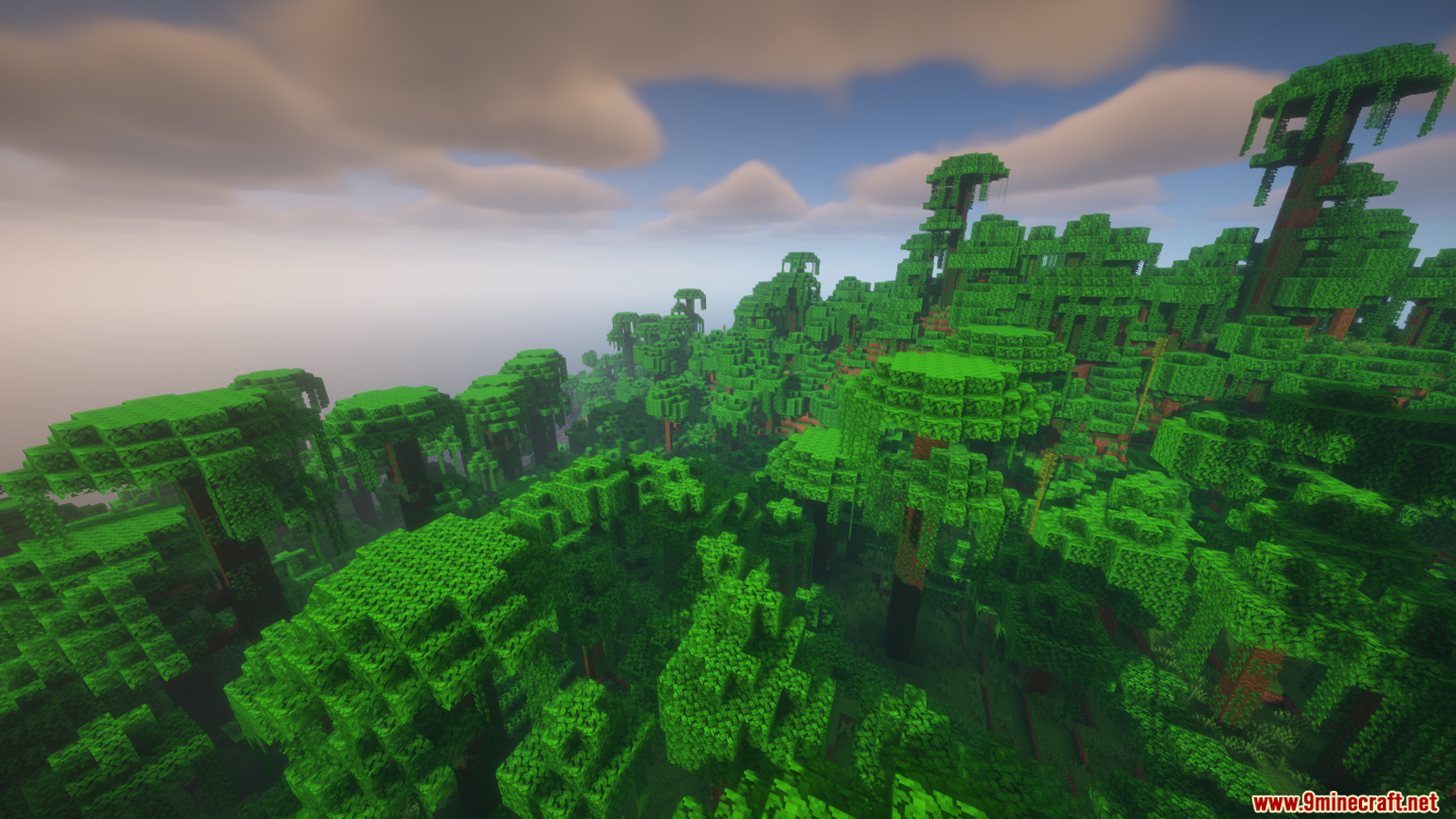
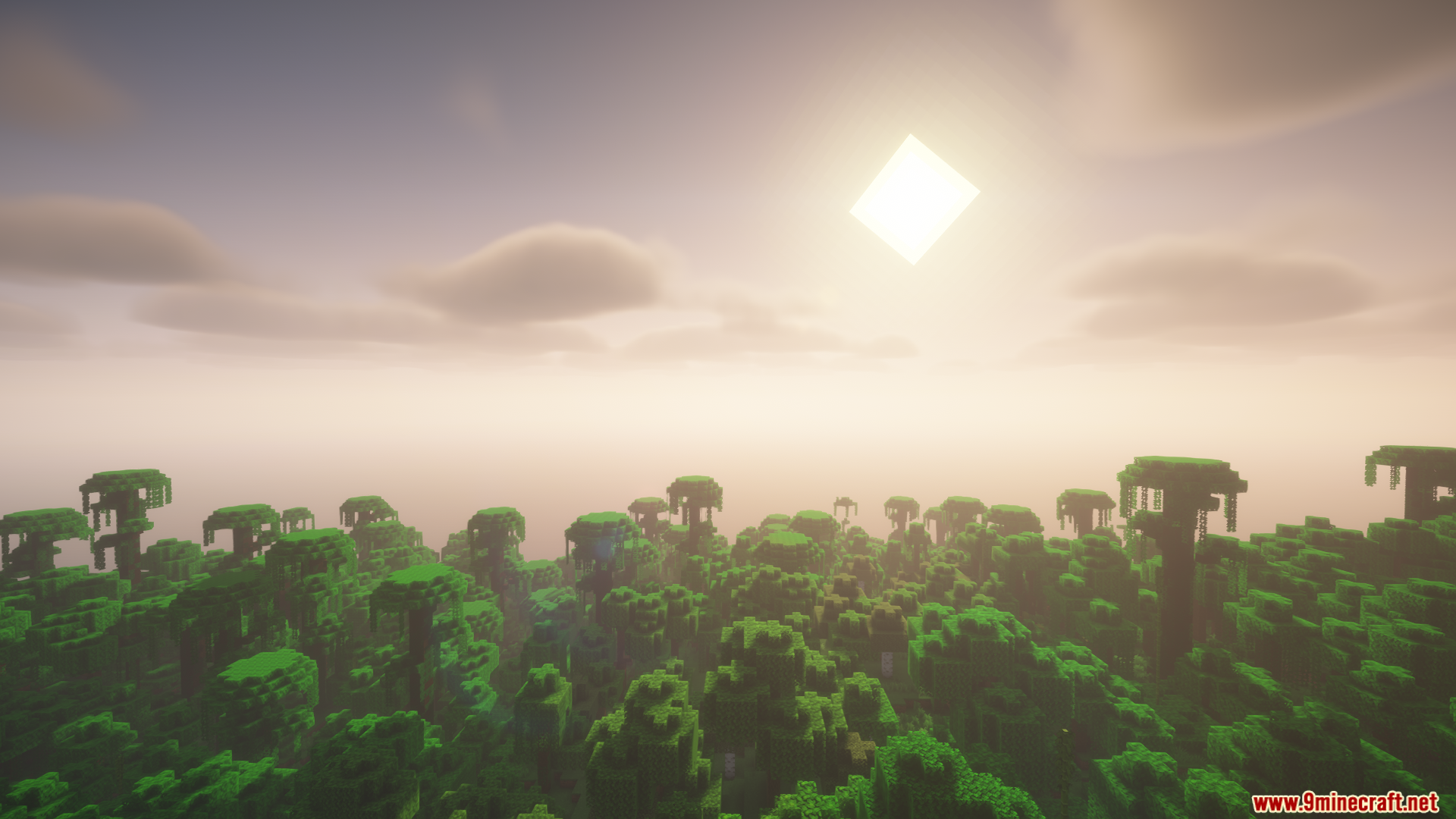
12 images from the Colorwheel Patcher Mod page.
You May Also Like
Wikis that share the most with this one
More mod wikis on the site
The most downloaded mods that have a wiki here
A few wikis from each of the other kinds