

 framework
 DownloadCarbon Config Mod
Get the files on 9Minecraft
Guides
Step-by-step, in-game.
How to Change Server-Sided Settings as a Player in MultiplayerOne of Carbon Config's headline features is that it is not limited to "server-only" configs — it supports editing…How to Find and Edit a Mod's Config File Using Carbon ConfigCarbon Config replaces the usual flat .toml or .json config screens with its own structured interface, so the first…How to Restore Default Values and Use Suggestions in Carbon ConfigCarbon Config shows Suggestions — default values offered as hints — so you can quickly undo a bad change without…How to Troubleshoot Carbon Config Settings That Won't ApplyYou changed a setting, saved, and nothing happened. Carbon Config is usually reliable, so the cause is almost always…
Frequently asked questions
How do I open the Carbon Config menu in-game?
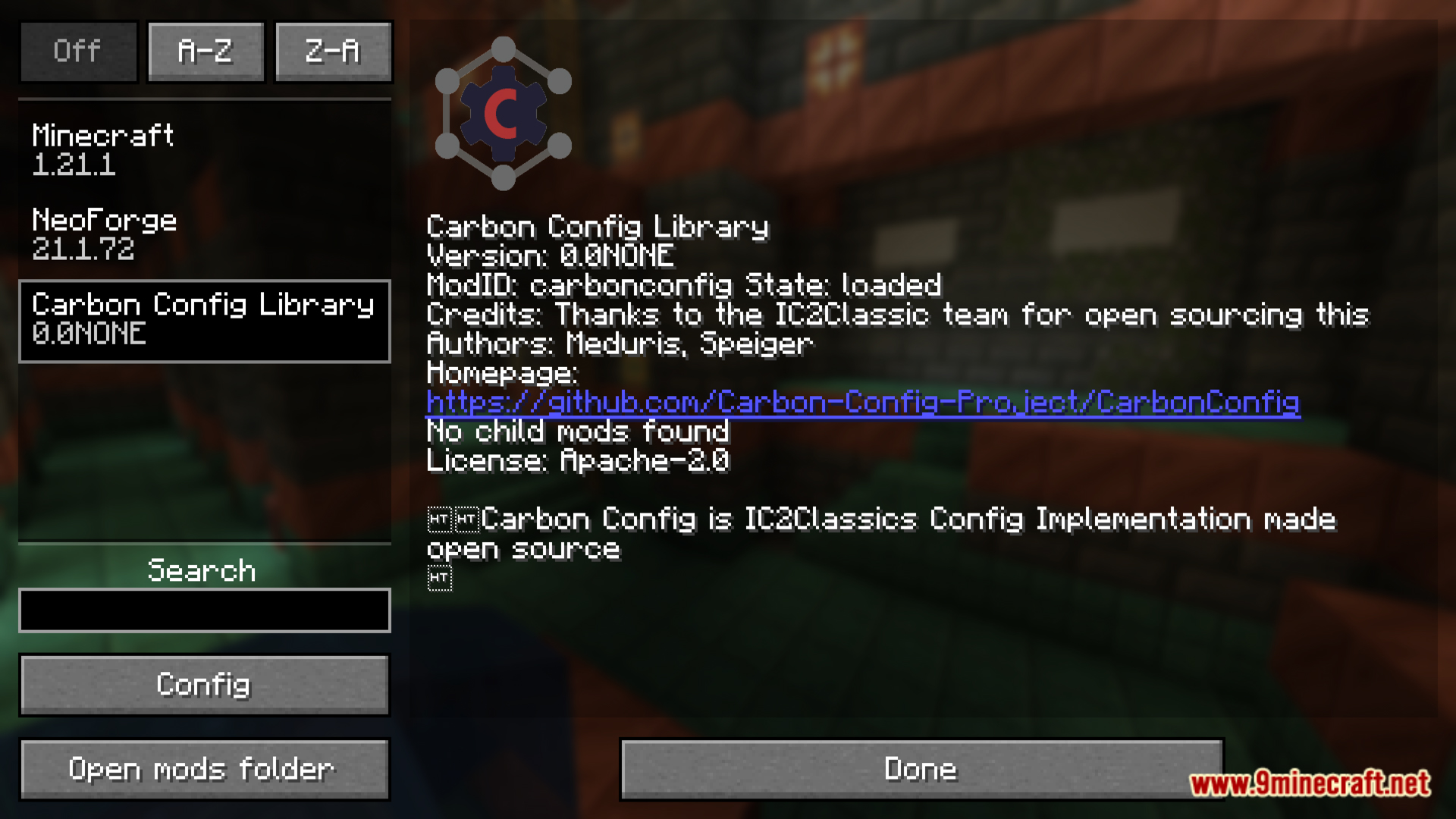
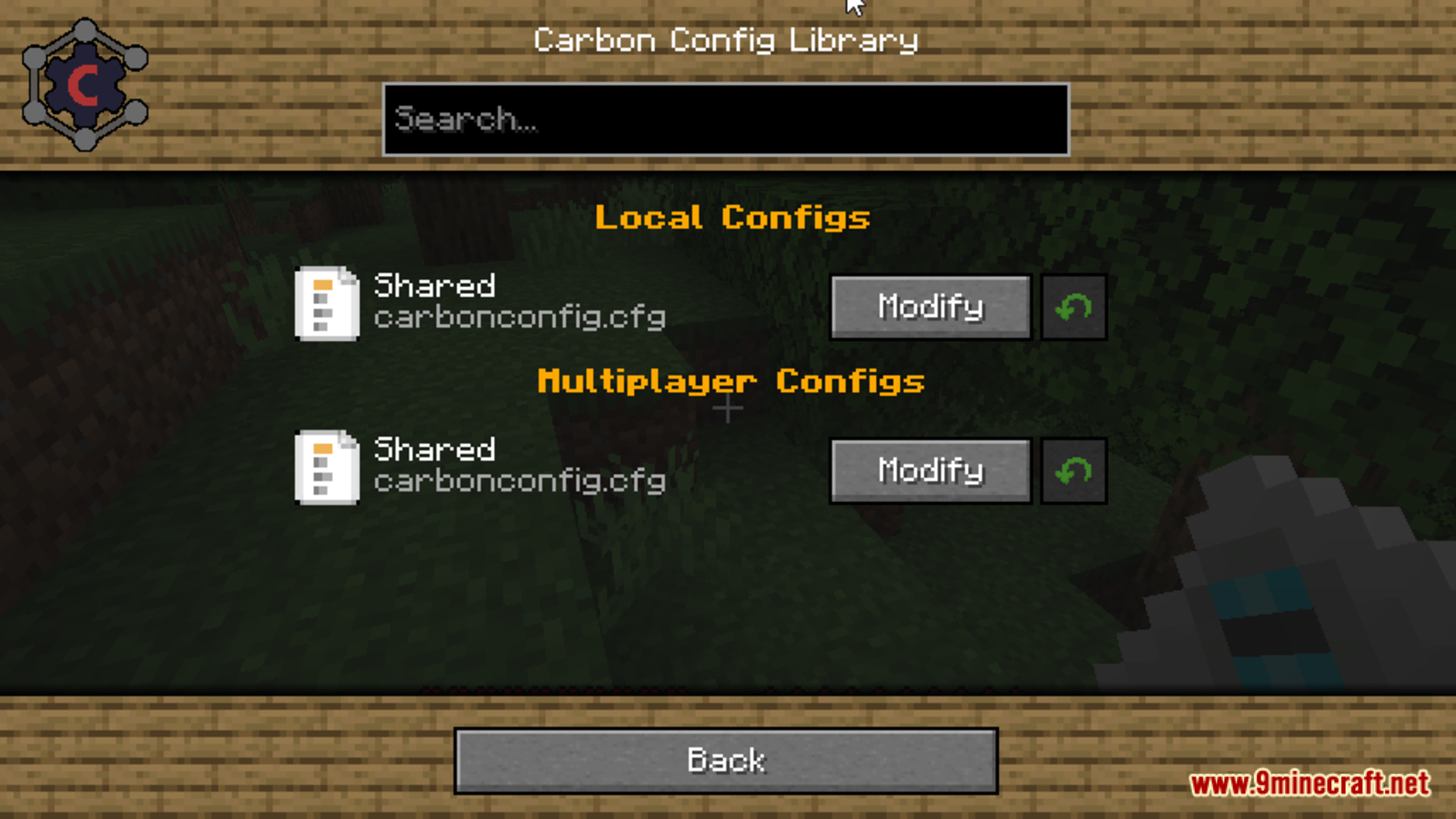
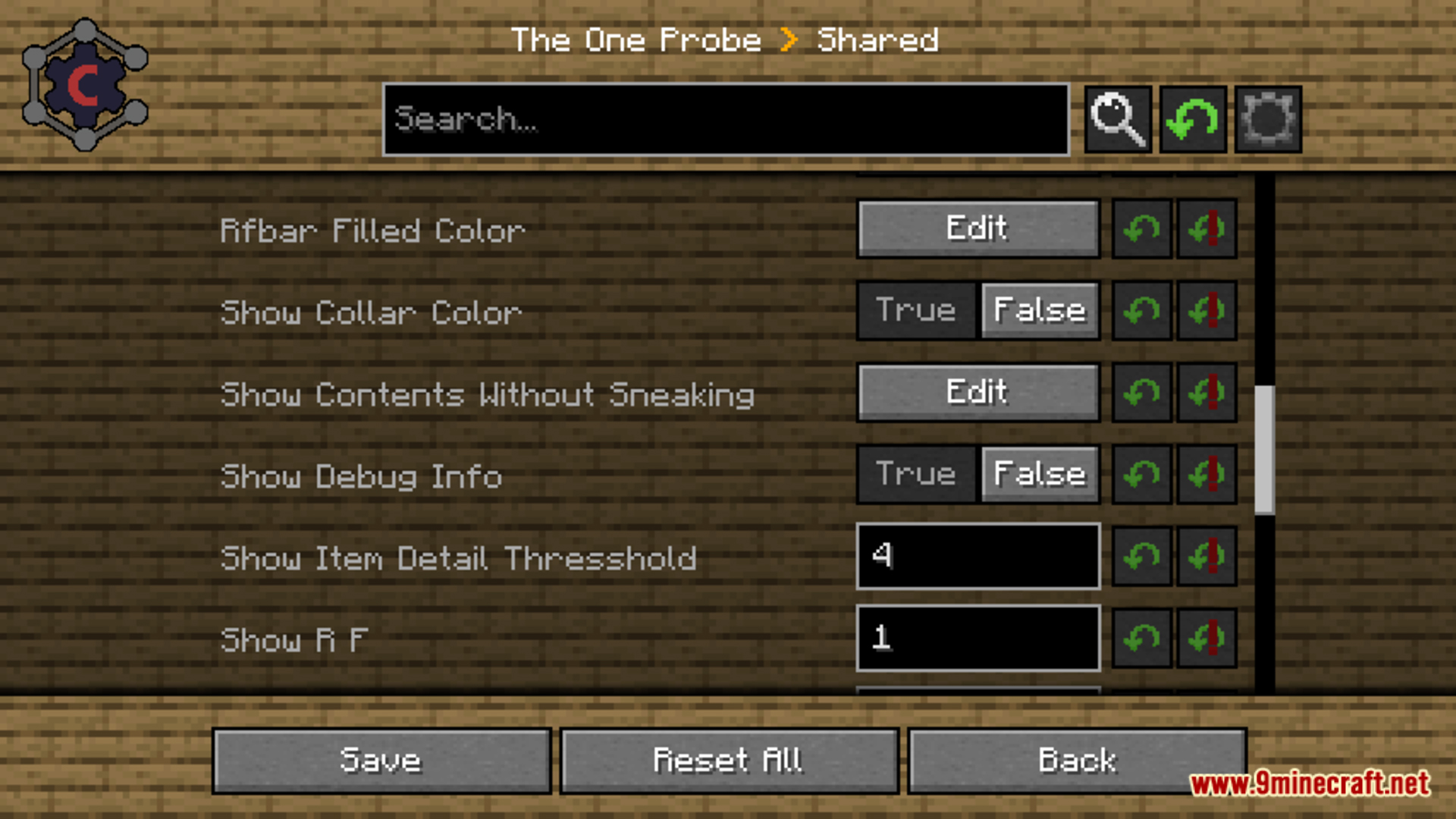
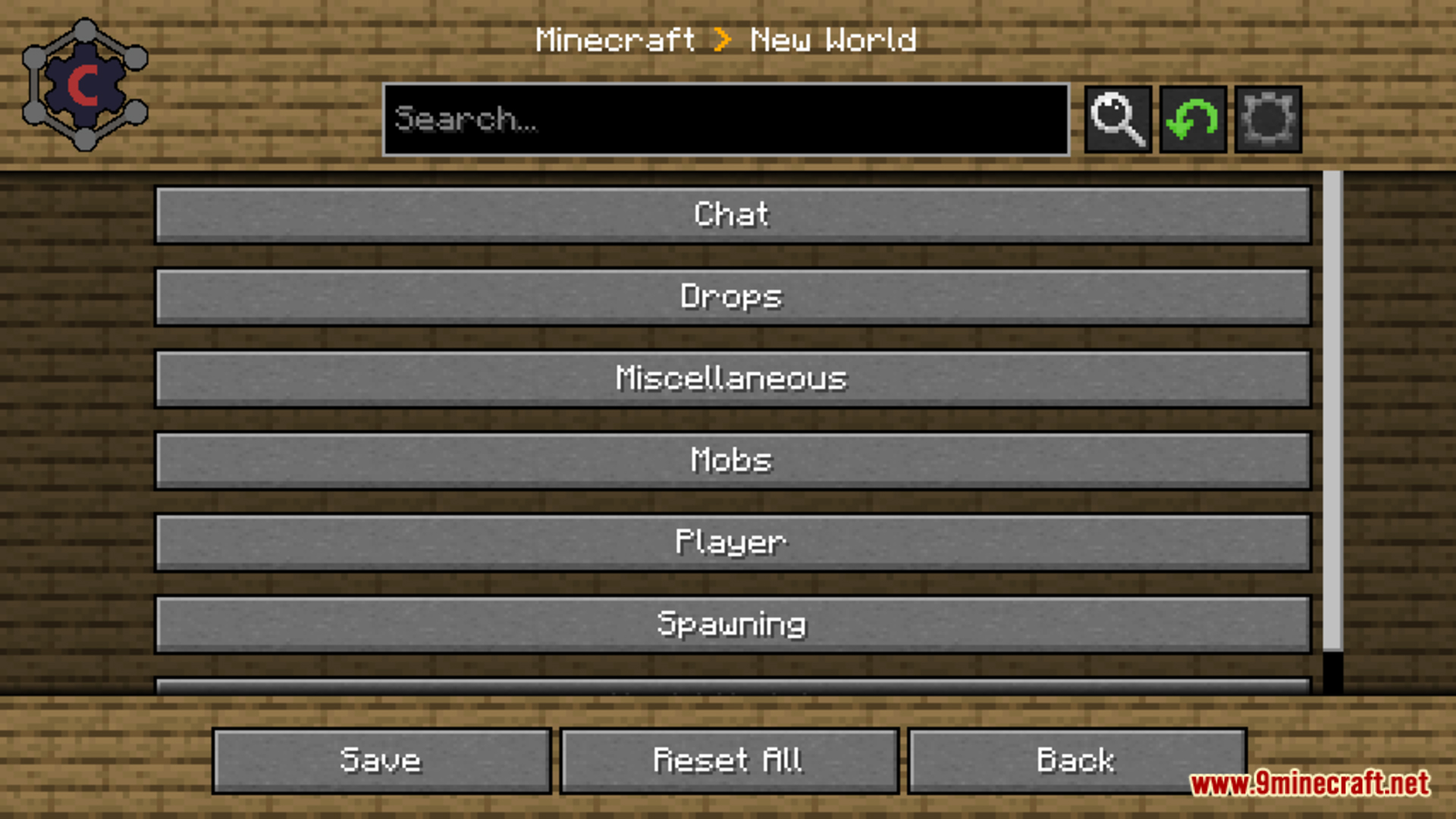
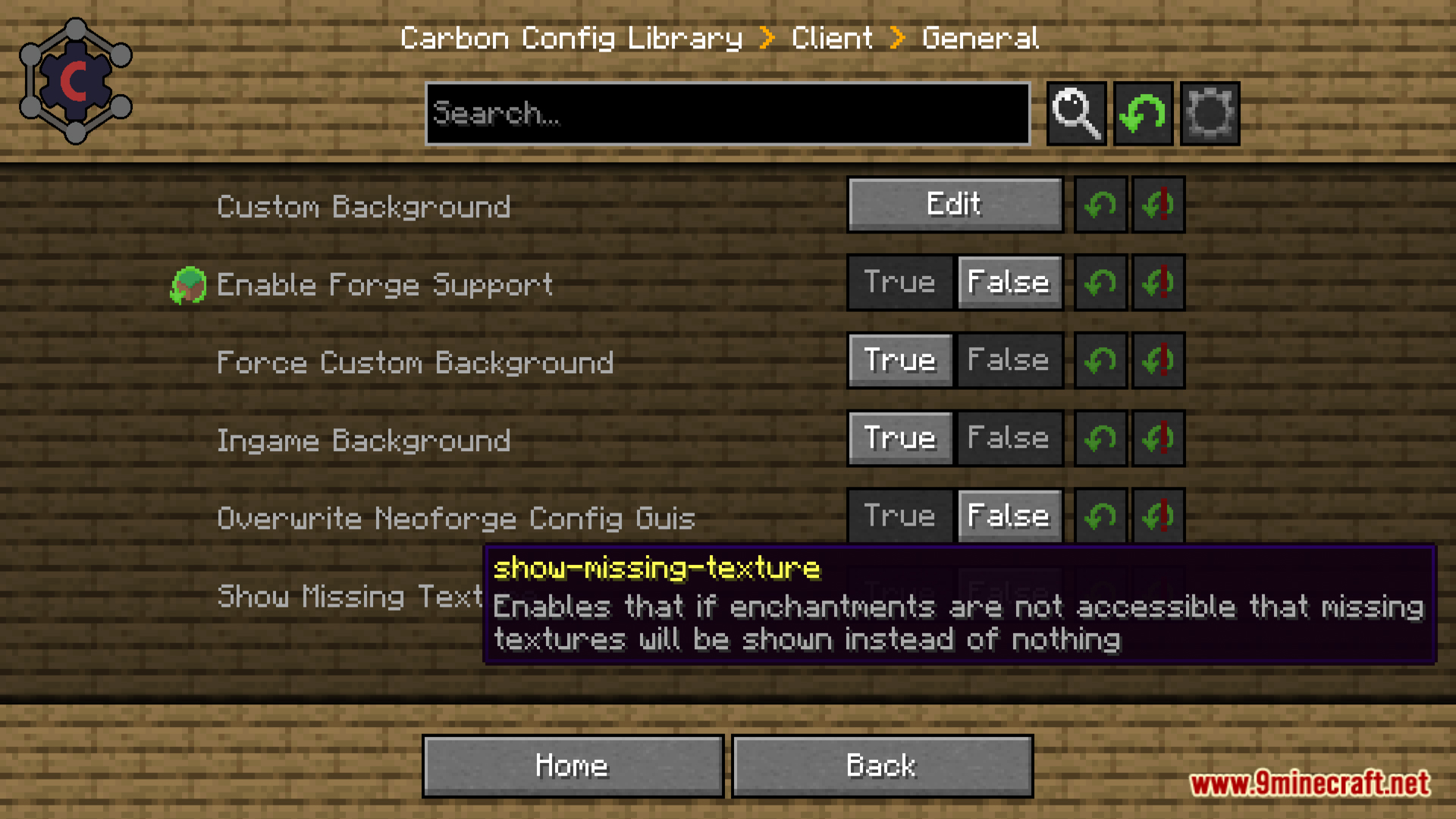
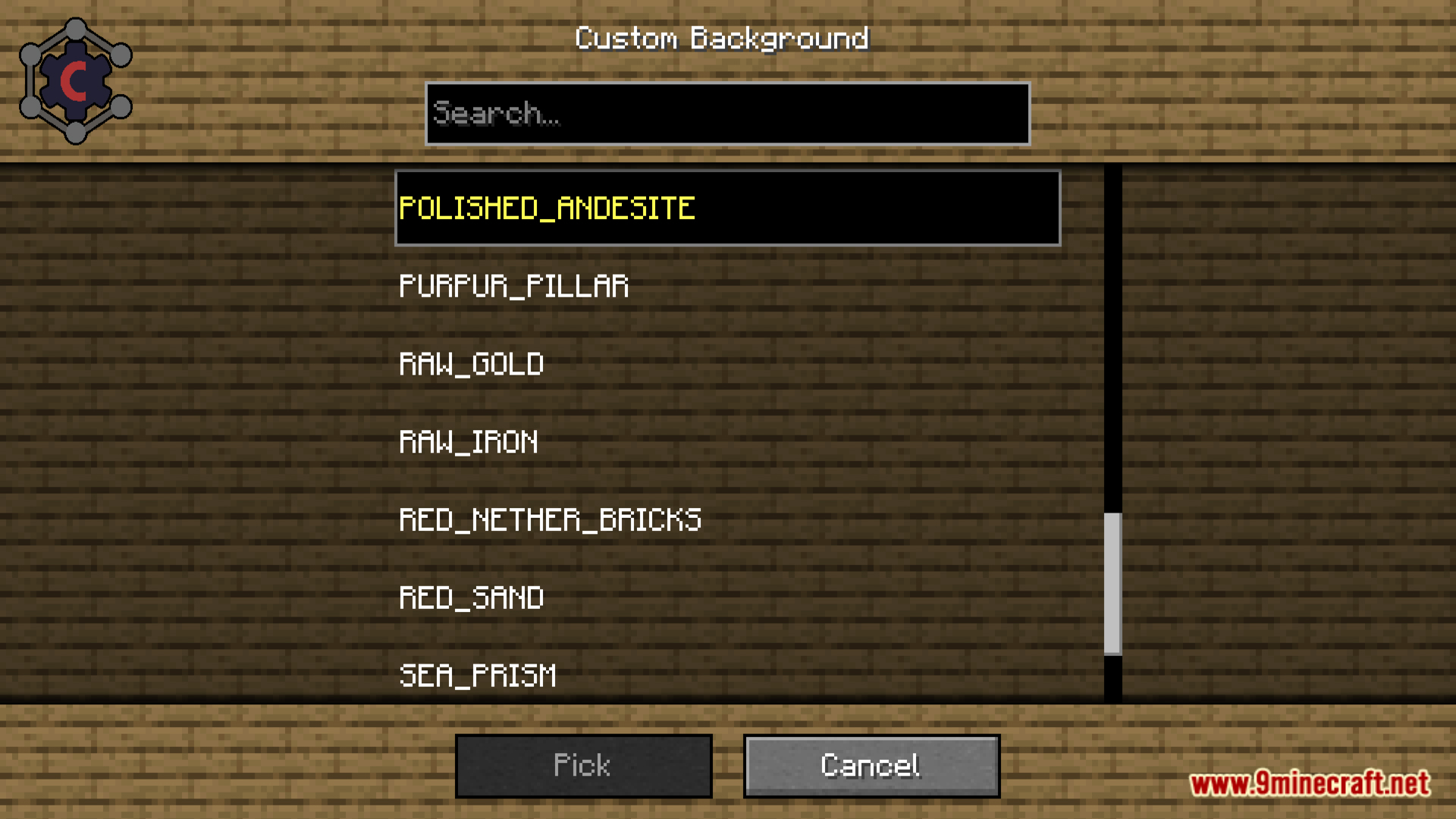
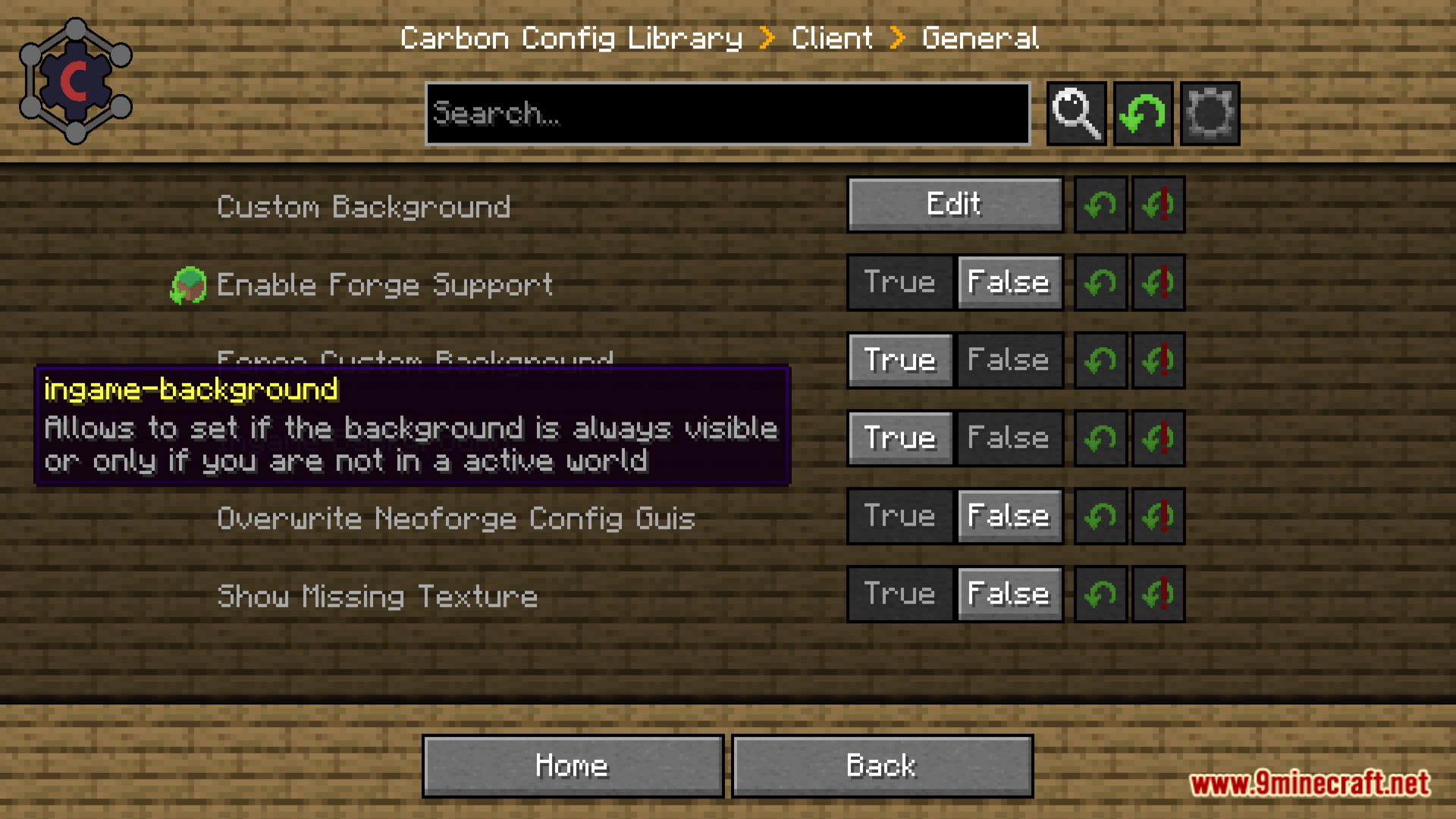
Carbon Config adds an entry to the mod list screen: open the mods menu, find the mod whose config you want to change, and click its config button to open the Carbon Config editor. From there you can browse compounds and edit values directly without leaving the game.
Where are Carbon Config files stored?
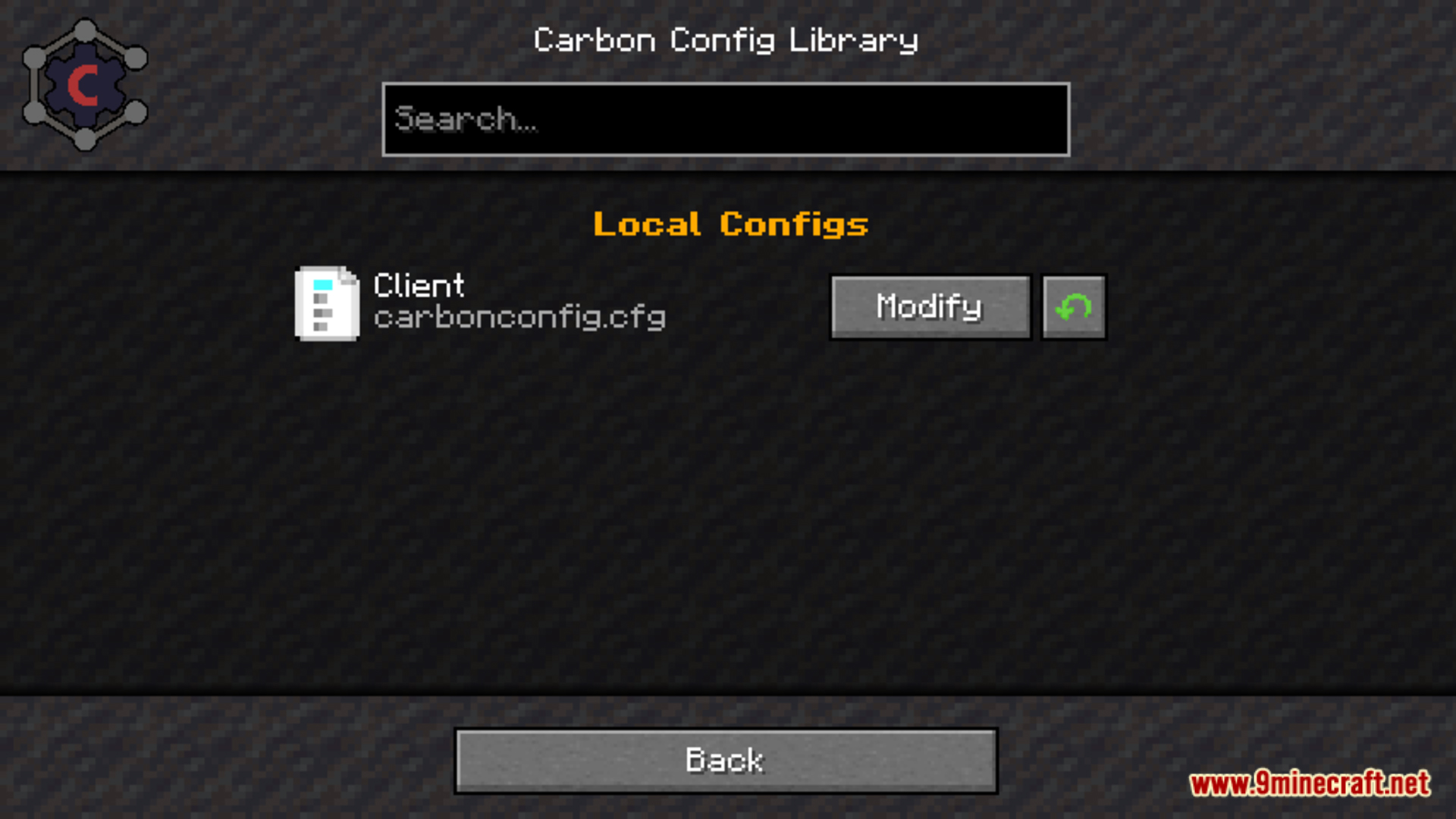
They live in the config folder of your instance, usually inside a subfolder named after the mod or after Carbon Config itself. Server-side configs are stored in the world's serverconfig folder so each world can have its own values.
What are compounds in Carbon Config?
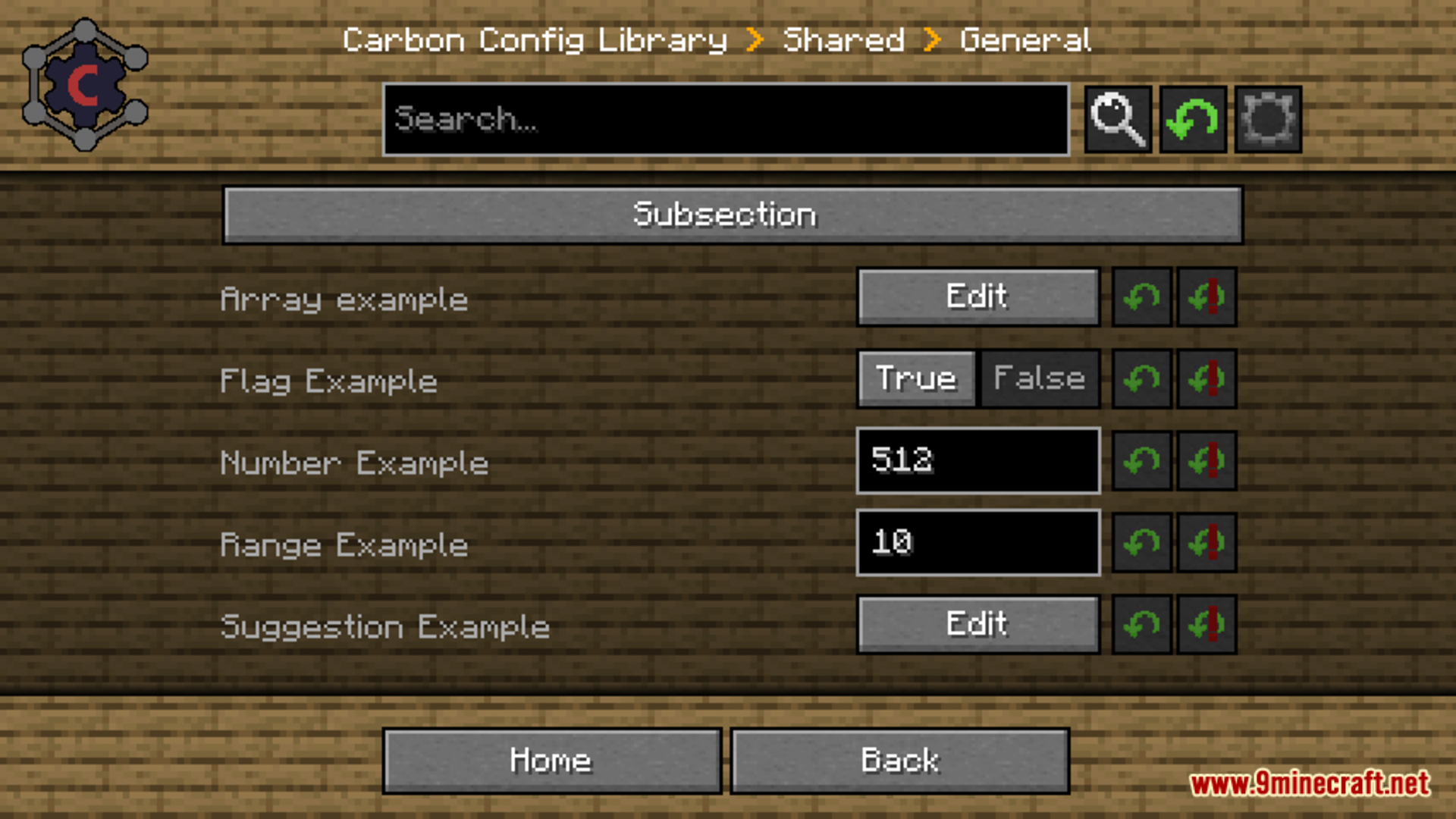
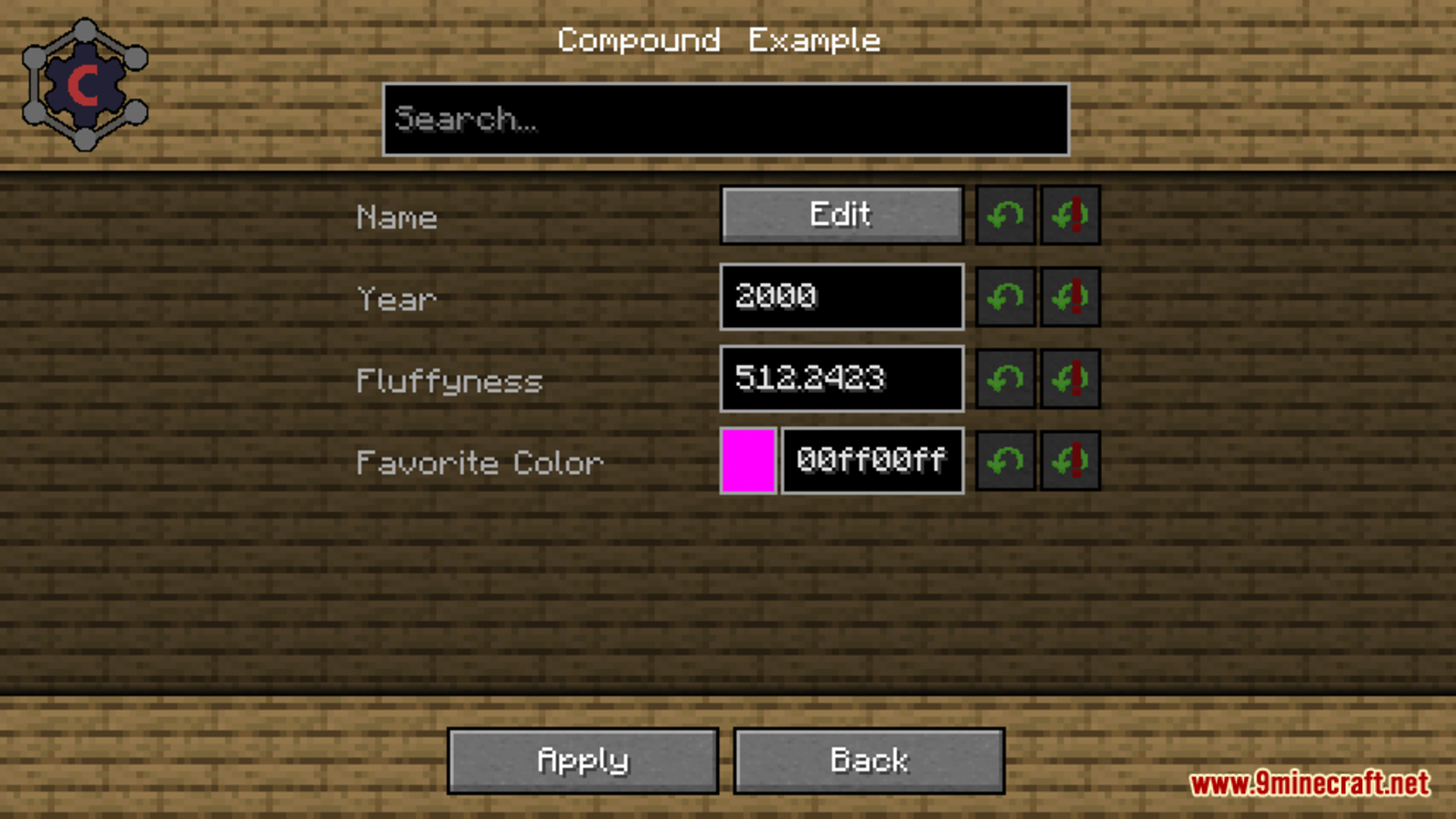
Compounds are grouped, structured sections of settings rather than one long flat list of raw text entries. They let you expand and collapse related options, so a mod's config is organized into categories you can navigate instead of scrolling through strings.
What do the suggestions in Carbon Config do?
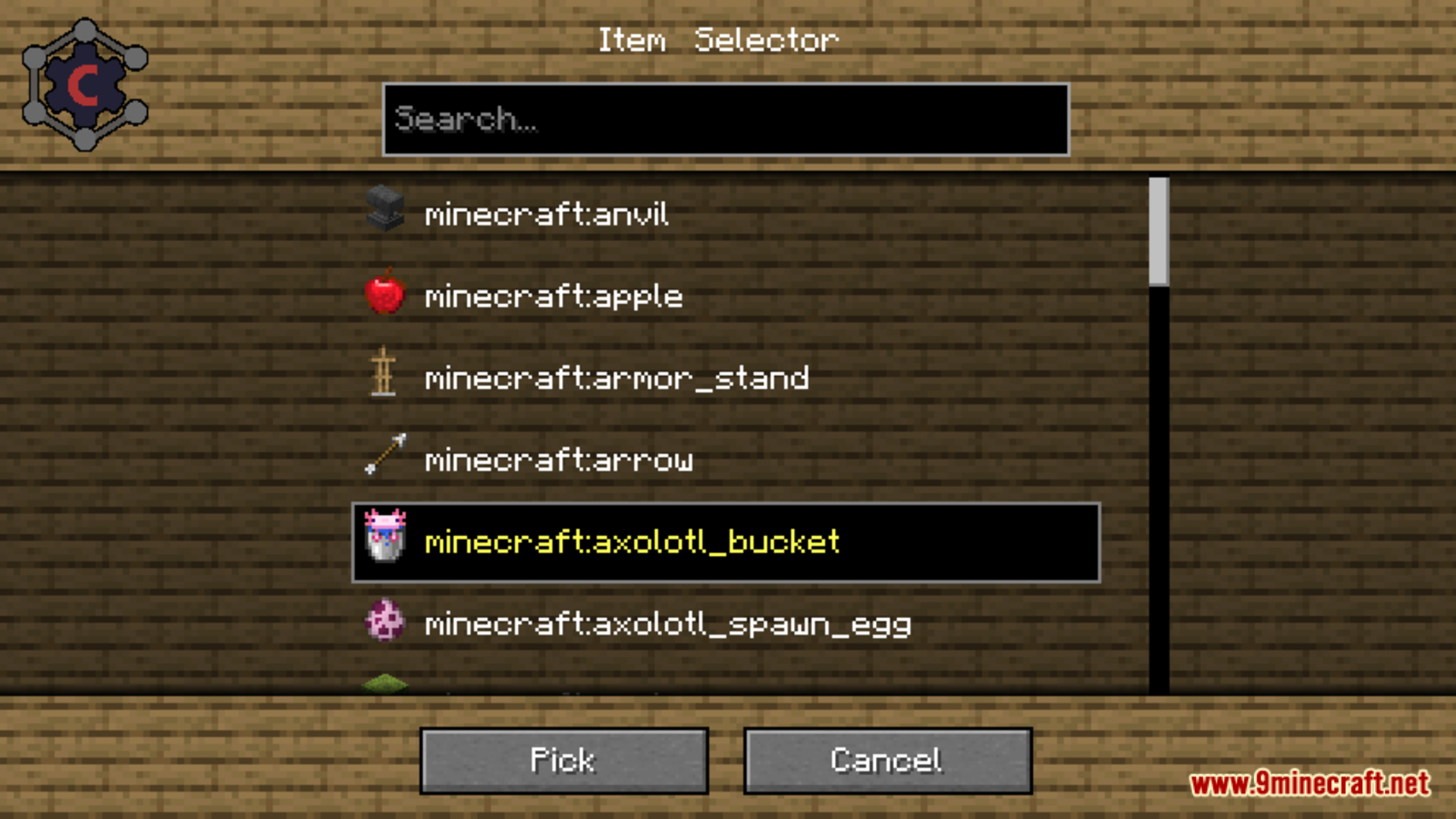
Suggestions show the default or recommended value for a setting and let you apply it with one click. If you are unsure what a value should be, use the suggestion instead of typing something arbitrary.
See all 10 Carbon Config questions ›
Gallery
12 images from the Carbon Config Mod page.
You May Also Like
Wikis that share the most with this one
Wikis on the same theme: car
More mod wikis on the site
The most downloaded mods that have a wiki here
A few wikis from each of the other kinds