DownloadBuilding Wands
Get the files on 9Minecraft
Guides
Step-by-step, in-game.
Changing Wand Placement Mode and Block LimitWhy Change Modes By default a Building Wand places a line of blocks in the direction you are facing. Switching modes…Fixing a Building Wand That Won't Place BlocksCommon Causes If your Building Wand stops working, it is almost always one of: no blocks available, wand out of…How to Upgrade Your Building Wand to a Higher TierUnderstanding the Tier System Building Wands come in material tiers that mirror vanilla tool materials: Wooden,…Using Magic Bags to Store and Swap Wand BlocksWhat Magic Bags Do Magic Bags are inventory items that hold a large quantity of a single block type and feed it…
Items
 Copper Wand
 Creative Wand
 Diamond Wand
 Gold Wand
 Iron Wand
 Magic Bag Tier 1
 Magic Bag Tier 2
 Magic Bag Tier 3
 Netherite Wand
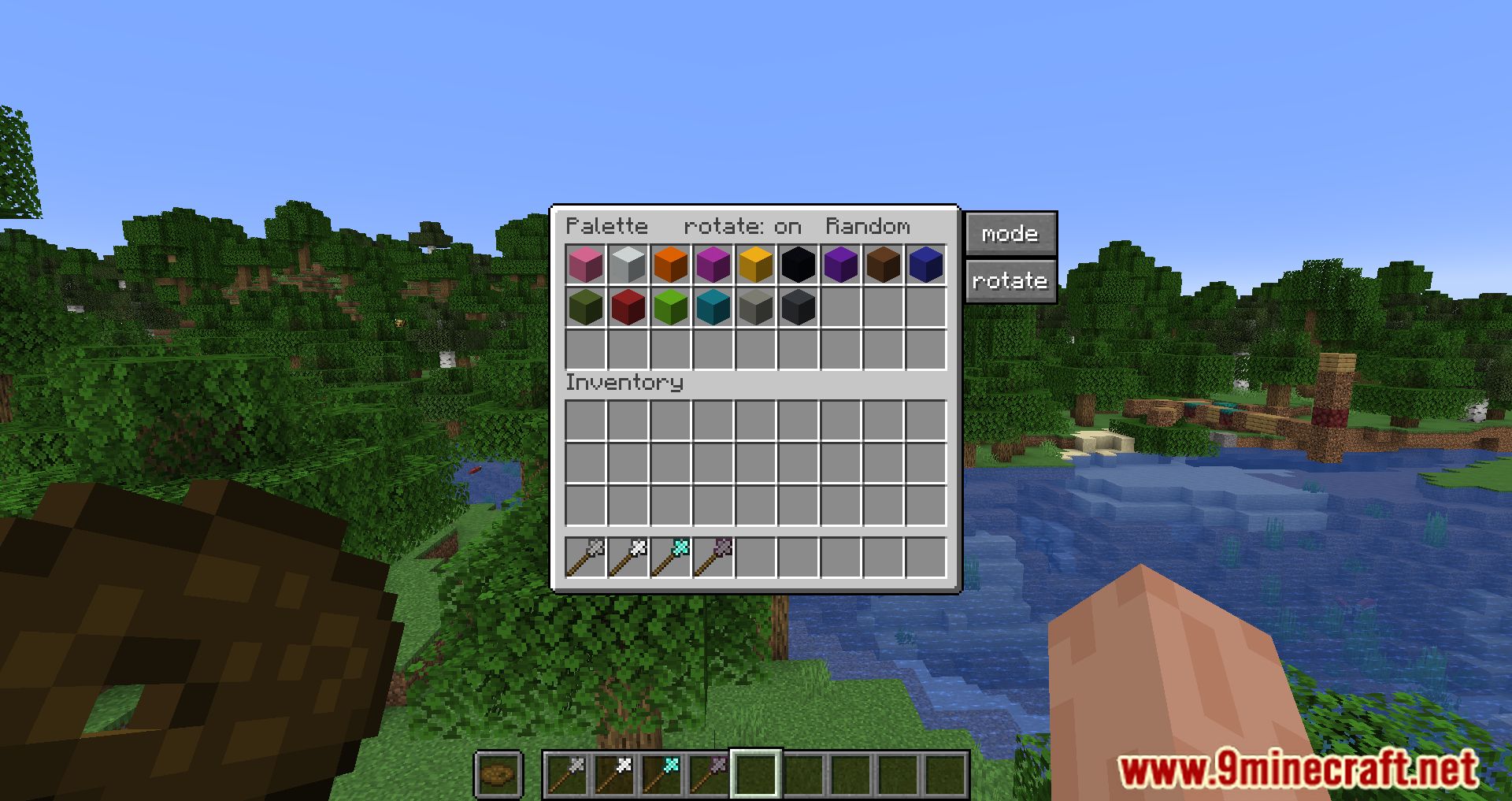
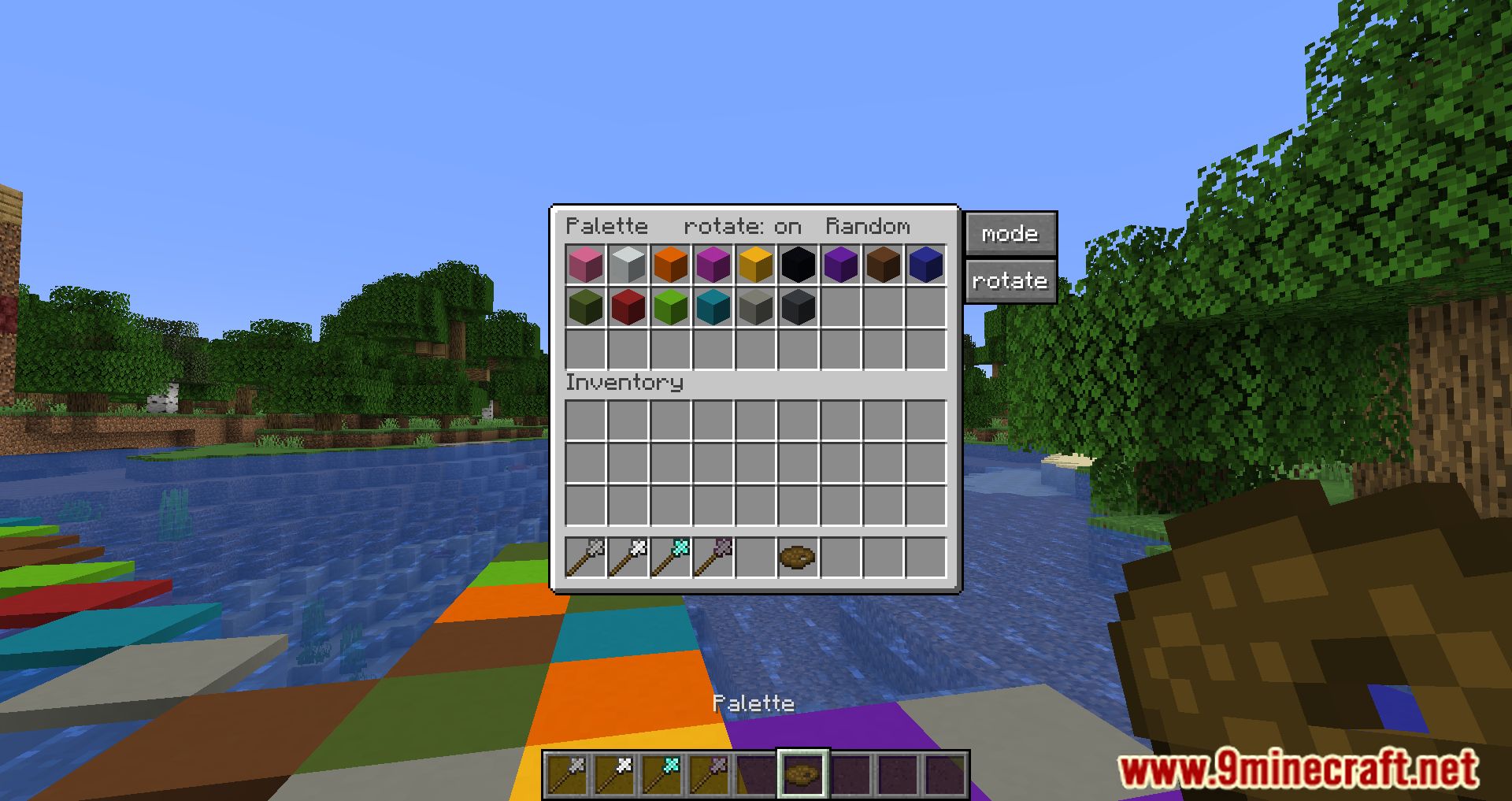
 Palette
 Stone Wand
 Wooden Wand
Configuration
Every setting in the mod config file, with what it changes.
| Option | What it does |
|---|---|
advancement_allow_stone_wand_tt | |
allow_offhand_to_break_tt | |
allow_wand_to_break_tt | |
check_advancements_tt | |
allow_copper_tools_to_break | Allow copper tools to break |
allow_copper_wand_to_break | Allow copper wand to break |
allow_diamond_tools_to_break | Allow diamond tools to break |
advancement_allow_diamond_wand | Allow diamond wand |
allow_diamond_wand_to_break | Allow diamond wand to break |
allow_iron_tools_to_break | Allow iron tools to break |
advancement_allow_iron_wand | Allow iron wand |
allow_iron_wand_to_break | Allow iron wand to break |
allow_netherite_tools_to_break | Allow netherite tools to break |
advancement_allow_netherite_wand | Allow netherite wand |
allow_netherite_wand_to_break | Allow netherite wand to break |
allow_stone_tools_to_break | Allow stone tools to break |
advancement_allow_stone_wand | Allow stone wand |
allow_stone_wand_to_break | Allow stone wand to break |
allow_offhand_to_break | Allow tool to break |
allow_wand_to_break | Allow wand to break |
allow_wooden_tools_to_break | Allow wooden tools to break |
block_outline_color | Block outline |
block_outlines | Block outlines |
opacity_tt | block preview opacity |
Frequently asked questions
How do I get started with Building Wands?
Craft a Wooden Wand first, since it's the cheapest tier and lets you try the placement mechanic. Hold it, aim at a surface, and right-click to place blocks in the wand's pattern. Once you're comfortable, work your way up through the material tiers.
How do I put blocks into a wand?
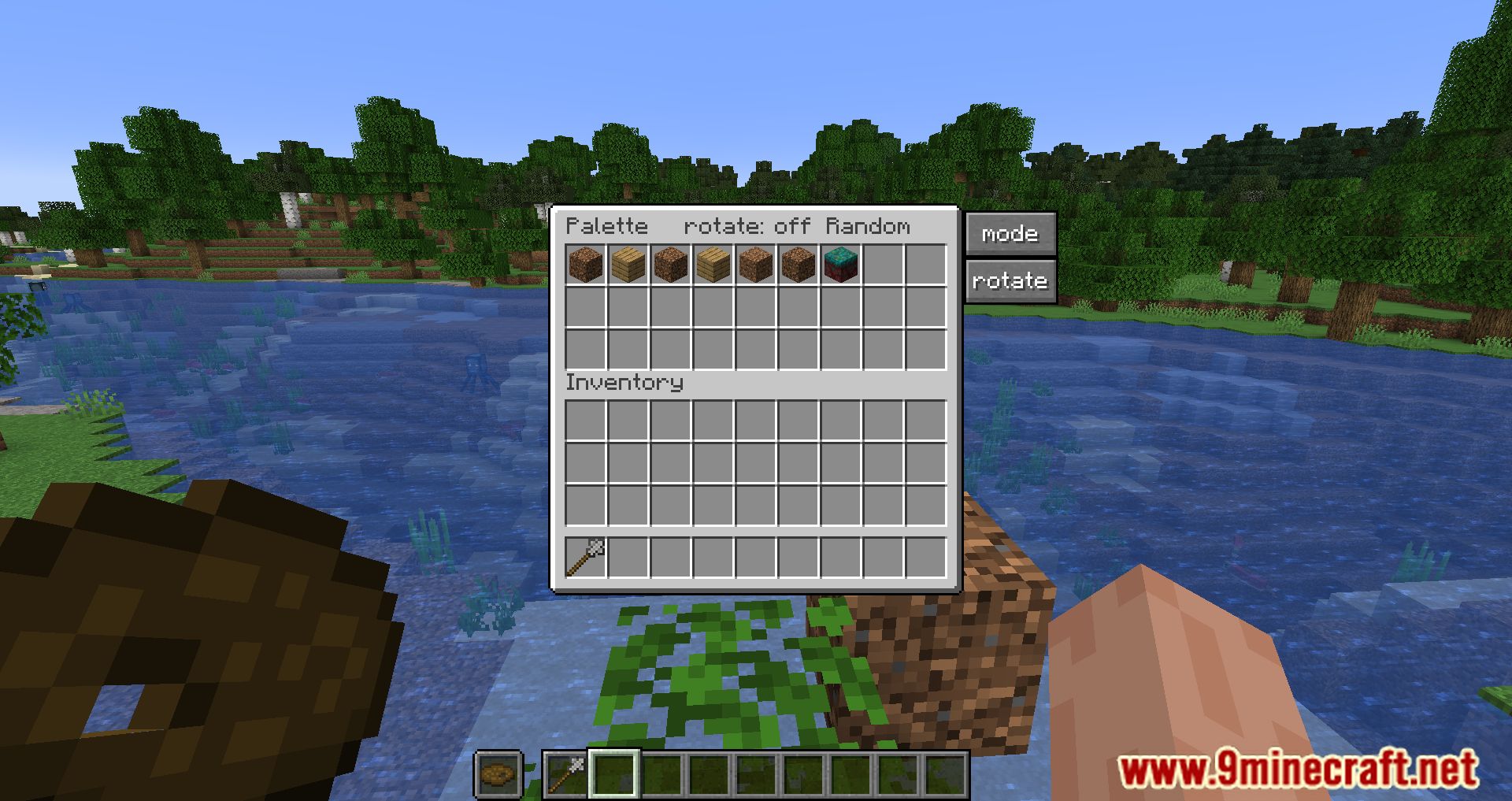
Wands pull blocks from your inventory, so just keep the block type you want to place in your hotbar or inventory. Some setups let you bind a specific block to the wand, and Magic Bags can hold blocks for the wand to draw from.
What do the different wand tiers actually change?
Higher tiers generally increase the maximum number of blocks you can place at once and may unlock larger placement shapes. Wooden is the smallest, and tiers like Netherite or Creative give the biggest reach and block limits.
How do I change the shape or mode of placement?
Most wands let you cycle through placement modes (such as line, wall, cube, or plane) using a keybind or by sneaking and scrolling. Check your controls menu for the wand mode key if the default doesn't work.
Why isn't my wand placing any blocks?
Common causes are an empty inventory of the needed block, being out of range, or the target area being blocked by existing blocks or protected by claims. Make sure you're holding the wand and that the block you want is actually in your inventory.
What are Magic Bags and how do I use them?
Magic Bags store large amounts of a single block type so your wand can place them without cluttering your inventory. Put blocks into a bag, then have the wand draw from it while building. Higher tiers hold more blocks.
Can I upgrade my wand instead of crafting a new one?
Yes, wands can typically be upgraded to the next tier by combining them with the appropriate material in a crafting grid or similar recipe. Check the upgrade guide for the exact steps, since the process varies by tier.
Does Building Wands work with other mods?
It generally works alongside most building and decoration mods since it just places vanilla-style blocks. Mods that add protected regions, claim systems, or custom block placement rules may block wand placement in those areas.
Will using a wand cause lag on my server?
Placing many blocks at once can cause a brief spike, especially with large tiers or fast repeated use. Lower your block limit in the config or use smaller tiers if you notice lag, and avoid spamming placements in quick succession.
Can I change the wand's block limit or other settings?
Yes, the mod has a configuration file where you can adjust things like maximum block placement, range, and other behavior. Edit the config and reload or restart so the changes take effect.
You May Also Like
Wikis that share the most with this one
Wikis on the same theme: magic
More mod wikis on the site
The most downloaded mods that have a wiki here
A few wikis from each of the other kinds
Gallery
12 images from the Building Wands Mod page.