

 DownloadEffortless Building
Get the files on 9Minecraft
Guides
Step-by-step, in-game.
Combining the Randomizer Tool with Effortless Building's Other ModesThe Randomizer Tool is most powerful when paired with the mod's larger building modes, letting you randomize entire…Fixing Common Randomizer Tool Problems (Too Random, Not Random Enough)Most Randomizer Tool frustrations come down to palette size or how the tool is applied. Here is how to troubleshoot…How to Randomize Block Textures While Building with the Randomizer ToolThe Randomizer Tool lets you break up repetitive builds by swapping in a random block from a set you define, instead…Making Natural-Looking Walls and Floors with Randomized BlocksRandomized block placement is the fastest way to avoid the flat, artificial look that comes from using a single block…
Recipes
Every recipe the mod adds, grouped by how it is made.
Items
Configuration
Every setting in the mod config file, with what it changes.
| Option | What it does |
|---|---|
allow_breakingAllow Breaking | If on, build modes can be used to break blocks. |
only_placed_blocksBreak Only Placed Blocks | If on, you can only break blocks that were placed this session. |
show_build_mode_hintBuild Mode Hint | If on, each player receives the build-mode usage hint once per world. |
section_creative | Creative |
max_array_countMax Array Count | Maximum number of copies an array modifier can produce. |
max_array_offsetMax Array Offset | Maximum offset distance for each array modifier axis. |
max_block_previewsMax Block Previews | Maximum number of block models rendered in the preview. Lower values improve performance with large shapes. Outlines are always drawn for all blocks. |
max_blocks_per_axisMax Blocks Per Axis | Maximum size of a build mode shape along any axis. |
max_blocks_placedMax Blocks Placed At Once | Maximum number of blocks placed in a single action. |
max_hardnessMax Hardness | Maximum block hardness that can be broken. -1 = no limit. Examples: 0.5 = Dirt, Sand 1.5 = Stone 2.0 = Wood Planks, Logs 4.5 = Ores 50 = Obsidian |
max_mirror_sizeMax Mirror Size | Maximum diameter for mirror and radial mirror modifiers. |
preview_block_sizePreview Block Size | Size of block previews as a percentage of a full block. |
preview_block_transparencyPreview Transparency | Transparency of block previews. 0% = invisible, 100% = solid. |
protect_tile_entitiesProtect Tile Entities | If on, blocks that hold data such as chests, furnaces, and hoppers cannot be replaced or broken. |
reachReach | How far away you can place and break blocks with build modes. |
require_toolsRequire Tools | If on, you must have the correct tools in your inventory to break blocks. |
section_survival | Survival |
use_durabilityUse Durability | If on, breaking blocks will consume durability from the appropriate tool in your inventory. |
show_welcome_messageWelcome Message | If on, each player receives the welcome message once per world. |
Frequently asked questions
How do I get the  Randomizer Tool?
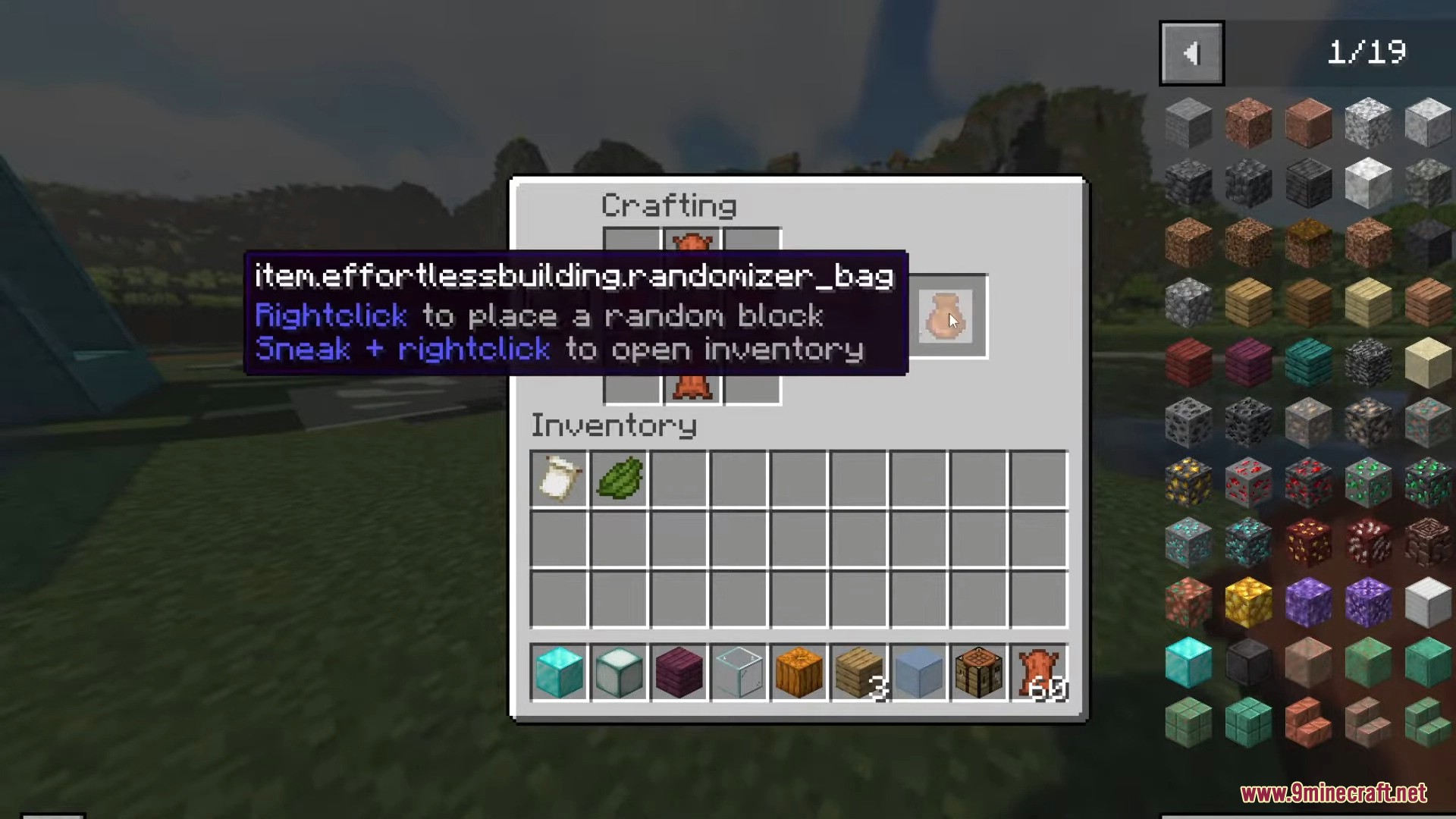
Craft it like you would any other tool in the mod, then keep it in your hotbar. Once it's selected, the mod's randomizer overlay appears so you can configure which blocks get swapped in.
How do I actually start randomizing blocks while building?
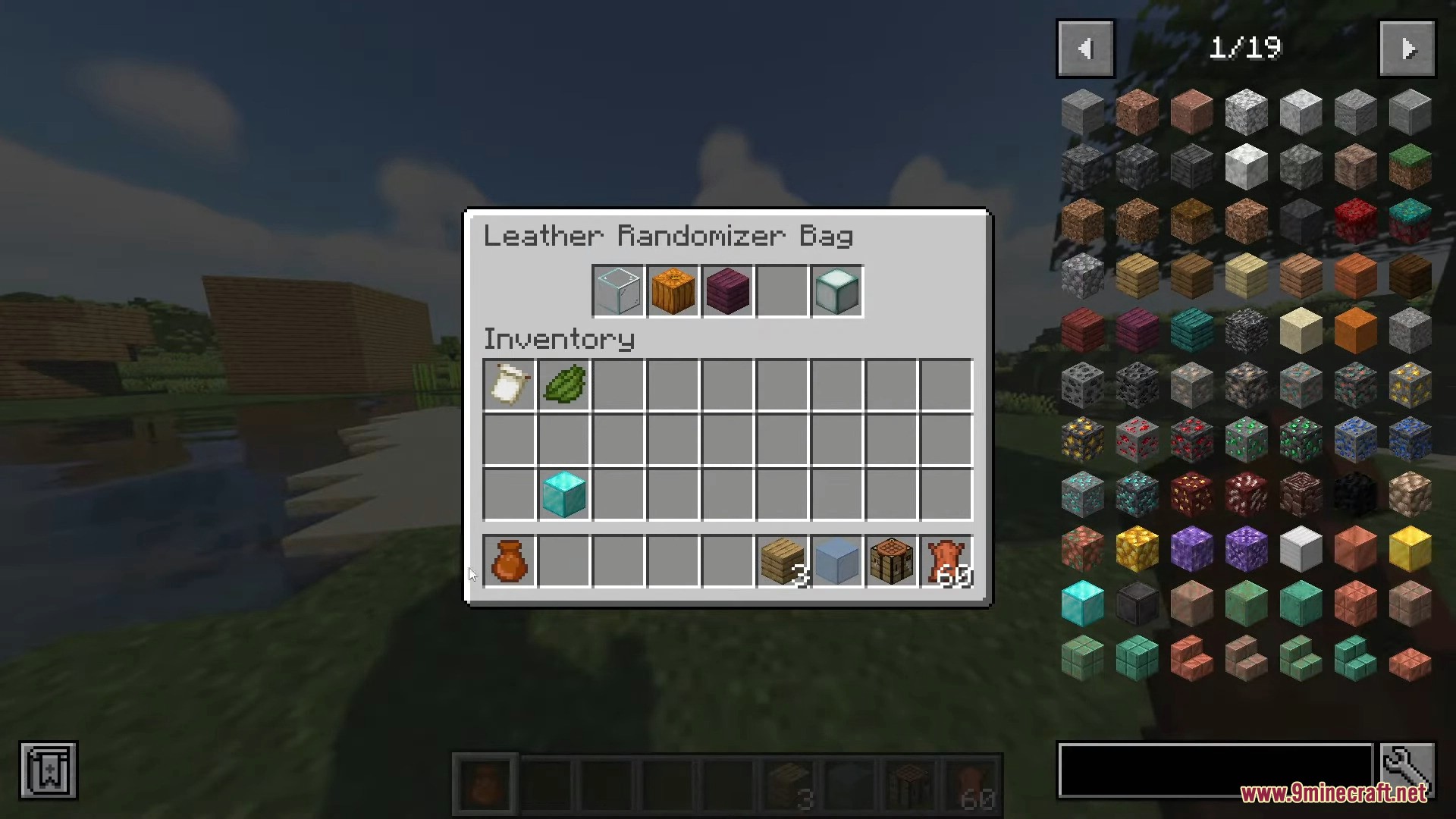
Hold the Randomizer Tool, open its configuration screen, and add the blocks you want it to pick from into the randomization list. Then place  blocks normally with Effortless Building's modes active and each placement pulls a random entry from that list.
Randomizer Tool, open its configuration screen, and add the blocks you want it to pick from into the randomization list. Then place blocks normally with Effortless Building's modes active and each placement pulls a random entry from that list.Where do I add the blocks the tool is allowed to place?
Open the Randomizer Tool's config screen and add block entries to its list — each entry is a block the tool can substitute in. Anything not on the list won't be used, so the list is what controls your palette.
Randomizer Tool's config screen and add block entries to its list — each entry is a block the tool can substitute in. Anything not on the list won't be used, so the list is what controls your palette.Can I weight some blocks so they show up more often than others?
Yes — the randomizer supports weighting entries, so a block with a higher weight appears more frequently in the mix. Use this to make  one block the dominant texture and others occasional accents.
See all 20 Effortless Building questions ›
Gallery
12 images from the Effortless Building page.
You May Also Like
Wikis that share the most with this one
Building WandsIllegal BuildingStaff of BuildingSpeed Building ModBuilding Gadgets ModBetter Vanilla BuildingEffortless Crafting ModBuilding Miraculous Space MapBuilding Gadgets Create Like Resource PackBetter Vanilla Building Overlays Resource PackHandwerk Aoe Tools Vein Miner Ore Variants Building BlocksSpheric
More mod wikis on the site
 Editable World Generation Mod
The most downloaded mods that have a wiki here
A few wikis from each of the other kinds