

 blocks
 one block
 DownloadBuild Guide Mod
Get the files on 9Minecraft
Guides
Step-by-step, in-game.
Drawing Circles and Cones with Build Guide ModCreating a Circle Hologram Open the Build Guide GUI and choose Circle from the shape options. Enter the radius you…How to Project a Sphere Hologram with Build Guide ModOpening the Shape Menu Press the mod's configured GUI key (check your Controls settings if it isn't bound) to open…Placing Lines and Fixing Misplaced Blocks with Build Guide ModProjecting a Line Hologram Open the GUI and pick Line from the shape list. The mod will draw a straight row of ghost…Using Build Guide Mod in Multiplayer Servers Without the ModWhy It Works on Vanilla Servers Build Guide is a client-side mod, meaning the hologram is rendered only on your…Using Build Guide Mod to Place Blocks AccuratelyProjecting a Build Guide Build Guide Mod is a client-side mod that projects a configurable hologram of a shape into…
Configuration
Every setting in the mod config file, with what it changes.
| Option | What it does |
|---|---|
persistenceEnabledComment | Allow shapes to be saved to a file so they can be restored after restarting the client. |
asyncEnabled | Asynchronous shape generation |
asyncEnabledComment | Enable asynchronous (multithreaded) shape generation. |
shapeListRandomColorsDefaultEnabledComment | Enable random colors for new shapes added to the shape list by default. |
shapeListRandomColorsDefaultEnabled | Shape list random colors |
persistenceEnabled | Shape persistence |
Frequently asked questions
What does Build Guide Mod do?
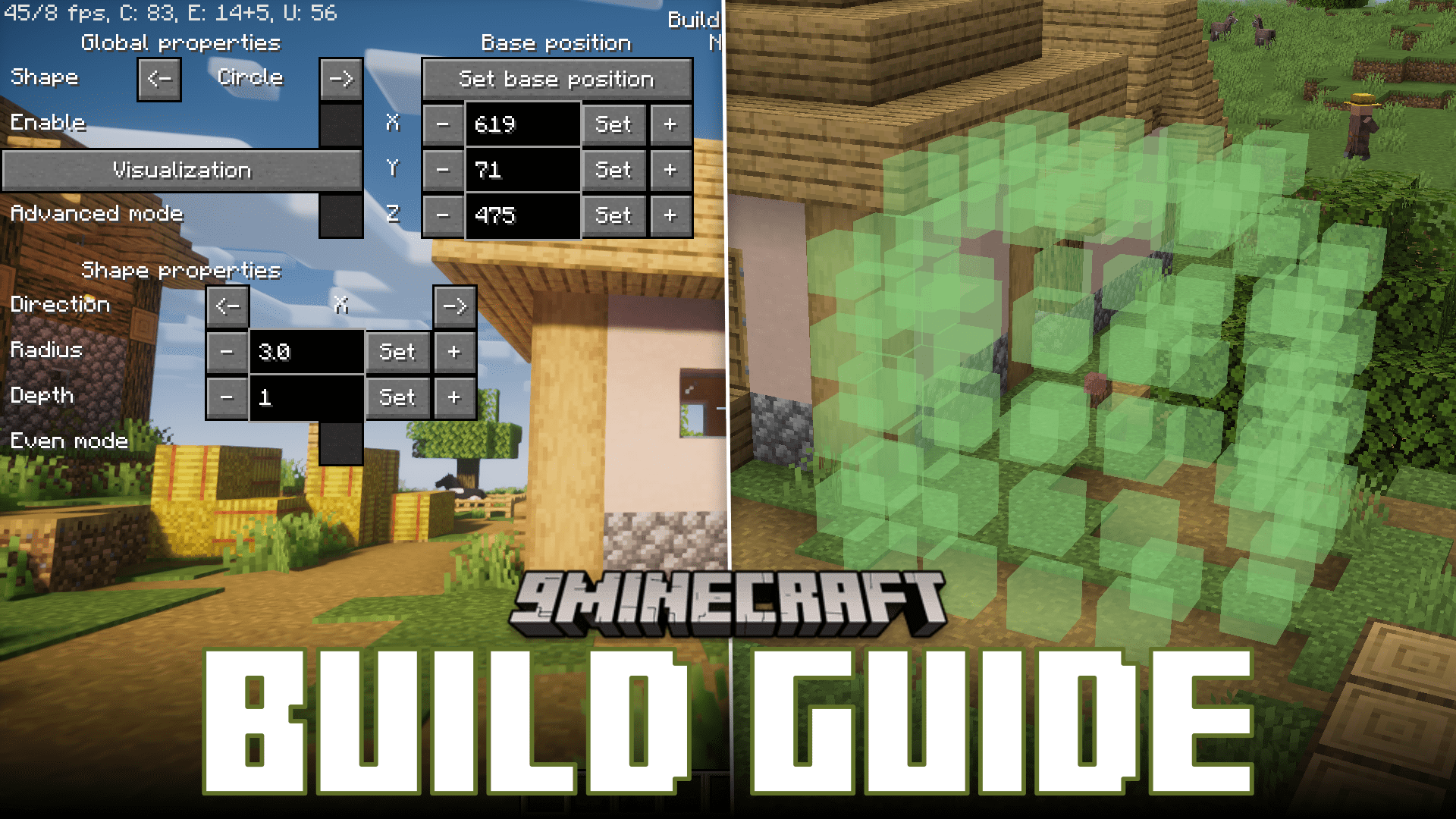
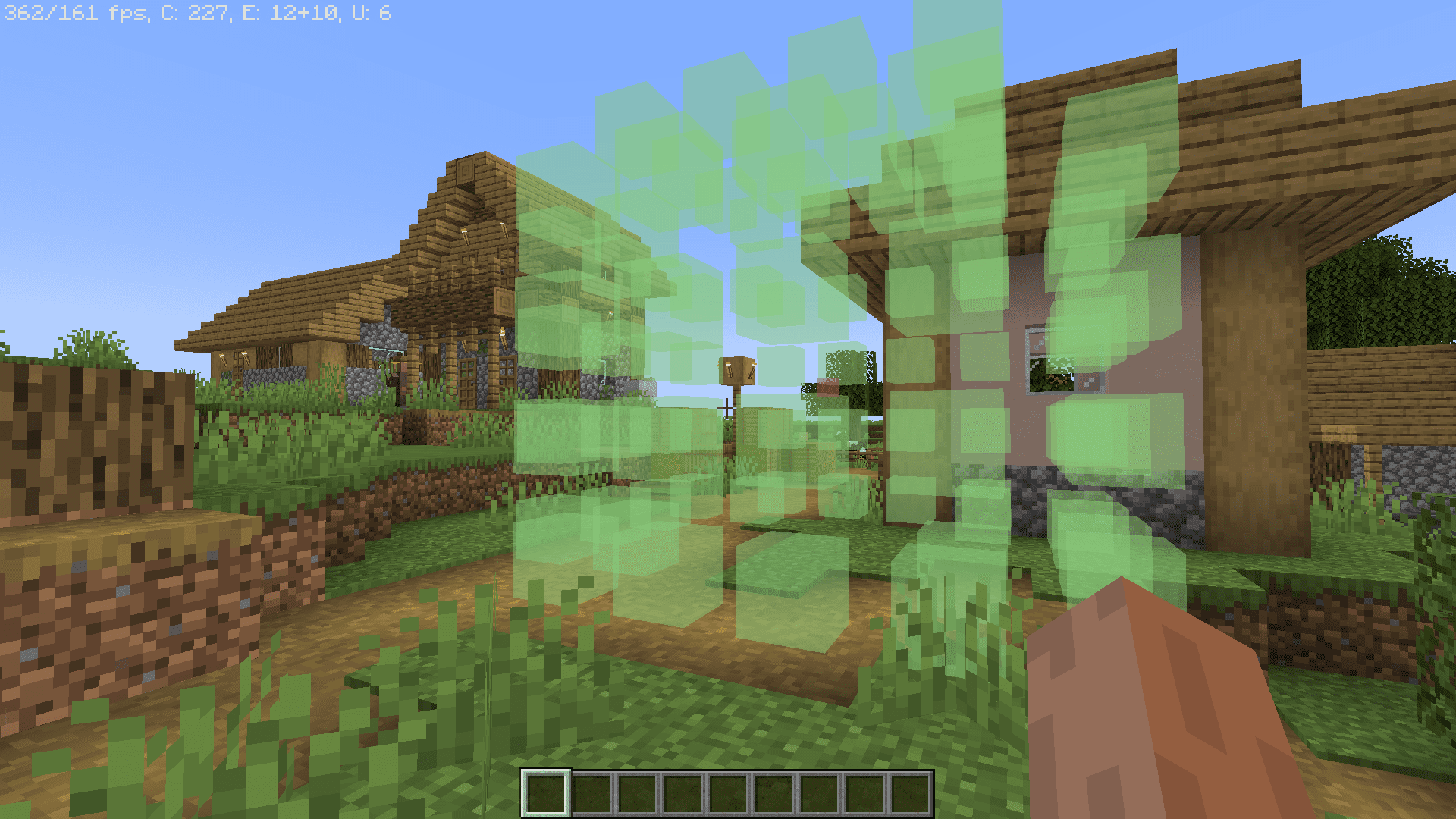
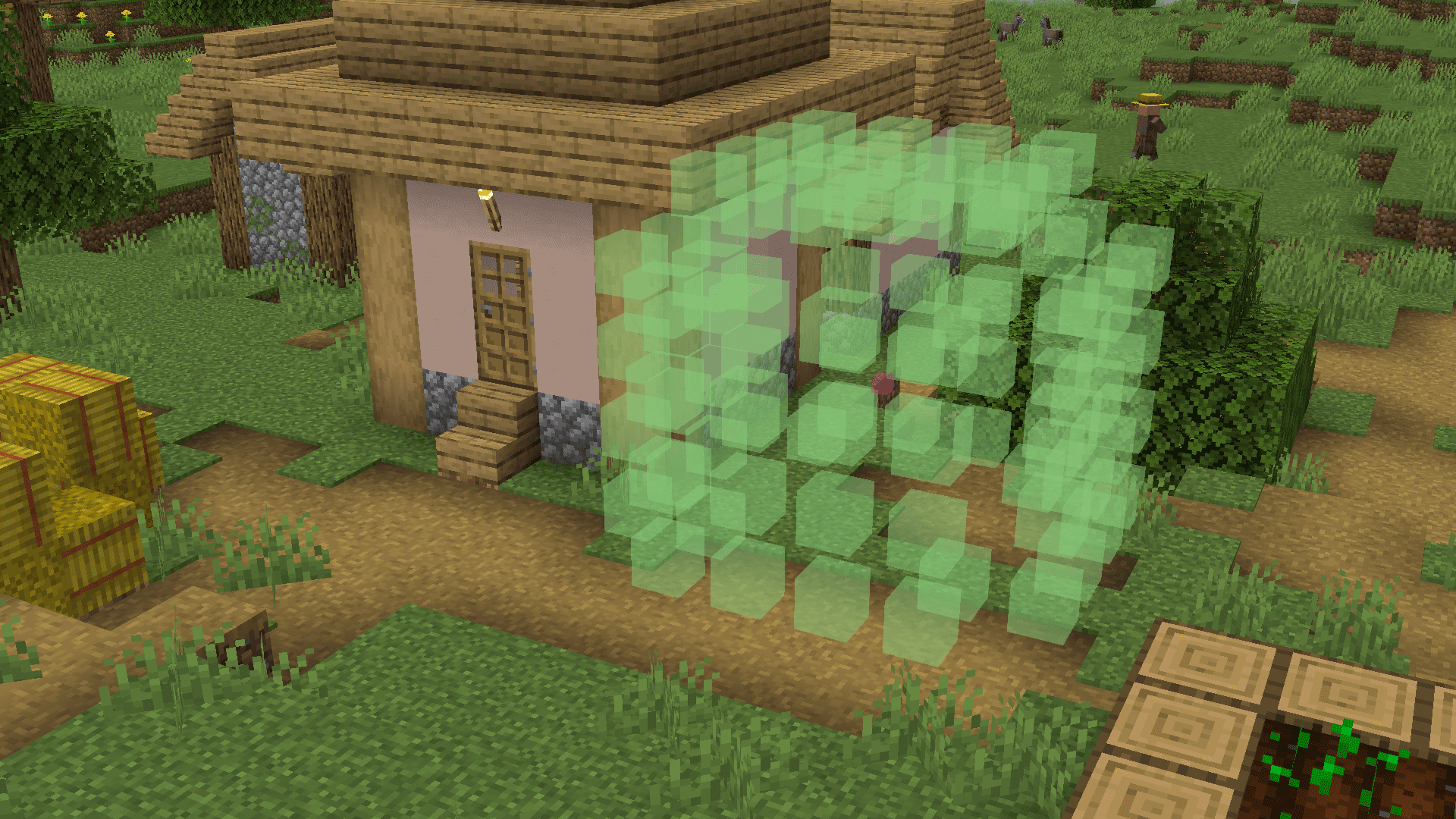
It projects a highly configurable hologram display of the build you are working on, letting you visually confirm where each block goes. This helps avoid misplacing blocks in precise builds like spheres or large redstone contraptions.
Which shapes can Build Guide Mod project?
It can project various shapes including circles, spheres, cones, and lines. These holograms appear in the Minecraft world to guide your block placement.
Does Build Guide Mod work on multiplayer servers without the mod installed?
Yes, it is a client-side only mod, so it works in both singleplayer and multiplayer even if the server does not have the mod. Only you need the mod installed to see the holograms.
How do you access Build Guide Mod's interface?
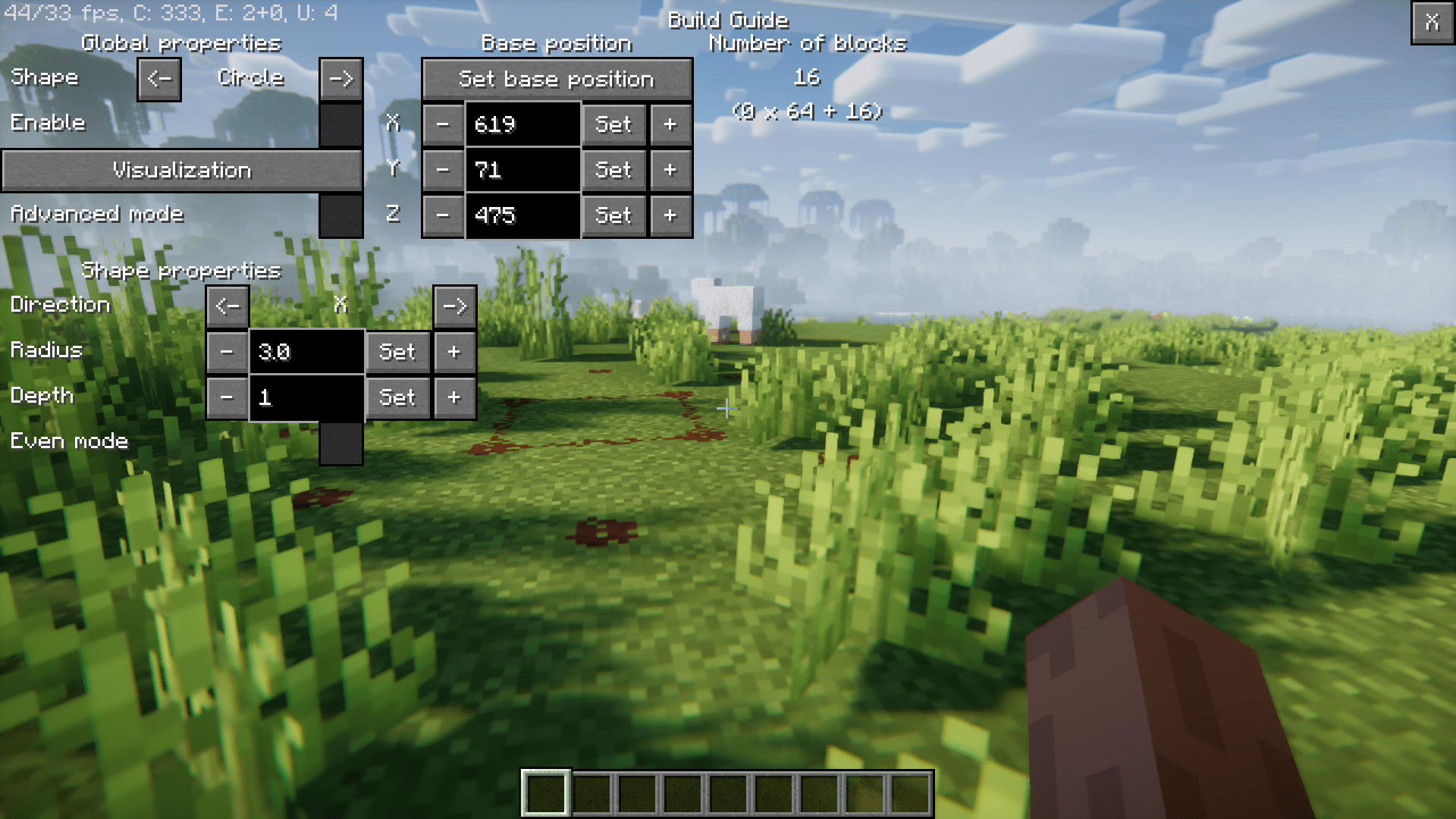
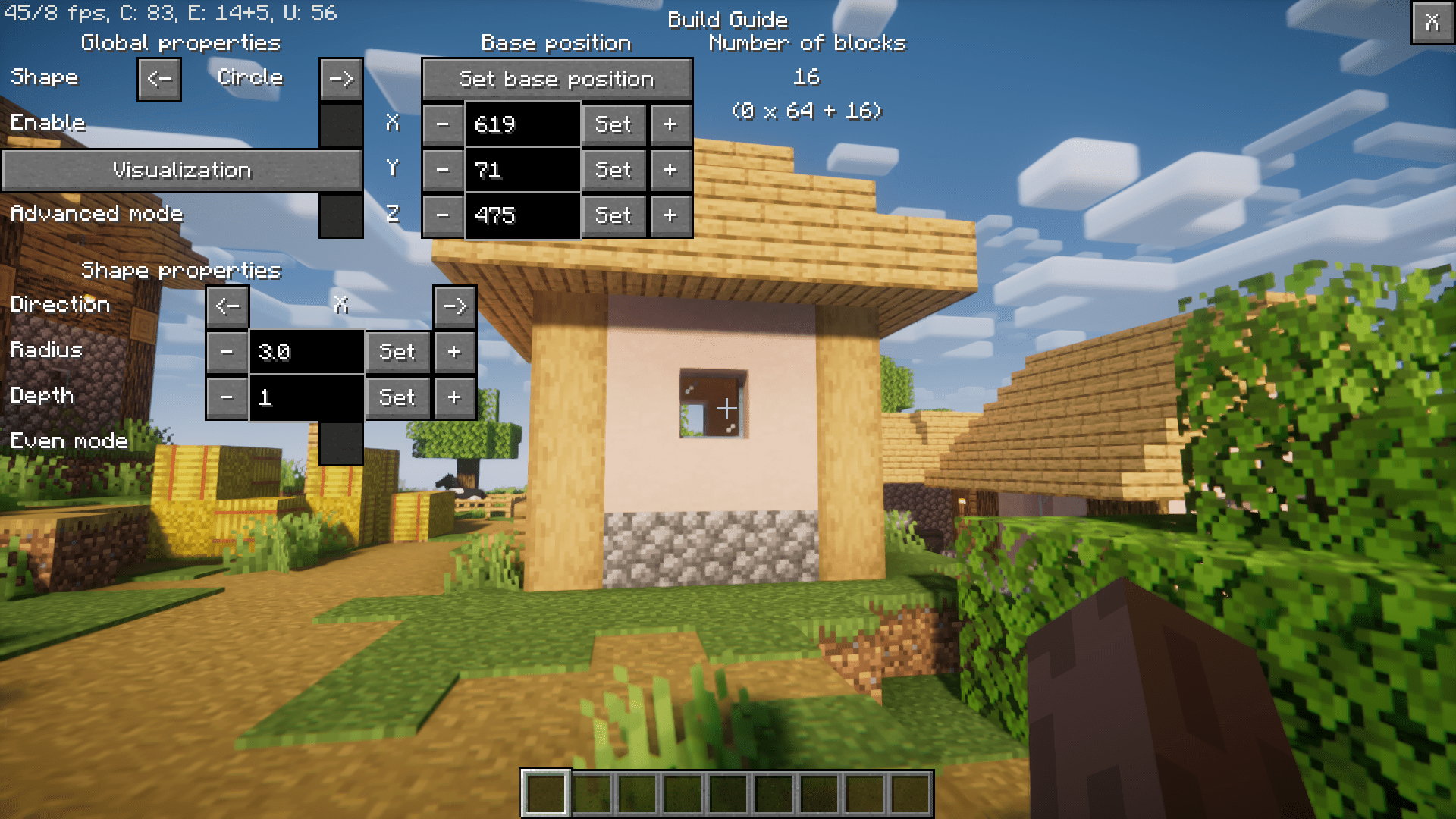
The mod features a user-friendly GUI that you can open by pressing a key. From there you can configure the hologram display for your build.
See all 6 Build Guide questions ›
Gallery
5 images from the Build Guide Mod page.
You May Also Like
Wikis that share the most with this one
Wikis on the same theme: build
More mod wikis on the site
The most downloaded mods that have a wiki here
A few wikis from each of the other kinds