

 DownloadBehindYouV3 Mod
Get the files on 9Minecraft
Guides
Step-by-step, in-game.
Adjust Field of View for Behind ViewConfiguring FOV Settings BehindYouV3 allows you to set a custom Field of View (FOV) that activates when you use the…Customize Your Camera KeybindsAccessing Keybind Settings BehindYouV3 provides two separate keybinds you can customize: one for looking forward…Switch Between Hold and Toggle ModesUnderstanding Hold vs. Toggle BehindYouV3 lets you choose how your camera view responds when you press the keybind:…Switch to Behind View While MovingUsing the Backview Keybind The Backview keybind lets you look behind your player instantly without cycling through F5…
Frequently asked questions
How do I look behind me without pressing F5 multiple times?
Bind a key to the Backview action in your controls settings, then press (or hold) that key to instantly switch to behind-view. You can configure whether the key toggles the view or only shows it while held down.
What's the difference between Hold and Toggle mode?
Hold mode keeps you in behind-view only while you press the key; Toggle mode switches to behind-view when you press once and stays there until you press again. Choose whichever feels more natural for your playstyle.
Can I set different keybinds for looking forward and backward?
Yes, you can bind separate keys to both Frontview and Backview in the mod's keybind settings. This lets you quickly switch between any camera angles you prefer.
How do I change the field of view when using behind-view?
Open the mod's config options and look for the FOV setting; you can set a custom field of view that applies whenever you activate behind-view, separate from your normal FOV.
See all 10 BehindYouV3 questions ›
Gallery
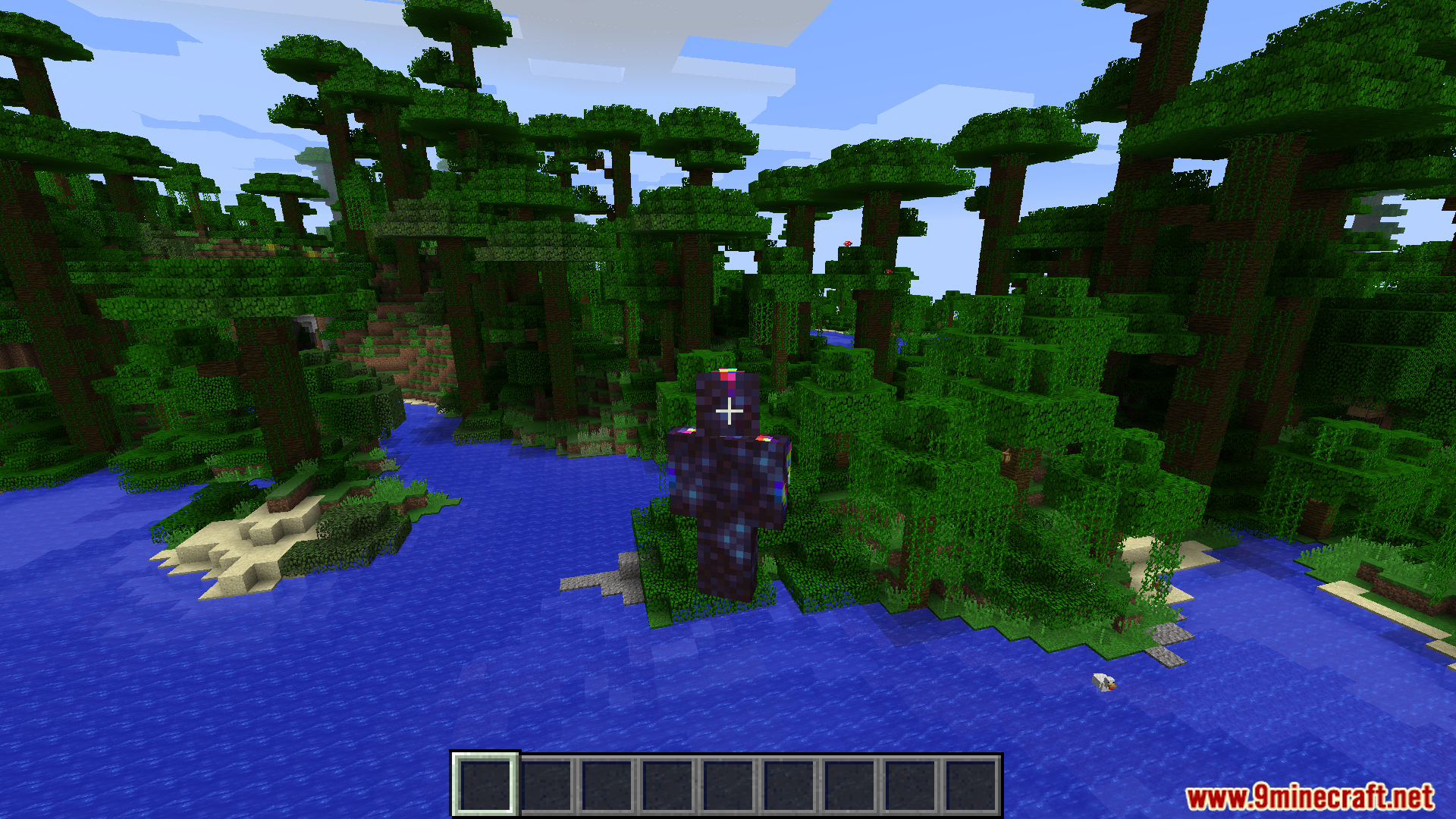
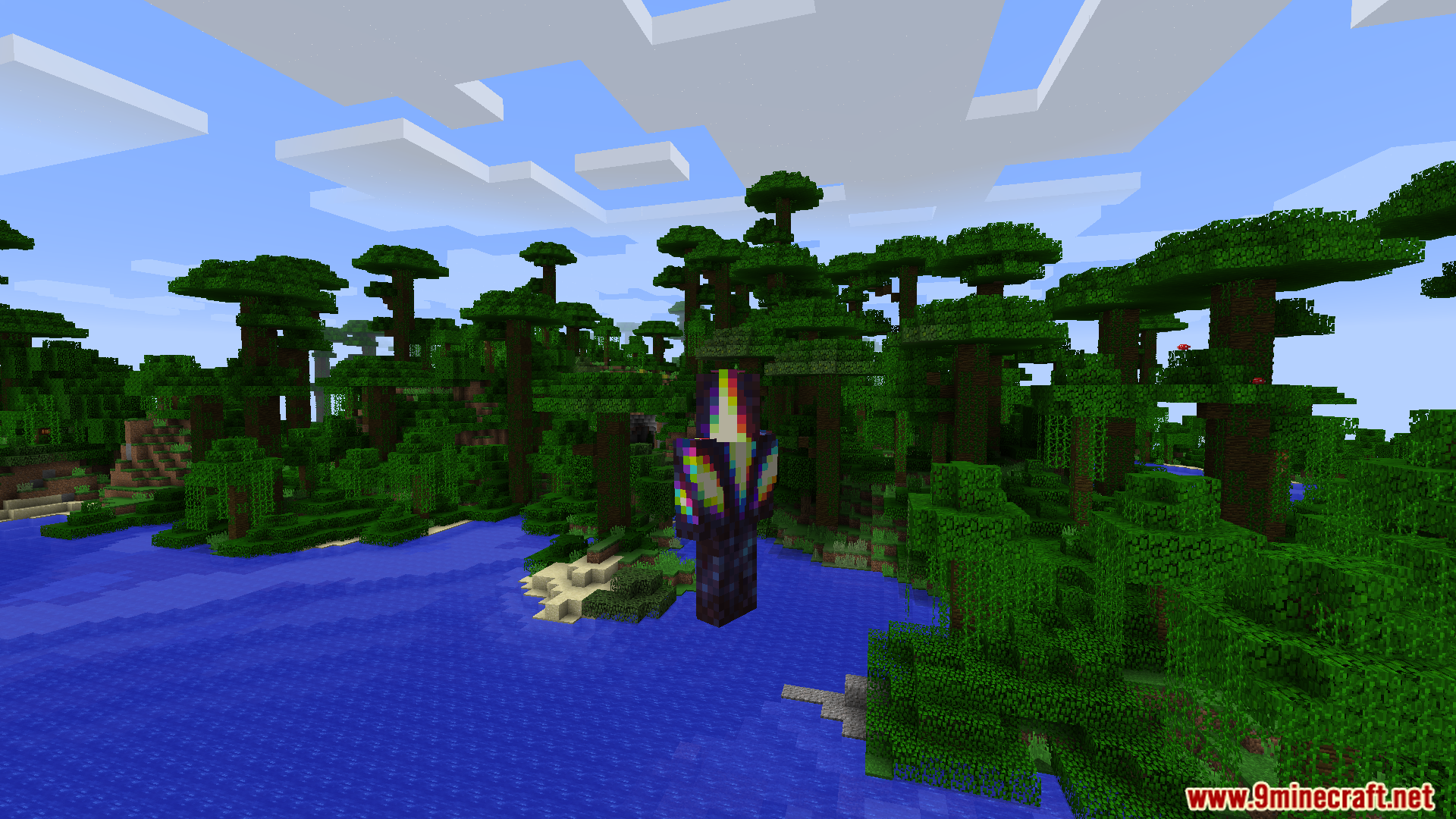
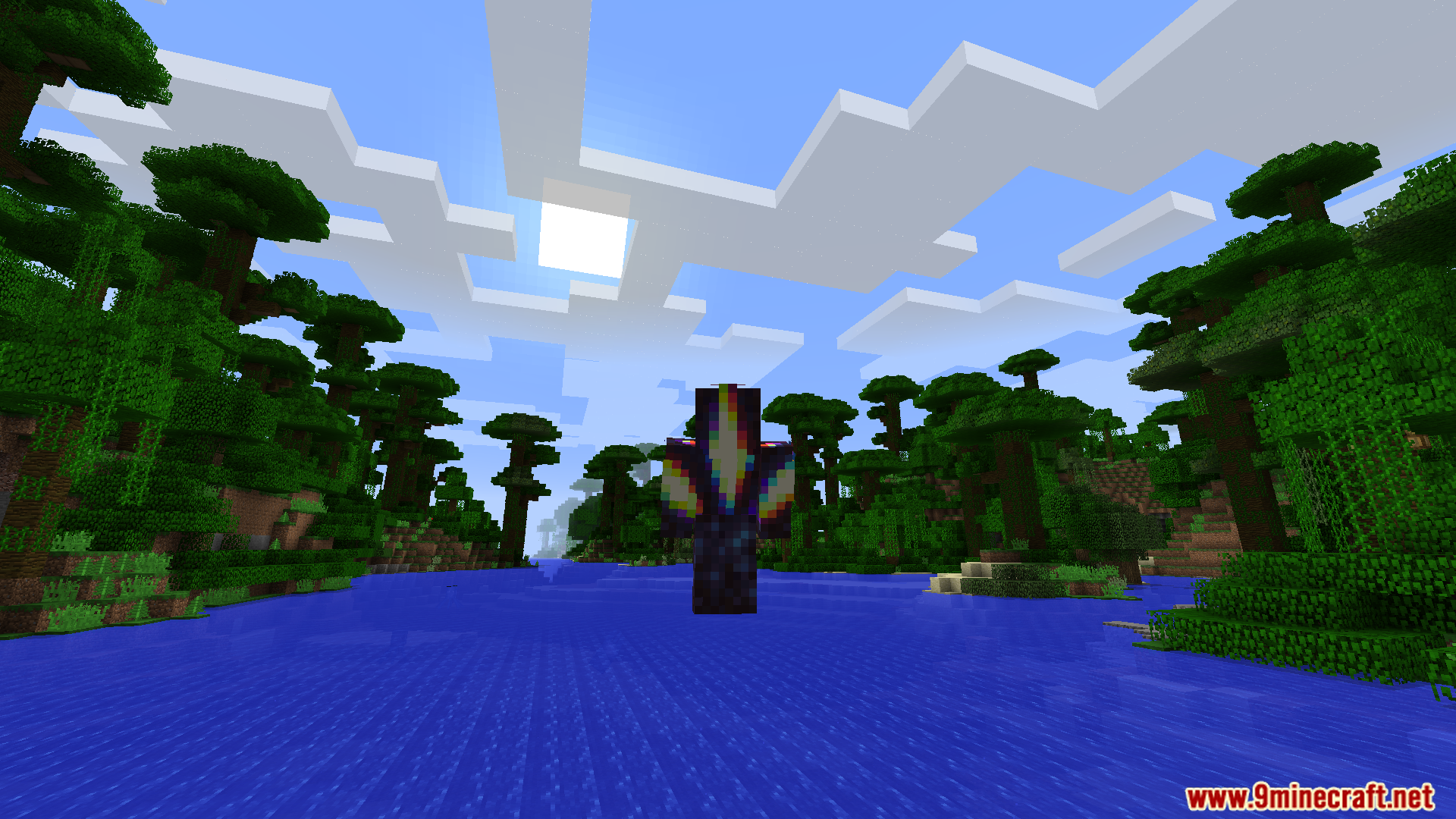
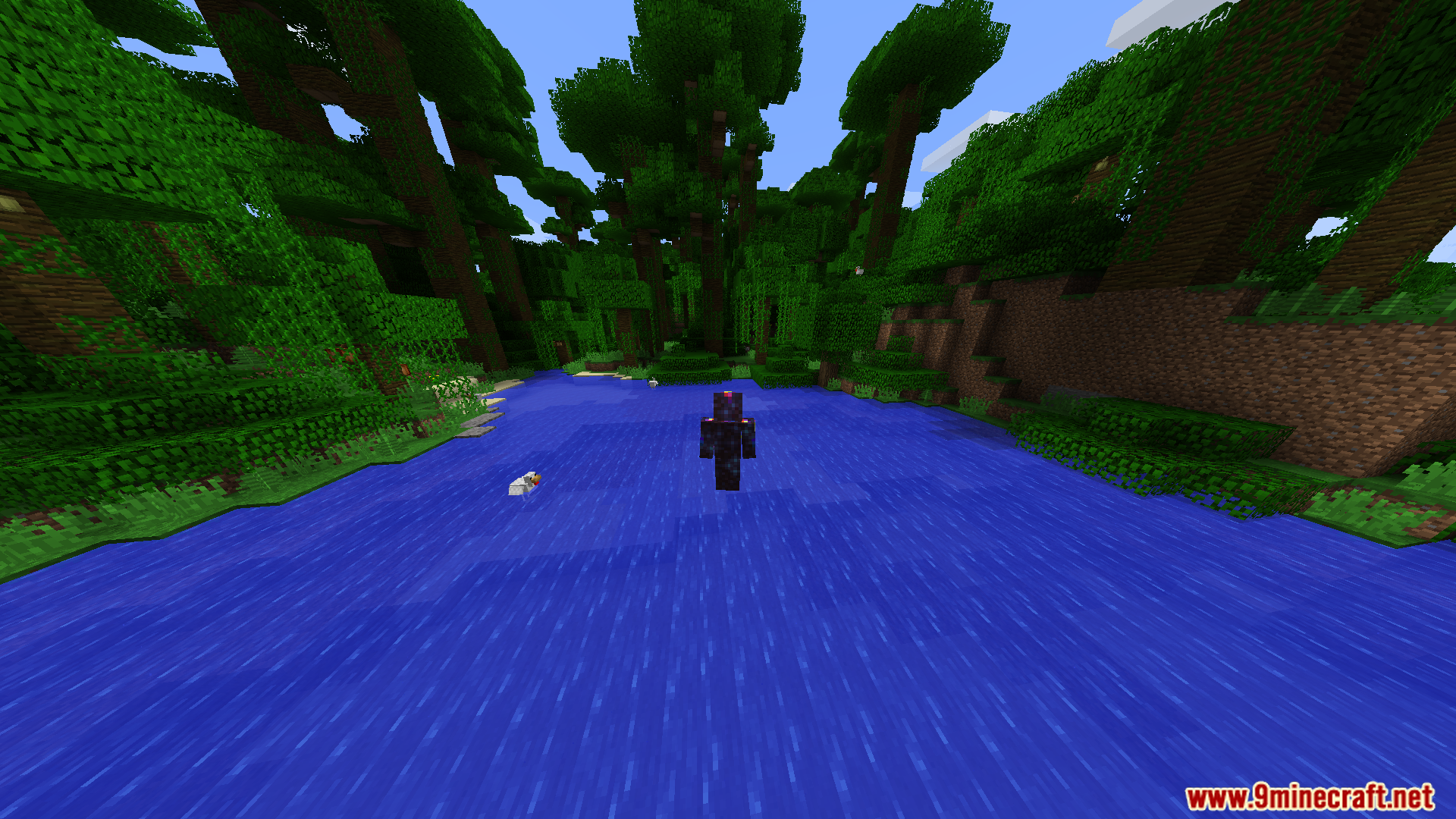
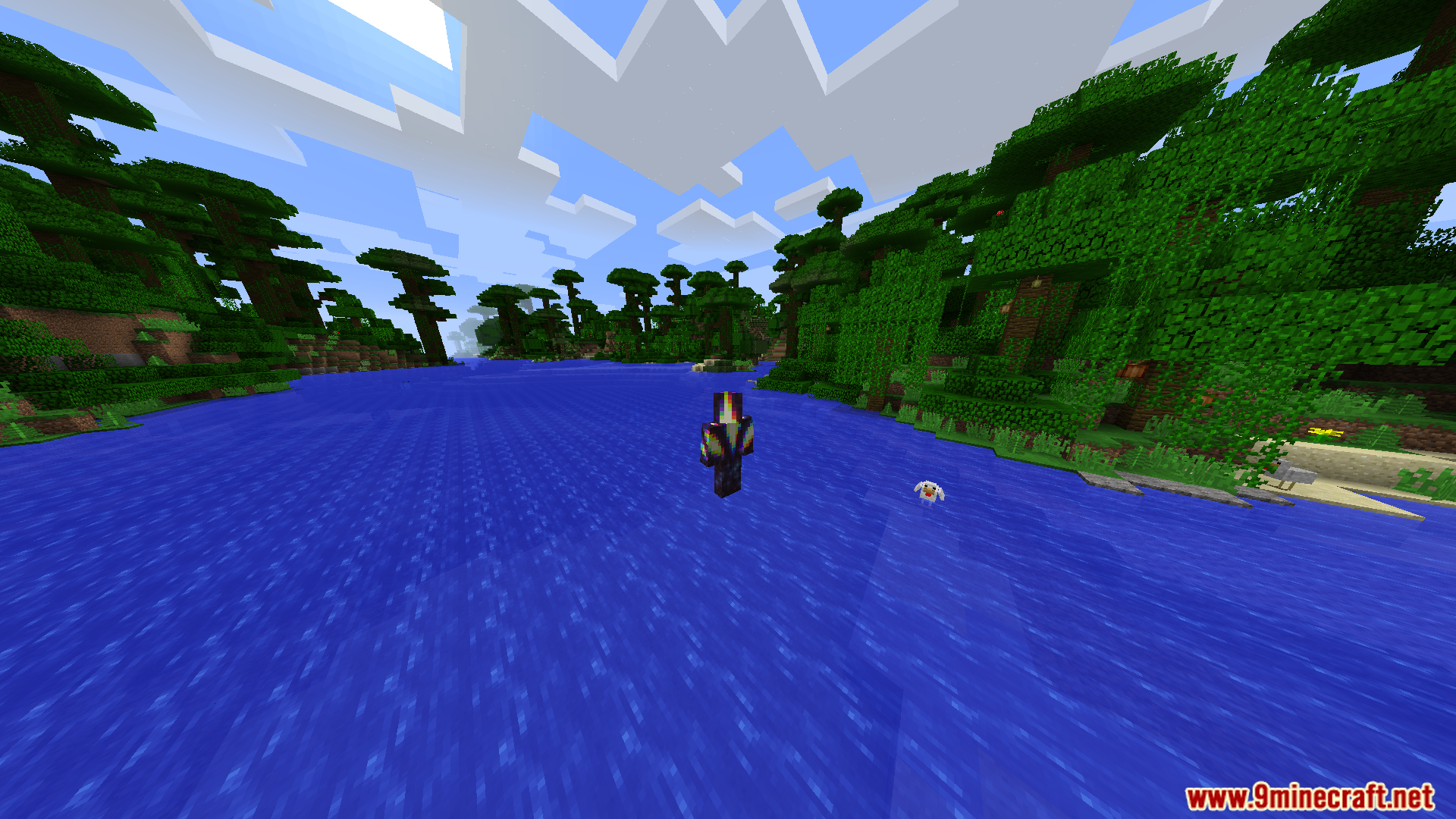
9 images from the Behindyouv3 Mod page.
You May Also Like
Wikis that share the most with this one
More mod wikis on the site
The most downloaded mods that have a wiki here
A few wikis from each of the other kinds