

 DownloadArmor Stands Mod
Get the files on 9Minecraft
Guides
Step-by-step, in-game.
Create Multiple Armor Stands for a Display or ScenePlacing Armor Stands Place multiple armor stands in your desired location using the standard placement method. Space…Equip and Dress an Armor StandAccessing the Equipment Menu Right-click the armor stand and navigate to the equipment or dressing section of the…Pose an Armor Stand in Custom PositionsOpening the Pose Editor Right-click on any armor stand to open the mod's interface. Select the pose or customization…Toggle Armor Stand Visibility and Base Plate SettingsAccessing Stand Properties Right-click an armor stand to open the mod interface. Look for options related to…
Frequently asked questions
How do I open the armor stand editor?
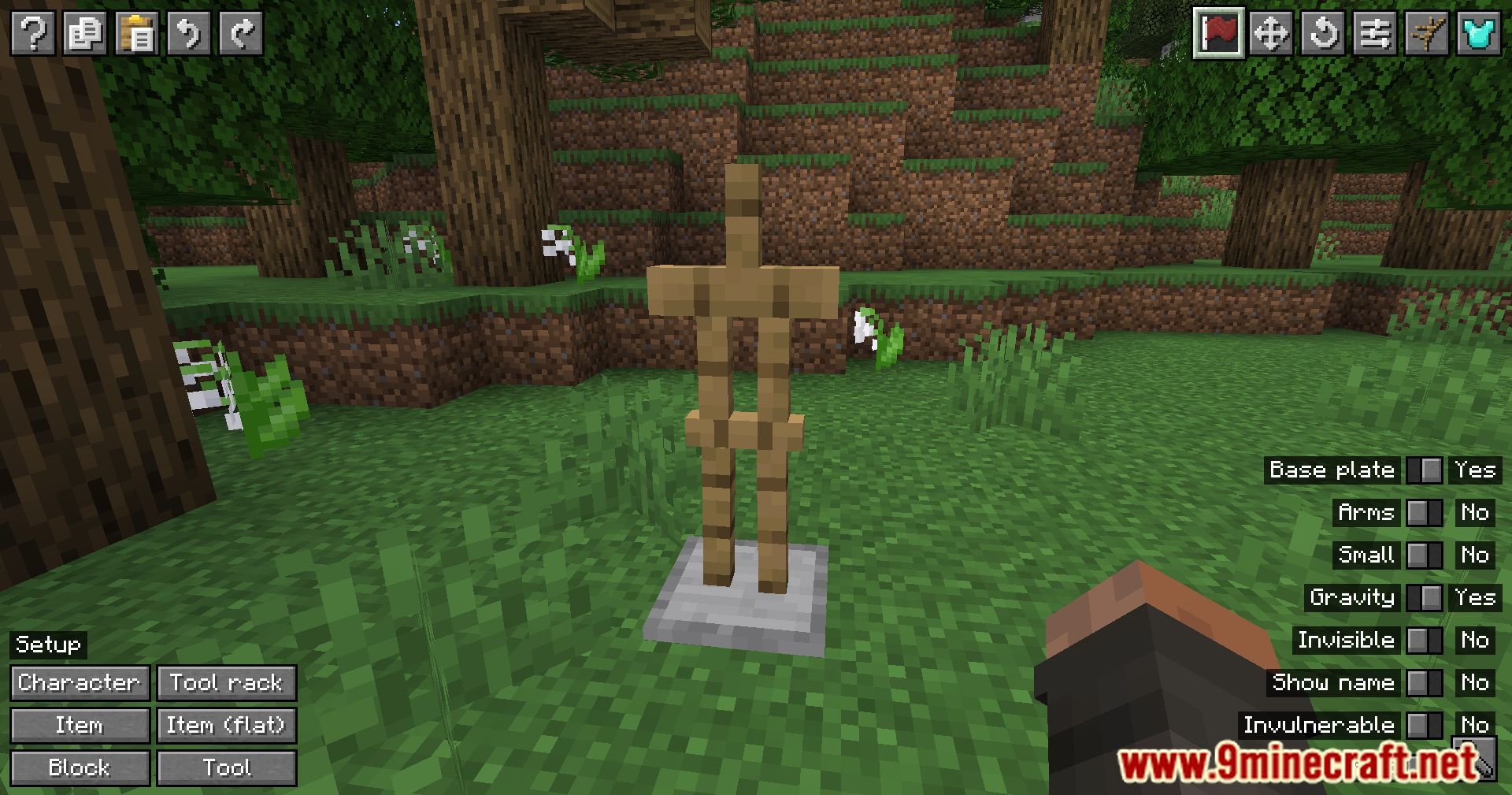
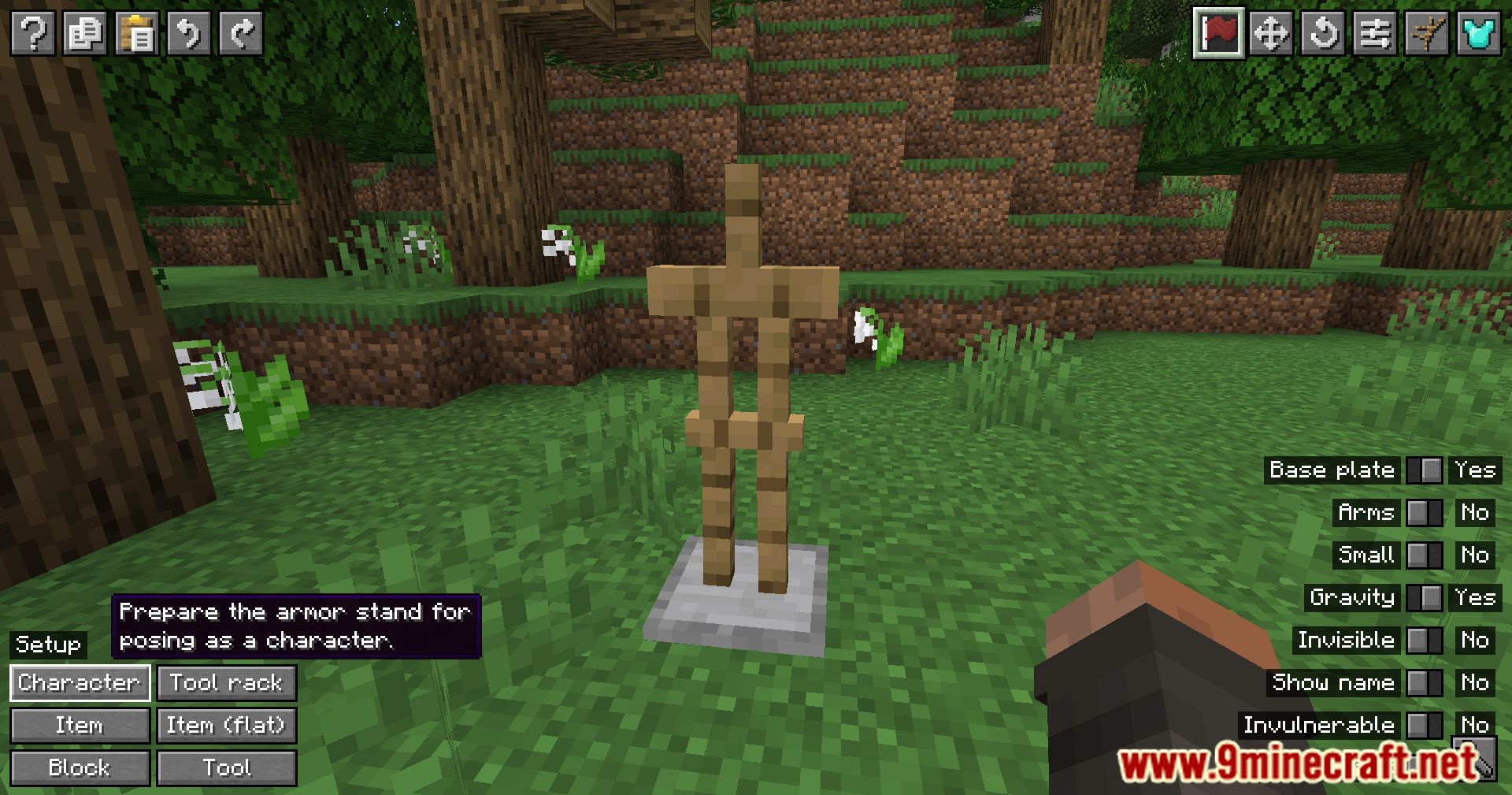
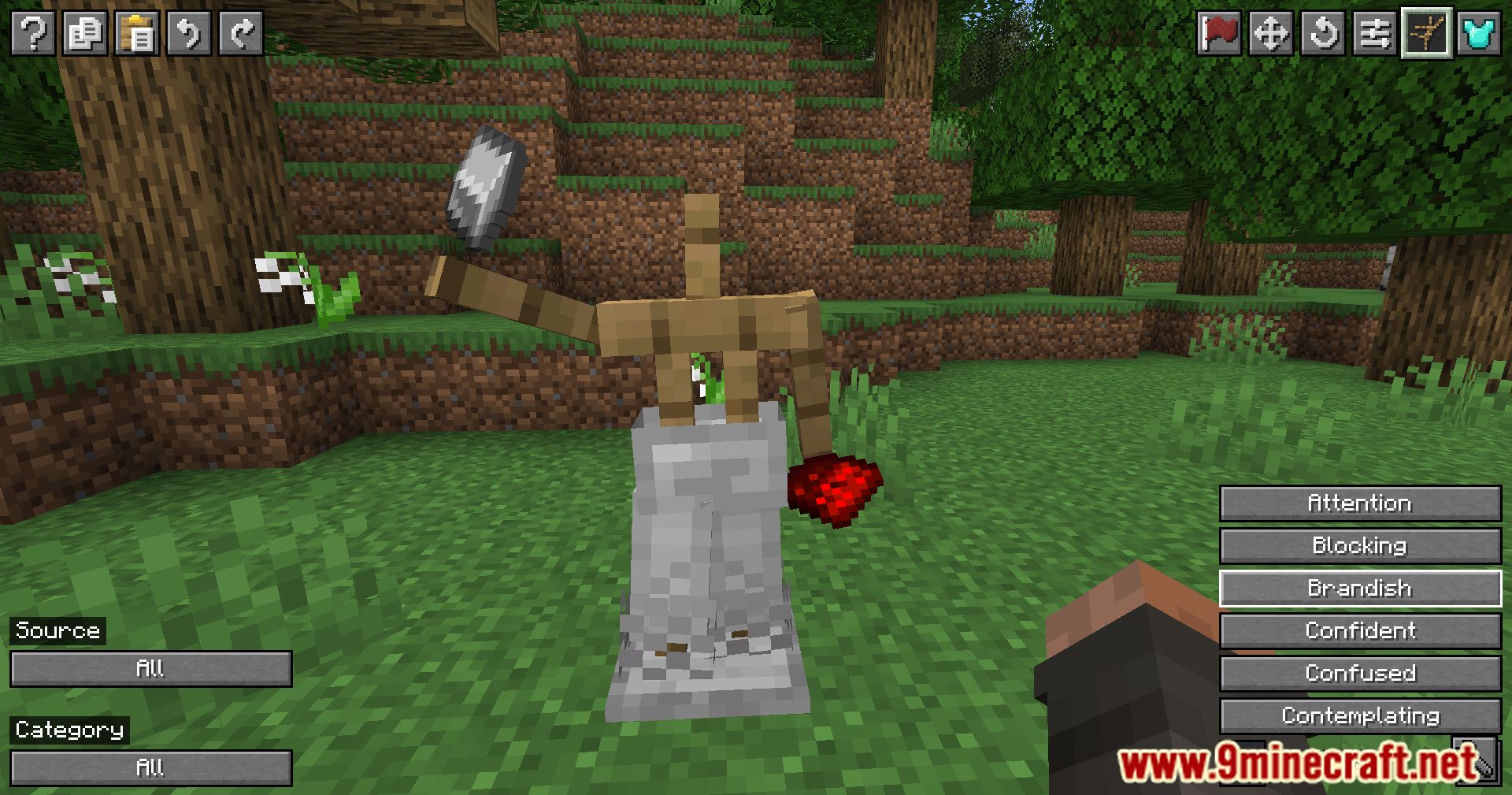
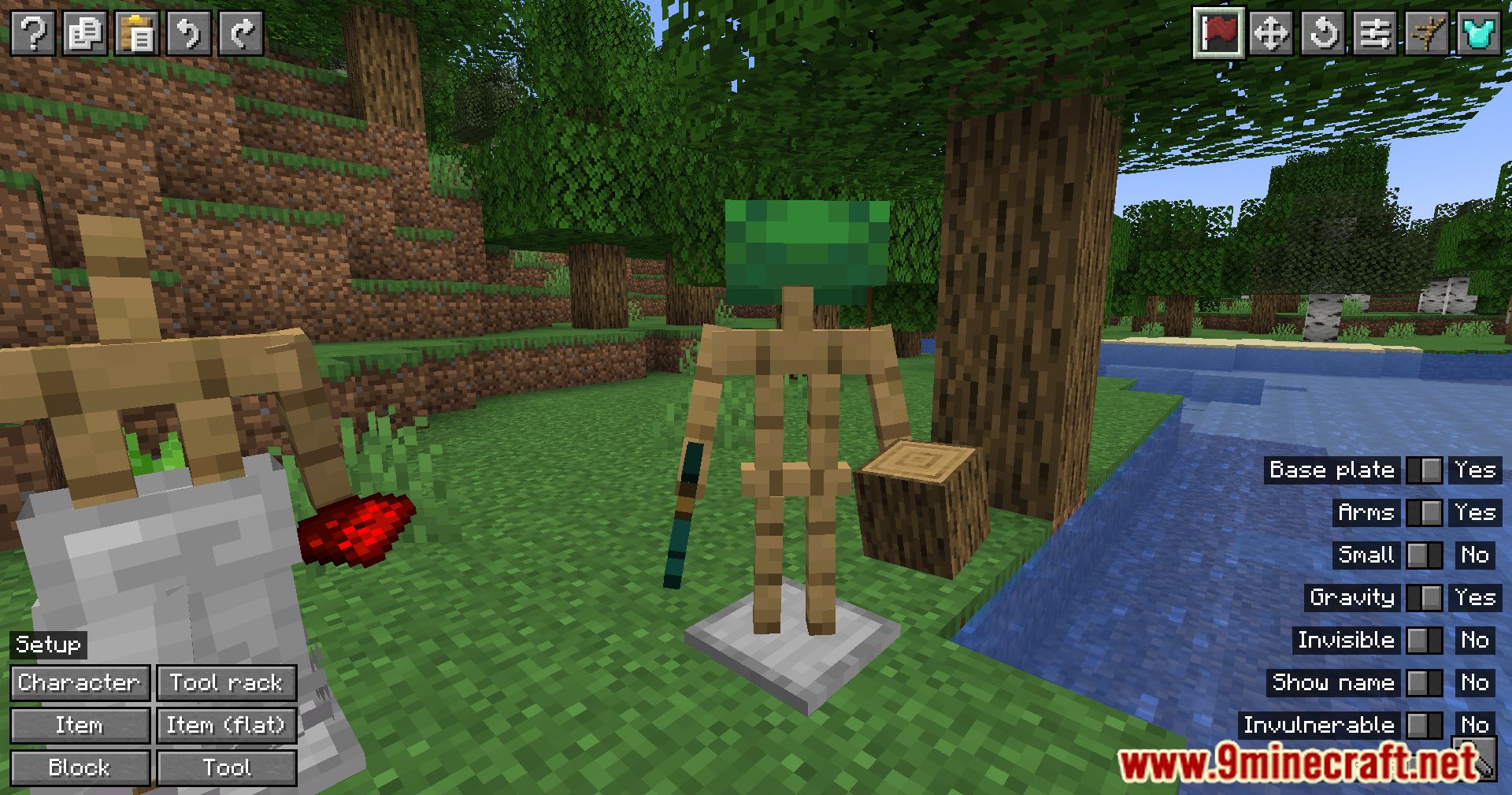
Right-click on any armor stand to open the mod's user interface. From there, you can access all customization options for posing, dressing, and other settings.
Can I pose armor stands in any position I want?
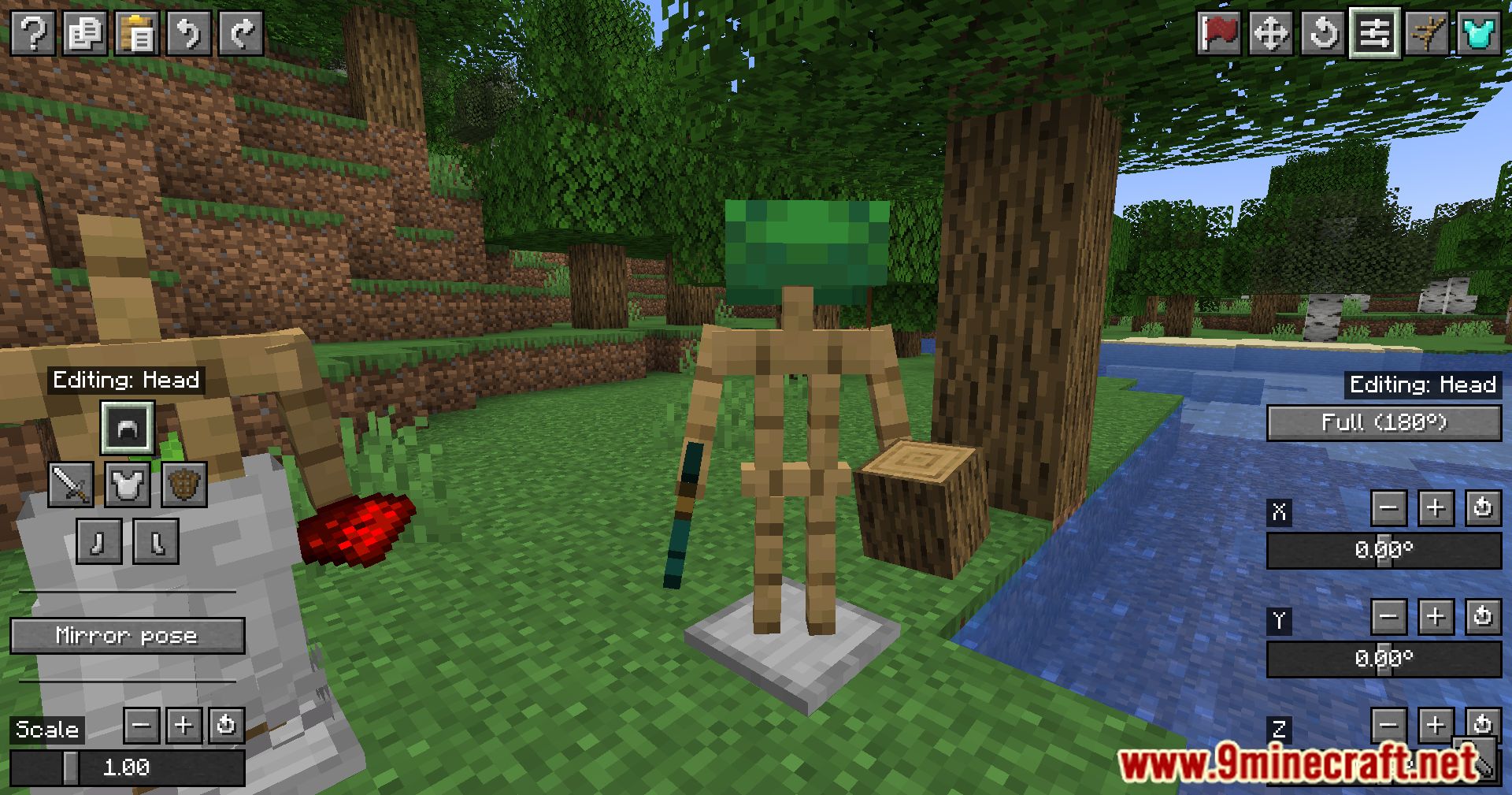
Yes, the mod allows you to customize the rotation and angle of each body part individually, including arms, legs, head, and torso. You can create nearly any pose through the intuitive UI.
How do I equip armor and items on an armor stand?
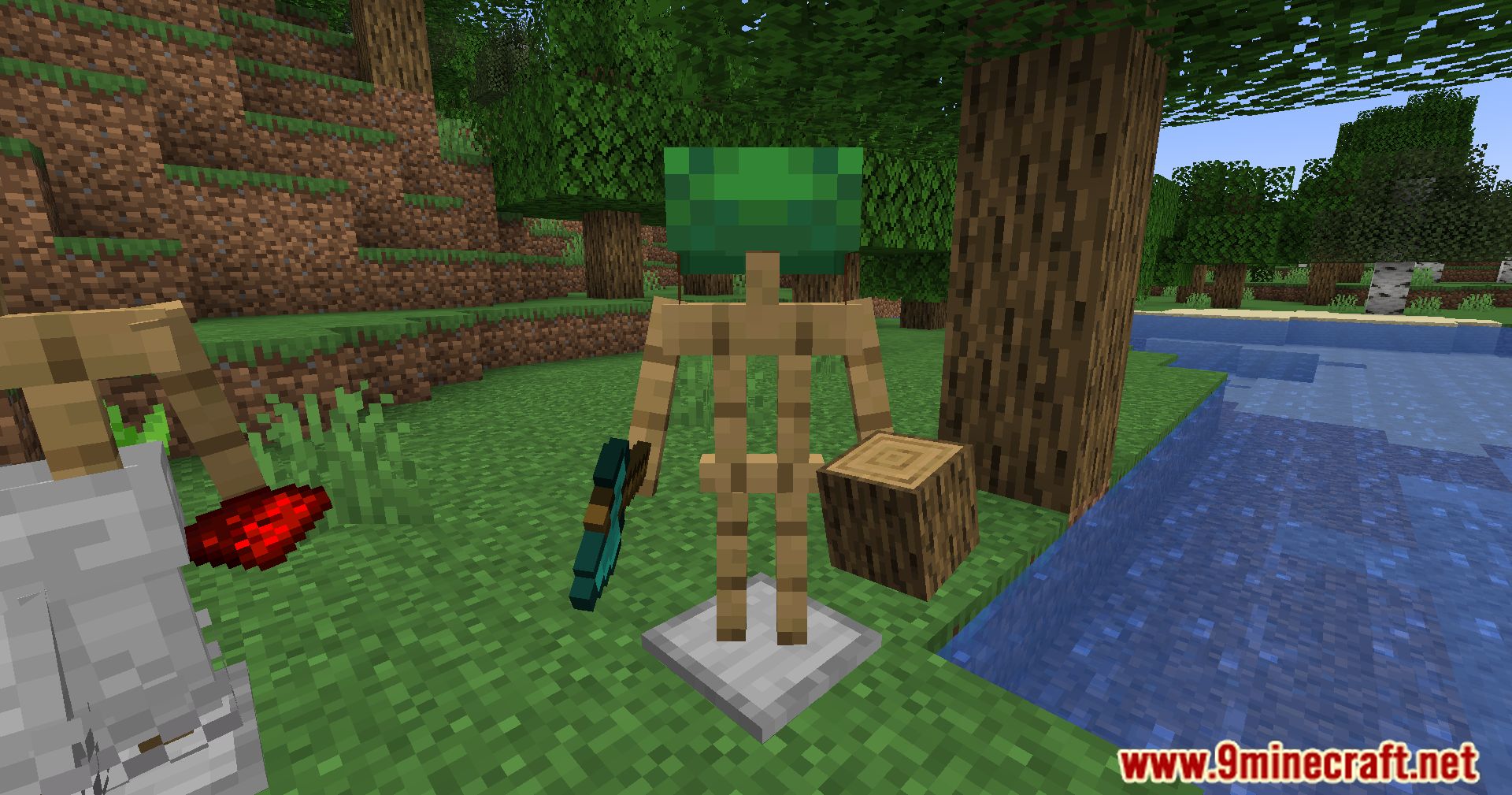
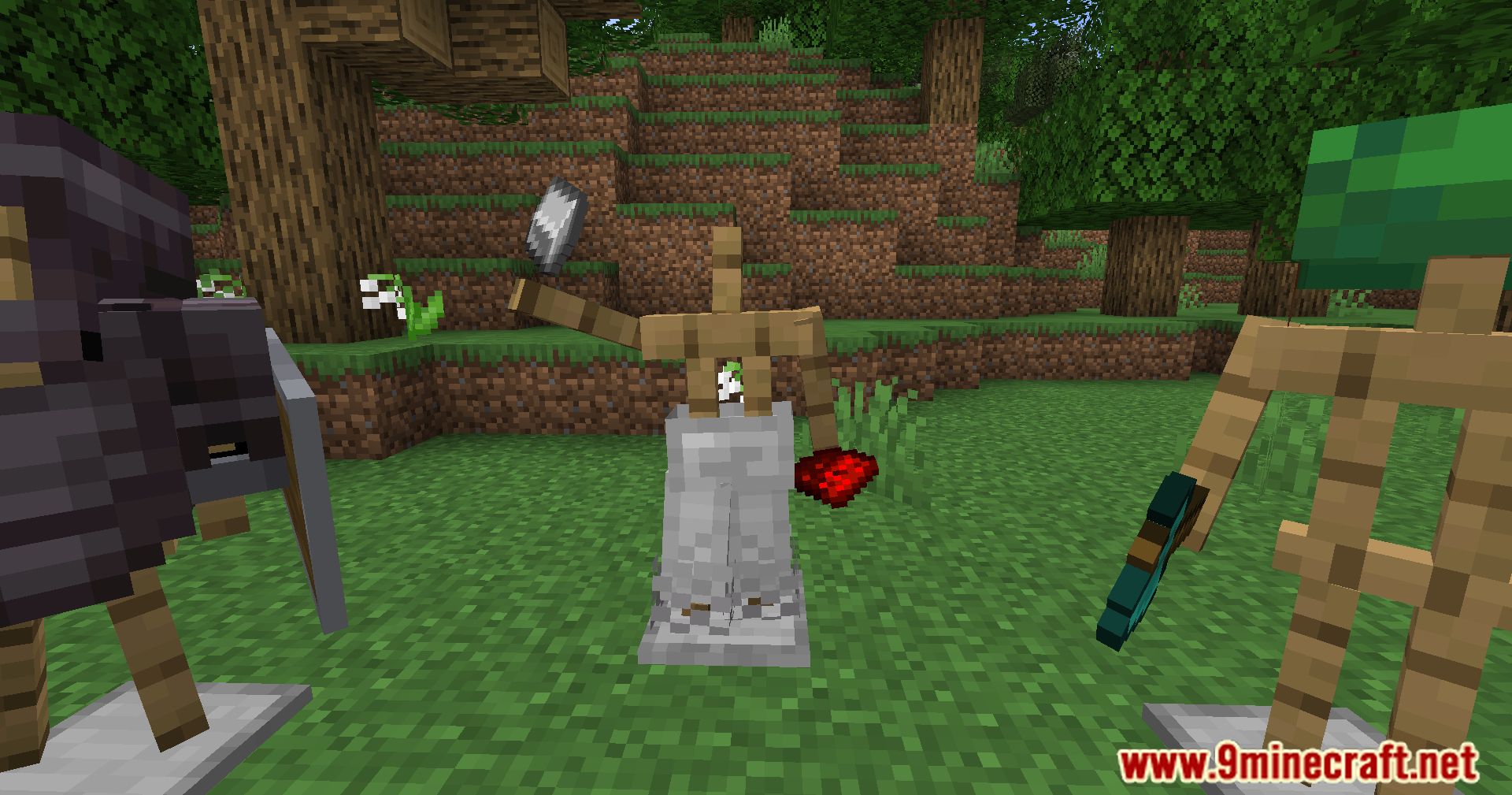
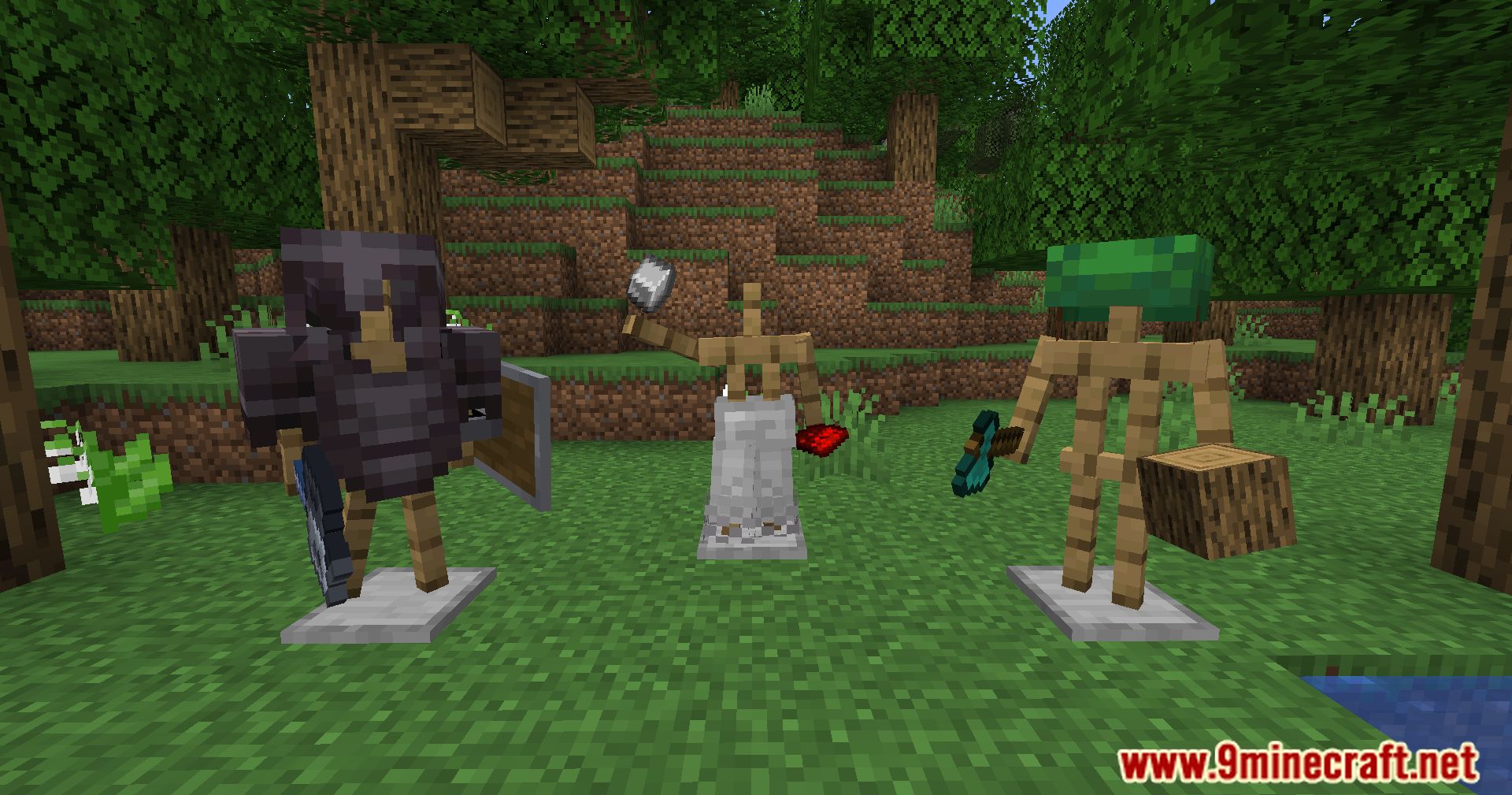
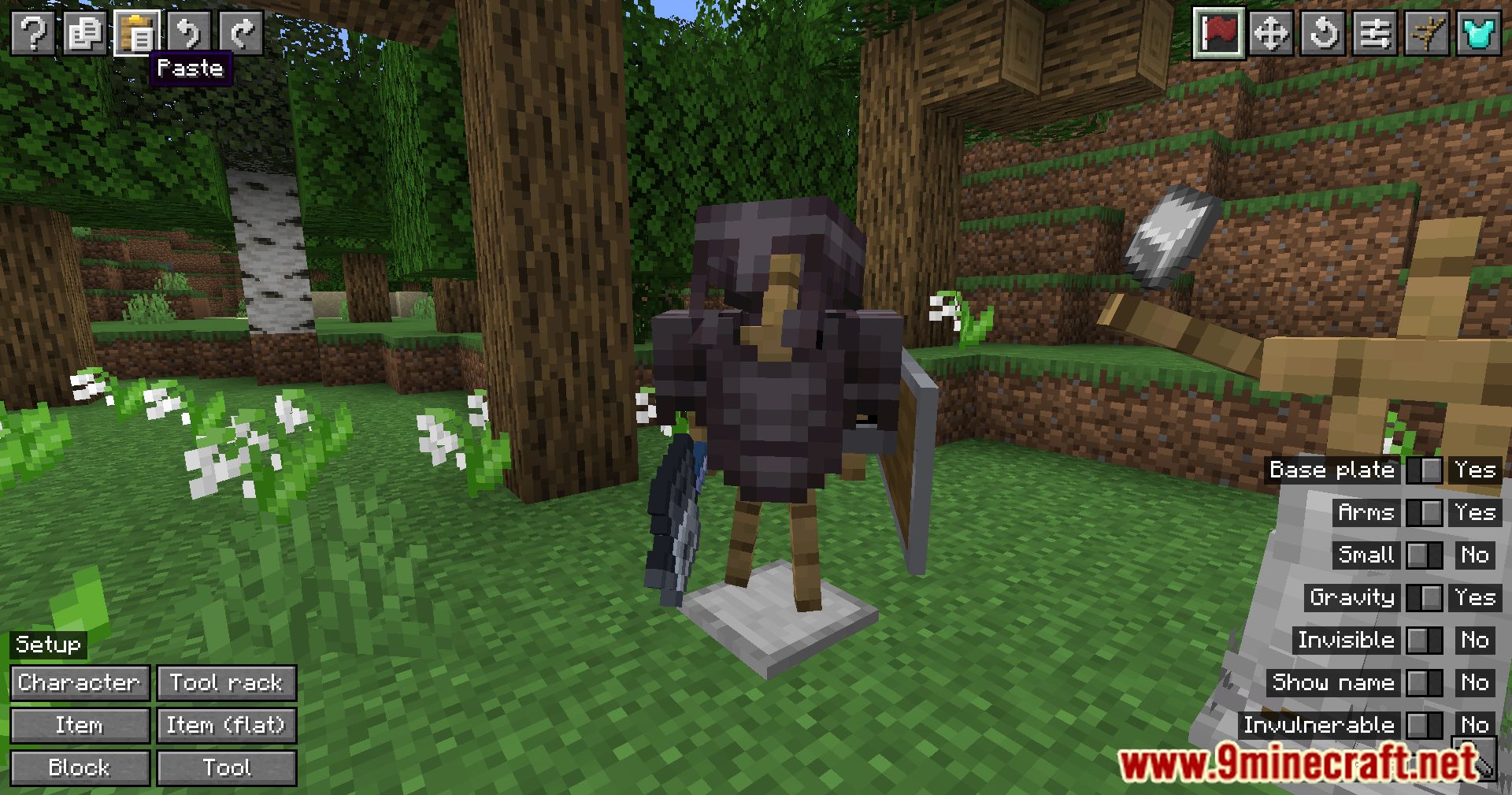
Open the armor stand's UI by right-clicking it, then use the equipment section to add armor pieces, weapons, or other items to the appropriate slots (head, chest, legs, feet, and hands).
What's the difference between the base plate toggle and visibility settings?
The base plate toggle removes or adds the wooden base beneath the armor stand, while visibility settings control whether the armor stand itself is visible or hidden while keeping equipped items visible.
See all 10 Armor Stands questions ›
Gallery
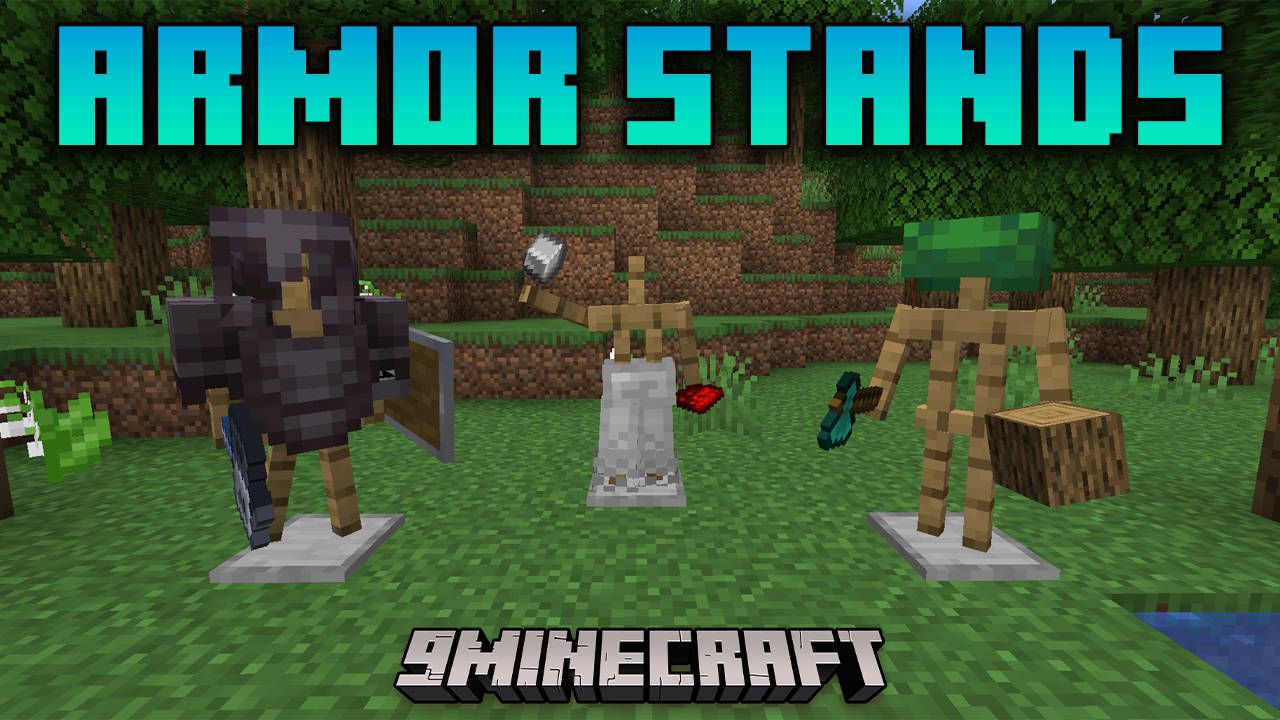
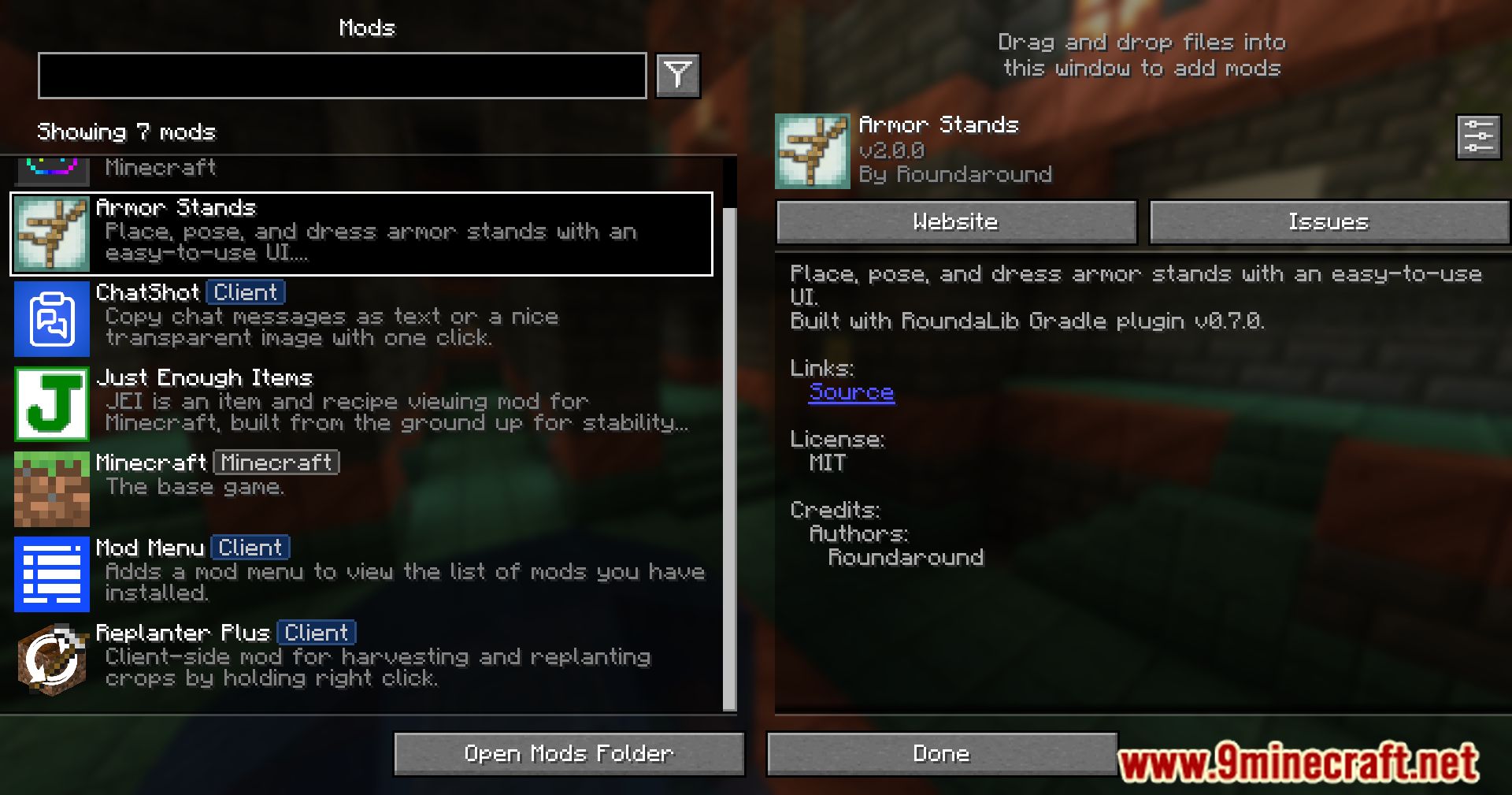
11 images from the Armor Stands Mod page.
You May Also Like
Wikis that share the most with this one
Wikis on the same theme: armor
More mod wikis on the site
The most downloaded mods that have a wiki here
A few wikis from each of the other kinds