

 DownloadArmor Stand Editor Mod
Get the files on 9Minecraft
Guides
Step-by-step, in-game.
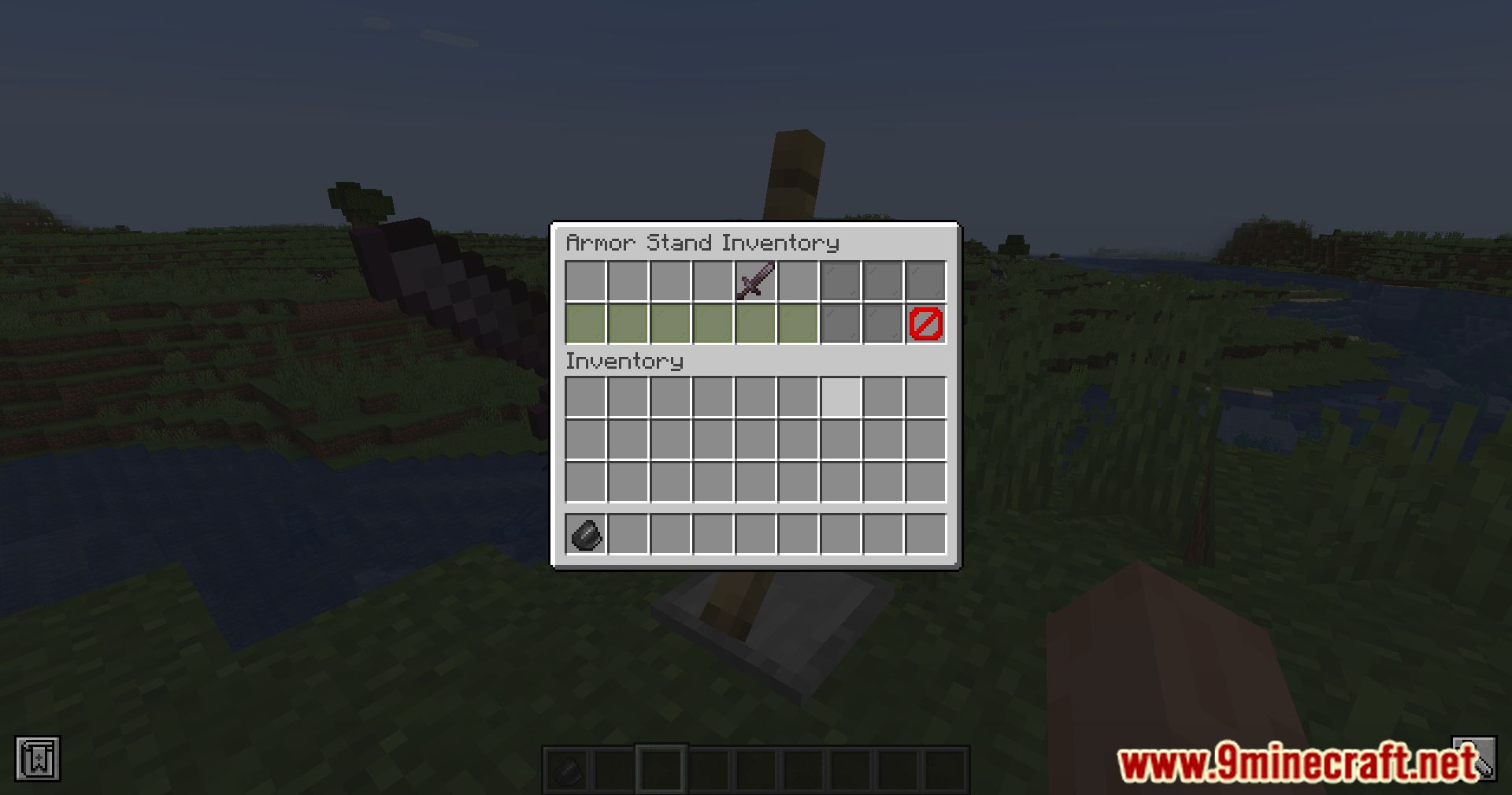
Equip Armor and Items on an Armor StandOpening the Equipment Menu With the editor open, navigate to the inventory section. This displays slots for helmet,…Open the Armor Stand Editor and Navigate the UIGetting Started To edit an armor stand, you need flint in your hand (or the configured editor item). Approach any…Resize Armor Stands and Apply Preset PosesUsing the Size Slider The editor includes a resize control that scales the armor stand up or down. Drag the slider to…Rotate Limbs and Create Custom PosesAccessing Limb Controls Once the editor is open, locate the limb rotation section. You can adjust each body part…
Frequently asked questions
How do I start editing an armor stand?
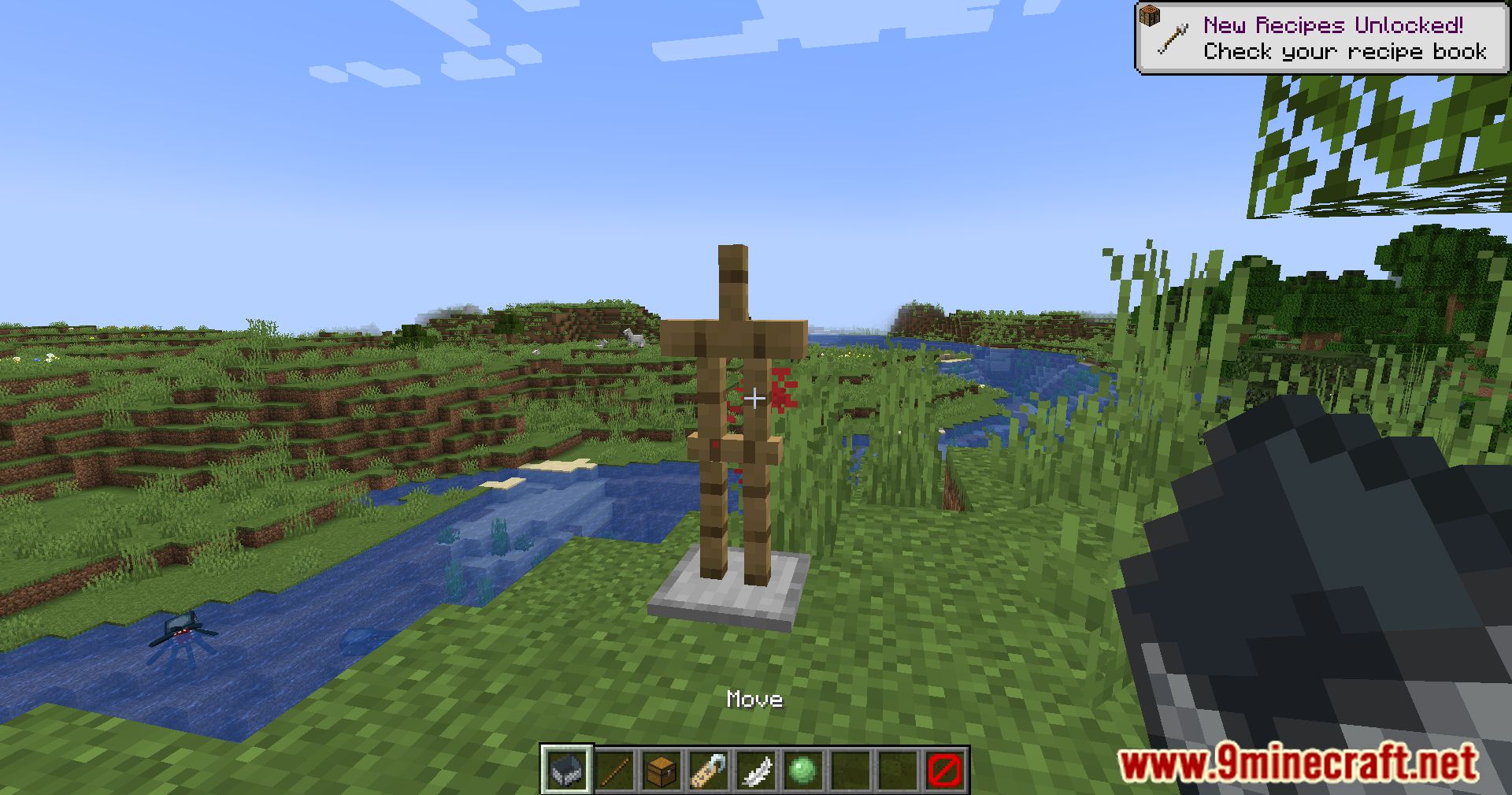
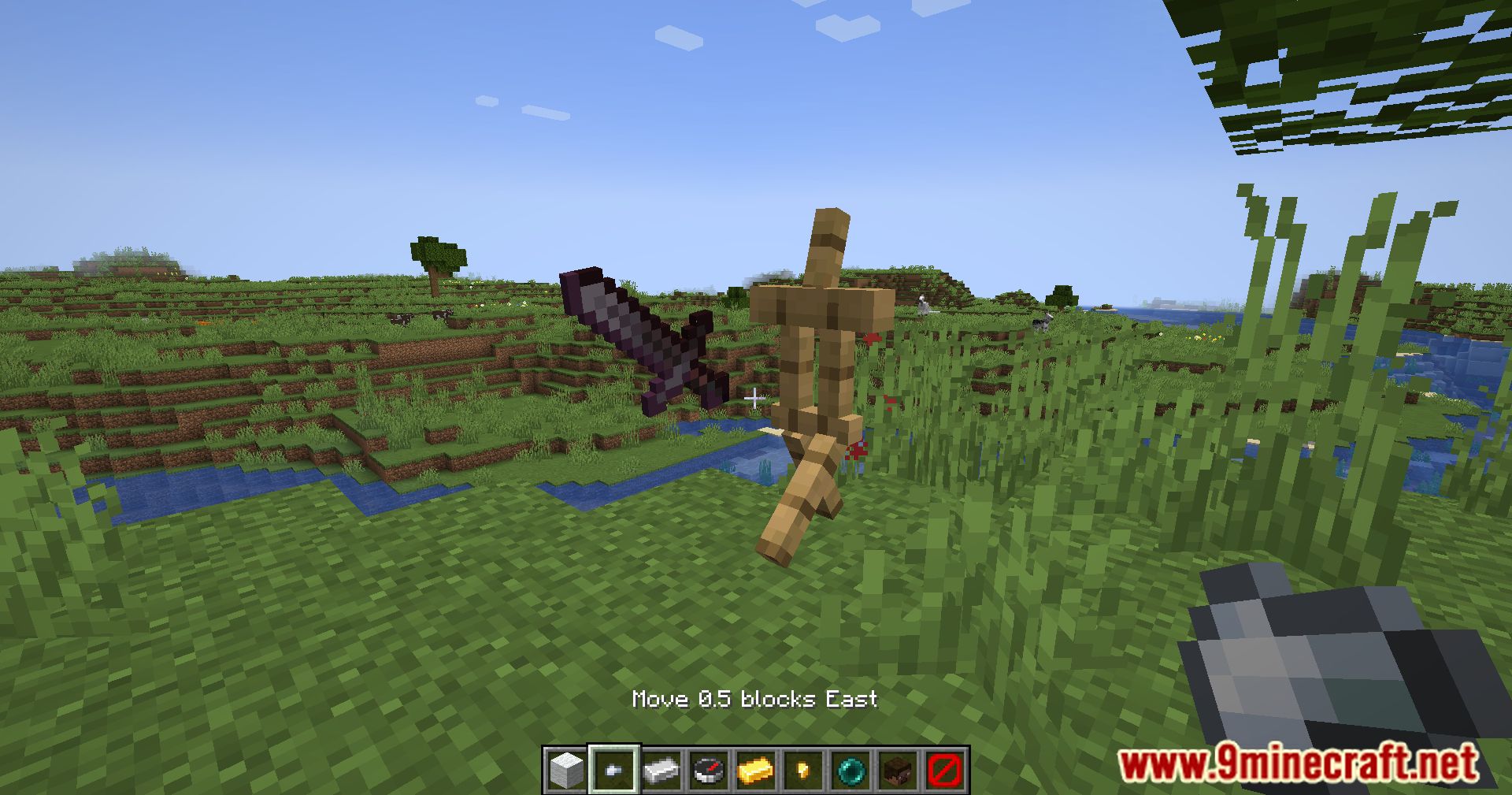
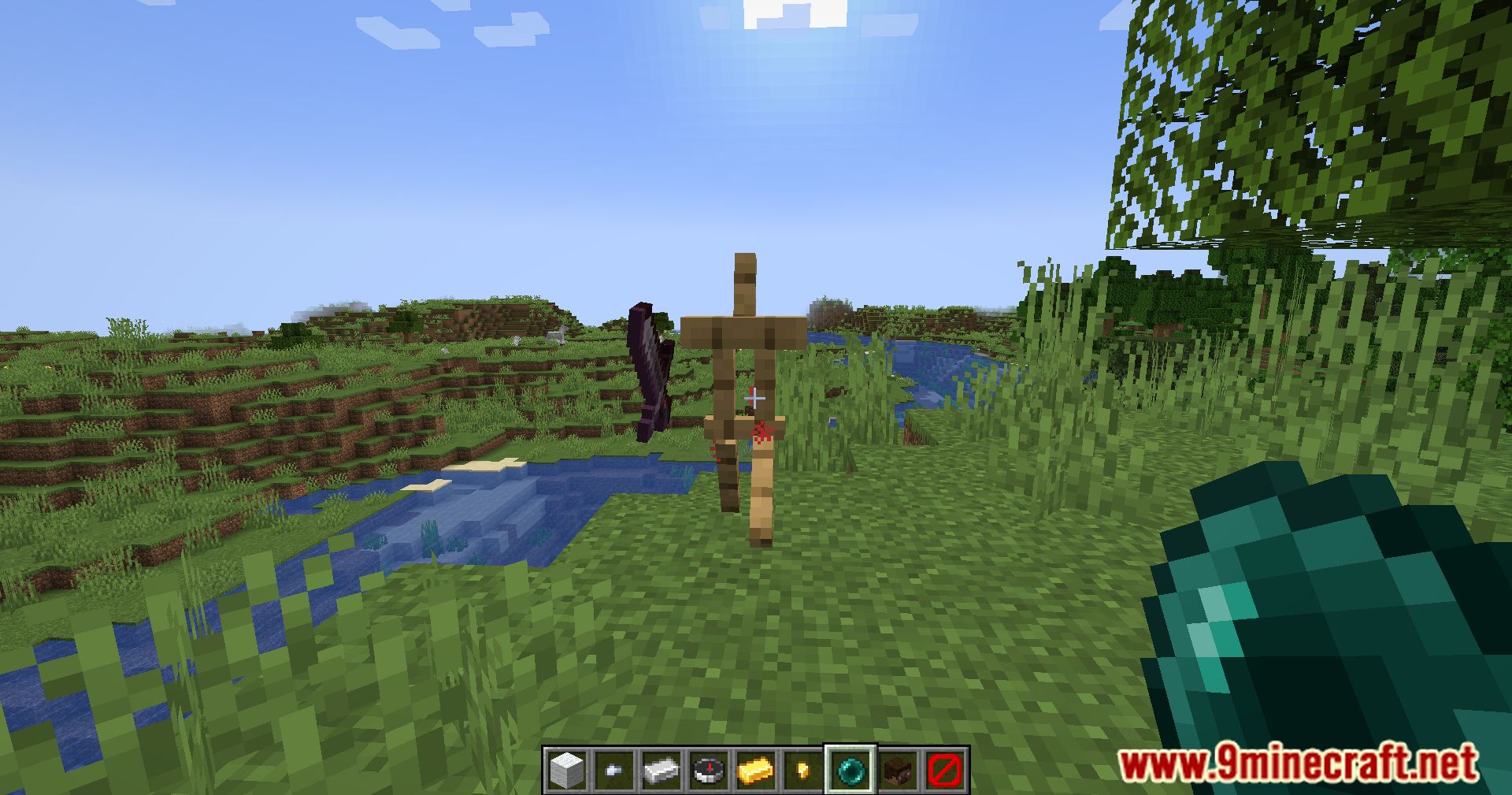
Hold flint in your hand and right-click on an armor stand to open the editor UI in your hotbar. The UI is purely visual and won't take up actual inventory slots, so you can edit while carrying items.
Can I use a different item instead of flint?
Yes, flint is the default tool, but the mod is configurable so you can change which item opens the editor through the mod's config file.
How do I rotate individual limbs?
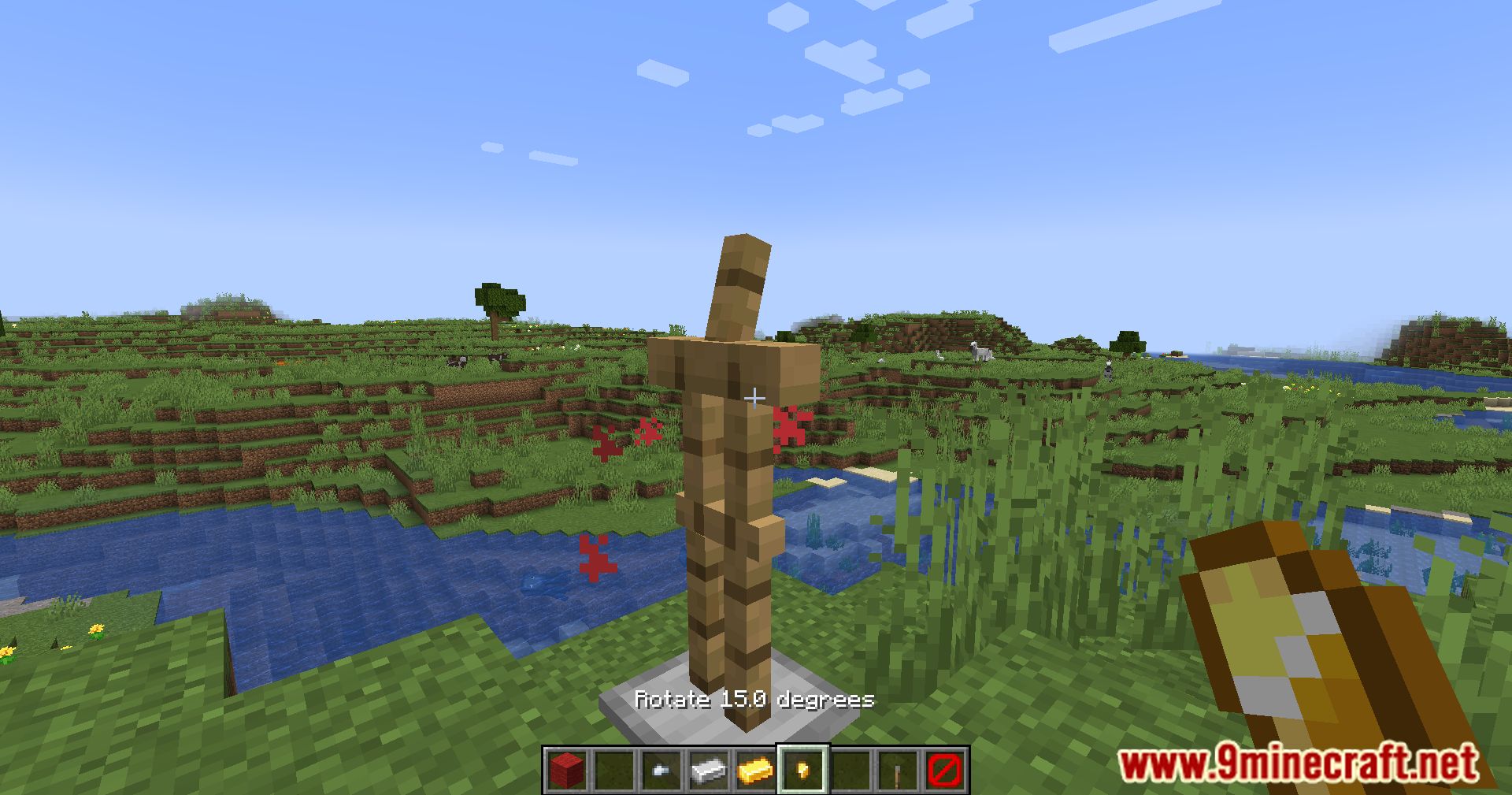
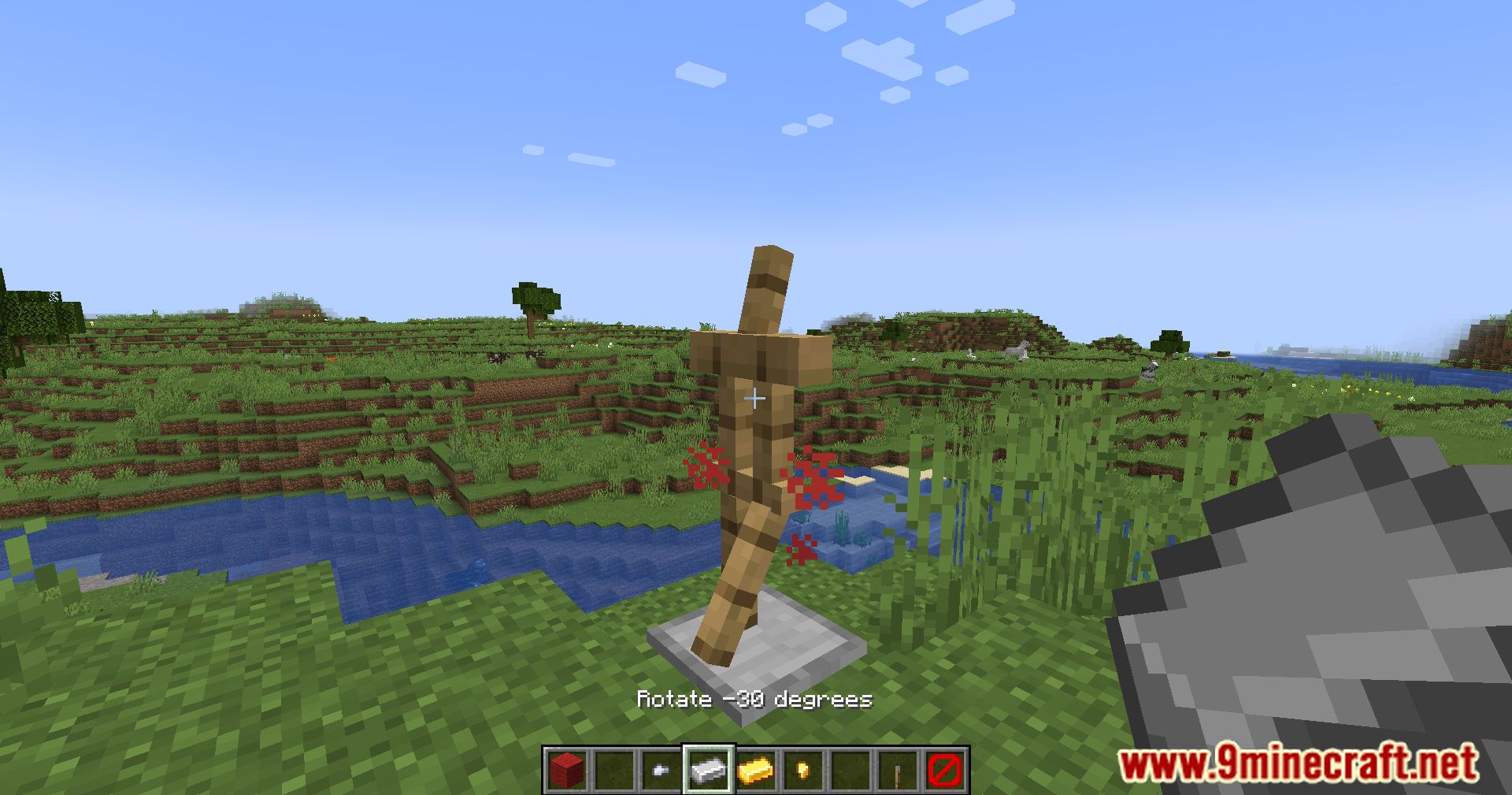
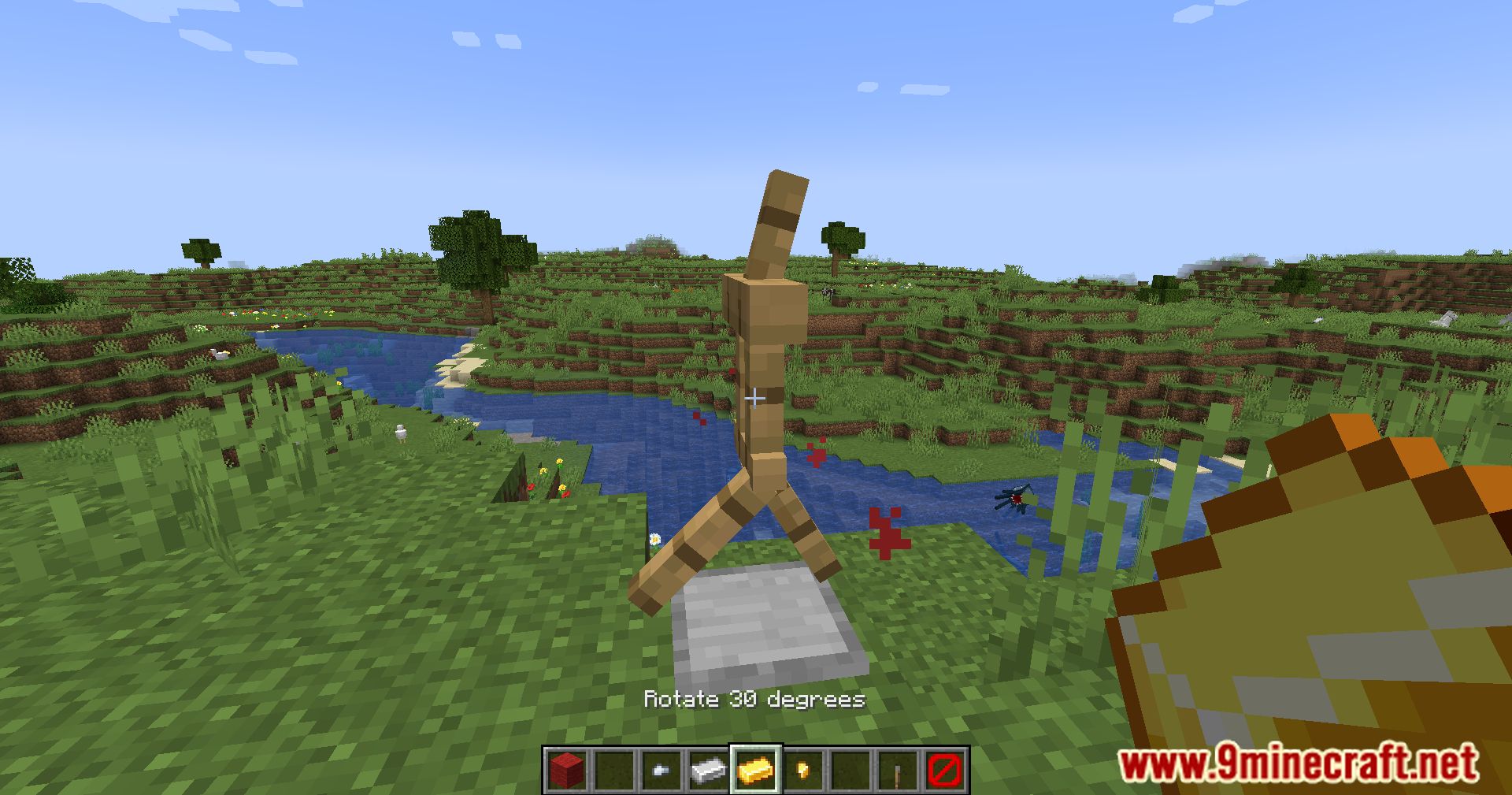
Open the editor UI and use the sliders for each limb (head, arms, legs, torso) to adjust rotation angles. You can also use quick action buttons to apply common rotations instantly.
What's the difference between rotating and positioning an armor stand?
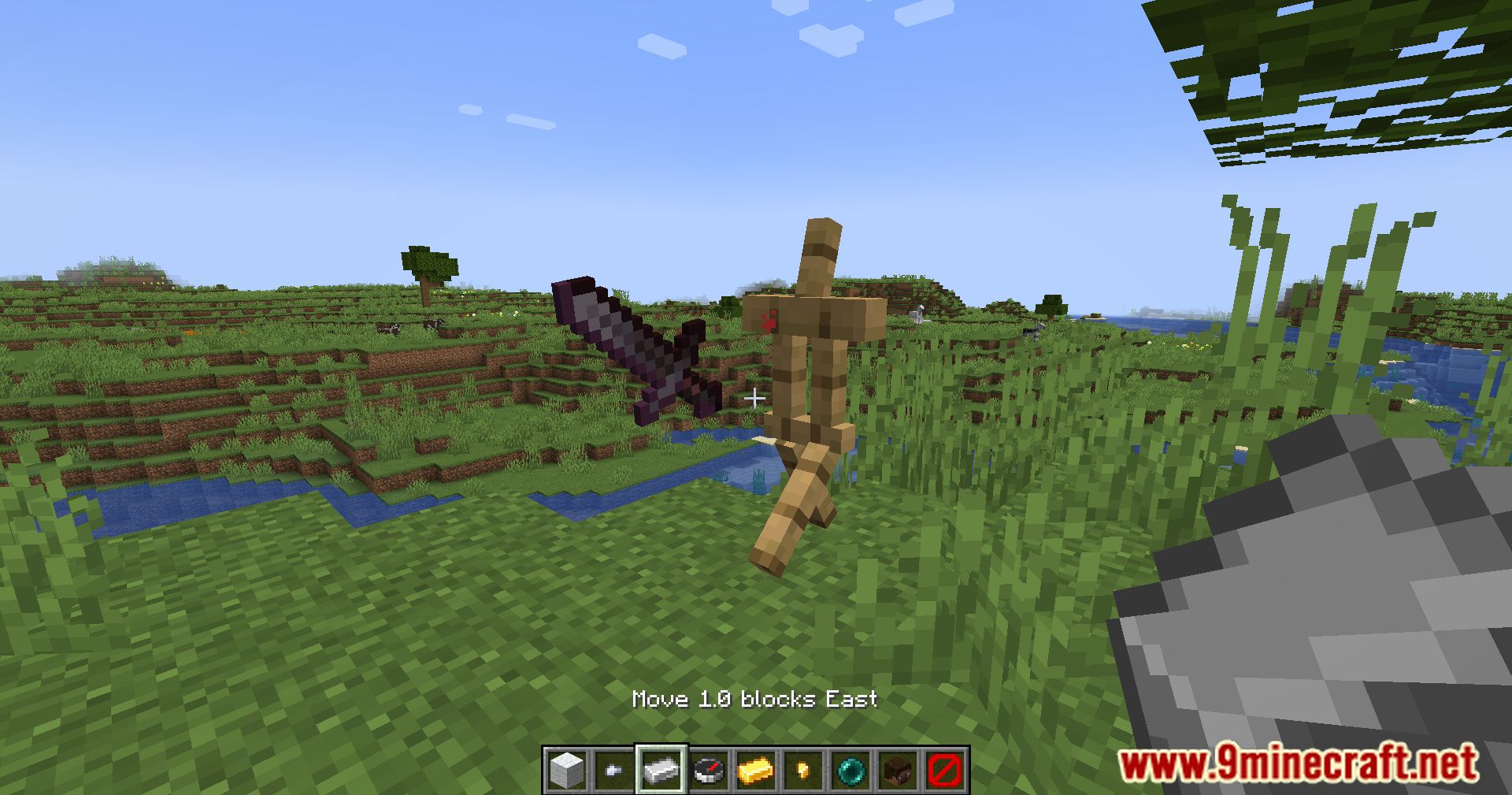
Rotating changes which direction a limb faces using angle sliders, while positioning moves the armor stand's location in the world using directional controls. Sensitivity settings let you fine-tune how much each input moves or rotates.
See all 10 Armor Stand Editor questions ›
Gallery
12 images from the Armor Stand Editor Mod page.
You May Also Like
Wikis that share the most with this one
Wikis on the same theme: armor
More mod wikis on the site
The most downloaded mods that have a wiki here
A few wikis from each of the other kinds