

 DownloadAreas Mod
Get the files on 9Minecraft
Guides
Step-by-step, in-game.
How to Build Complex Shaped Regions by Overlapping AreasWhy Overlap A single sign only produces a circular area. To make an L-shaped building, a long road, or an irregular…How to Create Your First Area with a SignPlacing the Sign Craft a sign (any wood type works) and place it on a block where you want the center of your area to…How to Customize Entry and Exit Messages and ColorsEditing Messages on the Sign Right-click your area sign to reopen the edit screen. Beyond the name and radius, there…How to Set Up Areas on a Multiplayer ServerThe Installation Requirement Areas Mod is not server-side only. Every player who connects must have the mod installed…
Frequently asked questions
How do I make my first area?
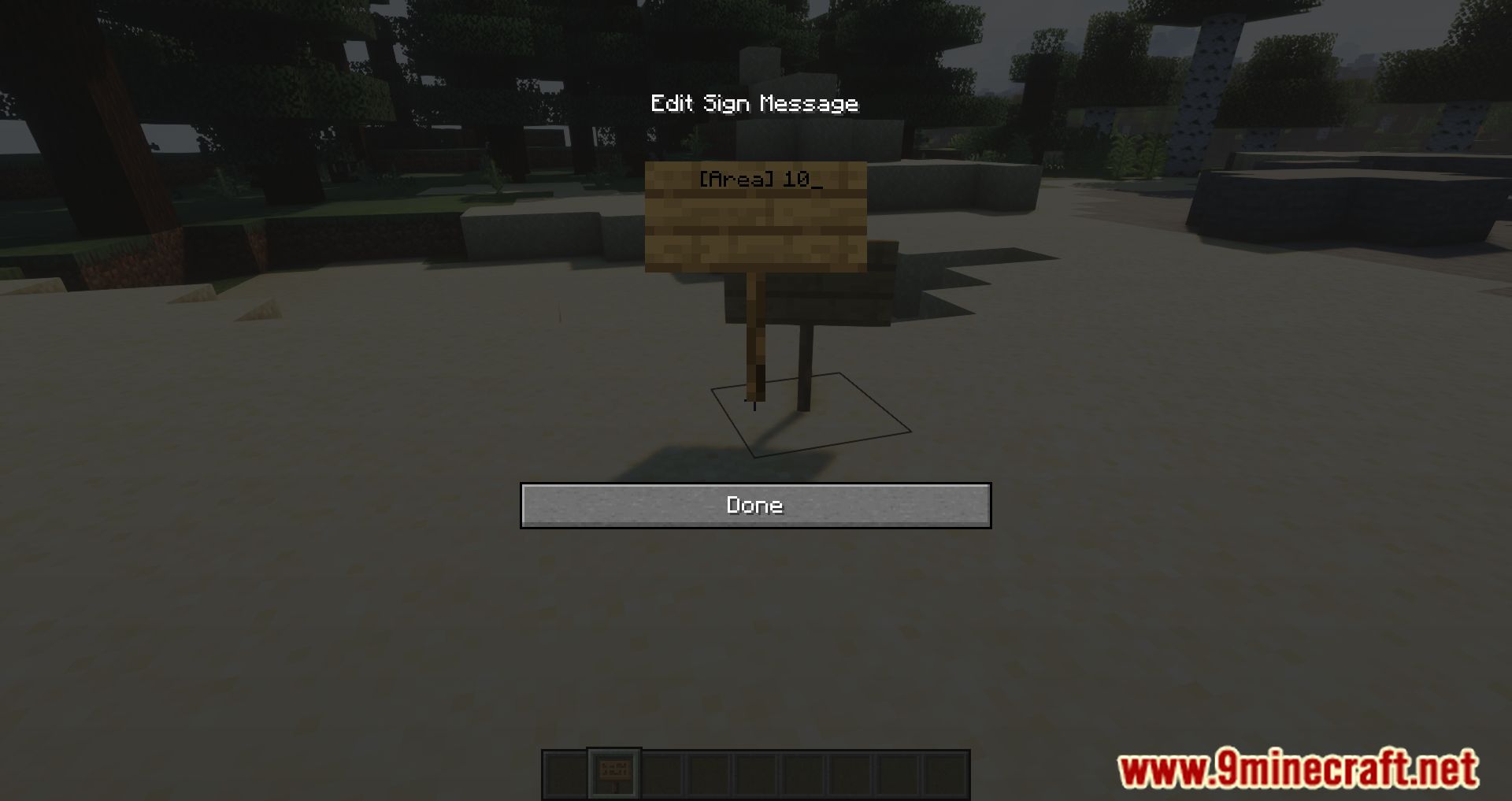
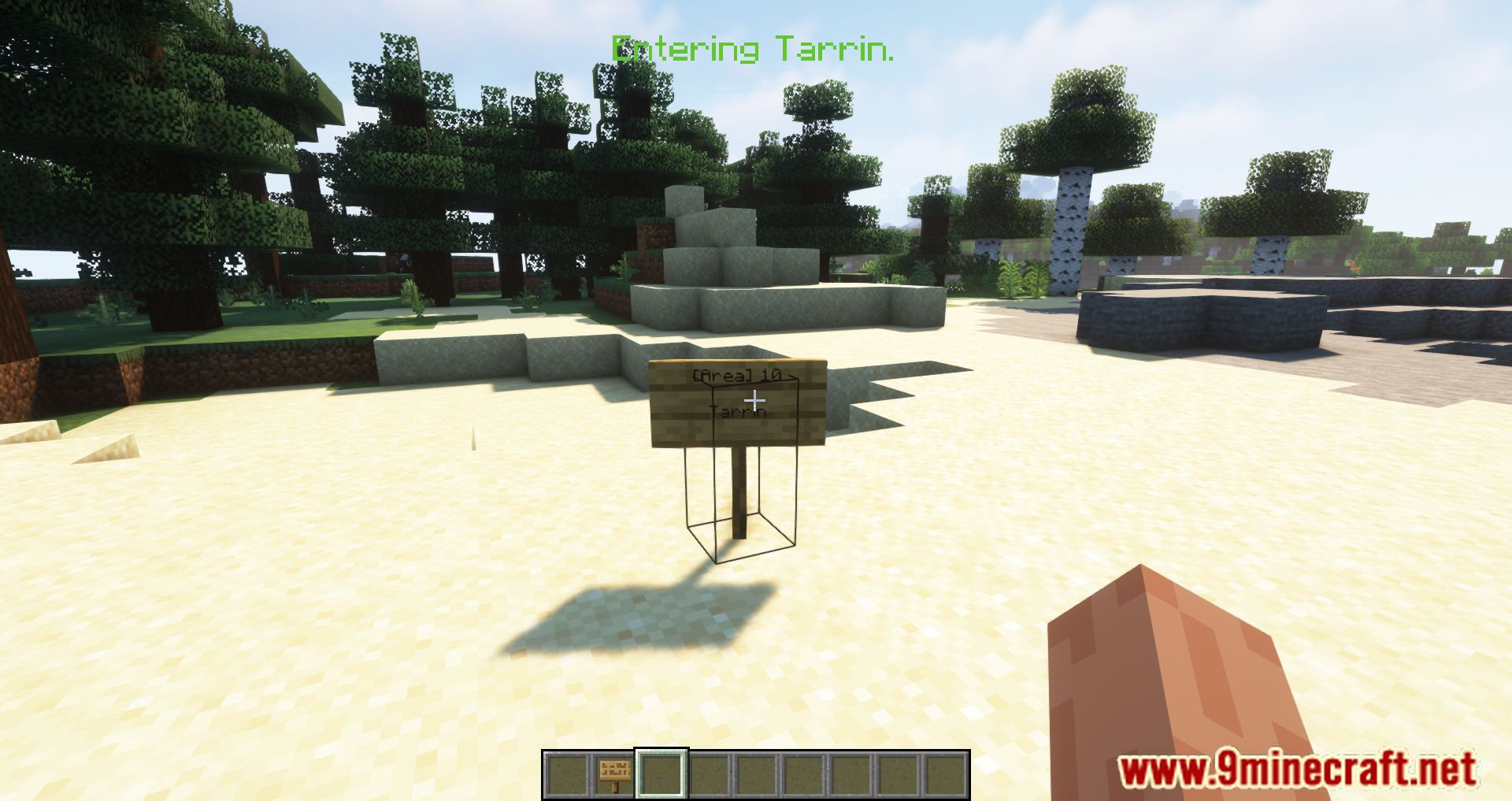
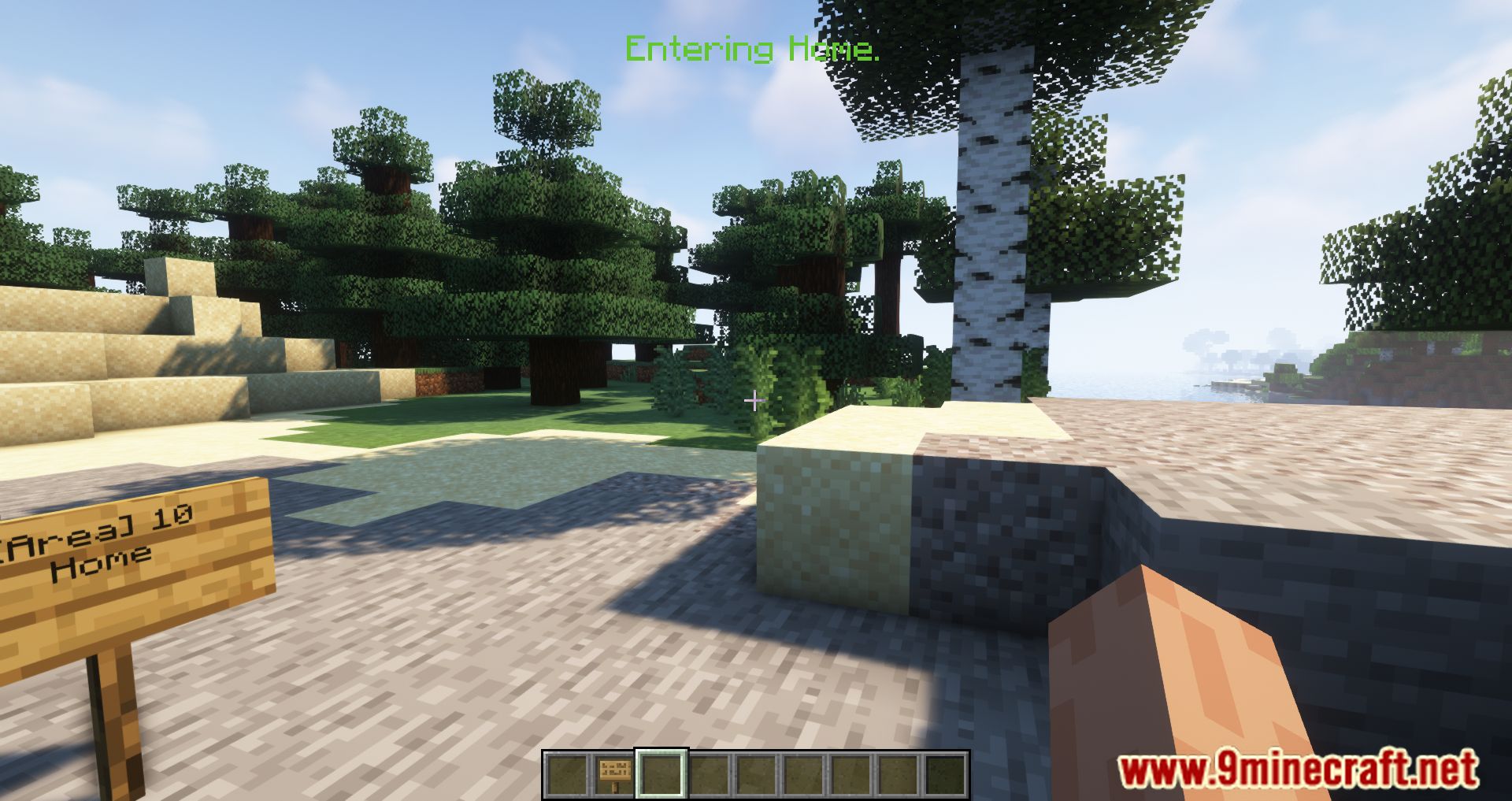
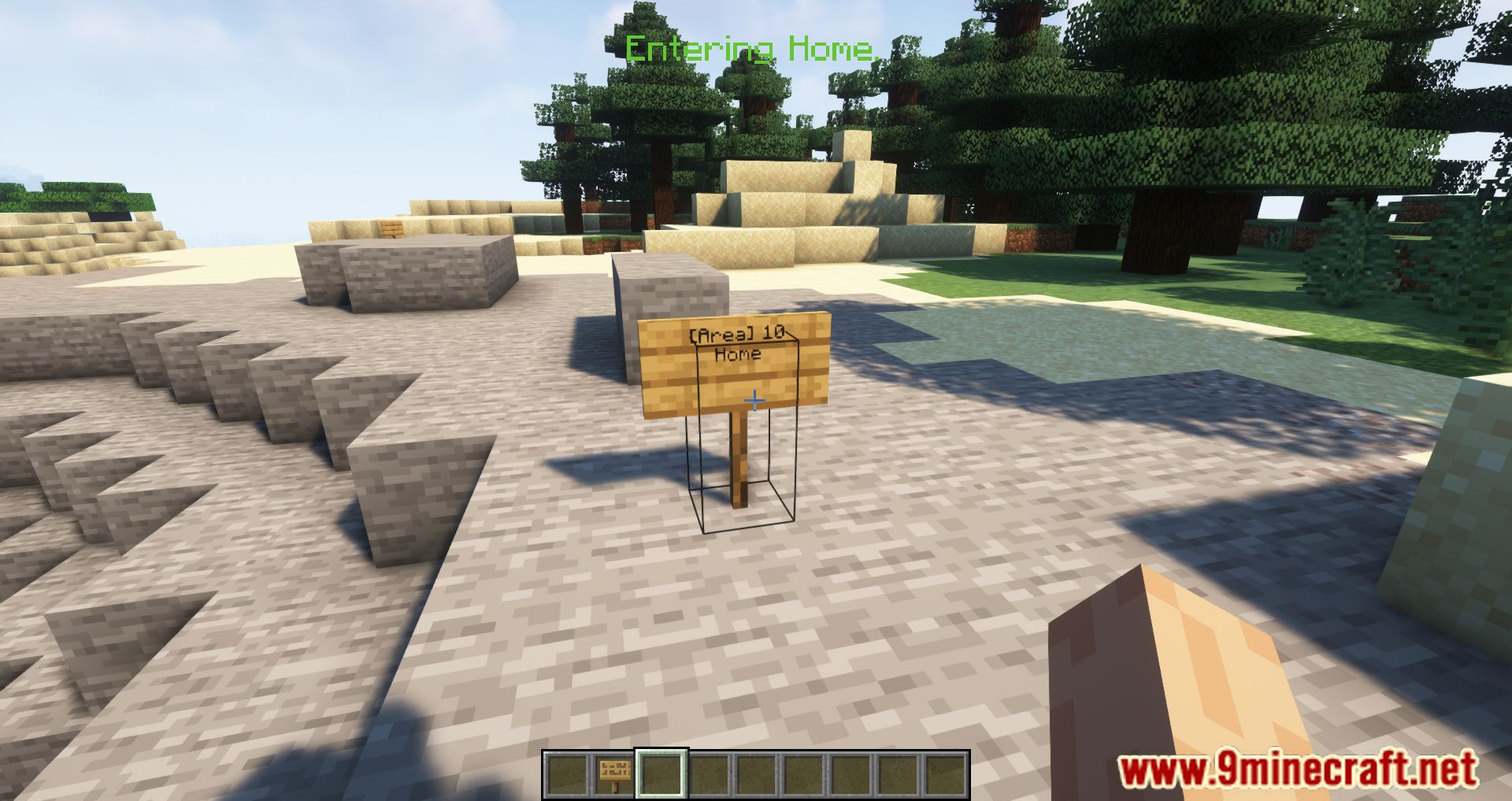
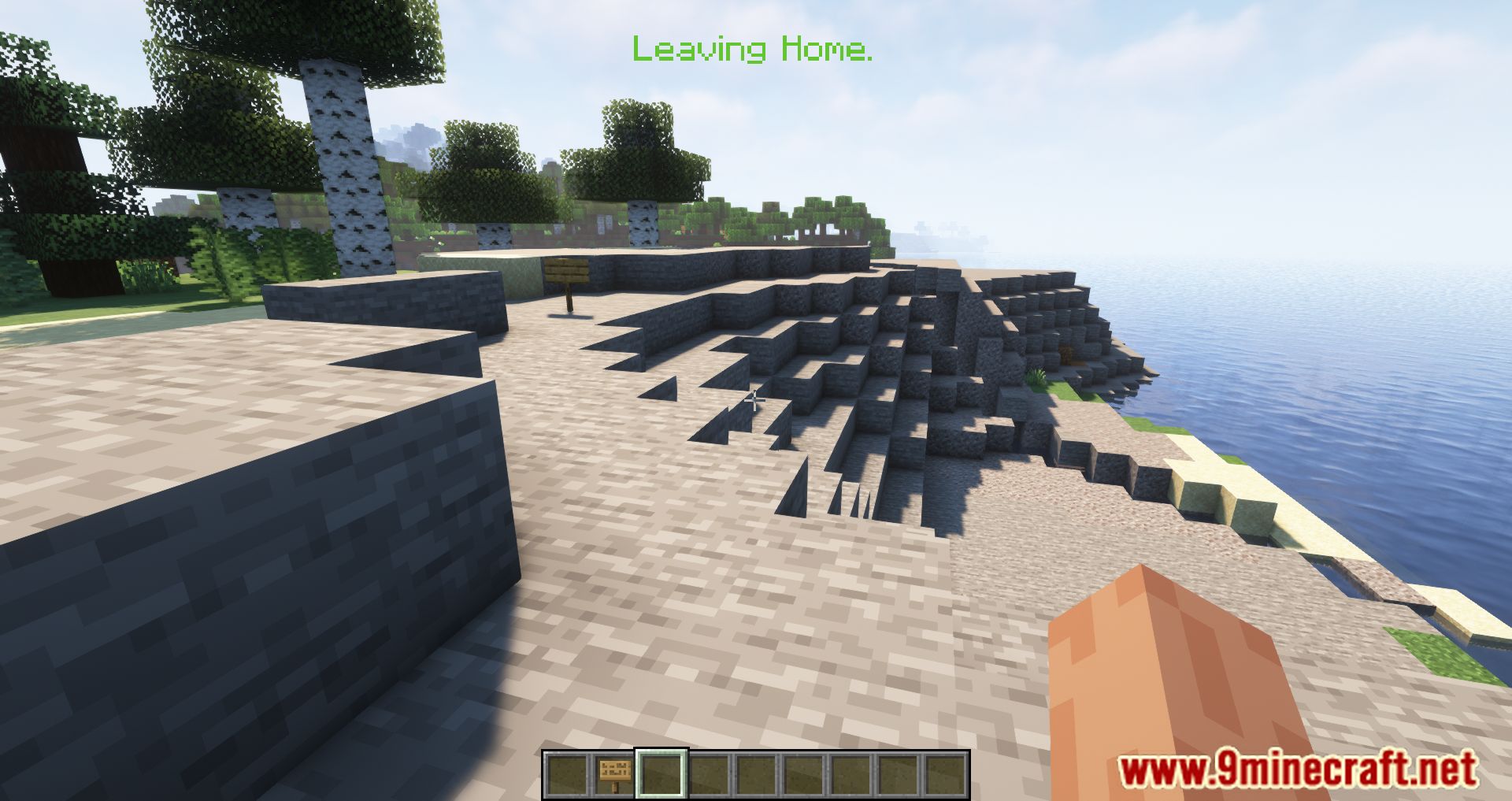
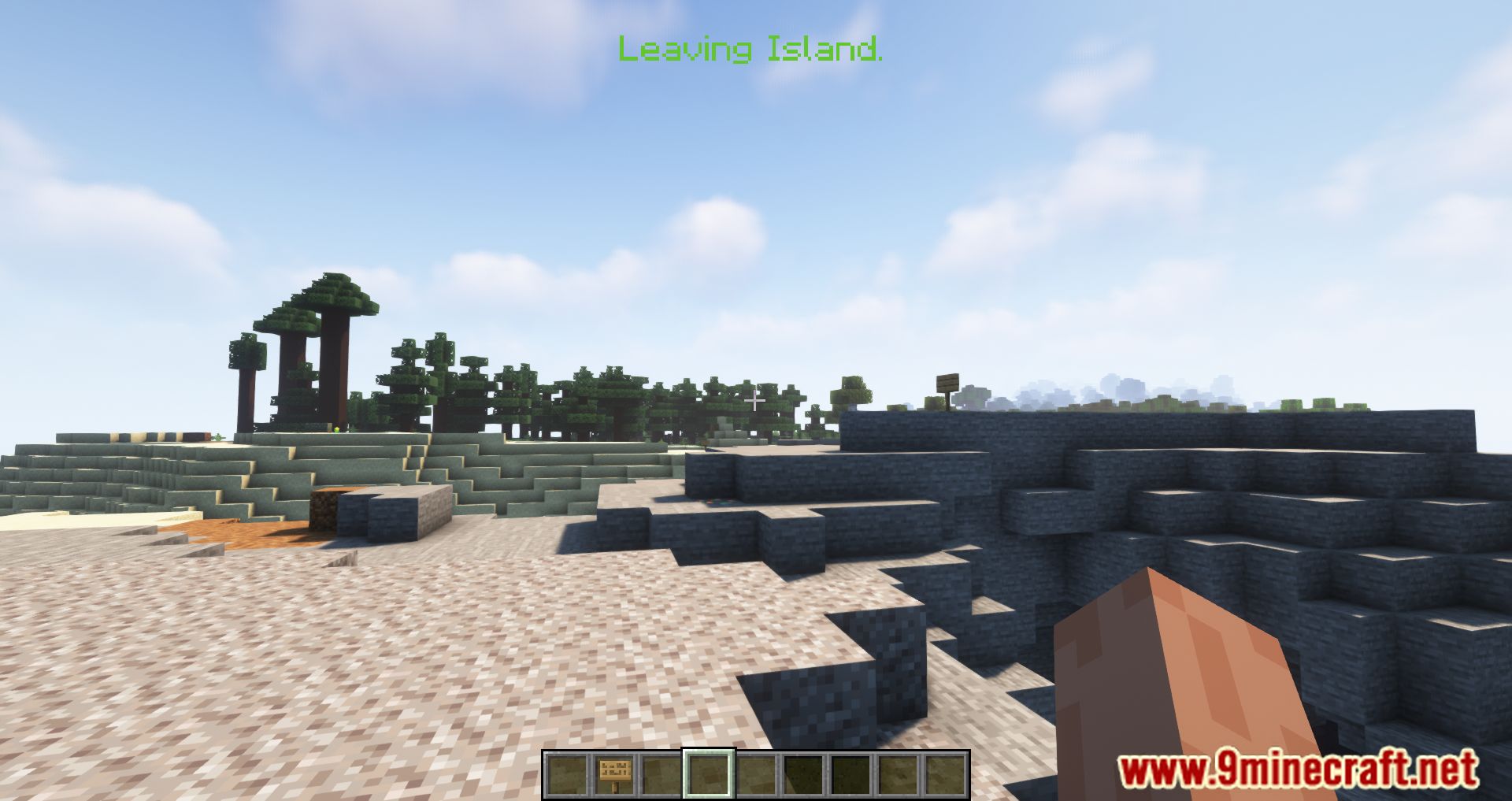
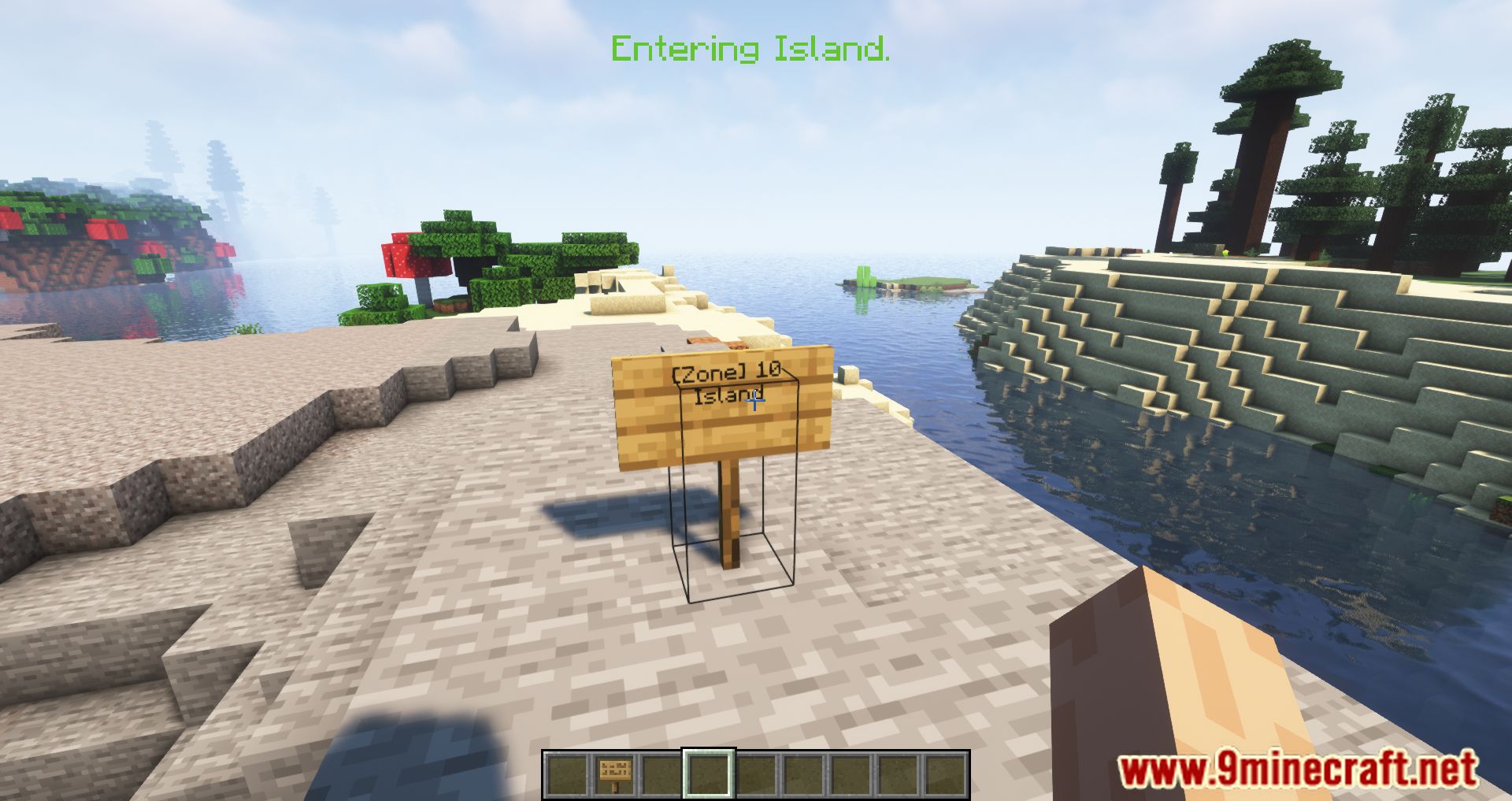
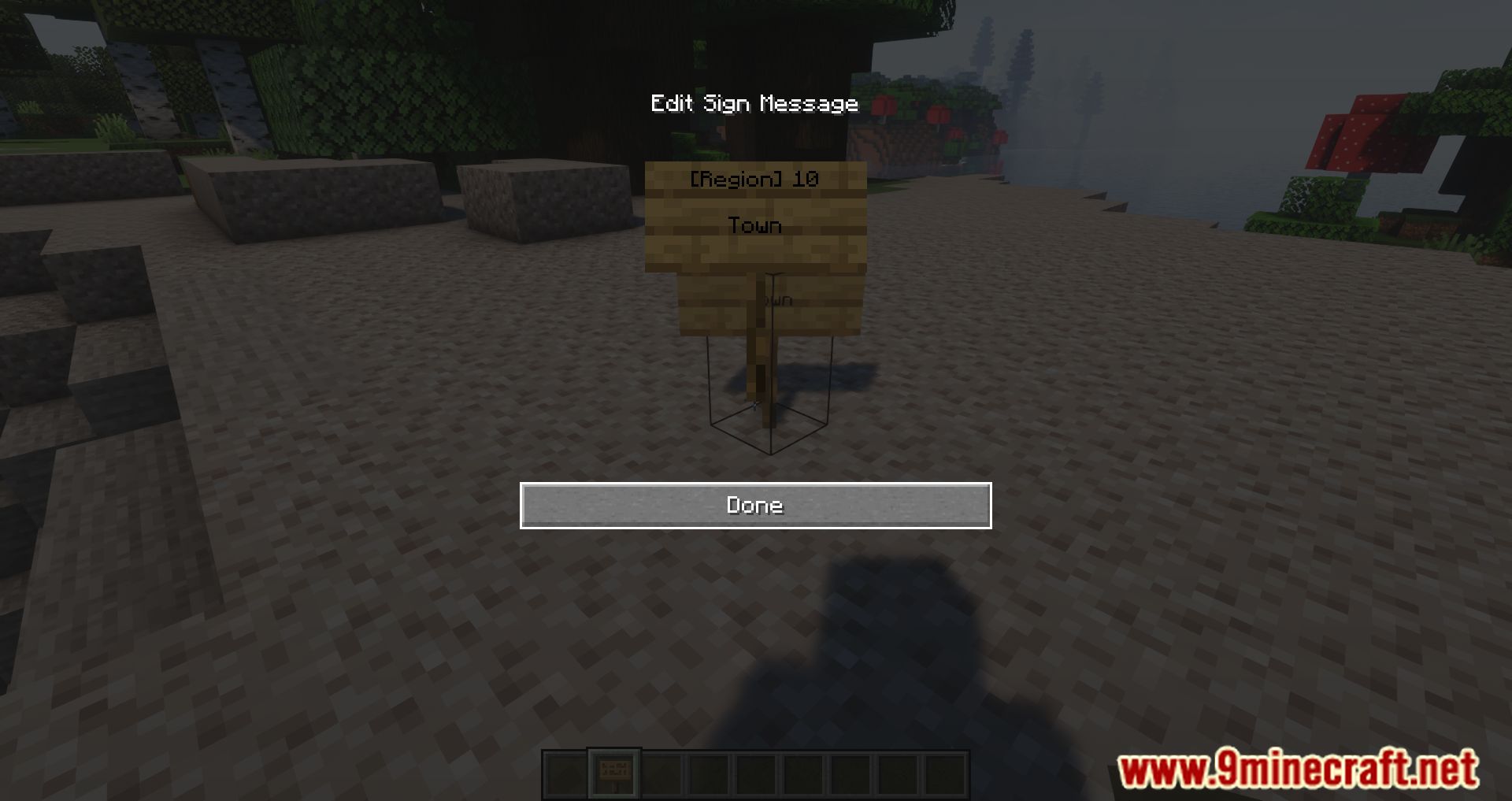
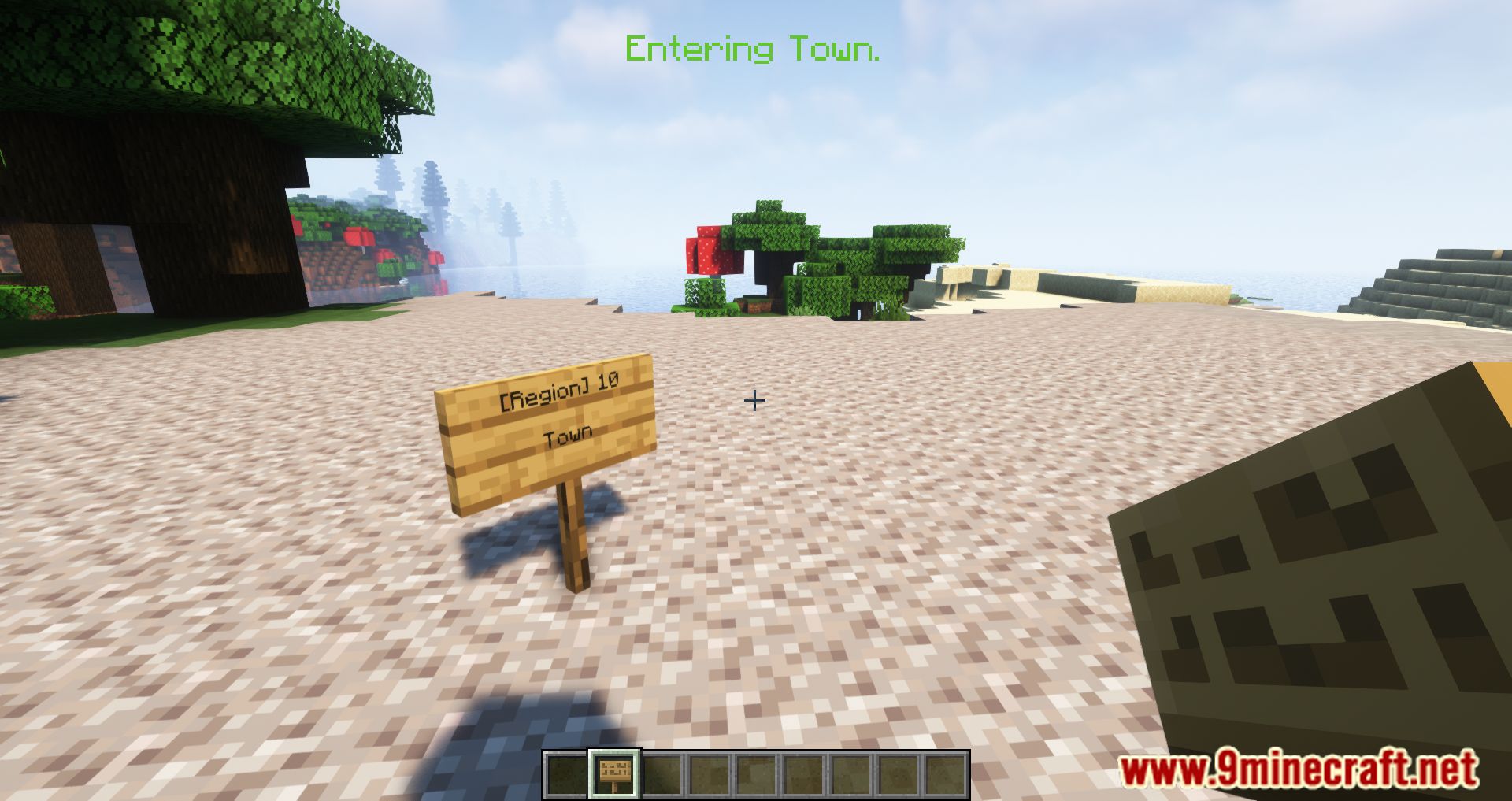
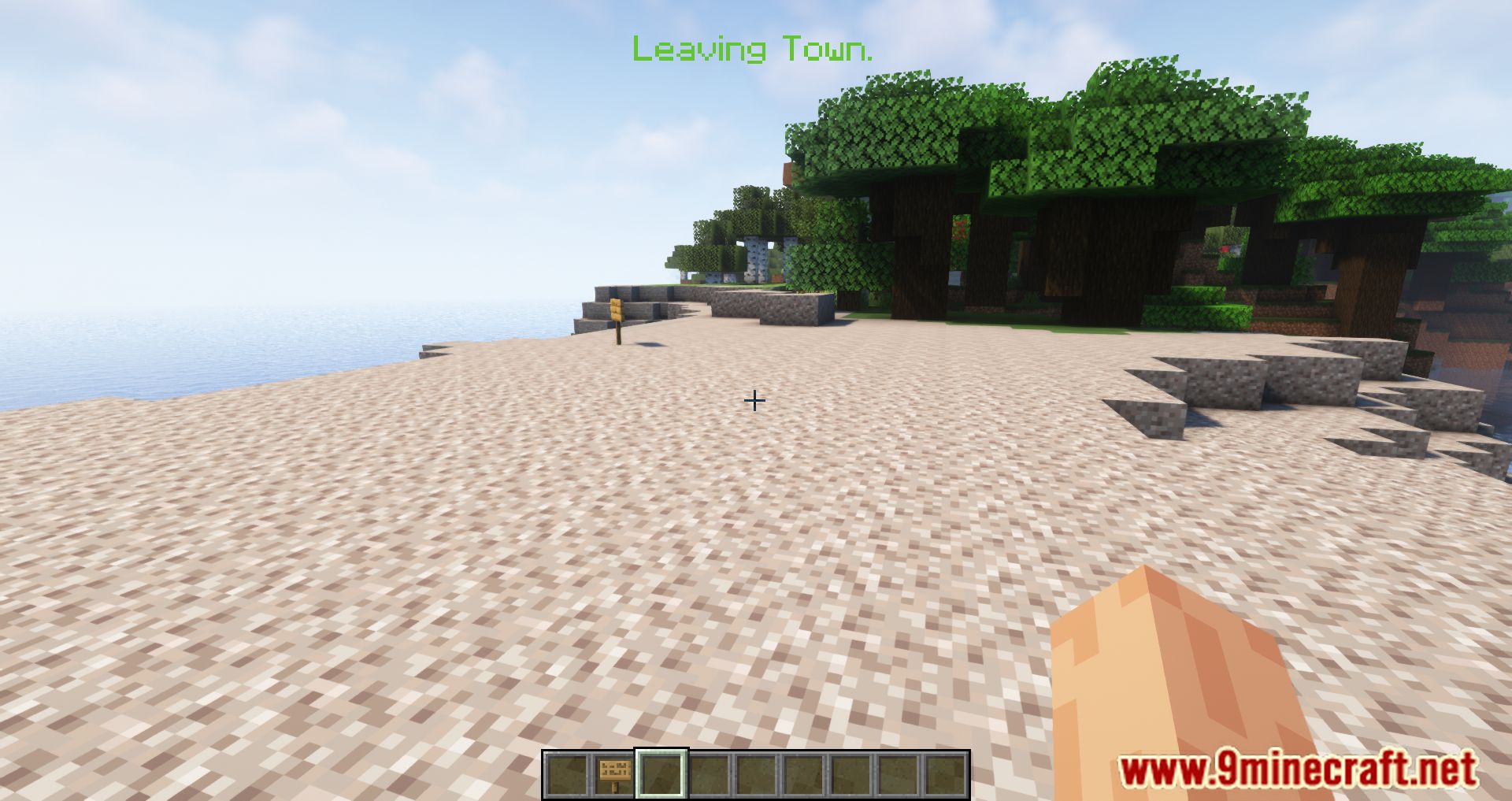
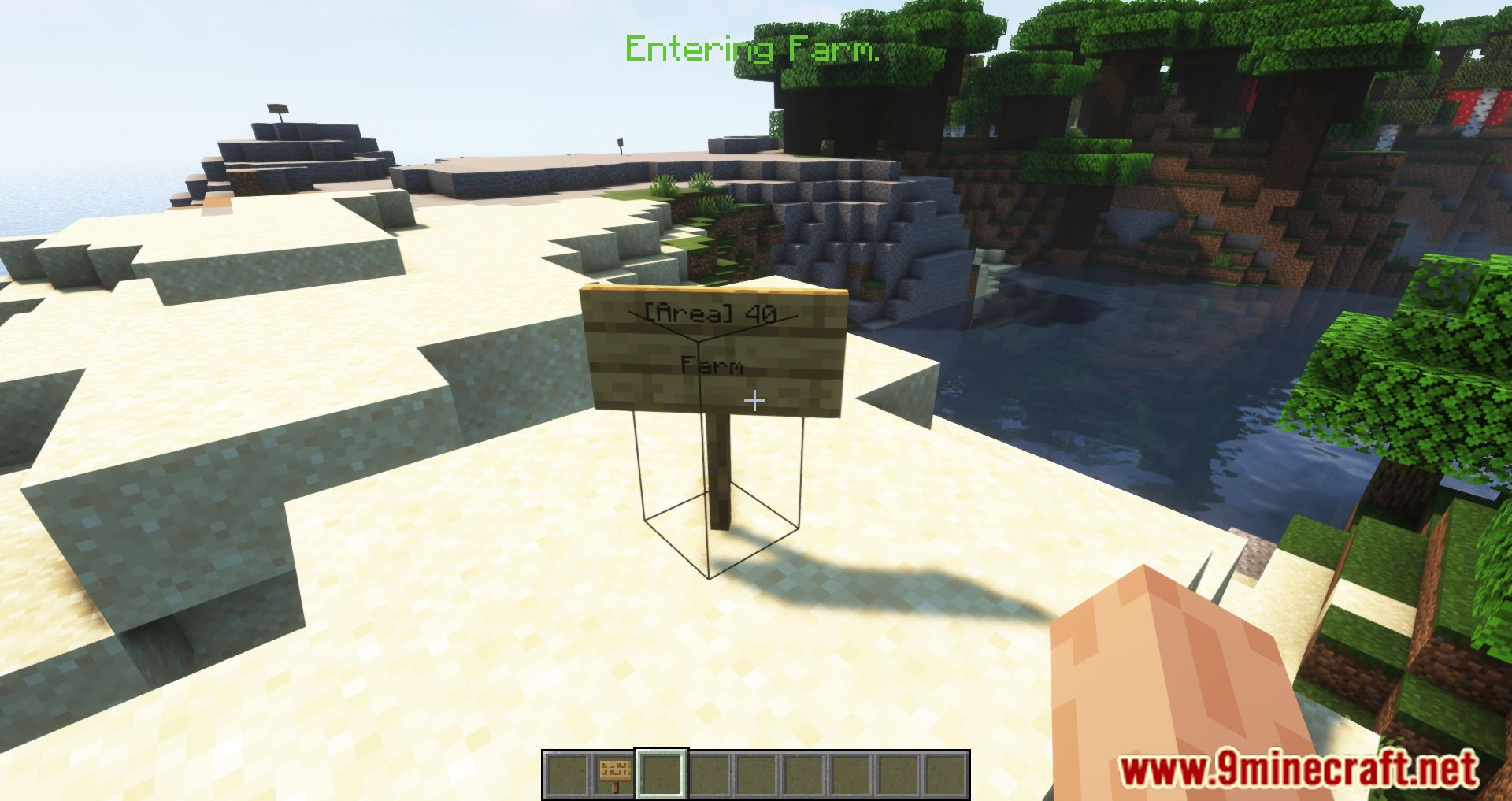
Place a sign on the ground and write the area name on the first line, then the radius on the second line. Once the sign is placed, the area is created and you'll get a notification when you enter it.
What do I write on the sign to set the radius?
Put the area name on the top line and a number for the radius on the second line. The radius is measured in blocks from the sign, and you can use any value you want.
Why isn't my area working after I place the sign?
Make sure the sign has the area name on the first line and a valid number on the second line, and that you're standing within the radius. If the sign text is wrong or the radius is missing, the area won't be created.
How do I change the color of the area notification?
Add a color code to the area name or message on the sign using the standard formatting codes. The color you set will be used for the entry and exit messages.
Gallery
12 images from the Areas Mod page.
You May Also Like
Wikis that share the most with this one
More mod wikis on the site
The most downloaded mods that have a wiki here
A few wikis from each of the other kinds