

 DownloadArda Regions Mod
Get the files on 9Minecraft
Guides
Step-by-step, in-game.
Create and Draw a Custom ZoneSetting Up Your Zone Custom zones let you mark specific areas on your map—towns, dungeons, forests, or kingdoms.…Organize Zones Hierarchically with Parent ZonesUnderstanding Zone Hierarchy Parent zones let you create a nested structure—smaller zones belong to larger ones. For…Reset Player Exploration ProgressWhen to Reset Progress Sometimes players want to re-experience discovering your world, or you may need to clear…Set Up BlueMap Integration for Live Terrain DisplayWhy Use BlueMap BlueMap renders your server's actual terrain as an interactive web map. Integrating it with Arda…
Frequently asked questions
How do I start creating zones after installing the mod?
Use the mod's zone creation tool (usually accessed via command or in-game menu) to enter drawing mode, then click points on your map to define the boundaries of your zone. Once you've closed the shape, give it a name and save it.
Can I make zones inside other zones?
Yes, you can set up parent-child relationships between zones so that smaller areas (like a shop) belong to larger ones (like a town). This keeps your region hierarchy organized and lets players see both the specific location and the broader area they're in.
What happens if a player explores the whole map and wants to start over?
Server owners can reset individual player exploration progress or clear it for everyone using the mod's reset tools, which will make all zones appear as undiscovered again the next time players enter them.
Do I need BlueMap to use this mod?
No, BlueMap is optional—the mod works fine on its own. However, integrating BlueMap lets you display live terrain from your actual server on the region screen instead of using a static image.
See all 10 Arda Regions questions ›
Gallery
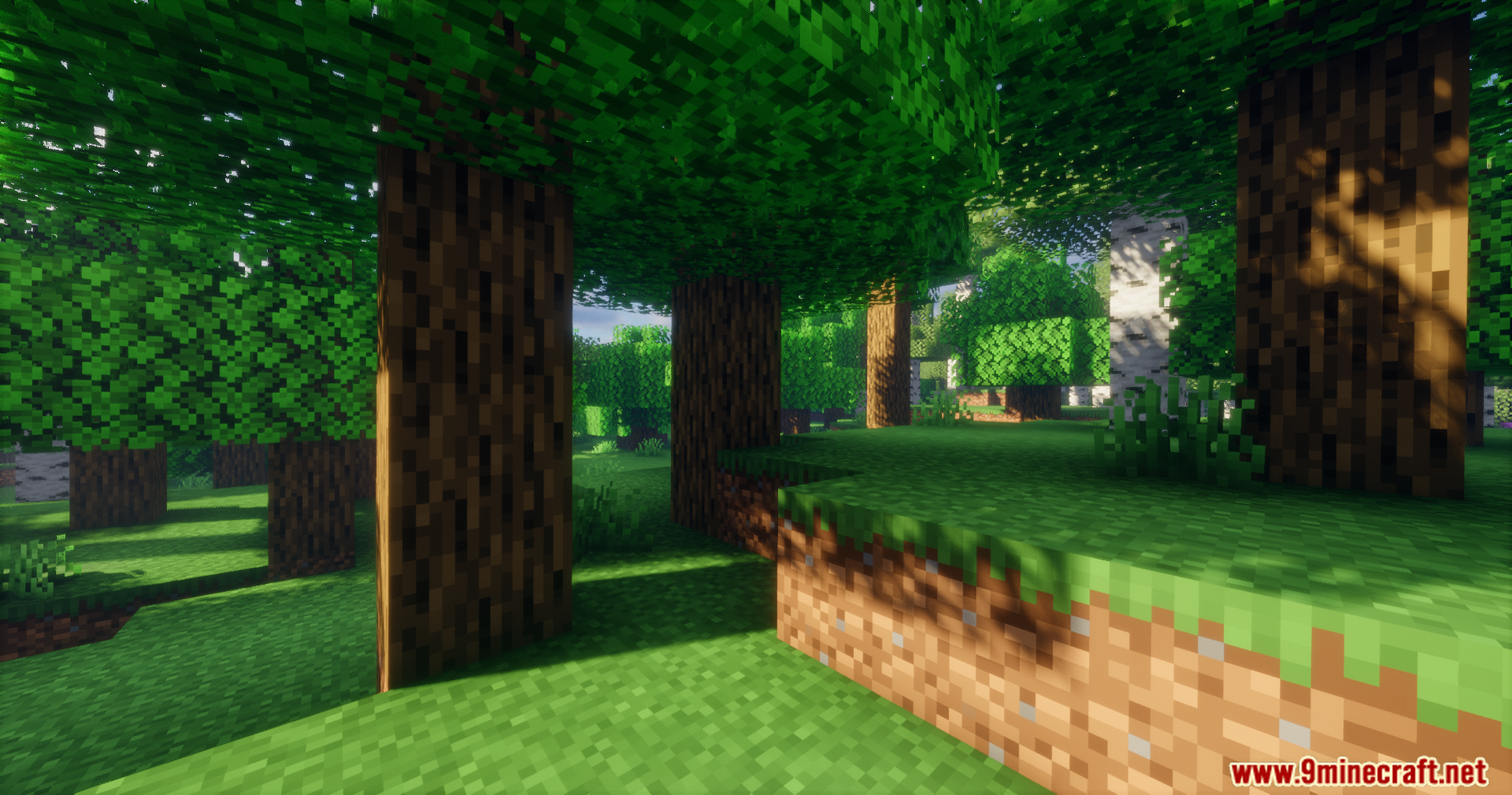
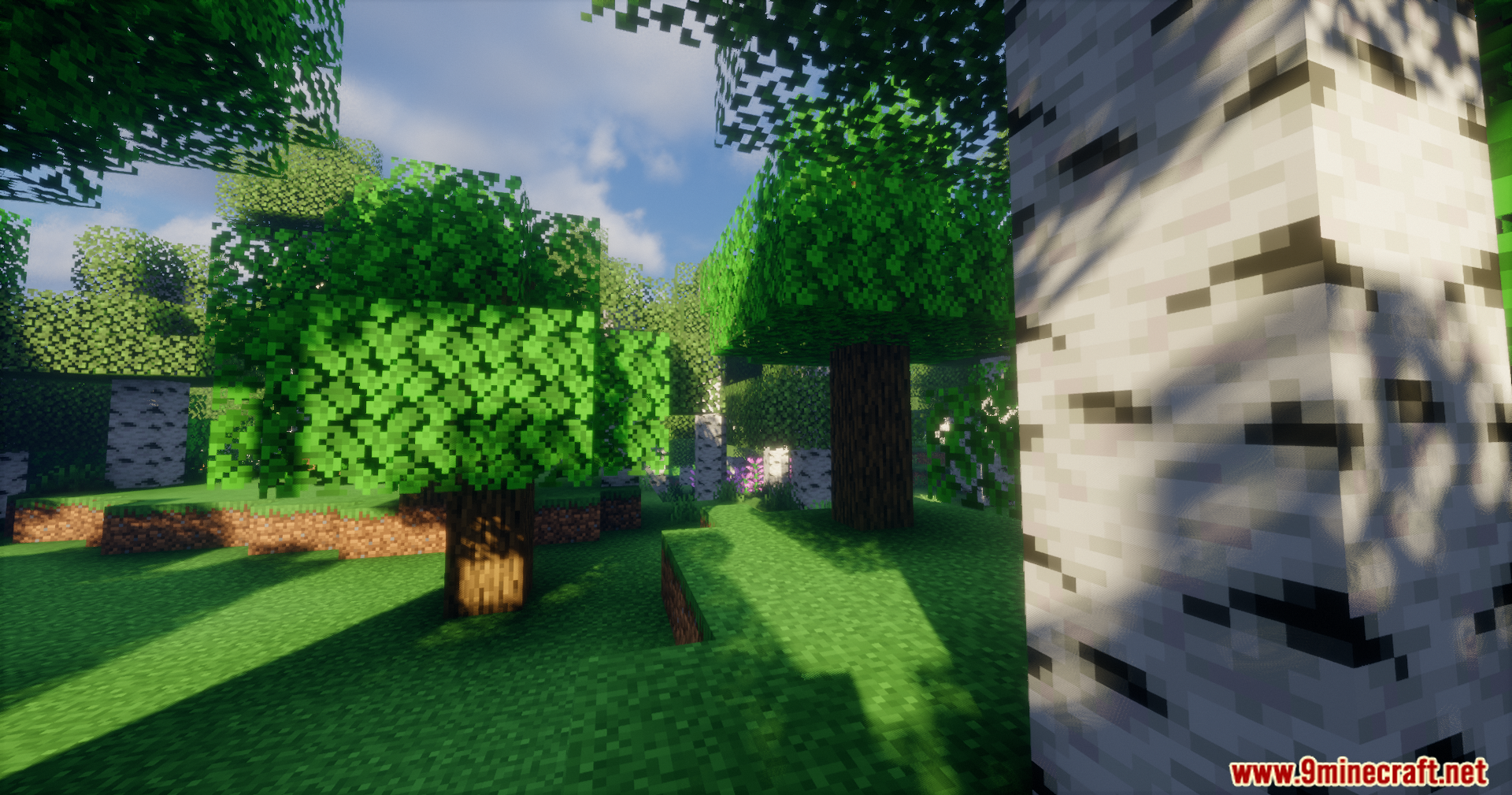
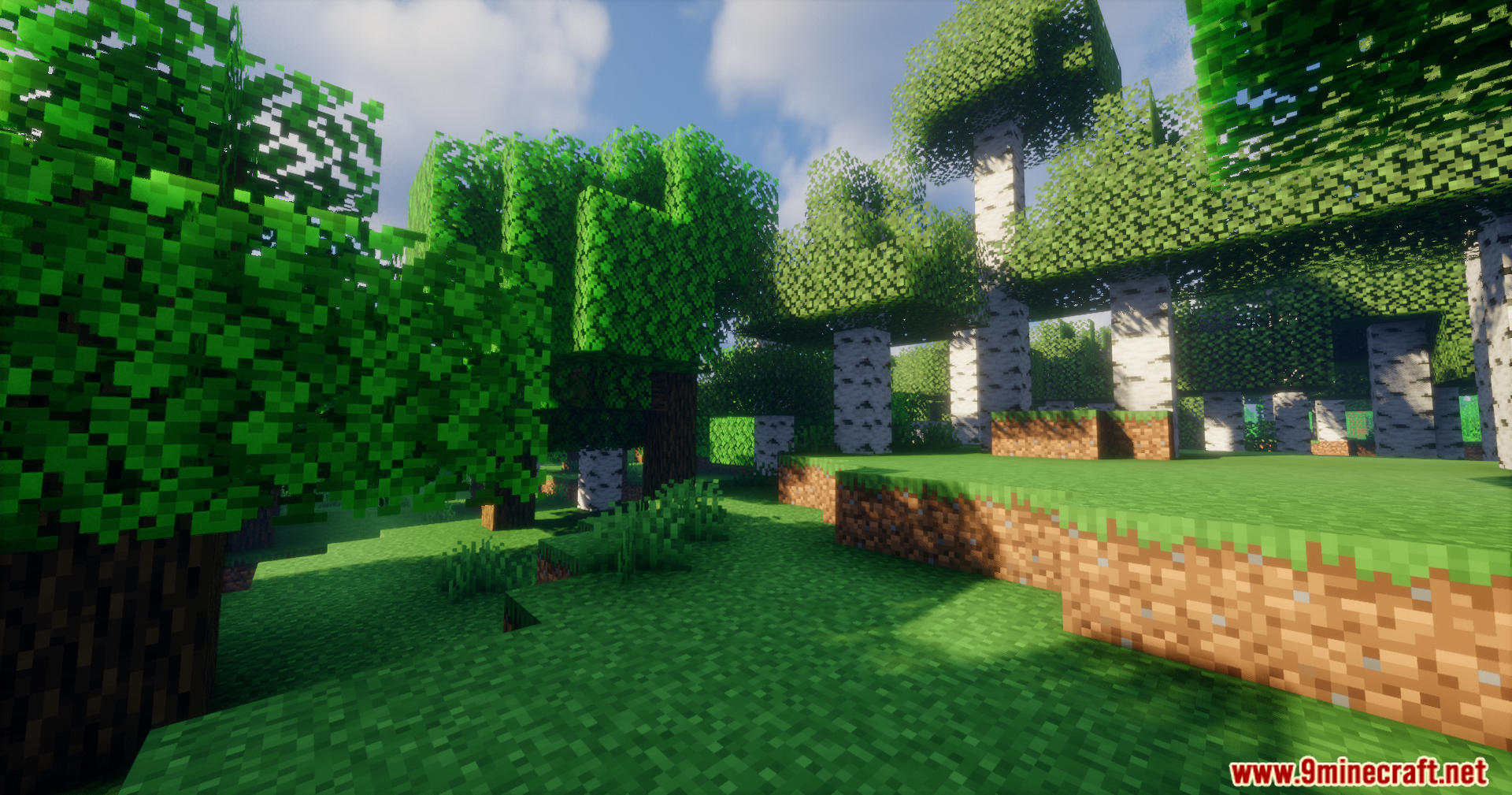
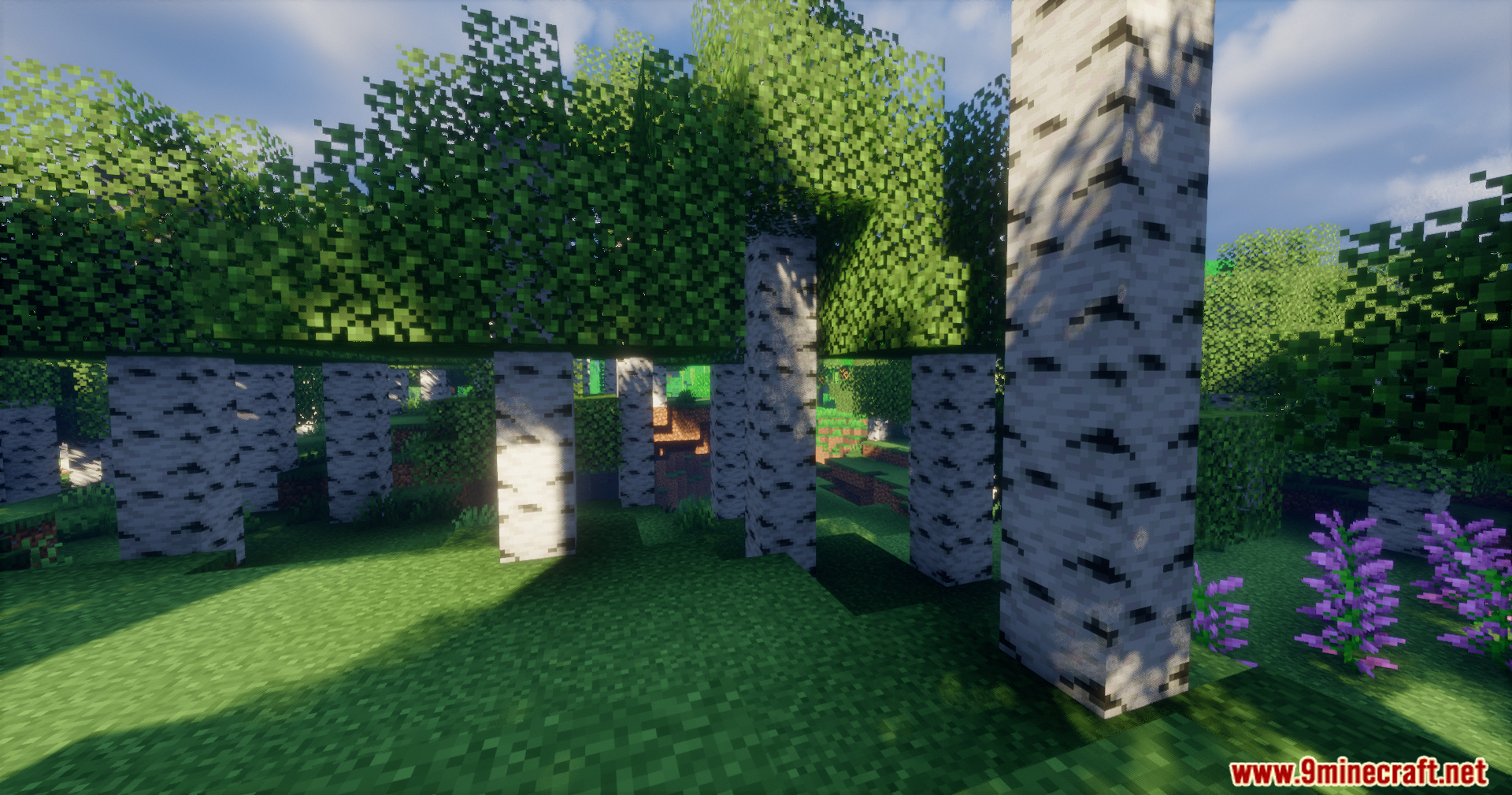
8 images from the Arda Regions Mod page.
You May Also Like
Wikis that share the most with this one
Wikis on the same theme: biome
More mod wikis on the site
The most downloaded mods that have a wiki here
A few wikis from each of the other kinds