

 DownloadMore Vanilla Paintings Data Pack
Get the files on 9Minecraft
Guides
Step-by-step, in-game.
Place and Display the New PaintingsFinding the New Paintings The four new paintings added by this data pack function exactly like vanilla paintings.…Troubleshoot Paintings Not Appearing or DisplayingPaintings Not Placing If paintings won't place on a wall: Ensure the block behind is solid (not glass, leaves, or…Understand How the New Paintings WorkData Pack Mechanics This data pack adds four new painting designs to Minecraft without requiring a resource pack. The…Use Paintings in Creative Building ProjectsIncorporating Paintings into Builds The new paintings are ideal for adding character to any structure. Use them to:…
Frequently asked questions
How do I place the new paintings?
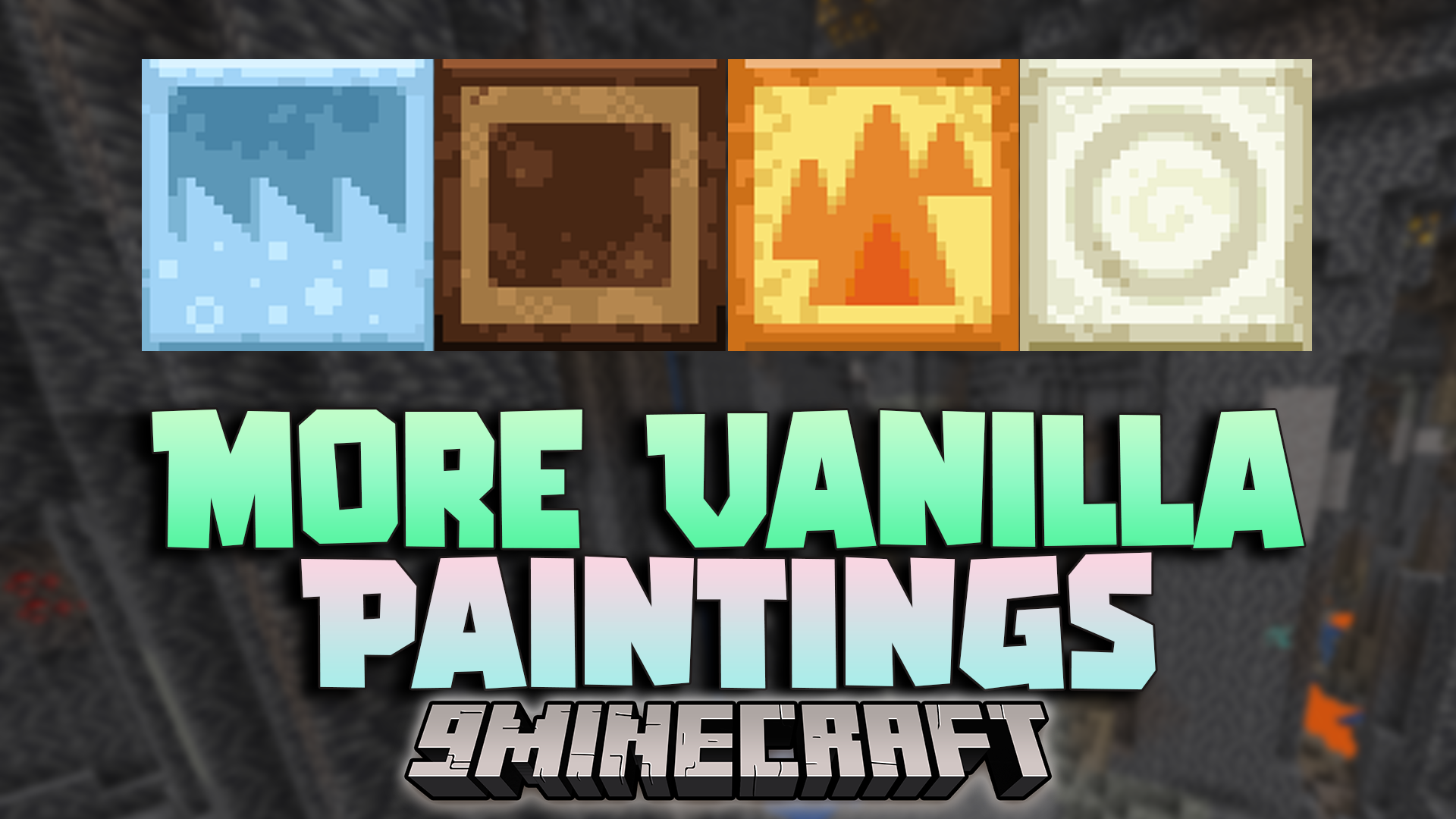
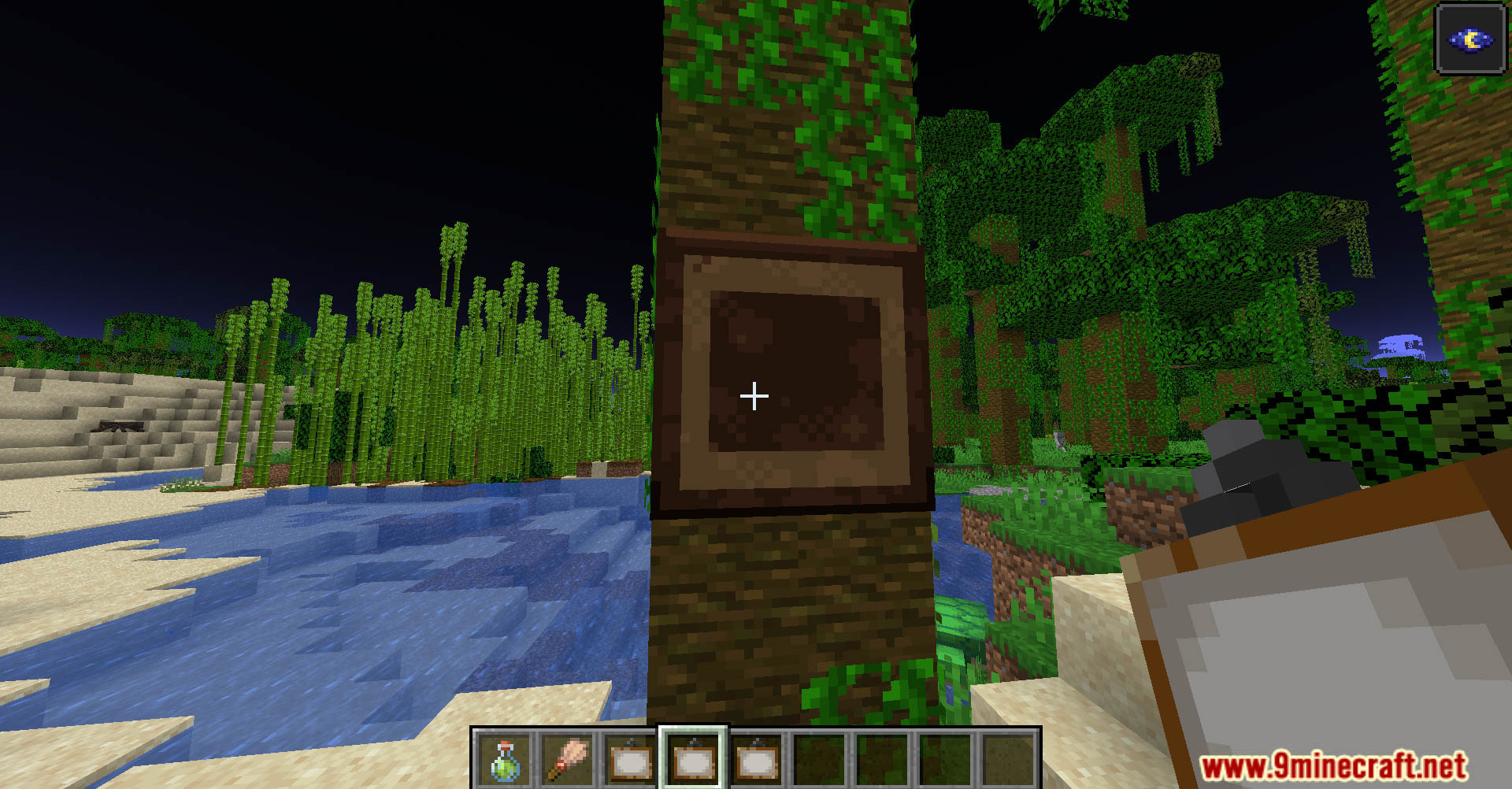
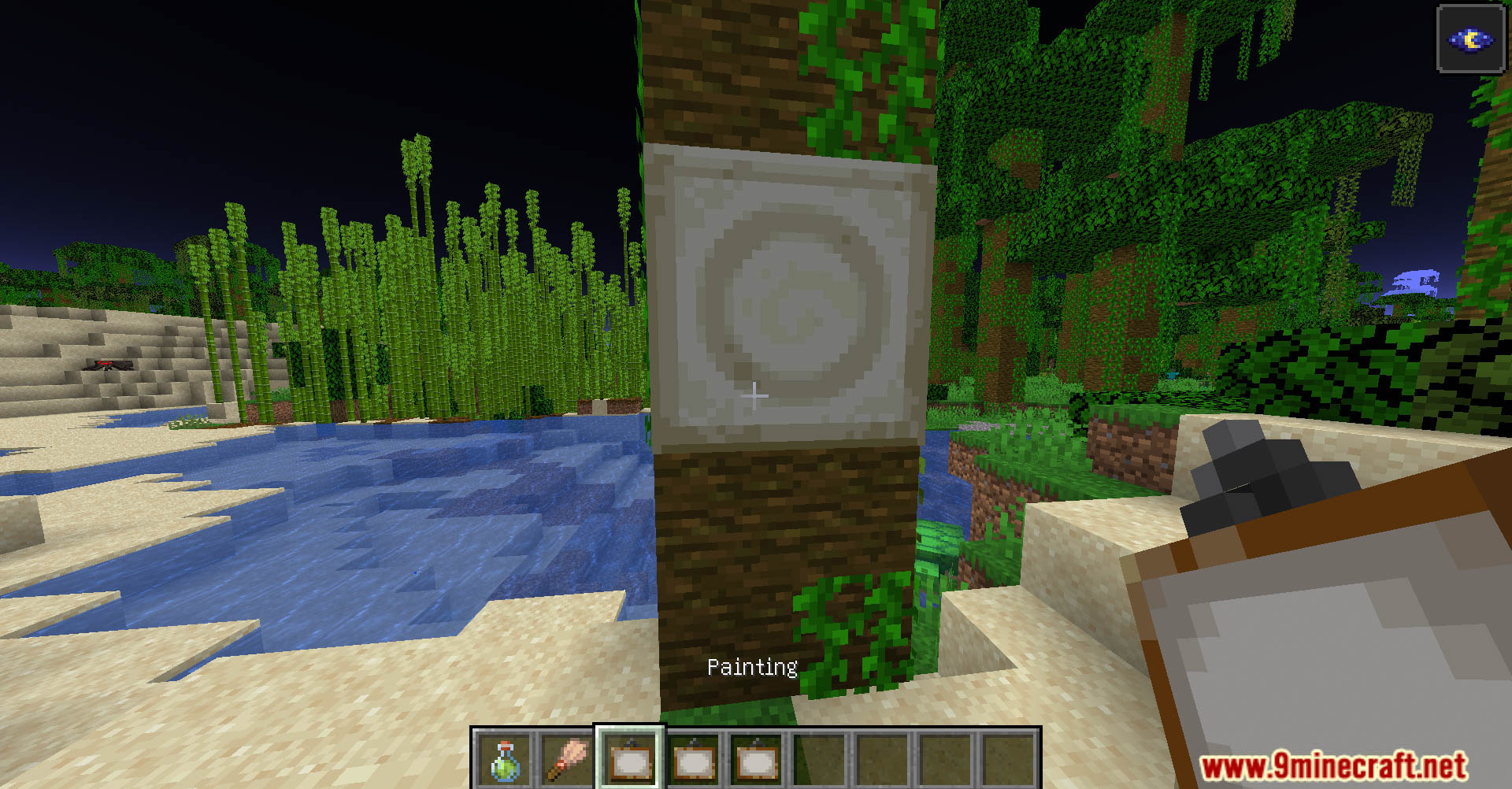
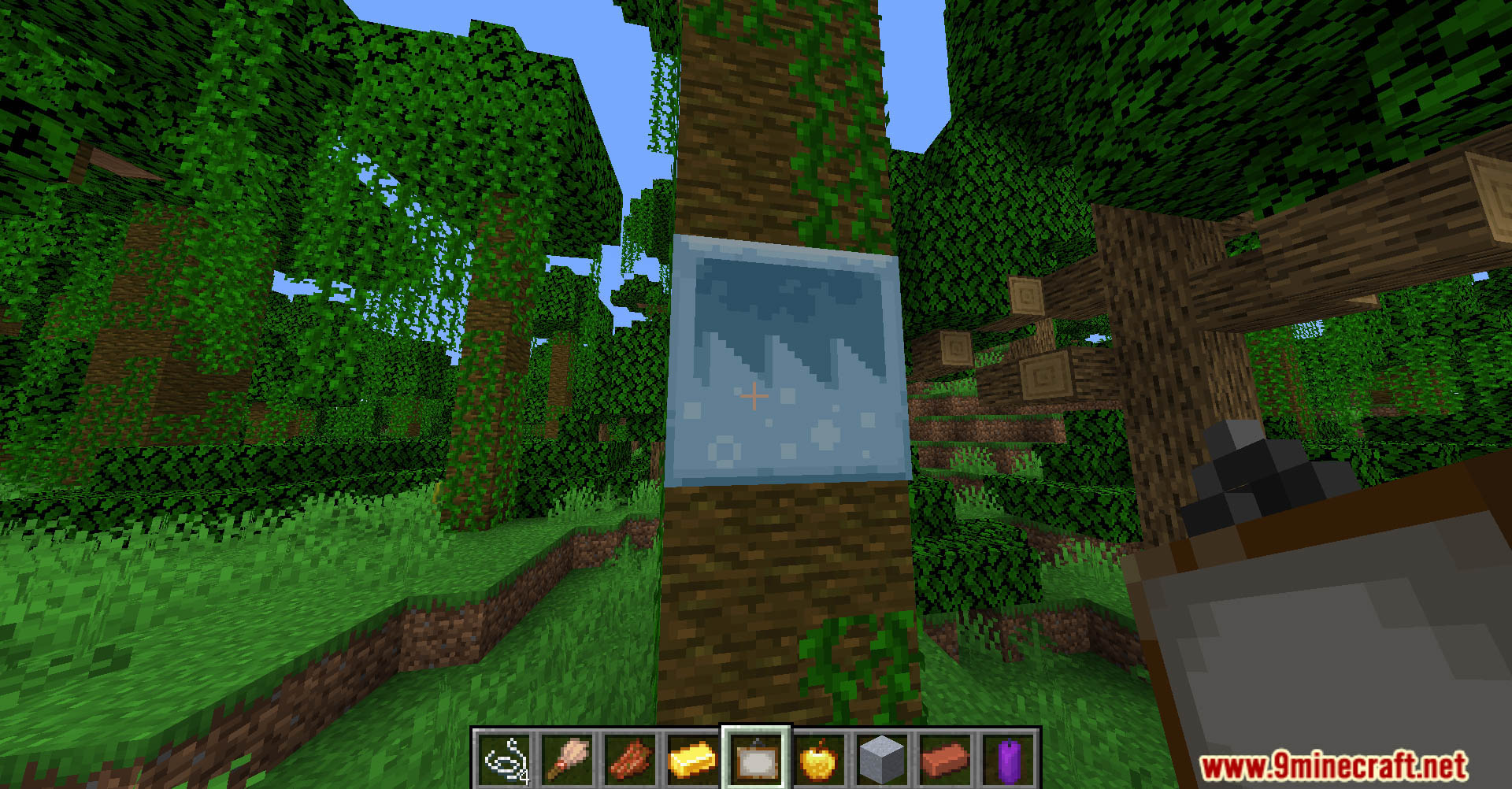
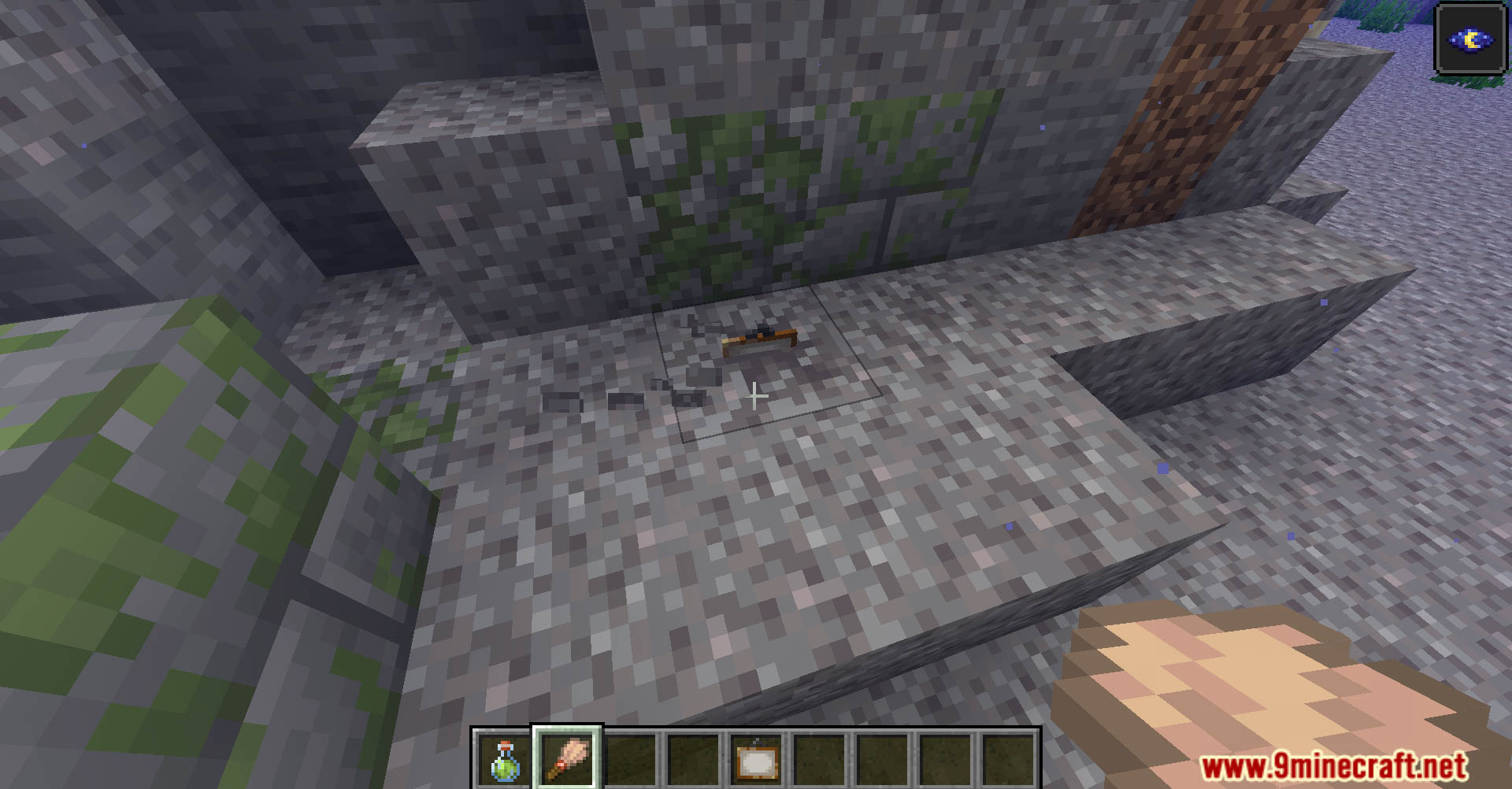
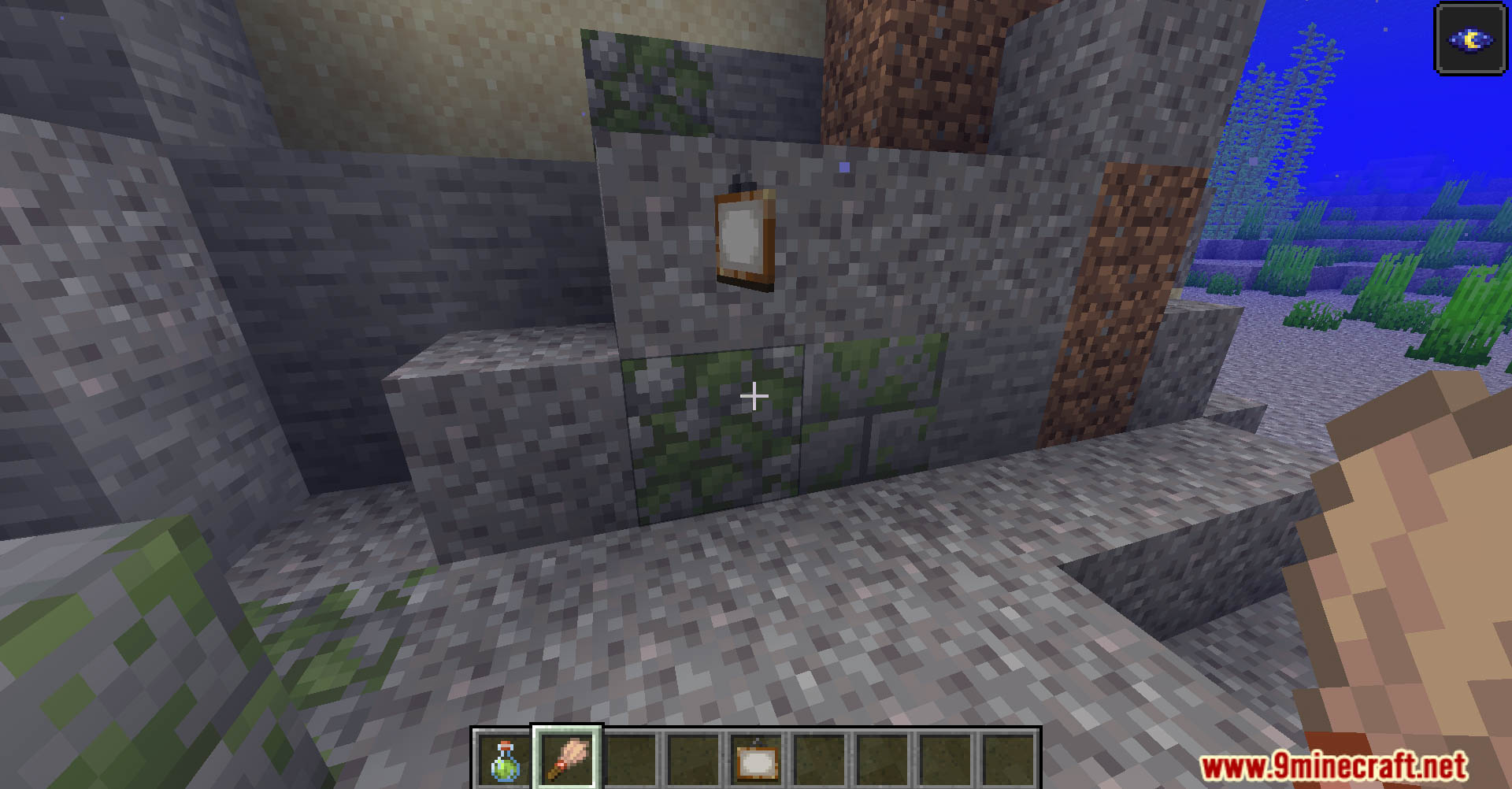
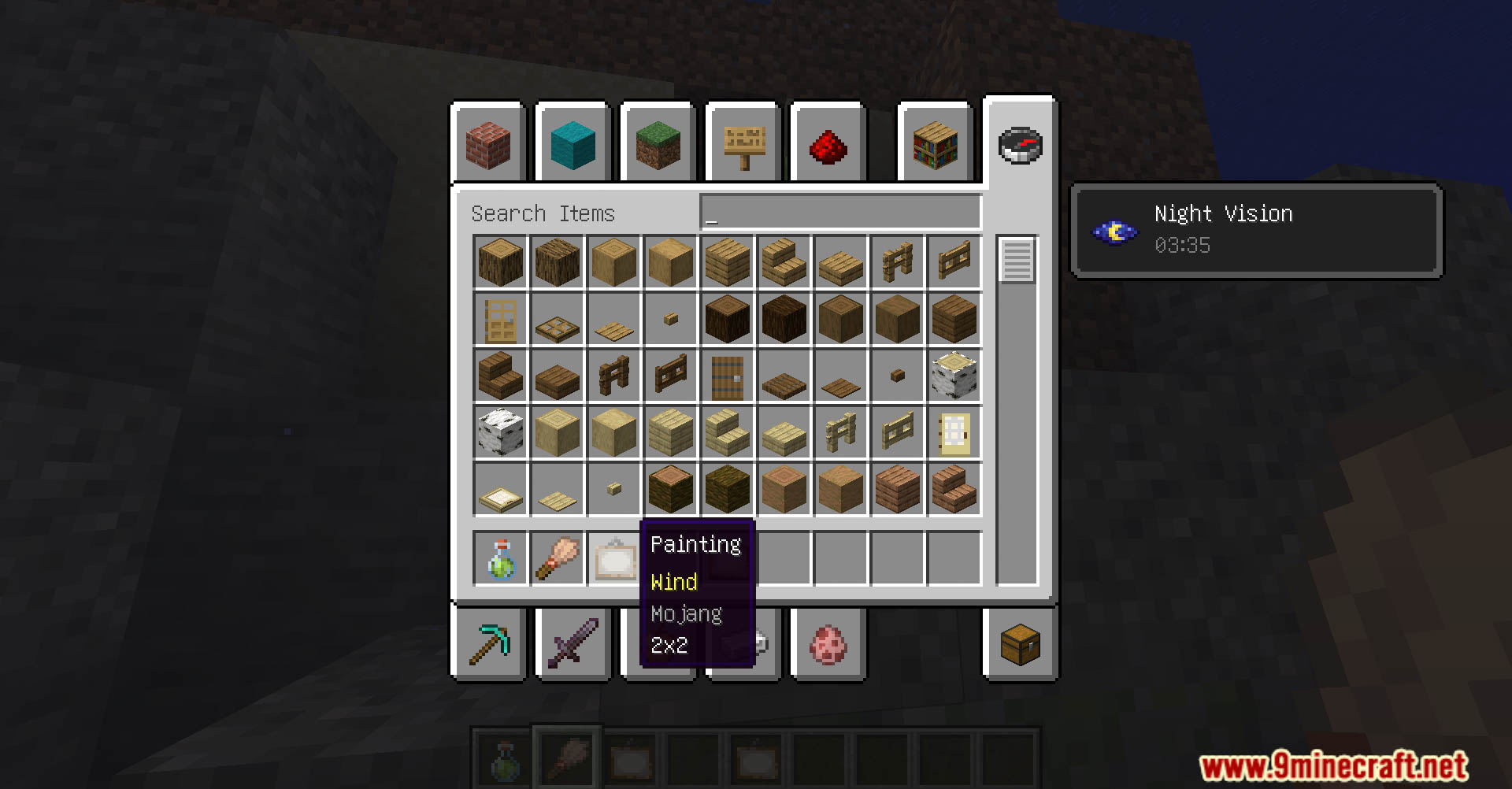
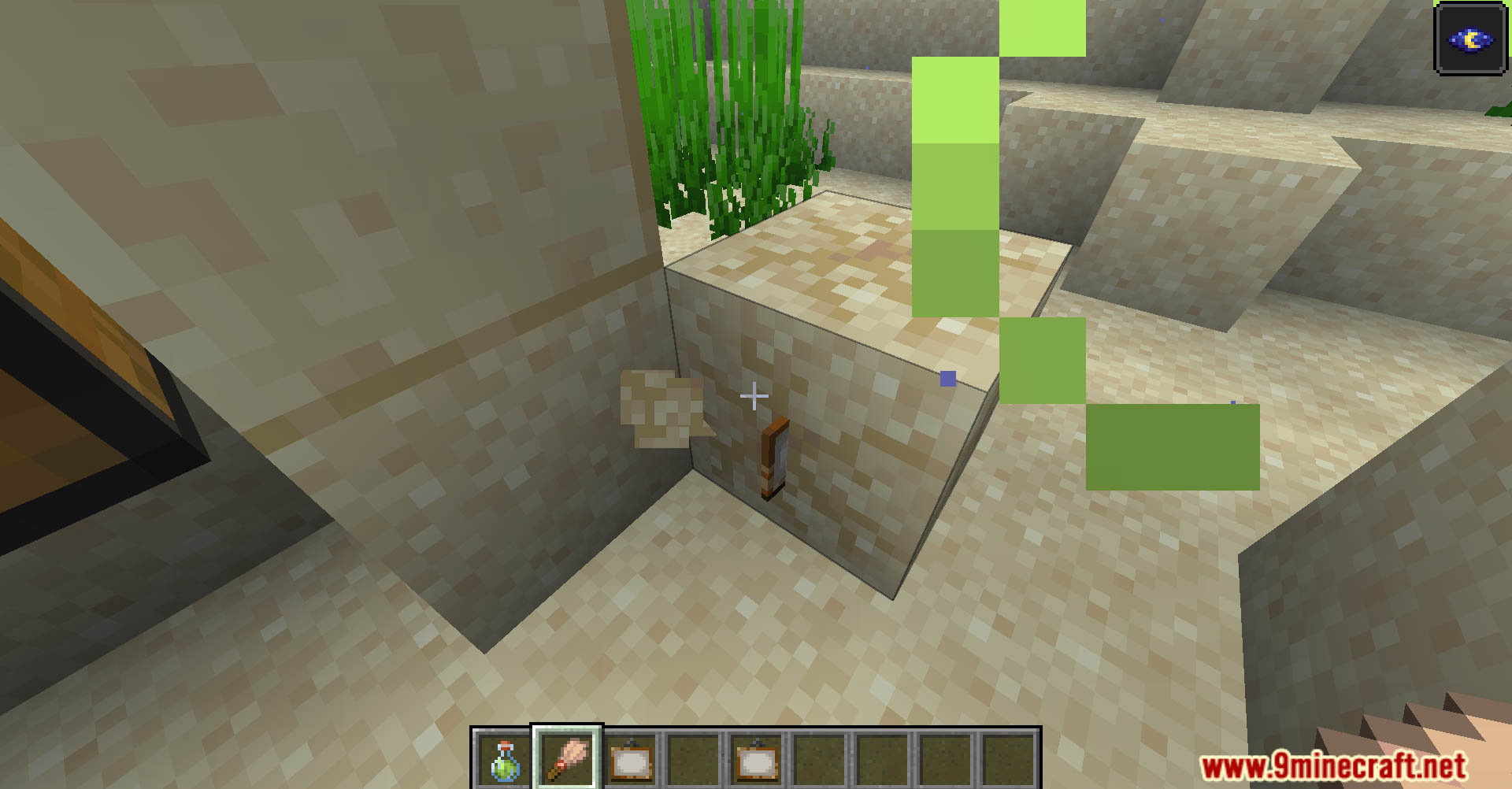
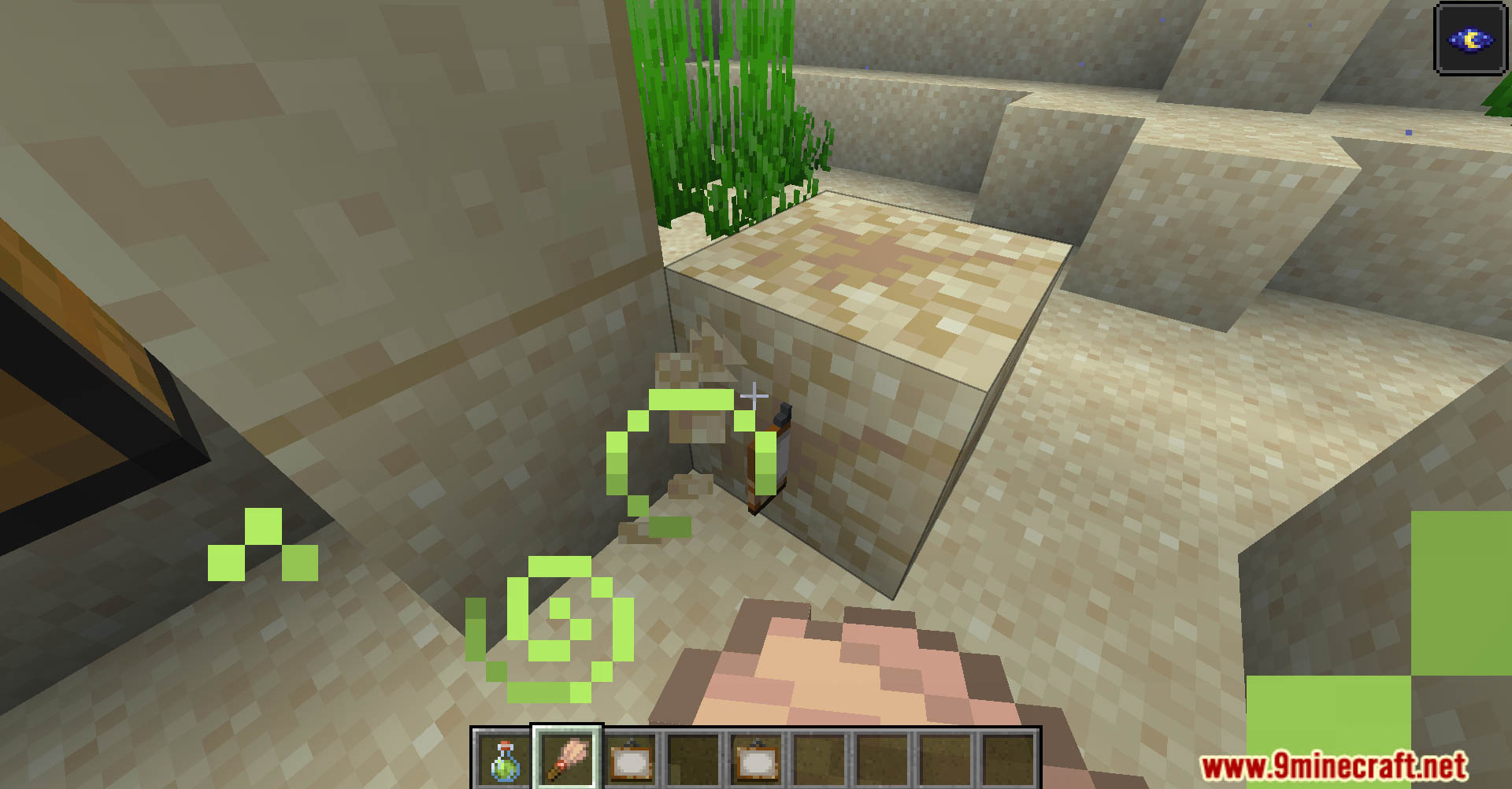
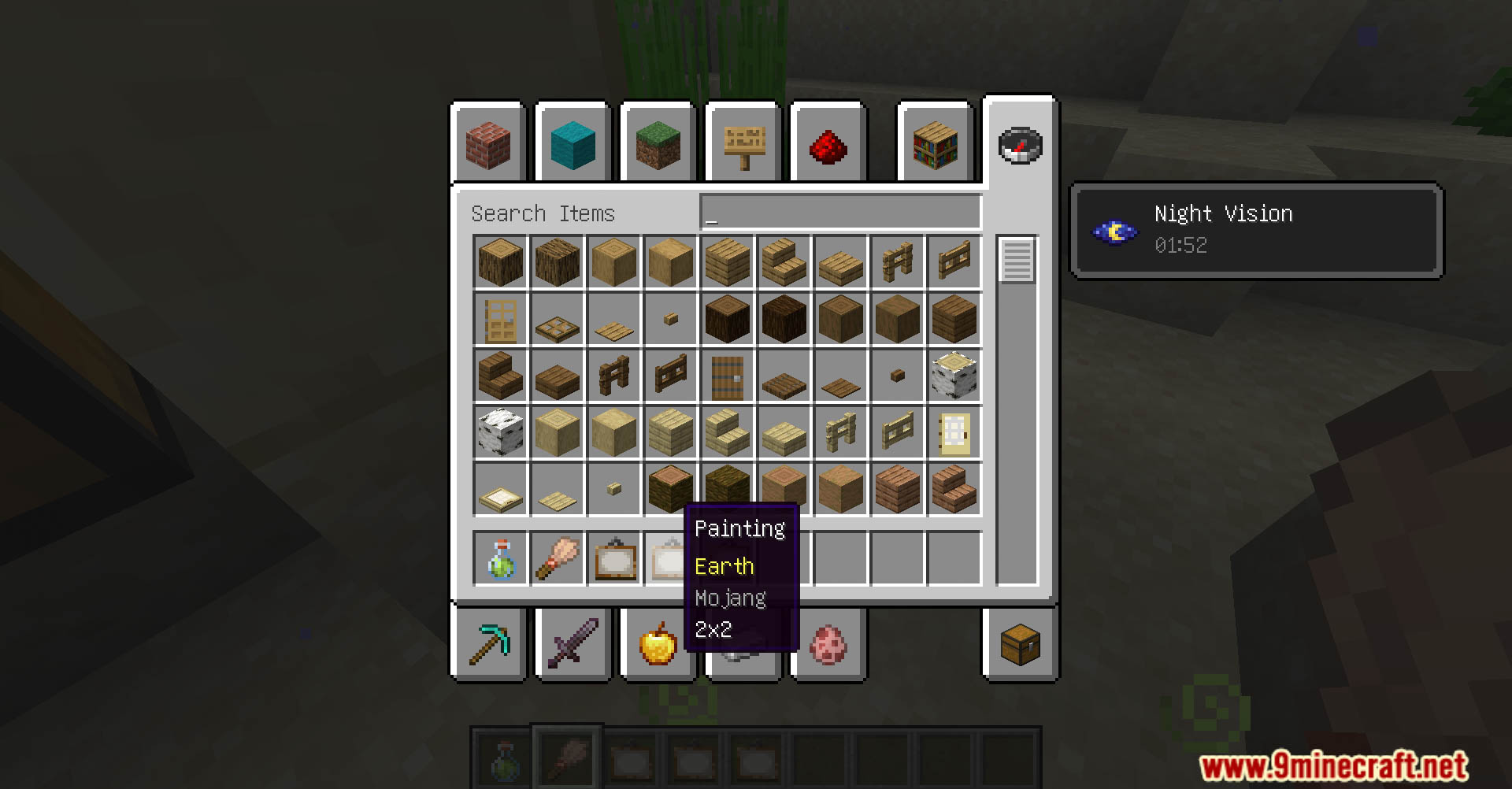
Place the new paintings the same way you place vanilla paintings: hold a painting item and right-click on a block face. The painting will attach to that surface and display one of the four new artworks at random.
Do I need a resource pack for the paintings to show up?
No—that's the whole point of this data pack. The new paintings display using only vanilla textures and mechanics, so they work without any additional resource packs.
Can I choose which painting appears when I place one?
No, the painting displayed is random each time you place one. If you want a specific artwork, you may need to place and break paintings until you get the one you want.
What if the new paintings aren't showing up in my world?
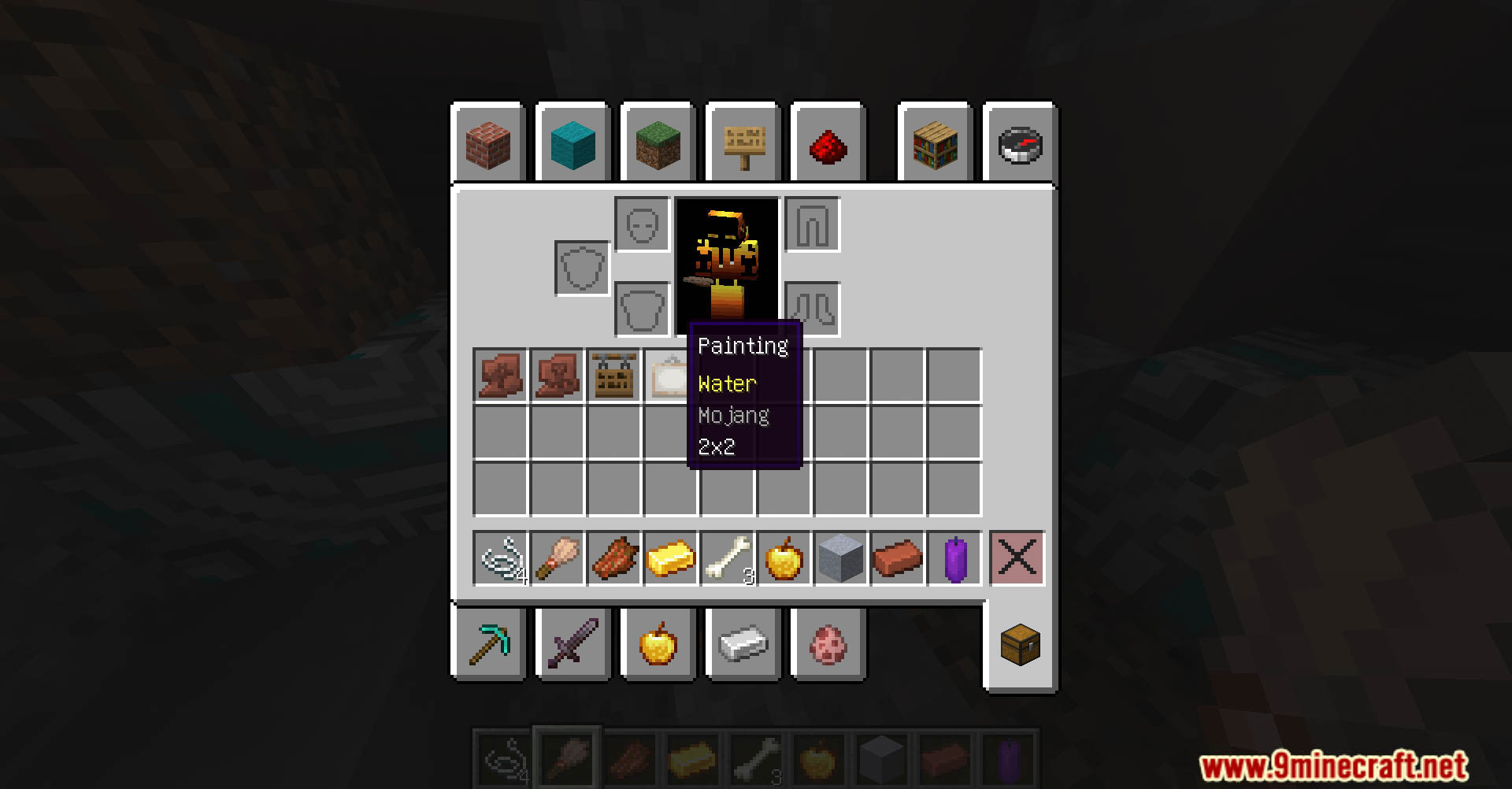
Make sure the data pack is enabled in your world settings and that you've reloaded or restarted your world after installing it. Check that you're placing the correct painting item—it should be named differently from vanilla paintings.
See all 10 More Vanilla Paintings questions ›
Gallery
12 images from the More Vanilla Paintings Data Pack page.
You May Also Like
Wikis that share the most with this one
Wikis on the same theme: ore
More data pack wikis on the site
More Radical Trainers SV Data PackMore Radical Trainers Localization Pack Data PackMore Machinery And Features Data PackMore Compostable Items Data PackMore Armor and Tools Data PackMoog’s Seasonal Expansion a Moogmas Miracle Data PackMo-Variants Data PackMinGen Data PackMinecraft But The Chunks Deleted Random Data PackMinecraft but Chunks Are Random Data PackMinecraft Bingo Data PackMicroCutting Data Pack
The most downloaded mods that have a wiki here
A few wikis from each of the other kinds