

 DownloadGrave Destruction Fix for You’re in Grave Danger and L_Ender’s Cataclysm Bosses Data Pack
Get the files on 9Minecraft
Guides
Step-by-step, in-game.
Protect Your Grave from Boss DamageUnderstanding Grave Protection When you die to a Cataclysm boss, your grave blocks can be destroyed by the boss's…Recover Items from a Grave After Dying to a BossLocating Your Grave After dying to a Cataclysm boss, look for the grave blocks left behind in the arena. With this…Troubleshoot Graves Still Being DestroyedVerify Data Pack Installation 1. Check the data pack is loaded : Use /datapack list in-game. Your data pack should…Use This Data Pack on Multiplayer ServersServer Installation 1. Contact your server administrator — they need to add the data pack to the server 2. Provide…
Frequently asked questions
Do I need to do anything after installing this data pack?
Yes—open the data pack file and check the folder structure inside. If you're playing on Minecraft 1.20.1, rename the "Block" folder to "Blocks" so the game reads it correctly, then place it in your world's datapacks folder.
Which bosses does this protect graves from?
This data pack protects your grave from all giant bosses in the Cataclysm mod, including the Netherite Monstrosity and other massive enemies that would normally destroy grave blocks.
Will my items still drop on the ground if a boss destroys my grave?
With this data pack installed, bosses cannot destroy your grave blocks at all, so your items stay safely inside the grave instead of scattering on the ground.
Can I use this on a multiplayer server?
Yes—this data pack is especially useful on multiplayer servers where you can't use commands to recover lost items, keeping your gear protected when you die to bosses.
Gallery
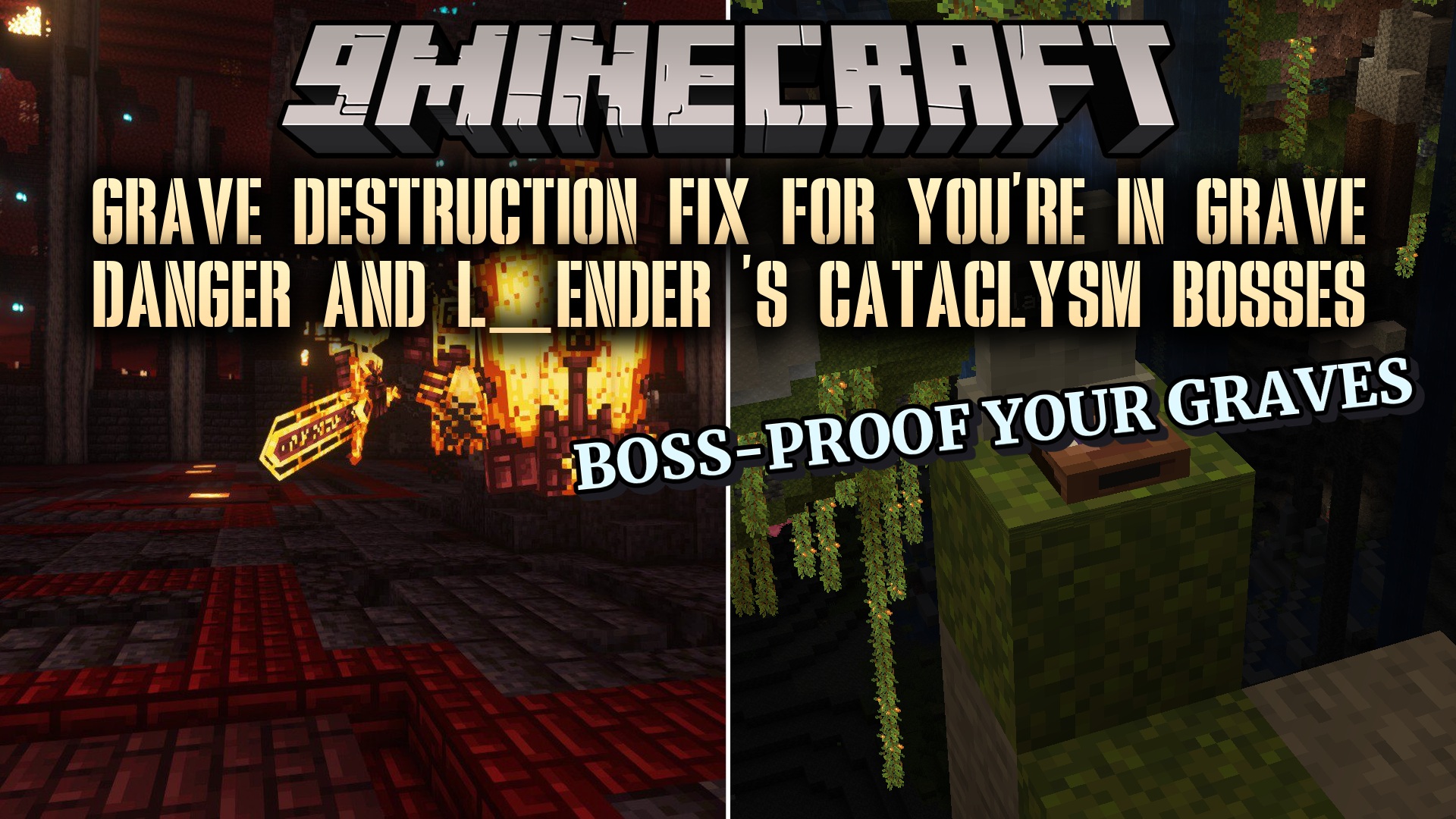
1 image from the Grave Destruction Fix For Youre In Grave Danger And L Ender S Cataclysm Bosses Data Pack page.
You May Also Like
Wikis that share the most with this one
Wikis on the same theme: boss
More data pack wikis on the site
The most downloaded mods that have a wiki here
A few wikis from each of the other kinds