

 DownloadFurni Craft Data Pack
Get the files on 9Minecraft
Guides
Step-by-step, in-game.
How to Connect Furniture Pieces TogetherAuto-Connecting Furniture Several furniture types automatically connect when placed next to each other, creating…How to Control Who Can Sit on Your ChairsPreventing Mobs from Sitting By default, any mob or player can sit on your chairs. If you want to reserve seating for…How to Make Furniture Match Your Build's Wood TypeChanging Wood Types All wooden furniture in Furni Craft can be recolored to match any log type in your world. This…How to Use Your Fridge to Create Ice and Fill ContainersSetting Up Your Fridge The working fridge is one of the most functional pieces in Furni Craft. It can generate ice…
Frequently asked questions
How do I start using furniture after installing the pack?
Place any furniture block in your world—they work immediately without needing resource packs or extra setup. Use Shift + Right-click to customize wood type, colors, and other properties.
Why can't I sit on my chairs?
Make sure you're right-clicking (not Shift + Right-clicking) on the chair with an empty hand. If mobs keep sitting on it, use Shift + Right-click with an empty hand to toggle mob-sitting off.
How do I make my furniture match different wood types in my build?
Hold any log of the wood type you want, then Shift + Right-click the furniture piece. The furniture will instantly change to match that wood type.
What's the point of the fridge and how do I use it?
The fridge creates ice and fills containers—hold a water bucket and Shift + Right-click the bottom block to generate ice, or use empty buckets and glass bottles to fill them with water.
See all 10 Furni Craft questions ›
Gallery
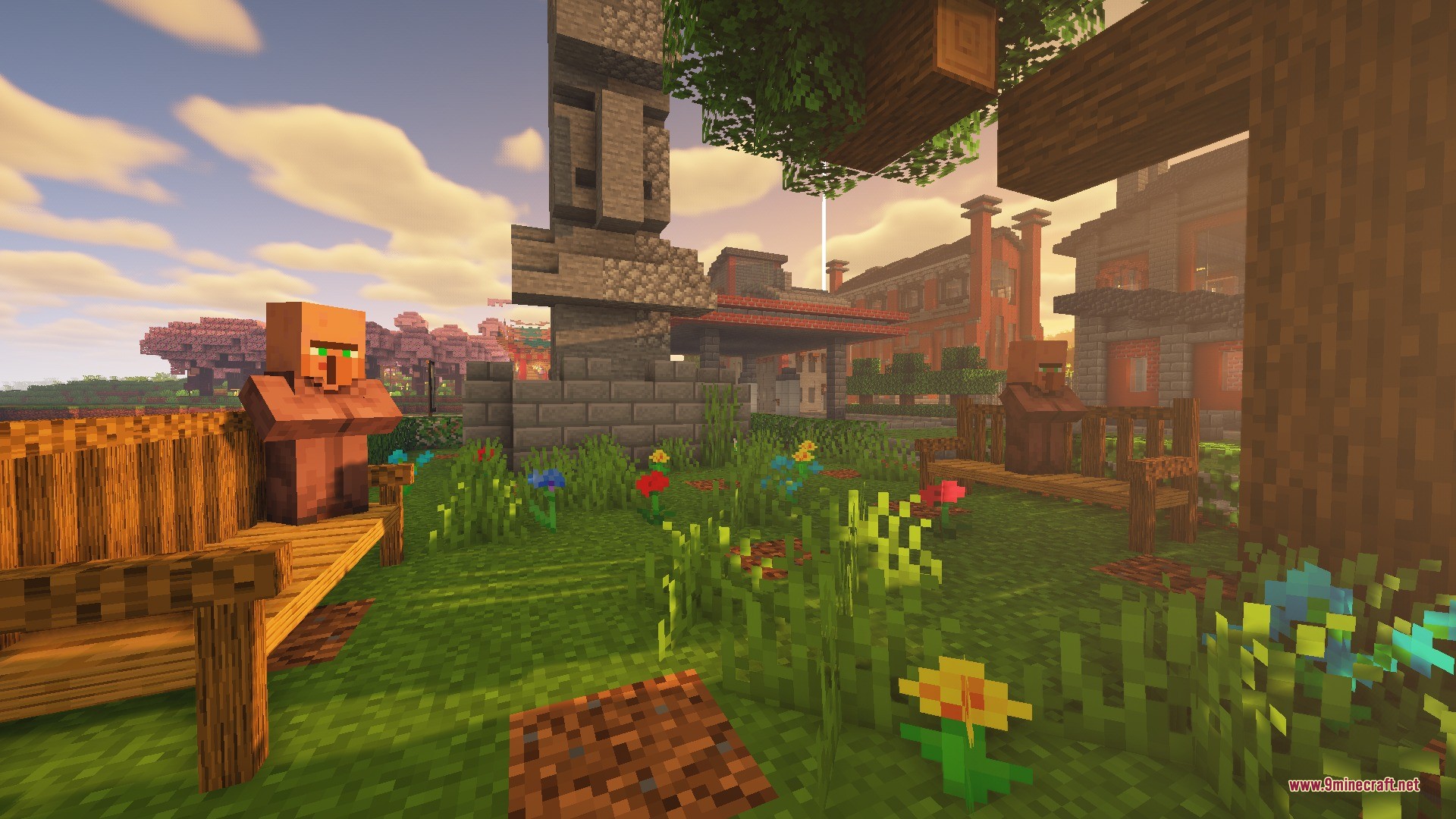
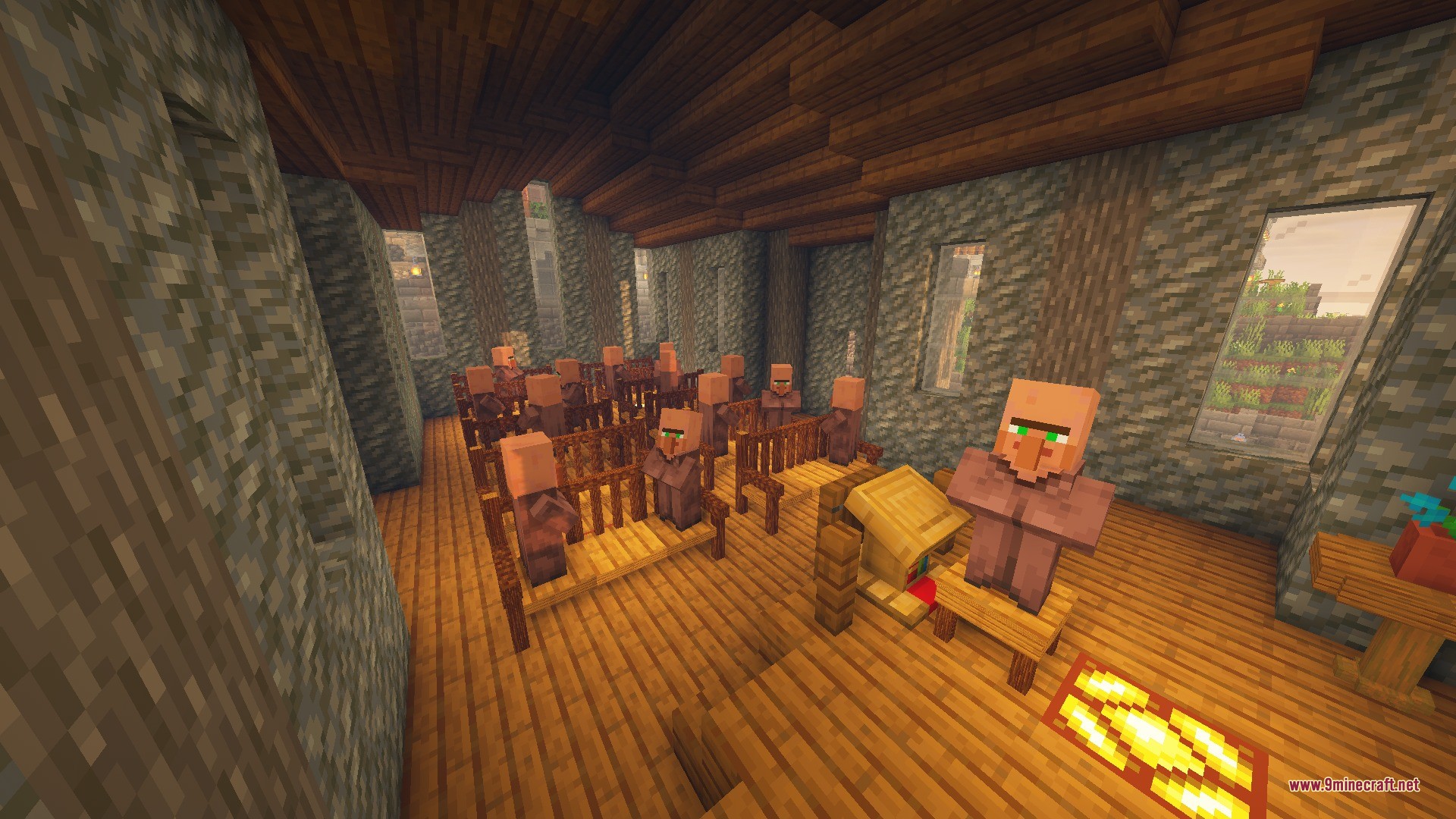
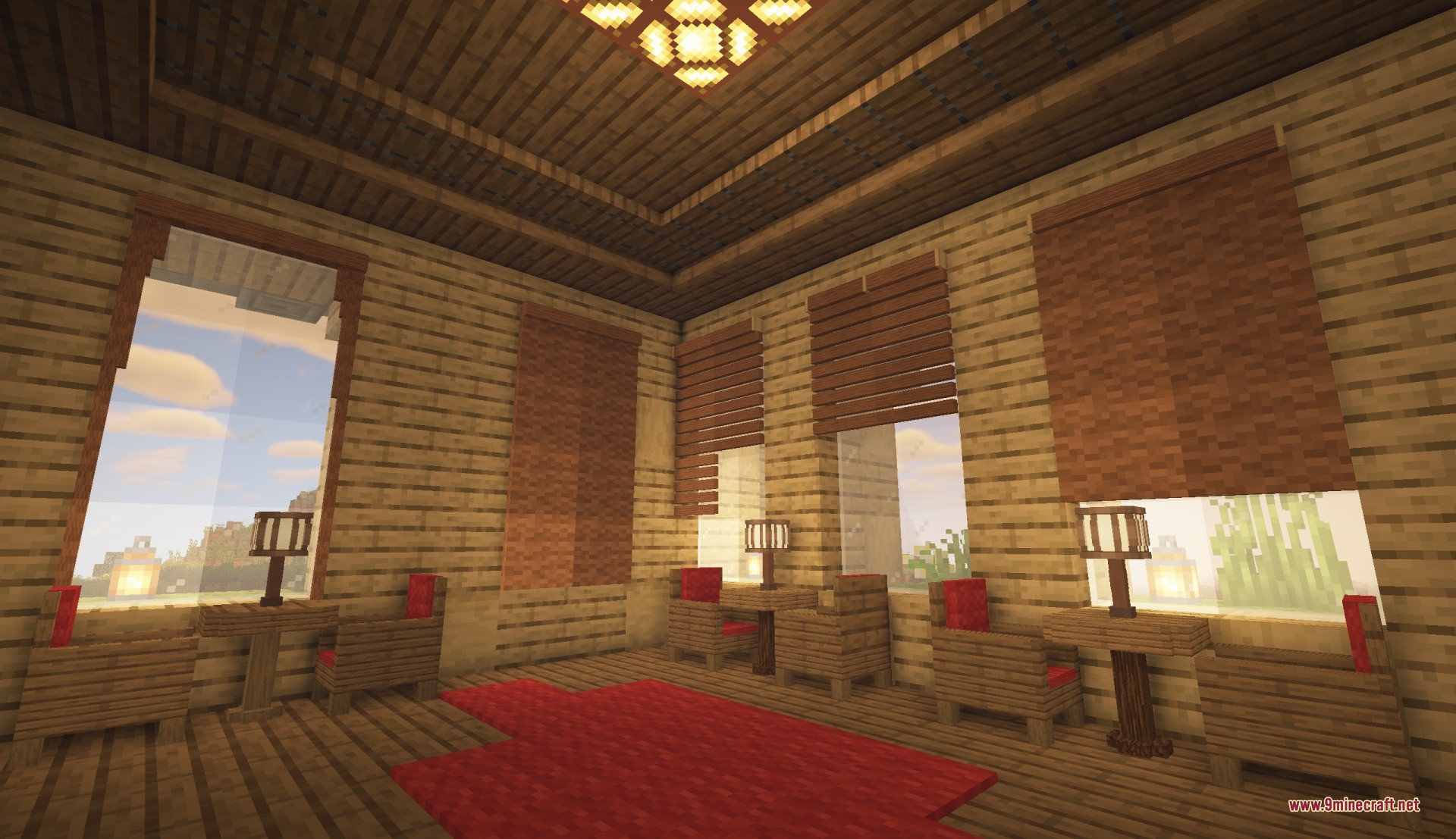
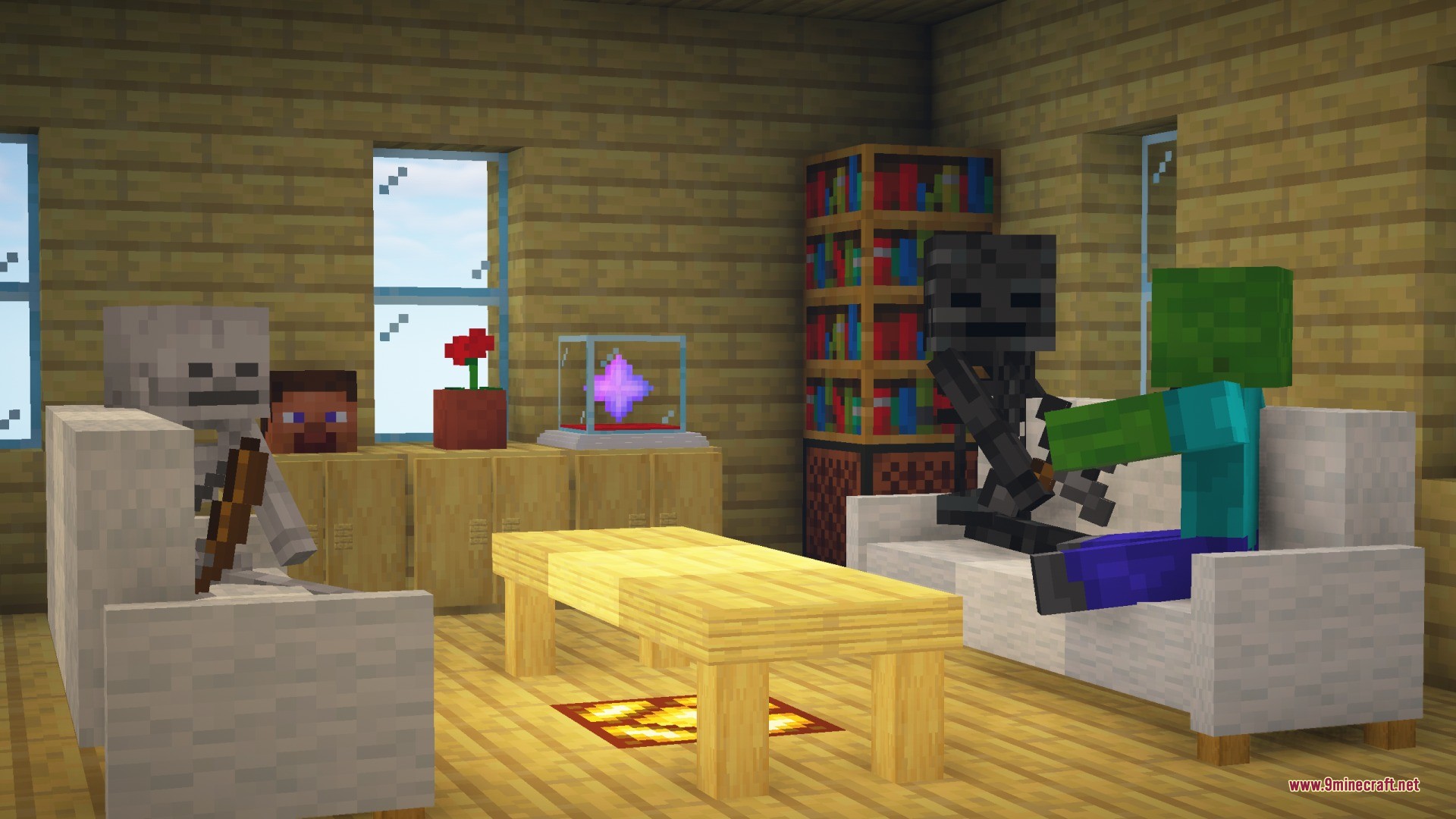
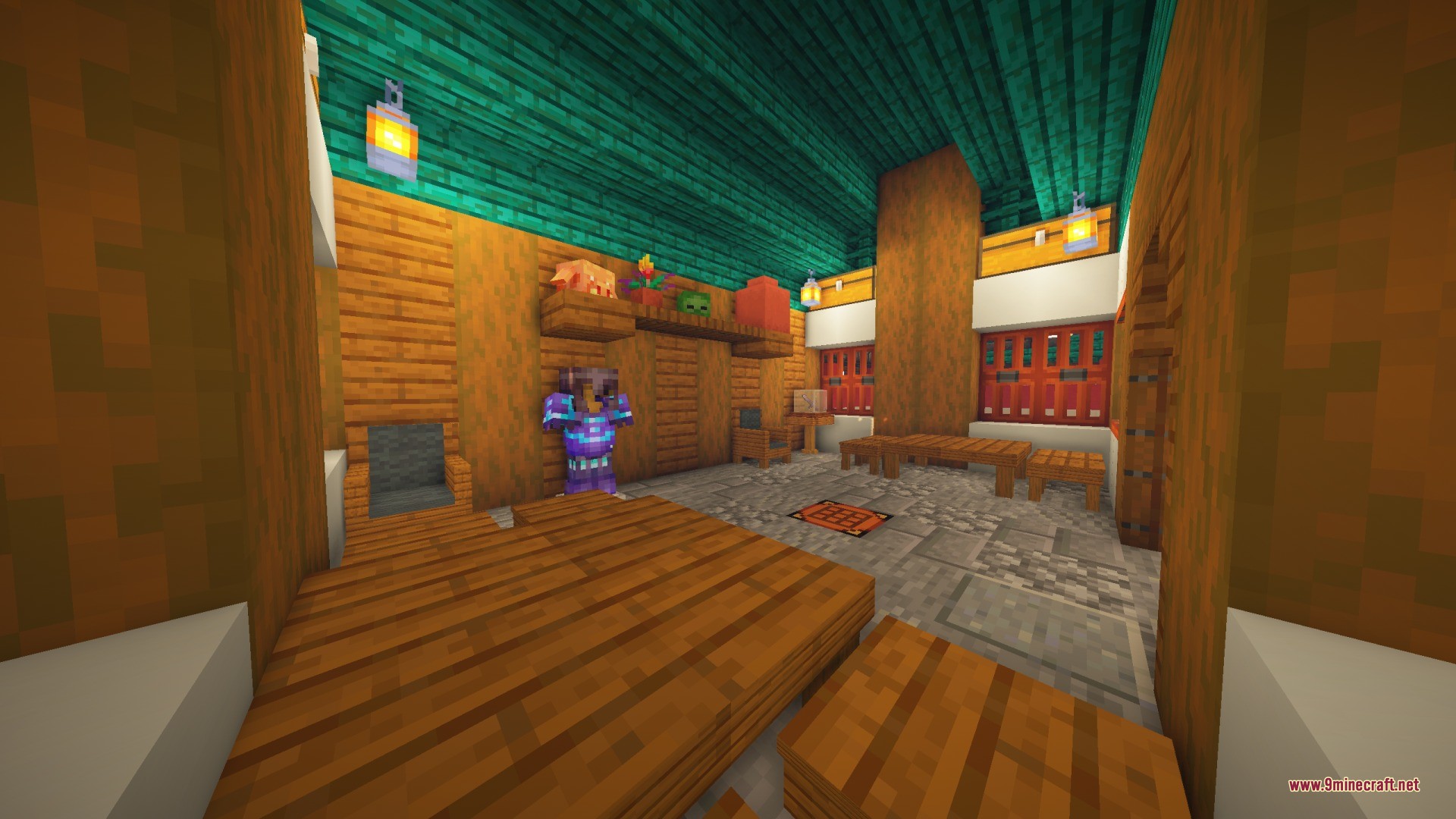
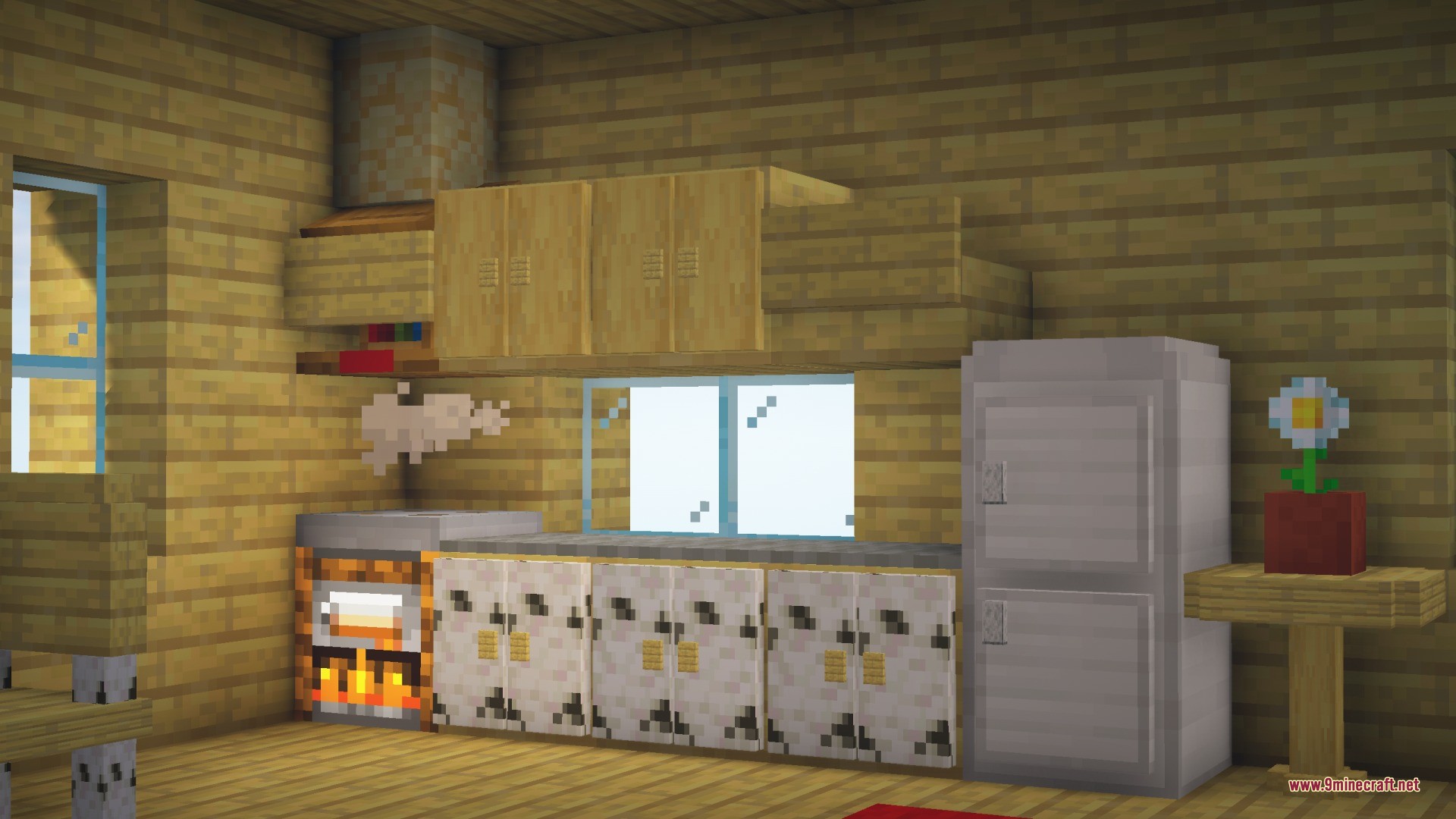
7 images from the Furni Craft Data Pack page.
You May Also Like
Wikis that share the most with this one
Wikis on the same theme: furniture
More data pack wikis on the site
Funky Flora Data PackFrosthaven Villages Data PackFrom The Fog Data PackFortune Works on Ancient Debris Data PackForged Sovereign Regalia Data PackFire’s Pokemon Data Pack Fetchr Bingo Data PackFaster Paths Data PackFast Villager Curing Data PackFarmer’s Cutting Biomes O’ Plenty Data PackFarm 3×3 Data PackExperience Storage Data Pack
The most downloaded mods that have a wiki here
A few wikis from each of the other kinds