

 DownloadDisable Custom Worlds Advice
Get the files on 9Minecraft
Overview
Disable Custom Worlds Advice is a tiny client-side quality-of-life mod that removes the confirmation screen Minecraft shows whenever you open a world using experimental or custom settings - data packs, custom world generation, or the experimental features toggle.
Disable Custom Worlds Advice is a tiny client-side quality-of-life mod that removes the confirmation screen Minecraft shows whenever you open a world using experimental or custom settings - data packs, custom world generation, or the experimental features toggle.
Guides
Step-by-step, in-game.
Frequently asked questions
What does Disable Custom Worlds Advice actually do?
Will this mod change or damage my world save files?
Does it work with data packs and custom world generation?
How do I use it?
See all 10 Disable Custom Worlds Advice questions ›
Gallery
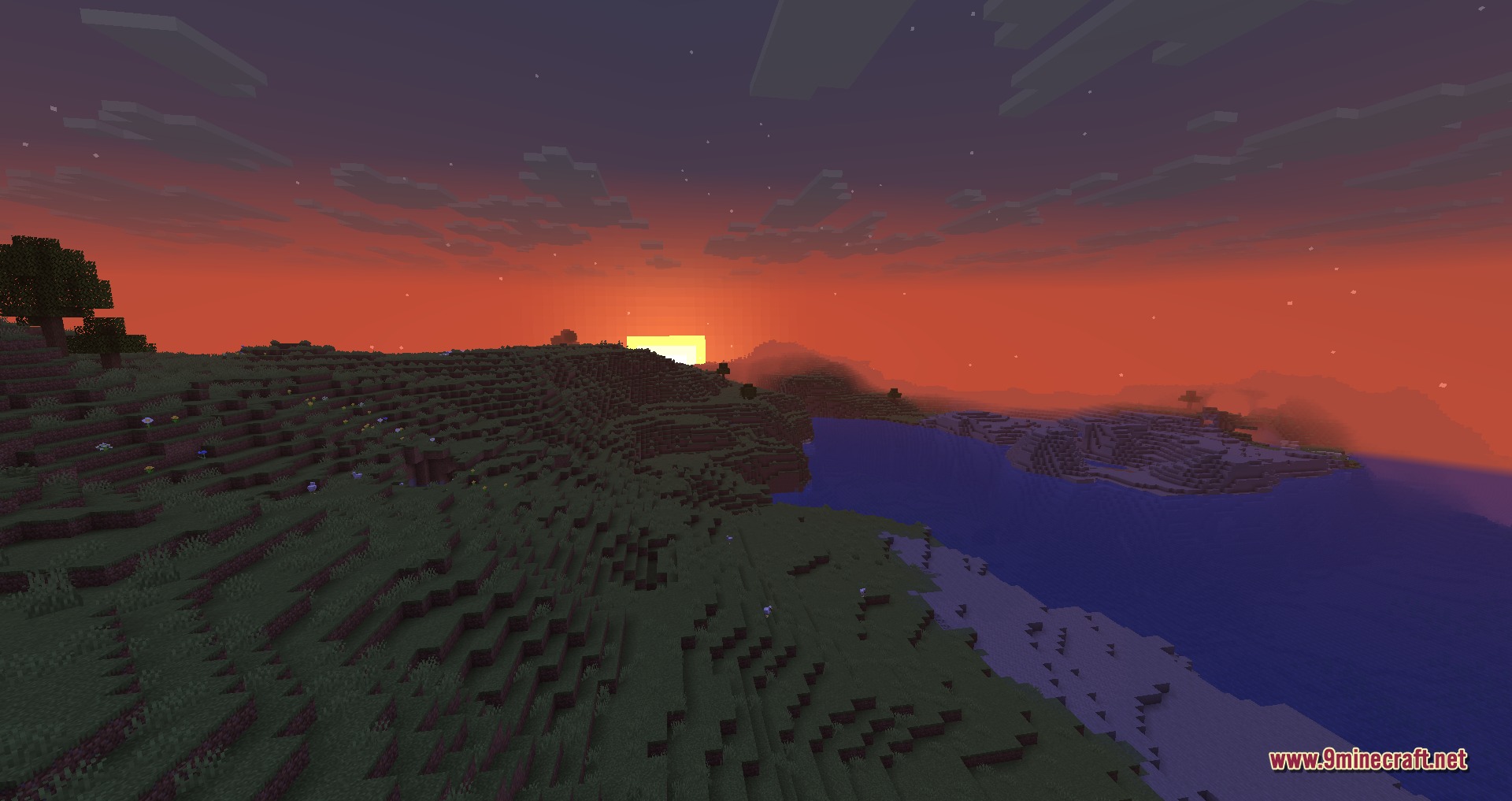
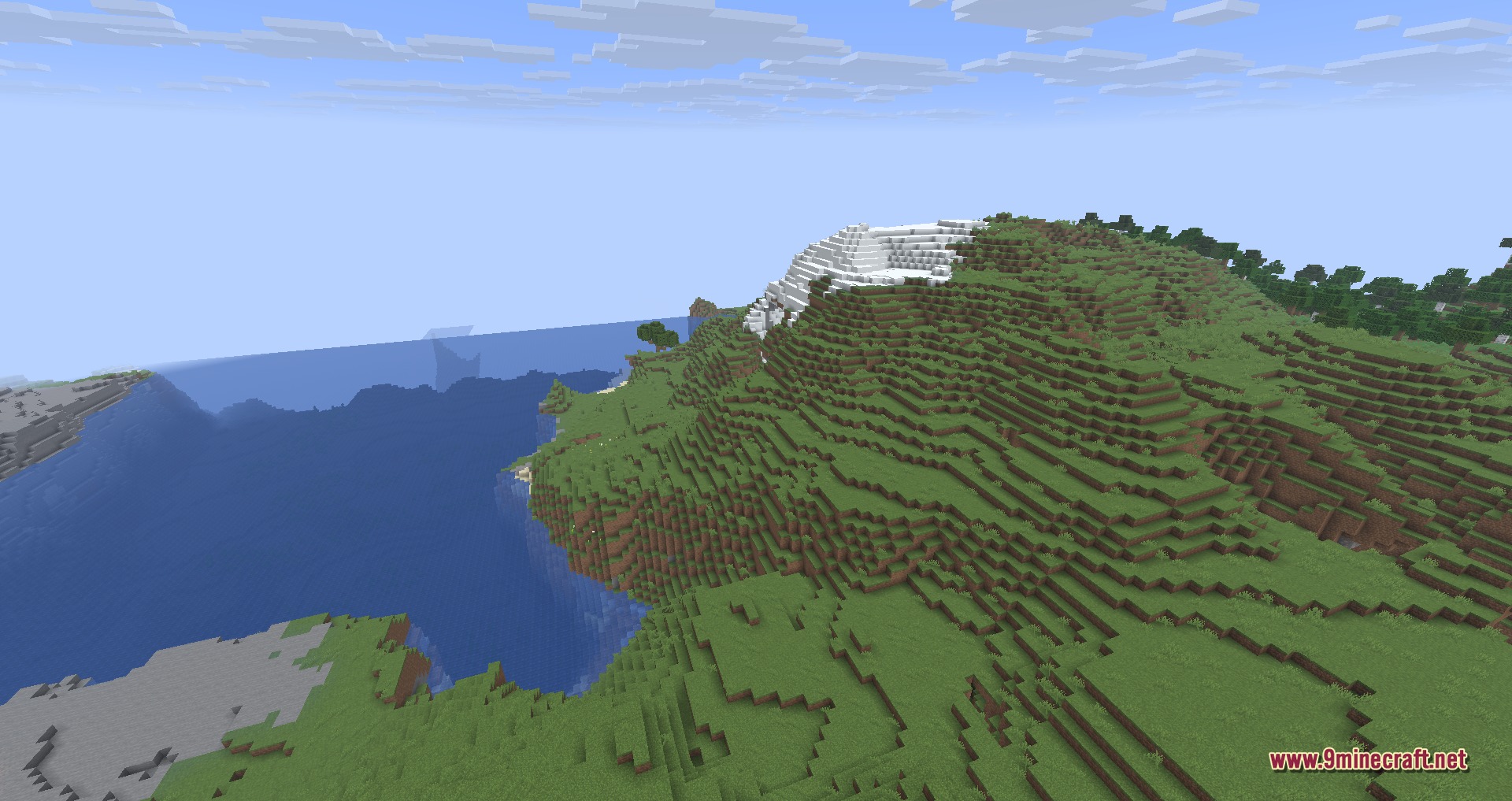
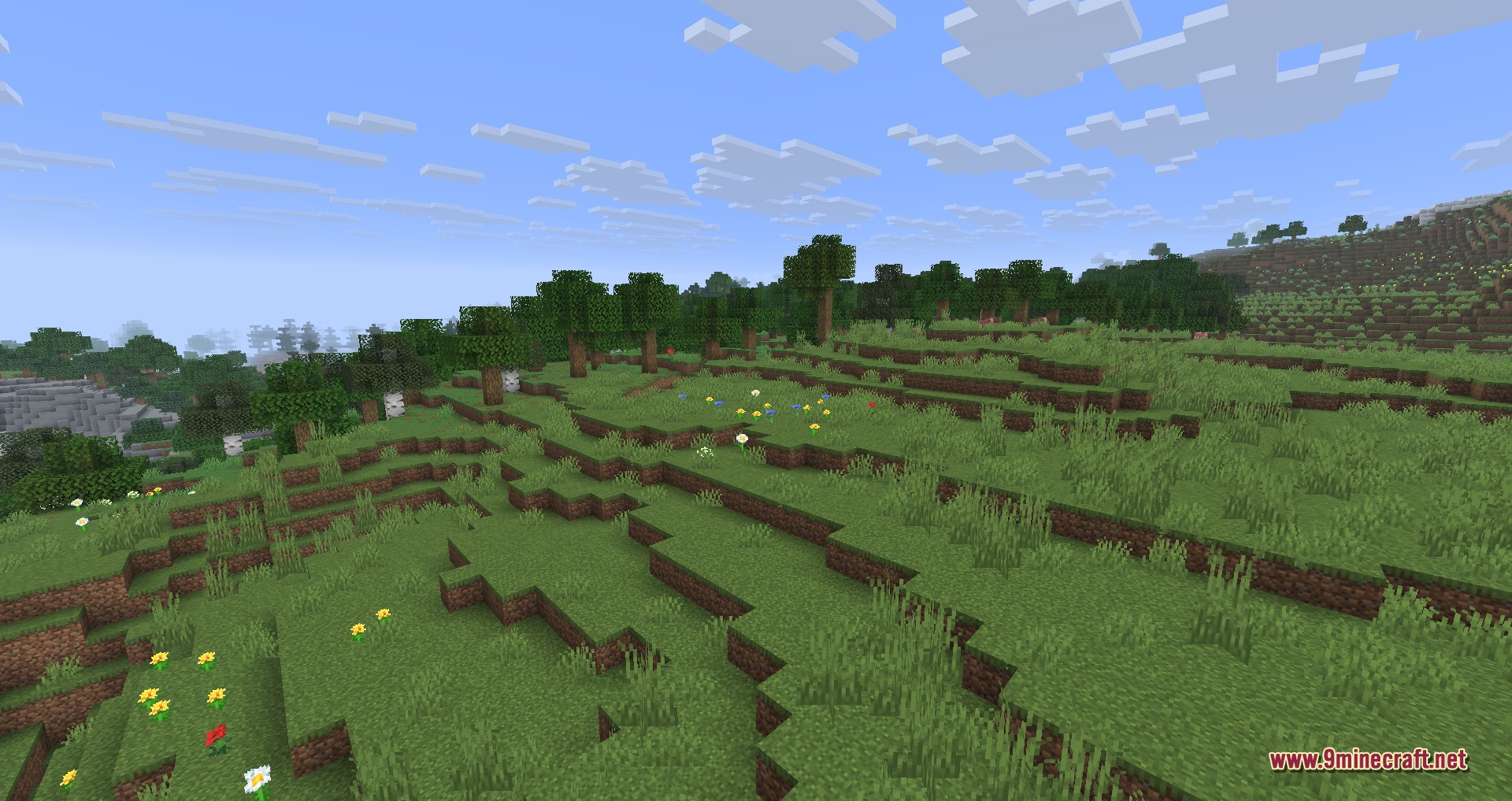
5 images from the Disable Custom Worlds Advice 9Minecraft Mod page.
You May Also Like
Wikis that share the most with this one
Wikis on the same theme: world
More mod wikis on the site
The most downloaded mods that have a wiki here
A few wikis from each of the other kinds