

 DownloadCreate Nuclear
Get the files on 9Minecraft
Contents (5)
Recognize the Warning Signs
A Nuclear Explosion does not happen without warning. Rising core temperature, a blaring 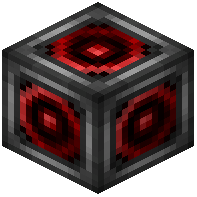 Reactor Alarm, coolant running dry, or a controller readout climbing past safe levels are all signals to shut down immediately. If you see any of these, hit the
 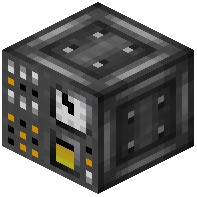 Reactor Controller and stop fuel input at the
 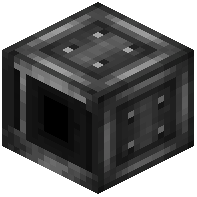 Reactor Rod Input. Do not try to "ride it out" — the explosion destroys blocks in a wide radius and leaves lingering radiation that will kill you even after the blast.
Survive the Aftermath
If the explosion already happened, put on your full Anti Radiation suit before approaching the crater. Irradiated mobs — Irradiated Cats, Chickens, Cows, and Wolves — may be wandering the area and are themselves radiation sources, so avoid contact. Do not eat food dropped near the blast site. If you take damage with no attacker visible, you are standing in a hot zone; retreat immediately.
Decontaminate the Area
Place a  Biome Irradiation Extractor near the affected zone to pull radiation out of the environment over time. Run it until the area is safe, then rebuild. Replace destroyed
 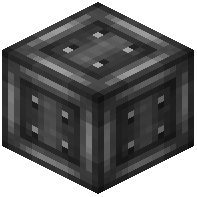 Reactor Casing, Coolers, and the Controller before restarting. This time, add redundancy: extra coolers, a larger coolant buffer tank, and a second Reactor Alarm so you cannot miss the warning. Keep a spare Anti Radiation set in a chest outside the reactor room.


