

 DownloadCreate Nuclear
Get the files on 9Minecraft
Contents (5)
Lay Out the Reactor Frame
Start by placing 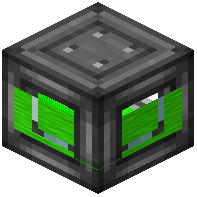 Reactor Frame blocks to form the outer shell of your reactor. The frame defines the footprint, so decide on a size before you commit — a larger interior means more room for cores and coolers but also more heat to manage. Once the frame is up, fill the interior walls with
 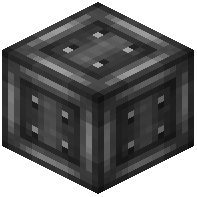 Reactor Casing, leaving the inside hollow for the core assembly.
Install the Core and Controller
Place a 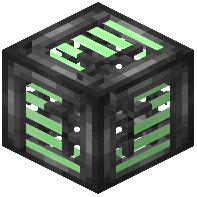 Reactor Core in the center of the hollow interior. Attach a
 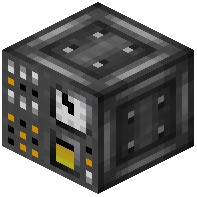 Reactor Controller to one of the casing faces — this is the block you interact with to start, stop, and monitor the reaction. Add at least one
 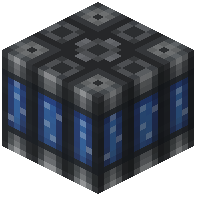 Reactor Cooler adjacent to the core; without cooling, heat will climb and the reactor will eventually fail. Connect a
 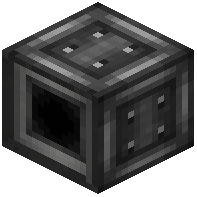 Reactor Fluid Input for coolant supply and a
 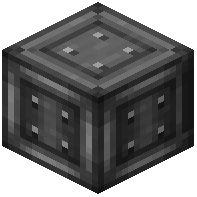 Reactor Output for whatever byproduct the reaction produces.
Feed It Fuel and Power
Route your fuel into the 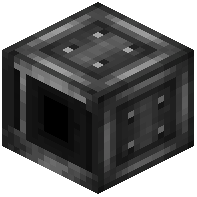 Reactor Rod Input using Create's mechanical logistics — belts,
  funnels, or chutes all work. Pipe coolant into the fluid input from a tank or pump. Before flipping the controller on, place a
  Reactor Alarm nearby so you get a warning if temperature or radiation spikes. Start the reactor and watch the controller's readouts; if heat rises faster than the coolers can shed it, add more coolers or reduce fuel throughput before continuing.


