

 DownloadMorph-o-Tool 9minecraft
Get the files on 9Minecraft
Contents (9)
Overview
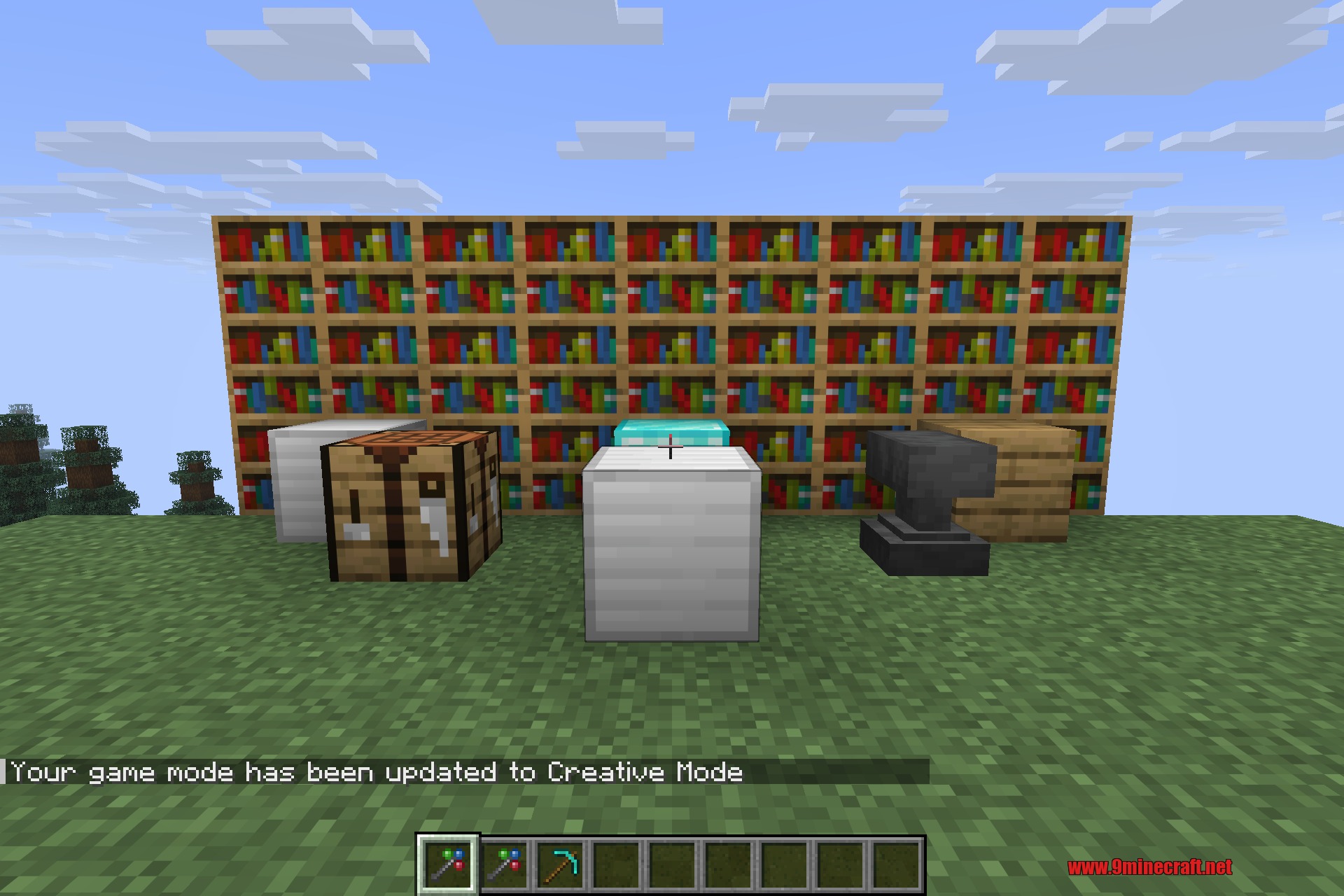
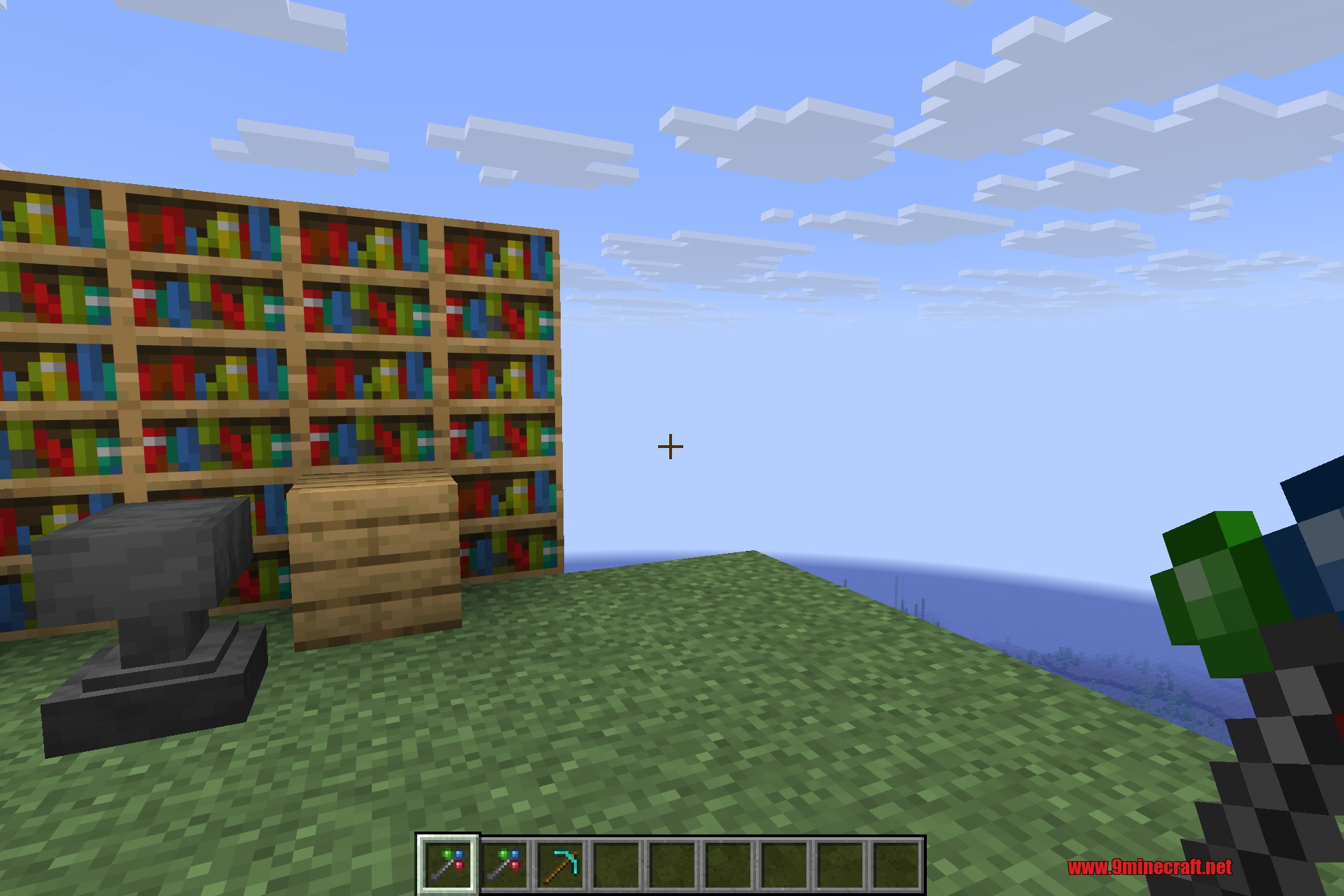
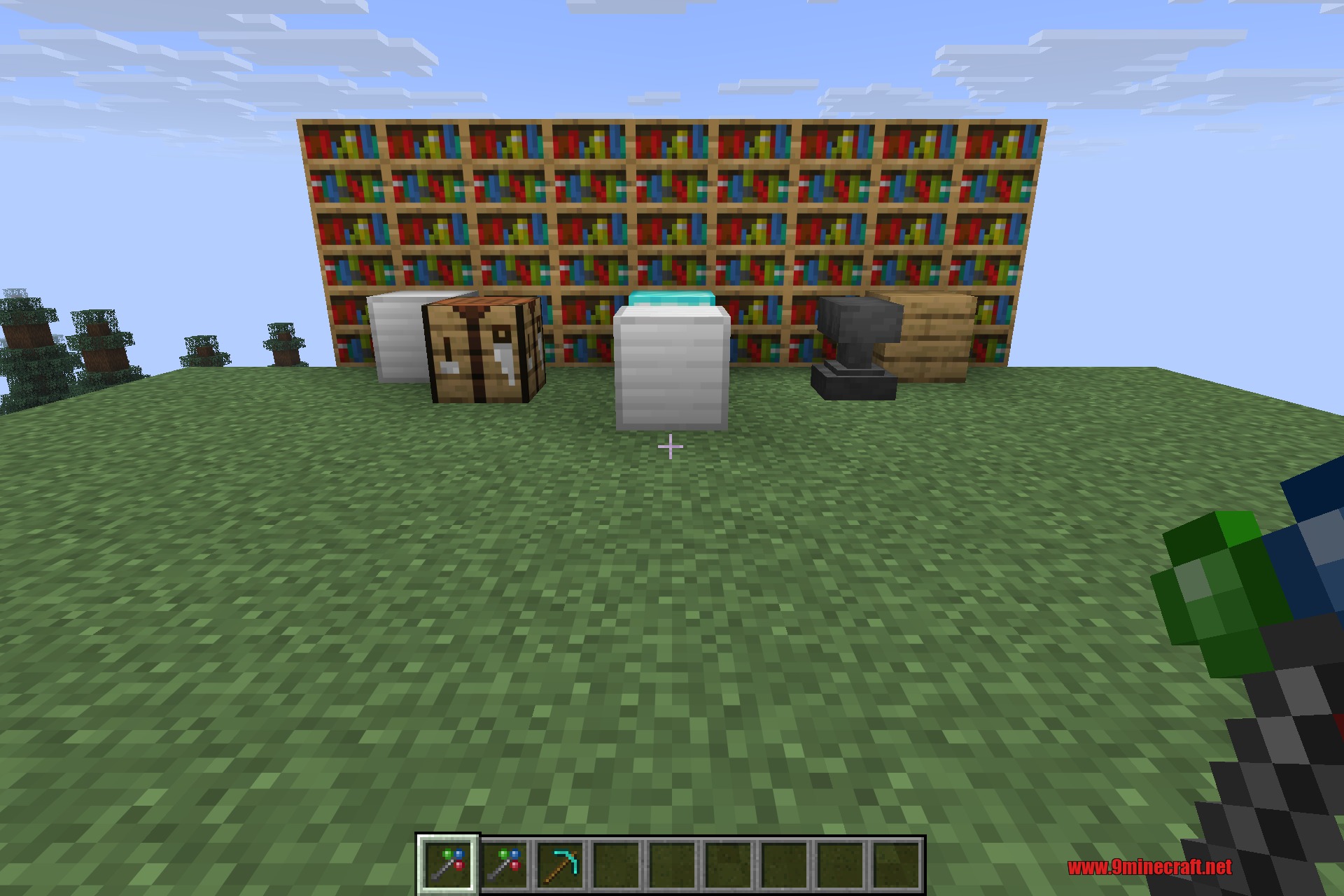
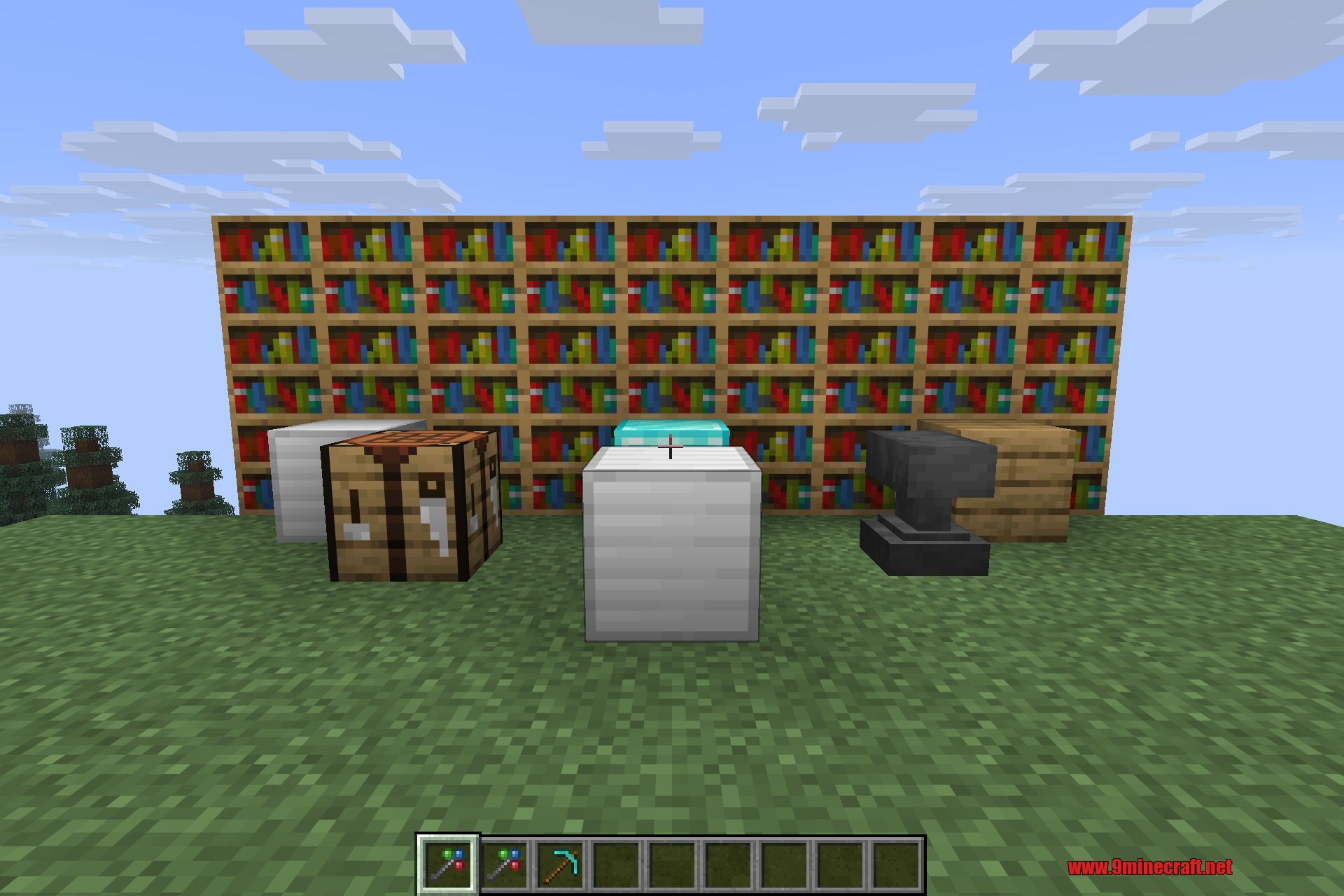
Morph-o-Tool packs every wrench and special tool from your other mods into one single item, the Morphing Tool. When you play with lots of machines and magic, your hotbar and inventory fill up fast with different tools and wrenches. Morph-o-Tool solves that by letting you store them all inside one item.
The Morphing Tool is context-aware: it automatically switches to the correct stored tool for whatever you are looking at or interacting with, then goes back to being a single compact item the rest of the time. Instead of juggling a dozen wrenches, you keep one slot on your hotbar and the tool does the rest. It works in single-player and on multiplayer servers.
Guides
Step-by-step, in-game.
Recipes
Every recipe the mod adds, grouped by how it is made.
Items
Configuration
Every setting in the mod config file, with what it changes.
| Option | What it does |
|---|---|
offhand_morph | Morph in the offhand instead of mainhand |
allow_all_items | Allows every item to be morphed into, ignoring whitelist and blacklist restrictions |
Other settings in this file
4 more options the mod ships without its own description. Names are taken straight from the config file.
- blacklist_modsBlacklisted Mods
- mod_aliassesMod Aliases
- whitelist_itemsWhitelisted Items
- whitelist_namesWhitelisted Names
Frequently asked questions
What does the Morph-o-Tool mod add?
 Morphing Tool, a single item that transforms between different tool types. It changes form to match the block being mined.
How does the Morphing Tool work?
What items does the mod include?
Does the Morph-o-Tool mod have configuration options?
See all 11 Morph-o-Tool questions ›
Gallery
6 images from the Morph O Tool 9Minecraft Mod page.

You May Also Like
Wikis that share the most with this one
Wikis on the same theme: tool
More mod wikis on the site
The most downloaded mods that have a wiki here
A few wikis from each of the other kinds