

 DownloadModernity Resource Pack
Get the files on 9Minecraft
Guides
Step-by-step, in-game.
Customize Texture Variants for Your WorldAccessing Texture Options Modernity Resource Pack includes optional texture variants for many blocks and items. To…Ensure Compatibility With Your Installed ModsUnderstanding Texture Coverage Modernity is designed to backport modern textures to legacy versions while maintaining…Optimize Performance With Texture SettingsUnderstanding Pack Size and Impact Modernity is designed to be lightweight and clean, minimizing performance impact…Update Modernity When New Versions ReleaseChecking for Updates Modernity is actively maintained with updates that add new textures, fix compatibility issues,…
Frequently asked questions
How do I apply Modernity to my world?
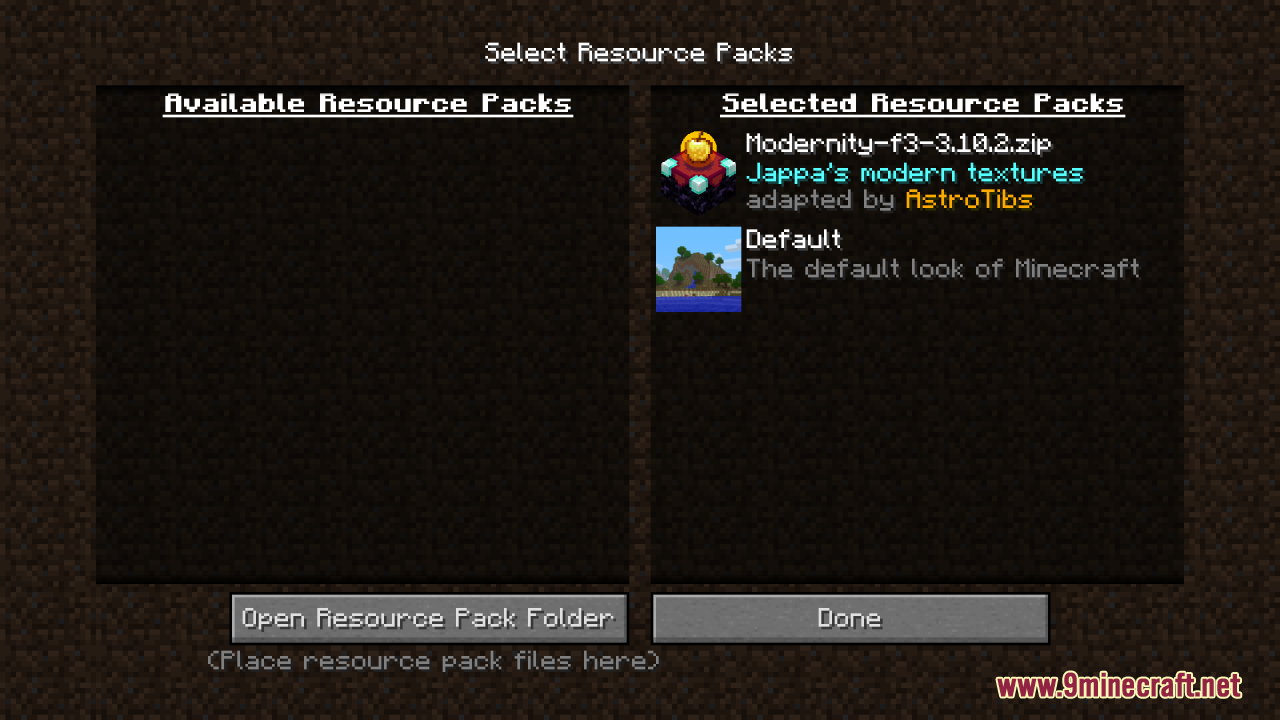
Open your world, go to Settings > Resource Packs, locate Modernity in the available packs list, and move it to the active side. The textures will apply immediately once you confirm.
Will Modernity work with my mods?
Modernity is designed for broad compatibility with legacy mods, but texture conflicts can occur if multiple packs target the same blocks. Check the compatibility guide to see if your specific mods are listed, or test by enabling Modernity alongside your mod pack.
Why do some blocks still look old after installing Modernity?
Blocks may retain old textures if another resource pack is positioned above Modernity in your active list, or if a mod's textures aren't covered by Modernity's backport. Reorder your packs so Modernity is higher priority, or check the texture variants guide to see which blocks are included.
Can I customize which textures Modernity applies?
Yes—Modernity includes texture variant options that let you toggle specific block or item styles on or off. Access these through the resource pack settings menu or by editing the pack's configuration files directly.
See all 10 Modernity questions ›
Gallery
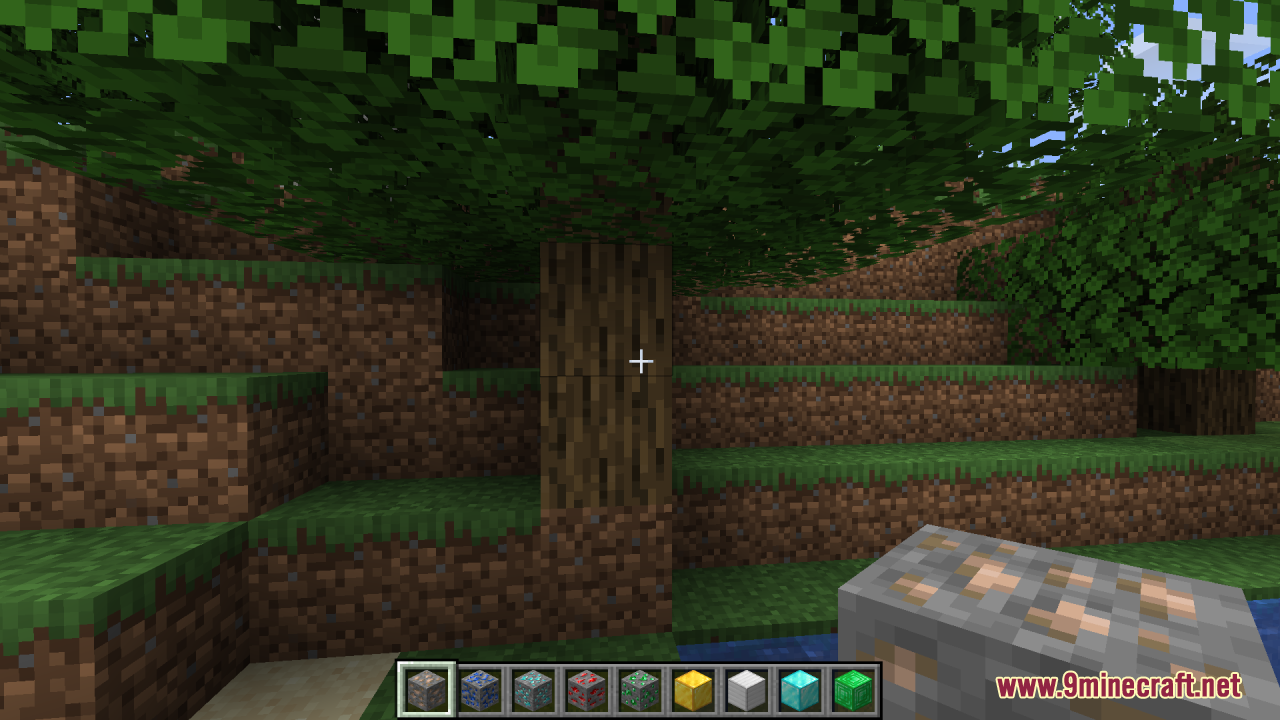
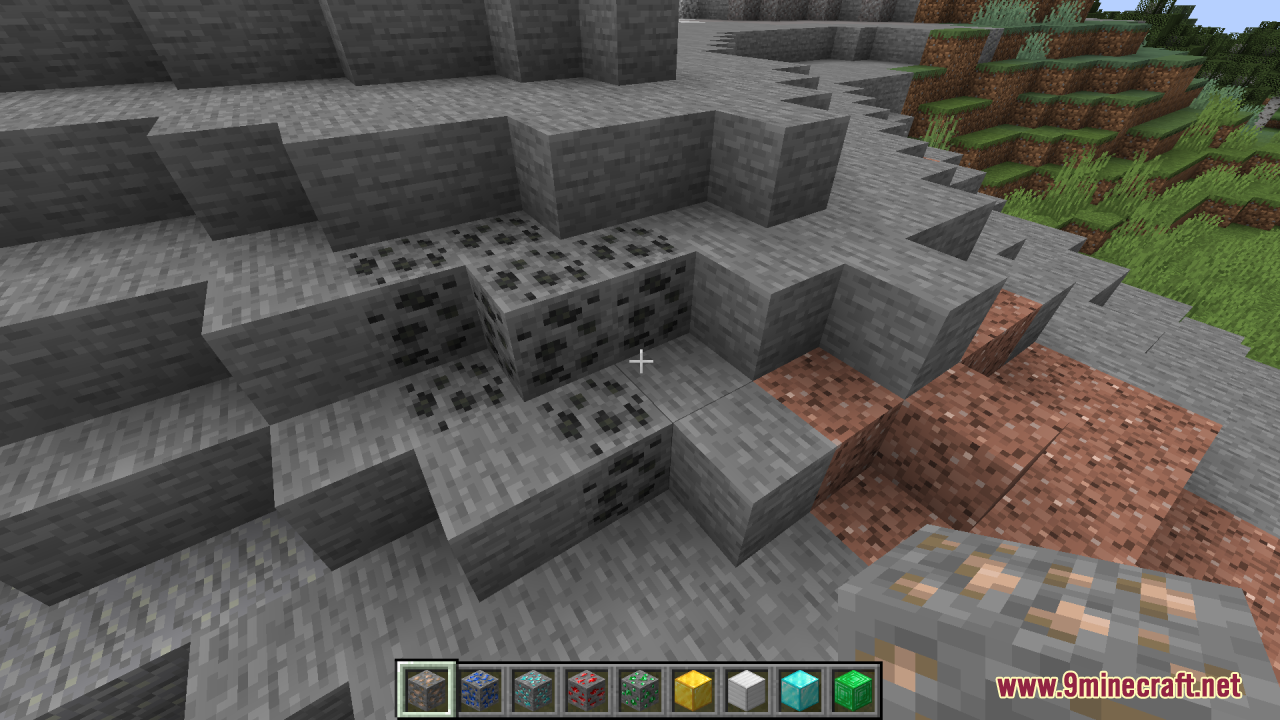
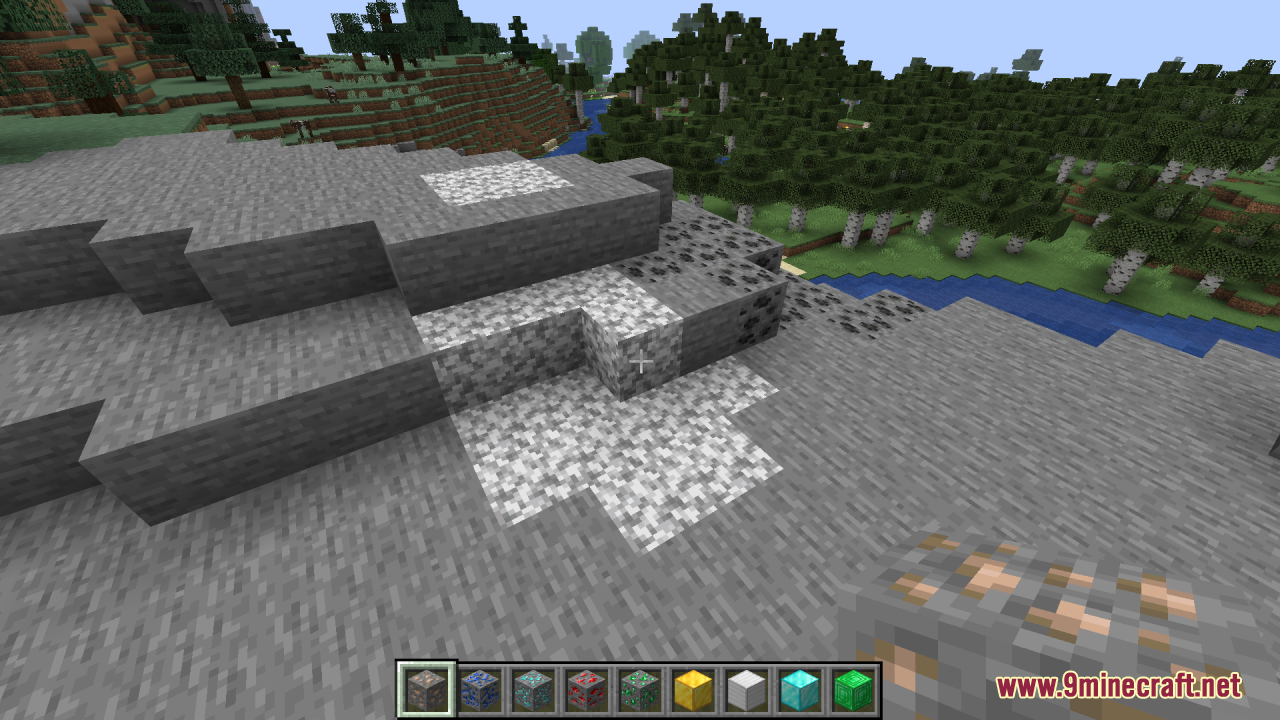
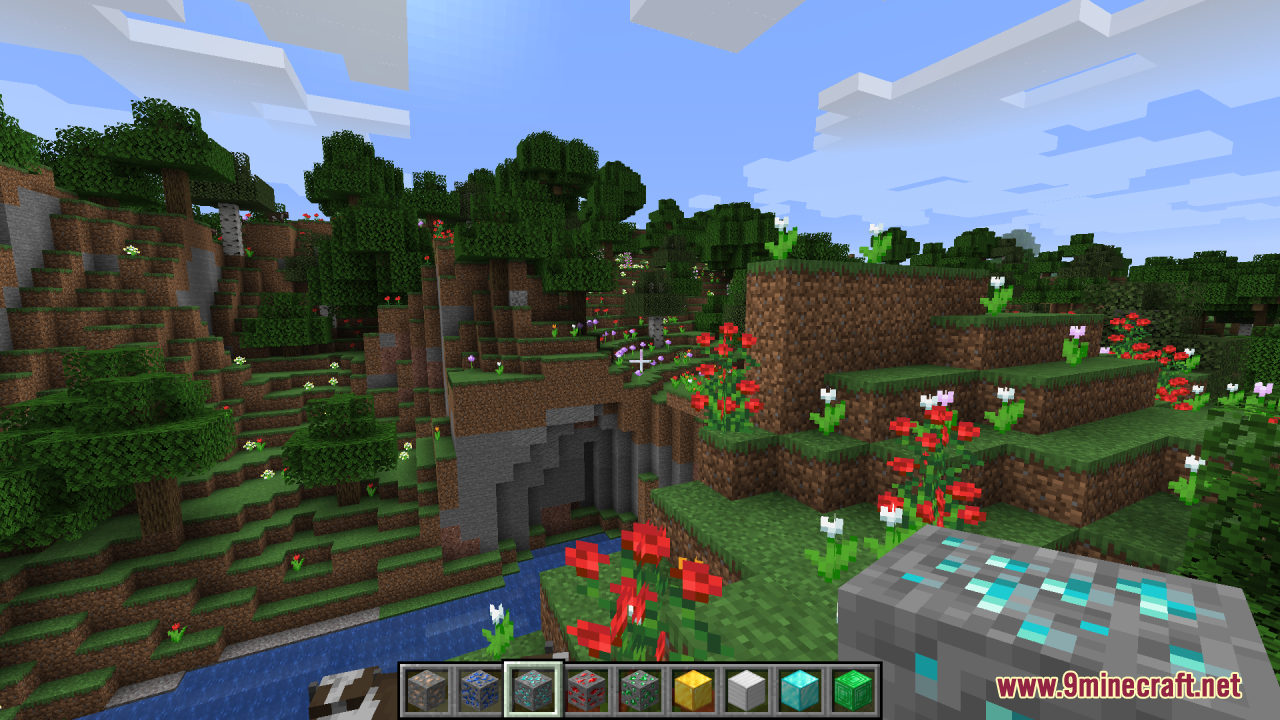
12 images from the Modernity Resource Pack page.
You May Also Like
Wikis that share the most with this one
Mobs Refreshed + Fresh Animations 9minecraft Resource PackMobs Refreshed Fresh Animations Resource PackModded Omelet Modern Spawn Eggs Resource PackModern Armour Bar Resource PackModern Crosshair Resource PackModern Dark UI Resource PackModern Mizunos Resource PackModern Online Pack Resource PackModsinths Small Tools Resource PackMoose Blocks Resource PackMore Cave SoundsMore Fungi Resource Pack
More resource pack wikis on the site
Mobs Refreshed 9minecraft Resource PackMob Grinding Utils Vanillafied 16px Resource PackMob Crates Resource PackMLC Better Gear Resource PackMizuno’s Fox Variants Resource PackMizuno’s Craft 9minecraft Resource PackMizuno’s Better Grass Resource PackMizuno’s Allay Variants Resource PackMizuno S Hat Variants Resource PackMizuno S Cow Variants Resource PackMizuno Better Leaves Resource PackMissing Mobs Skeletons Resource Pack
The most downloaded mods that have a wiki here
A few wikis from each of the other kinds